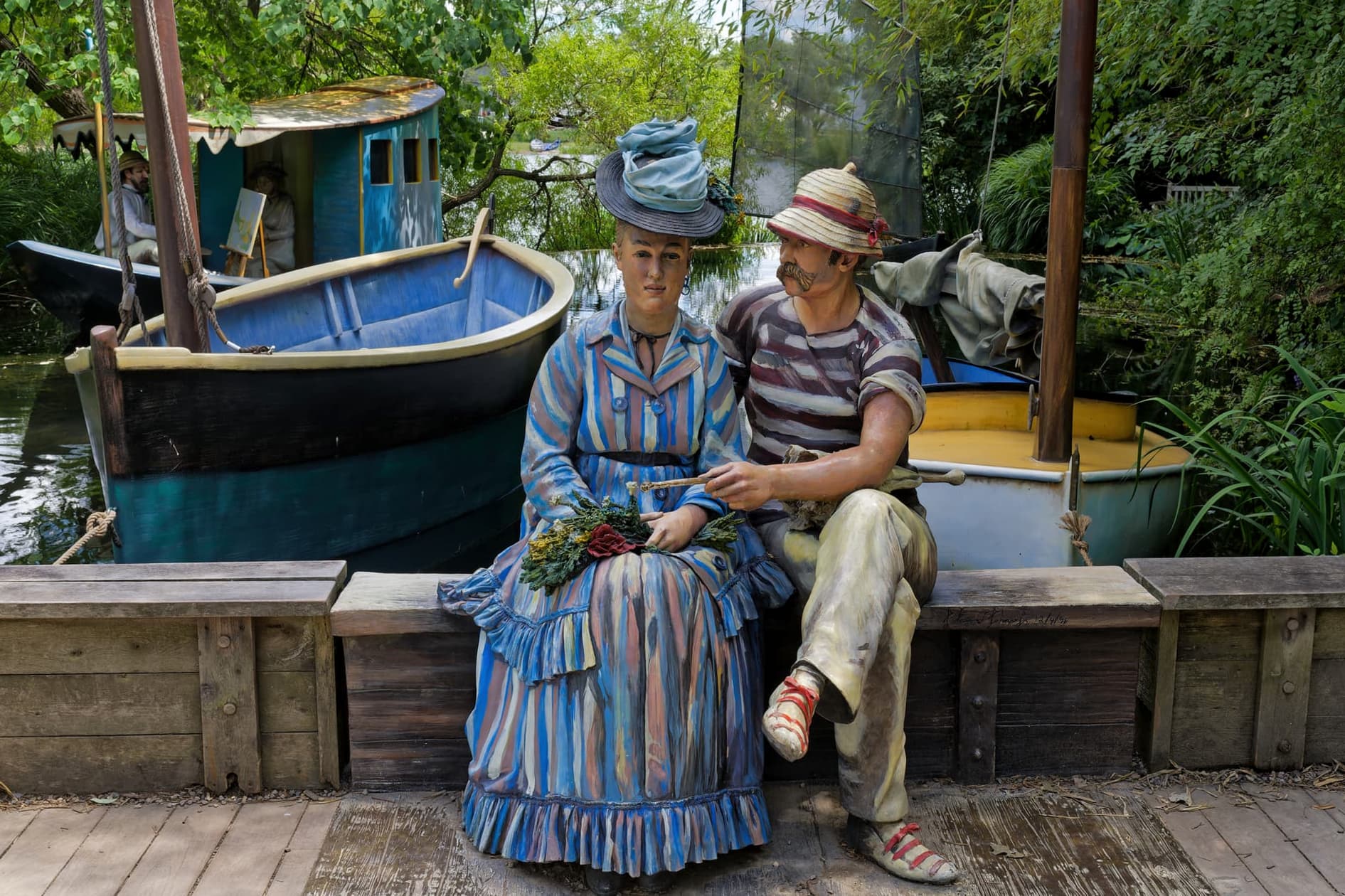
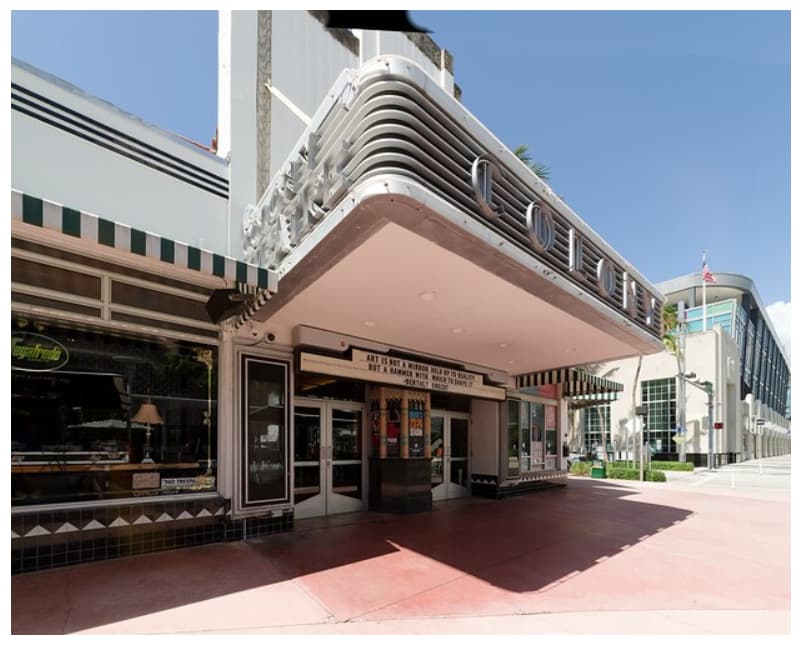
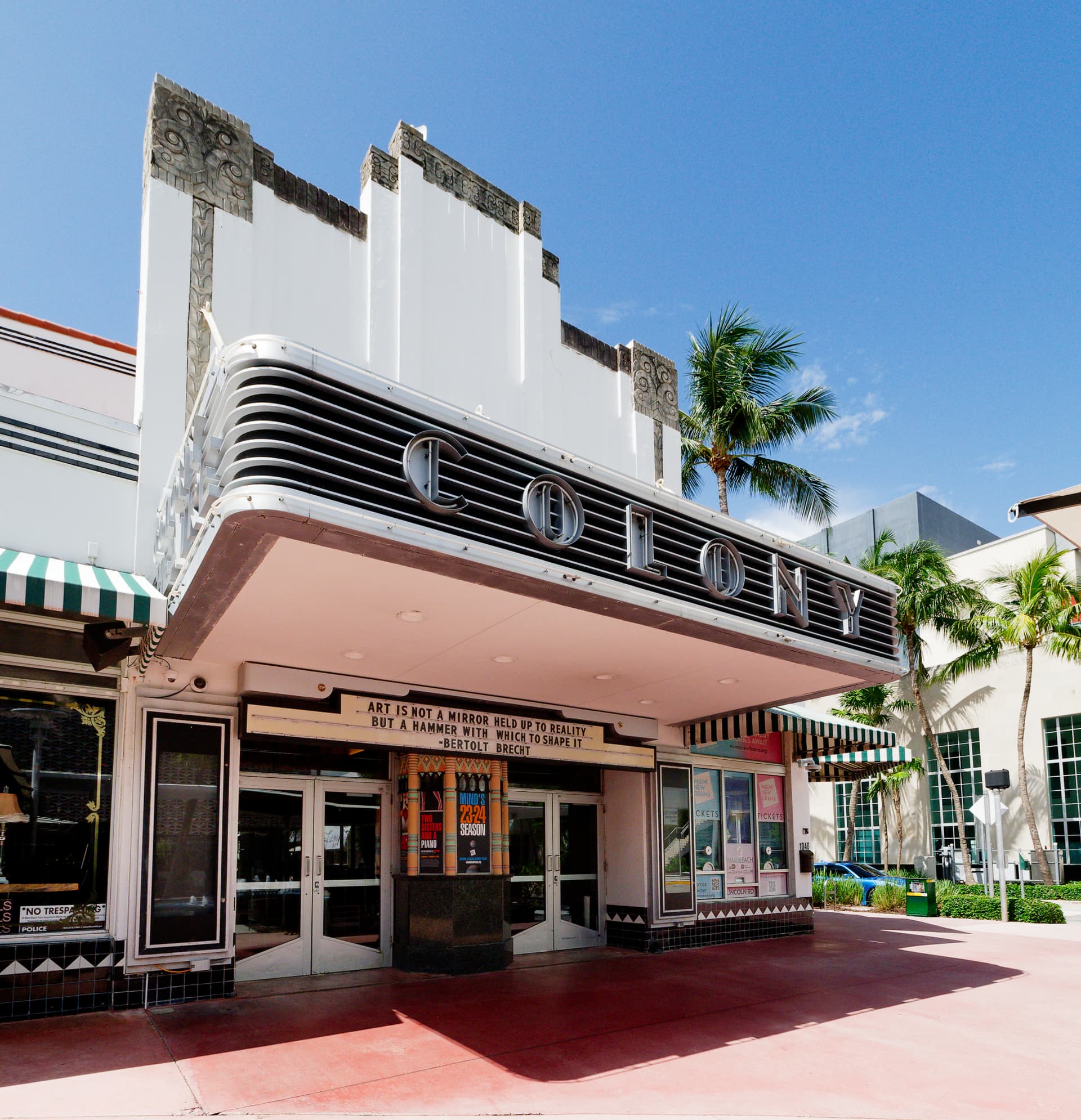
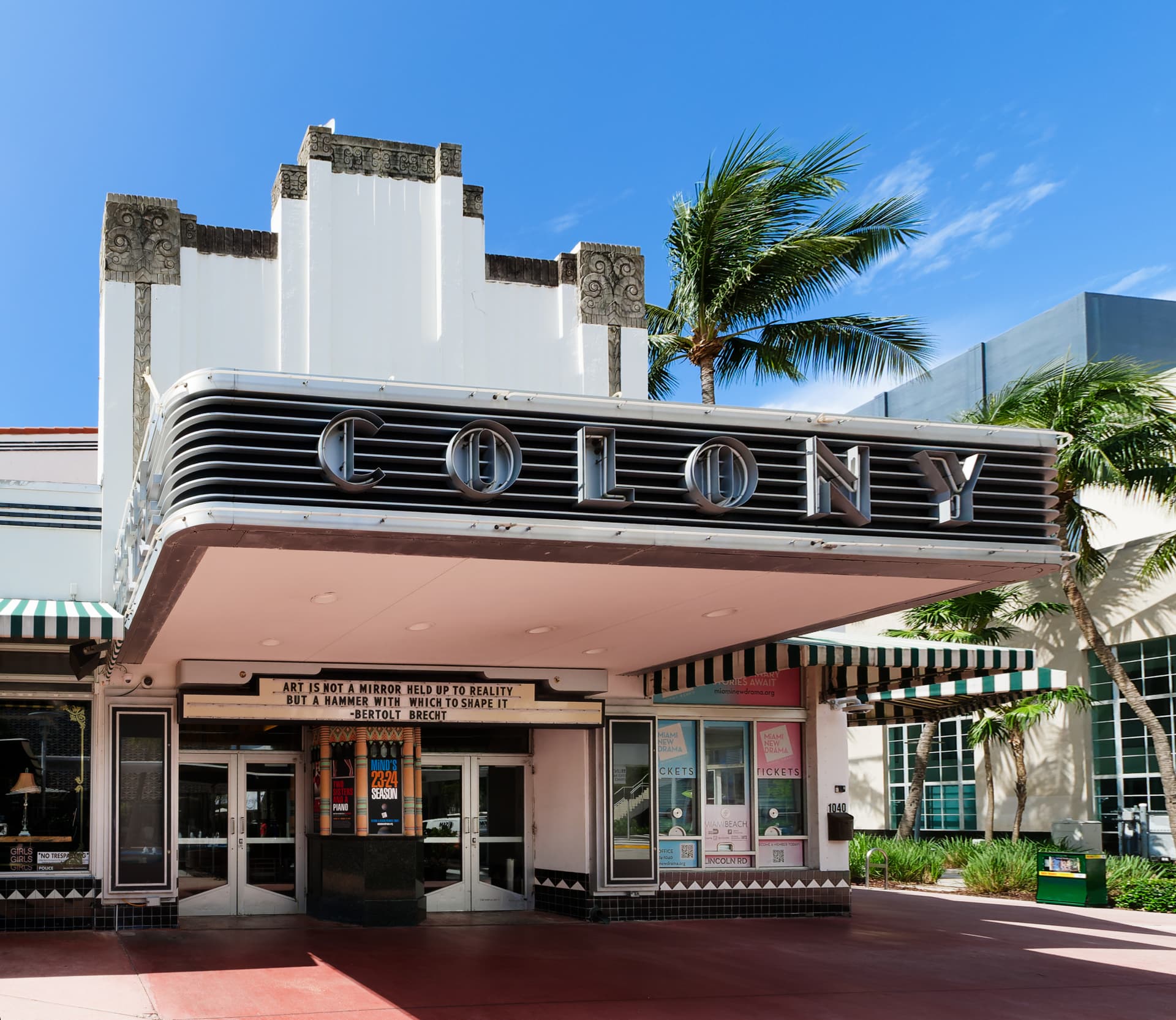
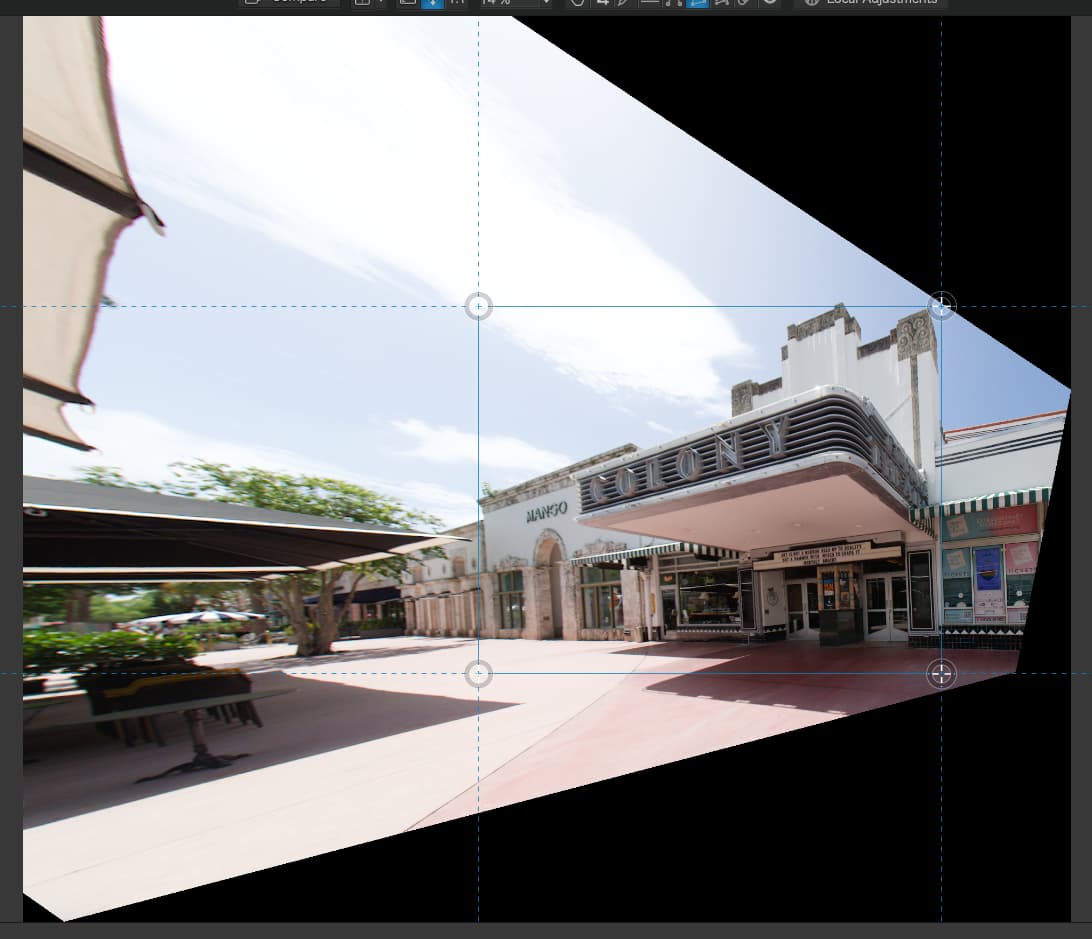
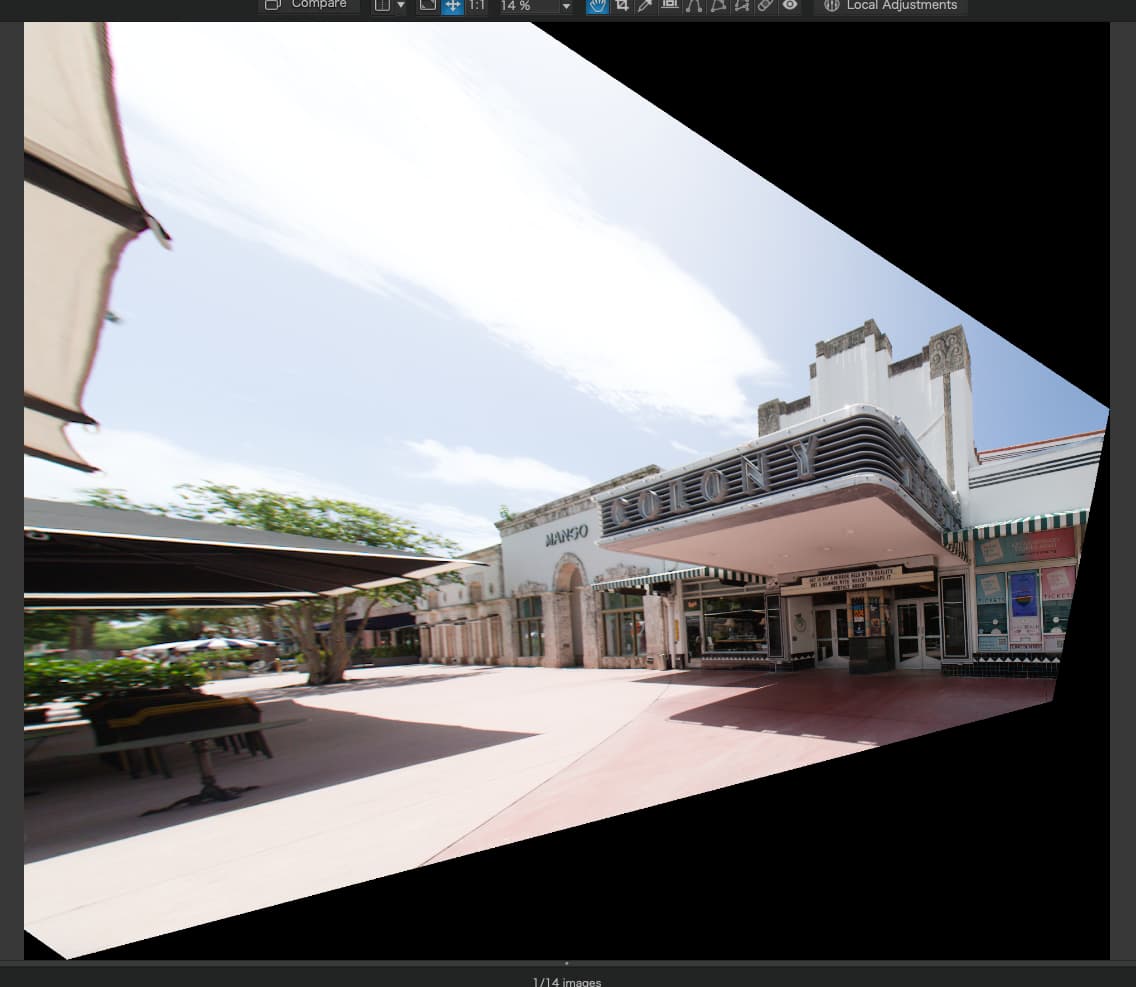
I used the Horizon, combined with the Left/Right Perspective slider to “tilt” the bottom half of the uncropped image until it was both level for the bench and the bottom of the frame.
Here is the DOP that I produced from your downloaded image…
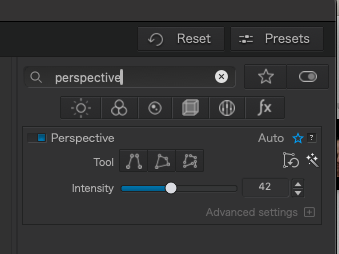
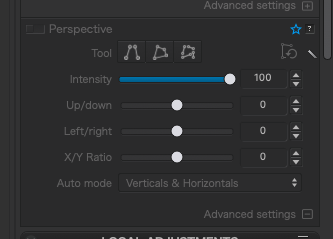
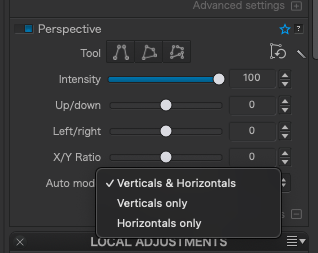
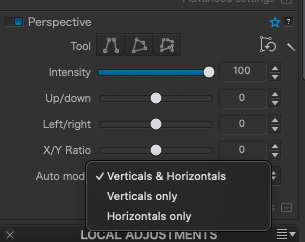
Joanna, where is that tool? I found this for “perspective”:
If that tool does what I think you’ve described, and can only work on part of the image, in this case the bottom, that’s certainly better than what I did…
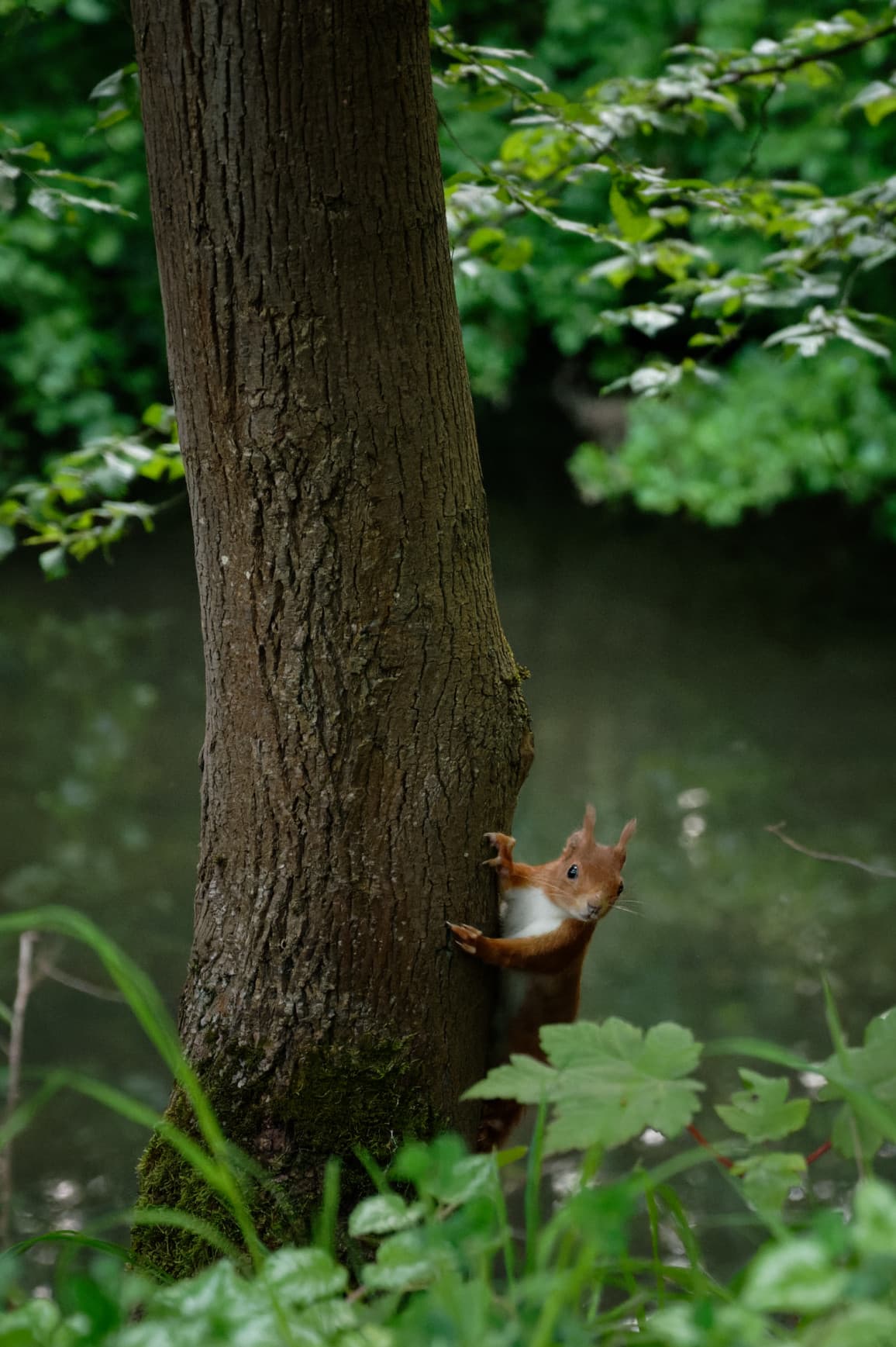
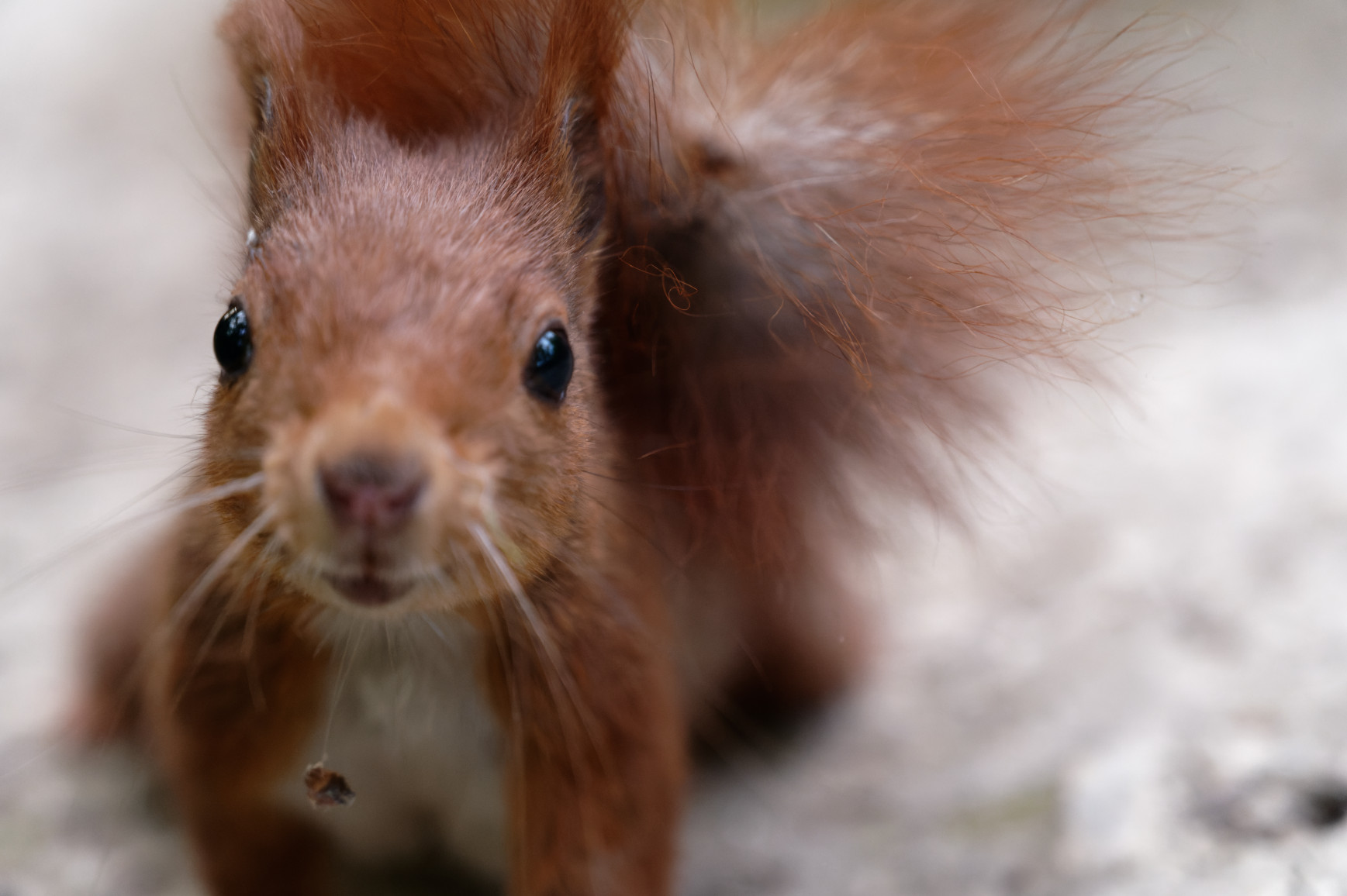
Well, it definitely noticed me at some point, it came so close that the camera could not focus anymore. I never saw such a trusting squirrel in Europe. The American ones are typically much more used to humans I believe.
If I get the whole theater, as in the first image, I can’t include the scene off to the right.
If I move back any more, or to the left, the canopy over me intrudes on the image.
The last image “works”, but is not what I wanted.
If I hold the camera just a little upwards, and keep the theater at the top of my image, cropping later, that was the best I knew how to do.
My 35mm perspective control isn’t wide enough to do what I need, as if I move back further to get the theater in the frame, all sorts of other stuff gets in the way.
As a test, I tried shooting from the right side of the building. Knowing what it’s going to look like in PhotoLab (see below) I could do this tomorrow, but aim my camera more to the right, knowing now how PhotoLab will process it. Not what I had in my mind… I want the left side of the building lit by sunlight.
Nice!!! Do people feed squirrels where you live? In the USA the squirrels usually run up a tree for protection. Most of my squirrel photos are up in a tree, looking down at me (laughing at me?).
Check out here Post photos edited in DxO PhotoLab - #61 by Joanna and experiment or clone like the author did, plus some cropping, but to make a half-suggestion without examining what you were talking about doesn’t make any sense – other than seeking attention.
Yes, I need to find the tool that does this. I searched under “perspective”, but that didn’t seem to offer a clue. I think I know what Joanna wants me to do, but I need to find it. Don’t tell me. If it’s there, I will find it… I’m far too stubborn to give up.
Aha!!! Advanced Settings. I can barely read the words on my screen, they are so dim.
I’ve never found a way to fix that.
Editing in the dark helps…
How can I make those words ("advanced controls "and similar text) brighter?
Joanna, after a message from @Wolfgang, I started searching some more, and read that DxO Viewpoint is a good way for doing things like this.
I found that I had not only purchased DxO Viewpoint 3 long ago, I also already bought version 4. My laptop still had version 3, so I downloaded version 4 and activated it.
In your opinion, is Viewpoint a better way to do things like this, or would prefer doing it in PhotoLab, or are they really the same thing?
My main screen now looks like this with ViewPoint 4 installed:
Viewpoint is the standalone version of what you already see in PhotoLab. I never use the standalone version and I doubt very much that @Joanna uses the standalone version either. Just use the Perspective features in PhotoLab.
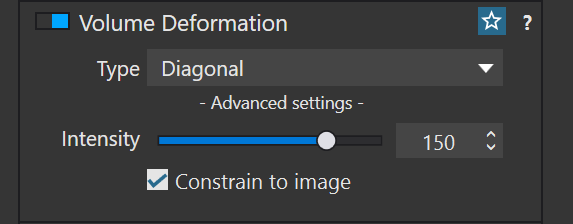
An additional feature you have in PhotoLab as a result of having a Viewpoint license is the Volume deformation feature:
Volume deformation fixes issues with the distortion that occurs on the extreme left and right of an image when using a wide angle lens, more specifically the effect that makes people on the extreme edge of a group shot look distorted and fat.
Thanks - one more thing that I never heard of.
I’ll have to deliberately make an image like that, to test it out.
“Volume Deformation”. …strange name…
I remember that problem with group photos with a lot of people, where I used a wide angle lens to get them all in the photo - 24mm if my memory is correct, on my D750 in India.
Volume is defined as the amount of space that a substance or object occupies, or that is enclosed within a container. Deformation is defined as the action or process of changing in shape or distorting. especially through the application of pressure.
That is why it is called Volume Deformation. it reduces the amount of volume, or space, that objects occupy near the edges of images by applying a kind of digital pressure to compensate for lens distortion.
Although this distortion is generally more obvious on group shots or people across the whole frame, any wide angle shot with lens distortion near the extreme edges can be corrected by this tool. It should be used with care since it is applying one distortion to correct another.
Before I do anything more, my computer screen for PhotoLab seems to be missing DXO VIEWPOINT, and I’m trying to correct that before doing anything more with this photo. If I read things correctly, Viewpoint is designed to correct issues like this. As I just posted in another thread, the Viewpoint palette should be included on my screen now, but is missing.