The cause of there issue was a regression in CoreML caused by Apple, see the post from Fabrice above.
Apparently this will be fixed in Tahoe 26.1.1, DXO is also working on a temporary fix to address the problem while we wait for Apple.
The cause of there issue was a regression in CoreML caused by Apple, see the post from Fabrice above.
Apparently this will be fixed in Tahoe 26.1.1, DXO is also working on a temporary fix to address the problem while we wait for Apple.
Thank you for the information. It is. encouraging to know that a fix can be expected.
Just to put me in the Queue, same issue here with PhotoLab 9.2.x since update to MacOs Tahoe 26.1;
The latest macOS Tahoe 26.1 update introduced a system-level regression that affects the performance of AI Mask features in DxO PhotoLab 9, as well as in other imaging applications. Our teams are already working closely with Apple, who is actively addressing the issue.
DxO PhotoLab 9.2.1, released today, includes a temporary workaround that forces AI Masks to run on the GPU, ensuring the feature remains usable while Apple prepares a fix. We truly regret this disruption, which stems from changes introduced in macOS and is entirely outside of DxO’s control. If you need any assistance in the meantime, we’re here to help.
Great, it works perfectly for me so far and without any issues. The masking seems to happen even faster than before, so we could just leave it like that. 
Doesn’t seem to have solved the issues affecting Sequoia, which I outlined earlier in this thread, at least not for me.
I have no clue whether the issues I’m having are related or not, but it did seem to occur at the same time as everyone else started having AI mask issues.
Is the problem affecting subject AI in all your images or only some ?
Can you upload a sample image and I can try on Tahoe and see if it works.
So far so good, Subject AI does appear to be working faster than in 9.2.0.
I’ve tested ask the AI Subject selections and they seem to work very well.
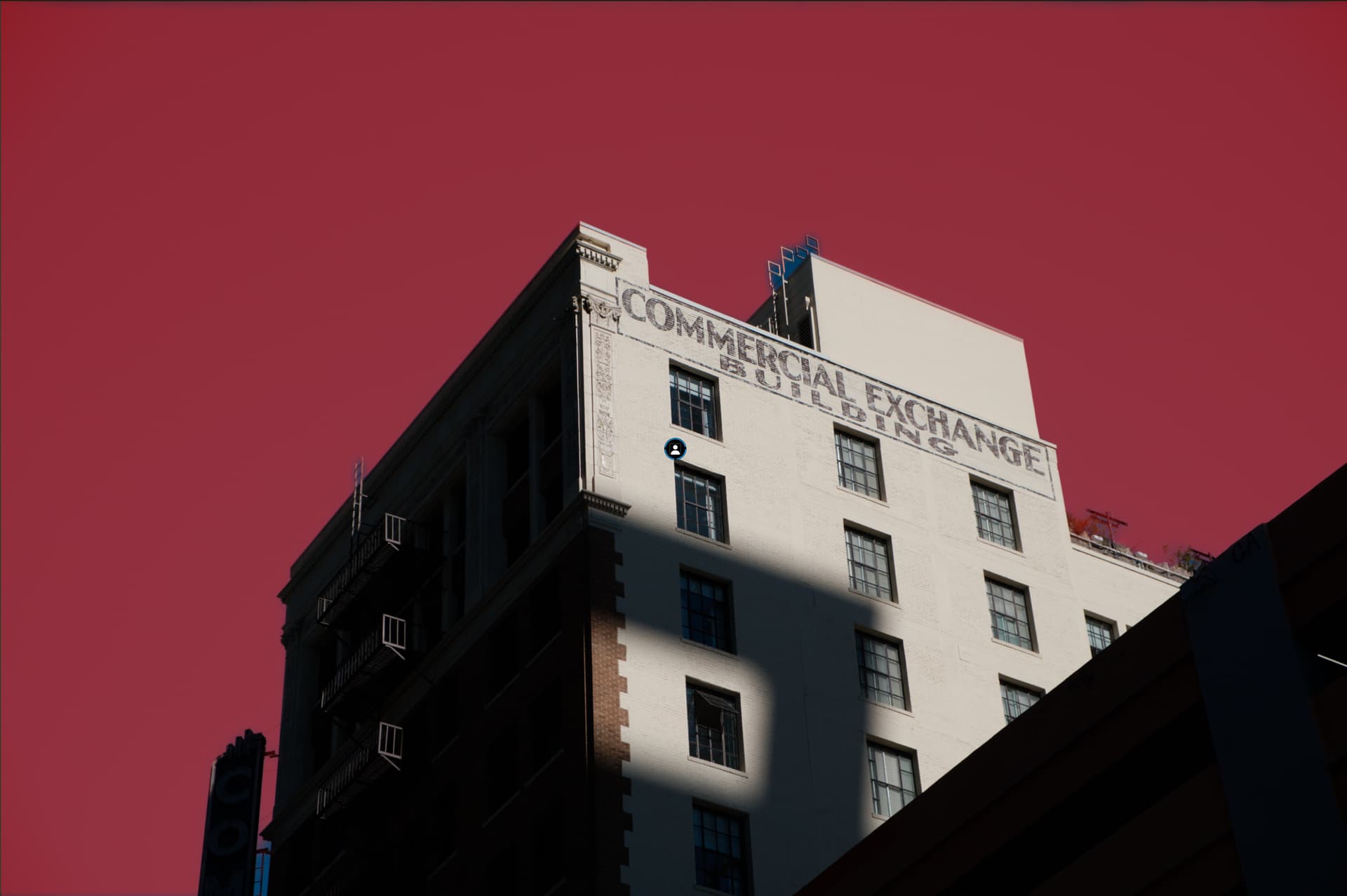
It is impacting seemingly all subjects that are not either a person or an animal. (So a building, for example.)
Here is a zip file with 12 images that to me have high - albeit varying - degrees of “obviousness” of subjects. In Capture One every single one of them can have a detected “subject,” and it’s pretty spot-on for most of them. In PL9, it gives the error that nothing could be found.
I’m fairly certain that PL9 was able to find subjects like this when I tried a few weeks ago.
Curious how it goes for you.
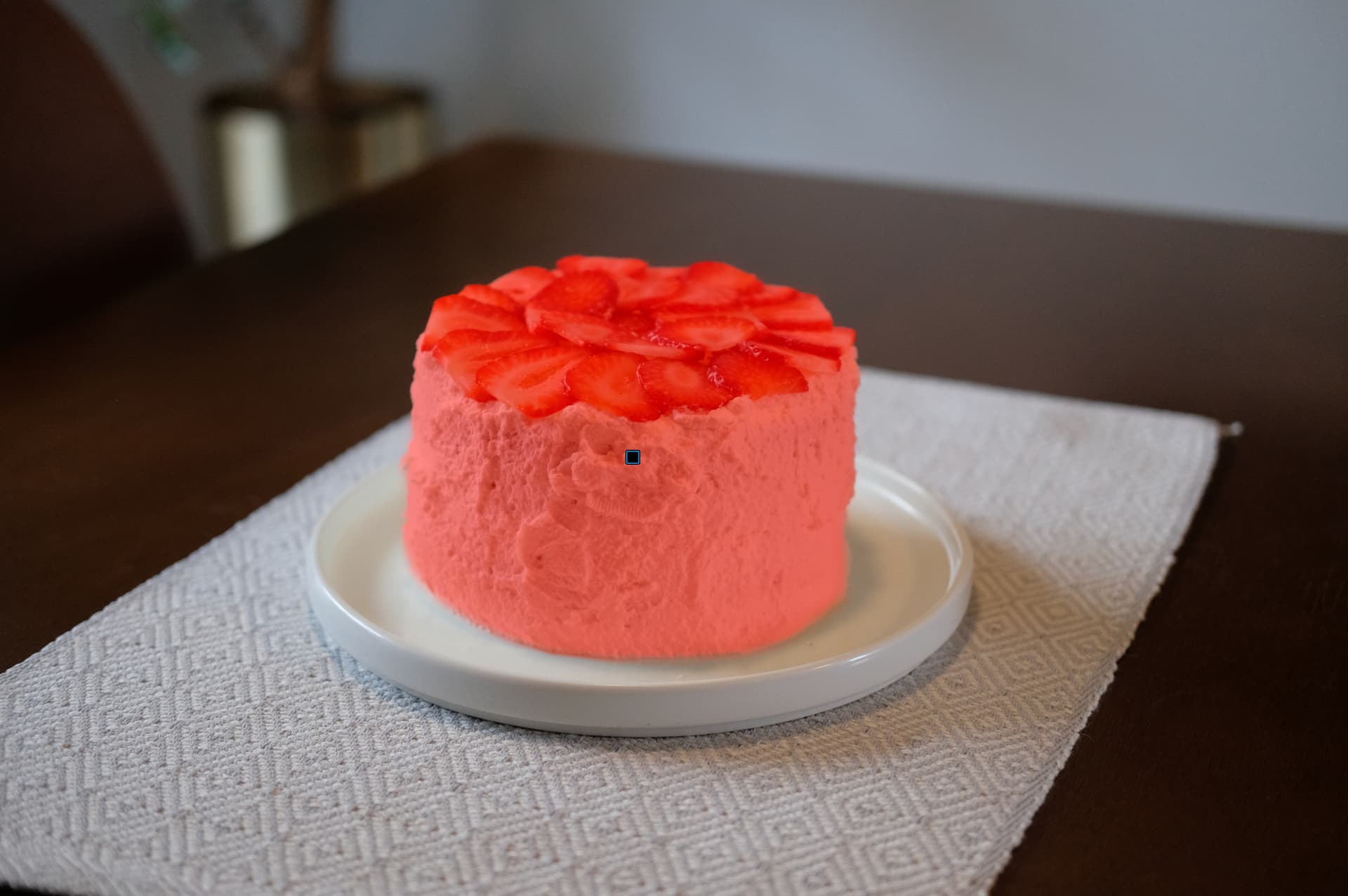
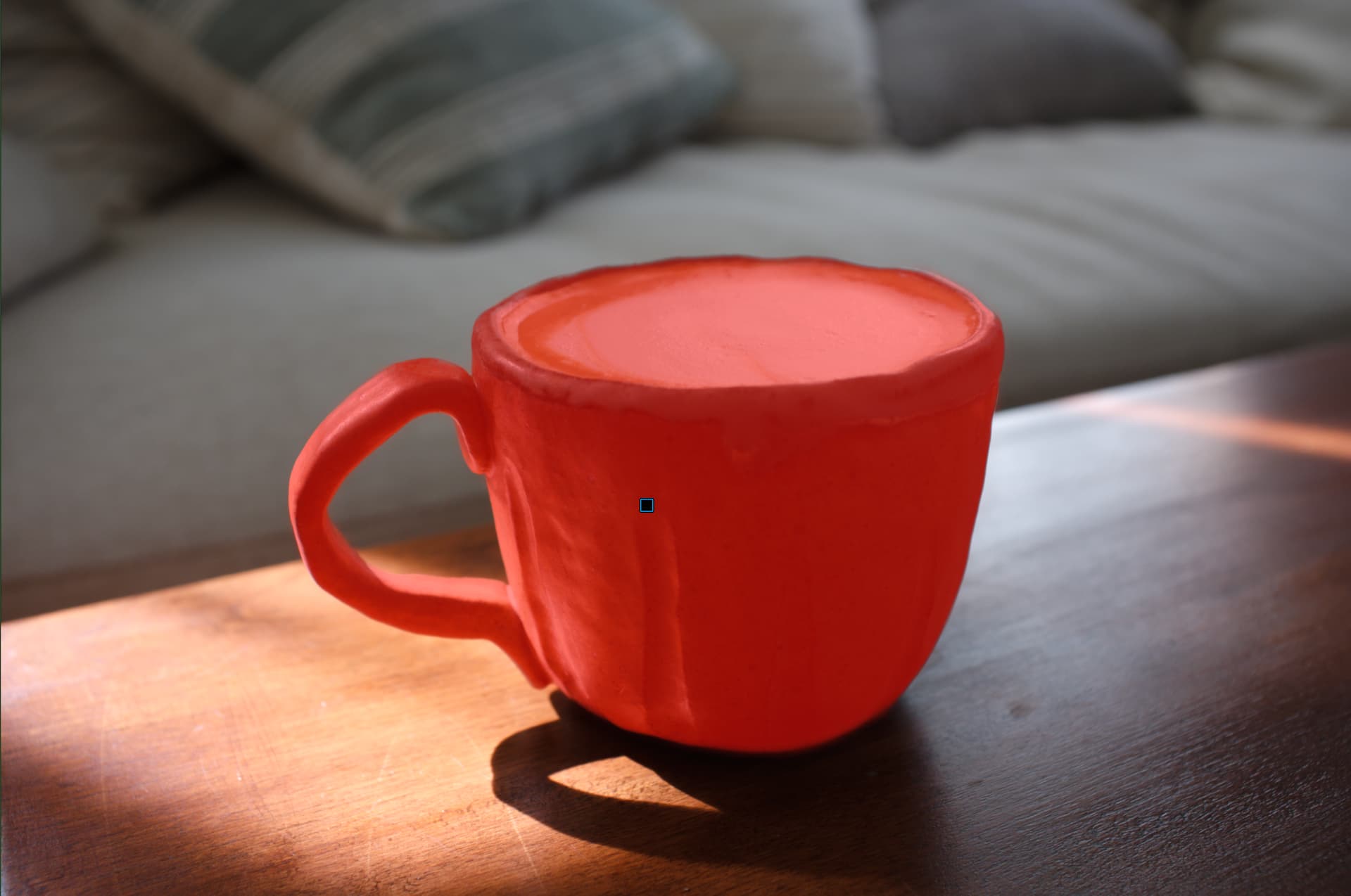
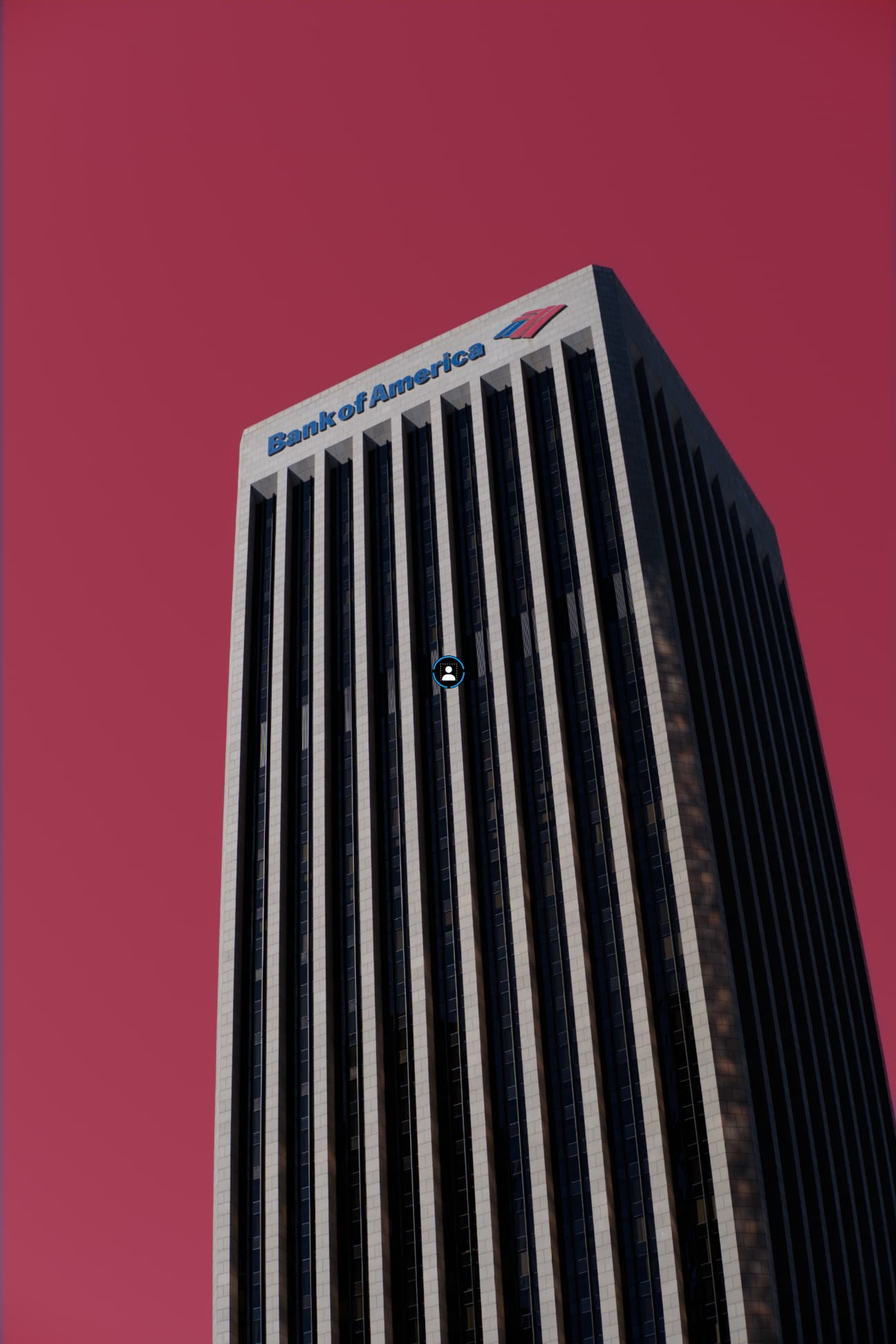
@unchdxoly In my test, the buildings were not recognized, and the cup was recognized as “flowers”  Not a good result, but it’s hard to say whether it didn’t work before or if it’s due to the use of the GPU now.
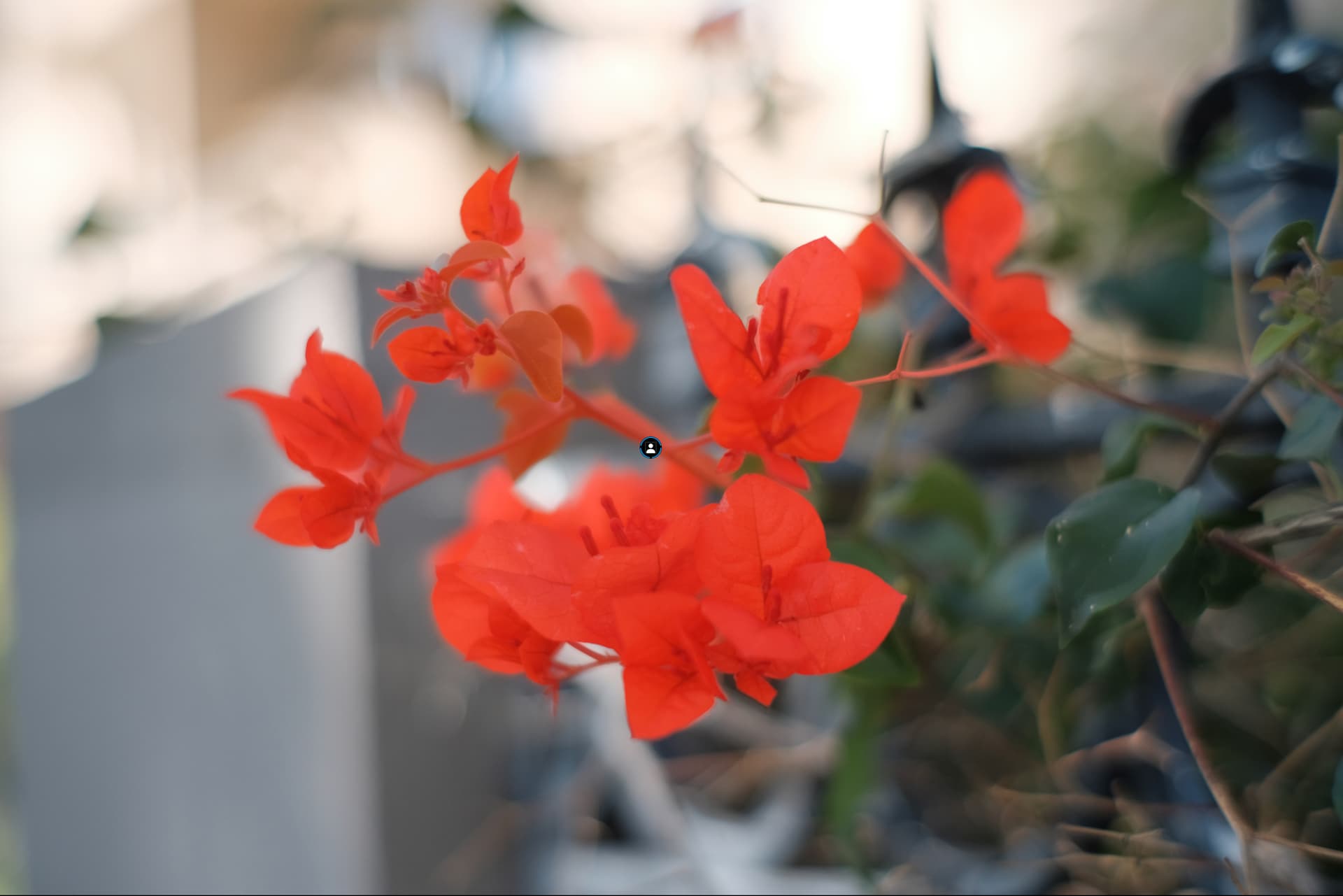
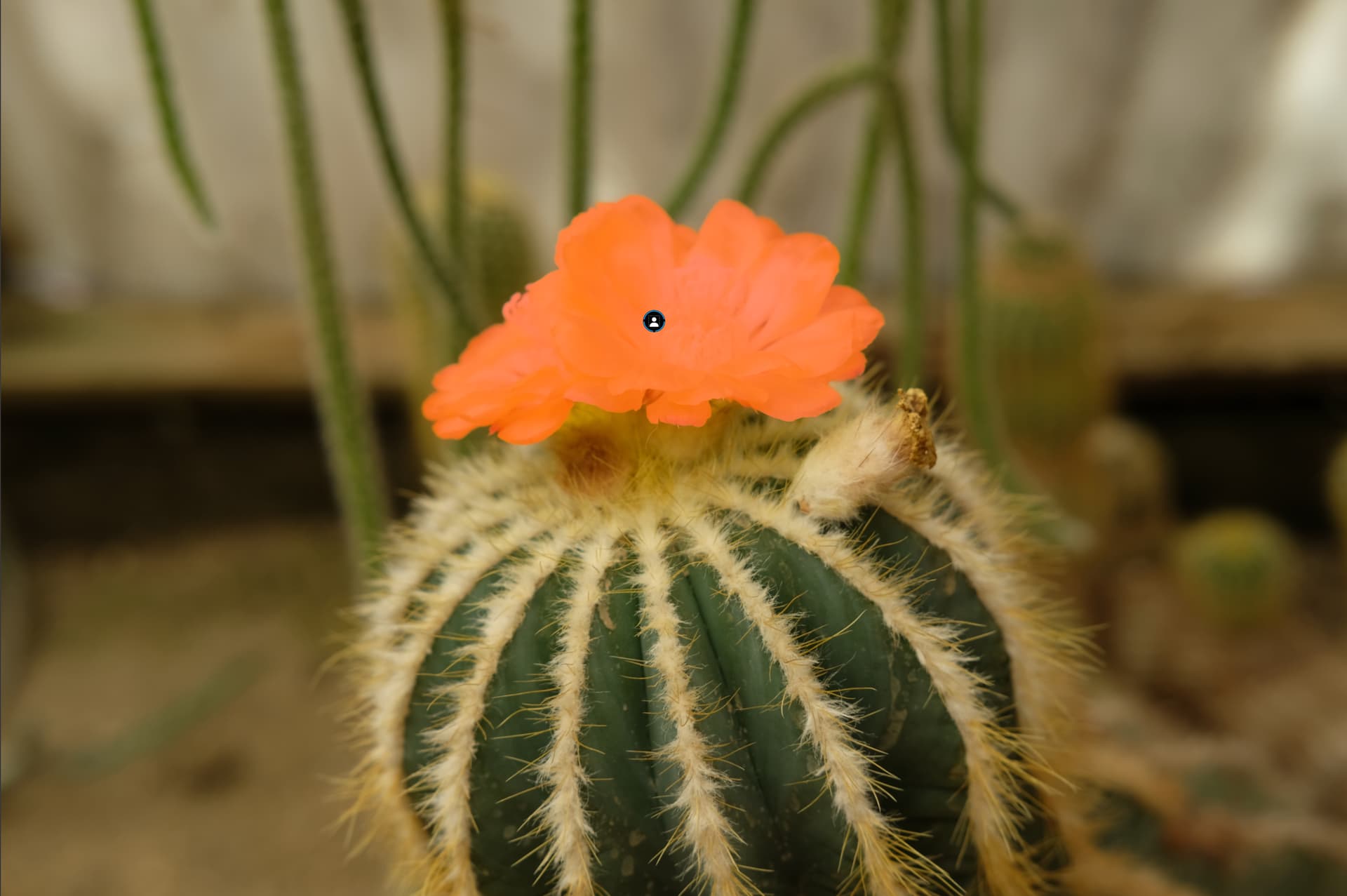
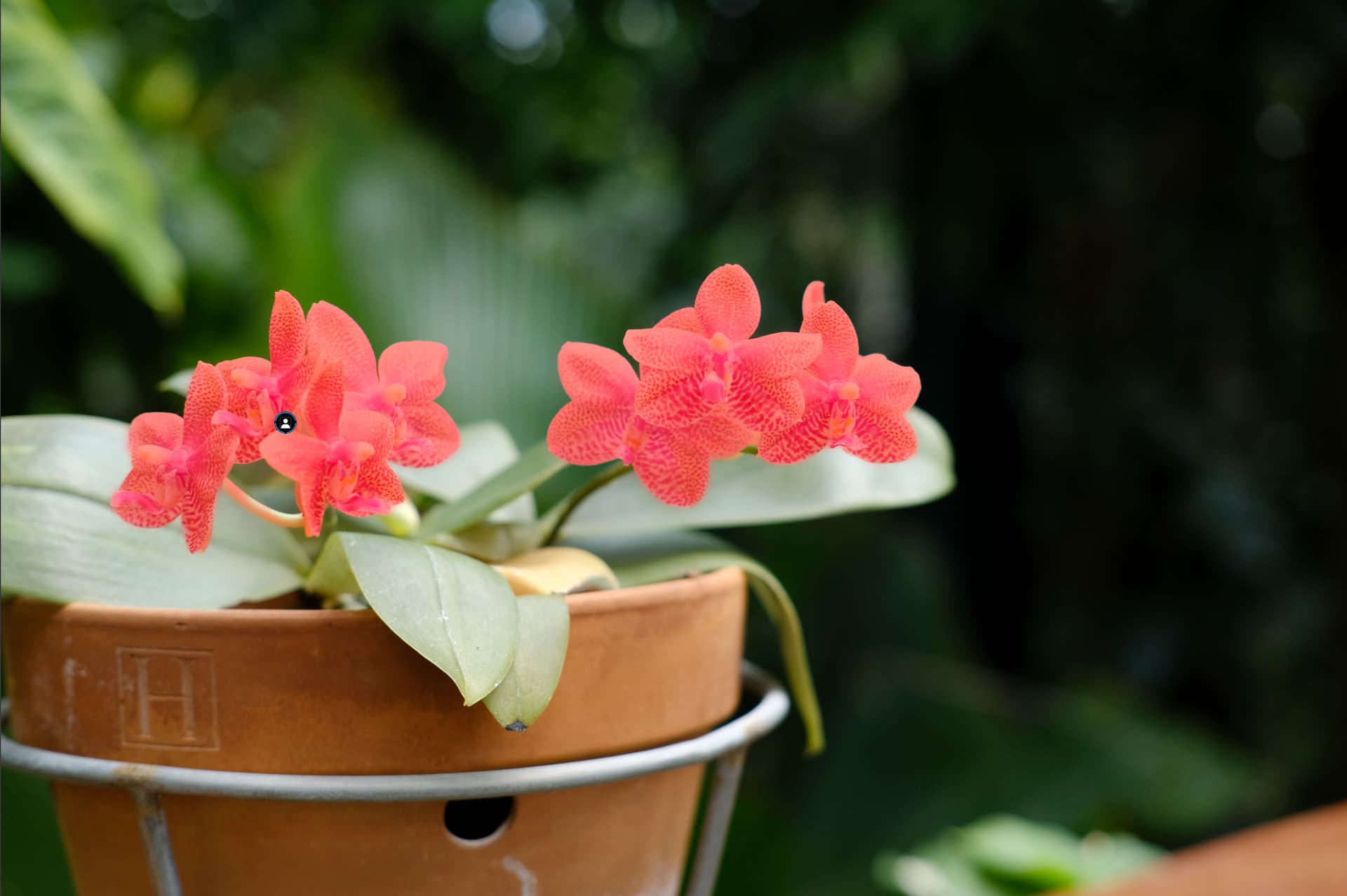
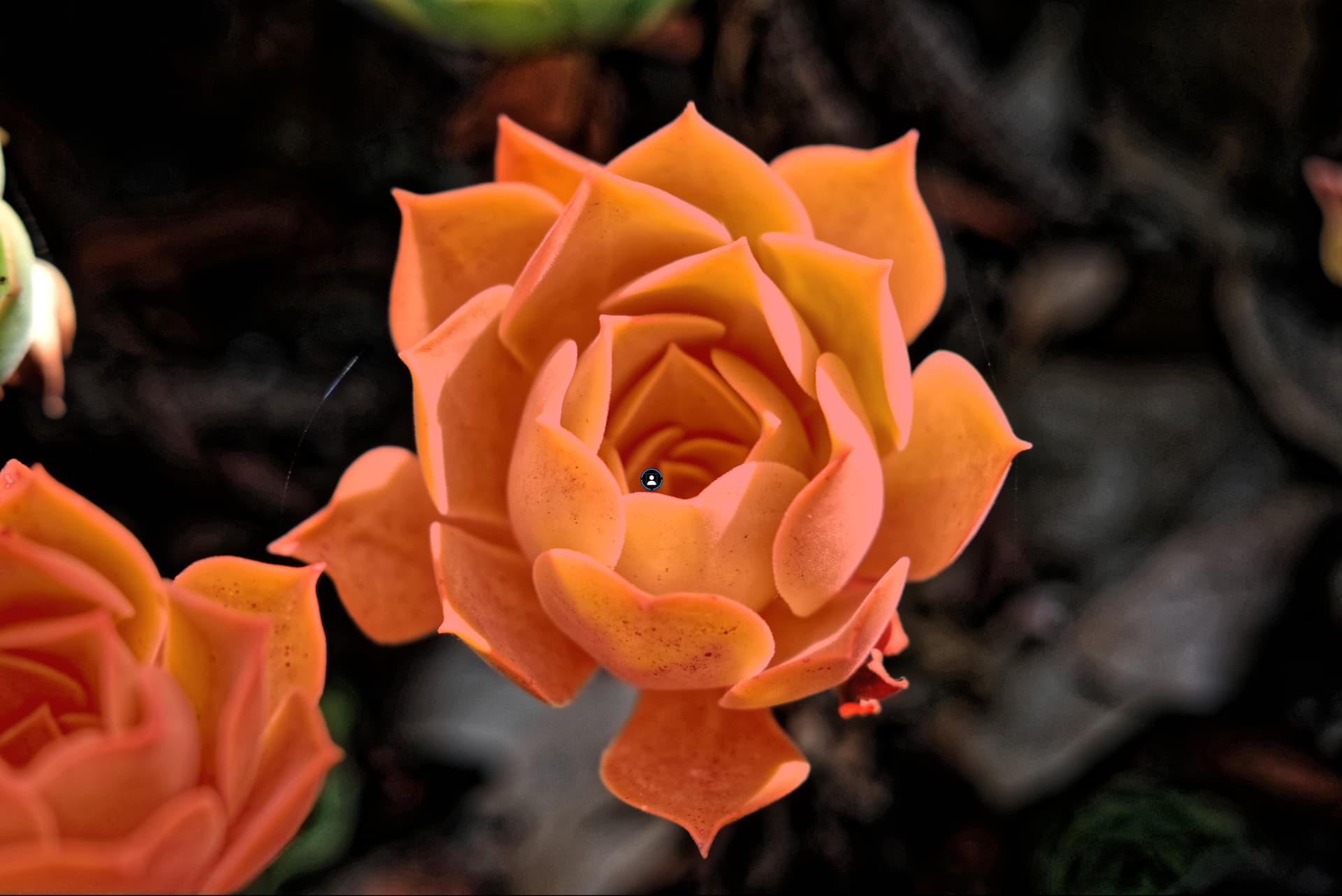
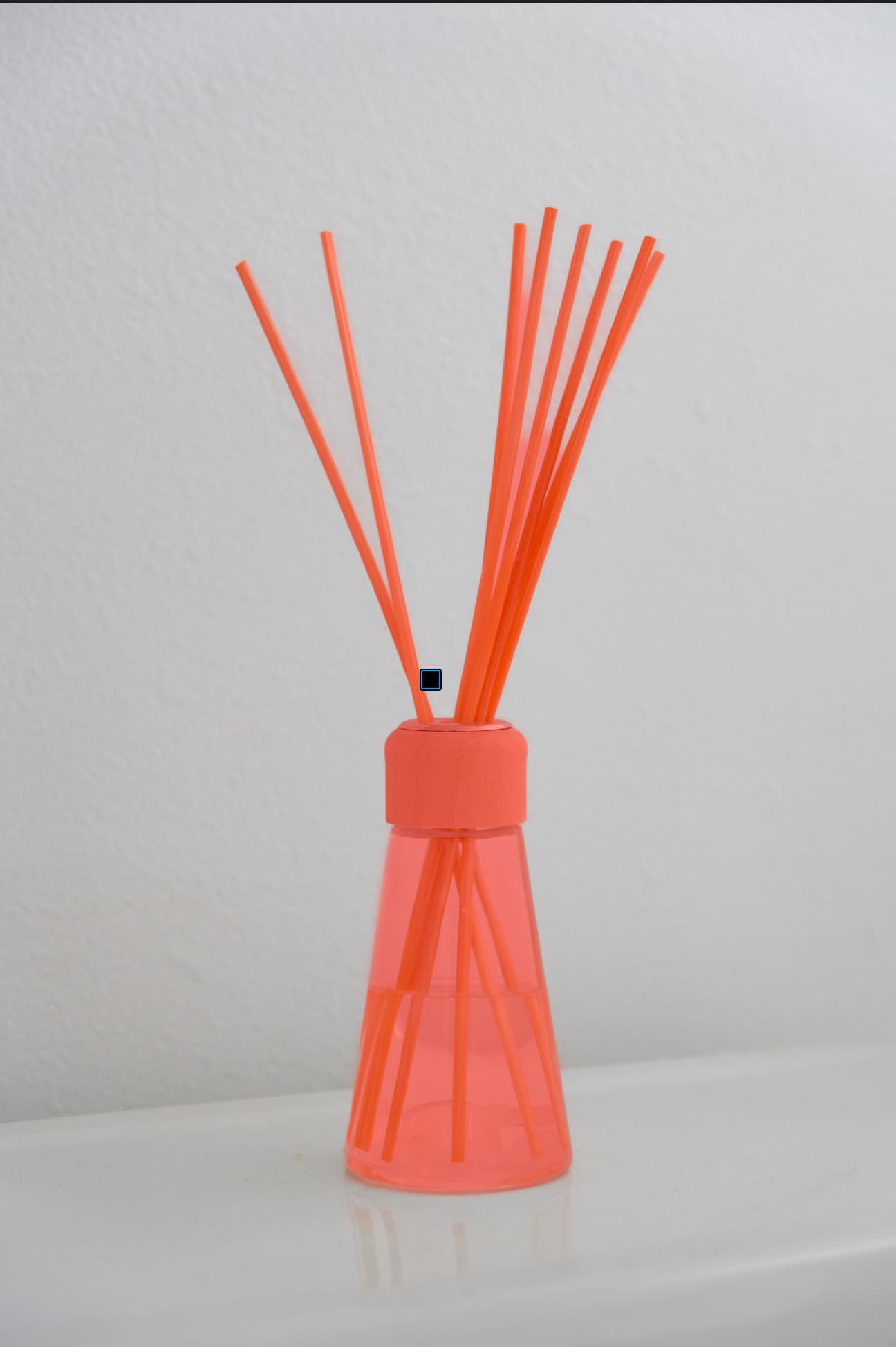
It could not identify these as Subject, but it did recognize them as Flowers
These three were also recognized as Flowers, the 1st one may be picking up the strawberries and the second looks like flower stems… so kind of makes sense, the coffee cup remains a mystery…
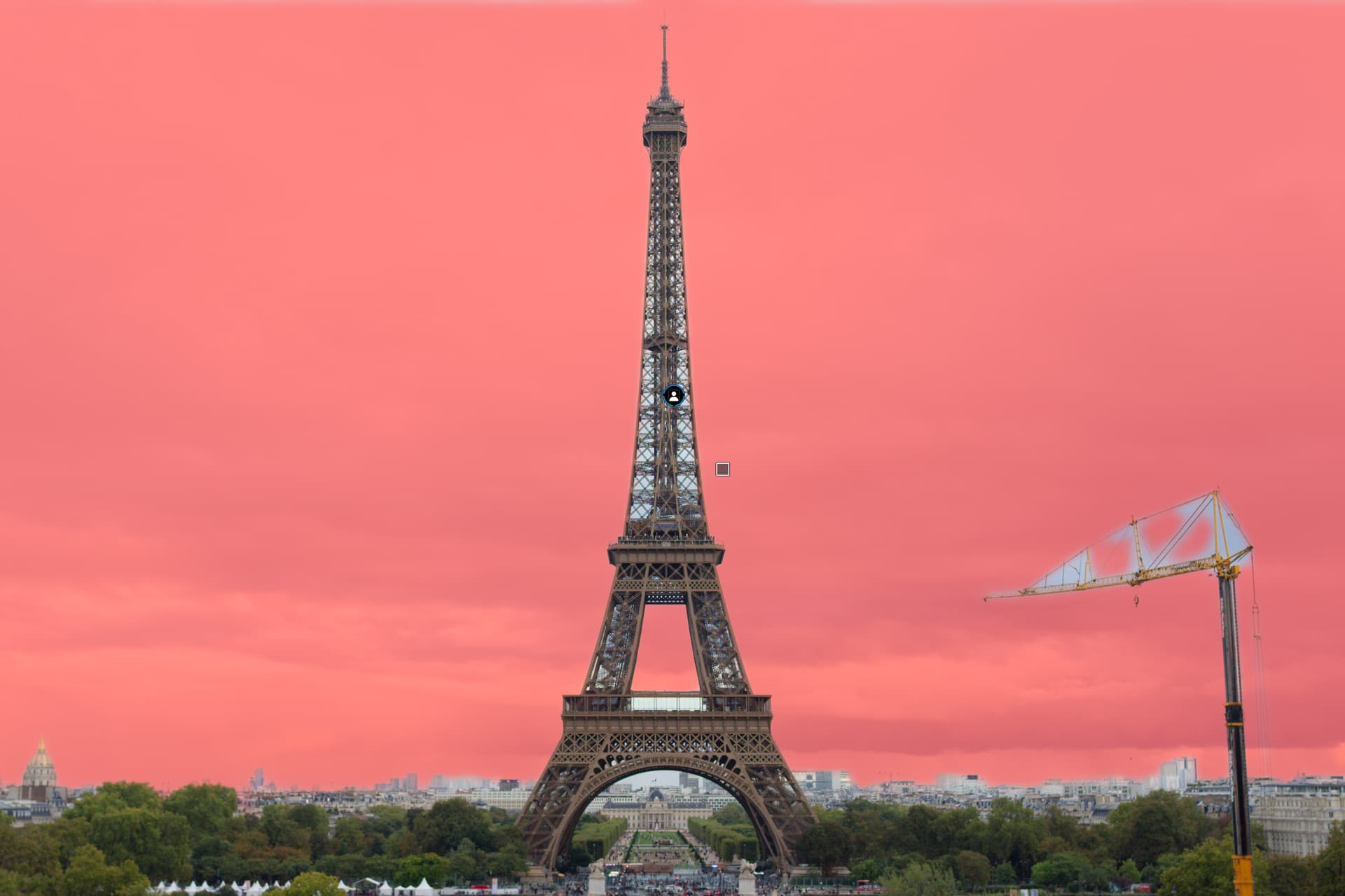
The buildings could not be identified but it did pick up the sky.
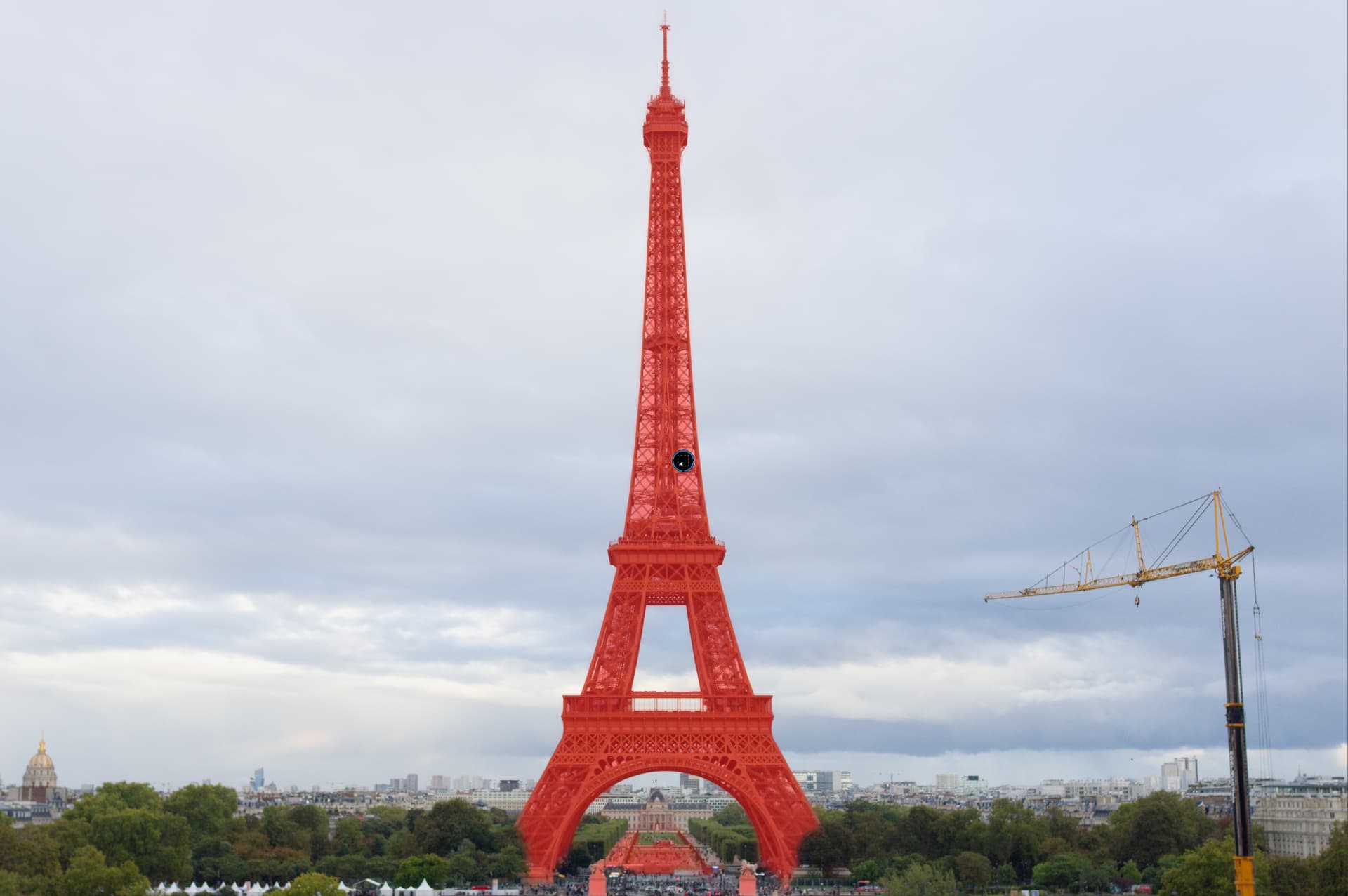
In all examples the Area AI mask was able to identify the object cleanly.
It does not pick up Buildings in my own photos either, it may consider them background.
Thanks for testing all these. So it sounds to me like clicking on “Subject” did not detect any of the supposed subjects for each of these images when you tried?
Yes, using “flower” was definitely working well for most flowers. Never tried that one on the coffee cup, but that’s funny 
To me, whether it’s a flower or building or person or animal, “subject” just refers to the main object appearing in the image. So it should recognize all of these (or at least most of them) as the “subject.” Capture One agrees with me, but seems as though DxO does not – unless there is indeed a bug here (maybe there’s none).
Correct, Subject did not work on any of them.
I suspect C1 has a different or greater depth of AI models than DXO.
Did a quick test with your images out of curiosity, as a reference point since I don’t normally use the defined AI mask tool. The defined AI mask “Subject” failed for all images as you stated.
However, in my quick test, the defined AI mask “Clothes” found the subject in all images except …8494, …8824, …0119, …1891, and, 1951. This worked for each image individually as well as copy/pasting LA adjustments from the image DSCF2396_DxO.jpg.
(EDIT - missed the last 4 images in first pass - sorry)
The defined AI mask “Flowers” found both in …1129 and correctly copied into …8824.
The AI “area” mask tool worked for all, including …8494, the Commercial Exchange building image.
Perhaps “Clothes” is a better “Subject” mask. 
Yep, it works on all these images. As I had mentioned previously, “Subject” will recognize animals and people (and now I know, vehicles as well). Odd that it won’t recognize flowers.
I think rather than there being an issue/bug, I just have a different idea of what “Subject” should be able to pick up.
That is… very strange 
Bit of a mess, honestly!
Hopefully with some future updates there will be good refinement and fixes for all this. Until then, if I have to do complex AI masking, I’ll stick with C1.
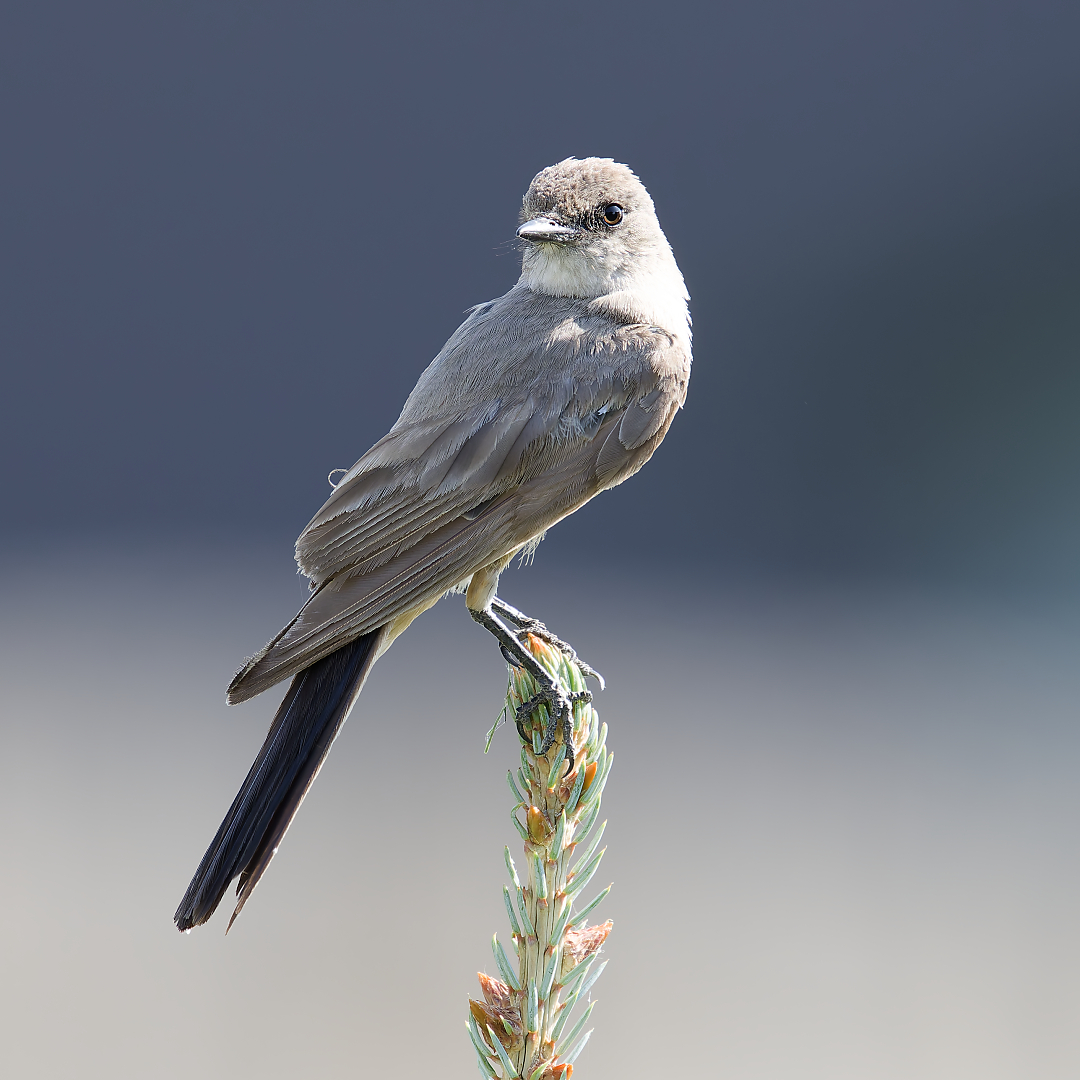
Sample Bird:
Bird’s wing and back found with “Clothes”.
Entire bird found with “Subject”, “Animals”, “Faces”, “Hair”, and “Background” (inverse of “Subject”.
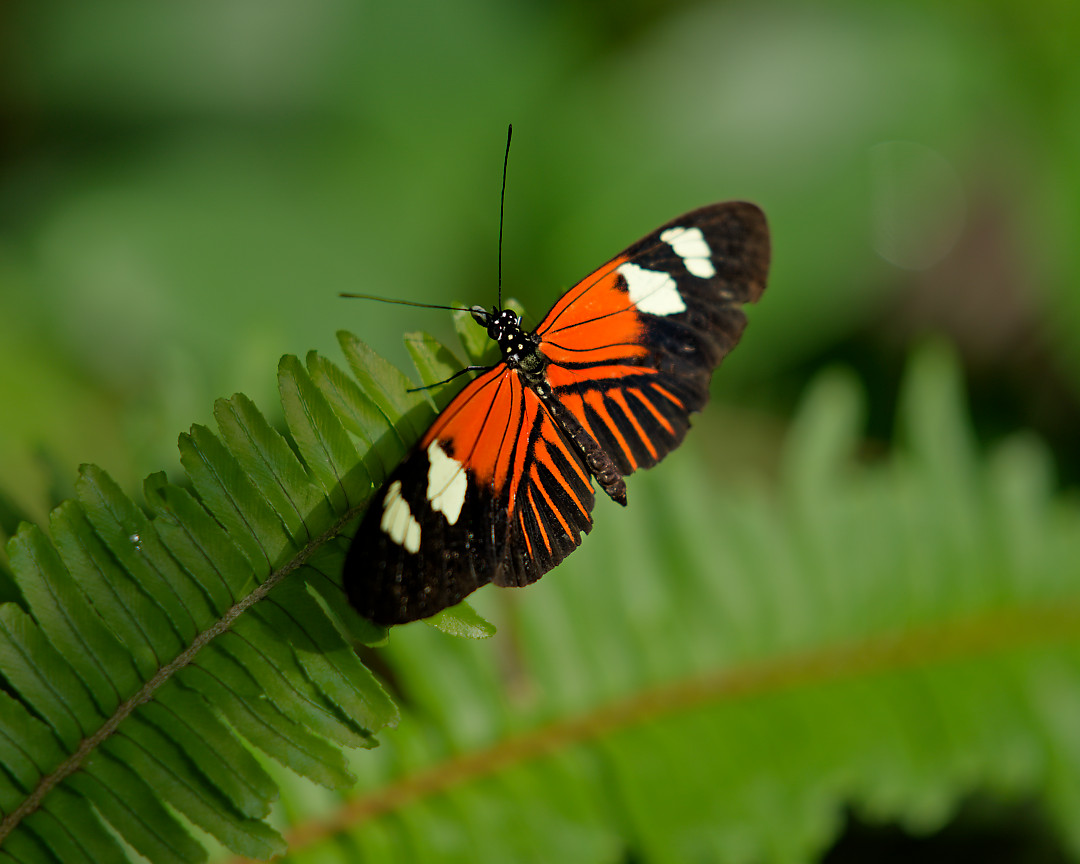
Sample Butterfly:
Butterfly found with “Subject” and “Background”, as well as “Animals”, “Flowers”, and
“Clothes”.
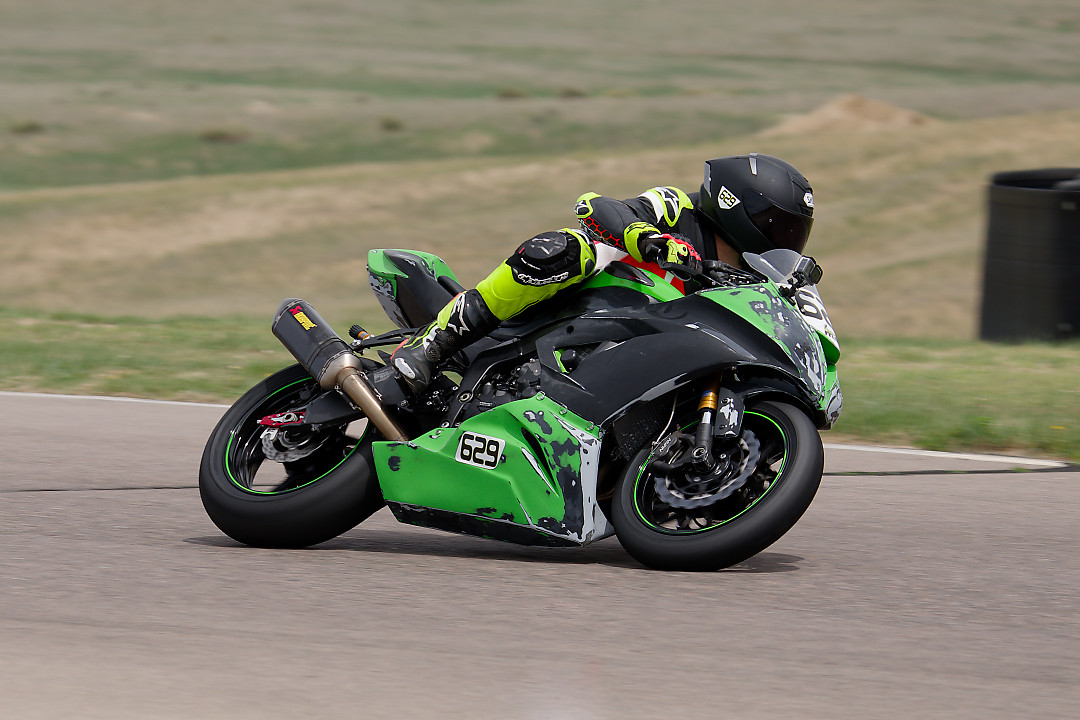
Sample Motorbike:
Rider and Bike both found with “Subject”/“Background” with a very distinct separation between rider and bike.
Rider found with “People”. Bike found with “Vehicle”
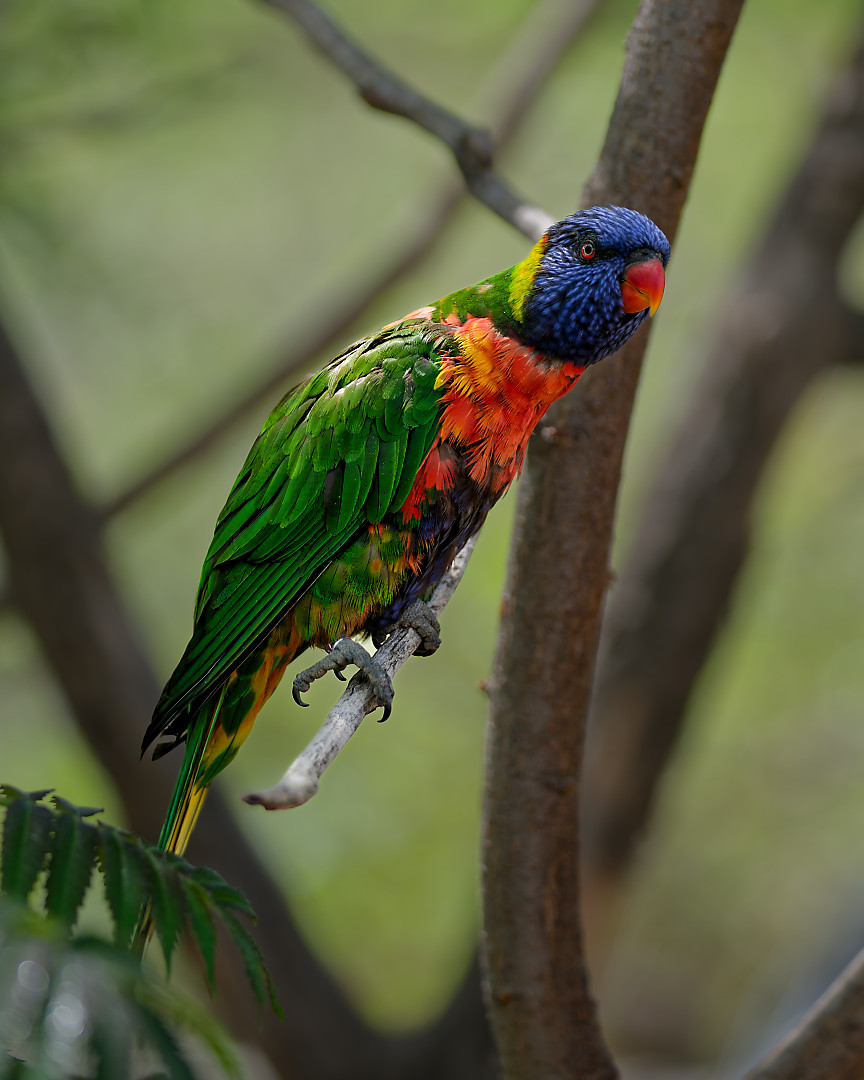
Sample Parrot:
Parrot found with “Subject”/“Background”
Parrot found with “Animal”, “Flowers”, and “Hair”.
Interesting pattern. Seems like the algorithm is trained to look for some shapes, textures, and color patterns as much or more than actual objects.
I have been communicating with the DxO tech team for approx. 7-9 days - with great and timely responses! I was informed of the workaround and I’m happy to report that all systems are GO! Thank you DxO for responding to my initial inquiry and working to resolve this issue so quickly! Cheers to Apple fixing things on their end - if that’s the cause of the masking glitch!
Late to the party here, however, I hated 26 when I tried it in Beta on my iPad. I will not put it on my M2 mini until my software the 3rd party kind stops working with Sequoia, not even if PhotoLab said that they added Stitching but it only works in 26.