It’s possible to wreck a well established working environment with updates of an app or the OS. If an environment is supposed to be stable and reliable, I usually propose to test updates with least possible impact on what works so far. This is how I do it…after having done a backup:
System Updates
Make sure the drive is big enough (more on that later)
Add a volume with the Disk Utility app
Download the full installer of the new release (more on that later)
Install the new release on the new volume incl. migration as proposed by the installer
Wait until done and booted into the new volume
Test most valuable apps and features thereof
PhotoLab Updates
Quit PhotoLab
Duplicate PhotoLab
Launch the new PhotoLab Copy and update it
Test…
Comments
Drive space:
If usage is less than 50% - upgrade as written above
If usage is more than 50% - add volumes for large data collections, e.g. photos
(I have 3 volumes: one “standard”, one for photos and one as a SW archive)
I didn’t expect something like this at all, but what LVS describes unfortunately also occurs on my Mac and is very annoying because I can’t continue working on a current project. I hope DxO releases a quick fix.
Or if someone finds a workaround, please post it here.
The comment from playtypus is certainly valid, but I’ve never had problems with updates that come after the comma, which is why I strayed from a previous test.
…things happen and DxO might be working on a fix already. This usually means that they get in touch with Apple in order to get their support. PhotoLab seems to be an app developed with a non-Apple tool and fixing the issue could therefore be more difficult and time consuming.
Actually, looking inside the app bundle, it is apparent that it was made using Apple’s Xcode environment. The problem is likely to be in the library that they have linked to to implement the AI.
Learned something new again: don’t trust minor updates either, because even Apple might have to fix something. I just discovered another bug in a different app.
What always surprises me is that DxO doesn’t test macOS updates beforehand, even though the beta versions have been available for a while. And if a bug can’t be fixed quickly enough, a warning before updating macOS would be helpful.
Probably a resource problem at DxO.
Unfortunately, subject detection works extremely well with my Fuji XT3 Raws. I’m really excited about it, which I didn’t expect, especially since some comments here in the forum point in the opposite direction. That’s why I’ve been using subject detection intensively and now have to wait until a fix is available. Fortunately, it’s not an urgent “job” (I’m just an amateur).
…“normal” pro photographers often stick to whatever they have as long as it won’t fall apart. Saves them such hassles and the need to adapt to new things.
And while I’m writing this, a new update for PL is already available. I’ll report whether it works again now. Maybe someone tested it in advance after all.
Too bad, the update to 9.2.0.31 unfortunately did not fix the bug with the predefined masks, too soon to get my hopes up. However, the new features for the masks are very interesting; I will try them out right away.
So let’s keep hoping that a fix will come soon. In principle, the predefined masks can also be captured with the other options, but I am particularly concerned about the photos that already use the predefined masks, which, unfortunately, don’t work anymore. Apparently, PL does not “remember” the mask but resets it every time a photo is accessed.
The DxO support has already contacted me, but initially only with the usual standard questions and a request for a diagnostic report. If the problem occurs with other users as well, please report it to support; that is certainly always helpful.
I haven’t used subject masks a lot, but I just tested this out today.
I’m on Sequoia still, and I can’t get subject masks to work at ALL unless it’s a person or an animal (meaning, unless the main subject of my photo is a person or an animal, when I click on “Subject” it doesn’t detect anything).
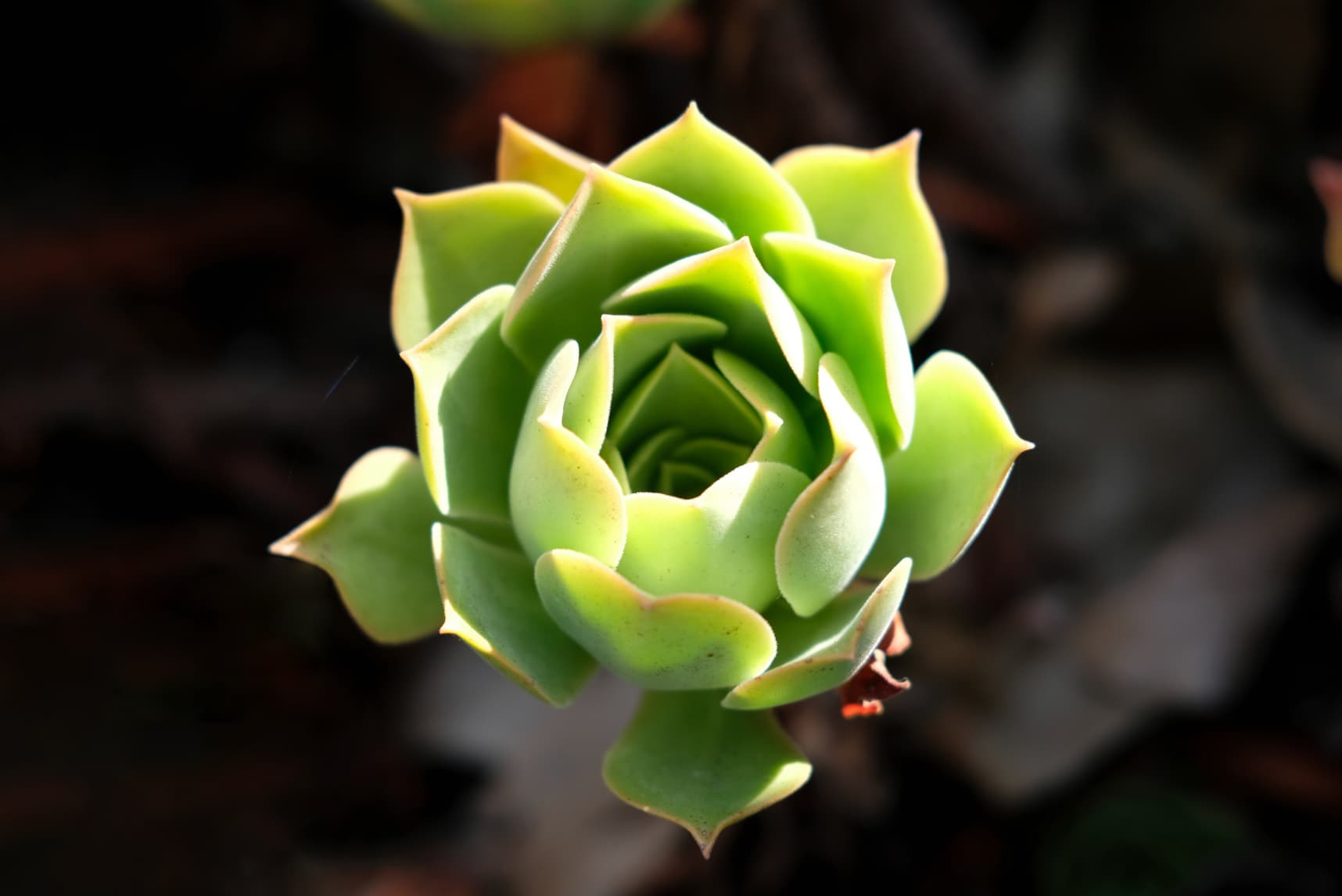
For example, in this photo, “flower” selection works, but “subject” selection does not work. Likewise “background” does not work either. To me it’s pretty obvious there’s a subject and a background.
Was there a MacOS update issued for Sequoia recently ? If so I wonder if the same problem that affected Tahoe 26.1 was also introduced at the same time.
Previously I had no issues with Subject detection by Selecting either Flowers or Subject. Now none of the Subject detection masks are working, the Area Select AI masks are working though.
There was an update pushed out recently, but I actually have yet to install it, so it would have nothing to do with that.
I came across another topic with someone saying their subject detection masks were not properly working and they had to reinstall PL9 to fix it. So I might have to try that…
Not much improvement with 9.2.0 here on my M4 Mac Mini. I still have failures to identify subjects and animals on many photos. I think my success rate is under 50%.
Installed macOS Tahoe 26.1 on a new volume on my Test 2020 M1 MacBook Air and checked how PhotoLab 9.2.0.31 handled a few AI subject masks I had added while running PL9 on macOS Sequoia. Here’s the story.
Booted into Sequoia, I added a volume (Mac-Tahoe) and downloaded the install assistant from Mr. Macintosh dot com with which the Tahoe installer was added to /Applications
Installed Tahoe 26.1 onto (Mac-Tahoe) and let it migrate the stuff from the Sequoia volume. Install Assistant would reboot in a seemingly infinite loop, so I forced the Mac off. I’ve seen the loop on other tests, but also that things ran as expected.
Installed PL from a fresh download and manually copied the PhotoLab and license folders from the previous volume to the new one, then launched PL9
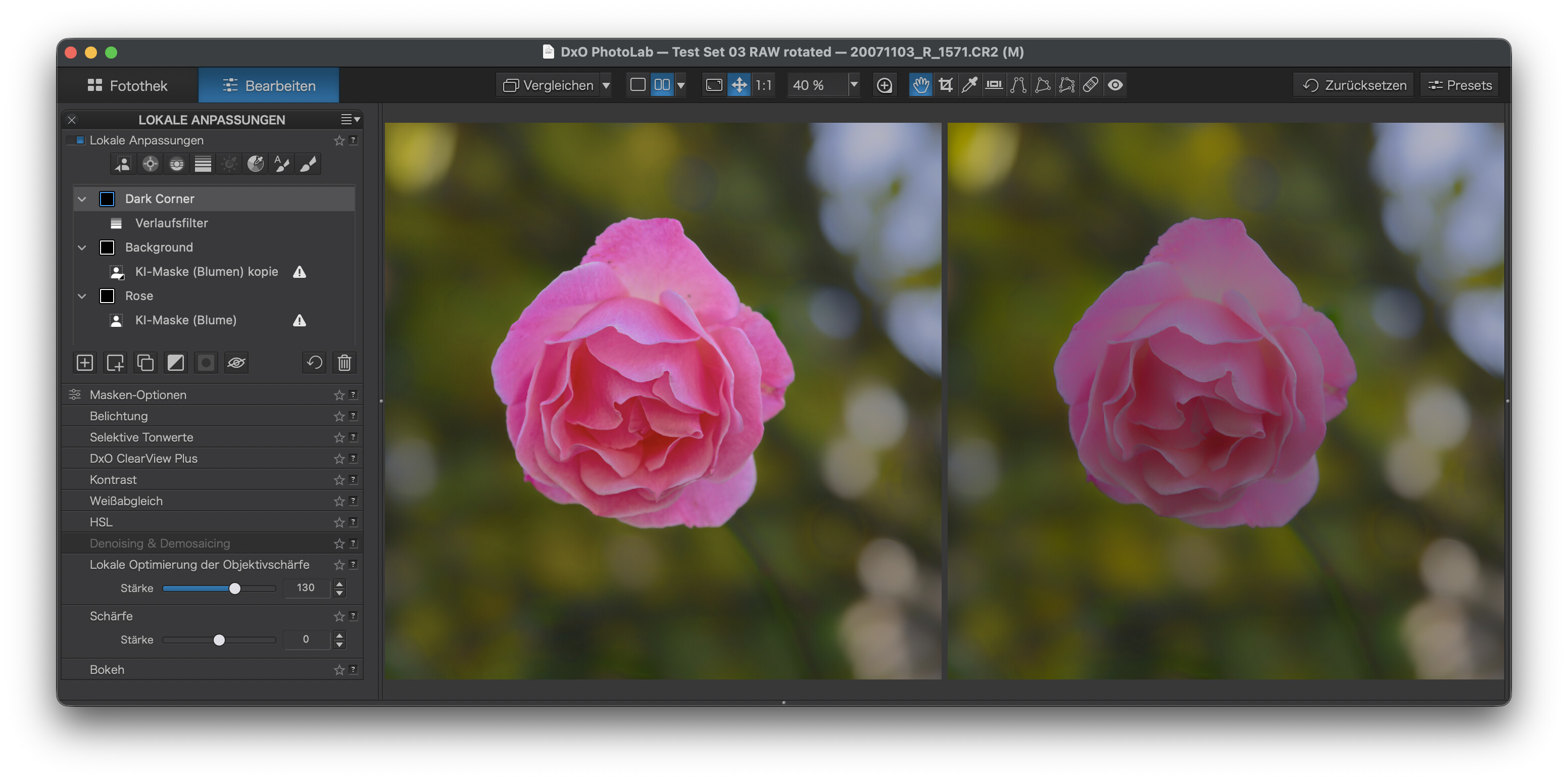
PL9 started and showed the image with the AI masks. The preview looked slightly different, but all the sliders were at the positions I had left them.
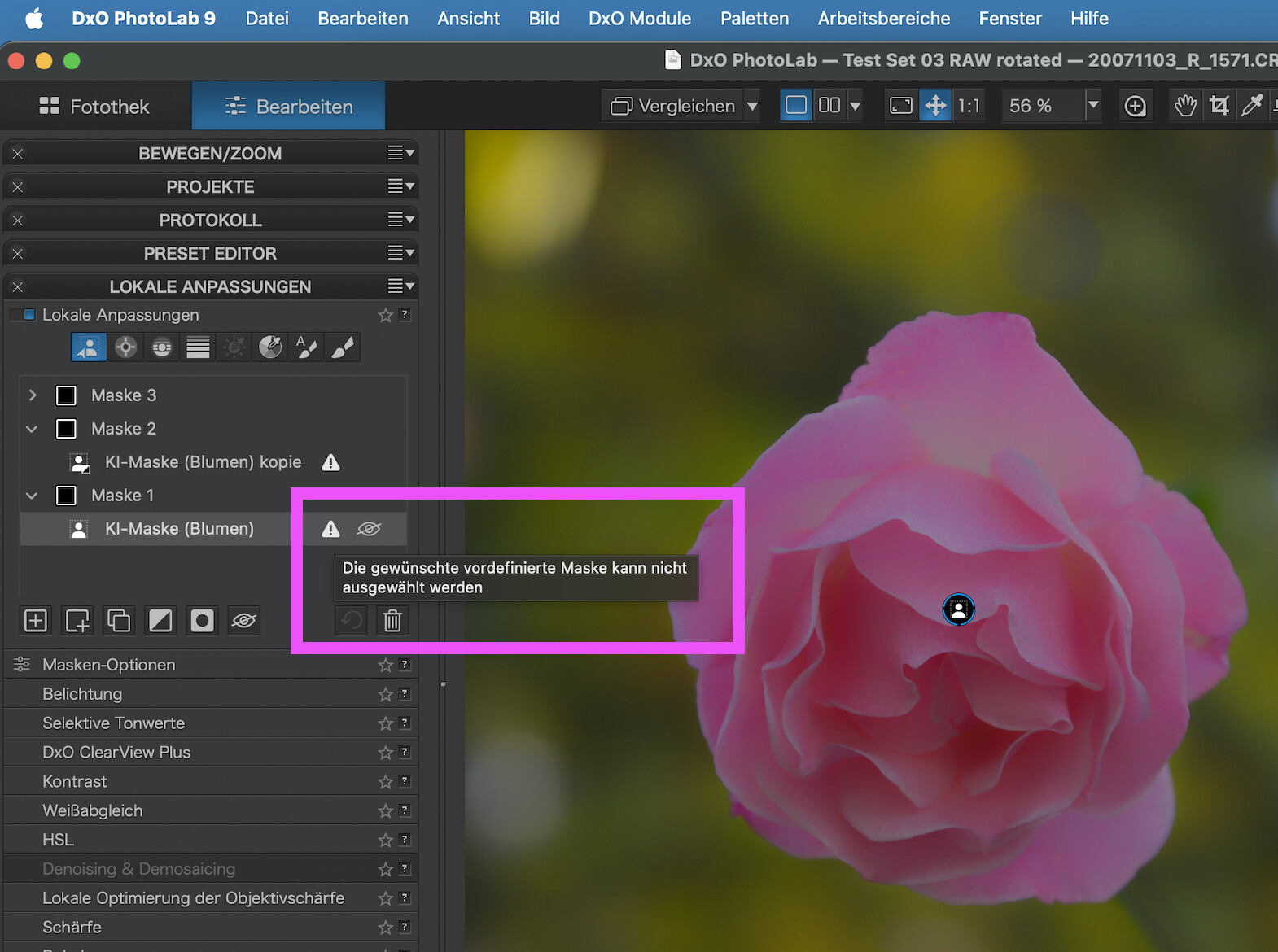
Bad news: Starting PL without having copied the PL folder showed the AI masks with a warning triangle and a tool tipp saying that the masks could not be displayed. So I restored the DB from the old volume, but it would not help. Copying the folder did the trick though. Before launching PL9, I had also deleted the cache and Application Support folders of PL.
@LVS : feel free to add a copy of the text of this post to the respective ticket. This test might help DxO find a solution/fix.
UPDATE: Restarting PL brought back the warning triangles: