Windows ML — faster AI processing (Extended Support - Windows only):
• Extended Windows ML support: Windows Machine Learning acceleration for AI-based processing is now available on a broader range of systems, including Windows 10 22H2, in addition to Windows 11 23H2, delivering improved performance and wider compatibility. This new AI processing mode is automatically enabled and can be changed in the Preferences.
• Expanded supported hardware: support has been extended to include NVIDIA RTX 20XX series graphics cards.
New supported cameras
• Canon PowerShot G7 X Mark III 30th Anniversary Edition
• OM SYSTEM OM-3 ASTRO
• RICOH GR III HDF
• RICOH GR IIIx HDF
• RICOH GR IV HDF
Bug fixes
• Minor bug fixes and improvements.
Known Limitations
• Windows ML is not supported on AMD GPUs and NVIDIA RTX 10XX graphics cards. These configurations will use the standard processing pipeline.With each update, please be sure to also update your GPU’s driver for the best experience and to avoid any issues
There isn’t one. That text is standard text for all updates. Yes, that makes it fairly meaningless but it’s better than nothing at all.
1 Like
mwsilvers
(Mark - New Jersey, USA, Win10, RTX 4060, PL9, FP8, VP5, Nikon Zf )
4
After a bit of testing, this release appears to be a major improvement when selecting and exporting AI masks on my Windows 10 machine, especially for the predefined drop down list of mask types. Windows ML acceleration was an unexpected update for Windows 10. So far, no issues. I hope it stays that way.
Honestly it’s not that useful - it’s in every update and we’ve no idea what it means. If we’ve encountered or reported bugs we don’t know if the update addresses them unless they specifically say so.
It’s not the worst thing in the world, it’s just not a very useful thing for them to include.
I’m also disappointed but not entirely unsurprised to see nVidia 10XX cards aren’t (yet? ever?) able to take advantage of these developments. Based on that, this update shouldn’t improve anything for me.
DxO should document fixes which may influence rendering and the output.
That’s the minimum I would expect, otherwise I’m left guessing.
DxO is even more secretive about fixes than the Japanese Nikon .
For example, PL9.7 and PL8.15 updated XD3 model files (PL8.15 for X-Trans only, it seems that XD3 Bayer won’t be backported to PL8, as DP3 was already added in PL8.5).
So, should we redo our XD3 exports?
Give us at least a hint on which cases may be suspect…
1 Like
mwsilvers
(Mark - New Jersey, USA, Win10, RTX 4060, PL9, FP8, VP5, Nikon Zf )
11
You would be wrong. Most minor bug fixes under the covers would be meaningless for most users. Just because they’ve applied a bug fix it doesn’t mean that it’s a significant bug or that anyone actually had an issue with it. They could also be minor performance adjustments or code optimizations. Optimization of code is a constant ongoing task even if most people don’t notice any differences.
Other publishers manage to list bugs and there fixes. DXO is one of the worst for secrecy to the extent as said above even support don’t know when fixes are done and ask those with tickets if there problem had been fixed
Absolutely noted, but upgrading GPUs isn’t (and hasn’t been) a cheap game (largely thanks to nVidia) pretty much since the 2xxx series released, and it’s only gotten worse since. Dropping support smacks of nVidia trying to further force the issue.
Agreed - if we don’t know our previous exports had issues or could’ve been improved upon if not for issues with software at the time, that’s a pretty big problem (!)
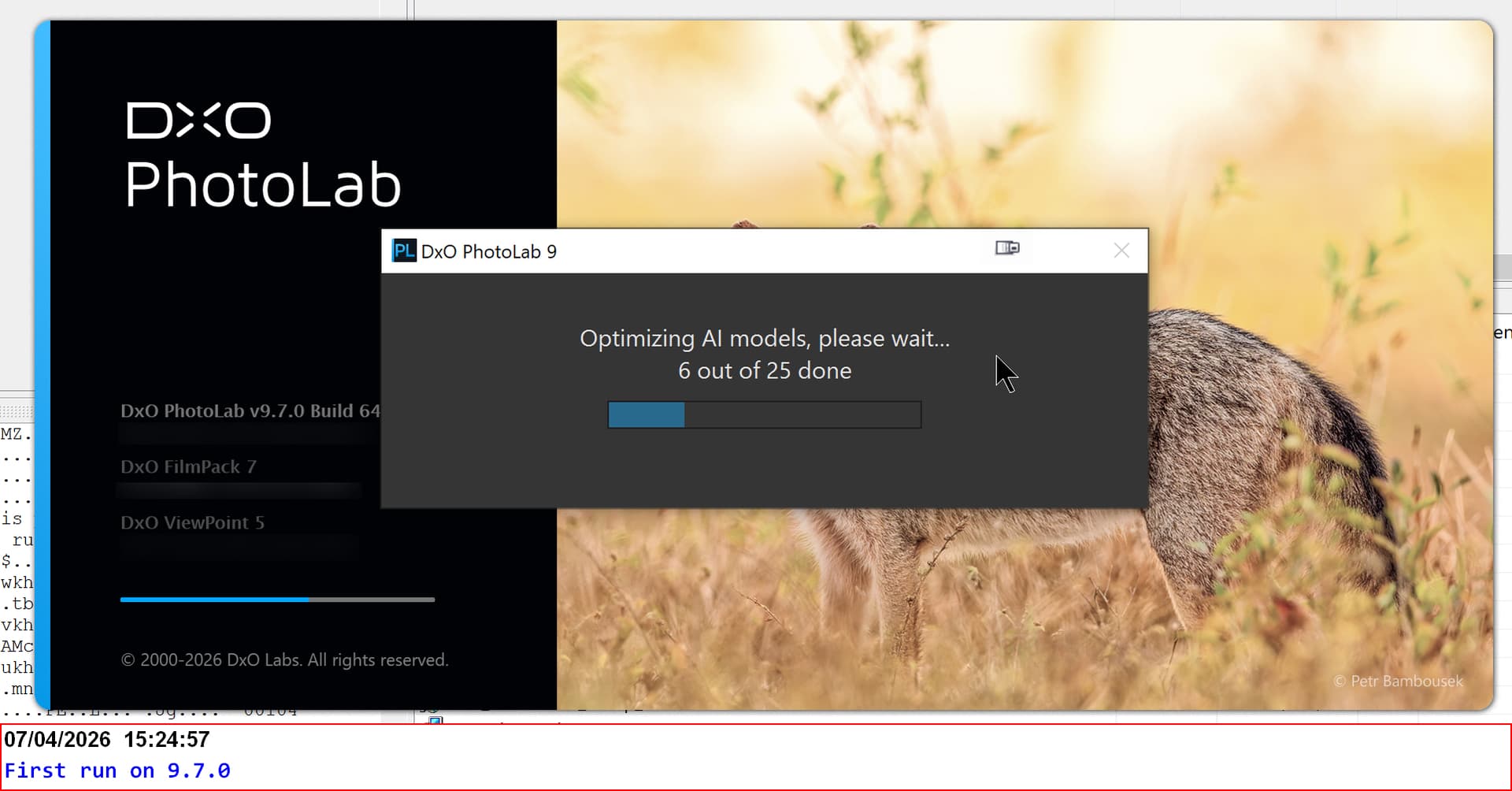
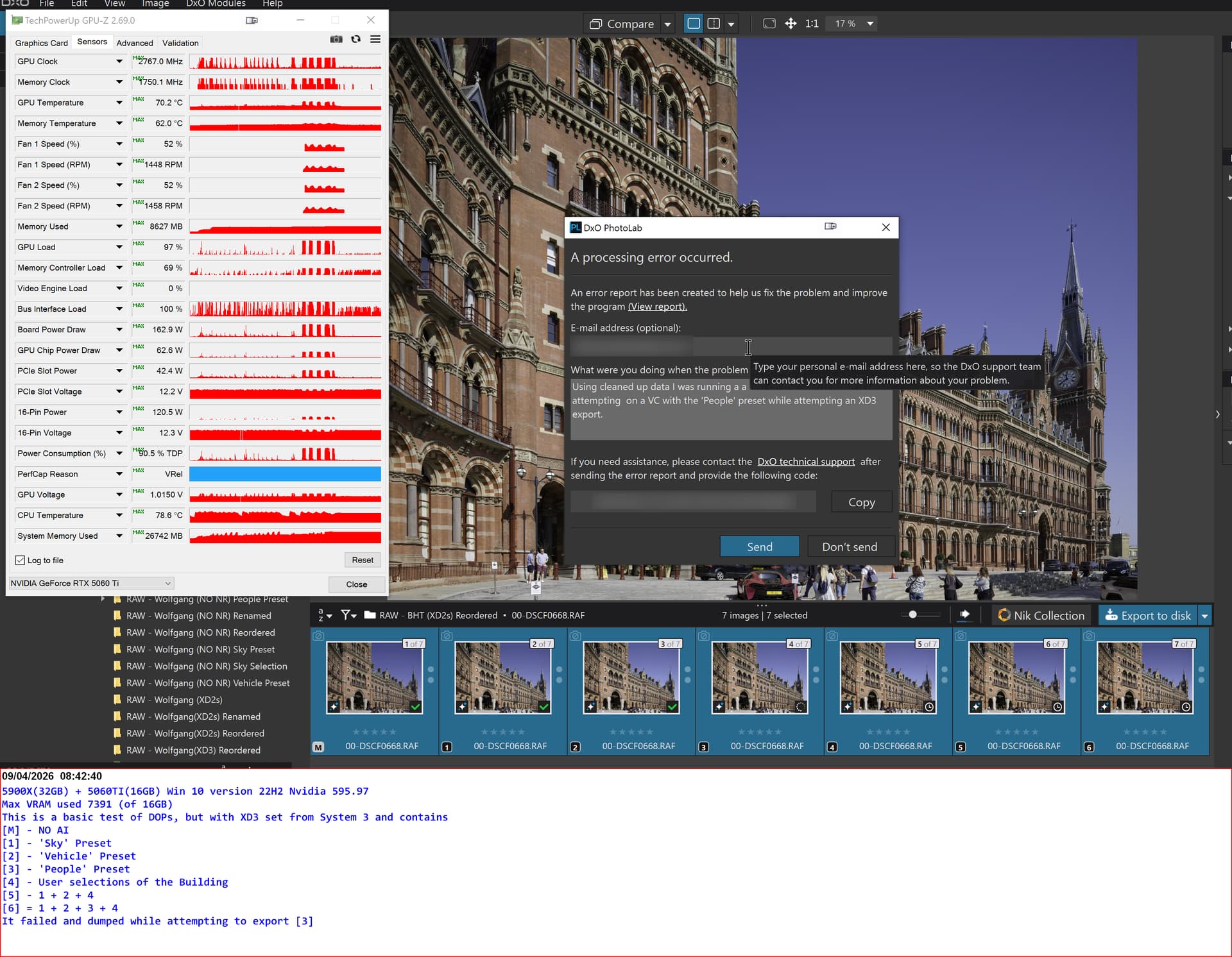
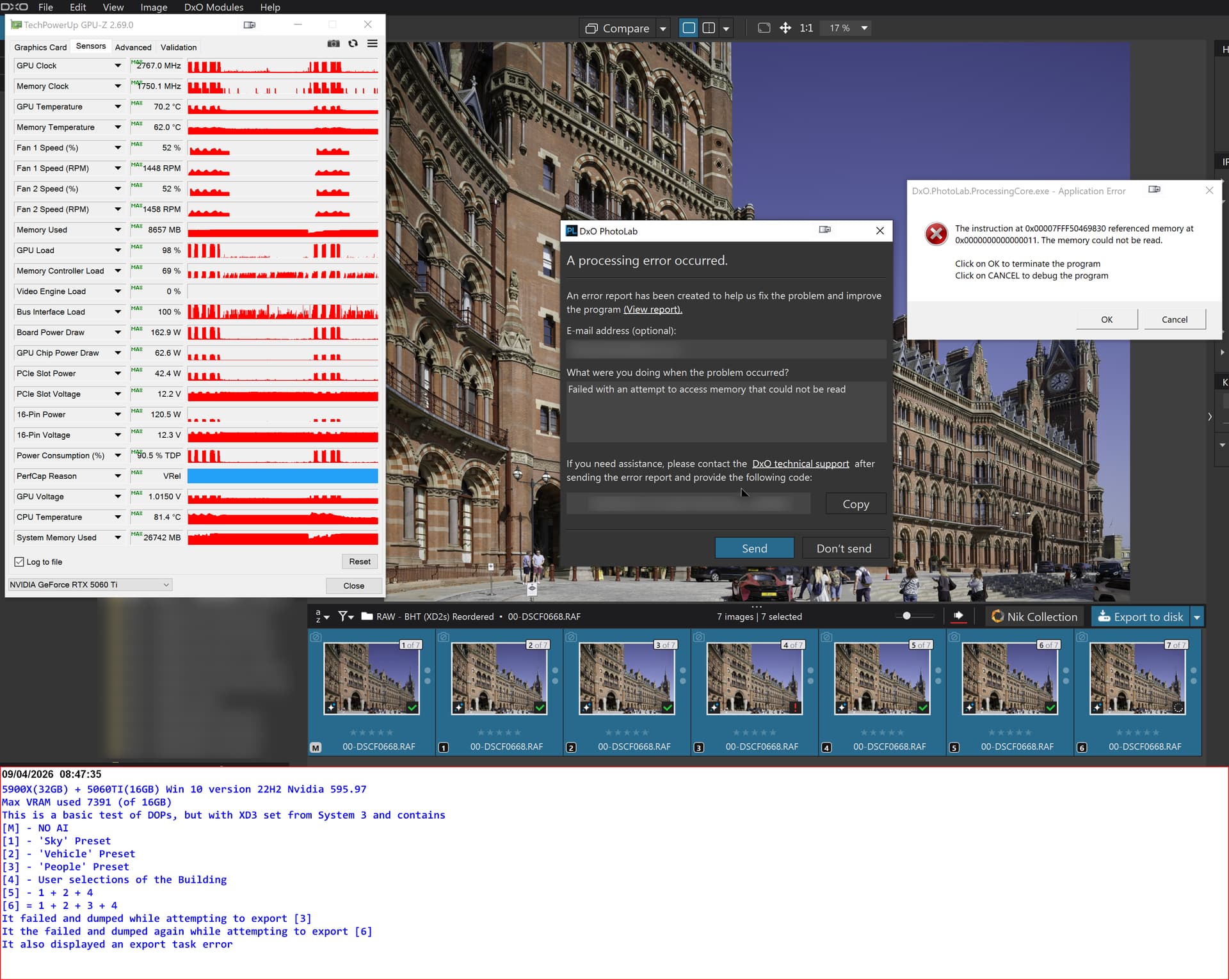
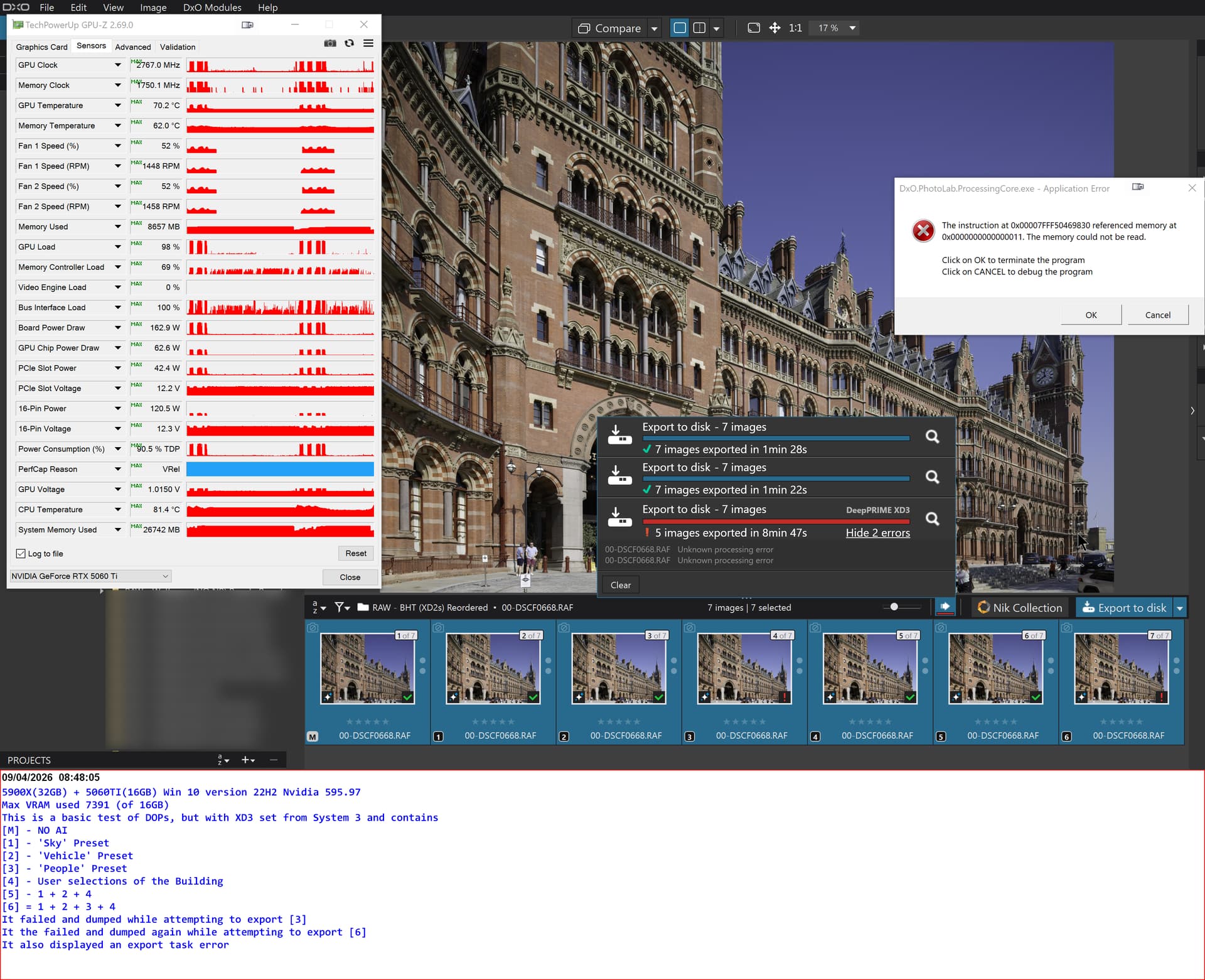
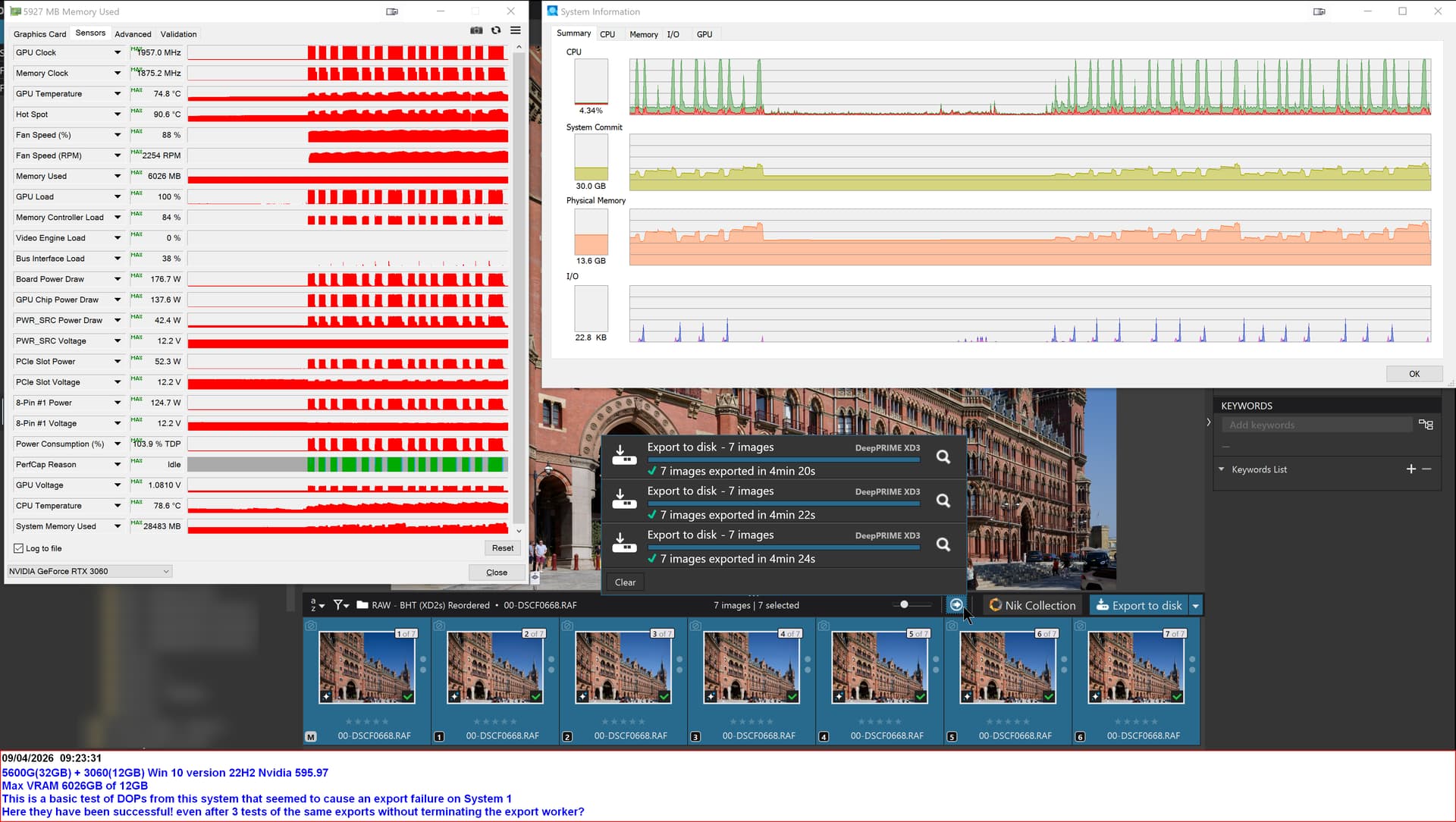
@BoxBrownie Like most of the others here I just installed PL9.7.0 and it sorted out the issues of PL9.6.1 on both my 5900X(32GB) - 5060Ti(16GB) and 5600G(32GB) - 3060(12GB) systems.
I simply downloaded the installer when prompted within v9.6.1 then ran the installer. That’s how I’ve always applied updates.
Even when I install an upgrade I do not uninstall previous version until I’ve installed and checked that the new version is running as expected. In the case of my recent upgrade from v7 to v9 I had both versions running in parallel for several weeks.
I have seen this before, but personally I have not had any problems with PL since 9.3. Add by the way, I did not sit by and looked at the installer did it’s work.
I just installed without PL 9.7 directly on top of 9.6, as I have done on every occasion of an update. Out of curiosity, can I download that St. Pancras image somewhere? Could be interesting to try it on my PC.
 .
.