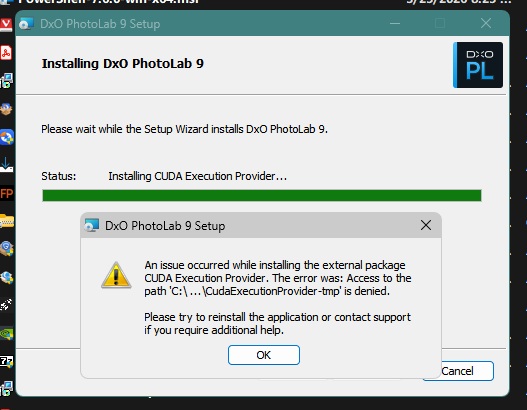
Be careful with the 9.7 update. I just tried installing to update 9.6.1 on Win11 25H2 with 5060Ti card, and install failed with attached message. When clicked to abort install, could watch as install was rolled back – but then found that DxO folder for PL9 was totally, absolutely empty. Tried to install again, same result. Am now using a Macrium Reflect backup I had from 6 days ago to rebuild entire C: disk. Have never had issue with DxO before; if you are updating, just make sure you have backup of C: drive ready to deploy.
I had previously installed 9.7 on laptop with 4070 gpu with no issues.
After all, you want the product a) running and b) not wrecking your installation.
Try to put in as much relevant info to prevent questions like “have you rebooted…?”
I’m on Mac and the update to 9.7 went without any issues.
No problem here. Updated from 9.6.1 on Win11 25H2 26200.8037 (with desktop RTX4070). Installation downloaded model updates for XD3 Bayer, XD3 X-Trans, and CUDA Execution Provider, then installed them without any issues.
and both machines are running on the same GPU drivers.
Why you are having problems I cannot begin to guess and has already been suggested I would suggest submitting a Support request.
But have you tried again - sorry I re-read the original post and you certainly have tried that.
If you need a copy of the previous version then contact me by DM and I will see what can be done. Rebuilding the entire C drive is a sledgehammer to crack a nut but if that is all that is available then …
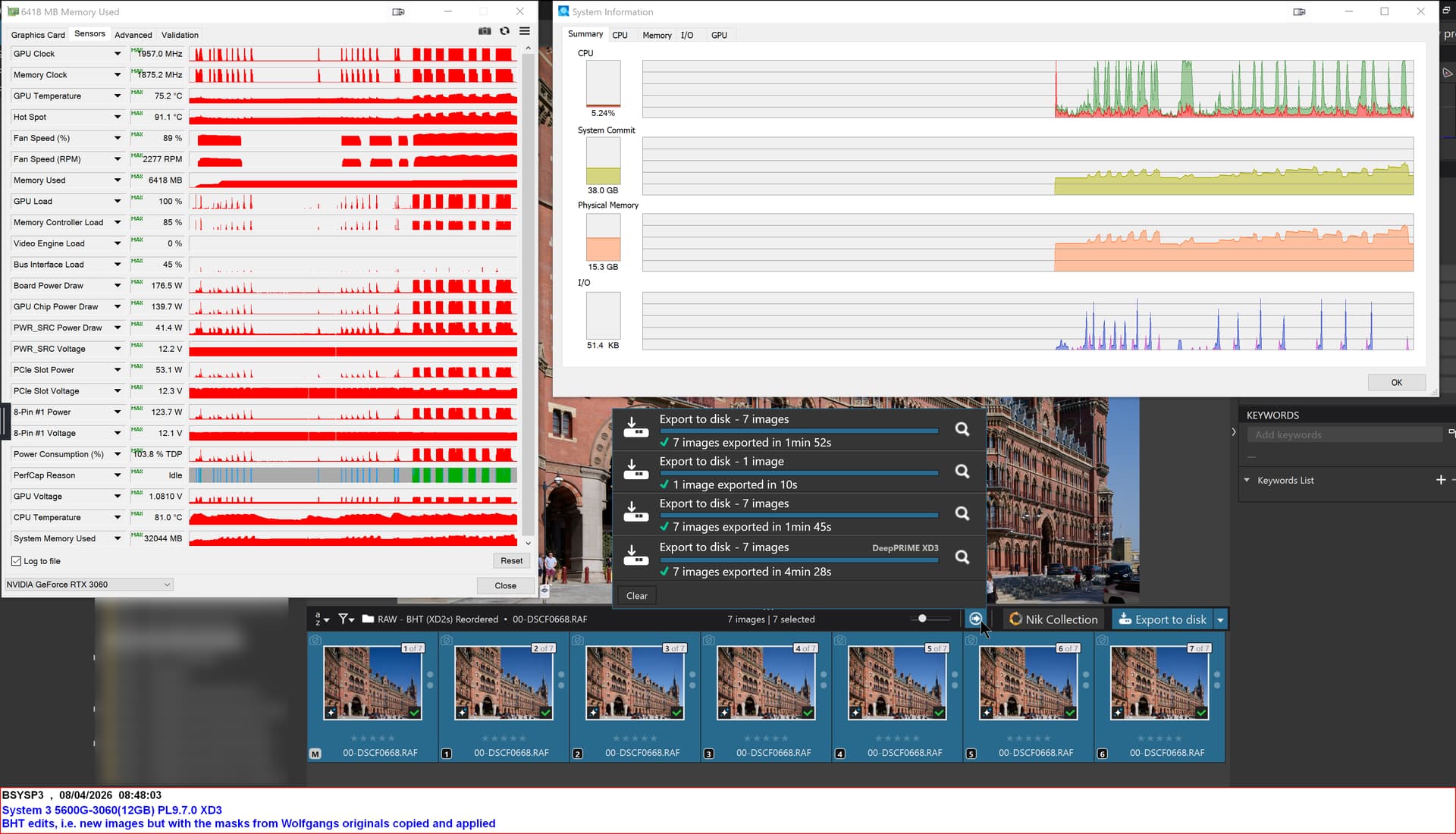
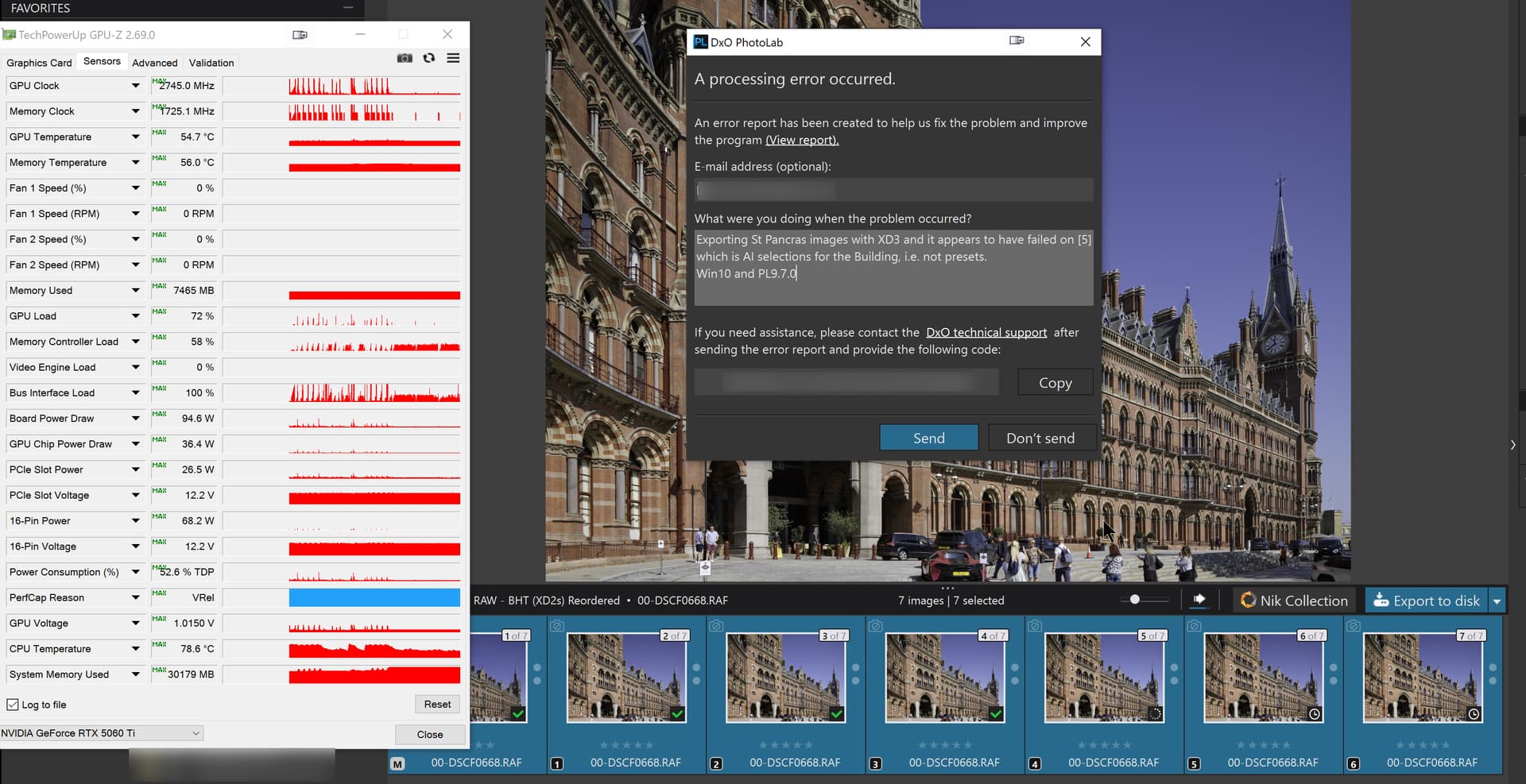
Not that it is a help but PL9.7.1 is way more frugal on VRAM than previous versions and, so far, the St Pancras image, that has caused me so many problems in the past, worked fine for at least the few exports I have attempted on the 3060(12GB).
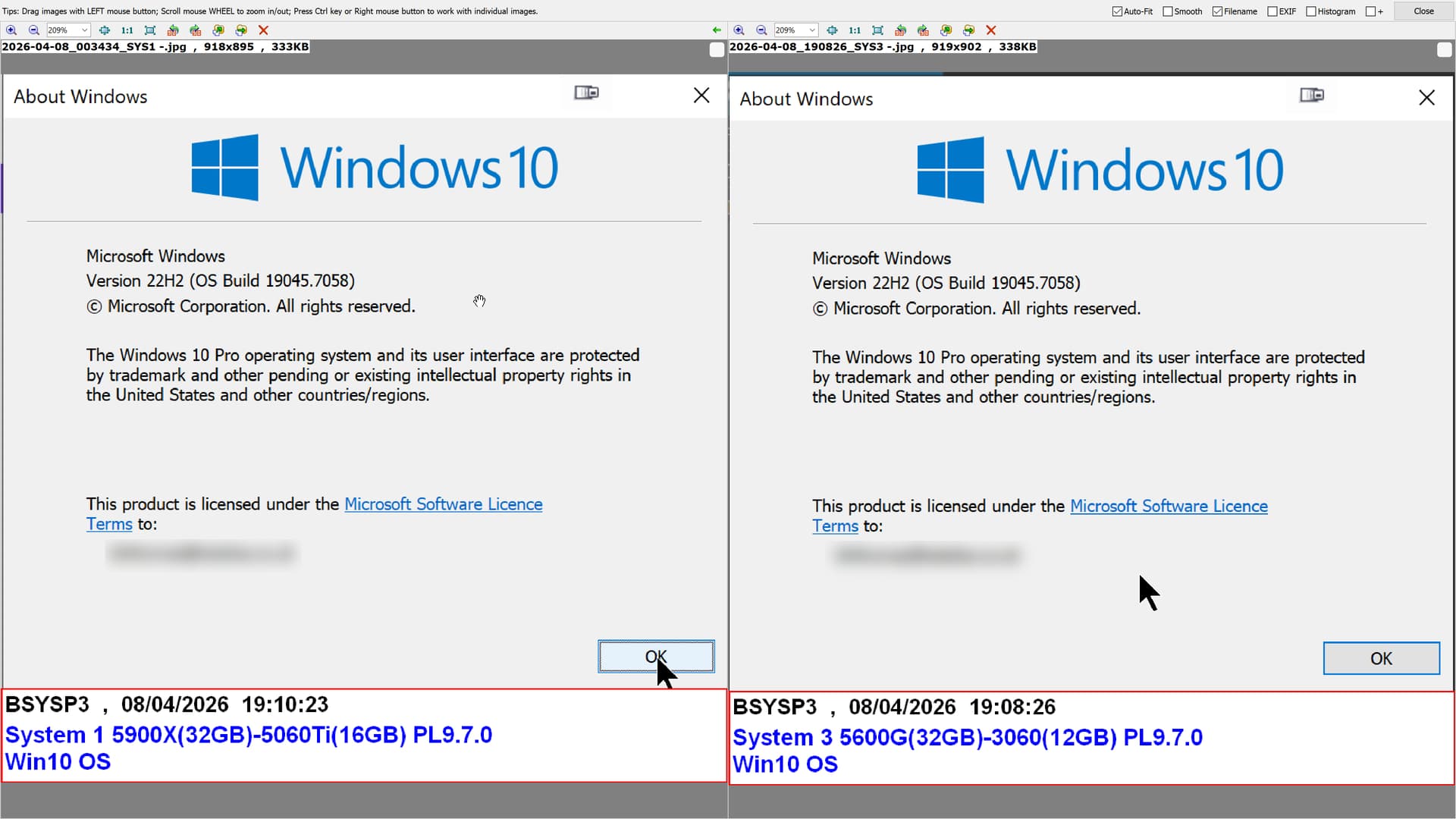
PS: The reason that both the images of Win 10 contain the same system name is because I fixed an error in the caption of the System 1 snapshot on System 3 and the caption contained the System Id of that system and almost the same date and time, oops.
Stenis
(Sten-Åke Sändh (Sony, Win 11, PL 6, CO 16, PM Plus 6, XnView))
7
Why still on Windows 10 Byan?
I installed Windows 11 with RUFUS on a 13 years old laptop (Originally a Windows 8 machine I was ready to send for recykling) and just with 4GB RAM too. I am really surprised how well it works for simpler use now after having added a new WIFI 6 compatible USB. After Local User-install, disabling encryption and clensing most of the common garbage and disabling unessessary services it is really OK. It must be more than OK even with your 3060-machine now.
I have read figures that maybe more than 200 miljon non-Windows 11 “compatible” machines world wide might have been scrapped unnecessarily because of the upgrade obstacles Intel and Microsoft faced their users with.
So the case is obviously so that it still is possible to upgrade many of those machines. running Windows 10 and even like in my case Windows 8, when support for the OS gets abolished. Even if it takes a few tweaks it is absolutely doable for most users and it won´t cost anything except some time.
Just dowload RUFUS and an ISO-file with Windows 11 and give it a spinn. Strangely enough I have to my great surprise found a lot of use for this old laptop of mine now and it is surprisingly responsive with Windows 11 too.
It would have been an unnecessary waste of capital to send it to the landfill or whatever they do with these old computers.
As it’s describe: “Access to the path … is denied”. So, some access is denied. I don’t think its about the DxO PL installer problem. May not correct access right(s), missing rights, some antivirus prevent it, may other running application (like AI stuffs), some Windows Smart control prevent it (Intelligent Application handling), etc. Who knows from that message where and why, its just Windows things on Your System. Try step-by-step to check rights, etc.
May good idea to check the folder(s) Security rights, right click on folder(s) → Security tab. May a good idea to check the ‘SYTEM’ has right for that or similar.
You forgot to qualify that with, “on your system”. I’ve installed v9.7 on two Windows machines now, both running Win 11 Pro 25H2 and had no problems with either installations. Similarly, other Windows users have reported no problems. That points to something specific with the OP’s system.
Yes, your totally right, i update. Update runs also fine for me. In the far-far away times i work in software development, and support install problems (InstallShield, etc.) and “licence activation, licence periodical checks” was really a headache for us, sometimes in “black magic” level, issues was very high chance in the customer system, but how its come up, and how to fix it was a long road to support.
I haven’t had any issues with the 9.7 install, but I just wanted to check in to say that Macrium Reflect has saved my backside several times over the past couple of decades! I have auto backups set to every other day for the OS drive, and every day for the data drive.
As a retired IT tech, I would suggest doing a DISM repair to your OS cache, followed by by SFC to replace any active files. Just google DISM SFC and you will quickly find step by step instructions. This would repair any corrupt file and registry permissions–and from the error code you posted, that is where the issue lies. The problem is in the OS.