Looks like there’s a new PhotoLab release out (9.9.0.712):
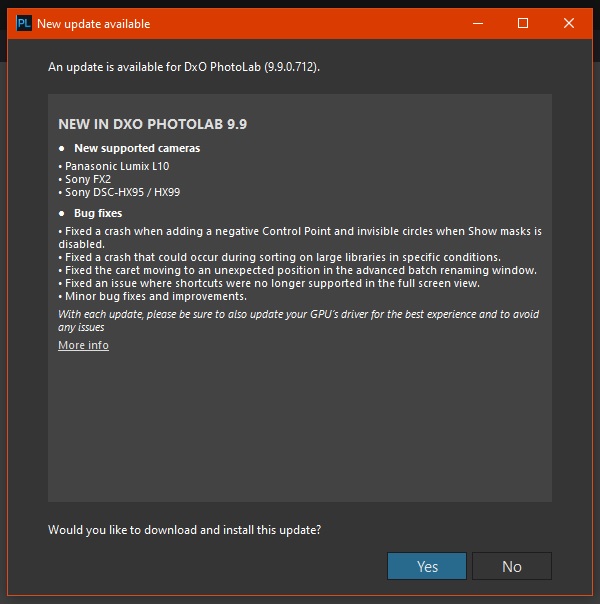
Release notes: https://download-center.dxo.com/Support/docs/PhotoLab_v9/release-notes/PL9_release-note_win_EN.pdf
Looks like there’s a new PhotoLab release out (9.9.0.712):
Release notes: https://download-center.dxo.com/Support/docs/PhotoLab_v9/release-notes/PL9_release-note_win_EN.pdf
Very good have some bug fixes named not just fixed some bugs. Things are looking up next, they will start numbering the install files as the version numbers, again.
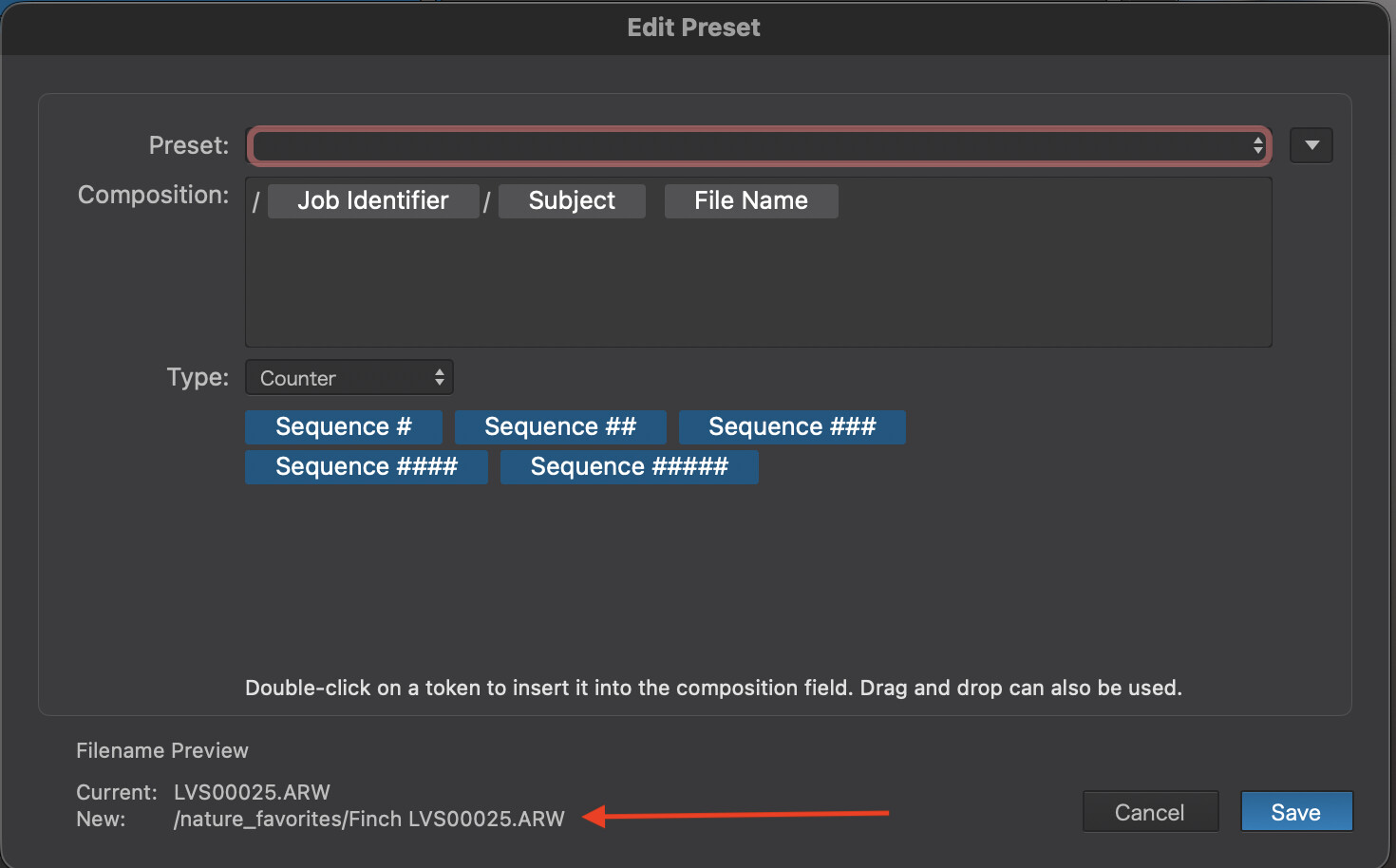
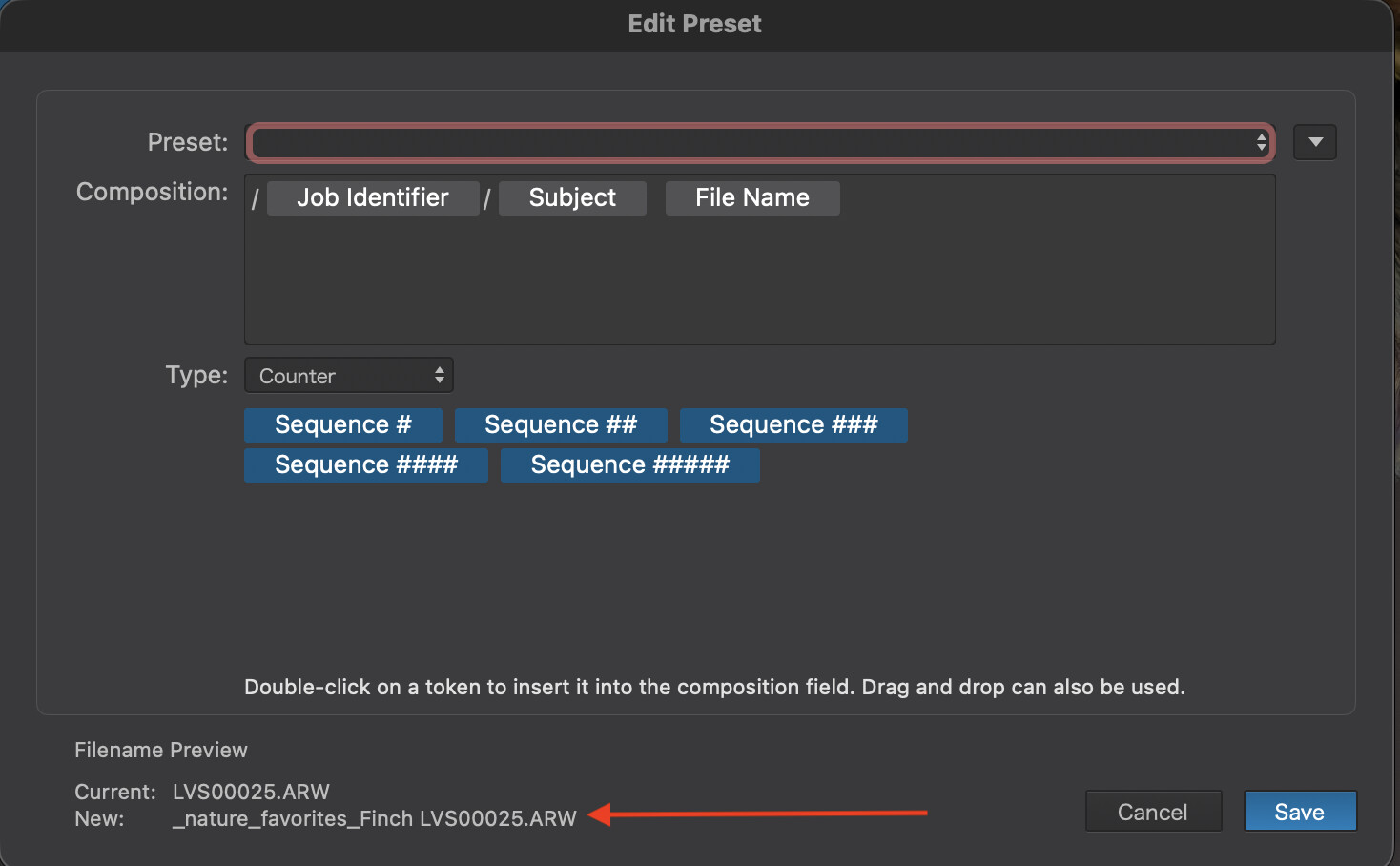
There is a change in the Export options with this new release (MAC).
Previous versions I had this coded in the Export panel, it would take the Job Identifier value from metadata and use it to build a sub_folder_name for export (see arrow)
This is no longer working, the same definition now replaces the ‘/’ with ‘_’ so it no longer stores the images in the desired sub_folder_name.
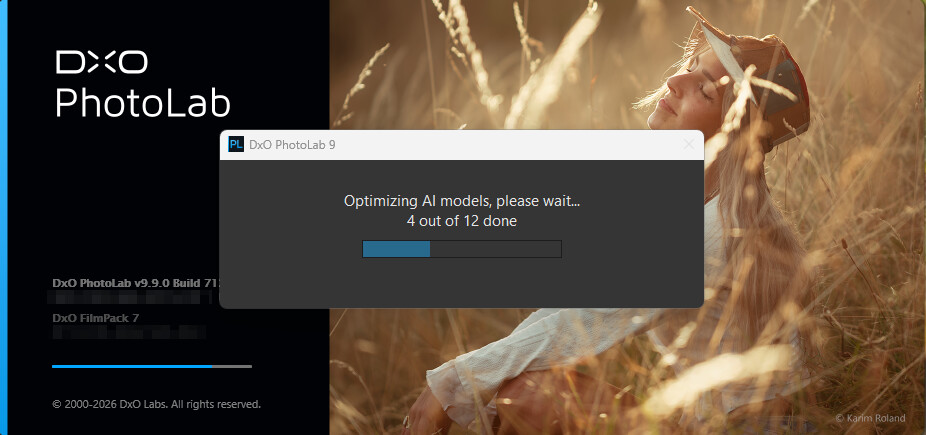
I see during the first start of PL 9.9 this: “Optimizing AI models”. Add-on: upgrade from 9.8.1. May take 1.5 minute or less.
I’m in the “middle” of find “Budget GPU” for PL Thread about that: [Budget GPU for PL].
And after PL 9.9 install OR after this “Optimizing AI models” (or both , or some black magic happen), the actually tested GPU (Intel Arc B570 w/ 10GB) just bring to life for PL. Works fine!
Odd it didn’t do it for me
It did not do it for me as well. He probably upgraded from something older than 9.8
Nop. From 9.8.1, the latest one. I guess its may made due some GPU swapping things.
I was hoping that they add the Sony A7RVI to it - looks like we getting closer to Version 10….
Is this signed as trusted by Microsoft? I installed the update and Microsoft Smart App Control is blocking it. FWIW I downloaded the installation file a second time, via a different VPN connection, to ensure that there was no corruption in the D/L. Same result. I am v reluctant to disable Smart App Control, but am I the only user who has seen this?
W11, Version 25H2, Security Update 2026-06 on an Acer Predator, RTX 5070 ti (laptop version)
As usual they are not … just install.
I did, and now PL is blocked by Windows 
Hi Mike,
That’s strange… at least for me. When I have to install something (and this time all the DxO updates), I get a warning that the application (the installer…?) isn’t certified by Microsoft, and I install it anyway (as administrator). I’ve never had this problem before.
Are you running PL as a user or as an administrator?
Please note that although I have always worked with Windows (DOS 5, Win 3.1), I am not a technician with in-depth system knowledge. … That is, I don’t know if it’s possible to install the older version over it without removing PL 9 first.
Wolfgang
Can you not just deactivate Windows Smart App control, install PL, and then activate it again? Or will it just stop PL again after restart. Maybe you find some useful information here:How to Enable or Disable Smart App Control in Windows 11 - Guiding Tech
@TorsteinH I did look at suspending Smart App Control, but all the (after all, they wrote it, so it must be true!) Microsoft advice was that one can’t disable Smart App Control once it has been configured. Indeed, the article to which you link seems to suggest what I had already read: turning it off for one app, you have to do a complete Windows re-install to restore it.
We shouldn’t have to put up with this kind of sh*t, I have been using PL since before they changed the name from Optics, so I know DxO are serious. I am gradually emerging from 30 years of BSOD trauma to trust the idea that Microsoft might be interested in making things work securely, rather than just secure or working but not at the same time.
Dumb, or what? If I run repair a second time, as admin (well, it’s my laptop, and I sure as hell don’t trust any other admin!) then I can get PL to run. More inclined to mistrust the downloads (at some point) than anything else. But why can’t we have checksums? That would alert us to this kind of problem much earlier in the piece!
Hi Mike,
I have just read the linked information on the topic of “How to Enable…” with great interest and also noticed the following
That’s exactly what I would try. And you can still edit the registry (if to rerun that safety app … well, I guess).
[ I hate this kind of (over)protection. ]
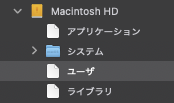
I am a Japanese macOS user. After updating to PhotoLab 9.9, I encountered a critical issue where I can no longer access the “Users” (ユーザ) folder under Macintosh HD within the PhotoLab folder tree.
As shown in the attached screenshot, the “Applications”, “Users”, and “Library” folders are incorrectly recognized as blank file icons rather than folders, preventing me from expanding them. I cannot even navigate to my image directories, let alone open RAW files.
My environment:
OS: macOS (Using an External SSD as the main boot drive)
Software: DxO PhotoLab 9.9
I have already checked the macOS “Full Disk Access” settings and ensured PhotoLab has permission, but the issue persists.
Has anyone experienced a similar issue with external boot drives on the recent update? Any advice or workarounds would be highly appreciated.
Thank you!
I just updated to PL9.9 and it just crashes when I do anything AI related (masks, retouch, XD3). Does anyone know how to downgrade to 9.8?
First i suggest to change this, may its helps:
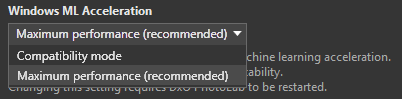
anything AI related
Even a single (1) ‘manual’ AI mask (like ‘selection’ or ‘area’)?
retouch
AFAIK ‘retouch’ is not AI based in PL.
And what is your GPU? Please write the type and the VRAM GB amount. I guess it’s under Windows.
I also have had some crashes there does apeare to be a new bug. I havent had any problems in the latter 9 builds just 9.9. It sent a crash report of to support once but had two others doing different things.
It is currently set to maximum performance. And it is indeed on windows. I used to have a problem using GPU export and XD3, but this seems to be solved in PL9.9 (to bad it adds all the new bugs)
My GPU is a AMD Radeon RX 6650 XT with 8GB of Vram.
After the update when I select a photo previously edited with (for example) a sky/object/background mask it crashes.
Currently the only workaround is to use the CPU (which is very slow compared to GPU).