Hi John, to quickly reply – you are right!
I have conducted several tests and will try to compile this using screenshots, taking into account the mask overlays.
back again …
-
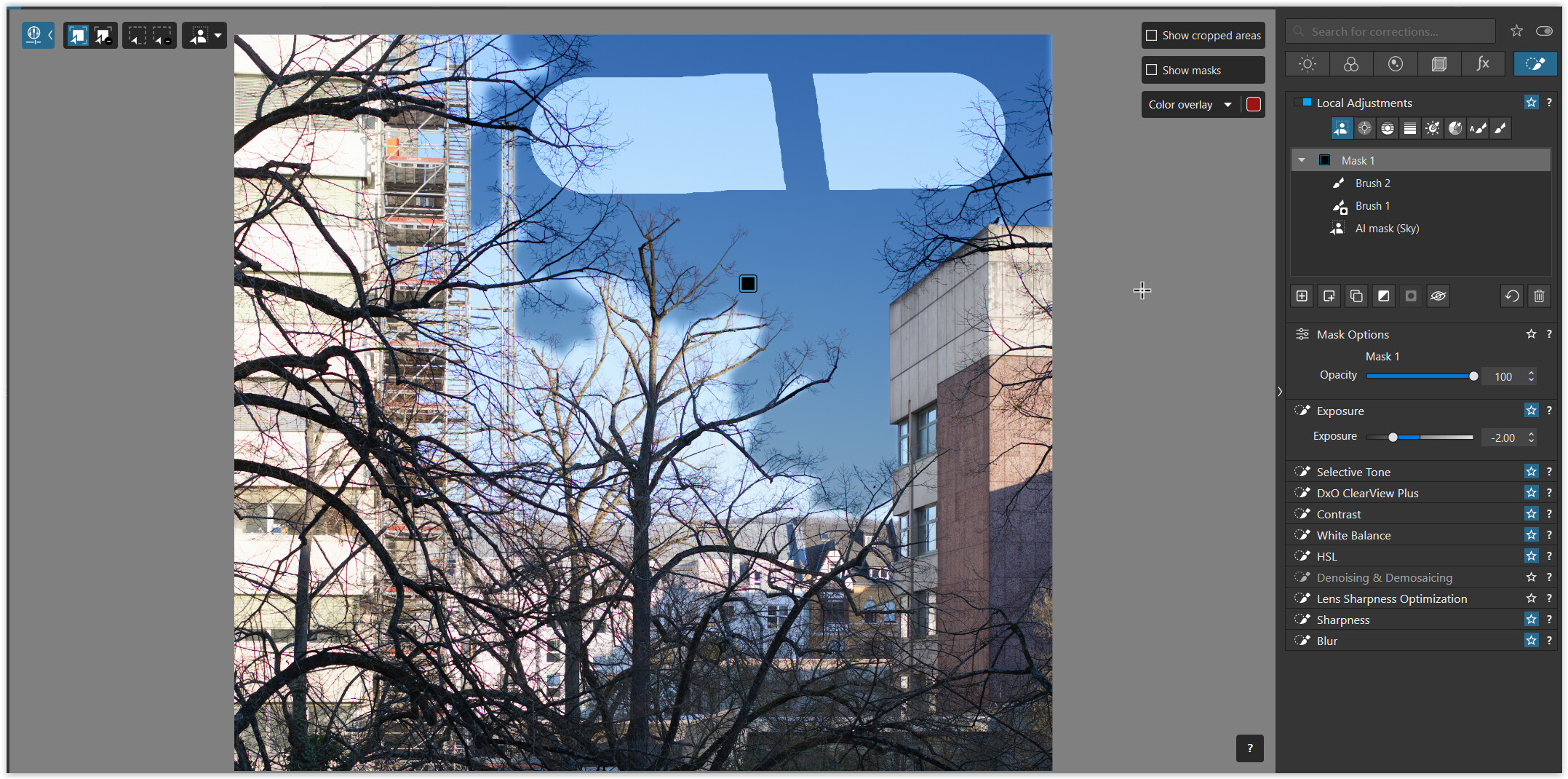
AI mask (Sky) / selection dimmed with Exposure -2.00
-
AI mask (Sky) → mask overlay
-
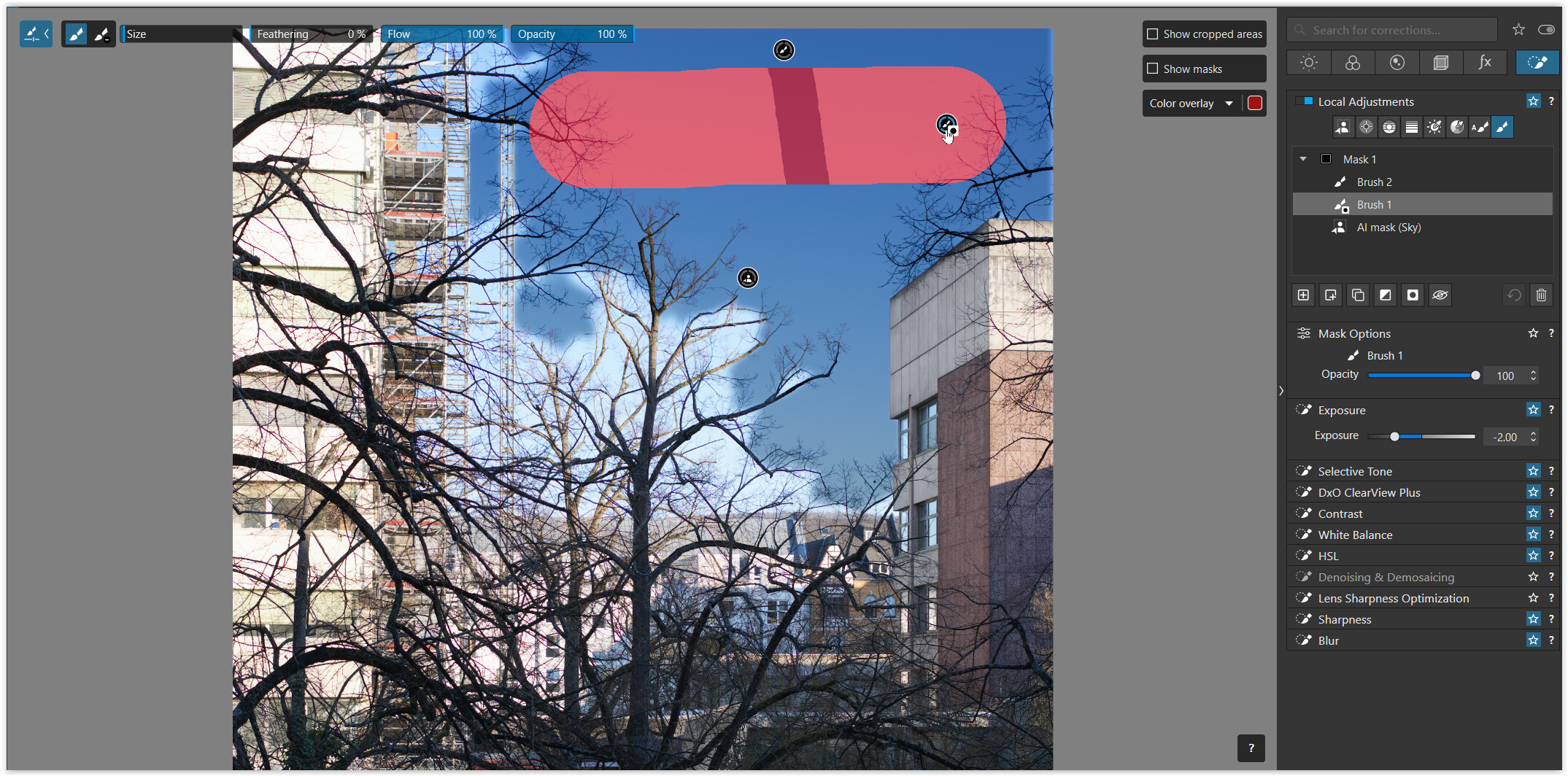
Brush 1 → Invert Shape
(excluding from AI mask, but showing Brush 2 mask overlay) -
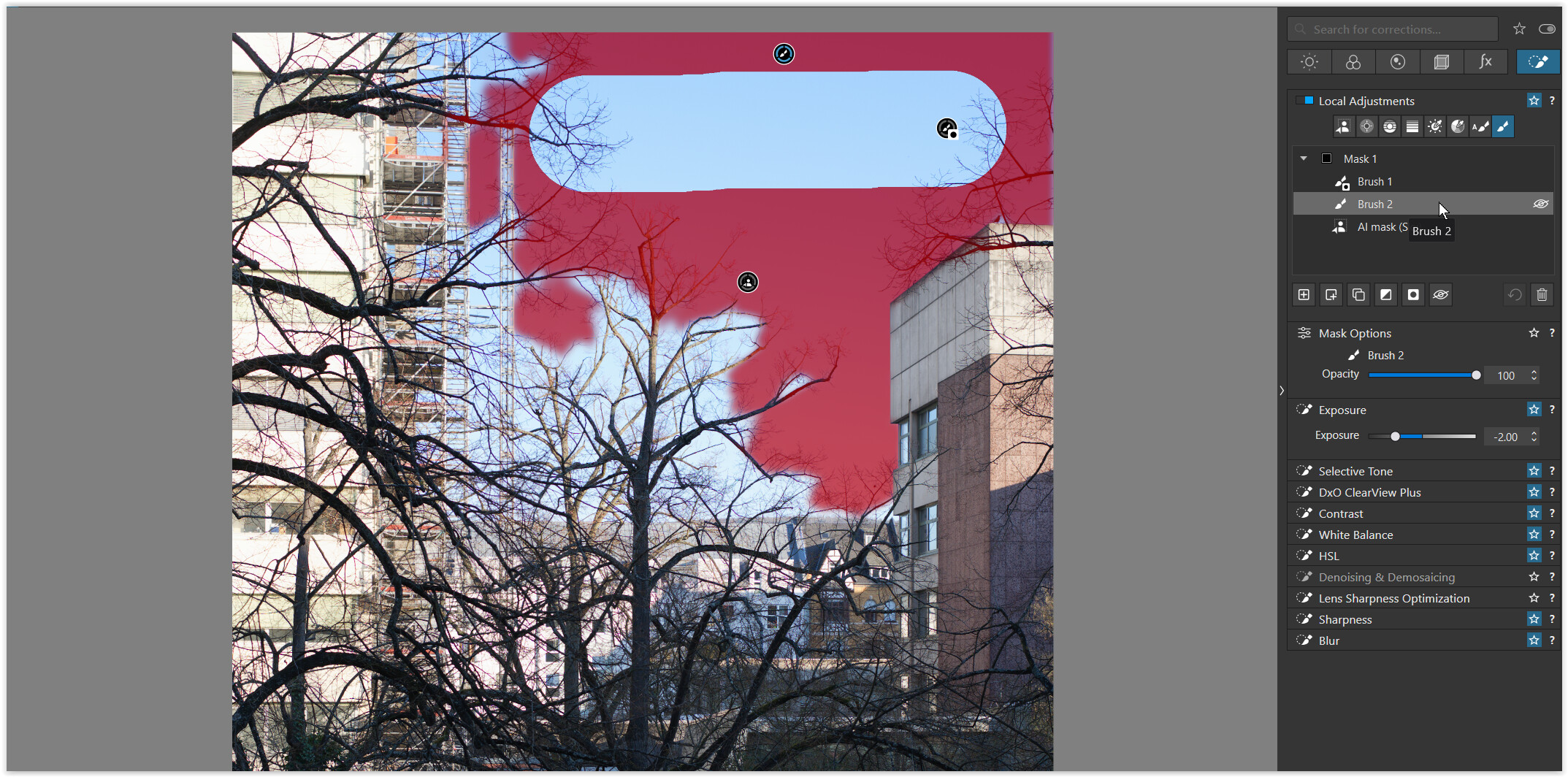
Brush 2 → re-added to the AI mask (Sky) selection
-
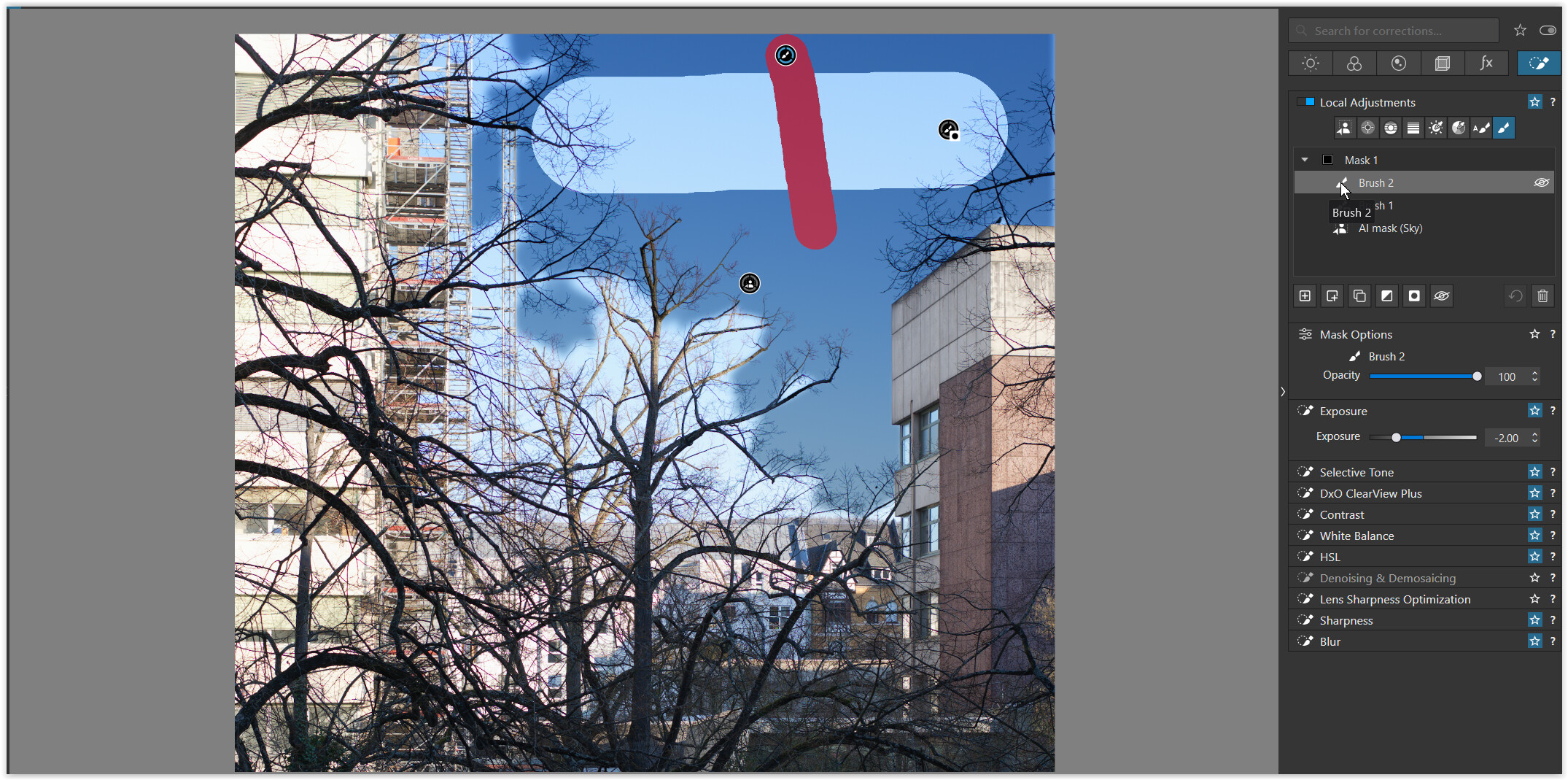
Brush 2 → the same as before, but with mouse over the mask’s gizmo
(showing the individual mask overlay) -
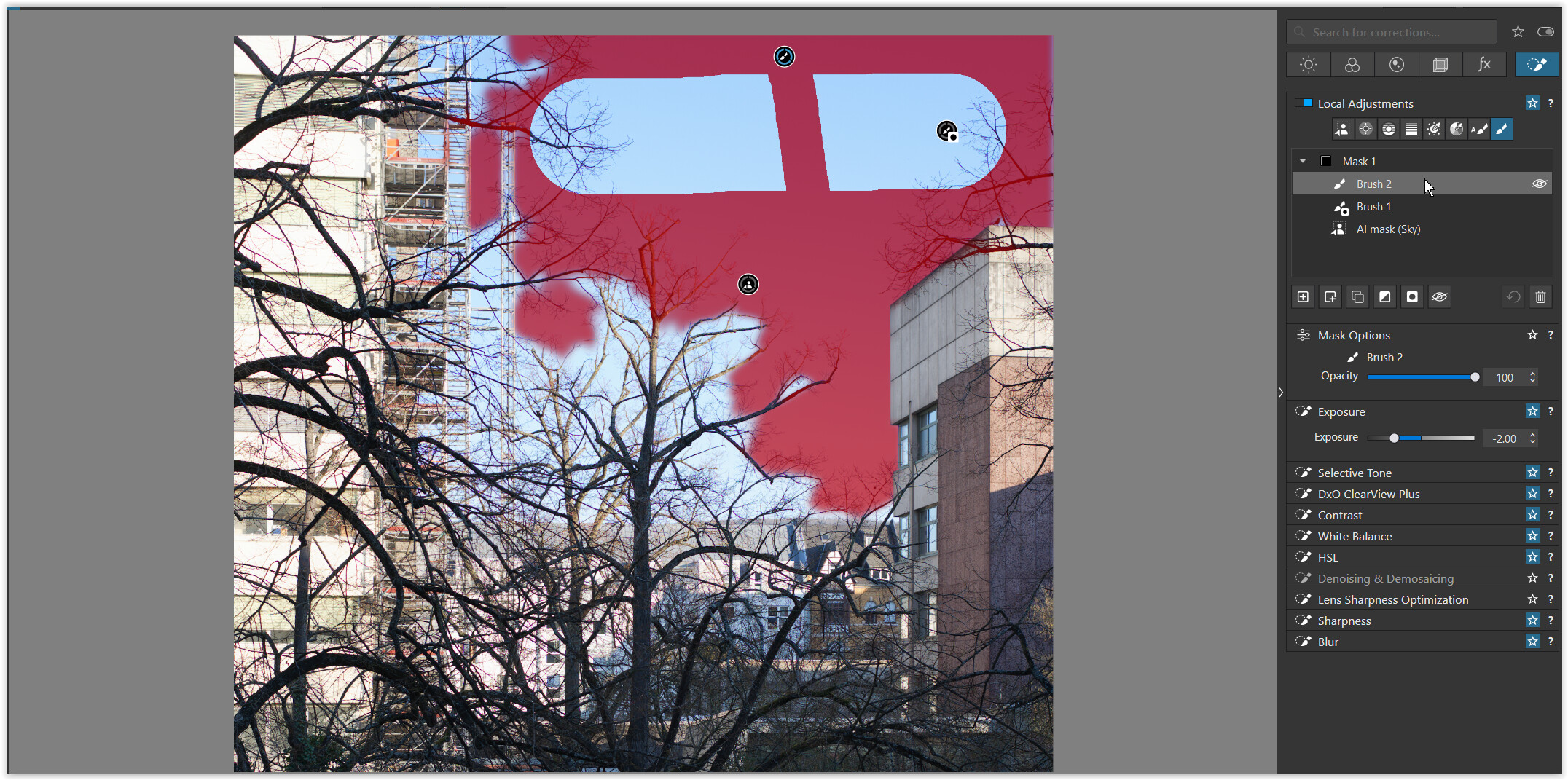
Brush 2 → the same again, but now with mouse over the mask description
(showing the effective mask overlays) -
Brush 2 → moved below Brush 1 Invert Shape
(Brush 2 is now partly ineffective) -
Brush 1 Invert Shape → moved below AI mask (Sky)
(Brush 1 is now ineffective)



.
- … and the same behaviour e.g. with Graduated filter and Brush / sub masks …
