Highlight recovery:
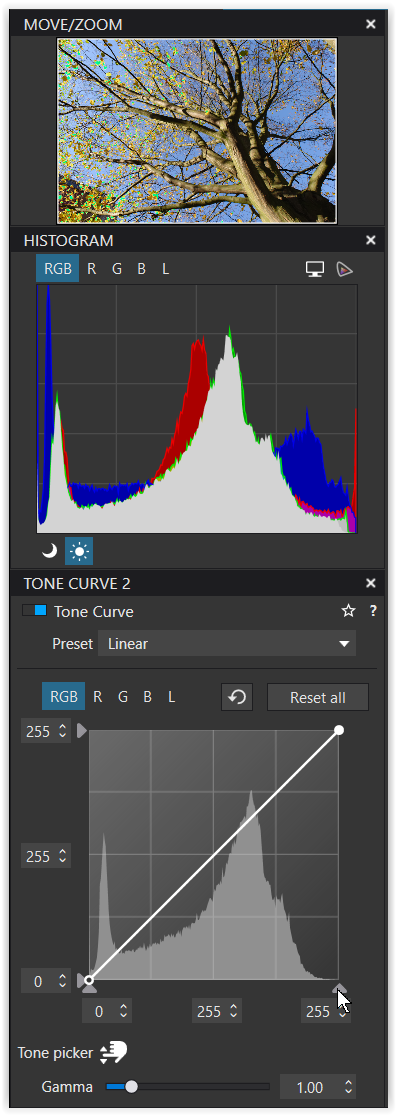
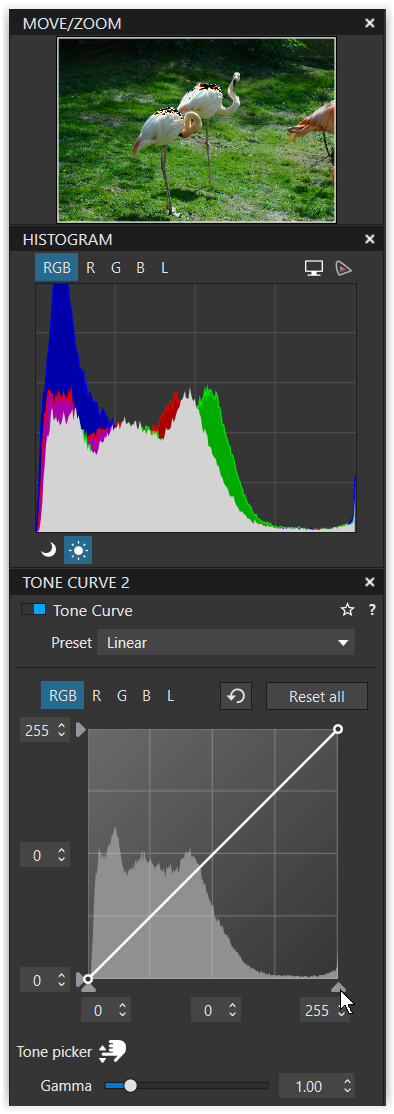
1 check if exposure of the blinkies area are max exposure +2ev. ( i use FRV) most of this can be recovered including details. Most pixels over the +2 is blown beond repair. Then is clone, repair a option if you need details on those places.
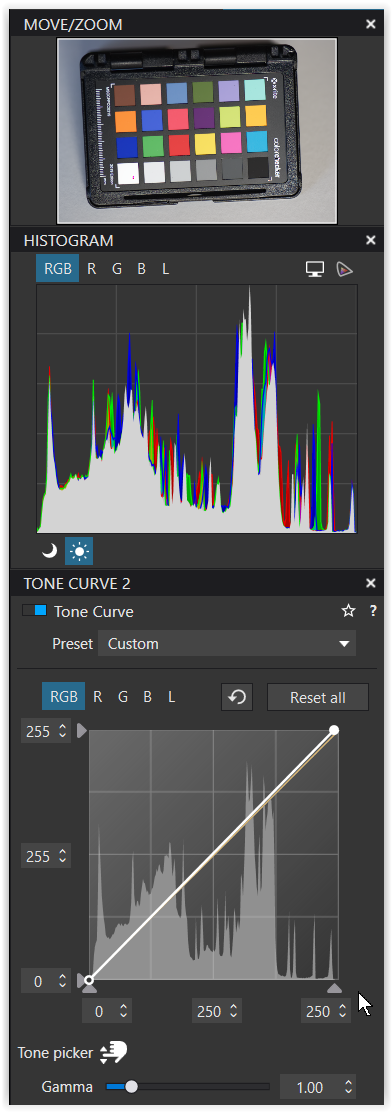
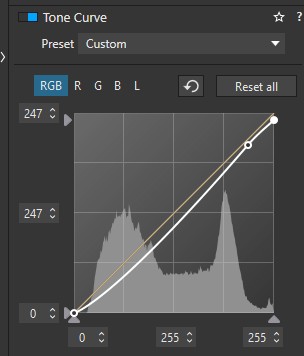
2 smartlighting is basicly a DR extention tool. It works a bit like idynamic. But then in post. By re-aranging tonecontrast it brings up blackisch shadows and bringsdown nearblown highlights. ( Yes with the cost of losing overal contrast) it looks a bit like the curvetone line push black to 5 and white 255 to 245 but a bit smarter.
Best way to use smartlighting is put (facialreqocnision) boxes on the places of interest. Hightlight, darkplaces, objects, people…. Use about 25% .
And then use exposure to brighten the image if it is too dark, because you boxed a brightest part of the image it tries to keep it inside the DR wile other parts get brightend. ( it compresses the upper part of the exposurehistogram.)
Then part two of the modes.
Selective tone and filmpack’s advanced contrastsliders.
Highlight bar of tone and contrast at -25 is much more effective then only selective tone at -50.
Why? Highlight contrast slider lowers(-) or enhance(+) pixel diversity in the 245-255plus area. So you lose some detail but well in blown white detail is already lost so why bother to try to keep this.
By enhancing midcontrast(+) a bit you get some details back in the highlighted areas of the pixels which arnt near blown. This give some detail back in those area’s. You can fiddle with -25 -25 and then -27 -23 until you find the sweetspot between supresion of brightnes and recovering detail.
Sometimes the blinkies show complement colors like cyaan or magenta. This shows which channels are over brightend, blown. ( FRV shows this in the hystogram upperright of the screen. Sometimes you can maniplulate those channels seperate without ruin your WB and or colors. ( upoint filters are most useful in tackling this.
Using plain smartlighting to the max is often just compressing the tonality of a image and make it dull. Use it moderate and it helps you to re-aranging the tonecurve in a smart way. It give you a better starting point.
But be aware that it actively counter attacks your other adjustments IF they are in the dangerzones. So switch off and on smartlighting wile adjusting to see if you are poking in the wrong way.
Fine contrast and local adjustmenttools can help to bring a image back to life after a global recovery by smartlighting.
Remember you cant redo in post exposure. Blown is blown closed shadow is closed shadow. So those details are lost. What you can is re arange all other pixel brightnesvalues of rgb. Cloack or reveal areas of a image. ( i mean soften or harden a color to bring it upfront or push it back in the overal tonality( hiding the flaw.)