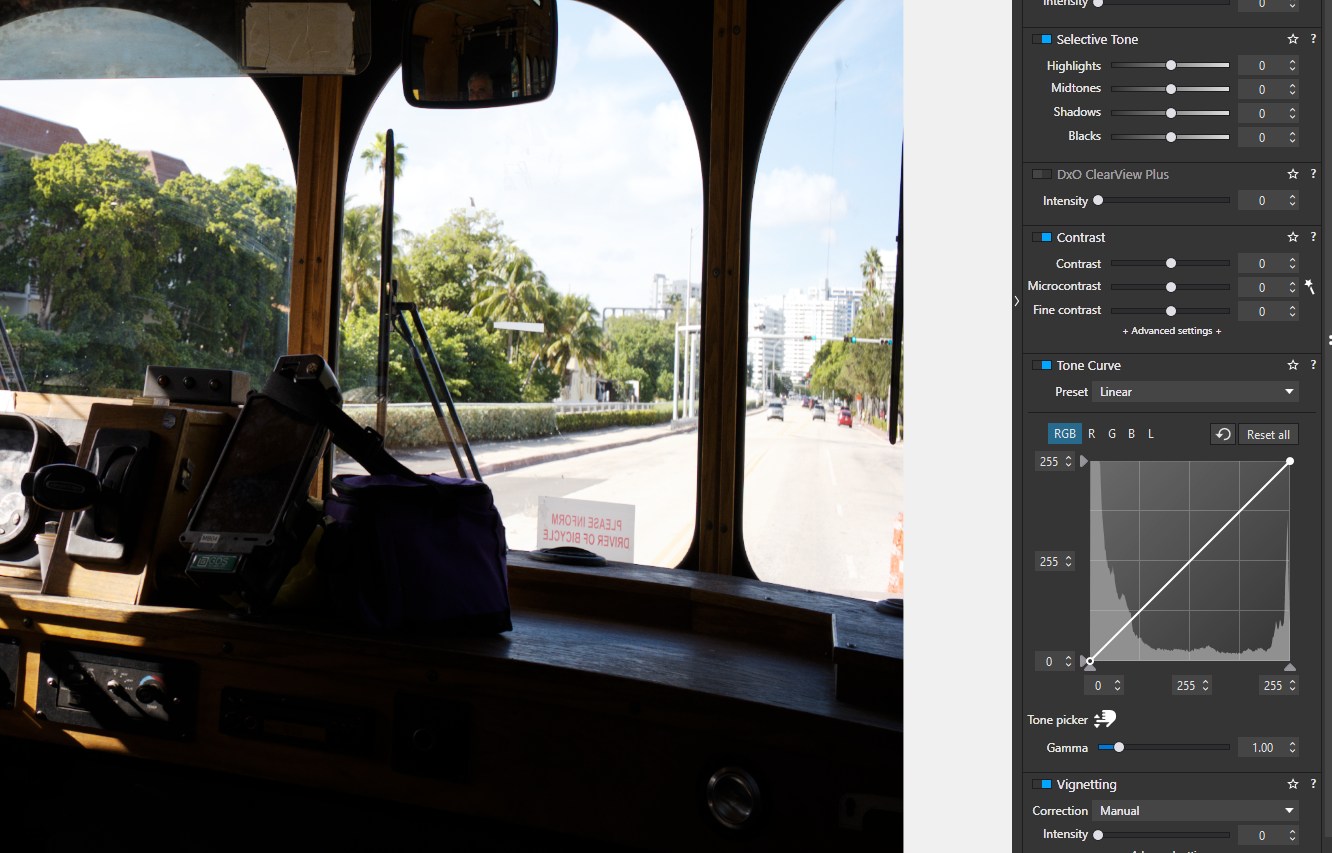
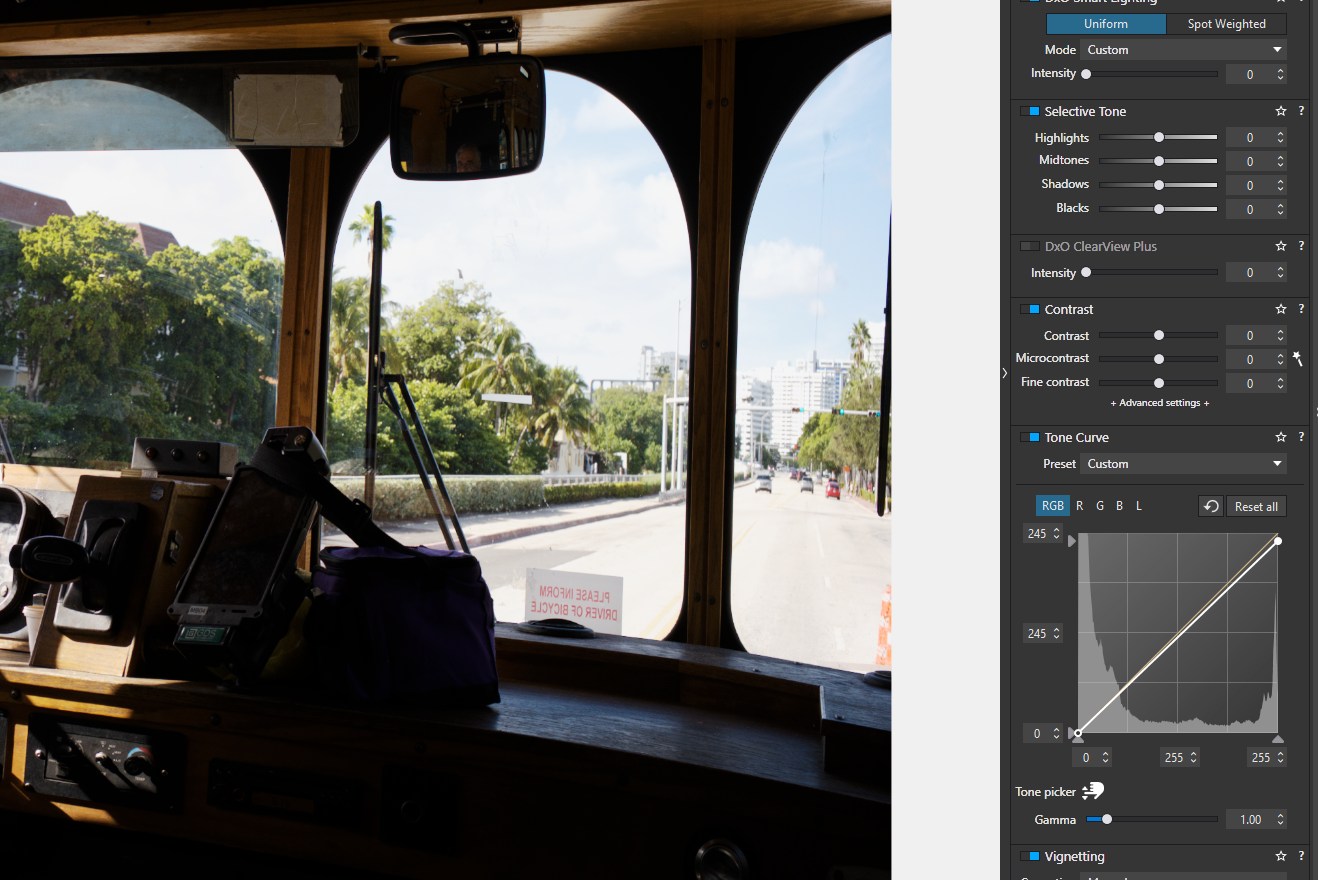
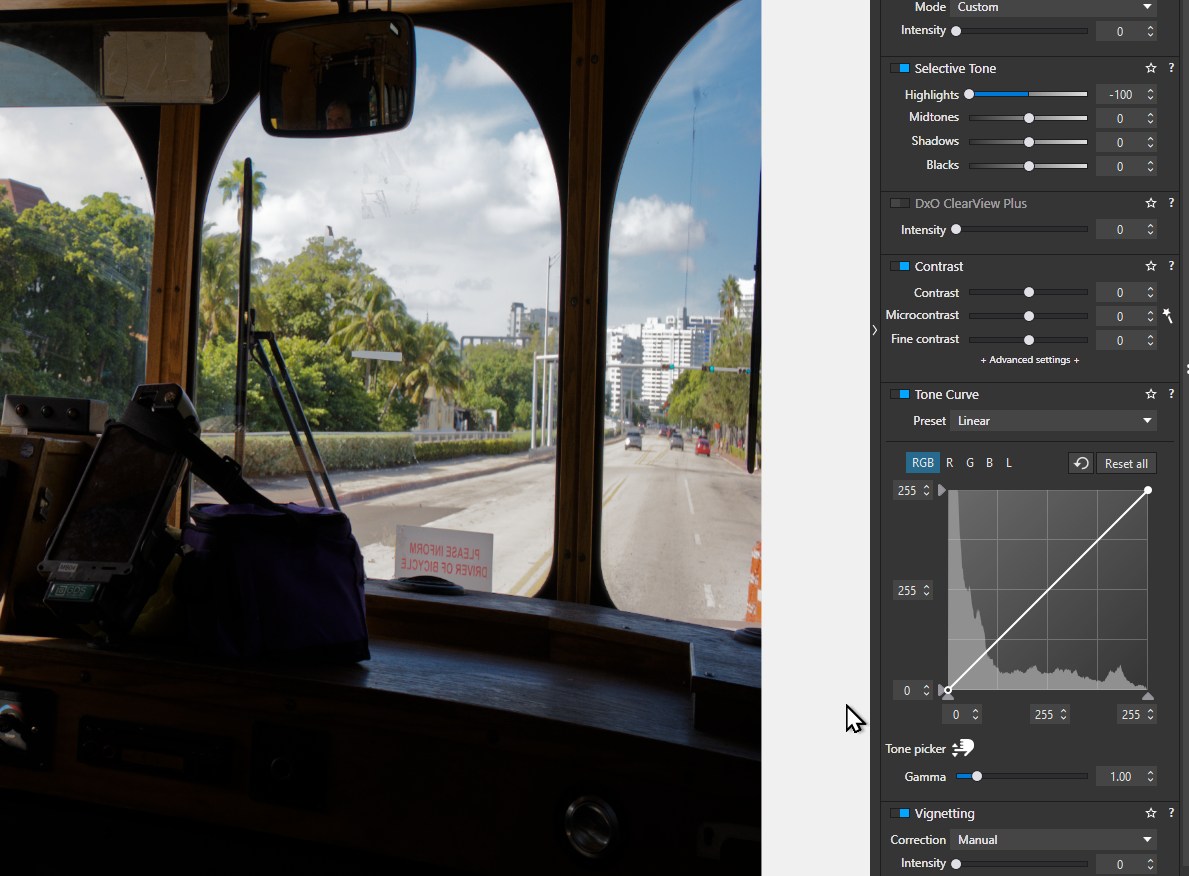
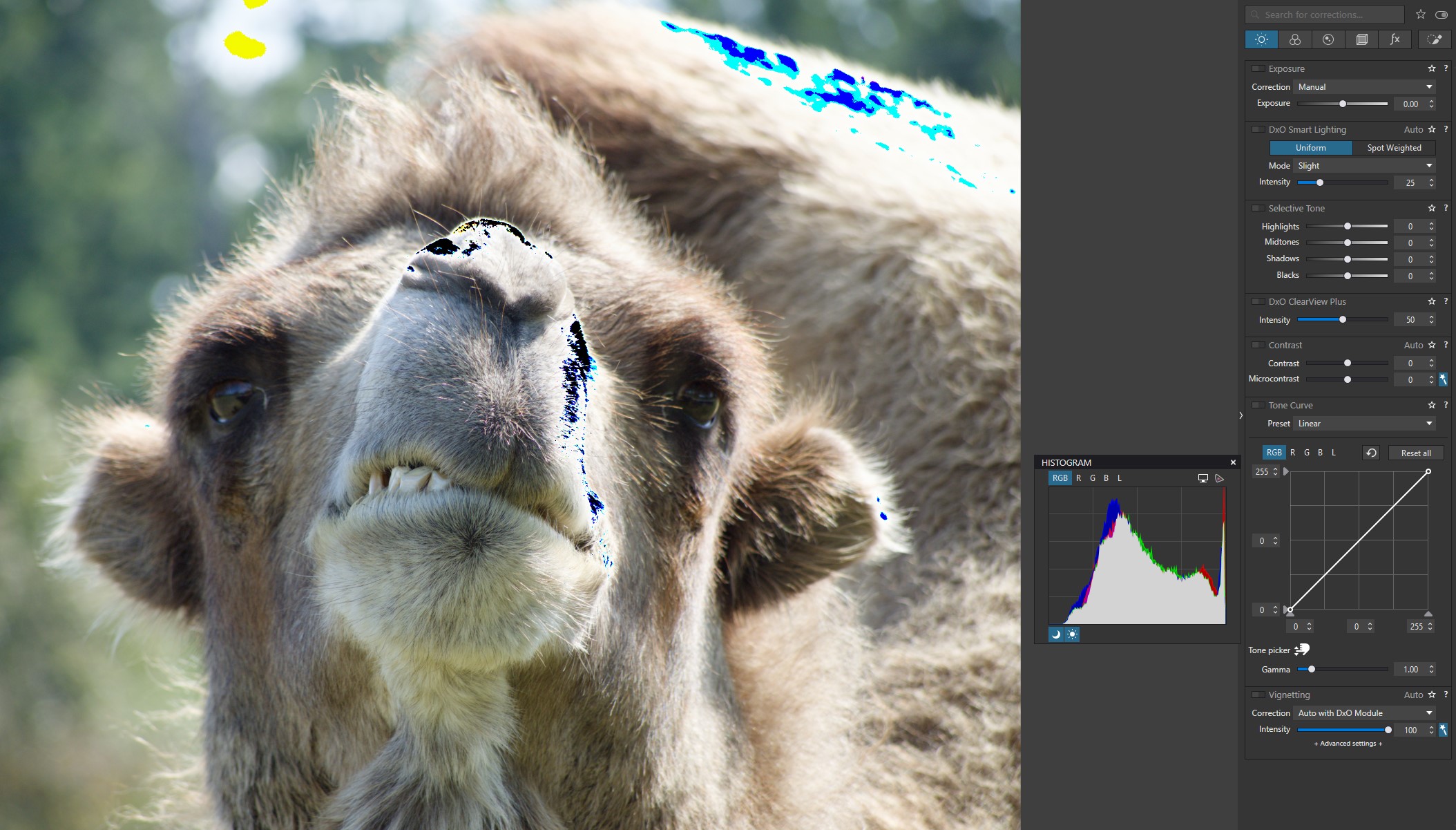
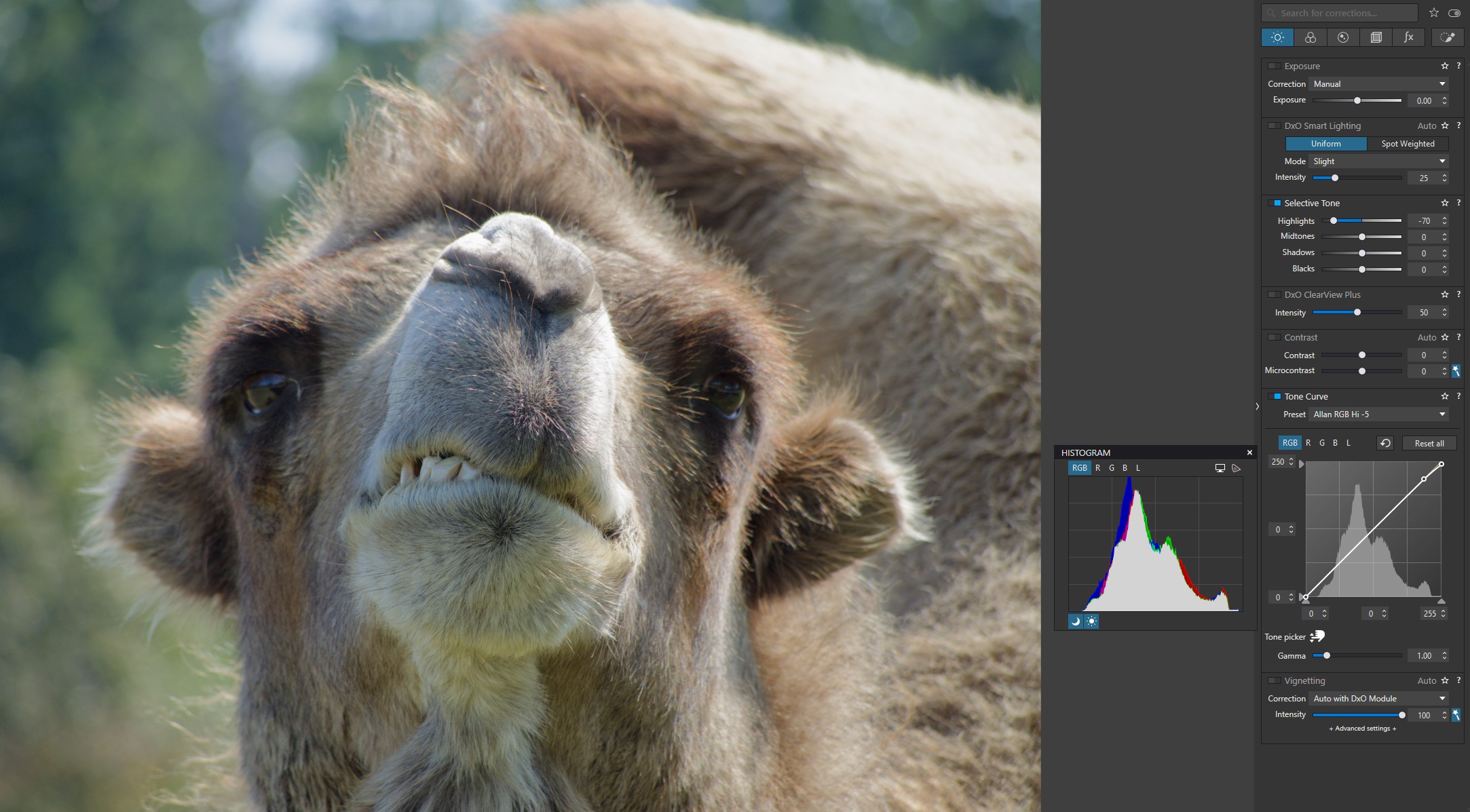
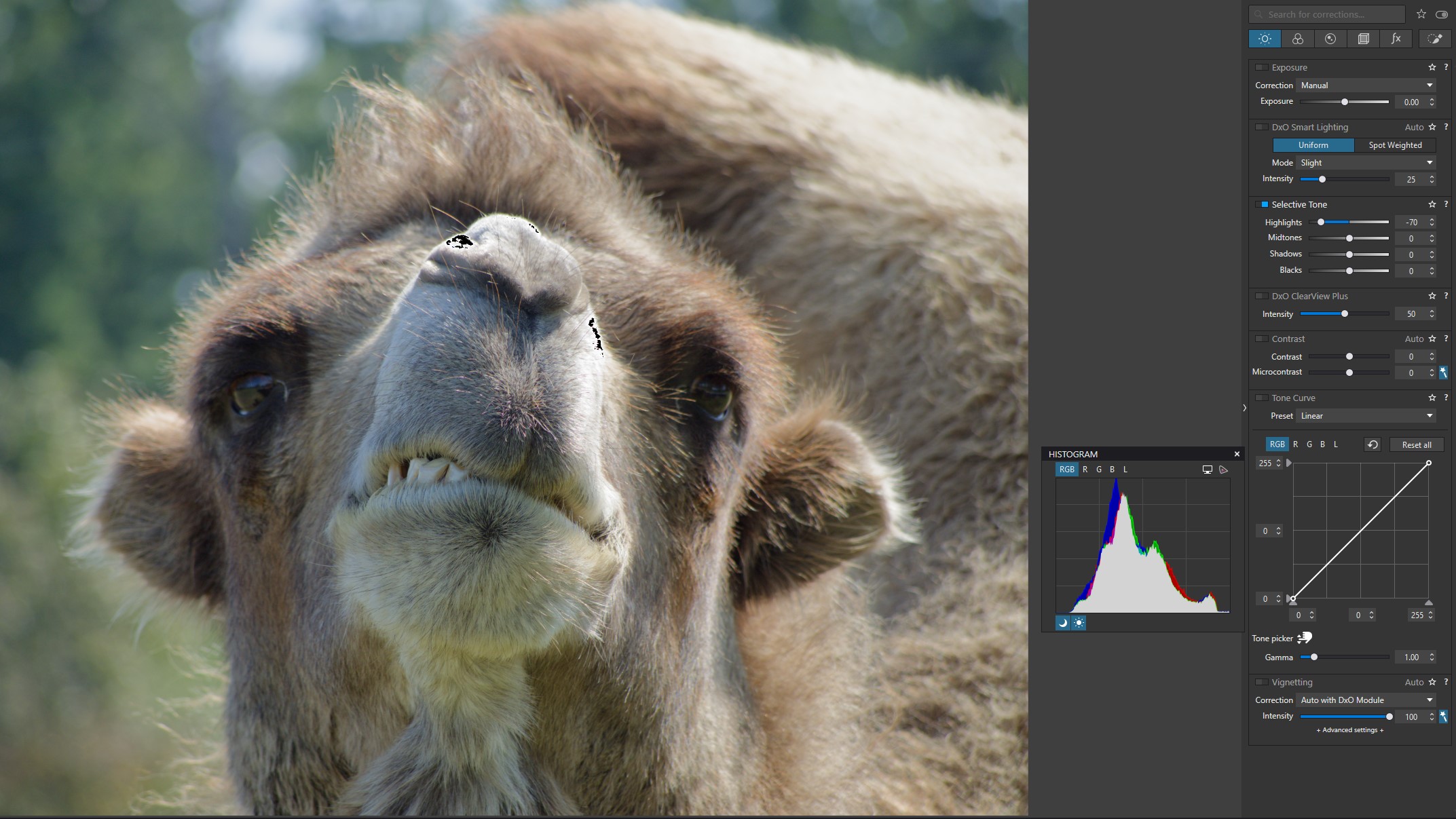
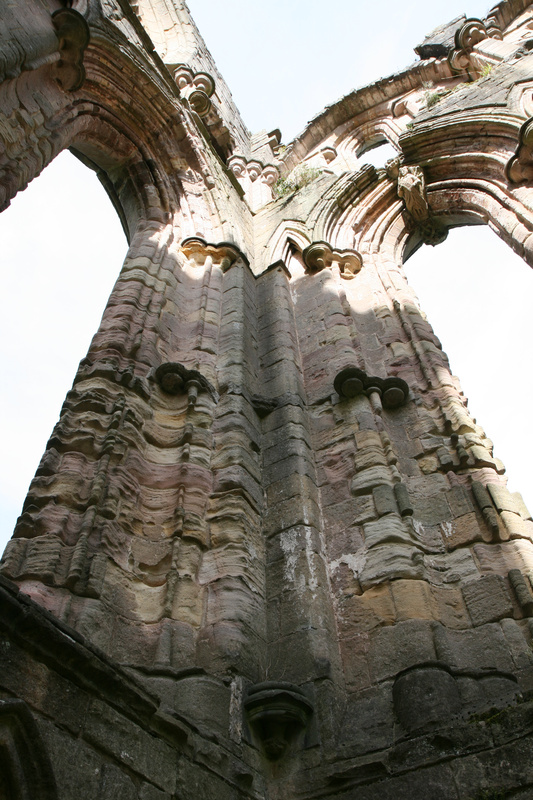
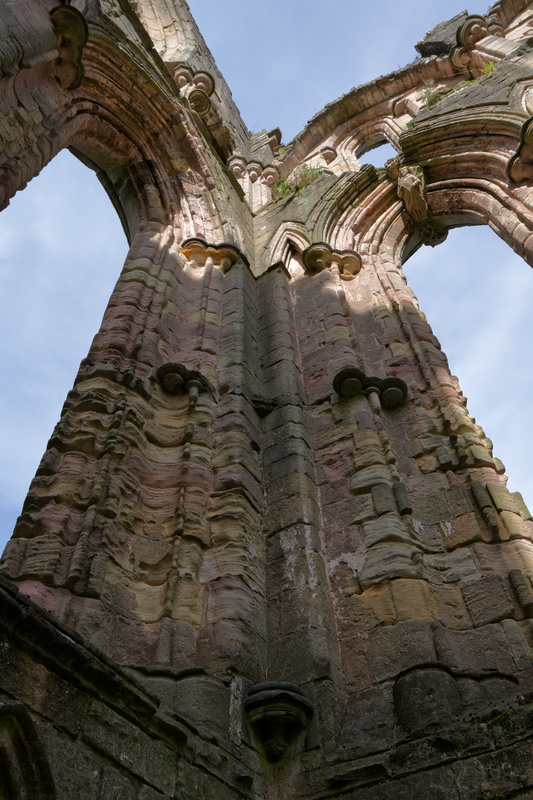
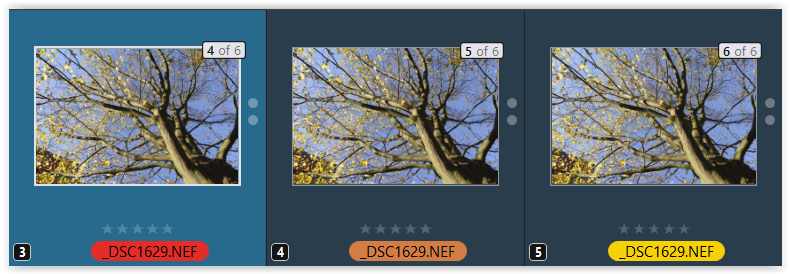
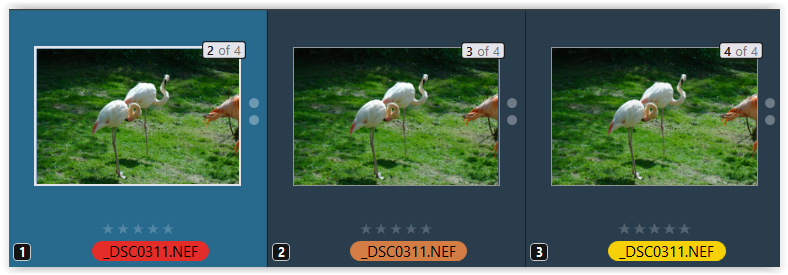
Yes, I understand very well what is happening. When an image is clipped, there is no further information that can be recovered.
But, what exactly is the clipping point?
That varies with the camera to a small degree and the specific channel being monitored. To “recover” clipped highlights, one or more channels need to be under that threshold. This is handled a lot better in Lightroom than it is in PL.
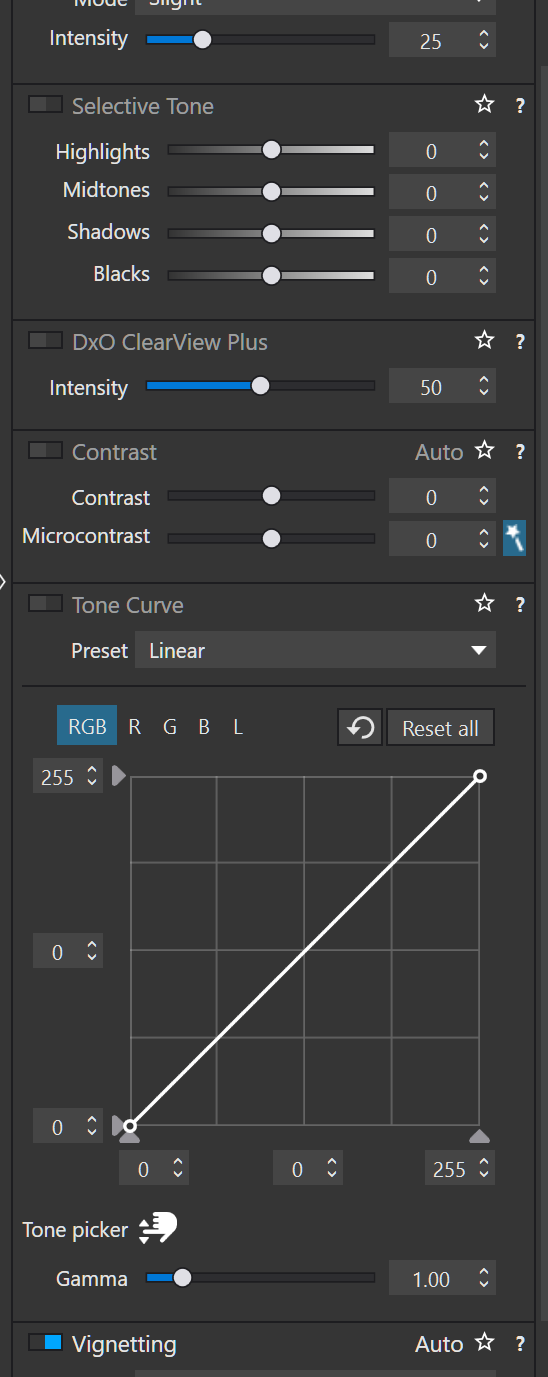
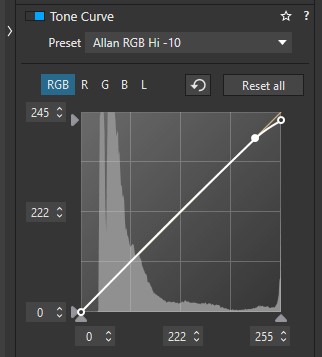
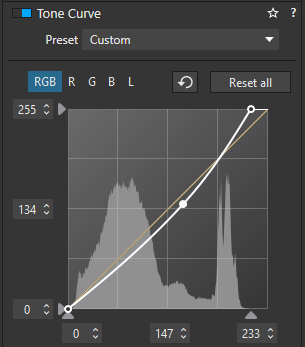
The “right” way to do this is to recover any information in the clipped areas without affecting the rest of the image. This is what the Lightroom slider does to some extent and what my preset does.
- This technique is also used in the film world, usually in the development stage or the printing stage or both
- I restore vintage audio recordings and the same principles apply - deal with any clipping first - harder to do as you cannot see it
Now, after that, if you want to make any further adjustments, then you can do so. My camel images show the difference in applying a -100 Highlights with and without addressing the clipping. The same applies to images with “crushed” blacks. In both cases, the image looks a bit better without the clipping.
You can see the difference in an image with clipped highlights vs the same image where those clipped areas are a very light shade of grey as you also said above.
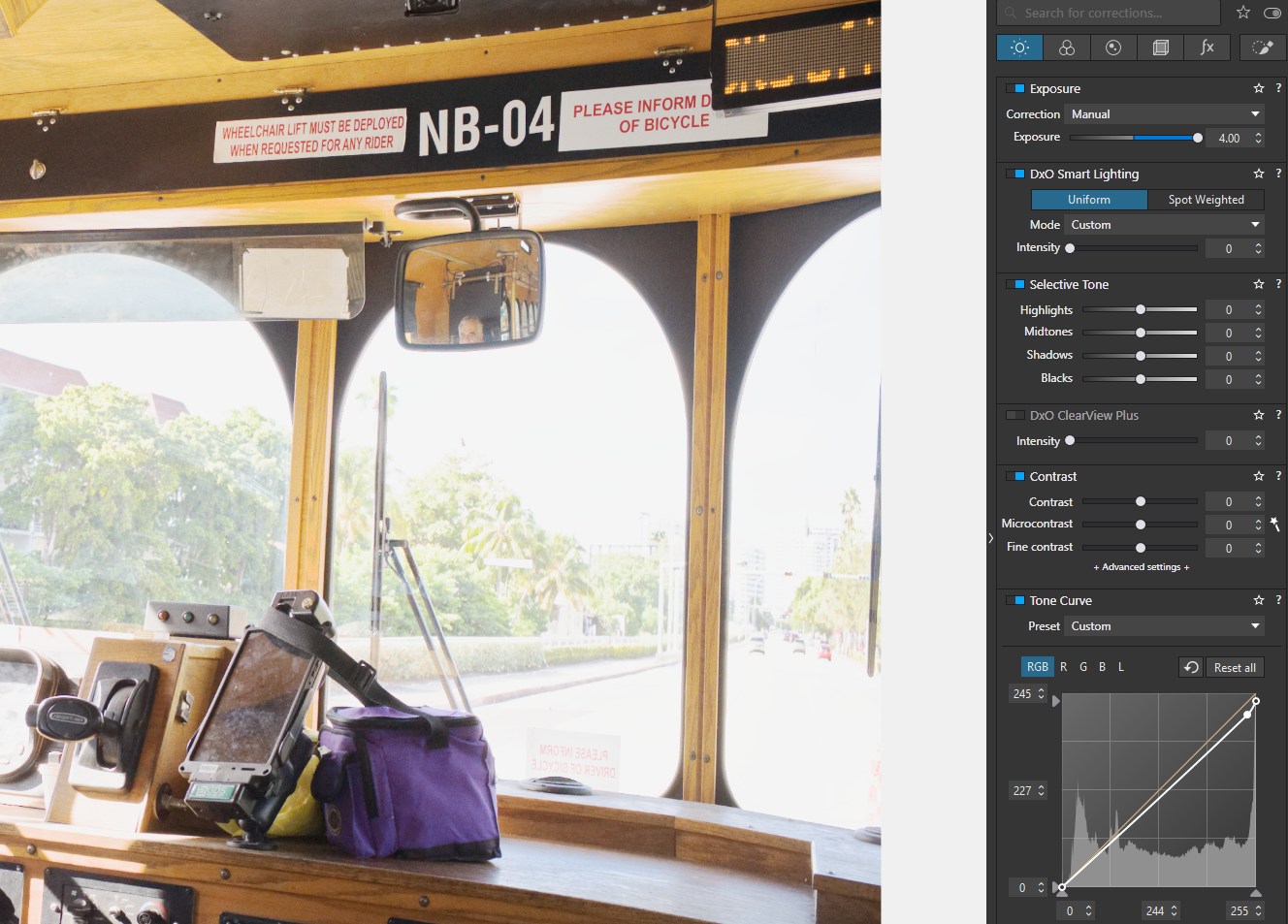
Now, in Mike’s image that you posted, I would say that it is over exposed but is it clipped? I don’t know as I did not download it. It does not appear to be clipped. I do make a distinction between over exposure (very bright) VS actual clipping.
So, as I said above “My Tone Curve presets work well for most of my photos where I have clipped highlights or shadows. Once the clipping is removed, I can then make any further adjustments as I see fit.”
Anyway, the OP asked “Is there a current best practice with recovering highlights in an image.” I take this as meaning clipping, not a general over exposure.
I tried to be helpful in presenting my technique when using PL.