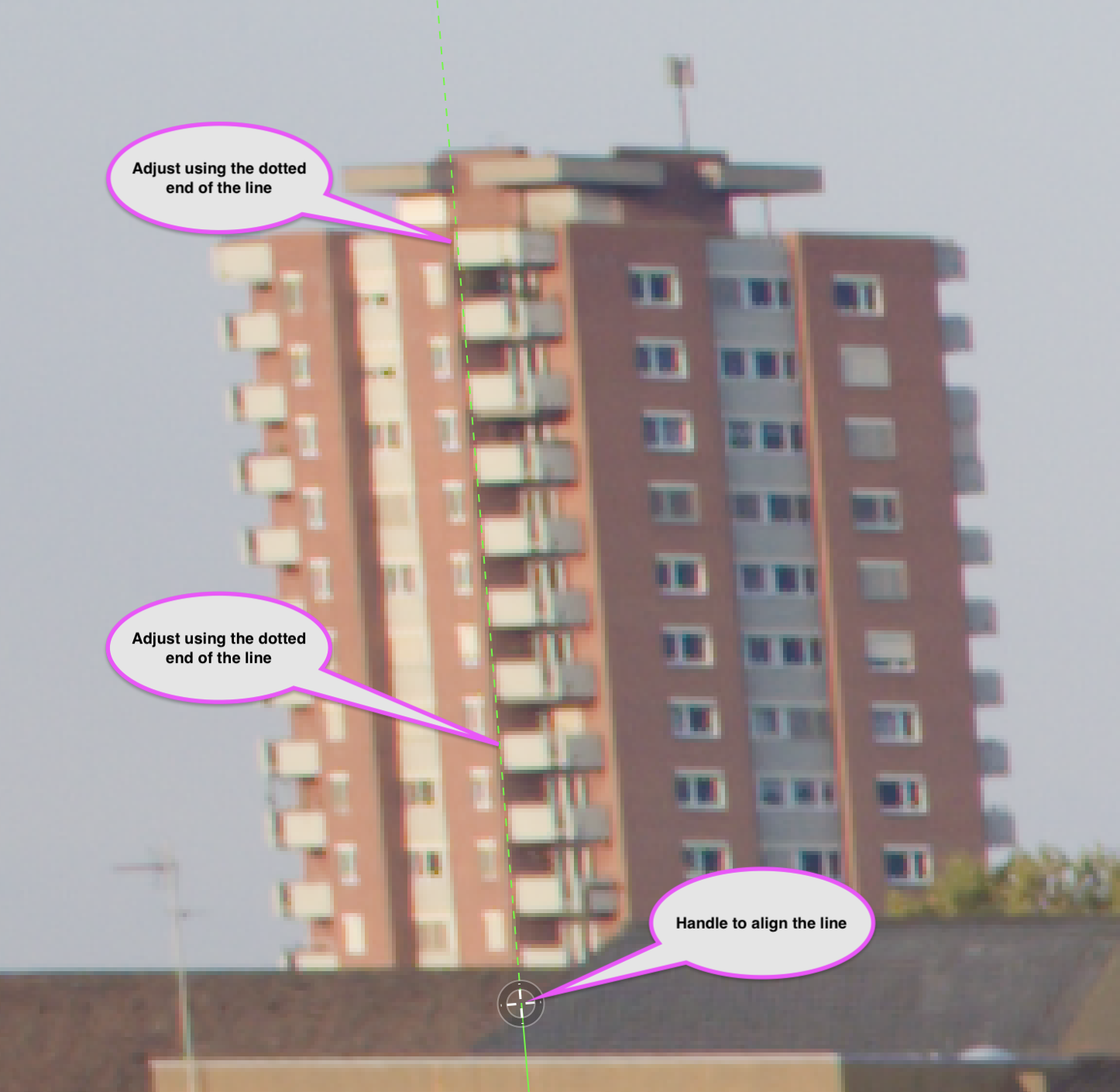
When I adjust the perspective of a photo in VP5 the cursor is an arrow and when I use it to select the “adjustment handles” a loupe appears to aid in the placement of the handle at the appropriate place in the image.
When I attempt to do the same thing in PL9 the cursor is a hand (for panning??) and when I select the adjustment handles the loupe doesn’t appear. This leaves me with trying to place these handles while imagining what is behind the hand.
Is there a setting I am missing in PL9 or is this something I need to submit a ticket to accomplish?
Unfortunately, this is by design. ViewPoint integrated in PhotoLab has lacked some of the tools present in the standalone ViewPoint application, particularly the loupe:
I mostly adjust line positions by looking at the dotted parts of the lines.
It helps due to these parts letting the image shine through between the dots.
Thanks platypus & the others who responded! I’m sure I can figure out approaches to work within the limitations of PL9. If needed I believe I can export to VP directly.