As a supplement to my comment …
-
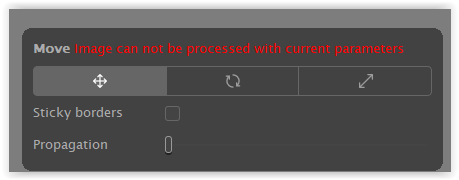
Tested with a heavily distorted image (taken with a ‘known’ Tokina AT-X 10-17mm F3.5-4.5 DX fisheye lens). – After applying lens correction to the raw file, I received this message when trying to access the (local) ReShape Fusion tool.
-
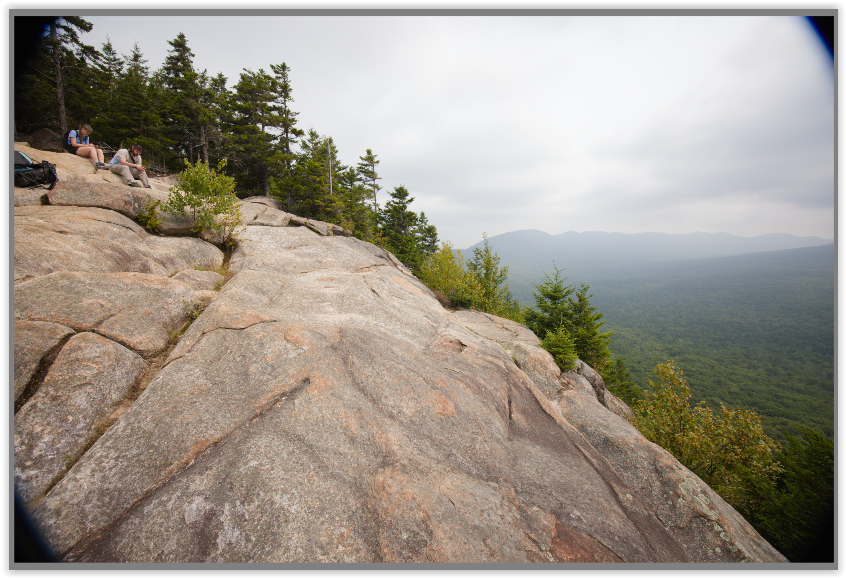
Now, the same thing happened to your image,
except the message disappeared quickly.
( severe vignetting w/o lens correction ) -
Cross-checking with another image whose raw file was shot with a moderately distorting lens. – After applying lens correction to the raw file, I was still able to apply the (local) ReShape Fusion tool.
If I turn off lens correction now I can manipulate the image with Fusion. …
What you can do in this case (VP5 Standalone) …
- Apply lens correction to the raw file.
- Save your image, e.g., as a TIFF / under a different name.
- Open this “lens-corrected” version and apply ReShape Fusion (locally).