I had a similar problem with ReShape a while back. Was reported to support.dxo.com. DxO eventually accepted it as a bug and fixed it. Hope they fix this, too.
DXO just released VP 5.5.2 so I gave that a go. Things got worse actually,
The issue remain that if lens correction is ON Fusion reshaping does nothing, If I turn off lens correction now I can manipulate the image with Fusion. However I get an error if I try to re-enable lens correction after that. Not good…
ReShape Fusion definitely works in DPL 8.7.2.48. on Mac.
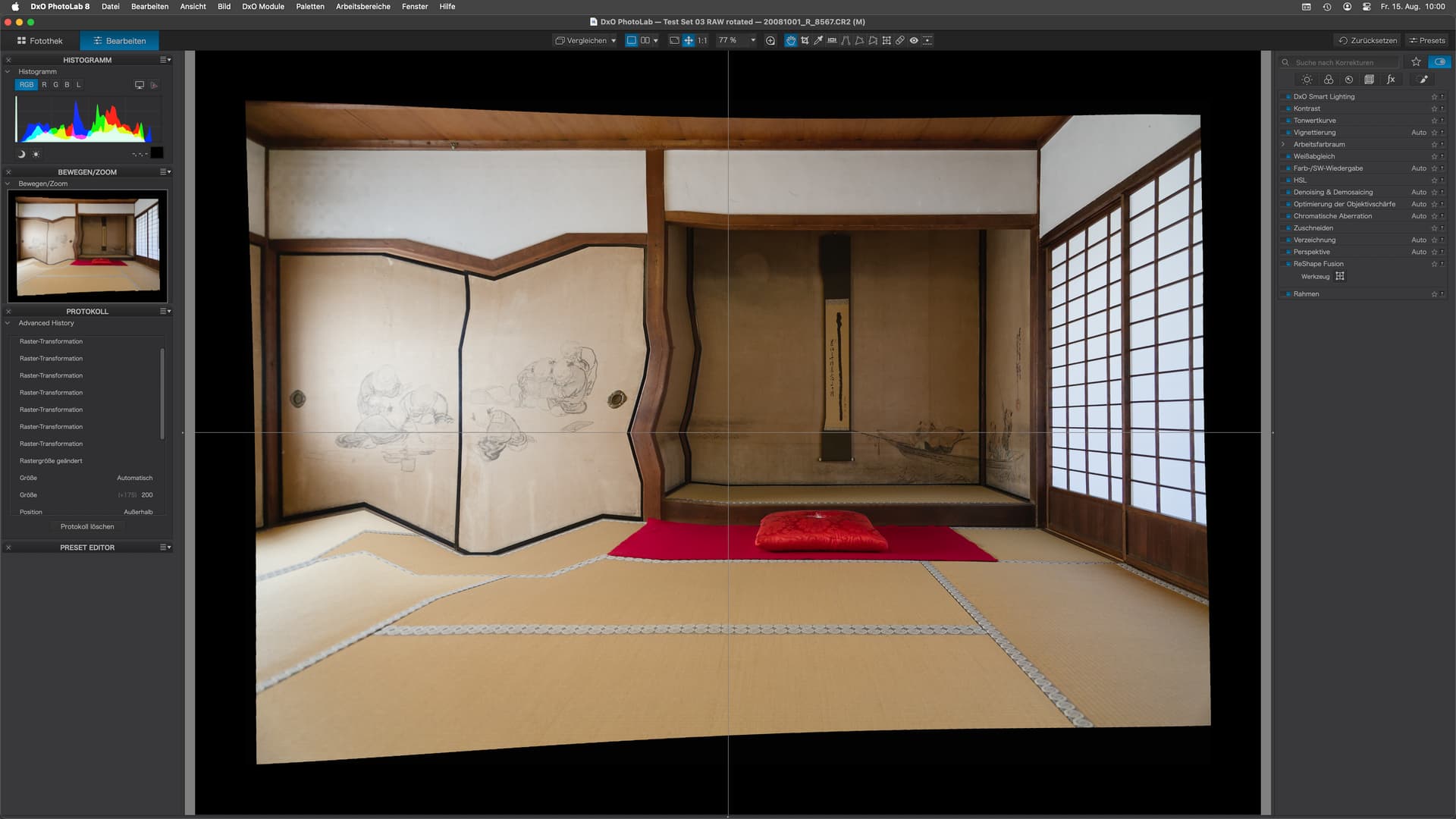
The trapezoid distortion is caused by perspective corrections.
The curved edges are from lens distortion correction.
The black surrounding the image is from unconstrained crop + FilmPack frame.
As a supplement to my comment …
-
Tested with a heavily distorted image (taken with a ‘known’ Tokina AT-X 10-17mm F3.5-4.5 DX fisheye lens). – After applying lens correction to the raw file, I received this message when trying to access the (local) ReShape Fusion tool.
-
Now, the same thing happened to your image,
except the message disappeared quickly.
( severe vignetting w/o lens correction ) -
Cross-checking with another image whose raw file was shot with a moderately distorting lens. – After applying lens correction to the raw file, I was still able to apply the (local) ReShape Fusion tool.
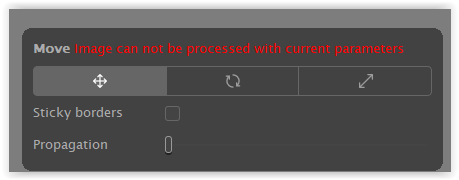
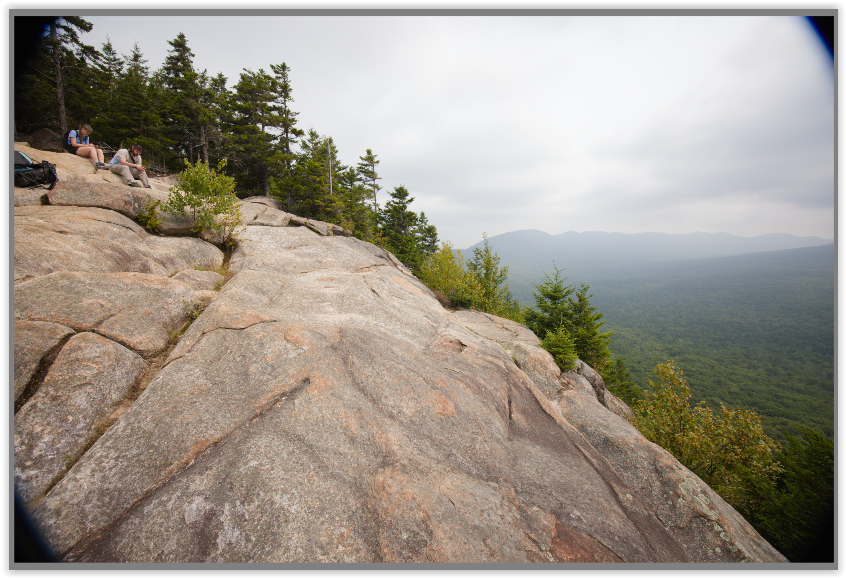
If I turn off lens correction now I can manipulate the image with Fusion. …
What you can do in this case (VP5 Standalone) …
- Apply lens correction to the raw file.
- Save your image, e.g., as a TIFF / under a different name.
- Open this “lens-corrected” version and apply ReShape Fusion (locally).
I can confirm what you are finding but, only if I reduce the grid to 32 x 32.
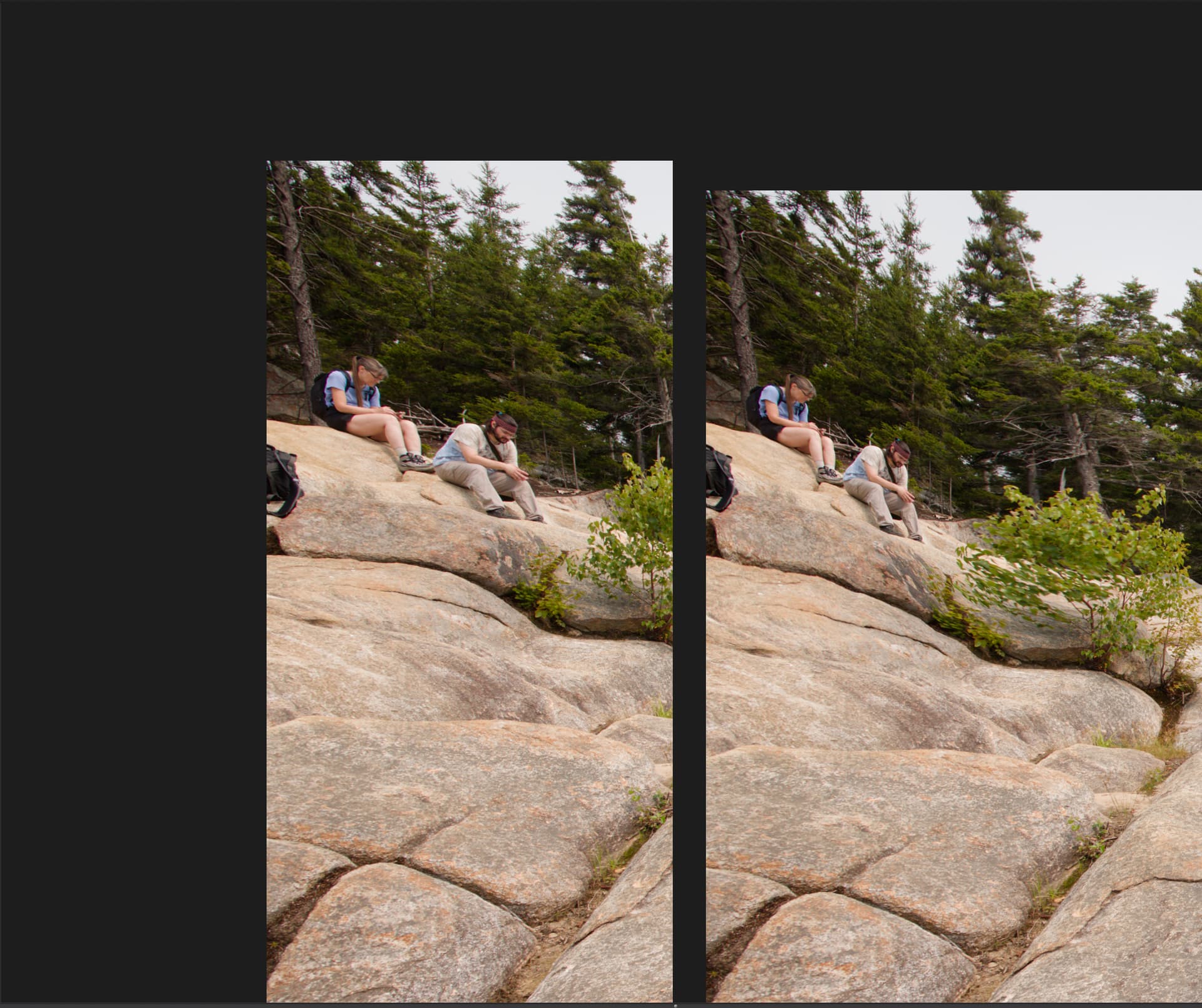
Here’s what I managed…

… and here is a comparison with the original…
And here is the DOP…
0O5A0013.CR3.dop (71,8 Ko)
Unfortunately, that is not the total solution. I believe the tool is fundamentally broken in that, when I showed the custom grid size selection overlay, it is extremely erratic in its behaviour and ended up not disappearing until I closed PL.
However, if I just use the Perspective tool with just a left/right correction, I end up with this…

This is what I would have achieved with an LF view camera by applying front swing.
If you draw guide lines (horizontal or vertical) in ReShape Fusion to do perspective correction, the anchor points must be within the image borders. Otherwise, the error you saw - “Image can not be processed with current parameters” - will probably appear. DxO has explained this as normal behavior, though I find it very inconvenient. The software should be made smart enough to compensate for this.
Lens corrections and volume deformation must be applied first, always - or the results will be unpredictable (and often wrong).
Does this explanation correspond with what you’re seeing?