I’m writing after interesting discussion here: Local Adjustments - More masks interactions
I will start with some grouping of features:
- protect/remove/subtract
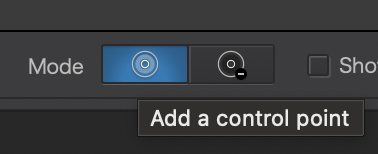
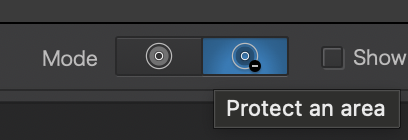
- Certain features have direct mode to “add” or “protect” e.g. Control Point or Control Line:
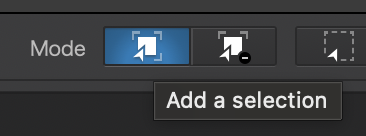
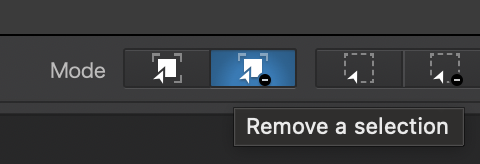
- Certain features have direct mode to “add” or “remove” selection like AI mask:
- We also have invert shape
All of these options seem to do exactly the same, so why not to make them the same feature?
I understand they can work independently but what for?
If you remove then you shortcut to “invert shape” and vice versa.
So in some sense it’s just add or subtract mode implemented 3 times as separate feature…
Now it get’s interesting with
- “Shape” stacking
- I think Control Point is the only feature that can “stack” inside the same sub mask.
Well this works again exactly the same but within the same shape/sub mask, which you can again “invert”. However if you invert it twice it will not come back to the same shape if you created at least one “protect” point.
I think this all could be unified and simplified…
In my head it could just be add and subtract/remove/protect (however you call it) that you can either switch by clicking button at the bottom, holding an option key or right clicking the mask the switch mode (currently invert shape).
Now Shape Stacking - it could either be an option for all the features or none of them with introduction of masks and sub-masks…
Currently it’s so messy and unintuitive.