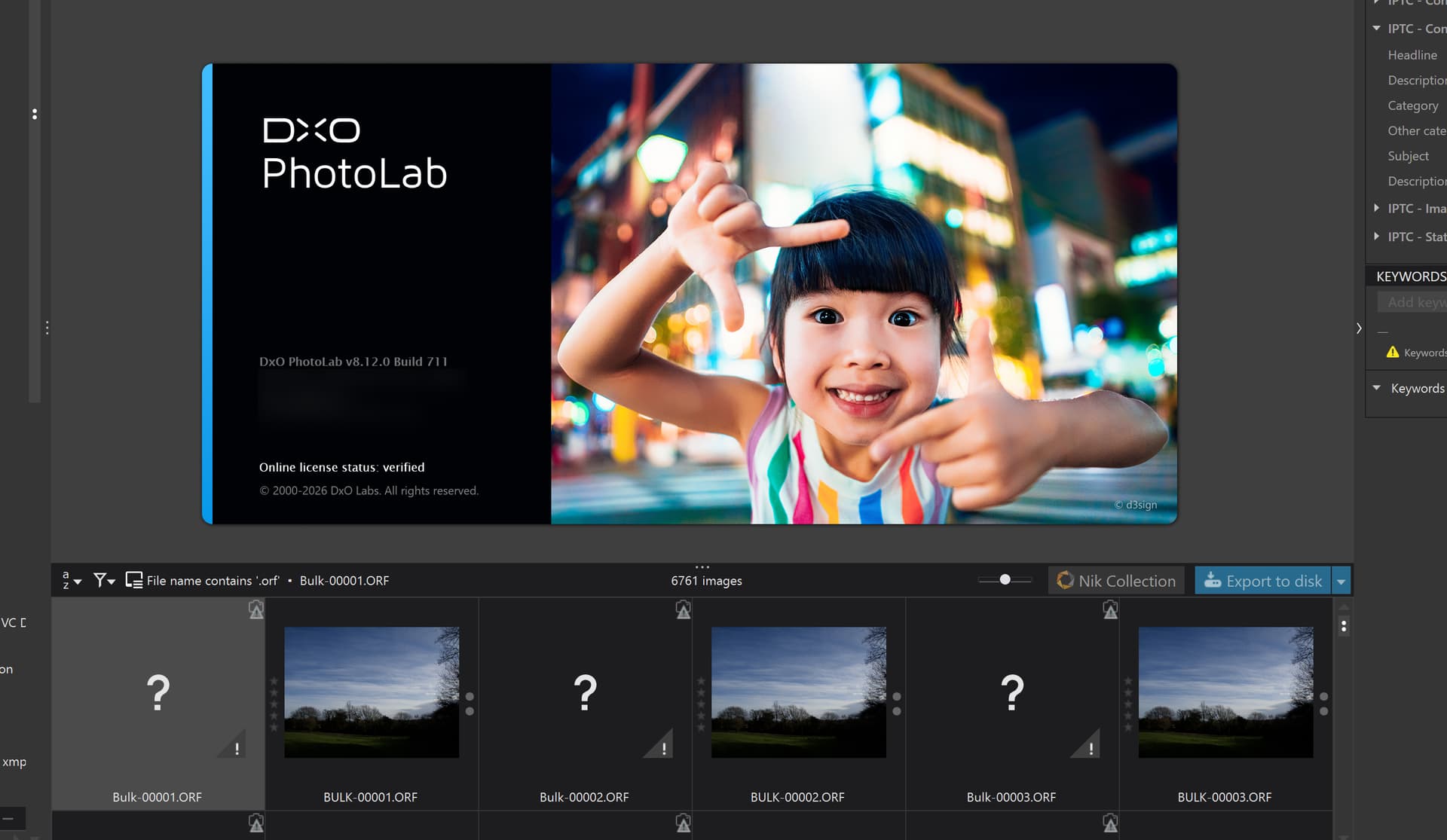
I recently made a change in the PL settings: I activated the “Synchronize metadata with XMP sidecar files” settings. I noticed that some raw images do not have xmp sidecar files.
Is there something I can do to get PL to generate XMP sidecar files for all images without me having to go to each folder, then select all images in the folder, then do something with the metadata, for PL to generate the sidecar files?
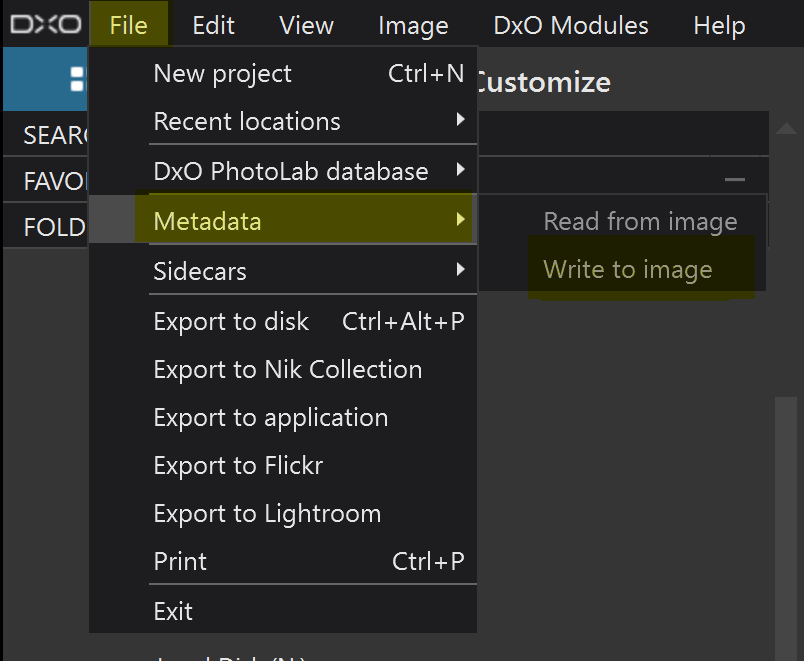
Thanks for the tip. I decided to create a project of all my images - went to each folder, selected all images, added them to the project. Then I was able to trigger the Write to Image command, and anything else I might want to do.
I had tried (and just tried agin) to populate a project with all RAW files. I searched for “.cr” which proposed the ± 15k Canon RAW files in my archive, together with a notice that only 1000 can be displayed. Hence, I was able to add 1000 images to a project only.
PhotoLab (macOS) does (and has been doing) something split-headed here: It finds the files and presents the correct number of files, but insists on adding only visible files to a project.
Limiting the number of displayable files with a search feels odd, given the fact that PL can display more files residing in a single folder. If I remember correctly, I had proposed to get rid of the limit a while ago, but so far, the request seems to sit in an unlit and dusty corner of the backlog.
I have been using PhotoLab for the past 18 months, so I suppose I am a relative newcomer.
I don’t understand why you would need to search for “.cr” when RAW images is one of the search criteria. Also, I don’t understand “only visible files” - why are some hidden?
When I first started working on my DAM app, one of the first things I wanted out of it was to be able to browse an entire folder hierarchy, including its sub-folders. It was not easy and the first attempts were painfully slow, as I tried to feed the browser with the entire hierarchy.
Eventually, I devised a paging strategy that preloaded the hierarchy structure and then paged that flattened structure, so I went from tens of minutes to two seconds to apparently load the entire structure and about three seconds to drag the scrollbar form one end to the other of 13,500 images.
When it comes to searching, I leverage the Apple Spotlight database and typical time to return from a keyword search on those 13,500 images is less than 1 second.
So, things could be better for DxO but, unfortunately, they seem to be very much embedded in a NIH strategy, refusing to acknowledge that anyone outside of the company’s existing staff can have anything worthwhile to offer.
I have even offered the codebase for my flattened hierarchy browser and was met with a wall of silence. One of the reasons why search results are limited and folders have to be individually browsed.
@FrancisM , the window you added in your post shows a filter acting on the current view only. Searching goes beyond the folder structure, it is based on PL’s database and can find as many images as fit the search criteria. In my case, 15’000 files can be found because PL has seen them before. But only 1’000 hits can be displayed and added to a project at one time - because this is how DxO implemented it. In order to add all files to a project, I’d have to change search criteria, hoping that they don’t overlap with the ones used before.
In order to trigger writing sidecars or xmp, I’d therefore resort to restoring an edited database. DxO could easily do away with such necessities…but so far, they haven’t.
No reason for worry! Learn PhotoLab and get an easy to use app with a few excellent features and a bag full of quirks. The latter are waiting for a fix and are waiting and waiting and waiting … not just in Casablanca.
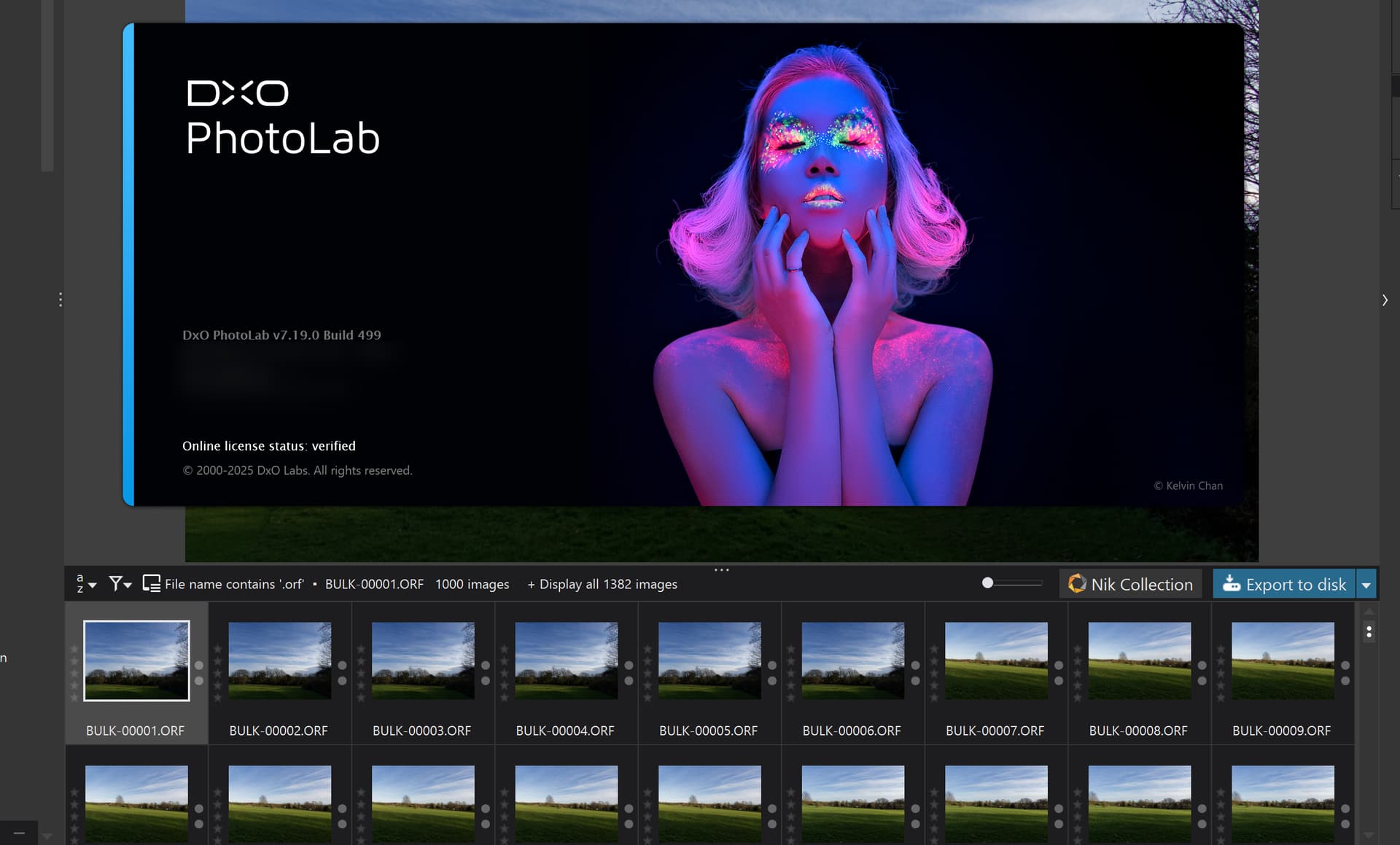
DxO seems to have introduced a few changes with PhotoLab, as we can see from this capture taken from PL7:
One of these days I’ll read some of your detailed posts regarding the database. I had a failed attempt at trying to restore Edit History after moving folders of images to a different drive.
I have an I.T. background of over 30 years, so I should know my way around a SQL database, and I do appreciate that PhotoLab uses SQL vs many other programs that do not.
@FrancisM , please note that I use PL on Mac. PL on Win has a different database, but @BHAYT has replicated the procedure on Win. Look for his posts in this matter.
Forcing xmp might need more thinking, specially when other apps r/w xmp. I do advise you run a few tests before going all in.
@Joanna might be tempted to mention SPOD, and she’d be absolutely right to do so
@BHAYT May you know - under Windows db it’s the SidecarNeedsToBeSaved or the MetadataNeedsToBeSaved on the Sources table? I guess Sidecar for .dop, an Metadata for .xmp?
@FrancisM Most of the photo editors and photo viewers use SQLite, as does PhotoLab, about the only one that doesn’t is Photo Mechanic, the non Plus version but I personally believe it also uses SQLite but the memory only option, and ACDSee which uses a variant of DBase, or so I believe.
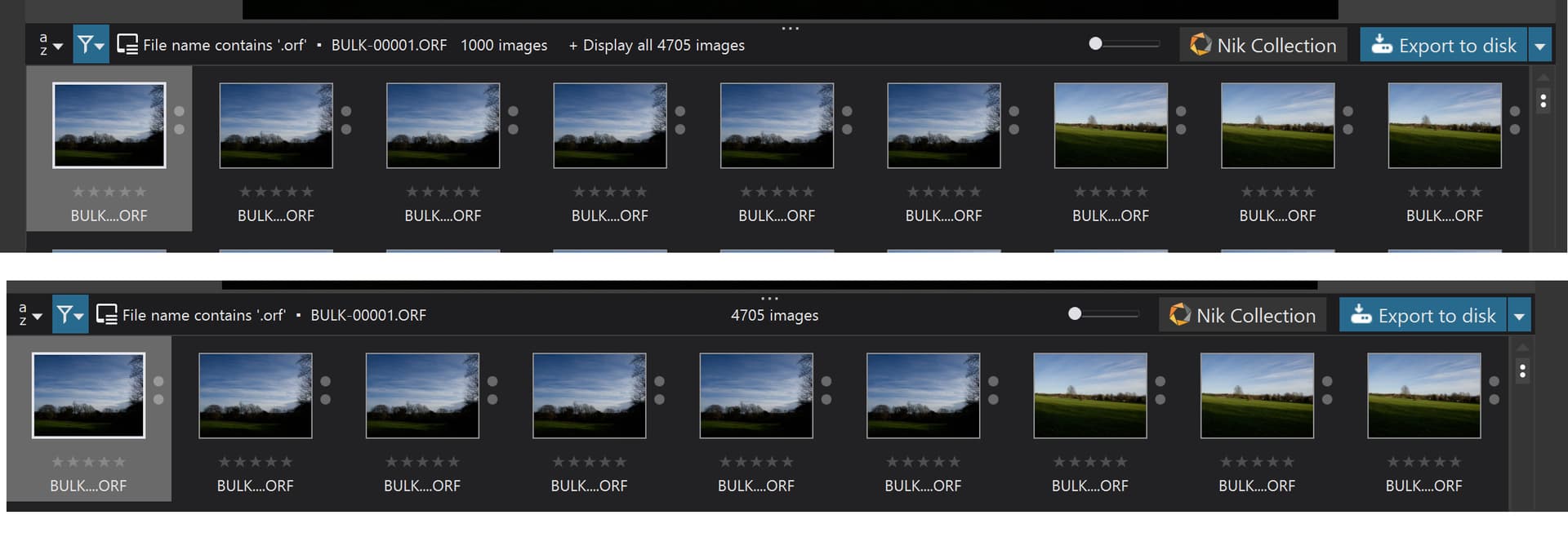
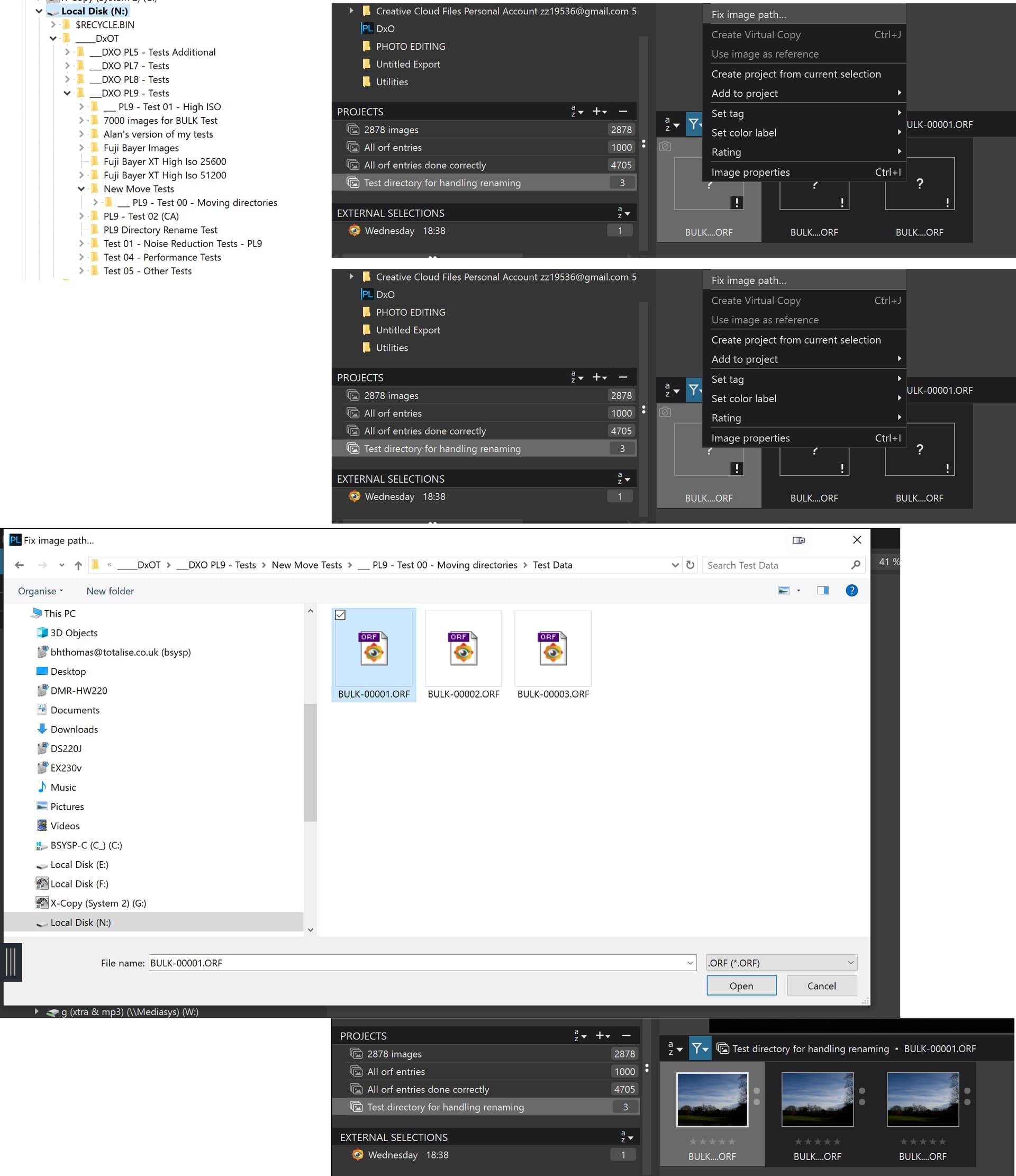
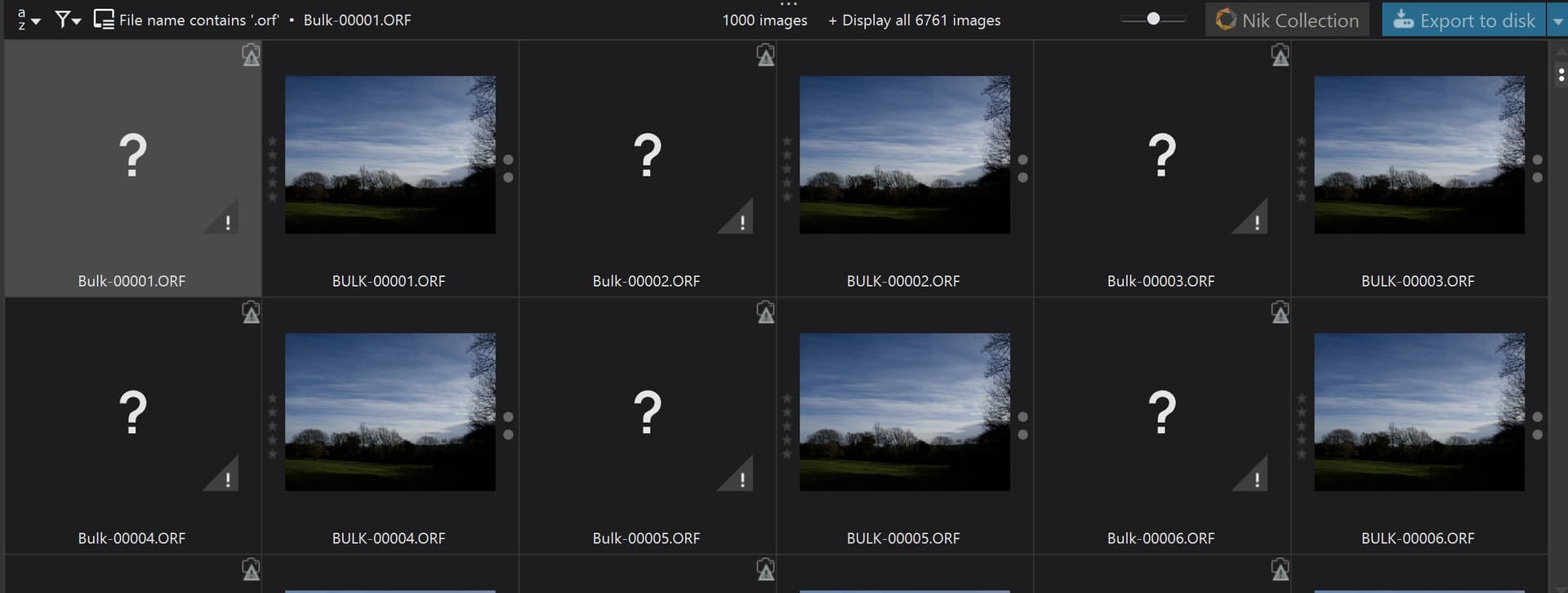
@platypus Having loaded 4,705 “.orf”" images into PL940(Win), by discovery, I did a search on “.orf” and got the following
Clicking on "Display all 4705’ yielded what I show above. They can then be selected and any appropriate action done with/to them, including creating a ‘Project’ as also shown below, first time incorrectly and the second time correctly
@platypus It appears that on Windows they have retained the 1,000 limit and provided a “workaround”. Actually. for once they haven’t ridden roughshod over what was already there and just provided something new, instead they have provided both!?
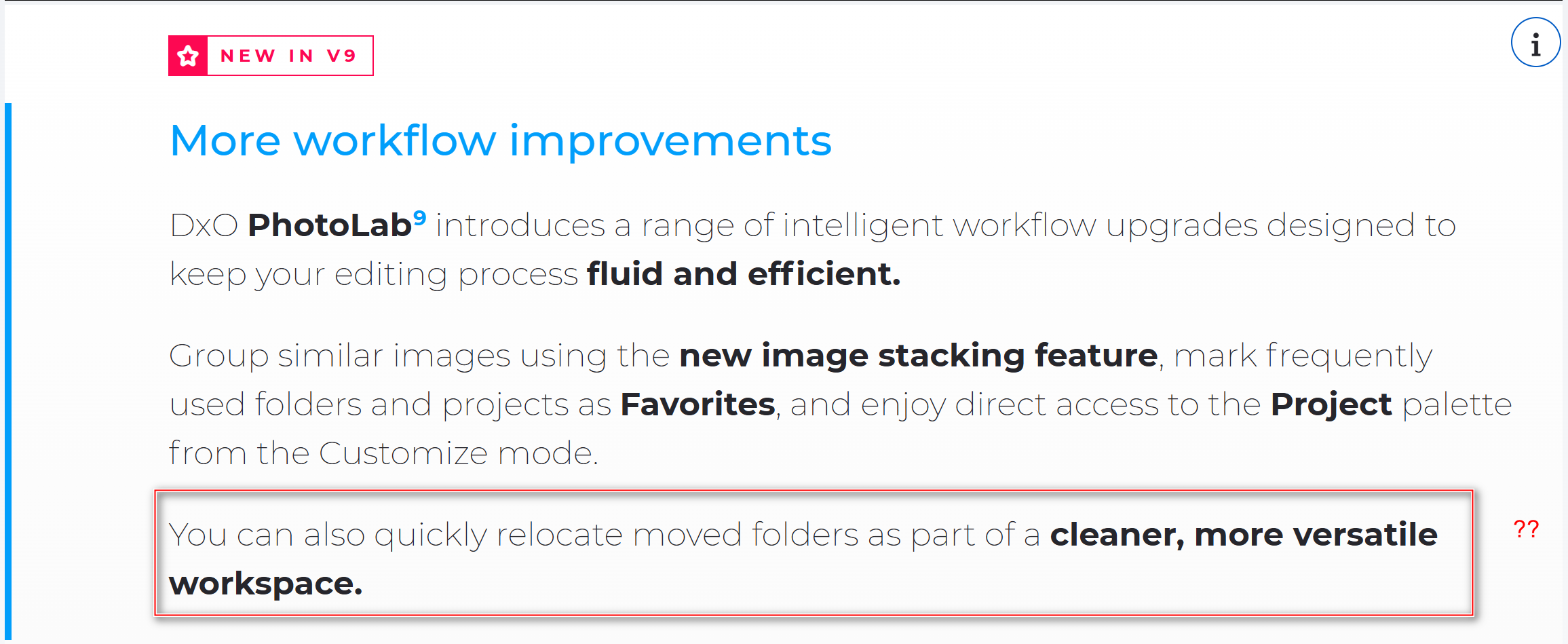
@platypus The PL7 “fix” never made the cut from PL7 Beta testing and it looks, from the documentation that some users have referred to, in forum posts, that the same thing happened with PL9, i.e. it never made the cut but the documentation was not corrected to remove any references to this feature and this appeared in the promotional material!?
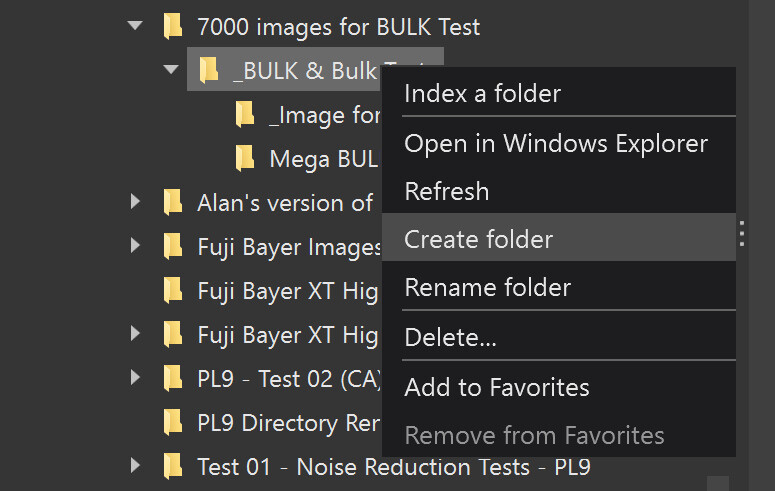
Am I missing something and this does actually exist on Windows and/or Mac, because as far as I know, no directories can be moved or copied, just renamed or deleted
While images can be dragged and dropped in another directory that cannot be done with directories themselves!
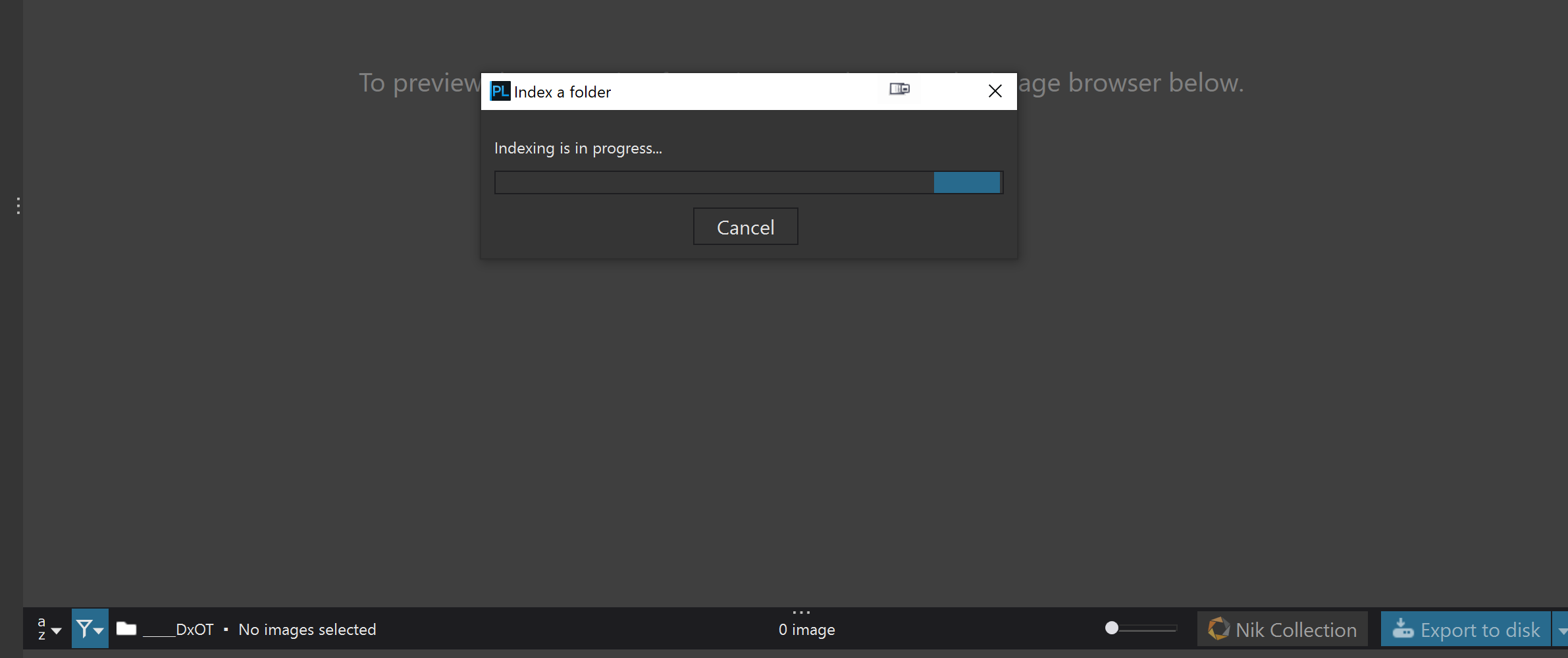
The PL7 Beta “fix” for this also coincided with the removal of the asynchronous indexing capability on PL7(Win), i.e. any attempt to index on PL7, PL8 and PL9 stops any other user activities in their tracks (on Windows), until either indexing finishes or the user terminates it!?
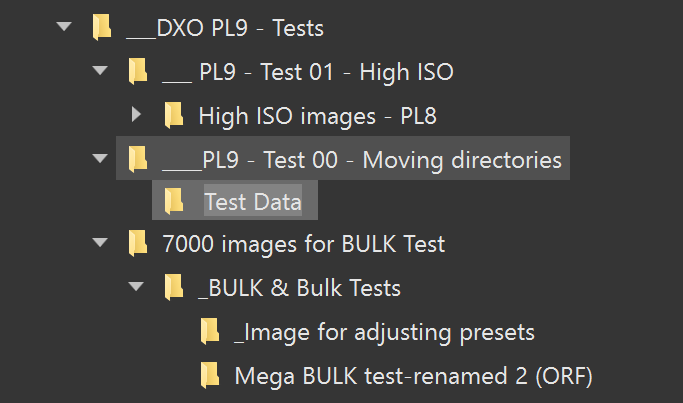
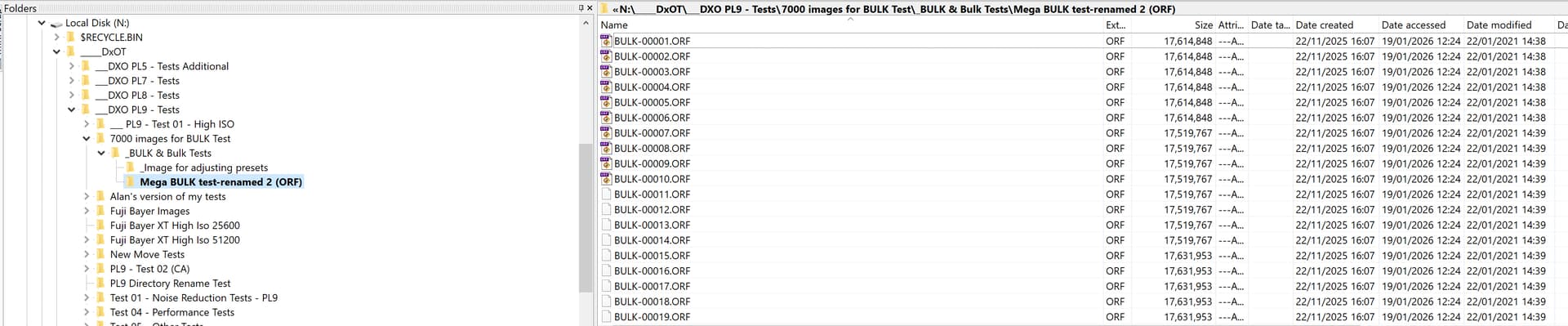
In this case I can resolve the issue by simply renaming the directory.
But if I want to move that directory to another location I can’t, the command to move the directory doesn’t exist. The only way of moving a directory within PL9 is actually to create a new directory and then move (Shift and drag) the images from the old directory to the new directory!
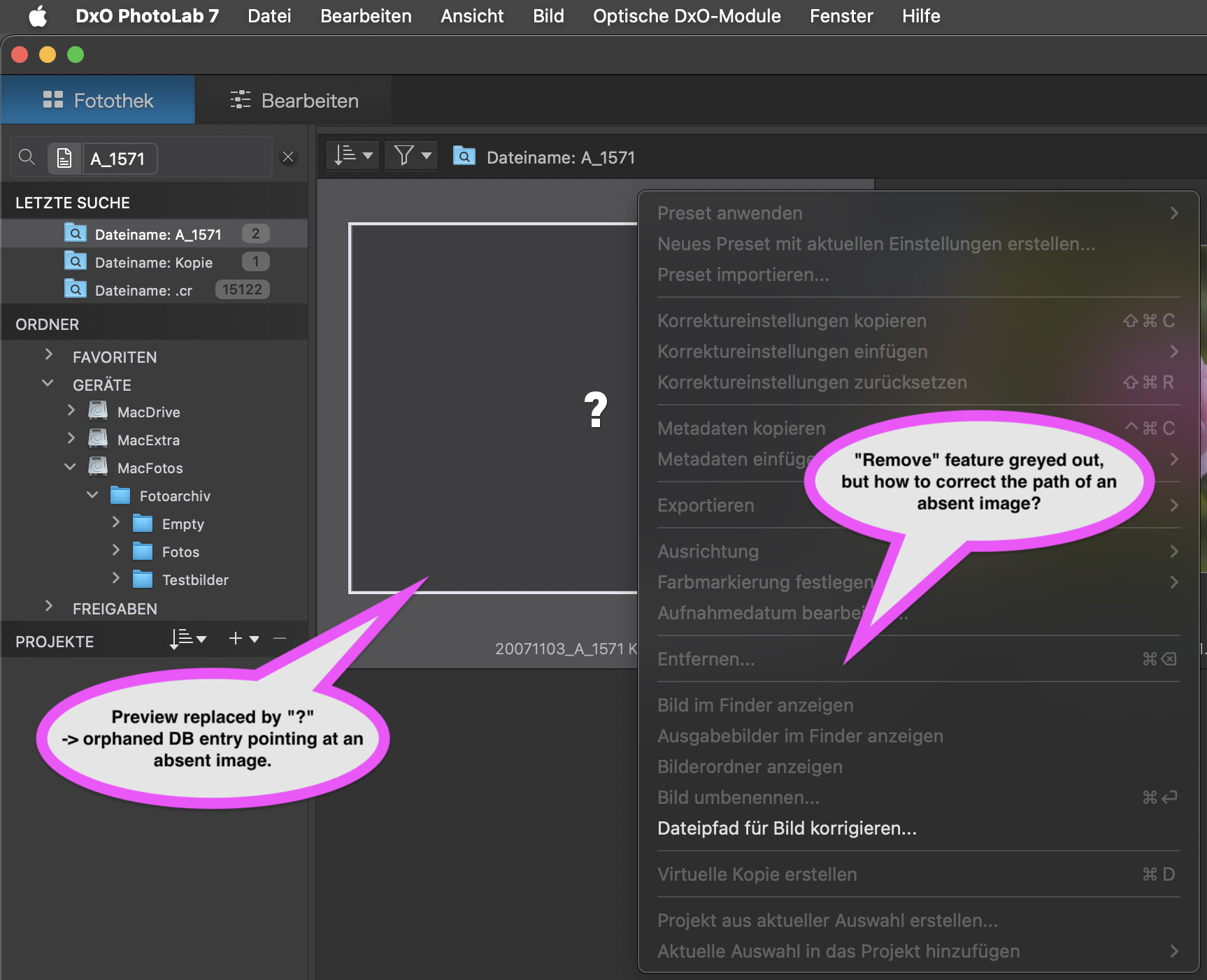
If I do the move of the actual directory external to PL9 then if I have a ‘Project’ with the images included I will get the classic “lost image” notification.
I then have the option to ‘Fix the path’ but that is undertaken at the image level and not the directory level and is not new to PL9
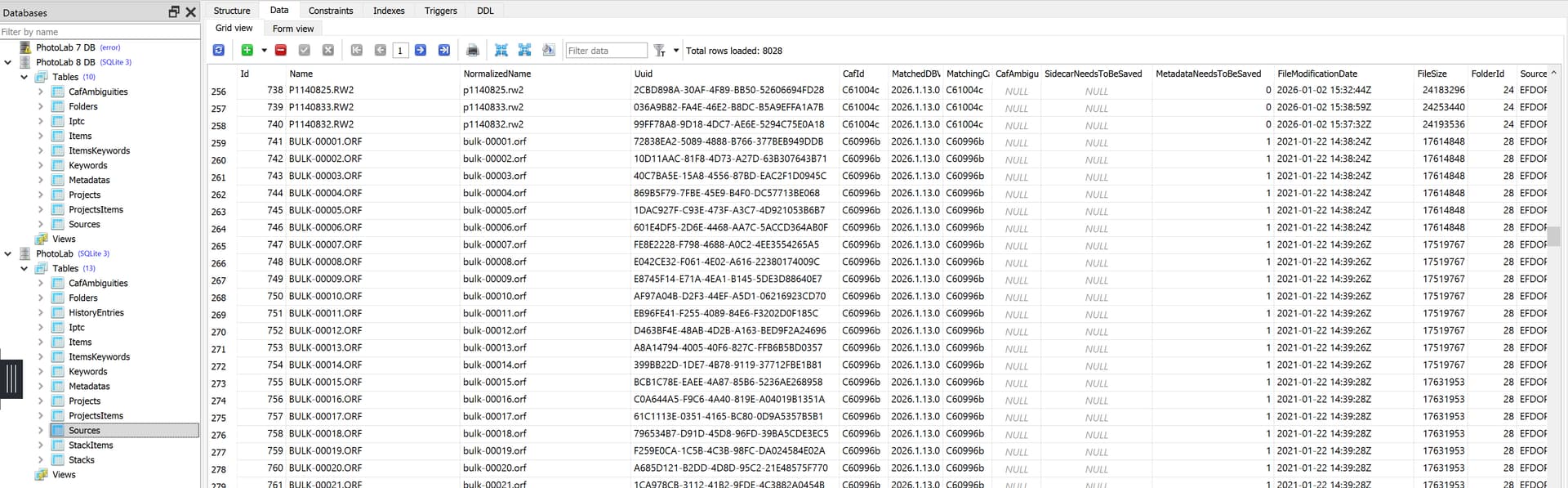
@andras.csore It is ‘MetadataNeedsToBeSaved’ for xmp, which means xmp sidecar for RAW images.
The following came from assigning a keyword to the first 500 BULK test RAW images (.orf) with both the DOP writing and metadata writing options turned off and if the DOP writes had not been inhibited then the keyword data would have found its way into the DOP
Adding another keyword to the first BULK image record caused the xmp sidecar to be created but the database entry continued to have a “1” and no other action occurred!?
There seems to be no limit to display search results im Win…but I’m not sure whether you used search or just a filter. On Mac, searches are shown in a category in the left dock, the same place as for projects, folders and favorites…and I can’t see (the search in) the left dock.
Moving folders or images to folders (as opposed to adding them to a project) is a different topic, that’s why I don’t comment it here.
@platypus I searched on .“orf” and it threw up the 1,000 images displayed with the option to show all.
I accidentally created one ‘Project’ with the 1,000 images and then selected the “Display all 4705” and it displayed all 4,705 images of my “BULK images”, which I selected and from which I created another ‘Project’.
I repeated the test on my 5900X on PL8.12.0 and that database contained a load of old junk but gave the same option.
My apologies for not doing all the necessary testing in advance
It is also in PL7.19.0, I have an old version of PL7 on another machine because these later versions of 7 and 8 might have been made compatible with one another and PL9!?
Meanwhile, I tested the forced creation/update of XMP.
Set respective cells in a database backup, set PL to sync metadata, then loaded the tweaked DB backup. PL started to write metadata and finished a few minutes later.
RAW files got their XMP sidecars
All other files were updated. Finder timestamps were set accordingly
Leaving PL in its default (don’t sync metadata) did NOT write XMP. and the ZMETADATA… cells kept their content. This might be different when PL is started with no DB. Then, files are added like new images.
Last words: PL can be made to write/export metadata and settings files by setting the respective cells in the DB. Some special conditions might apply…and it would be nice if DxO added features that make such workarounds obsolete.
@platypus It seems that way and goes back to at least PL7.6.0!
Not for me on Windows it doesn’t. The database has the 1 flag set and the metadata sync flag and it has been closed and re-opened and no additional xmp sidecar files have been generated.
Which means that there is no automatic way of forcing a global update/creation of xmp sidecar files with PL(Win), at least not according to my tests!?
But I had DB Browser(SQLite) and SQLiteStudio running when PL9 was shut down so I terminated those programs and started PL9 and … nothing happened.
So I terminated PL9 and set all the flags to 1, closed the software and started PL9 with a newly updated database and ..no additional xmp sidecars were created!?