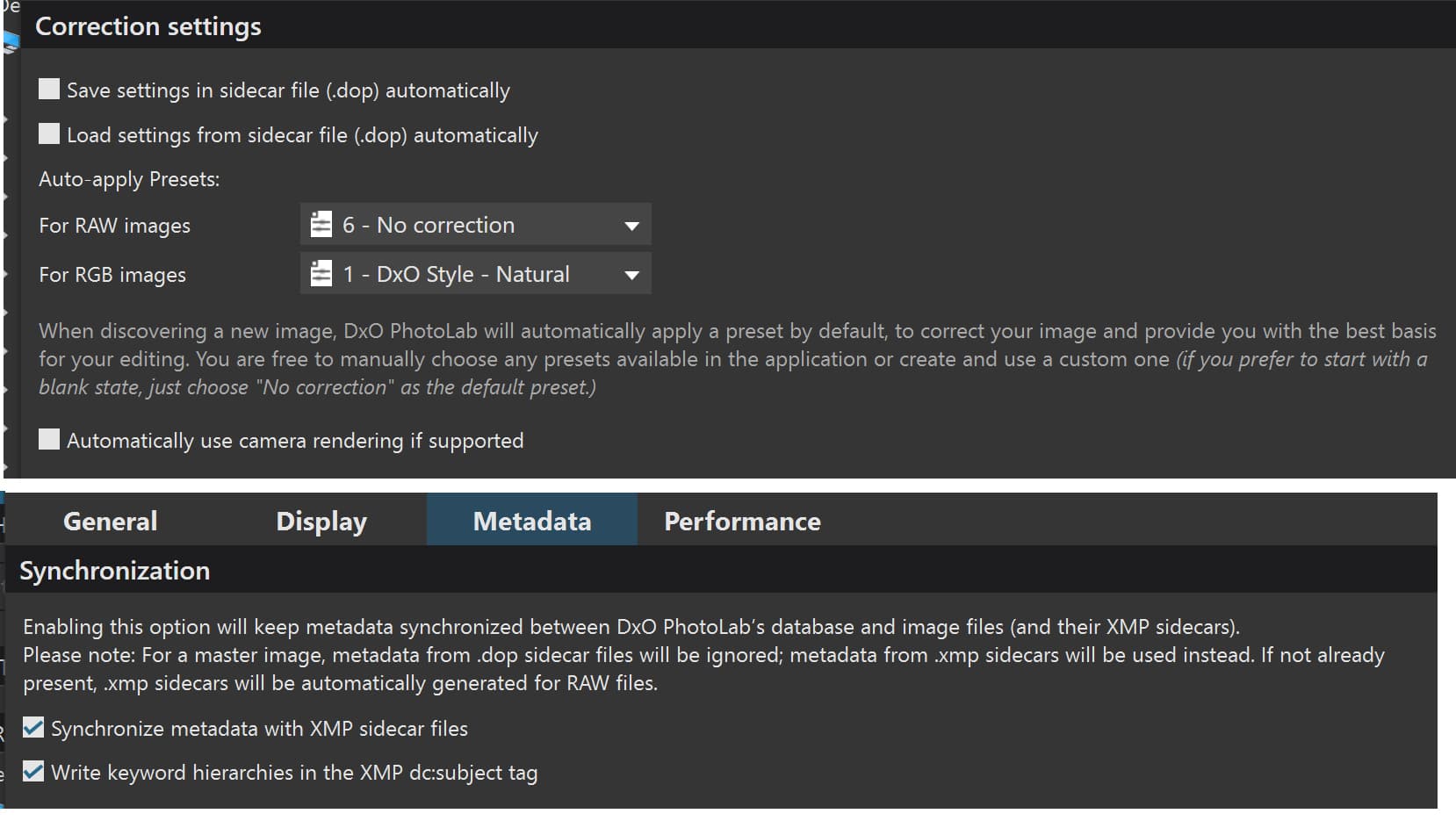
I quit PL and delete its database as well as the sidecars
I use the CLI to delete sidecars, it’s much faster than doing it with Finder
find /Volumes/MacFotos/Fotoarchiv/ -type f -name “*.dop” -print -delete
a) I restore the tweaked database backup.
This launches the export of DOP files, no questions asked.
b) To export XMP, I need to set PL to autosync xmp before
I restore the tweaked database backup.
Sidecars are written by PL in a very short time, xmp takes longer, but still one figure minutes. Because it’s so fast, I have PL export ONE kind only.
I’ve tested forced .dop export many times successfully. As for exporting xmp, I’m a bit reluctant to do so because I have to rewrite xmp with Lightroom.
If metadata is set by a different app, the procedure should be as follows:
quit PL and delete the database
open PL and index the full archive (to add metadata)
use PL to create a DB backup
tweak the (dop) sidecar cells of the DB backup
delete PL’s DB
start PL and restore the tweaked DB backup
THIN ICE WARNING
Removing sidecars and the DB helps PL to ingest things “as new”. This should also apply the default preset, which is not what the ordinary user wants. As I use PL as an add-on to Lr, it’s okay for me to dump previous edits, but again YMMV.
NEVER EVER DO SUCH THINGS WITHOUT A VERIFIED BACKUP