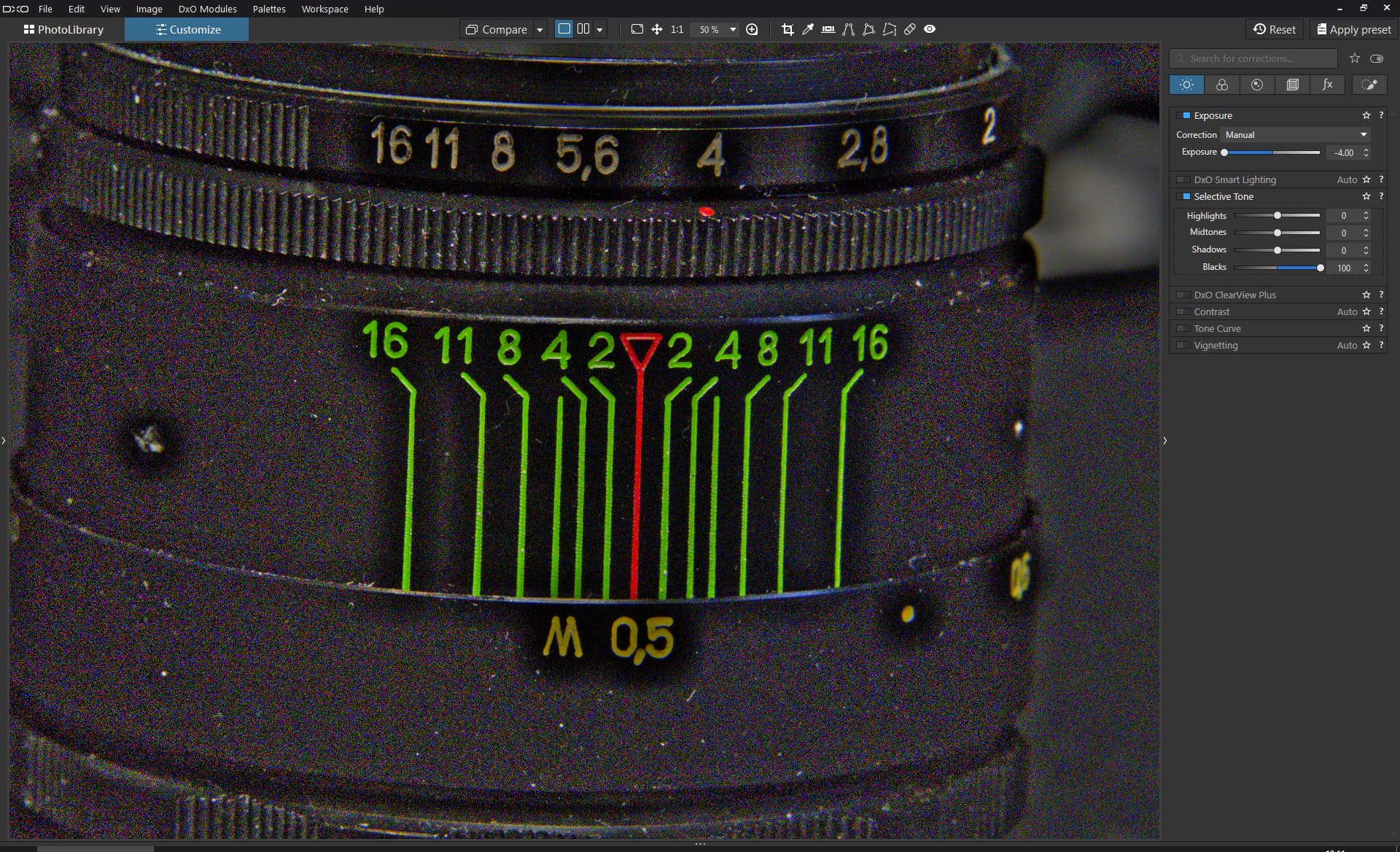
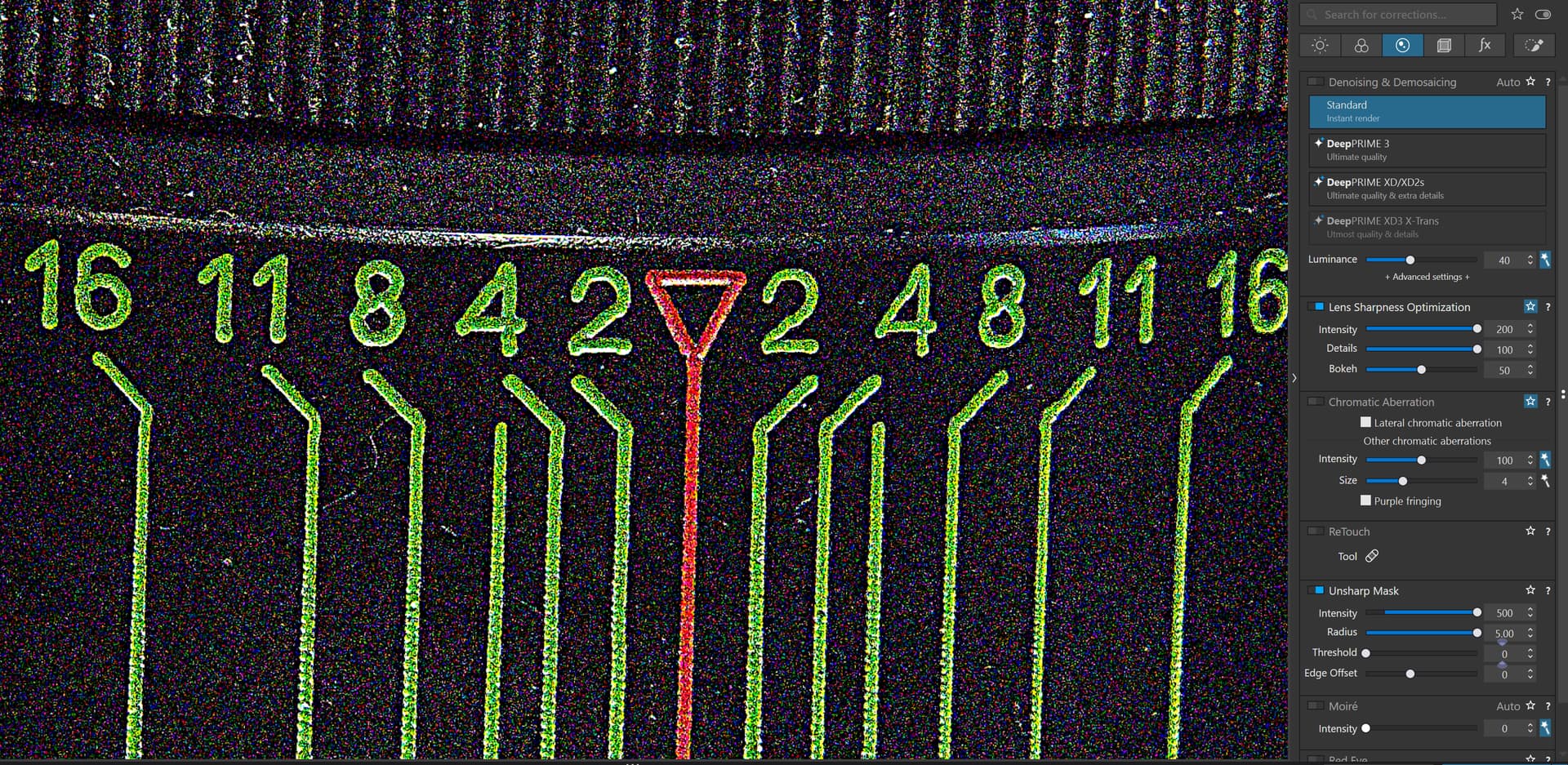
Something is really off in Photolab blacks slider it makes halos around letters.
DSC00939.ARW (47.1 MB)
Something is really off in Photolab blacks slider it makes halos around letters.
DSC00939.ARW (47.1 MB)
That has nothing to do with PhotoLab doing something wrong and everything to do with you not using it right.
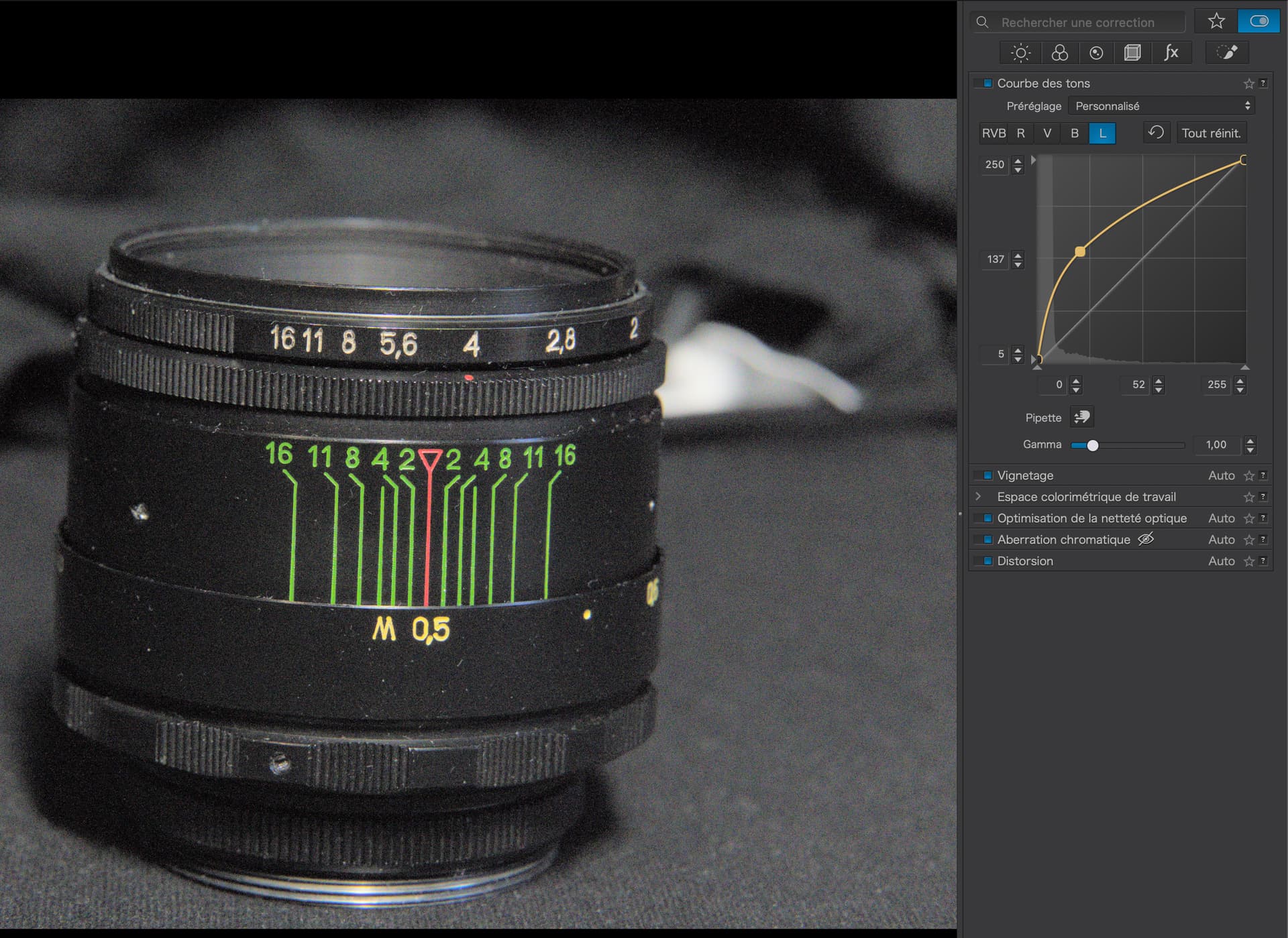
You will be far better off using the Tone Curve…
Here is my DOP file…
DSC00939.ARW.dop (13,1 Ko)
Selective Tones are not only about tone curve but also local contrast. Positive ‘Blacks’ add a lot of microcontrast, aimed at getting dark details more visible. In some specific cases it’s better to use Tone Curve, combined perhaps with fine-contrast Shadows slider. See https://forum.dxo.com/t/visible-posterization-in-pl8-in-bokeh-areas/40346 for another possible problem and some technical background.
So, you decided to reduce the exposure slider to its lowest level and the blacks slider to its highest level and are unhappy with the results? You need to learn to use the software correctly rather than try to get it to to purposely give poor results using multiple extreme, non-real world settings. The goal should be to get good results and not to demonstrate how a poor selection of settings will give you poor results.
My quick and dirty example is one of many possible ones using only the Exposure and Blacks sliders.
Mark
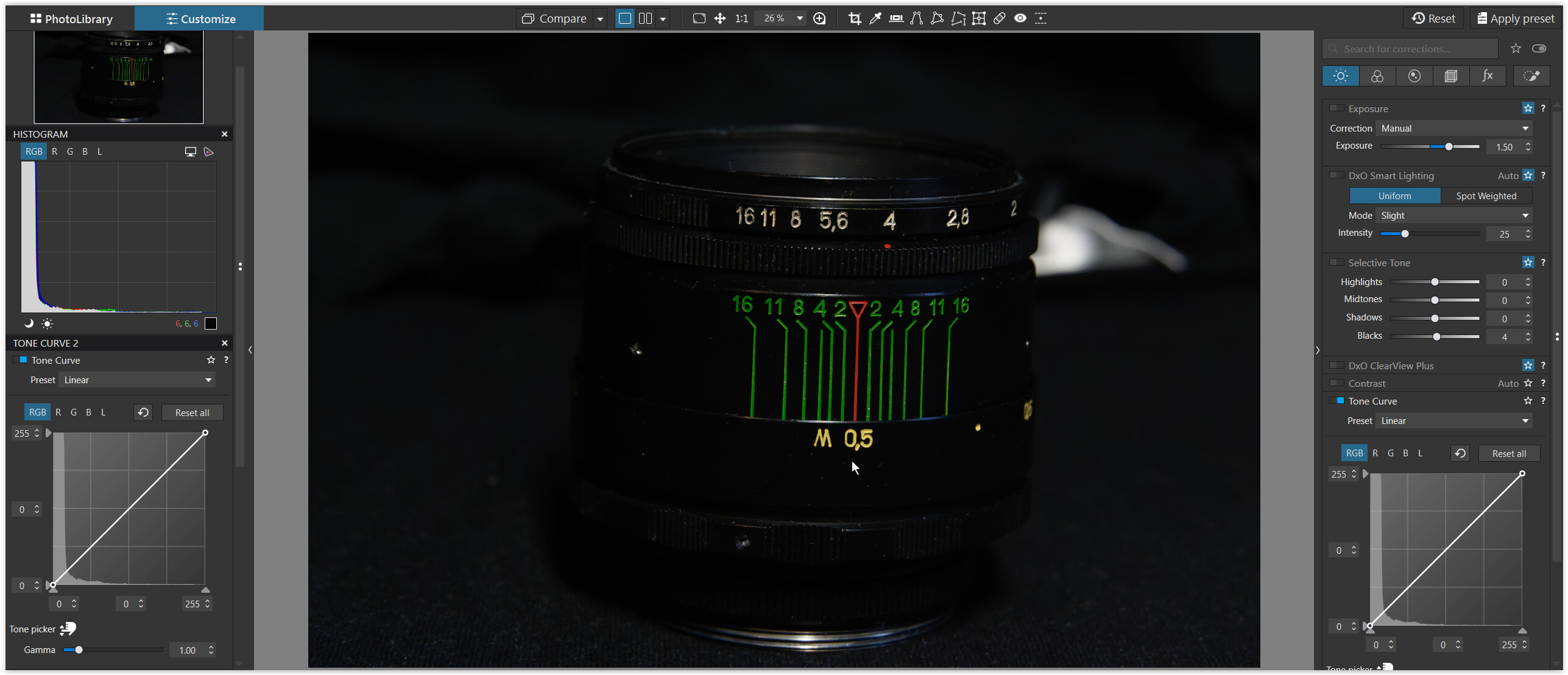
What do you expect from an image where the illuminated part of a (matte) black object has approximately RGB 6 | 6 | 6 (= see the → picker just below the yellow M 0,5 indicator), while you present your object against a barely brighter background?
And then you deliberately abuse the selective tone of Black slider. Also, you need to keep the blackpoint intact.
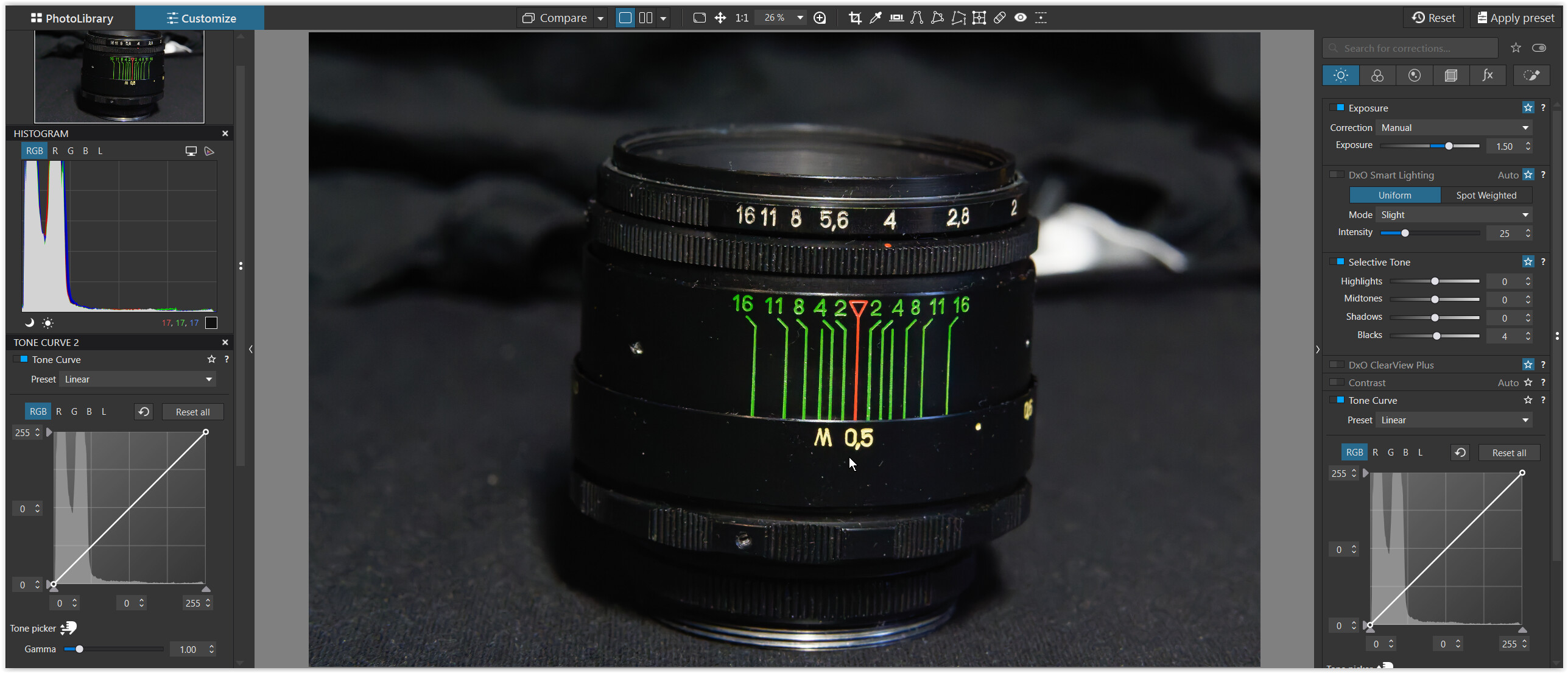
Similar to @mwsilvers’ example I’ve lifted the exposure by +1.5, but only added a tiny amount of selective tone Black, which helps to visually distinguish the few available shades of black from one another, The illuminated part now shows as RGB 17 | 17 | 17 .
Lots of tools when used inappropriately in combination can cause problems. Here we see white halos as a result of over sharpening when using extreme settings of Lens Sharpness Optimization along with extreme settings of the Unsharp mask. That does not mean that either tool is working incorrectly.
Mark
I lowered exposure to show more clearly what is going on just moving blacks slider alone to max position does same effect without touching exposure just less visible.
My point is if there is a slider it should not break the image, in Lightroom i can move blacks or any other exposure adjustment all the way and image looks natural and not falling apart. Only if use Effects sliders like Dehaze etc then similar effect happens.
But Lightroom is not PhotoLab and PhotoLab is not Lightroom. In all the years I have been using PhotoLab, I have never needed to use it as if it was Lightroom.
You need to learn how to use PhotoLab as it was designed to be used