@BoxBrownie Thank you for the update. I am typically logged into my account on all three of my Win10 machines so as I understand
“Yes, Windows 10 Extended Security Updates (ESU) are available now for eligible personal Windows 10 devices running version 22H2 through an enrollment tool in Settings, and for commercial organizations via a paid subscription. Consumers can access the ESU program at no additional cost by syncing their PC settings with Microsoft OneDrive or by redeeming 1,000 Microsoft Rewards points; a paid option is also available. Commercial organizations can purchase licenses through Microsoft Volume Licensing or a Cloud Solution Provider (CSP).”
So I either pay £30/system or take out a OneDrive option to back up regularly, with 5GB free, to secure 1 year of ESU updates. The suggestion I have seen is to back up only the minimum amount of system config data to stay within the 5GB limit, gets one year grace period before security updates cease to be delivered!
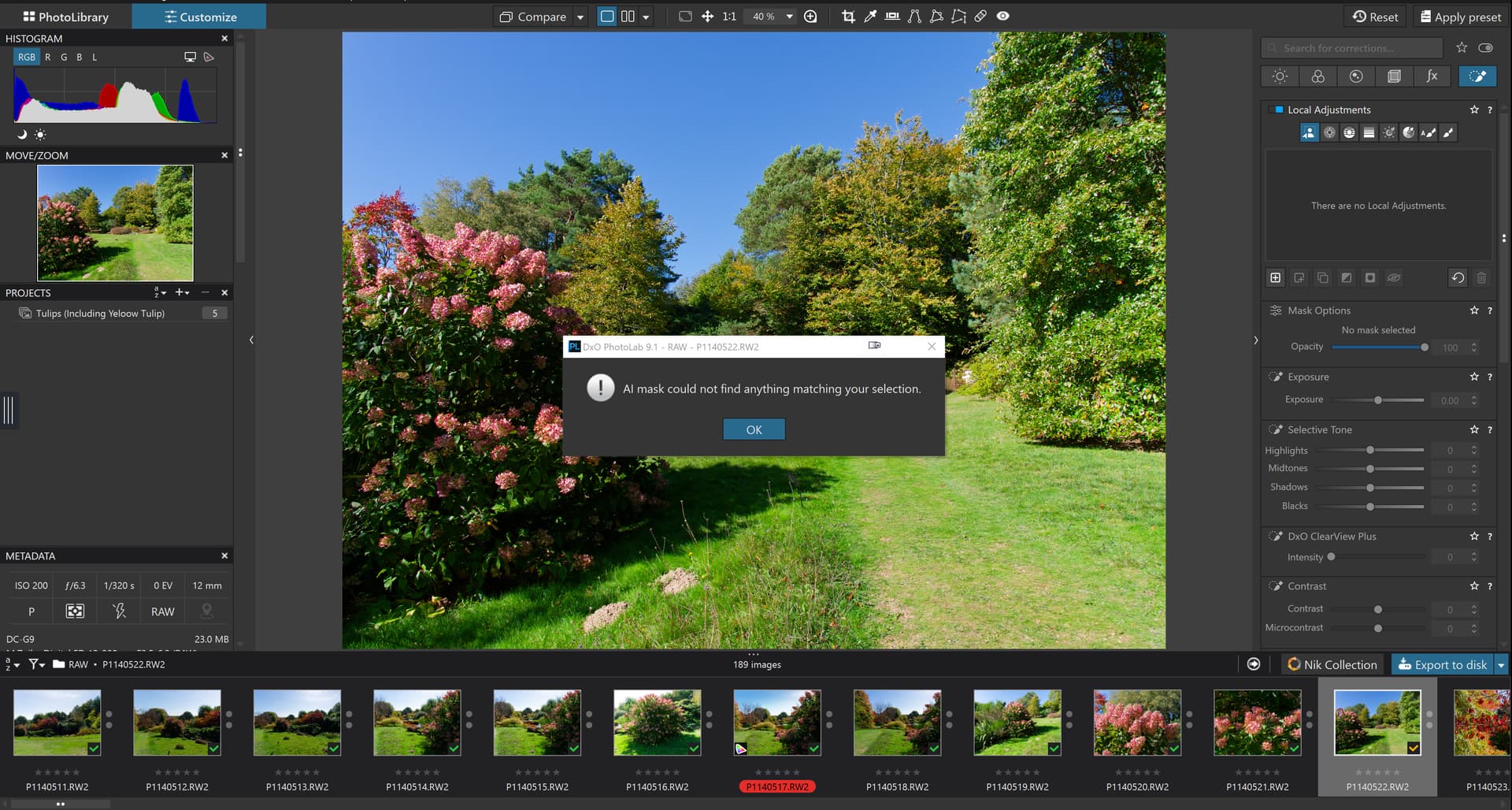
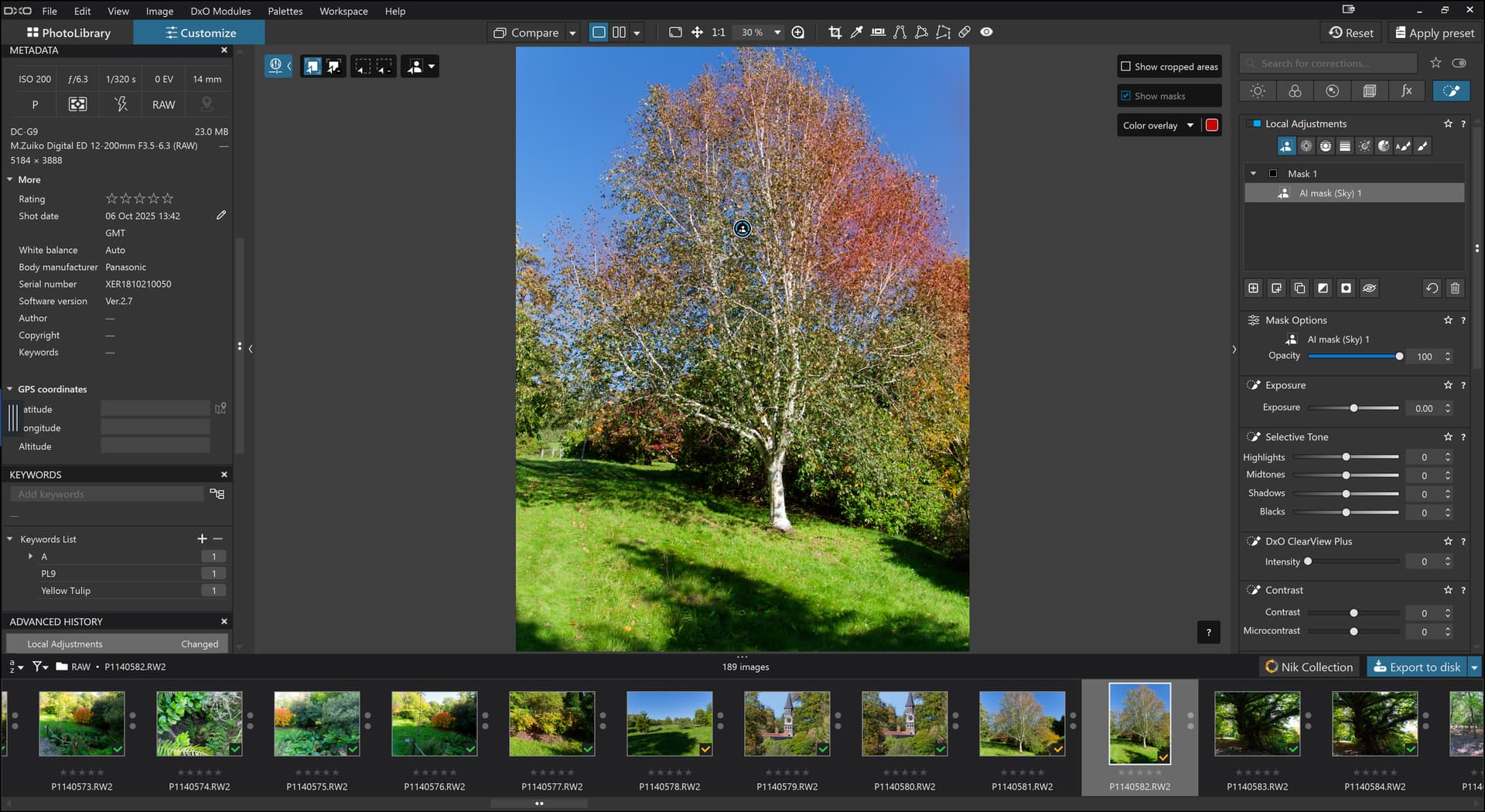
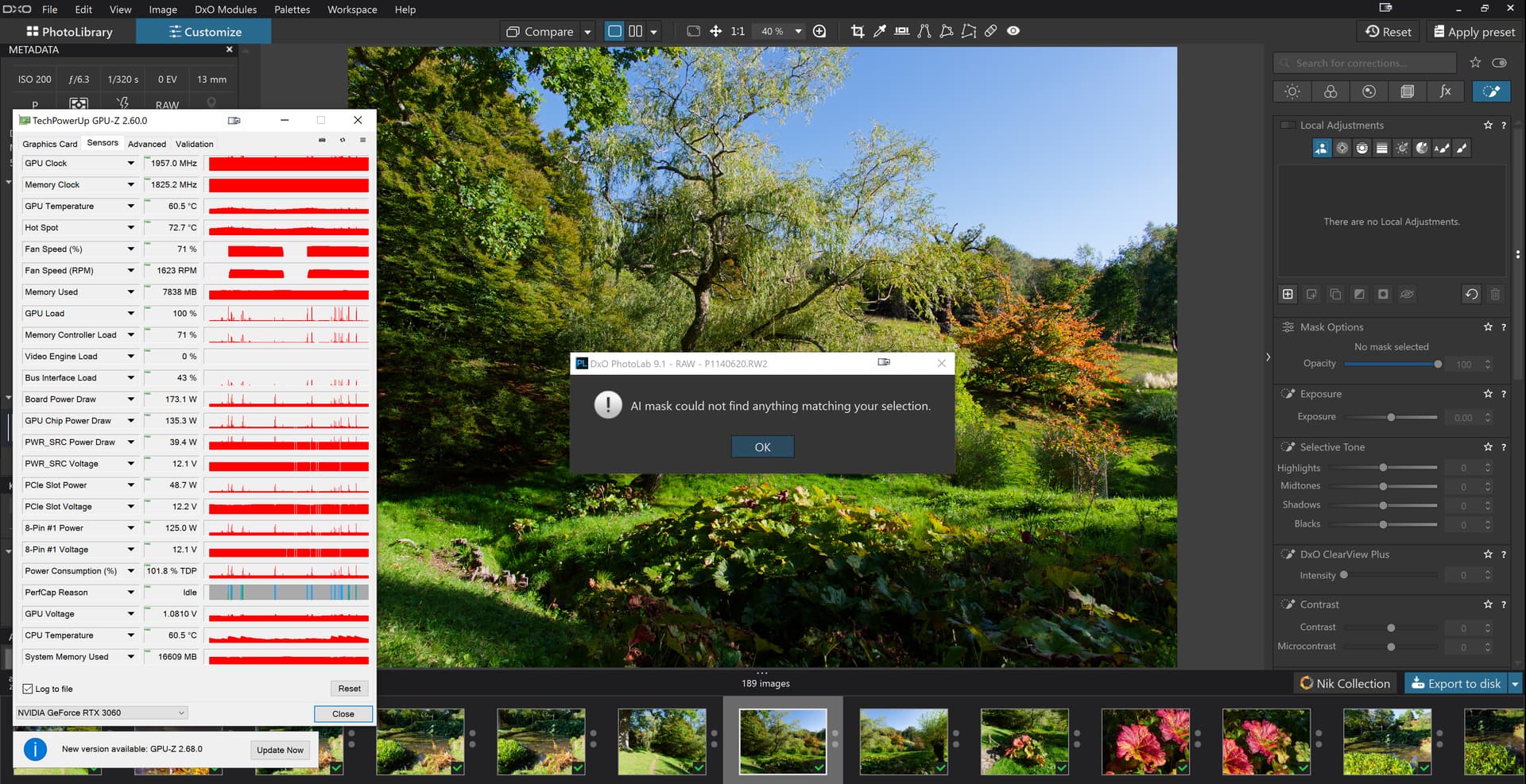
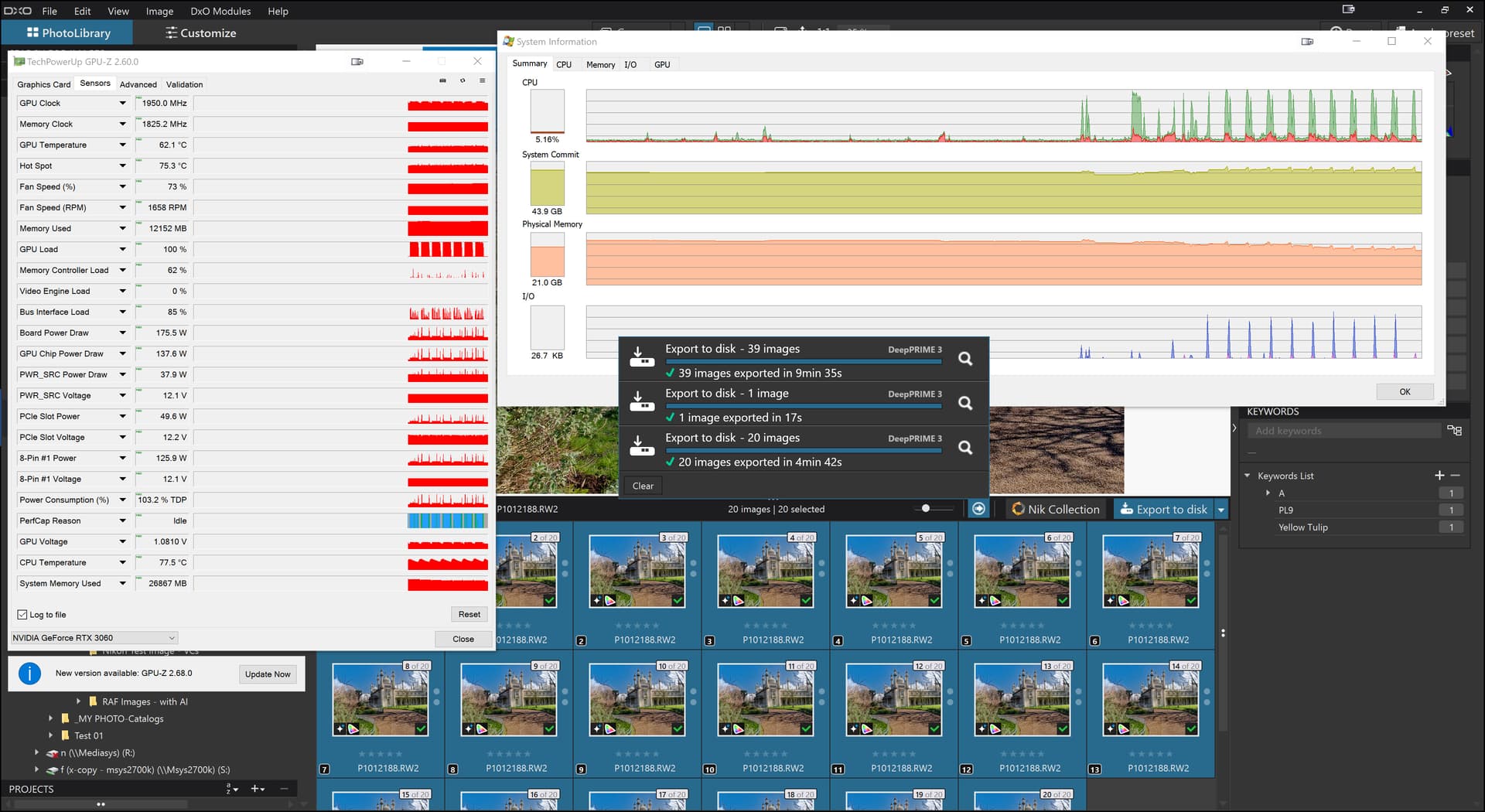
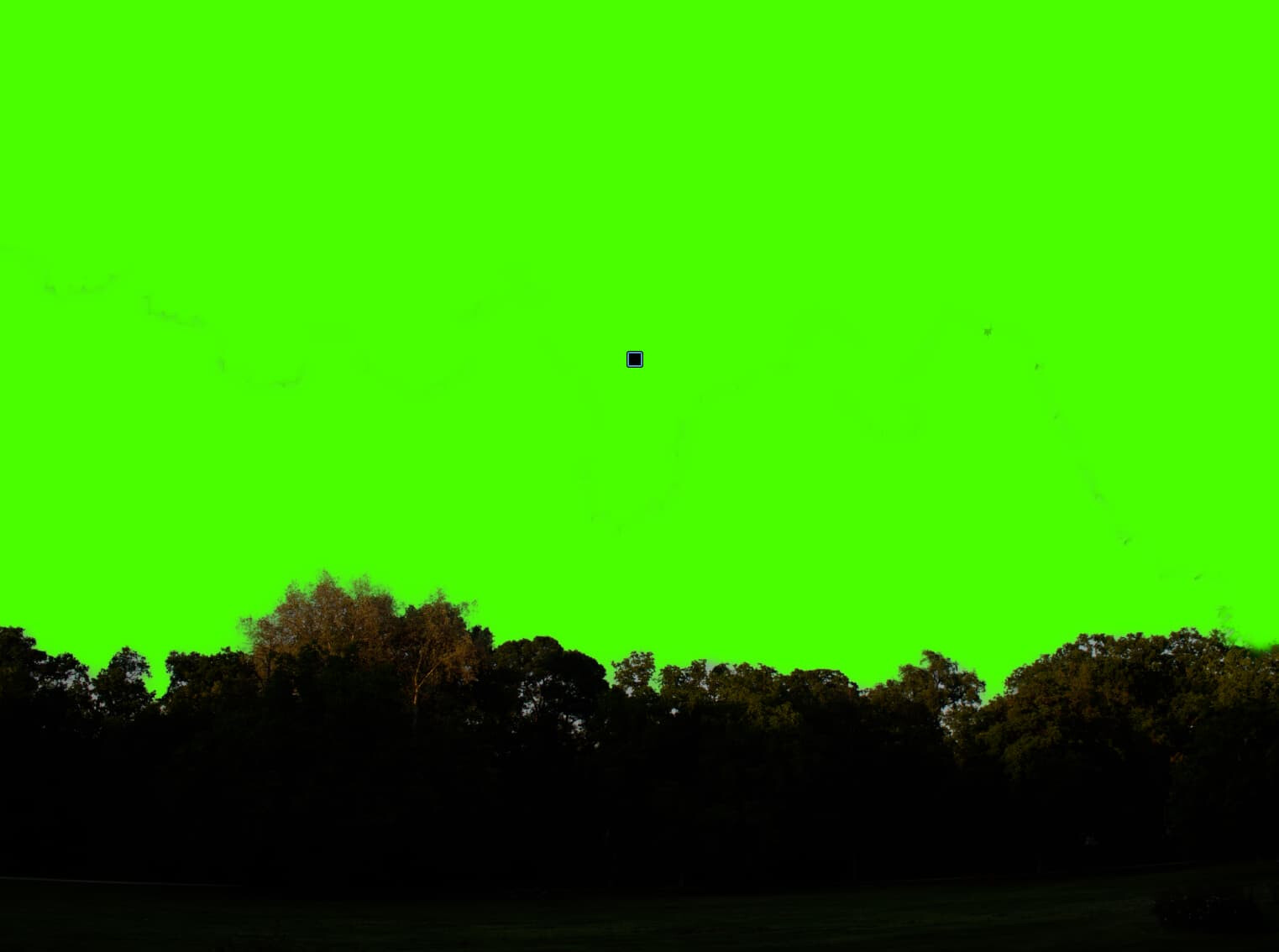
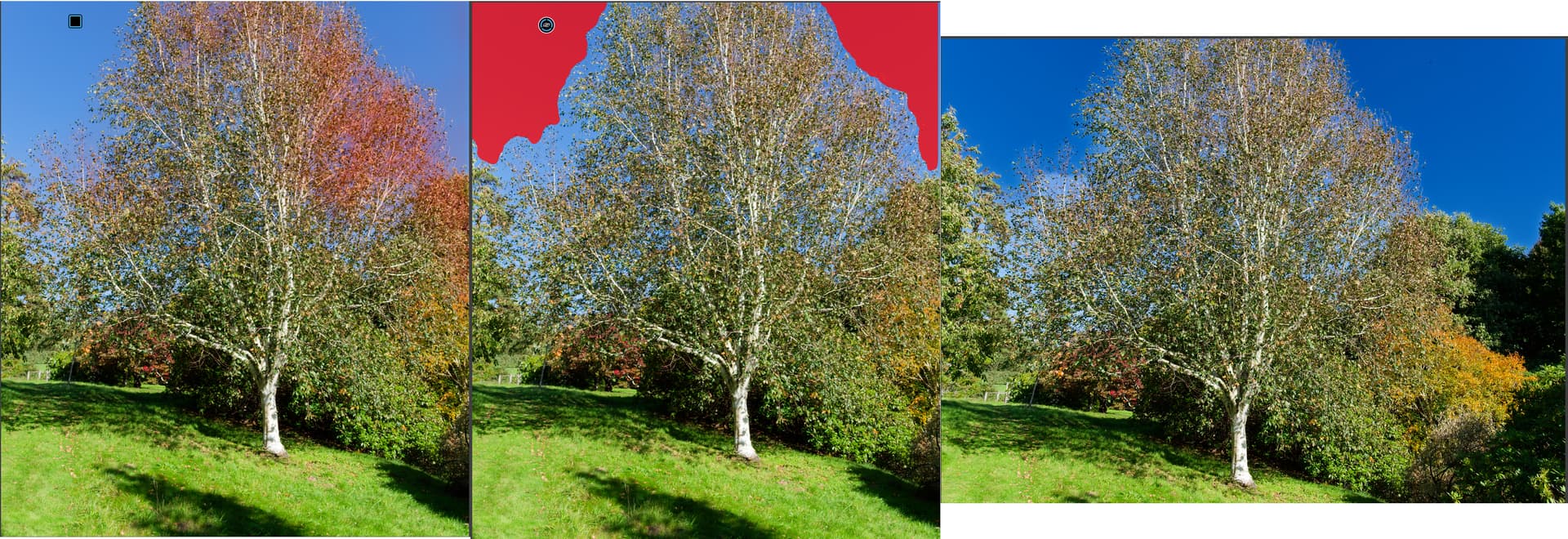
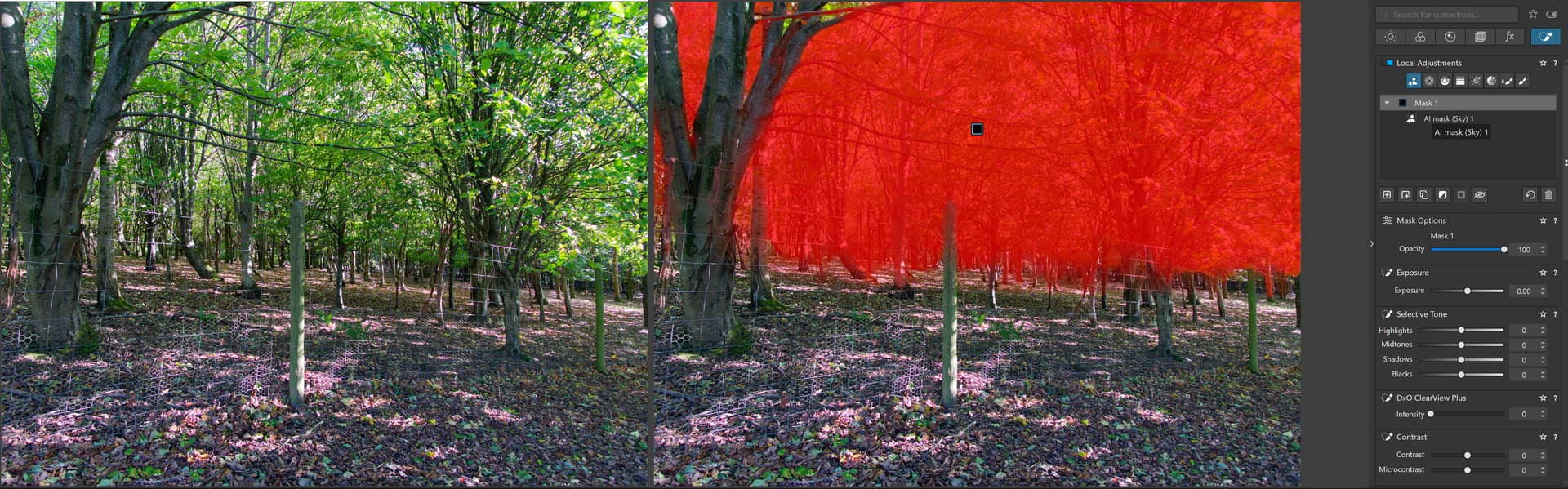
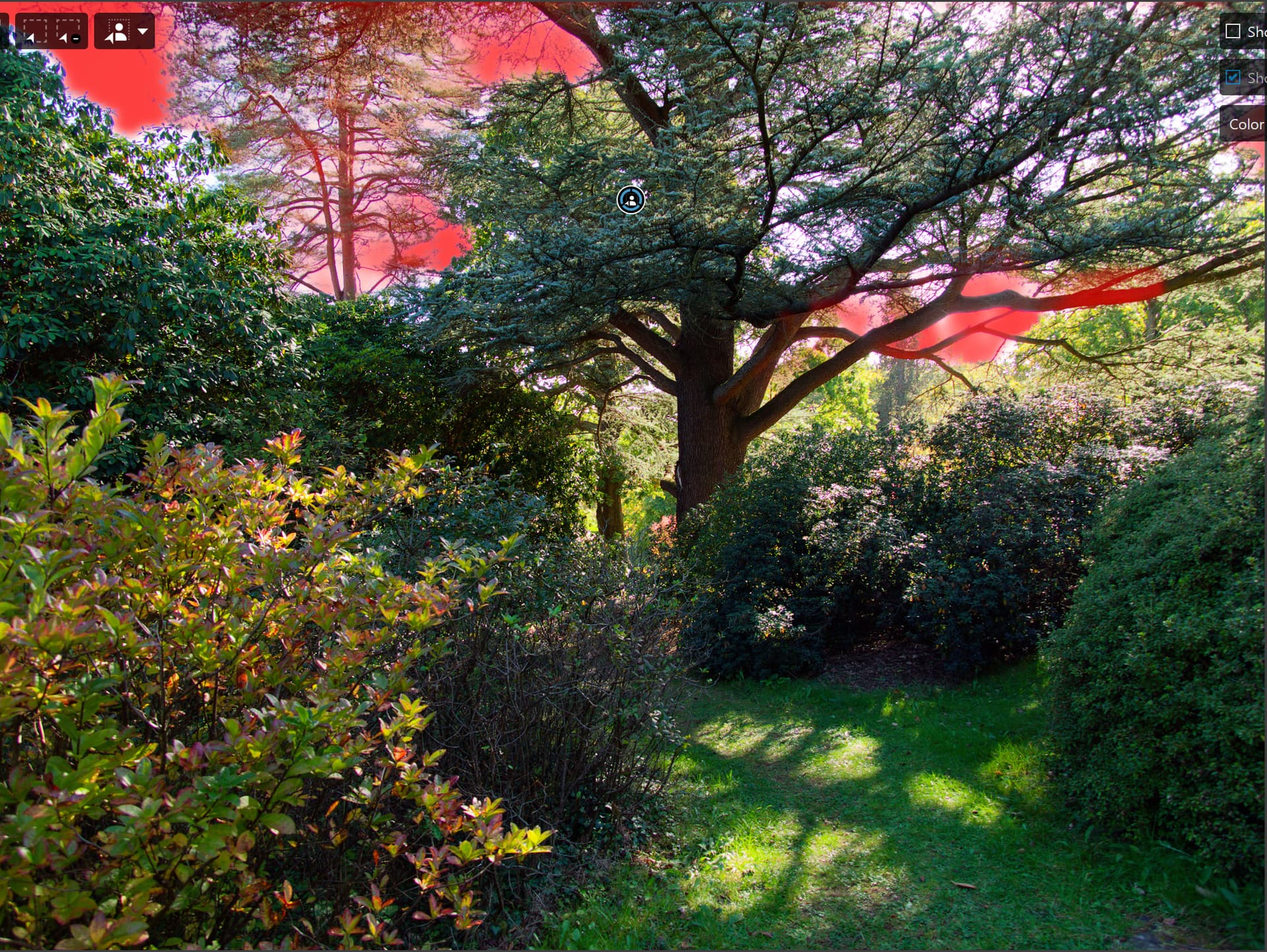
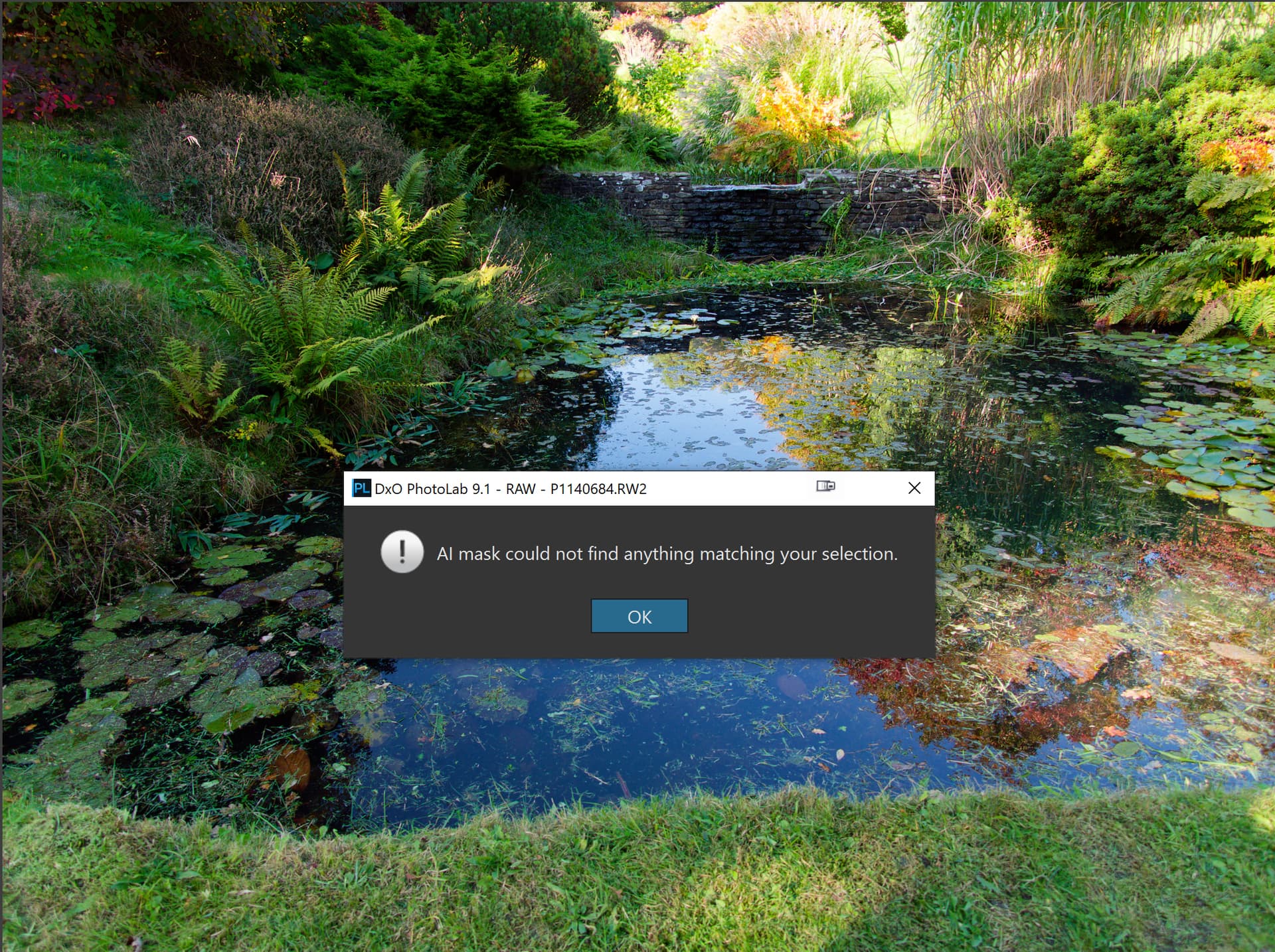
As for AI masks they cause problems with displaying the images (editing) as well as export and I suspect they are using different AI models for the two tasks.
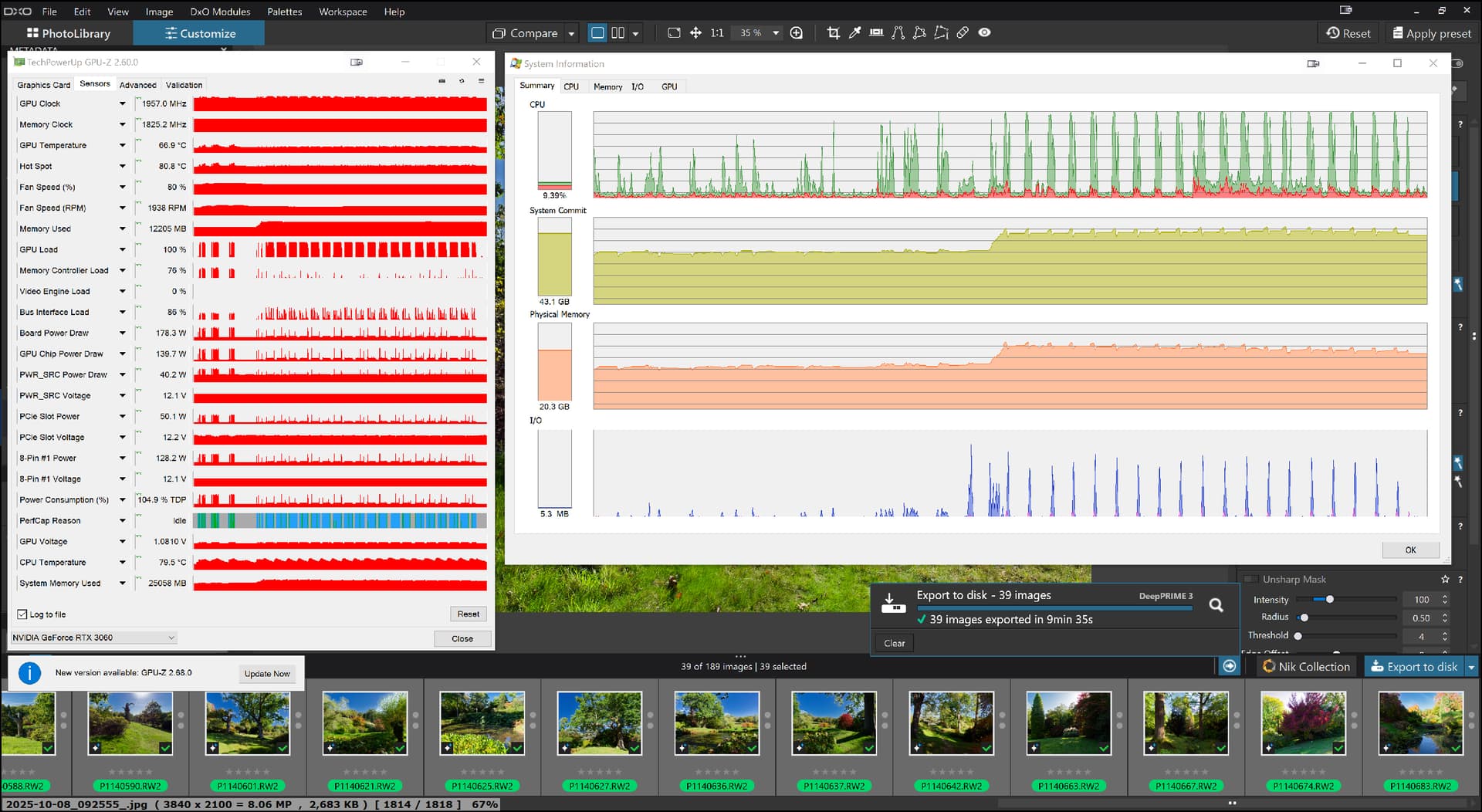
I say this because “Sleep” causes VRAM to be cleared and immediately exporting (i.e. select images to be exported before putting the machine to sleep) when an AI export, including the “Sky” preset, can be achieved in a relatively “small” (smaller!?) amount of VRAM but as soon as an edit operation is undertaken the VRAM usage jumps, possibly doubles.
However doing another export seems to cause another jump in VRAM usage, is the export AI model now being loaded a second time?
As for DxO resolving the issue(s), the sooner the better but I am not convinced that the fix will have any great impact on the timings involved but rather (hopefully) they will reduce memory usage to a more realistic level and resolve the “random” failures both during both editing and/or export that some users are experiencing.
But I don’t believe that PL9 with any AI masks in use will ever be as quick and frugal as before (if it was ever considered particularly quick or frugal by users!?).
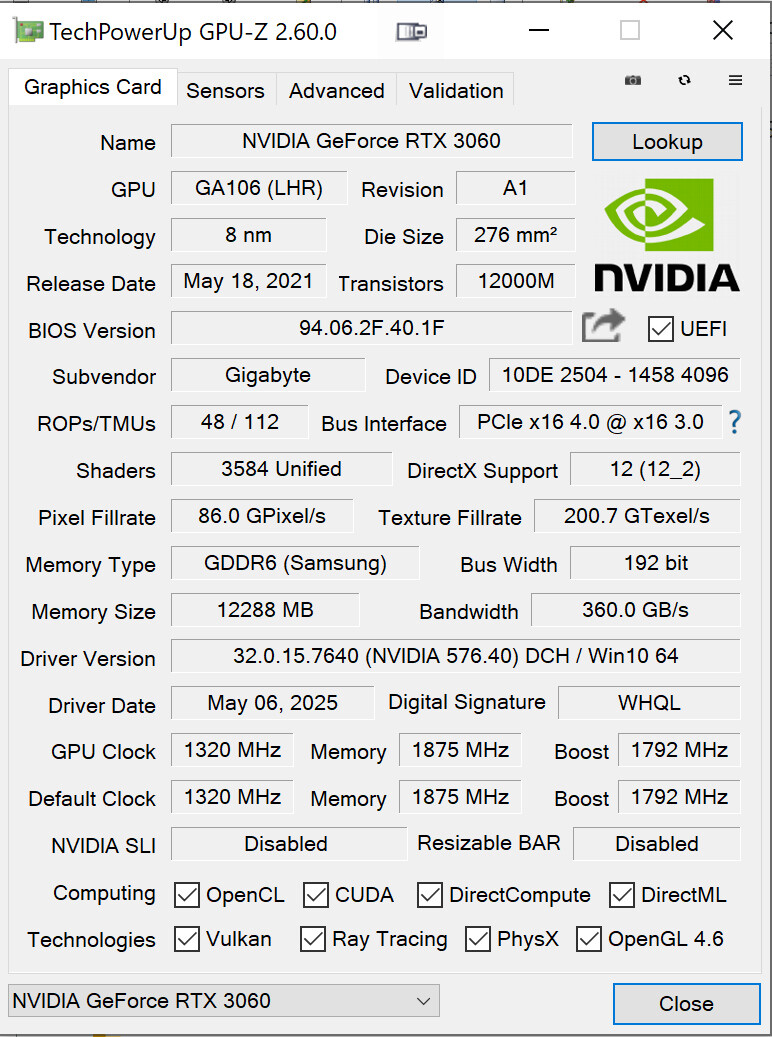
Export for some users is currently still possible on 6GB GPUs but whether that will be extended to a wider group of users I cannot say. If it can’t then there are going to be a lot of disgruntled users.
Part of the issue is that laptop users, in particular, potentially will have no alternative but to purchase a new laptop if they want to use PL9 with AI masking. Desktop users have the “dubious delight” of buying bigger (VRAM) (and faster?) GPUs.
I am not sure how much saving will actually be made by waiting and/or whether any deals may be forthcoming with packages including PL9 with FP8!?