Stenis
(Sten-Åke Sändh (Sony, Win 11, PL 6, CO 16, PM Plus 6, XnView))
142
The Auto Brusch is fantastic now when we finally can see all that is masked that we haven’t been able to see before. That is also something new and very very useful.
Below is a link to maybe the best and educational video about the AI-masking tools
Counting’s one thing - there’s also spin. I did point out that you and I counted the same number of new features for PL9. It might just be that we both like to argue.
You are probably correct. In any case, it really doesn’t make any difference exactly how many new or updated features there are. I think it is safe to say that there are more functional changes in PL 9 than in any other version since PL 1.
Mark
Stenis
(Sten-Åke Sändh (Sony, Win 11, PL 6, CO 16, PM Plus 6, XnView))
145
I have always wondered why there are no possibilities to add more memory to a Nvidia Graphics card like we can to a stationary PC. What is the problem??
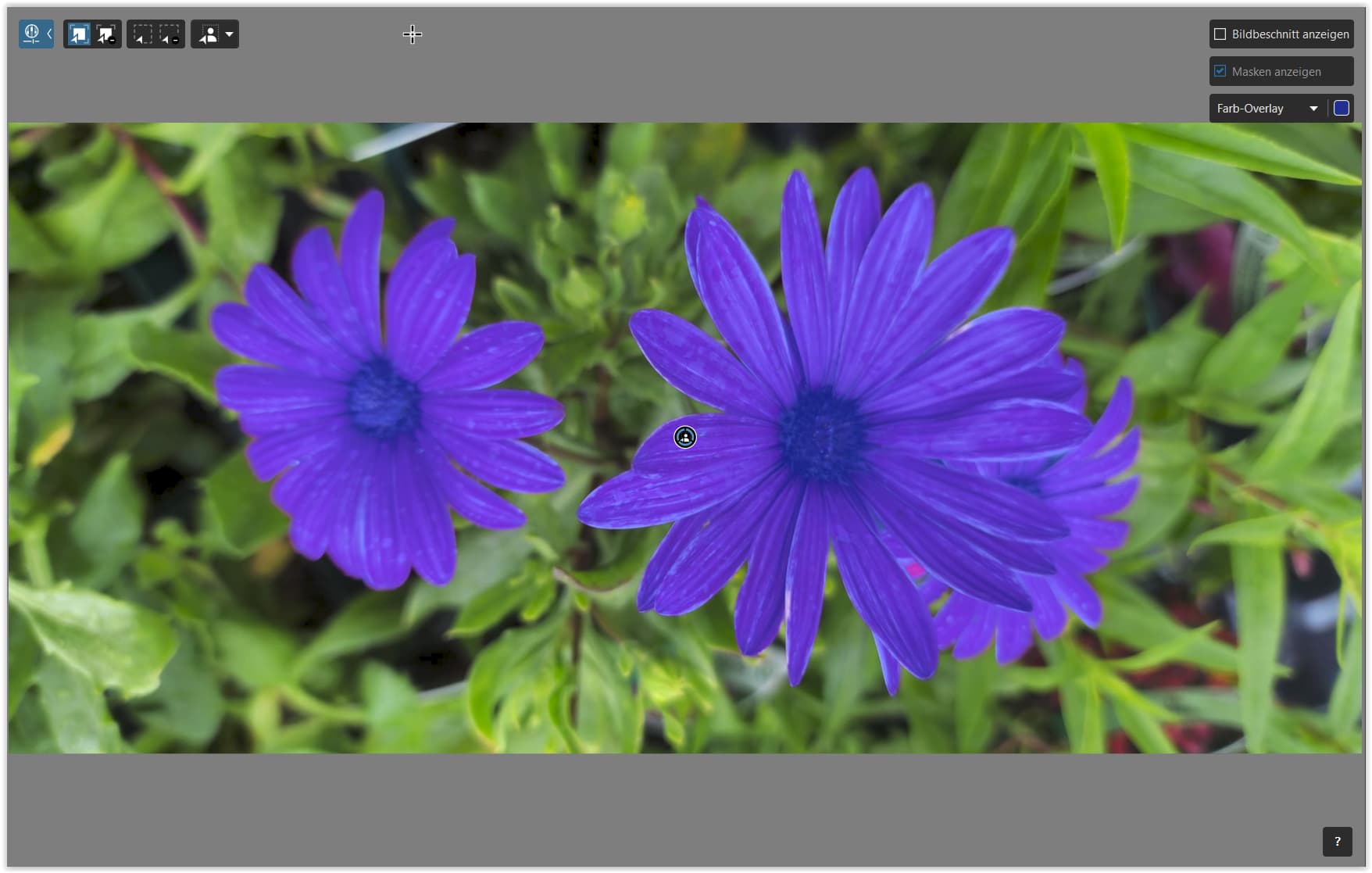
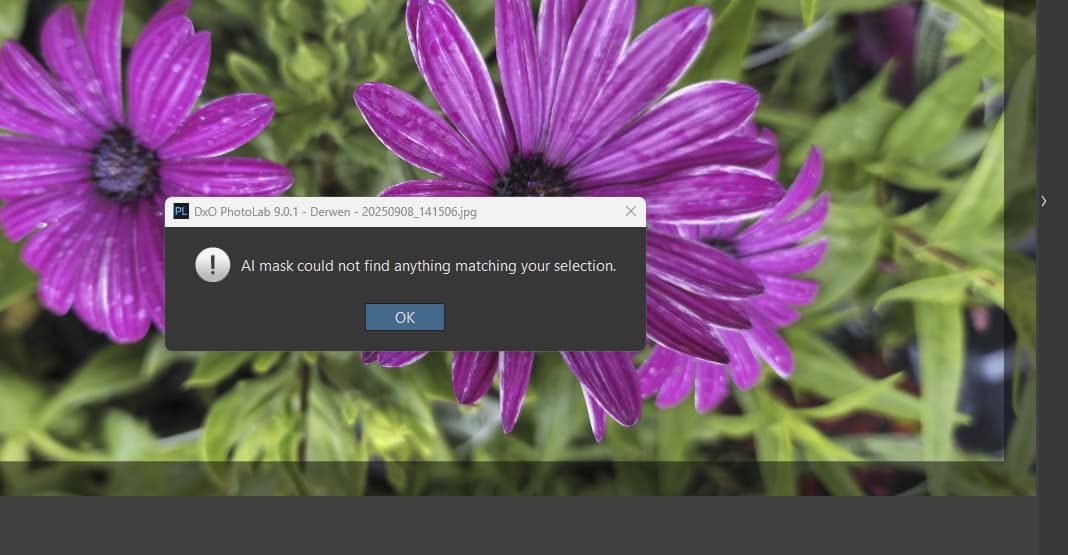
Right on my one before it had the error it said no flowers detected. Odd as I rebooted and ran it a second time, again not detected and again had the error. So looks like its not working properly on my setup linked to the error? Run it again and same not detecting flowers
Its a jpg from phone as at present the only viable format to use in PL
I expext its linked to the AI problems even if the error comes up after it says it cant gond flowers
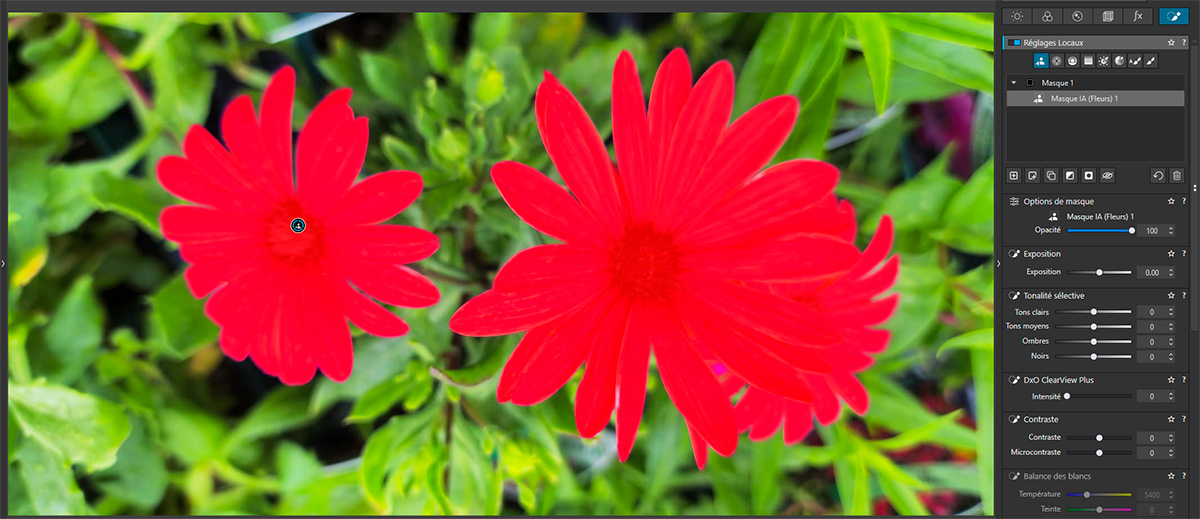
What I’ve noticed with the Flower AI mask is that it generally selects the entire plant: both the flowers and the leaves. This isn’t necessarily a mistake!
In your case, since the plant takes up the entire image, there may be a problem…
But I took your first image in JPEG and requested a Flower mask, and the selection of the two flowers is perfect and instantaneous.
Perhaps it’s different from your original…
RTX 2050 on one laptop and Intel Iris on the other one. I downloaded the 573 driver from NVIDIA and installed it with no luck. I updated al my graphic cards on both of them and that also did not work. Not sure why DXO would release a new version and then ask to install old drivers to solve a problem. I guess they did not take that into account. Hope they solve this on their next release.
Most of the development was done prior to the changes in the drivers by Nvidia that caused the problem. I’m sure that DxO has discussed this with Nvidia to assist them in developing a fix.
Everyone is so willing to place 100% of the blame for this issue squarely on DxO when late in the development cycle Nvidia made unexpected changes to their drivers which caused the issue. It’s not as if DxO started its development a month before PL9 was released. Development of major new features can take a very long time.
That is an extremely inaccurate assumption. Of course they tested it all the way up to the end with the latest drivers. That is how they knew about the problem prior to the release and posted the temporary workaround in the PL 9 Release notes.
Major new software releases often have point updates shortly after implementation to compensate for unexpected issues that have occurred late in the development and testing process.
Fixing a problem caused by a change to a third party driver doesn’t usually get resolved overnight. It may take a significant amount of time, and require assistance from Nvidia. That is why DxO recommended using older drivers that predate the introduction of the changes that caused the problem.
DXO software is developed by a different team of people on a completely different software than Topaz or Lightroom. I doubt you have any idea why DxO’s development team made the development choices they did or why their software is having difficulties with Nvidia’s drivers. Making a simplistic one to one comparison suggesting that if A works than B should also work indicates a lack of understanding about the development process.
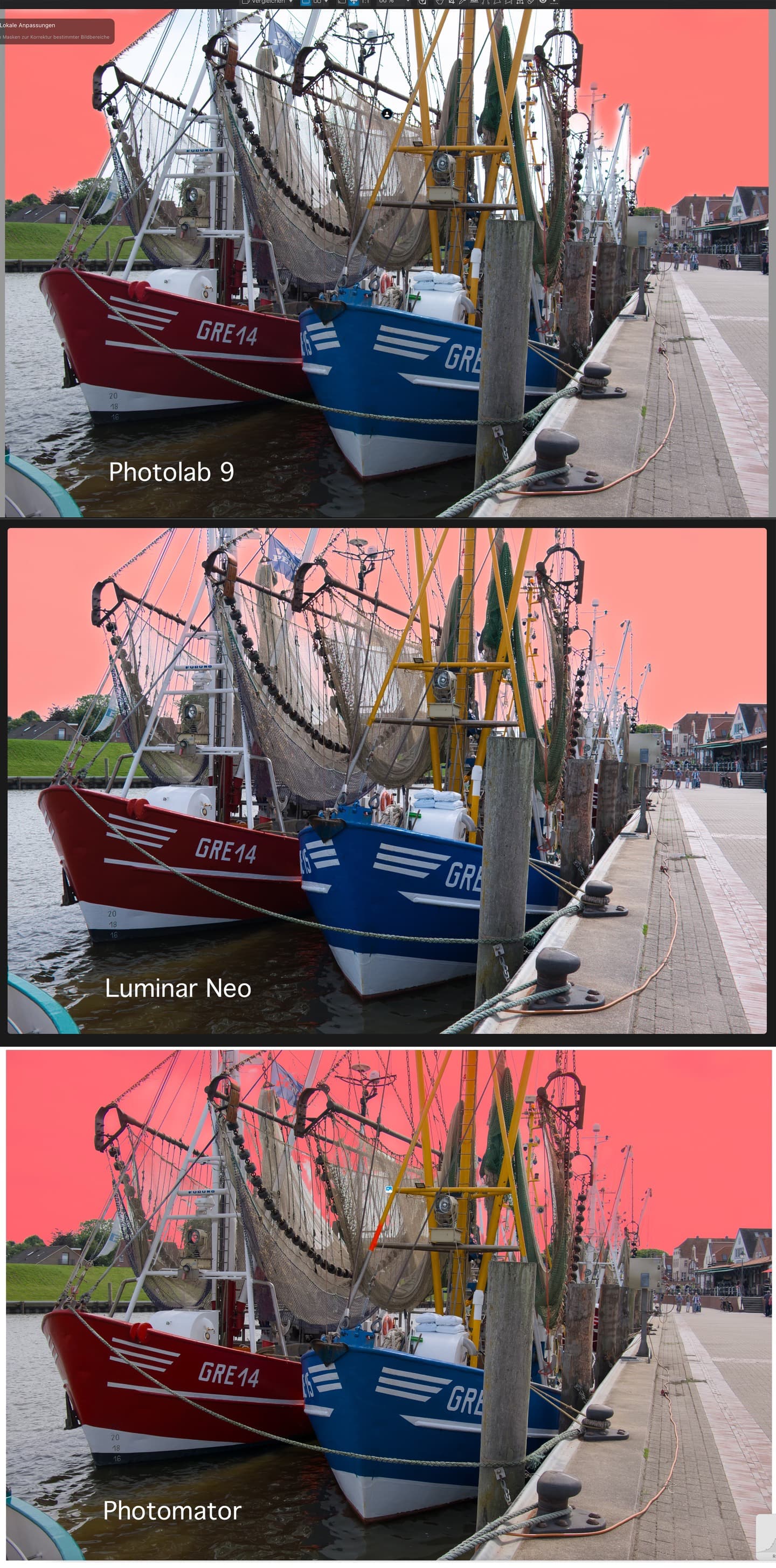
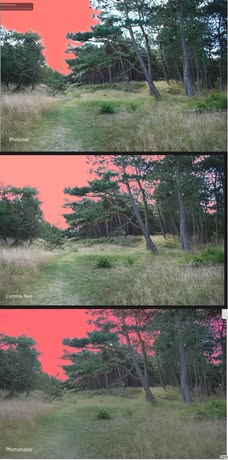
So, if this really is the highly praised AI masking of DXO Photolab 9, then all I can say is that even Photoshop Elements could easily do it 15 years ago.