Please raise an issue with DxO if you are having the same problem. Don’t forget to send them the jpegs files and a link to the RAW file and your *.dop file.
It is happening to me as well, but I am using the most recent version of PhotoLab 8. The image looks fine in the preview in PhotoLab 8 during editing, but the export, while lacking noise, is just soft and unusable.
I’m just going to throw this out there: does either Microsoft Visual C++ x86 or x64 have anything to do with how PL9E performs?
Most of the comments I’m seeing from other Windows users mirror what I saw when I first upgraded from PL8E. My system is Lenovo laptop, WinPro 25H2, Nvidia 4070/8GB, newest Nvidia driver. I’ve cleared my Event Viewer log, so don’t recall the name of the error, but remember Event ID was 153.
Anyway, another program I use to keep programs up to date is called UniGetUI. It scans system, then lists apps that have updates available. For awhile, I had been seeing that Visual C++ updates where available – but since I had no idea what VC++ was, and since having no issues with any programs, I added it the “Ignore” list. Once PL9 started crashing, I backed up my system with Macrium Reflect, applied the VC++ updates, and hoped for best.
Could be a coincidence, or some other factor, but after VC++ updates, haven’t had any issues with PL9. Apply multiple pre-defined AI masks, move lot of sliders, use DeepPrime 3 and the files export just fine. (Files are Canon R6/2, RAW).
Hope the above maybe helps identify, and solve, the PL9 issues.
I’ve mentioned in another thread I have the same issue and have reported it to DxO.
My current thinking is that it is as simple as not applying the lens correction module on export. This would explain both the softness and the lack of distortion correction.
I did test different NR types and could see slightly different output, but always soft and uncorrected for distortion.
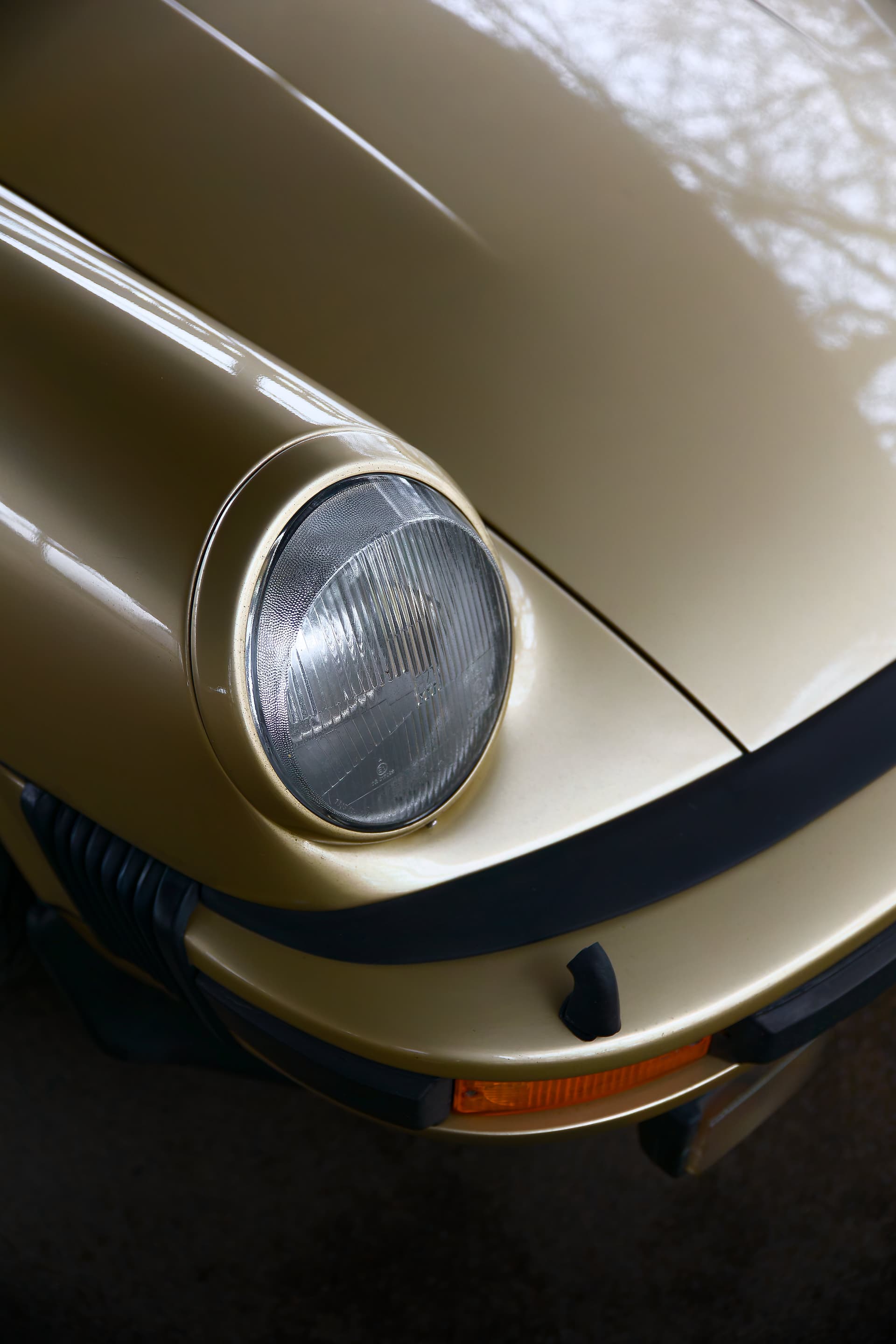
Well, I thought I was OK this time around but I’ve just run another check and in this shot I am seeing a definite difference between 9.2 and 9.3 outputs (in a negative way, and with a difference in file size (identical file sizes on export):
The difference here is subtle but definite, around the sharpest / in focus area of this Porsche’s headlamp.
It does look as though distortion (as applied through the geometry panel) has applied equally to both images, though. They overlap identically, but are visibly different in sharpness.
I tested it. When installing version 9.3, version 9.2 is largely removed, probably to avoid conflicts. If you want to keep your existing settings, you have no choice. However, you can install versions 7.8 and 9. The versions now have their own separate installations. It might be possible to install version 9.3 in a specific folder, but not in the DxO folder. And you will no longer have the settings from version 9.2.
Even with another external folder, version 9.2 is partially removed. So it’s not possible.
I’d be interested to see if each version of PL9 has its own separate downloads for the AI models also (which get downloaded after/during the initial application installation).
I doubt the AI models would impact PL9.3 image sharpness or distortion correction but they’re another part of the overall installation that we have less control over.
On a Mac all you need to do is to rename the PhotoLab app to ‘DxO PhotoLab 9.2.1’ before you install the new version.
Be sure to download the new version from the DxO download centre and install it manually. Don’t use the App to install the updates or it will be replaced with the new version. Also keep the installer you download for each version and remember to rename the installer file once you know what the version it contains is.
This way I keep the old version installed just in case…. needed more often than not !!
I do that, copying the current version and renaming it.
Except that I don’t install from the file available in Shop but just update within PL.
If this latest release does not work, I replace in A^^lication the previous copied file to rename as PhotoLab 9, and all seems working correctly.
Do you see any issue proceeding like that?