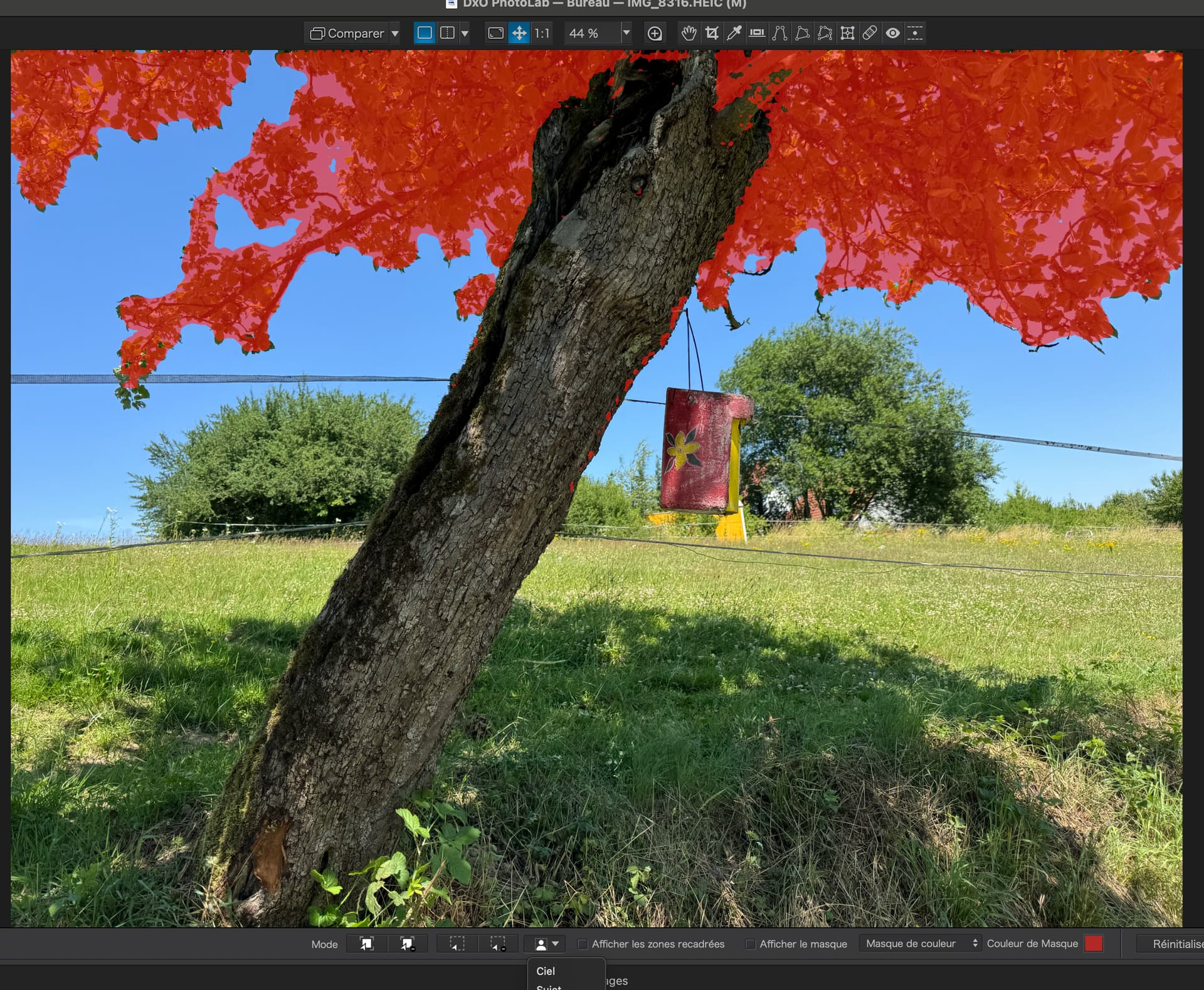
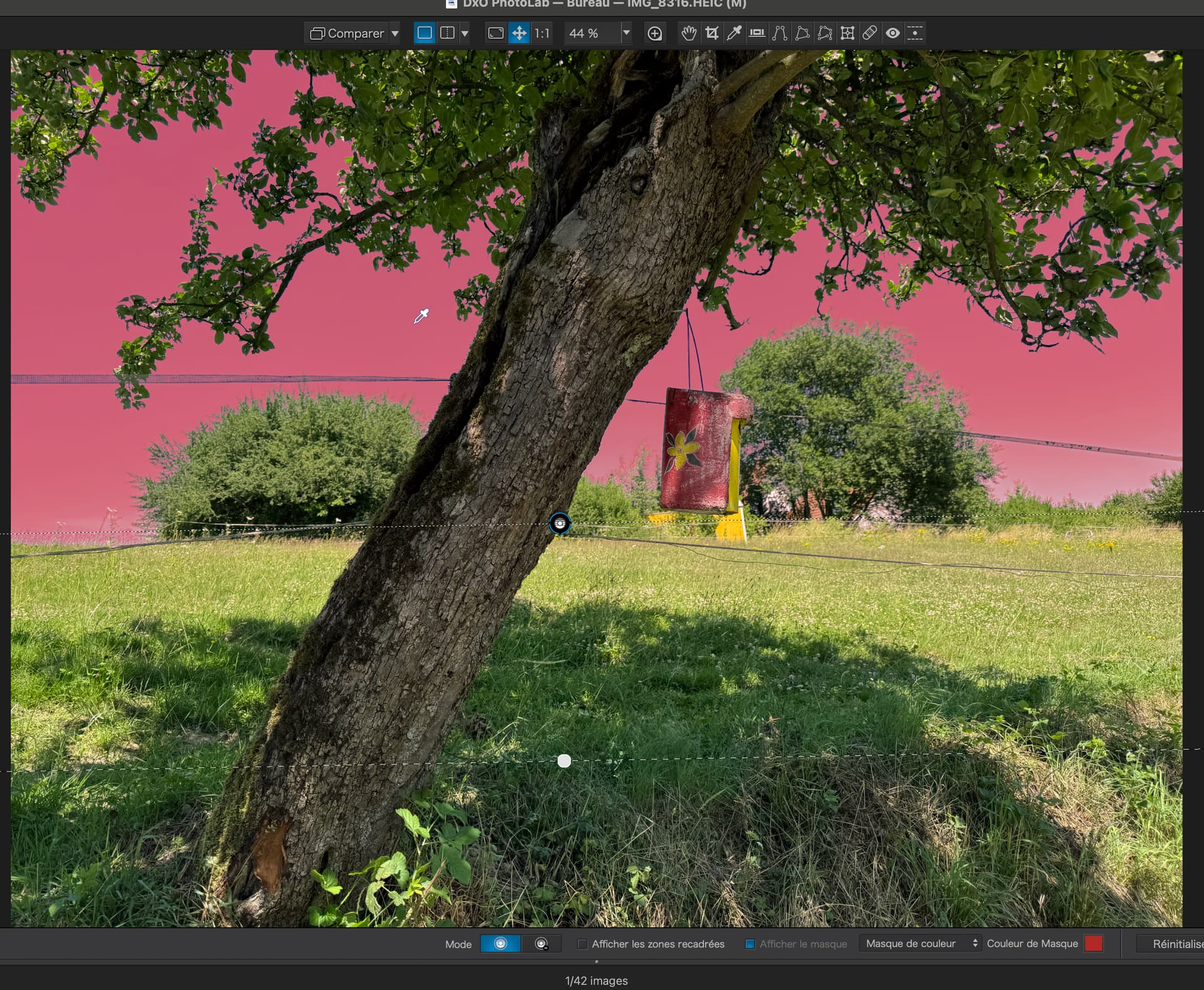
As opposed to a Control Line…
So far I havent found AI any improvement over existing masks and oftern very slow and buggy
Personally, I also don’t see any reason for AI Sky mask. Very nice example btw, had similar but not that “clean”.
General advice here is to learn when AI masks do work. I’m just having a break while using PL9.1 for the first time in production mode, dealing with Jazz concert, 800 raws on startup. I’ve used AI mask Selection mode on several photos for which I wanted to tame the busy background. It worked quite well, requiring 1-4 clicks, leaving the main subjects in tact. It turned out that for “background taming”, apart from obvious Microcontrast, Contrast, Sharpness, LSO corrections, also using negative LA DeepPRIME ‘Force details’ proved to be very useful for high ISO photos. So the “Localized Noise Reduction” can be a really useful tool, somehow overlooked in this forum. I’ve used it also with Control Points to manage wrinkles and all kinds of distractions brought by harsh light and scenic (non-photographic) makeup.
2 Likes
I’ve been doing some car photography lately and I have found PhotoLab’s AI masking to be rapid and fairly accurate in masking out what I need. This can be advantageous vs. Control Points because (cars) often have multiple different colours and textures at work (silver chrome, a variety of paints, a variety of glass).
Auto-Brush is a good alternative (especially in the PL9 update as it’s much better than PL8) but that can be fiddly.
OTOH masking with anything but AI seems to leave PL9 much more responsive than when an AI mask is introduced.
For masking out sky I’d prefer to use a Control Line like @Joanna did in her example (which shows it works very well).
2 Likes
PL9.2 release notes state that:
"
AI Masks become even more powerful thanks to improved matting and an upgraded sensibility threshold for cleaner, more accurate edges around complex subjects.
"
I just tested it on several images and indeed this is the case. It looks like photo editors will have to adapt to every new AI model update, making edits not backward compatible – a new problem to face. To avoid that, I would like to have some control over the AI masks sensitivity but I have no idea what is technically possible.
Something like “diffusion control” would be a good starting point, but some control over choosing the range of “matching pixels” would also be useful, vaguely speaking.
Humans seem to have been downgraded to AI guinea pigs 
2 Likes
Wondering if the AI “sensibility threshold” is at all adjustable in existing code or part of a set of libraries that are frozen (licensing issues) in place.
The problem is how to define it and make it workable on your local computer, without having to call terawatts datacenters. There are demosaicking algorithms that would make your images perhaps slightly better but would take 1,000+ times longer. After all, you may use something like Nano Banana to tell it to fix the things you want – it works quite well for few cases I’ve seen, though I didn’t try it myself. Easy way to loose your style, btw.
1 Like