For some reasons I didn’t upgrade to v9 (still on v8), and I’d like to know how masking in PL behave now.
It seems major upgrades on that subject from 8 are masks combination and AI masks (with 2 ways of creating them - standard presets and ? - ?).
So what do you think of the quality of the result obtained ?
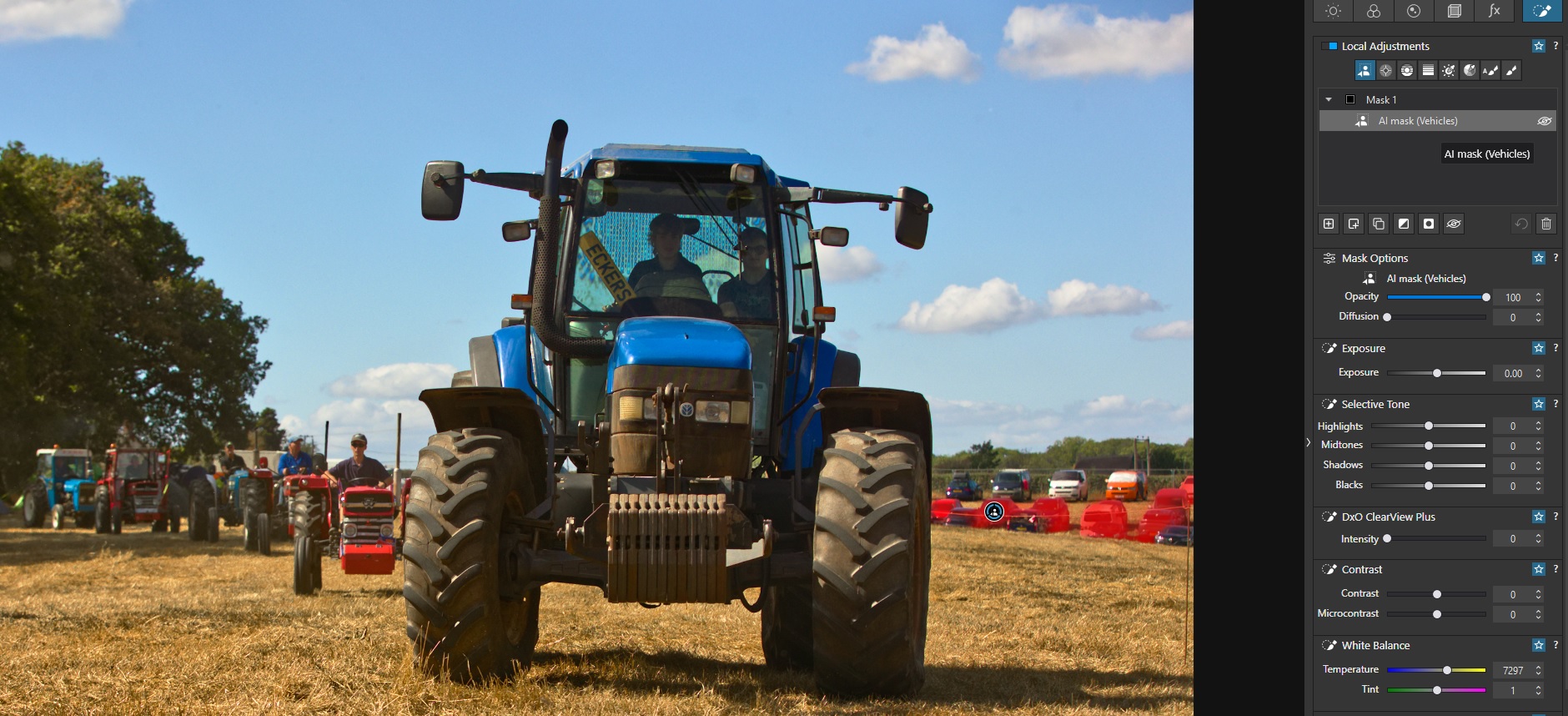
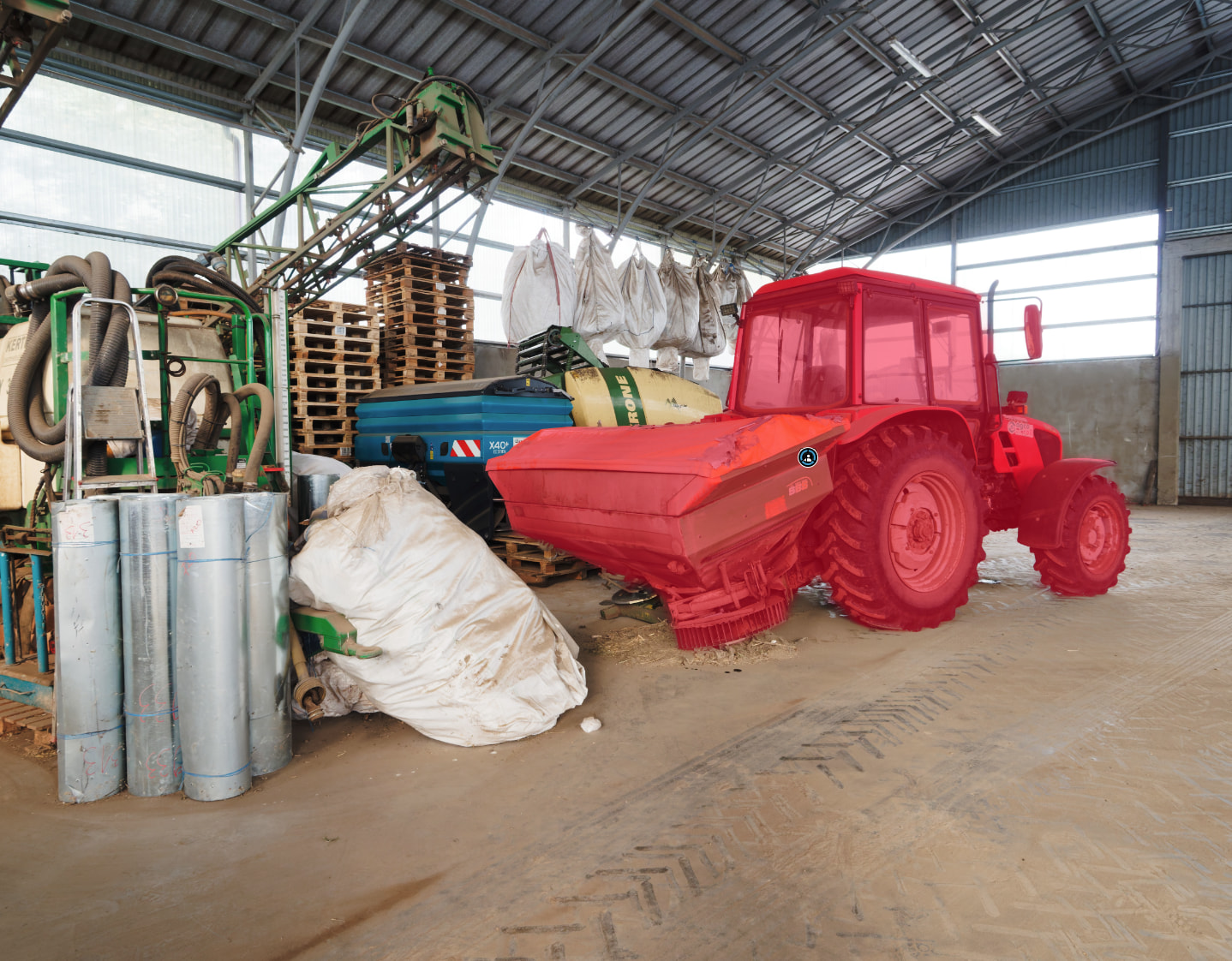
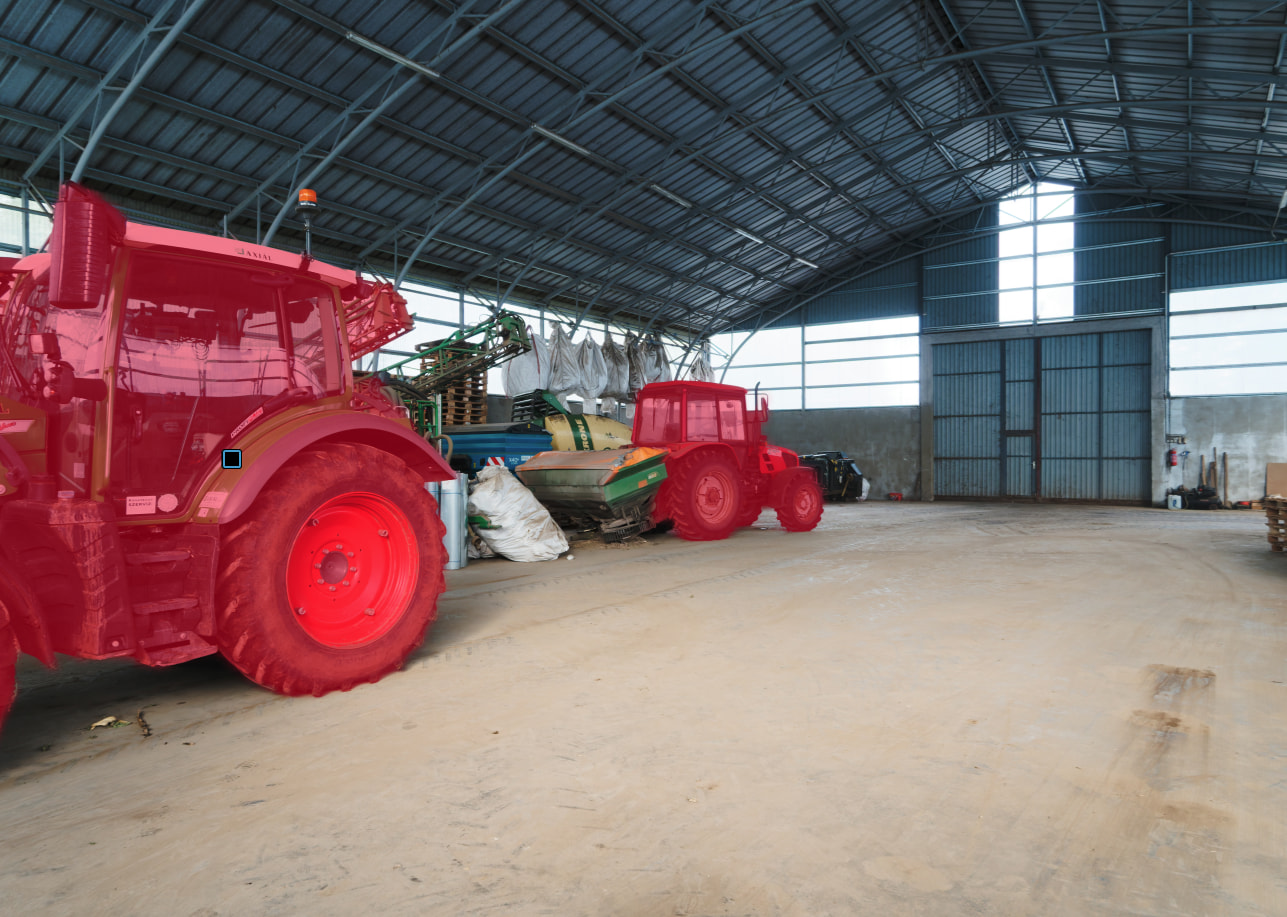
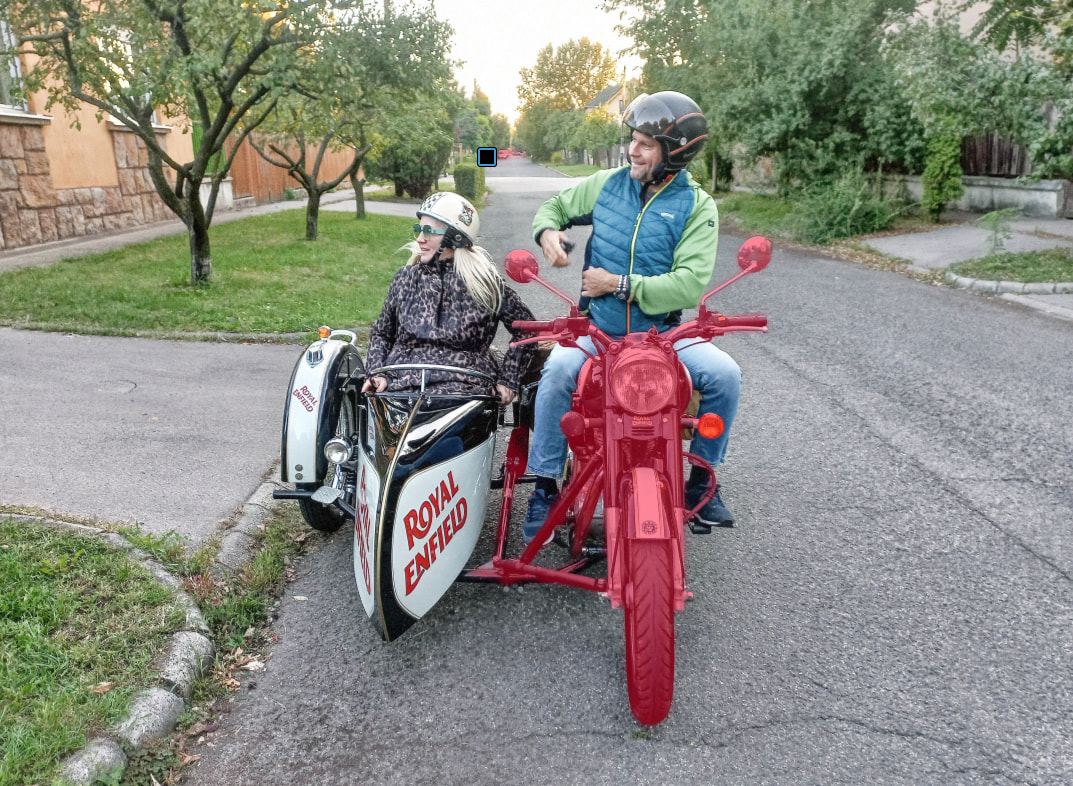
2 things in mind, here : objet recognition quality and precision of masks’s curbs in different cases (hard edges, soft (depth blurred) edges, complex (like Intricate openwork design of trees on the horizon for example). And anything you noticed.
Just read the question . It’s not about hardware (I have no doubt my hardware can handle the most intensive computer applications), it’s about quality of result.
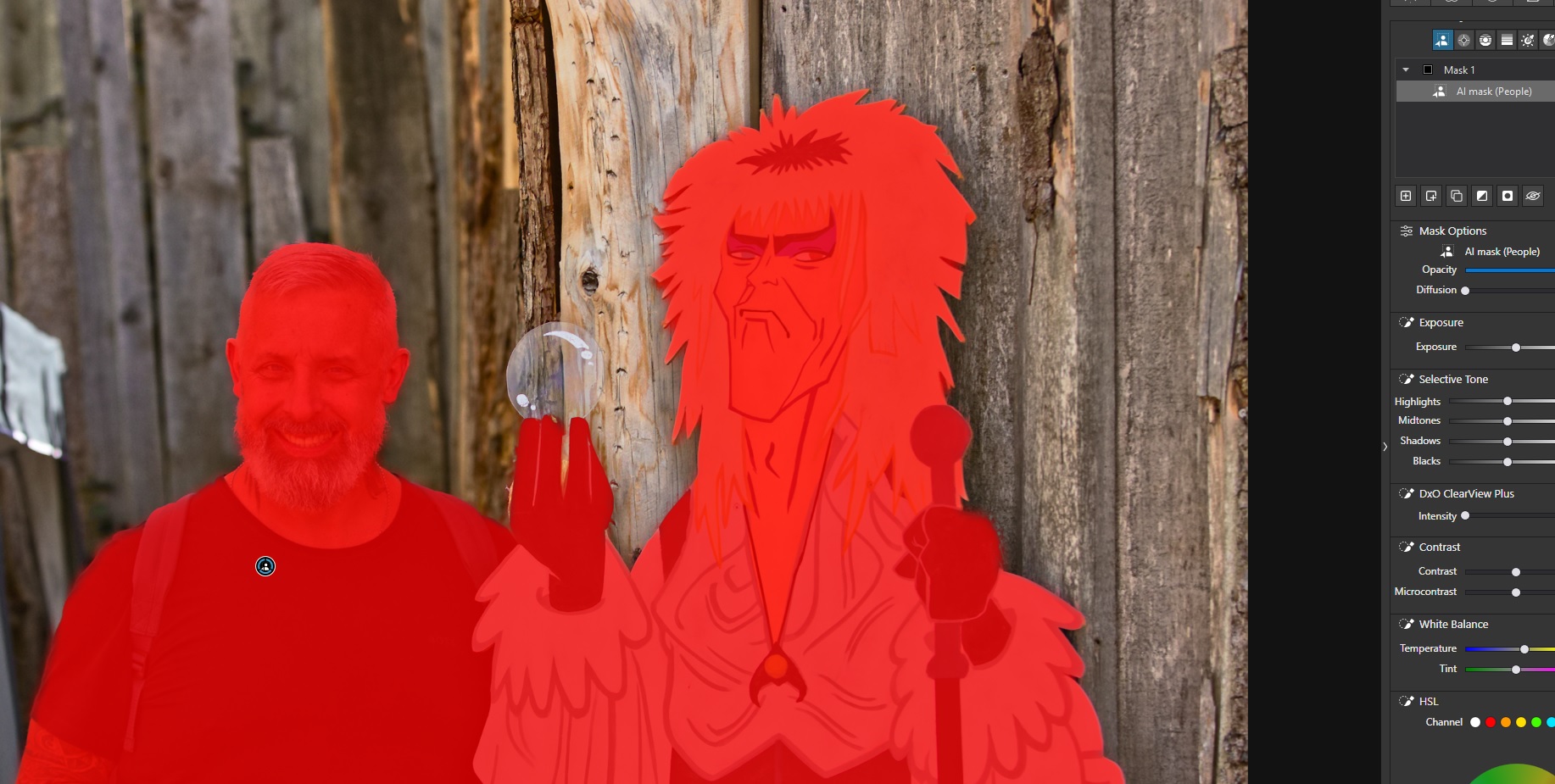
I am very happy with how masks work in V9. Good with furry animals, hair etc. etc. It’s also easy to combine masks for blurry backgrounds or whatever you want.
The next version will be released shortly, and users of version 8 are also entitled to a discount.
However, so much has changed since version 9 (which is now relatively reliable) that you should test the new version before buying it, perhaps with a new account?
Definitely test future versions before buying the upgrade.
Version 9 was a bit of a s*show when it first released and it took some time to get to a usable state, including a whole bunch of bug-hunting and testing by the community.
Jumping on 10 without testing a trial would be playing with fire.
PL9 object recognition has improved through the various dot releases, as has system stability.
To generalize, hard-edge object selection like autos or buildings is good; while selection of hair and “fuzzy” objects are not so good. In some cases they seem better than similar tools in other software, but overall, still a bit “rough”.
Sky selections are basically useless against complex horizon or foreground objects. A Control Line with appropriate eyedropper placement and luma/chroma selection is much better.
PL9 also introduced mask invert options that can help to separate objects, however usage is not so intuitive.
Obviously the AI object selections are easier for quick and “dirty” work. If these don’t work the traditional tools are there too. The Autobrush tool has also been improved.
For my usage, the AI “click-object” tool get close enough for most cases, and the invert options are useful for further isolation of an “object”. So the upgrade was useful for me. YMMV.
I’m using PL9 since it was released, experienced the first attempt of AI masking and all associated troubles as well I enjoy how it significantly evolved and helps to achieve quickly and easy excellent results.
I’m running PL9 on a Mac Mini M4Pro 24 GB and wasn’t experiencing any of the extensively reported troubles linked to WIN and Nvidea.
What helped me a lot was watching available YouTube tutorials as well as the live editing sessions from Rob Trek - he’s using AI masking a lot in his sessions. He’s also addressing most of the reported issues like sky, masking accuracy etc. https://www.youtube.com/@RobTrek
I’m not using any other editing SW than PL, nevertheless I’m quite sure that other editing packages with AI masking do have their issues …
AI masking is a new tool which requires times to get familiar with and needs time to learn how to use it in various use cases and situations.
it’s indeed a tool prone to evolve (we can see that with cameras). And it’s good to hear it has.
One thing that some (?) cameras can’t often recognise is birds with long necks. Is it the case here too ? (Yes, cameras have to do this very fast - some shoot bursts at 30i/s and have to find the body then the eyes for every image - when softwares can use more time and only have to find the whole object).
I like the new masking features. In my opinion they are first-class and a definite upgrade from DXO 8. But if I couldn’t get the free trial to work, I wouldn’t buy the package.
Stenis
(Sten-Åke Sändh (Sony, Win 11, PL 6, CO 16, PM Plus 6, XnView))
20
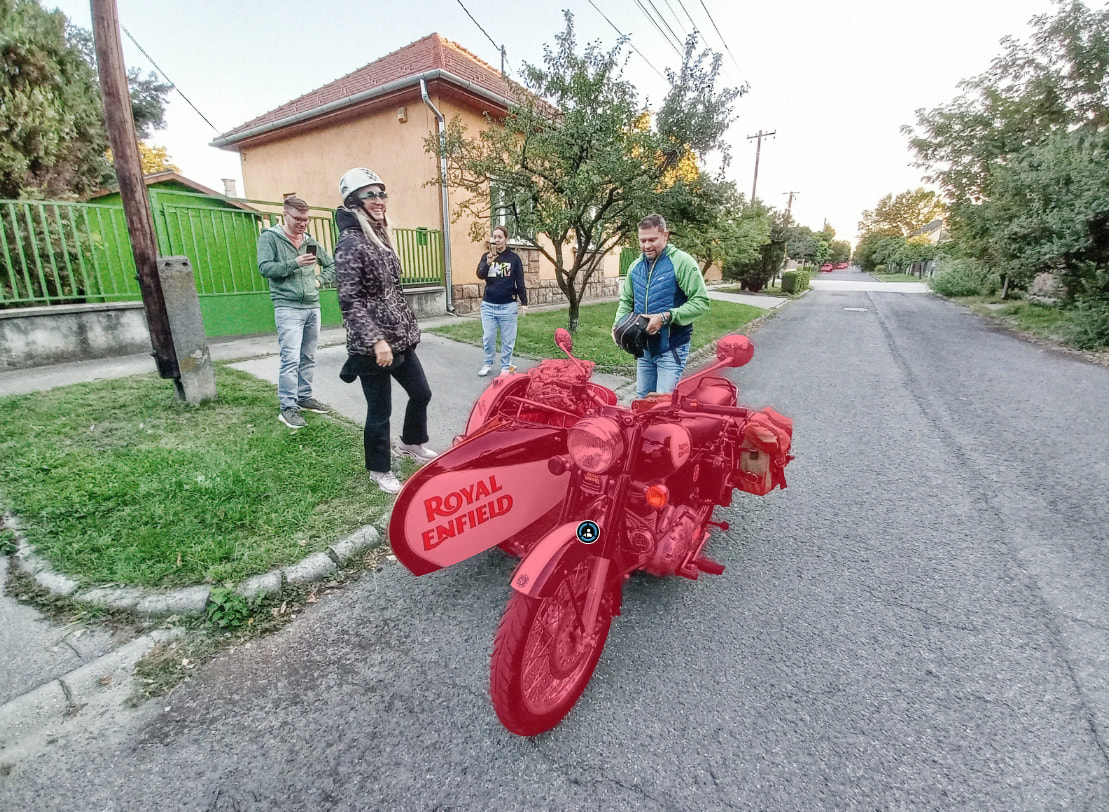
I think Photolab 9 works fantastically well now and the integration of the old masking tools in the Local Adjustments is just soo good. It is very few things we can´t solve now. In a case like yours I just don´t even bother using ther “Vehicle” preset mask. It is faster just use “Add an area” or “Add a selection”.
The only thing I really miss is serious tools for retouching of faces a la Capture One. That is a natural nexr step for version 10. Not adding that in the next version would be pretty tone deaf.
 . It’s not about hardware (I have no doubt my hardware can handle the most intensive computer applications), it’s about quality of result.