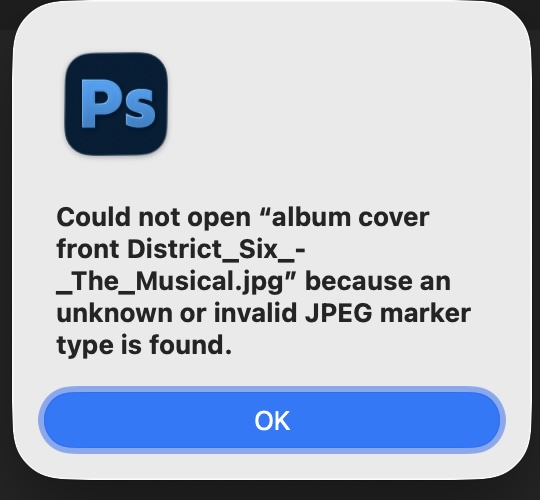
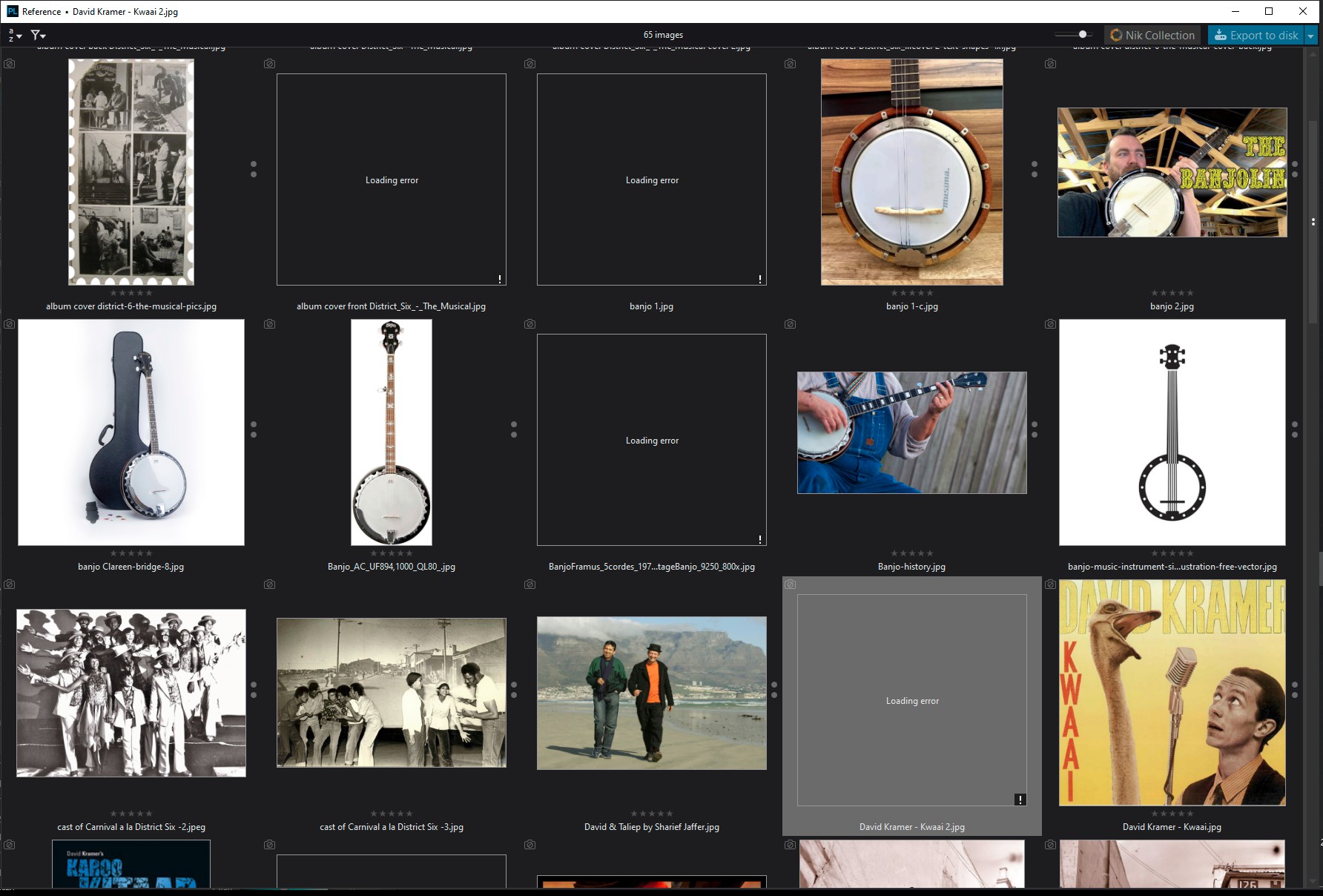
“Error loading”
”This image cannot be processed because of an unknown error. It may be corrupted or in an unsupported format”
I just installed my new DXO 9 and suddenly a significant proportion of my ordinary old .jpg files can’t be read. I hadn’t uninstalled v7 yet so I tried that and now, since installing 9 I have the same problem there too.
Photolab never had a problem with these before. They are files that everything else handles just fine. Browsers, Faststone Image Viewer, Corel, Afinity, Topaz, Windows, my phone … all have no problem with these ordinary jpegs. It’s serious problem for me with some work I have to get done now.
If I were you I’d try these troubleshooting steps:
Restart your computer (I’m assuming you’ve already done this), and if that doesn’t work, then:
With PhotoLab closed, delete your PhotoLab database (first back it up – I’m not sure where to do this on Windows, but on Mac it’s File → Project Database → Create a Backup), and if that doesn’t work, then:
Uninstall PhotoLab entirely, and then reinstall PhotoLab, either version that you prefer to use right now
Thank you @unchdxoly for that advice. I have now tried a database delete as well as a clean reinstall (deleted all DxO and Photolab vestiges I could find). The problem remains. @Wlodek@Wolfgang Here are a few of the files. Thank you so much for having a look.
I don’t know what to look for in the metadata. The only clue that jumps out at me is that they are all images recently downloaded - in the last 3 months. I haven’t encountered the problem in earlier folders. They aren’t pics I took myself but they are ones I have every right to work with for those clients.
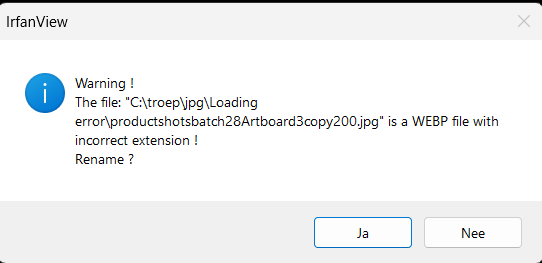
are not actually JPEG files. They are .webp files, which is not a file type supported by PL, hence the loading error. See the screenshot (uploaded by @George) of the warning given when you open them using IrfanView.
Are you saying they’re .webp with an incorrect extension? Heck! I wonder why. That’s exactly how I saved them, and in some cases how the client sent them to me.
Does anyone have any suggestions as to how to fix this? I need to work with some of those files. I guess I could open them in an app that can and resave them.
It never ceases to amaze me how close Flemish is to Afrikaans!
That info has me thinking that this is Google’s doing - the presentation of a WebP with a .jpg extension. I dove in to FastStone’s settings and now have it displaying the file type and I see it it contradicts the extension in every case.
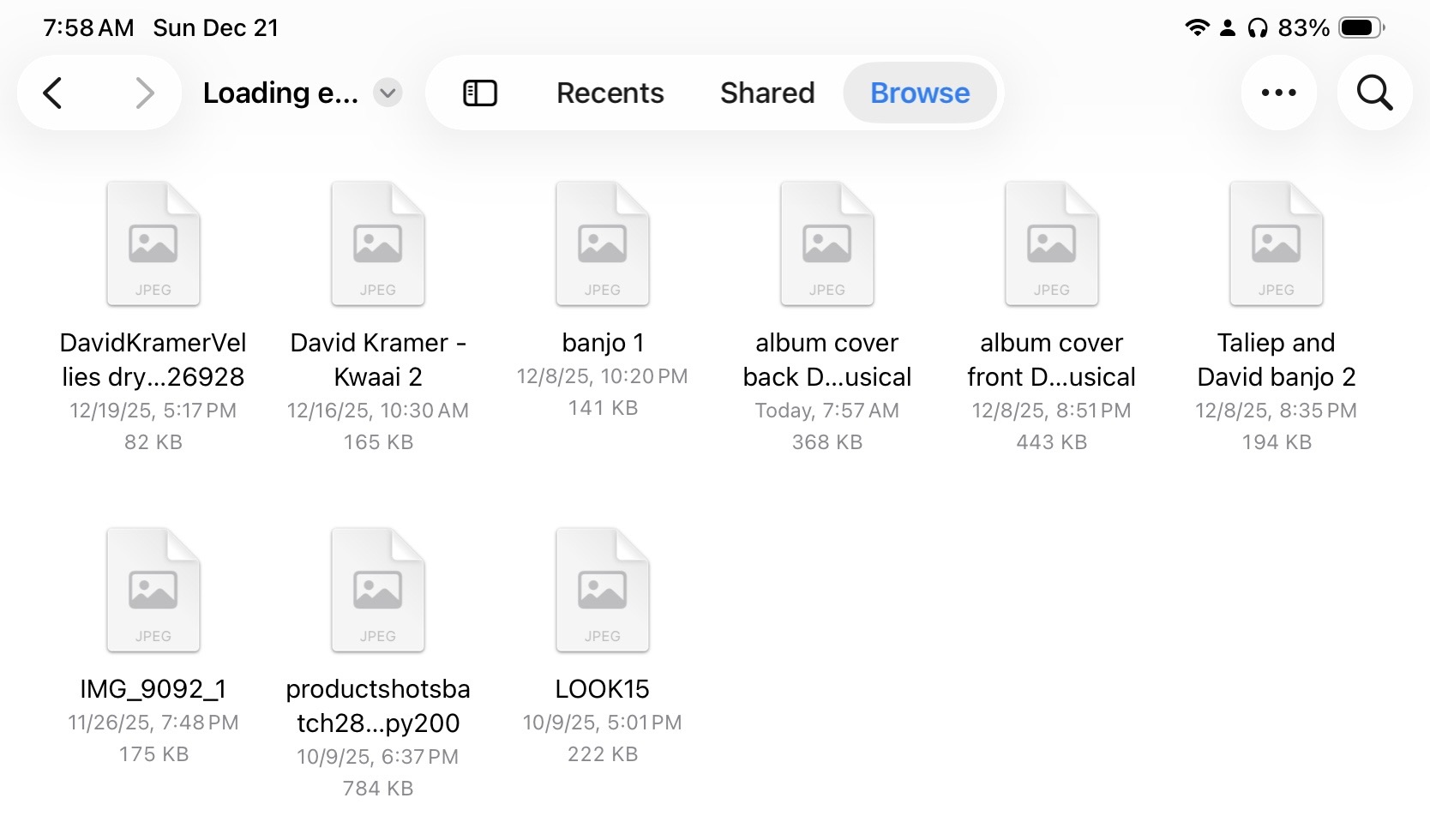
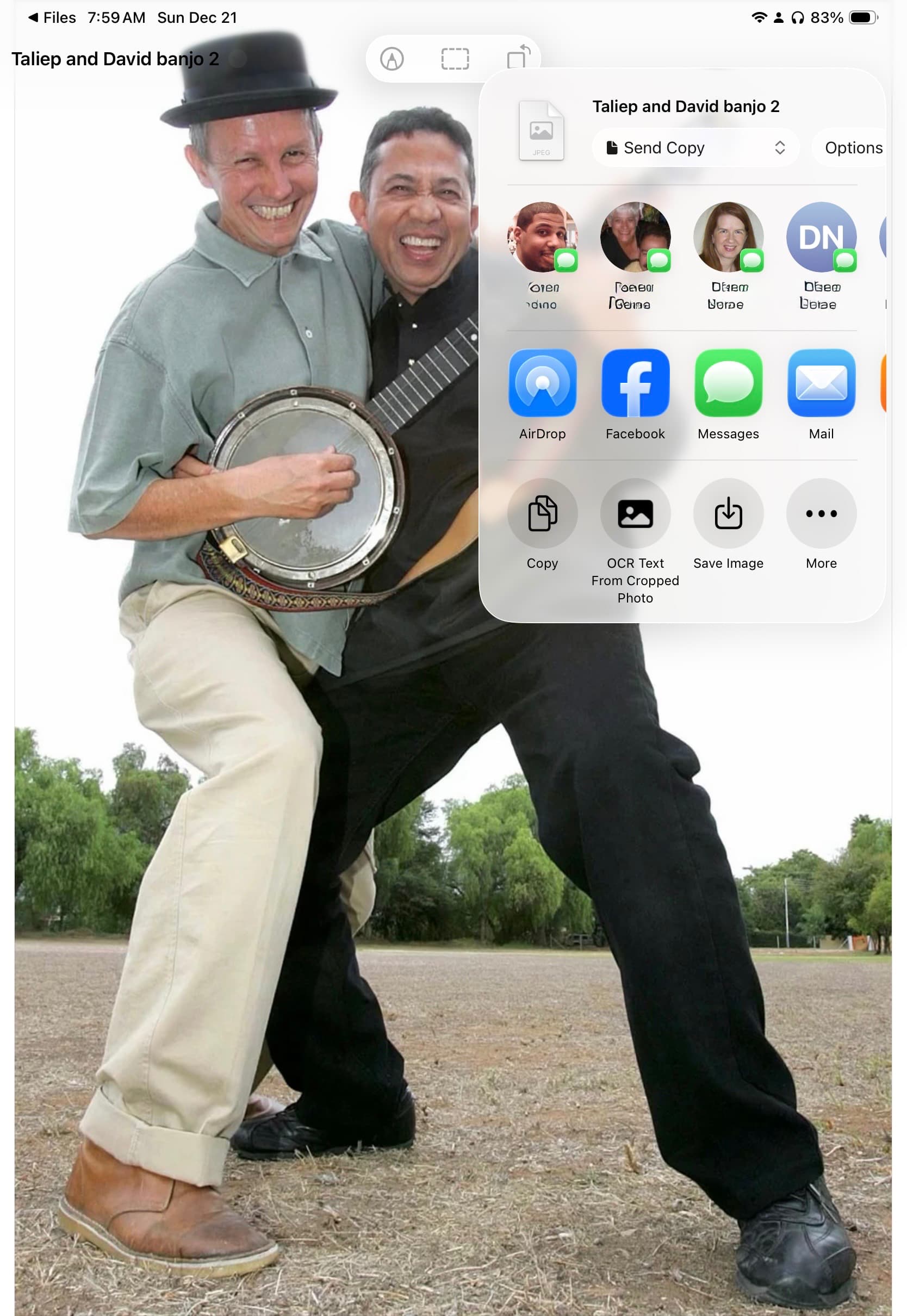
I’m on my iPad this morning. Files presents them as jpegs with generic thumbnails. Save Image presented a one-time dialogue box with Preview asking to allow it to add the image to Photos. Now all images can be added to Photos and edited with no further permissions needed. This probably doesn’t help you but does show the files are recoverable.
Here are true jpegs, converted using ImageMagick command line:
magick mogrify -format JPG *.jpg
(it would be better to change filename extensions of the originals to .webp and use ‘magick mogrify -format JPG *.webp’ instead). webp_converted_to_jpg.zip (5.2 MB)
No problem. Though I’m a little confused, and I think I misunderstood what you said here:
It sounded like you were saying those specific images had worked in PL7 before. But given all the new messages, it sounds like these specific images were .webp with a .jpeg extension, and probably would never have worked? Maybe you were saying “I’ve used JPGs before and they’ve always worked,” not “I’ve used THESE JPGs before and they’ve always worked”?
 for 250 euros !