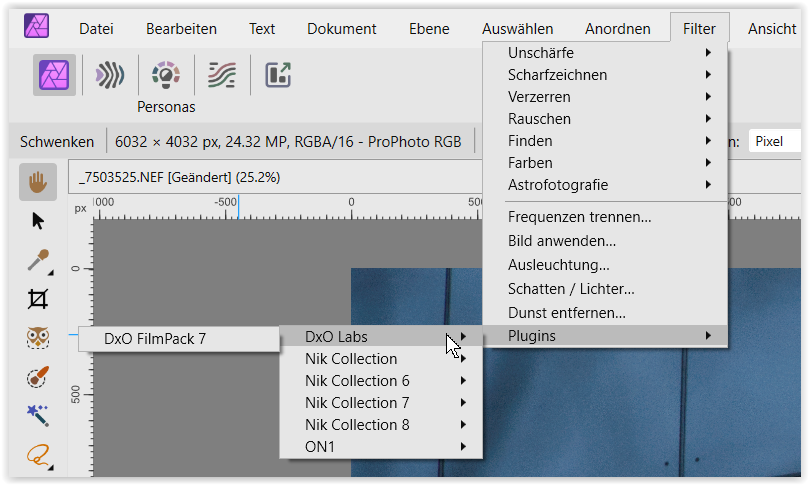
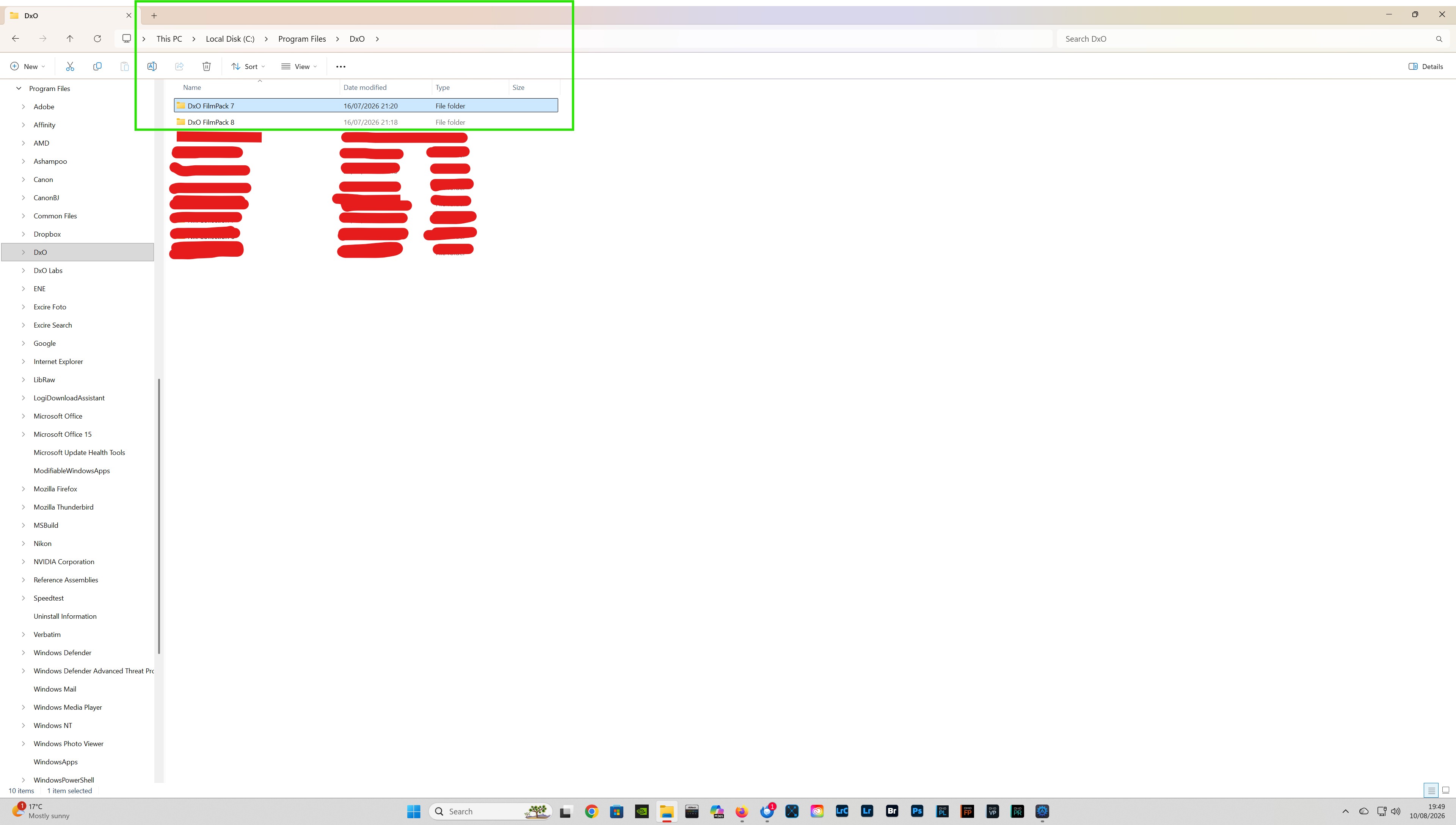
I would like to see the Photoshop, FilmPack plugin officially supported in Affinity Photo.
As things stand: the FilmPack 7 and FilmPack 8 Photoshop plugins, have stopped working in Affinity 2.6.5, but I can still get them to work in Affinity 3.
I would like to see the Photoshop, FilmPack plugin officially supported in Affinity Photo.
As things stand: the FilmPack 7 and FilmPack 8 Photoshop plugins, have stopped working in Affinity 2.6.5, but I can still get them to work in Affinity 3.
Hi Wolfgang,
Until very recently I had both FP7 & FP8 working with Affinity Photo 2.6.5 (Win). If I now try to open FP7 or FP8, the application fails to launch, and a crash report is generated.
Both FP7 and FP8 are however still working with Affinity 3.
The following link will take you to a relevant post.
https://forum.dxo.com/t/filmpack-8-in-affinity/55630
DxO’s view is the FilmPack plugins are not currently supported.
I have tried reinstalling Affinity Photo, and also the FilmPack plugins, but still cannot get them to work in Affinity Photo 2.6.5 (Win).
Neither DxO nor Serif (i.e. Canva) are ever going to fix this problem for AF2, since that is no longer suported by Serif (i.e. Canva).
If the problem is within AF3, Canva might fix it, if it is reported to them by enough people, but if the problem is within FP, unless DxO decide to support FP as a plugin to AF, once again it’s never going to get fixed.
@stuck The shame is, it probably wouldn’t take much effort, on the part of DXO and/or Canva, to provide official support for FP and Affinity.
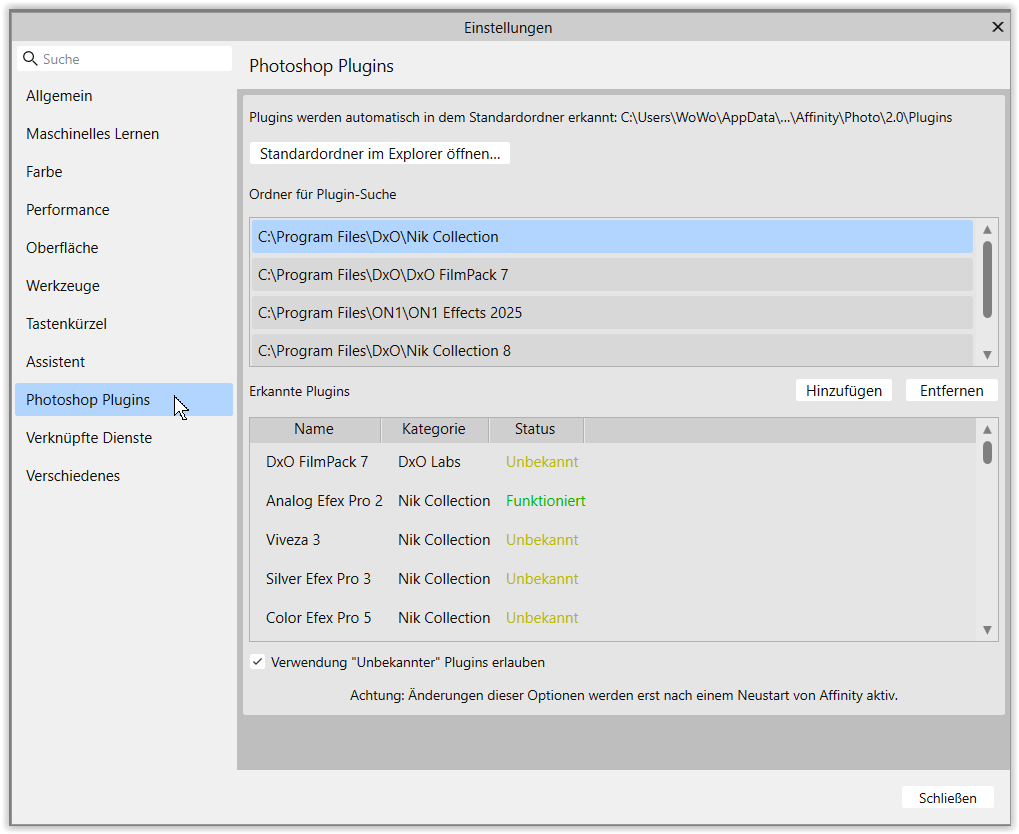
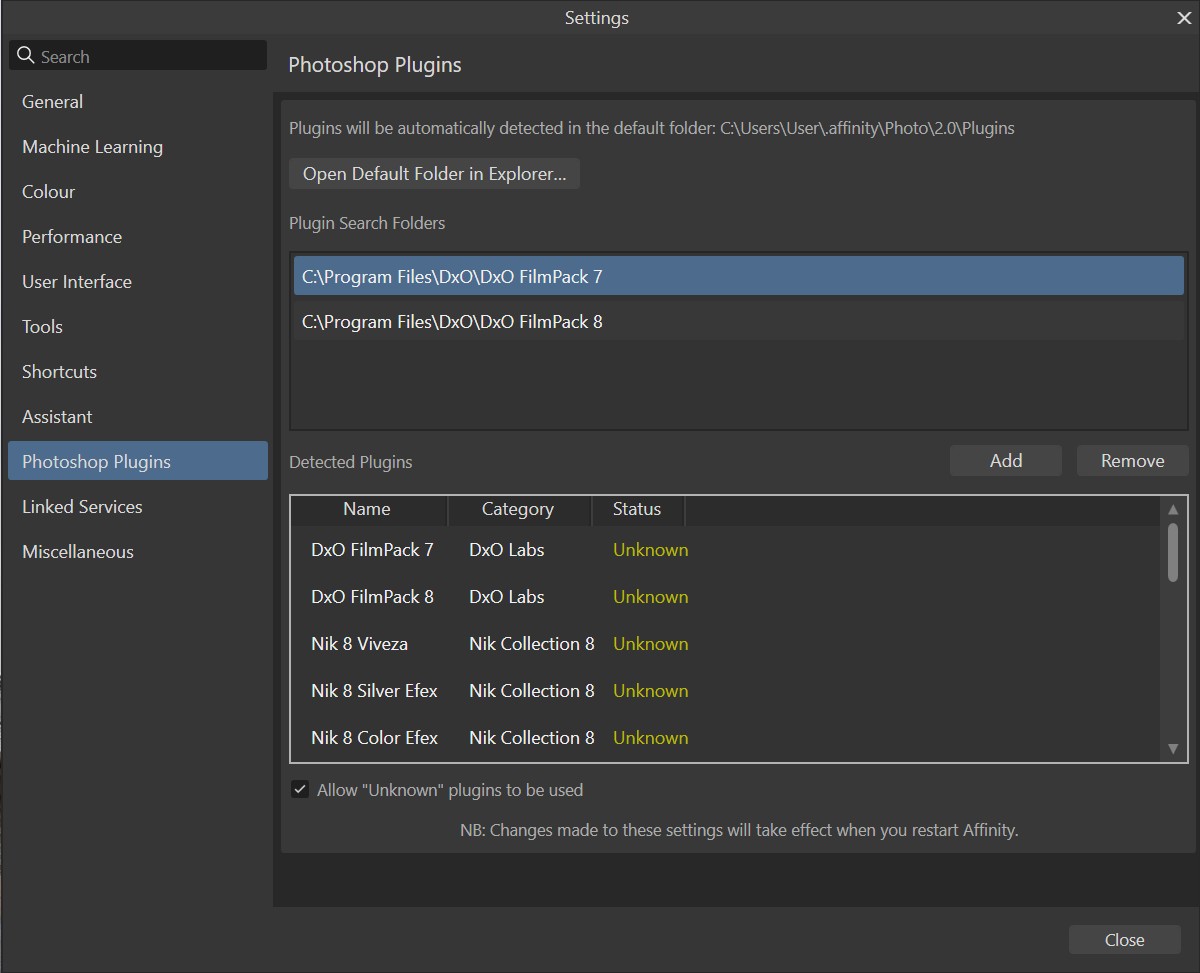
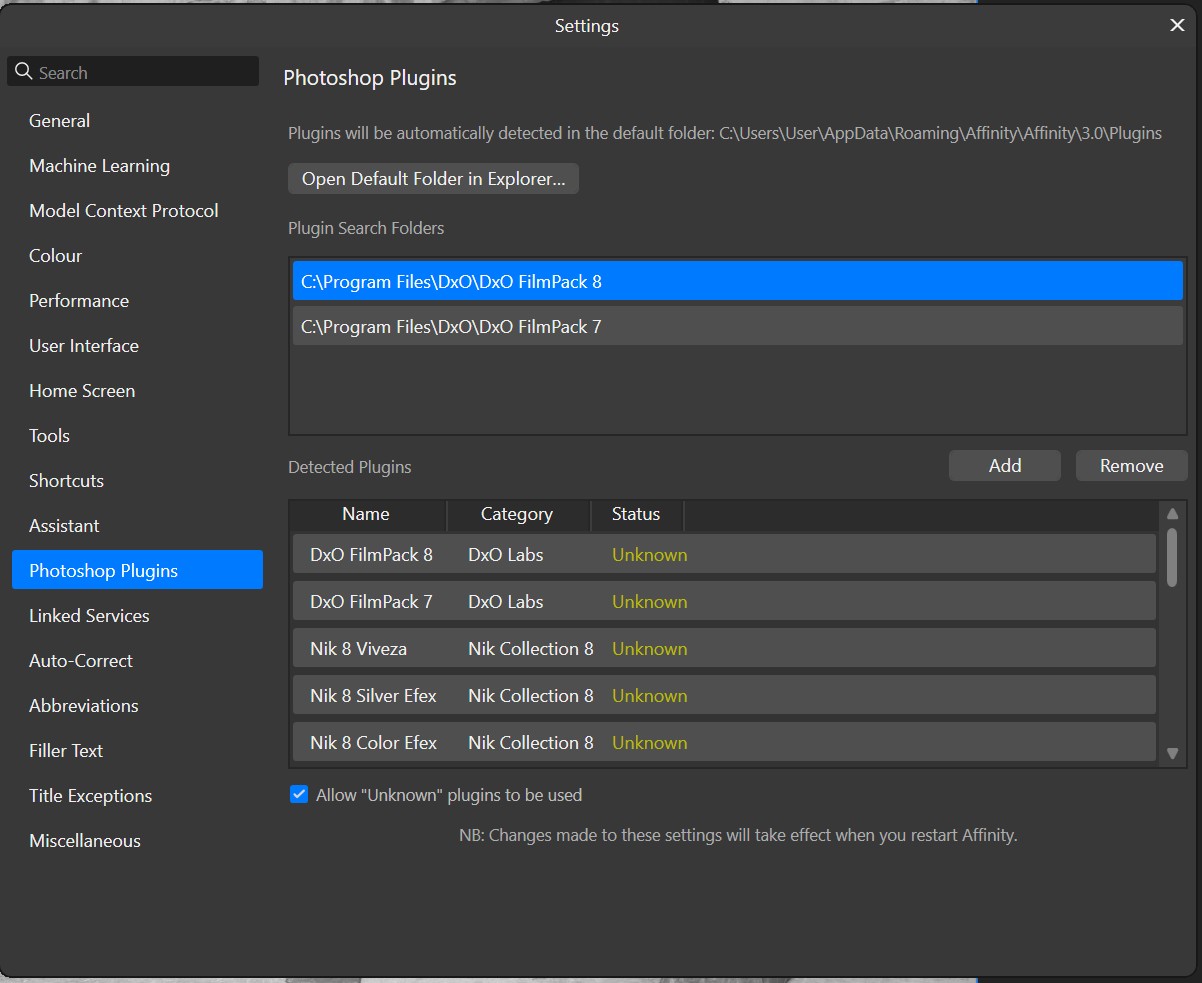
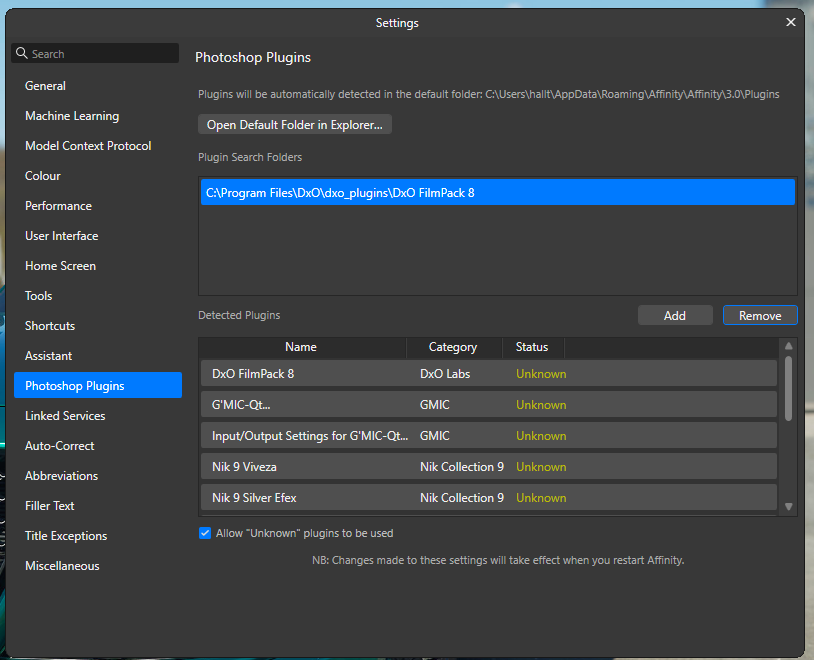
@Wolfgang Yes I have checked my settings: they are identical for Serif Affinity 2.6.5 and Canva Affinity. However Affinity 2.6.5, no longer works with FP7 or FP8, but Canva Affinity does.
Serif Affinity 2.6.5
Canva Affinity
@mrcrustacean ( and @TorsteinH )
.
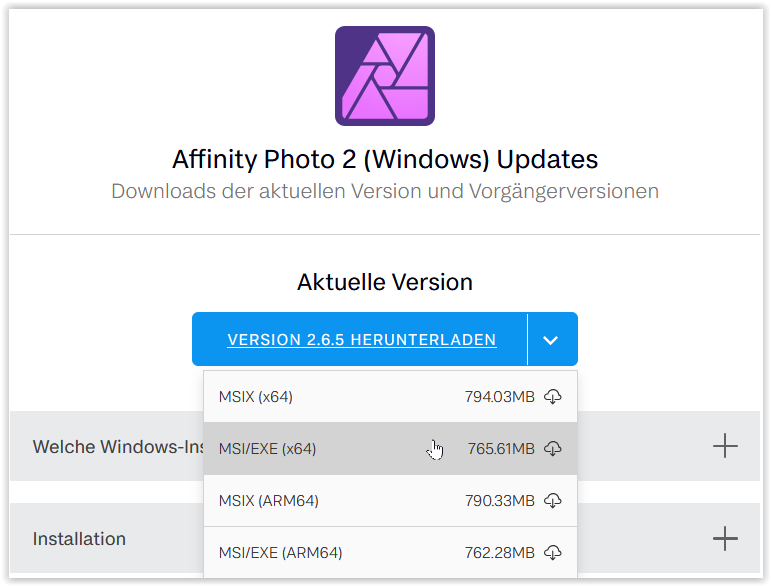
From Affinity Photo 2 Updates (Windows) you can still download different versions
.
When Affinity launched the MSIX version (x64), which runs in a “protected” folder / environment, many users struggled to get the program up and running.
Creating a an old fashioned .bat file … made it possible to launch AP2 from within PL using the “Export to Application” function … until Affinity offered a “regular” MSI/EXE version (x64). 
Hi Wolfgang, thank you for the information!
I had installed Affinity 2 using MSIX version (x64). I have now reinstalled the application using MSI/EXE version (x64), and both the FP7 & FP8 plugins are now working!
Great … … … … !!

I have only used the MSI/Exe version, but it doesn’t matter to me, it just throws an error message at me.
Just one question. If I remember correctly, when installing FP you are asked for a location for PS plugin. Setting anything special there?
@TorsteinH ‘Just one question. If I remember correctly, when installing FP you are asked for a location for PS plugin. Setting anything special there?’
When I installed FilmPack, I just accepted the default location for the PS plugin. My Affinity Photoshop settings are shown above.
Have you tried replacing your Affinity Photo 2, using the link supplied by Wolfgang?
We are using the same version, so I guess it’s not much use…
at the very top of Patrick’s screenshot
→ Official Support of the FilmPack Plugin in Affinity Photo - #7 by mrcrustacean
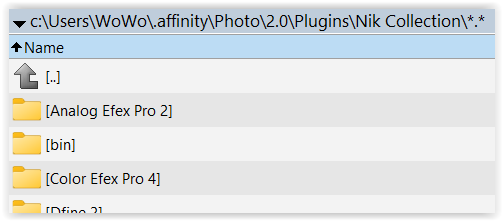
you see a line C:\Users\ …\.affinity\Photo\2.0\Plugins
check what’s in there
.
note:
that very path contains here an old Nik version
.
but → AP2’ top line shows something different
and contains e.g.
.
just below add the folder that contains the Nik collection, FilmPack or …
the second half shows a list of Detected Plugins
→ at the very bottom: Allow “Unknown” plugins to be used !
and restart Affinity (or reboot), then the list should show up
(don’t remember if I added the single Nik tools)
.
In the past, I’ve also linked to an app’s storage location instead of copying the whole thing into the expected plugin folder – too long ago to remember in detail!
(ed)
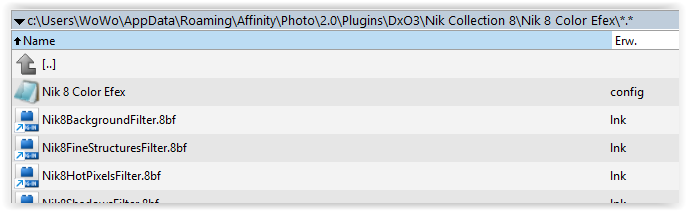
In my case: the Photoshop Plugin default folder, contains links to Nik Collection 8 and 9.
@TorsteinH I was wondering if a screenshot of your Affinity 2.6.5, Photoshop Plugins manager might assist?
Now, that Affinity Photo 2 is working, try to reinstall Filmpack and see if that solves it.

@TorsteinH I don’t know if it makes any difference, but I selected the parent folder of FilmPack 8 & FilmPack 9?
I have just received (10/08/26) the following reply from Affinity Technical Support:
I Hi Patrick, it is great to hear that switching to the MSI/EXE version of Affinity Photo V2 has stabilised your workflow with the DxO FilmPack plugins. We can help clarify why this might be happening.
Windows sandboxes the MSIX version for security and system stability, which can sometimes restrict how third-party plugins interact with the application. In contrast, the MSI/EXE installer is not sandboxed in the same way, allowing for more traditional integration with external tools like the ones you are using.
Since these plugins are third-party, behaviour can certainly vary depending on the installation environment. We have shared your experience with our technical team to help them better understand the difference in compatibility.
In the meantime, here are a few best practices when working with plugins in Affinity:
Save your work before launching a plugin to ensure your data is protected.
Test the plugin in a brand new document to rule out any file-specific issues.
Confirm that you have a pixel layer selected, as plugins generally do not apply to other layer types.
Check your document’s colour profile, as some plugins have known limitations with specific modes like LAB.
Let us know if you need anything else as you continue to test this setup.have also received a reply from