It would have been nice if FP8 worked in Affinity, but it doesn’t ….
Are you referring to the Canva version of Affinity? if so, I am also unable to launch FilmPack 8.
the same for DxO ViewPoint …
@yvangir Sorry, but DxO Viewpoint is not compatible with any version of Affinity Photo. For perspective correction, you need to use the Mesh Warp Tool, and/or the Perspective Tool, available in Affinity Photo.
@TorsteinH I am now finding, that when I try and launch FP8 (Windows 11), from within Affinity Photo 2.6.5, a crash report is generated, and the application does not open. I reinstalled the plugin, but the application still failed to launch.
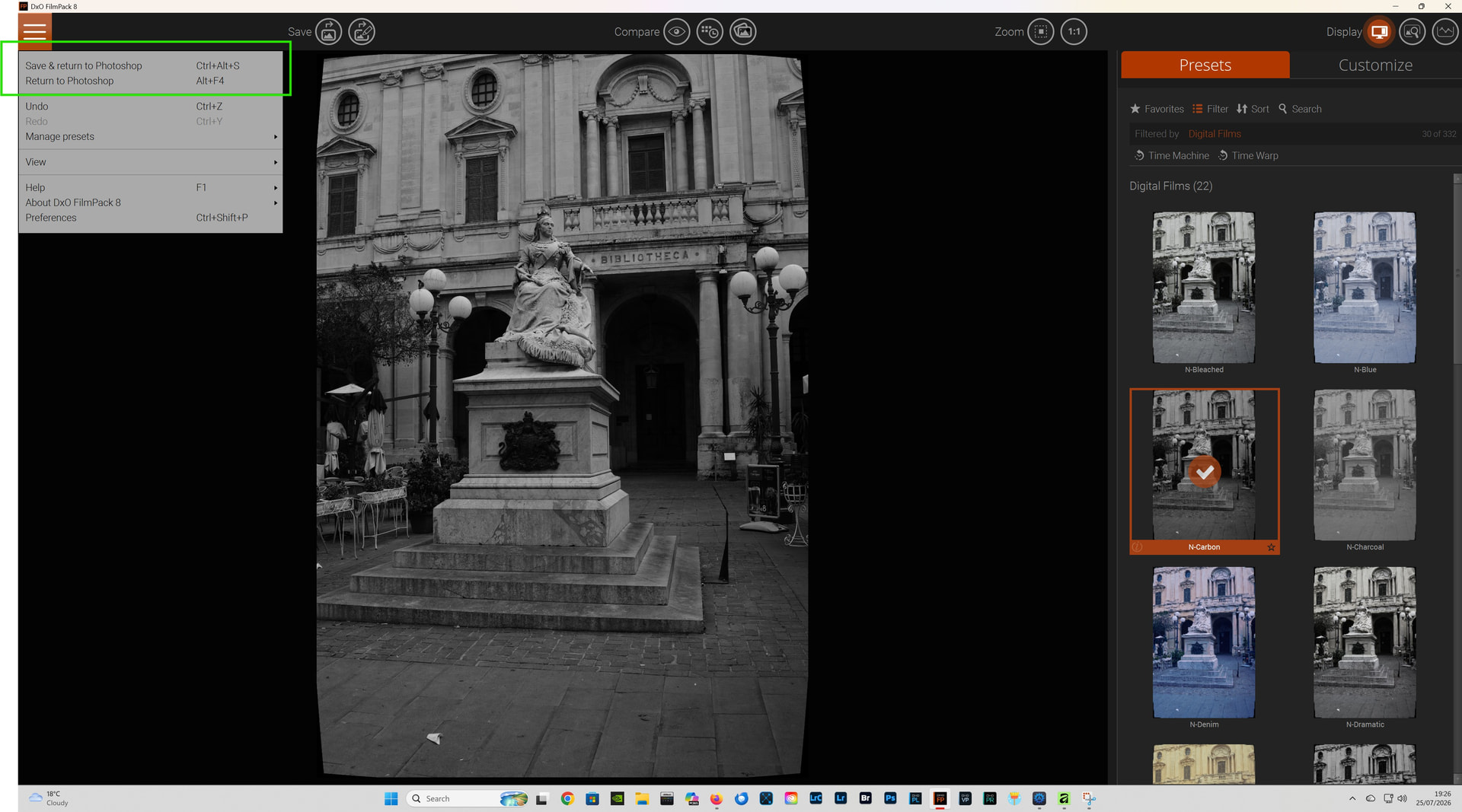
However FP8 is launching correctly, from within the latest version of Affinity Photo 3.
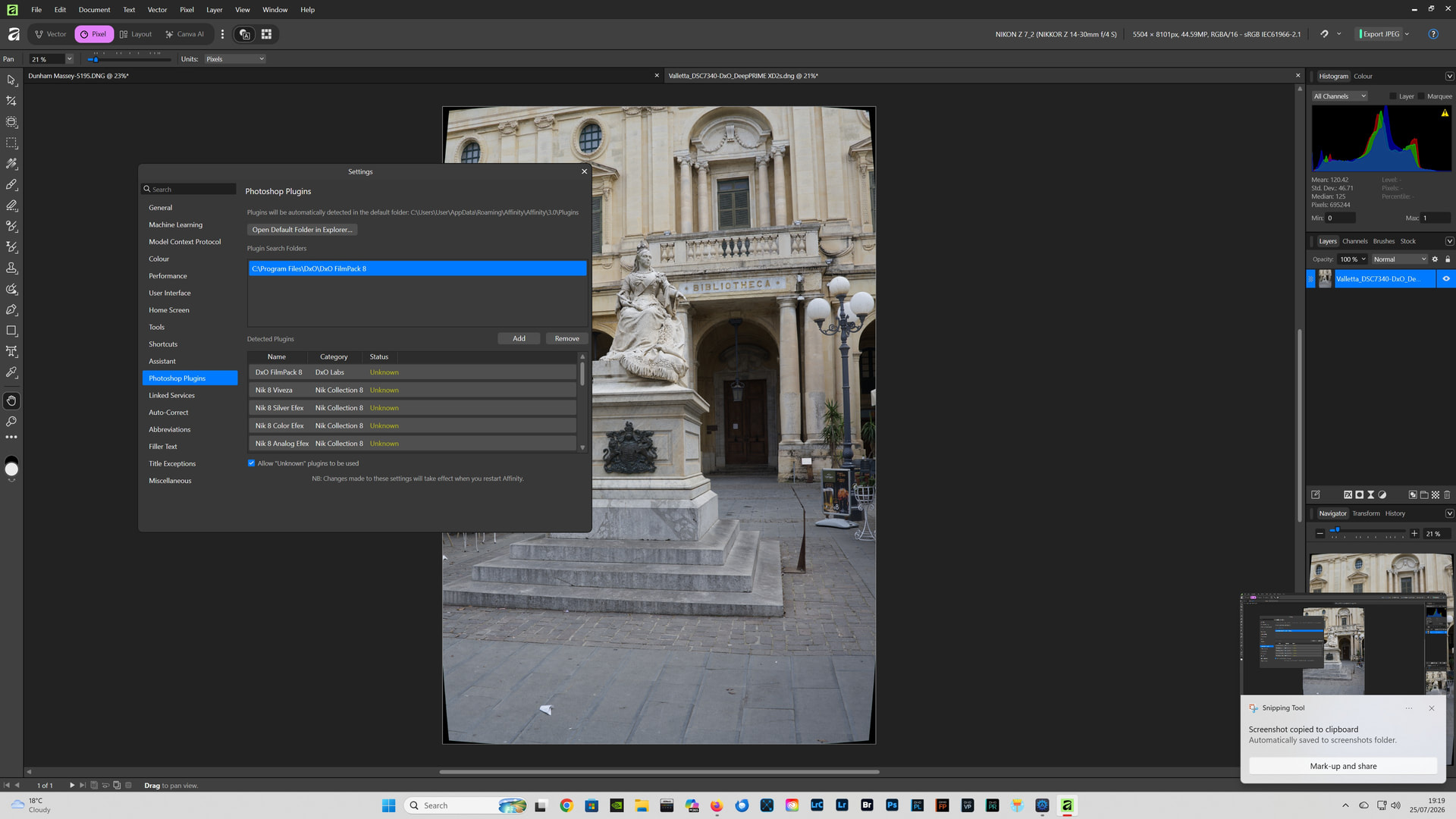
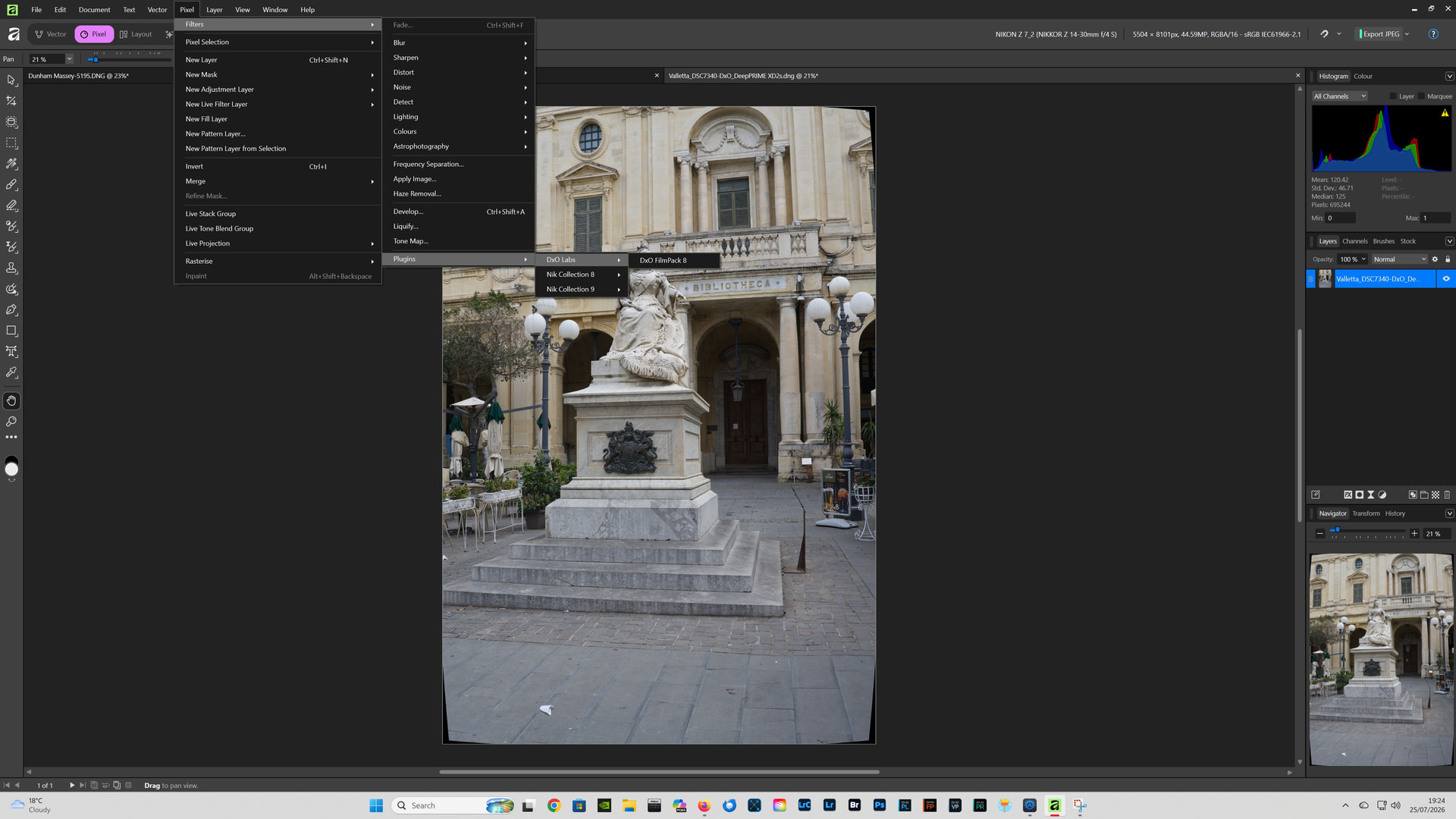
However FP8 is launching correctly from within Affinity Photo 3.
I’m away from home this week and not able to try again, before back home. Kast time I tried I could not start FP8 as a plugin in Affinity studio. But I still have the latest version of AP from before Canva, maybe that would work? Or any settings in Affinity to use before trying FP8 as plugin?
@TorsteinH I have Serif Affinity Photo 2.6.5 installed (the latest and last version), and neither FP7 or FP8 will now launch. I can only assume, that the latest versions of FilmPack: FP7.25.0 & FP8.8.0, have broken the compatibility with Affinity Photo 2.6.5, there are no issues launching the Nik plug-ins though. I have sent the crash reports to DxO, and opened a support ticket.
At the moment Canva Affinity (3) works with both FilmPack and the Nik Collection.
In both the Serif and Canva Affinity I use: Settings - Photoshop Plugins - and check Allow “Unknown” plugins to be used. Please see the screenshot in my previous post.
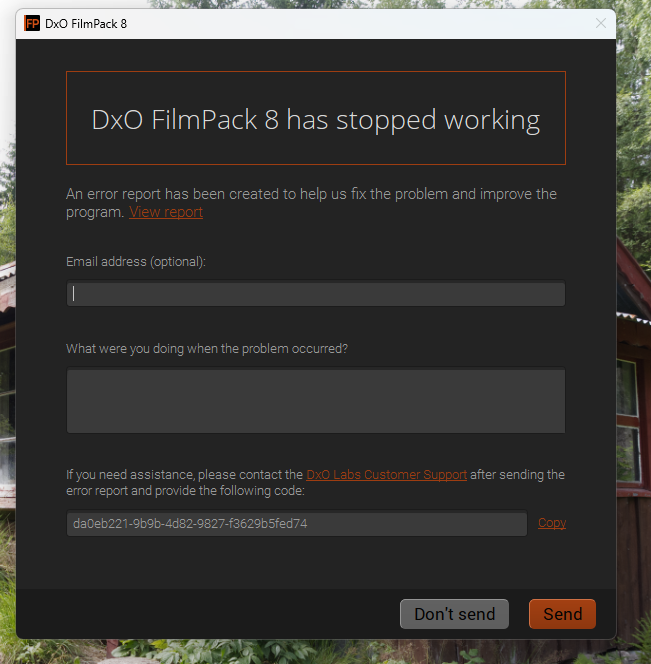
And here is the answer from DxO:
Greetings,
We do not support DxO FilmPack with Affinity, our apologies. You can find the third-party software supported with DxO FilmPack on our compatibility charts:
regards,
@TorsteinH I have now got an open support ticket in relation Affinity Photo 2.6.5 and FP8, it will be interesting to see if I get the same reply? Even if not officially supported, until recently, FilmPack worked with Affinity Photo.
@TorsteinH I have now got the same reply from DxO. I can still get FP8 to work in Canva Affinity, I suggested to DxO that they should provide official support for FilmPack and Affinity. I wouldn’t imagine getting the FilmPack Photoshop plugin, to work reliably, with Affinity would present too much of a challenge? Providing official support, would also be another selling point for FP8.
Strange that it works for you, even if they say it won’t! What specification has your PC? I’m using a Ryzen 5800X with 32GB RAM and an RTX 5060TI and plenty SSD and HDD.
@TorsteinH AMD Ryzen 9 9950X 16-Core Processor (4.30 GHz)/ 128GB RAM/ NVIDIA GeForce RTX 5060 Ti (16 GB) with the latest Studio Driver 610.88/ all programs are installed on a fast SSD & I have plenty of storage.
I have just checked again, and FilmPack is not working with Affinity Photo 2.6.5.
FilmPack is however still working with Canva Affinity.