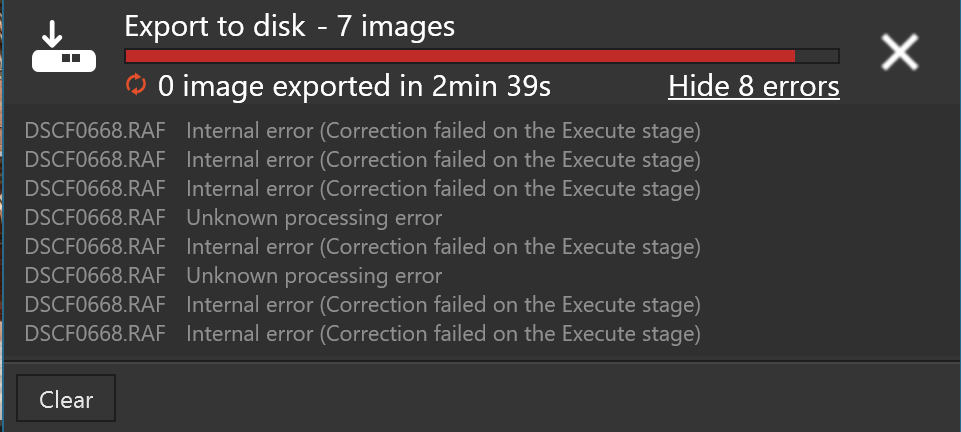
Nvidia 591.74 Studio Drivers but PL9.3.2 still fails with St Pancras Station image

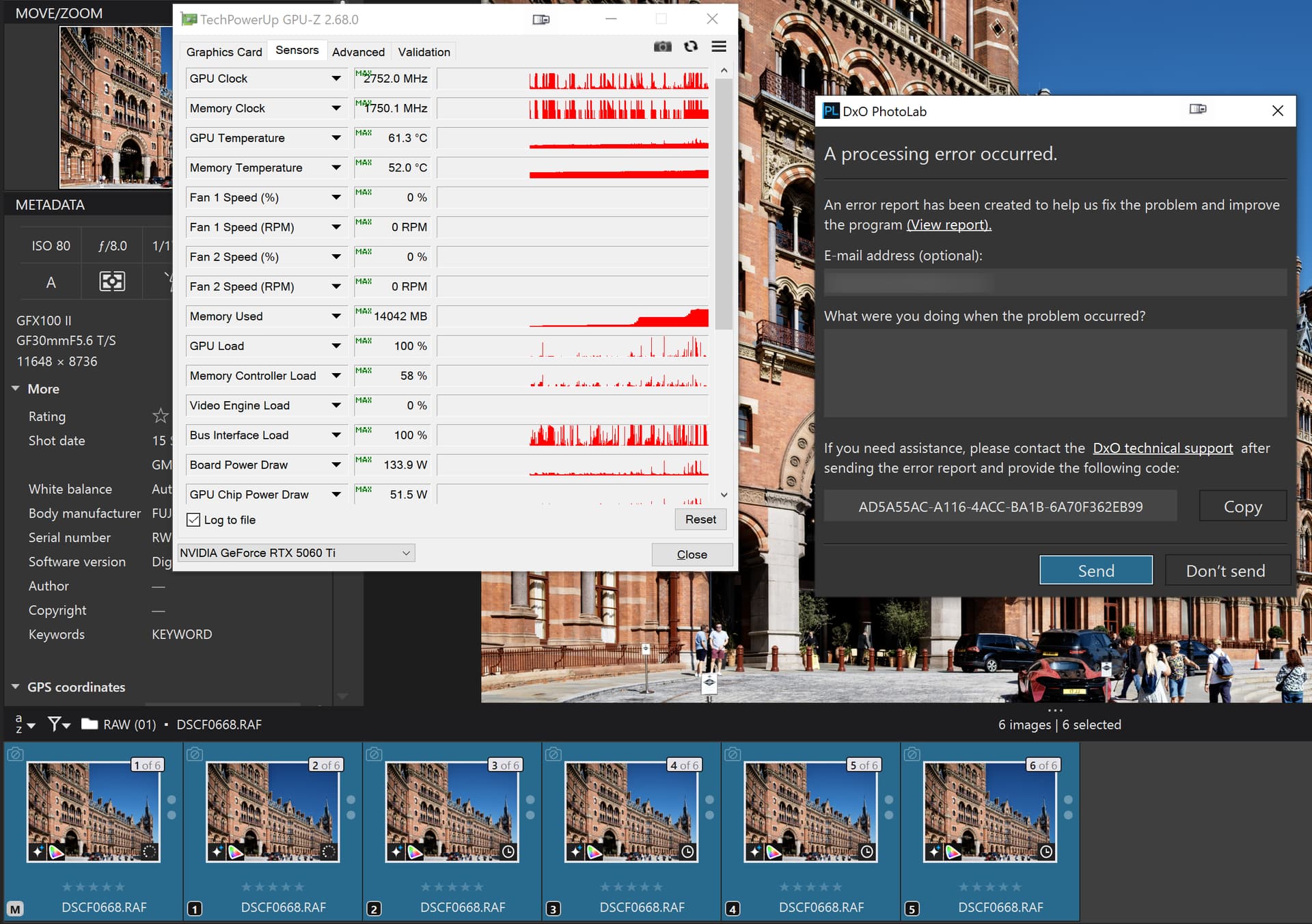
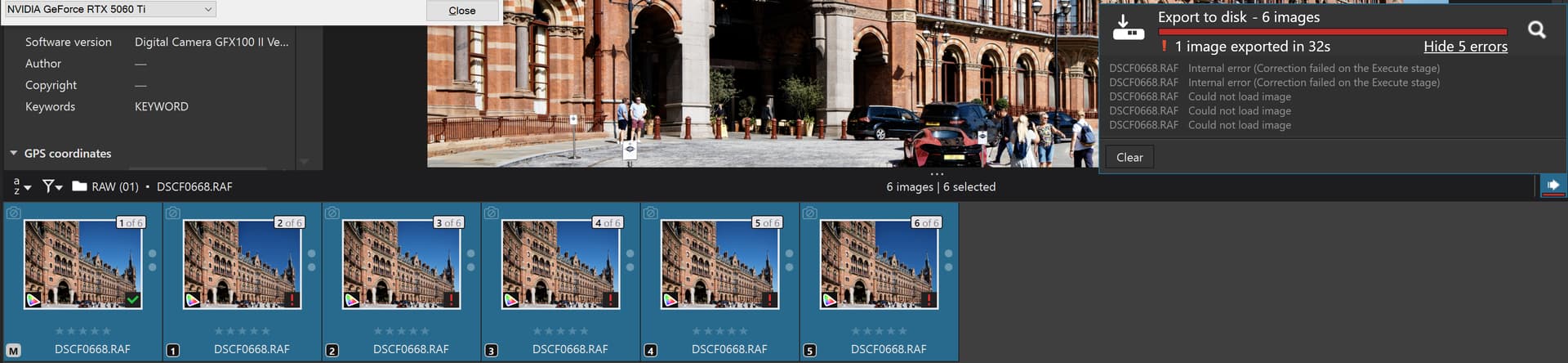
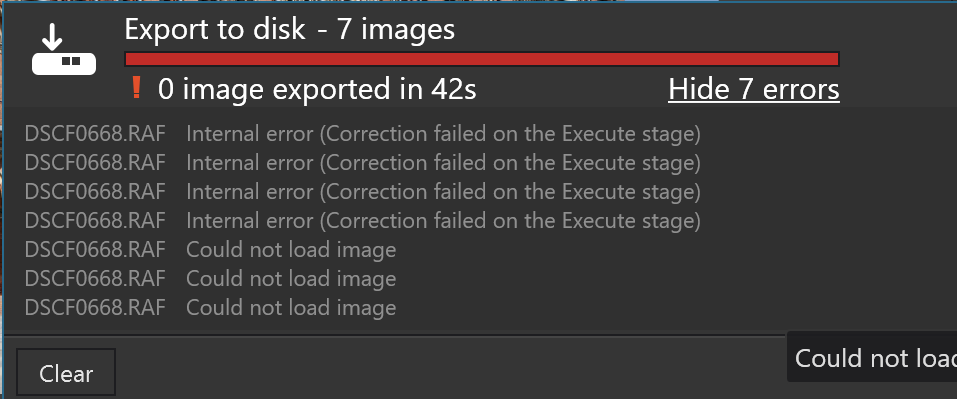
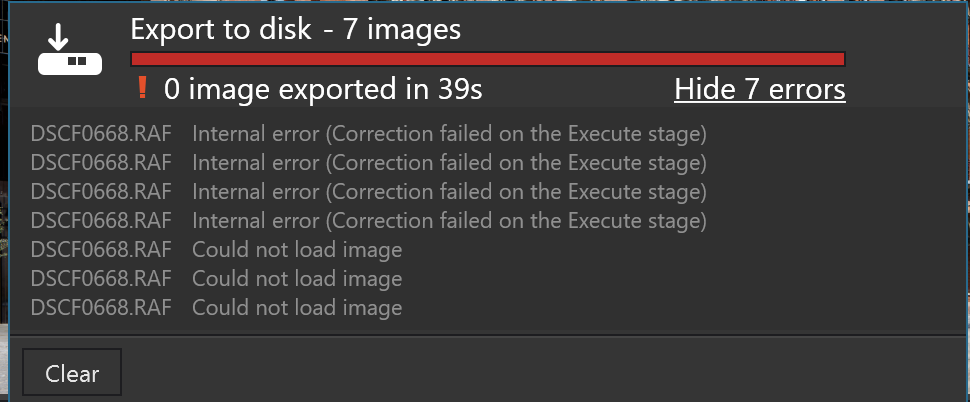
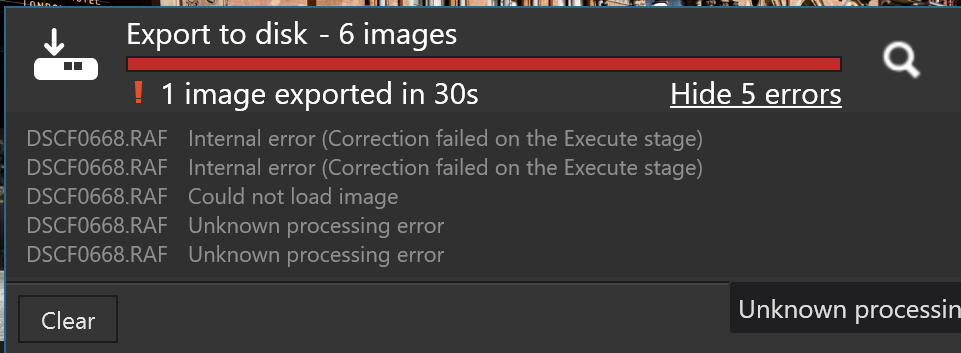
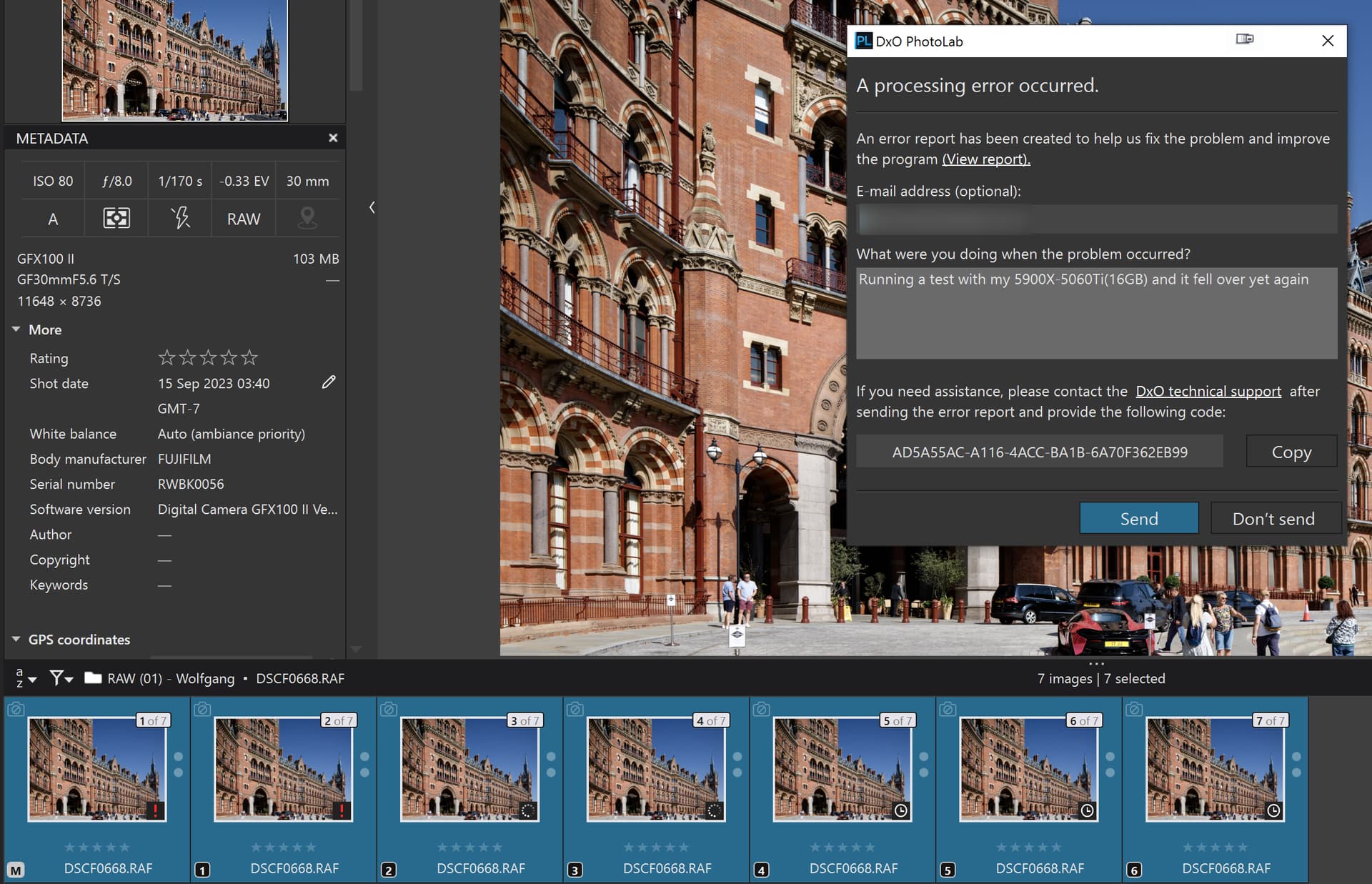
Apparently the latest version of the Nvidia Studio drivers, 591.74 were released yesterday so I updated this morning and tried my tests with the St Pancras Station image (and VCs) on my 5900X(32GB)-5060TI(16GB) and while still working on the first two images in the sequence it dumped.

@DxO_Support-Team still waiting for complete solution to this problem.

The sequence of AI operations are

  1. No AI masking - [M]
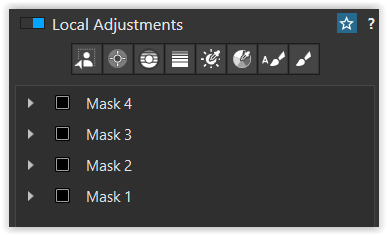
  2. Sky preset masking - [1]
  3. Vehicles preset masking - [2]
  4. People preset masking - [3]
  5. Building masking with user selection - [4]
  6. Sky, Vehicles & People Preset mask combined

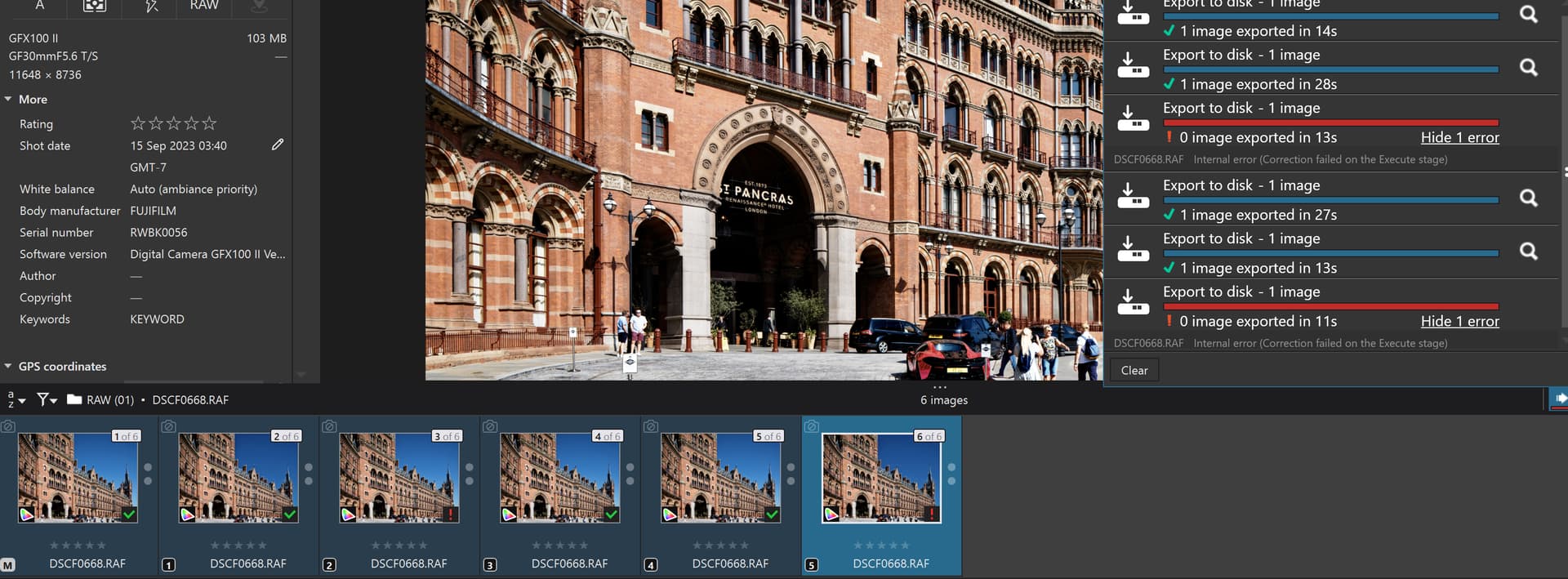
Retesting one image at a time, with termination of the export worker after each failed test yielded

Success with the no masks and the Building (manual) selection worked but all the preset selections failed with this large image.

2 Likes

Just did your test, same raw, same settings. No errors here. Note that the lens GF 30mm F5.6 T/S (Tilt and Shift) is not supported.
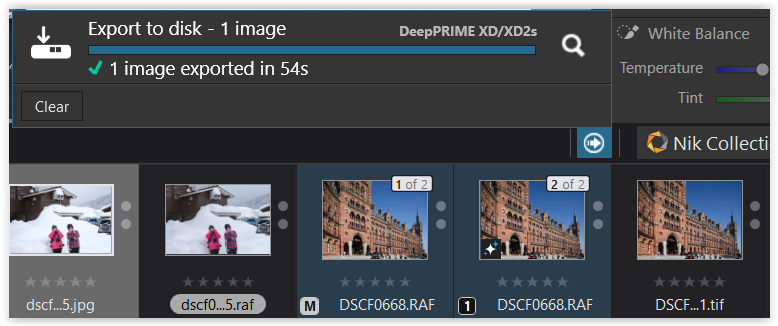
Export times for 6 100mpx images:
24 sec, 25mpx/sec - No noise reduction
28 sec, 21.4mpx/sec - DeepPRIME3
56 sec, 10.7mpx/sec - DeepPRIME XD2s
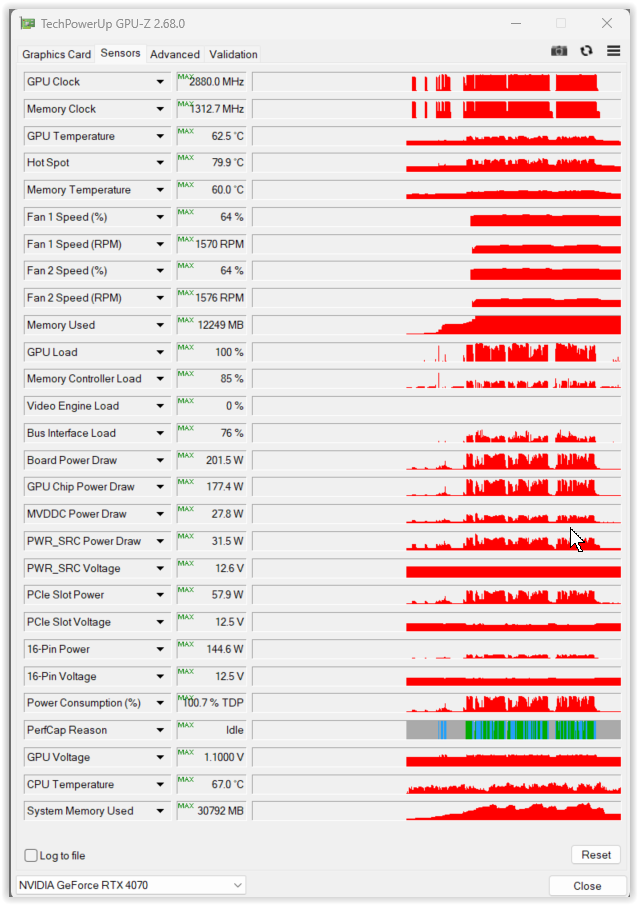
All exports were made in the same PL9.3.2/Win session, both ‘Enable high quality preview’ and ‘Enable DeepPRIME rendering’ options enabled, 2 export threads (default). The results (mpx/sec) are similar to what I get with 45mpx Nikon Z8.
CONFIG: Win 11 Pro 24H2 26100.7462, i7-14700KF, 32GB RAM, desktop GeForce RTX 4070 (12GB VRAM), 591.44 studio driver (Power Management Mode = Normal, no GSYNC, HDR, etc), PhotoLab 9.3.2.

Btw, with 591.44 I got two driver crashes/resets (screen going black for 2-3 seconds) just using Web browser on pages with static images only (PL not running at that time). Looks like a common problem with 591.44, but which doesn’t happen too often. EventLog contains lot of LiveKernel 1001 events (App log) and following error sequences in System log coming from nvlddmkm (exactly the same pattern in both cases):
Date Time ID Event
27/12/2025 11:30:47 153 Restarting TDR occurred on GPUID:100
27/12/2025 11:30:47 153 Reset TDR occurred on GPUID:100
27/12/2025 11:30:46 153 Resetting TDR occurred on GPUID:100
27/12/2025 11:30:44 153 UCodeReset TDR occurred on GPUID:100
27/12/2025 11:30:44 14 3233605f 00006768 00000000 202e8674 202e7308 202e7466 202e5bb4 202e621c

TDR errors is a never-ending topic in NVIDIA forums, it seems.

My most recent “standard” PL crashes contain the following nvlddmkm events (with 581.57 driver), a different signature:
Date Time ID Event
04/12/2025 17:12:50 153 Error occurred on GPUID: 100
04/12/2025 17:12:47 153 Error occurred on GPUID: 100

Didn’t get any crashes with PL9.3.2 and AI masks since then, except that I don’t use predefined masks and I preventively restart PL when VRAM consumption goes over 10.5GB – VRAM leaks with AI masks still happen but much more rarely than with previous NVIDIA/DxO/MS versions. Currently working in a directory with about 800 Z8 (45mpx) raws, about 20% use AI masks. I’ll stay with 591.44 for some time, as 591.74 doesn’t seem to fix any PL related or other issues important to me, while possibly introducing new bugs.

1 Like

I also just did this test, same raw, same settings.

Exports 1 to 4 succeeded. Export 5 failed. Export 6 succeeded.

Total export time: 11 minutes, 4 seconds.

All exports were made in the same PL9.3.2/Win session. “Enable high quality preview” and “Enable DeepPRIME rendering” options disabled. 2 export threads.

Config: Win 10 Home 64-bit (10.0 build 19045), Intel E3-1231 v3 @ 3.4Ghz, 32GB DDR3 RAM, nVidia 1080Ti w/11GB VRAM,

Current nVidia driver is 581.80

I haven’t had any “fails” with my own camera (Canon R6) and the above setup in a little while, so I’ve been sticking with this driver iteration. My camera - however - puts out a mere 20mp vs the 100mp RAF file we’re testing here.

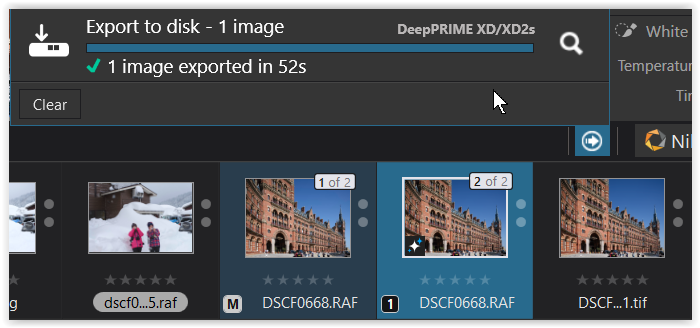
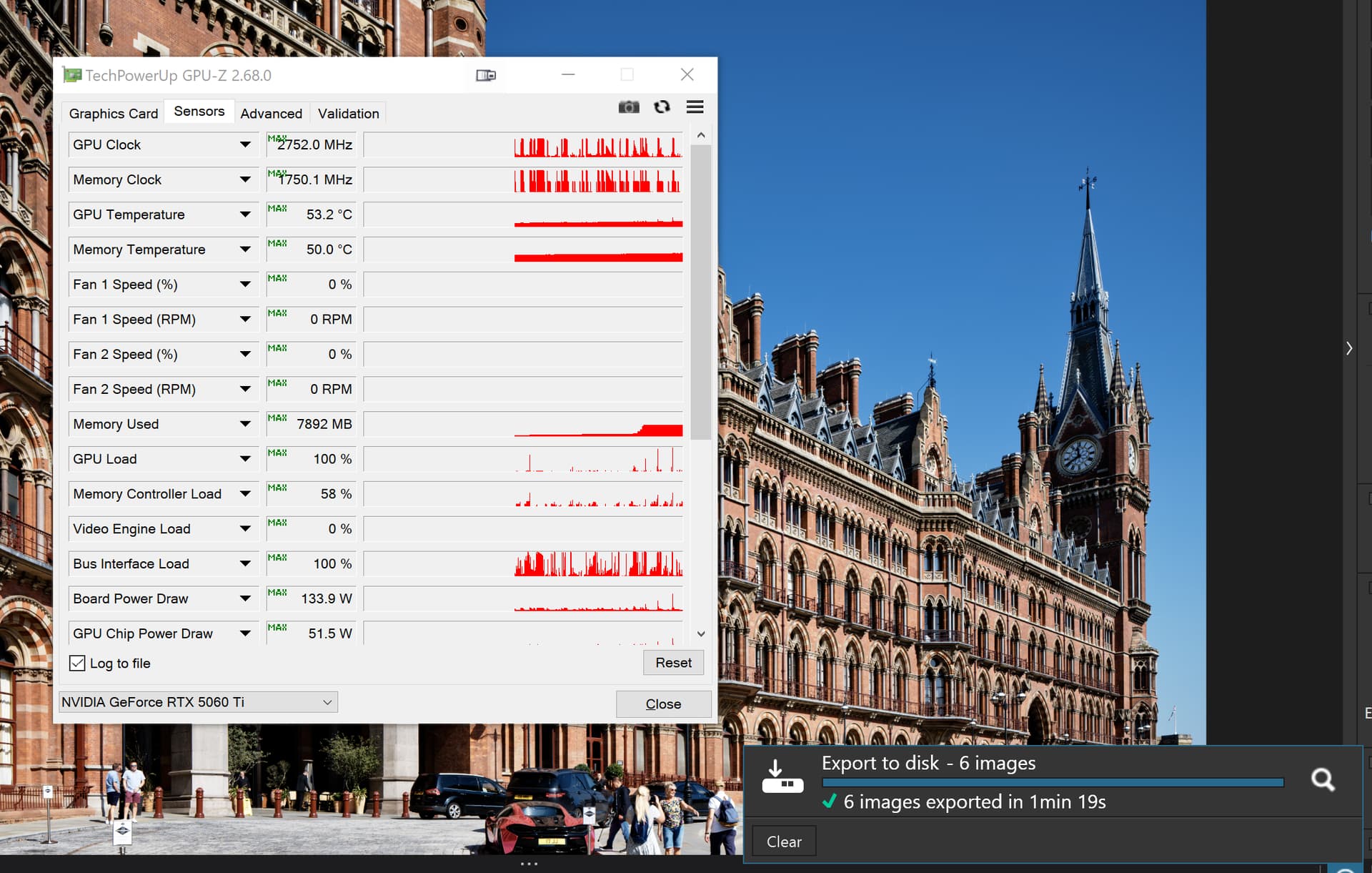
Tested on my old machine with version 591.44 (export of VC 1)

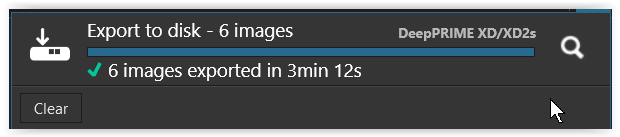
and then repeated with version 591.74 (export of VC 1).

.

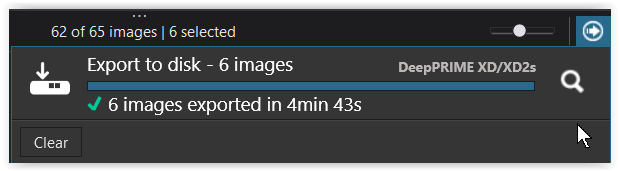
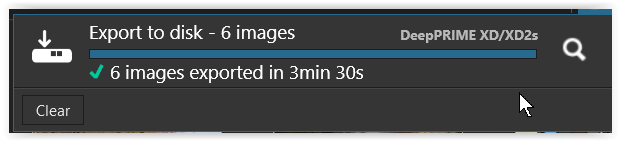
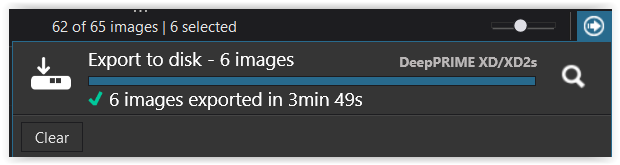
Continued with version 591.74 and added 5 more VCs (export of VC 1-6)
.with 1 export worker


.with 2 export workers


.with 3 export workers


.with 4 export workers
→ crashed

.with 2 export workers


.

Each time I restarted PL9 to get some more comparable results and - as mentioned before - had to keep my fingers off the keyboard until the VC with the masks was properly rendered!


DSCF0668.RAF.dop (102,0 KB)
→ = the same as here …

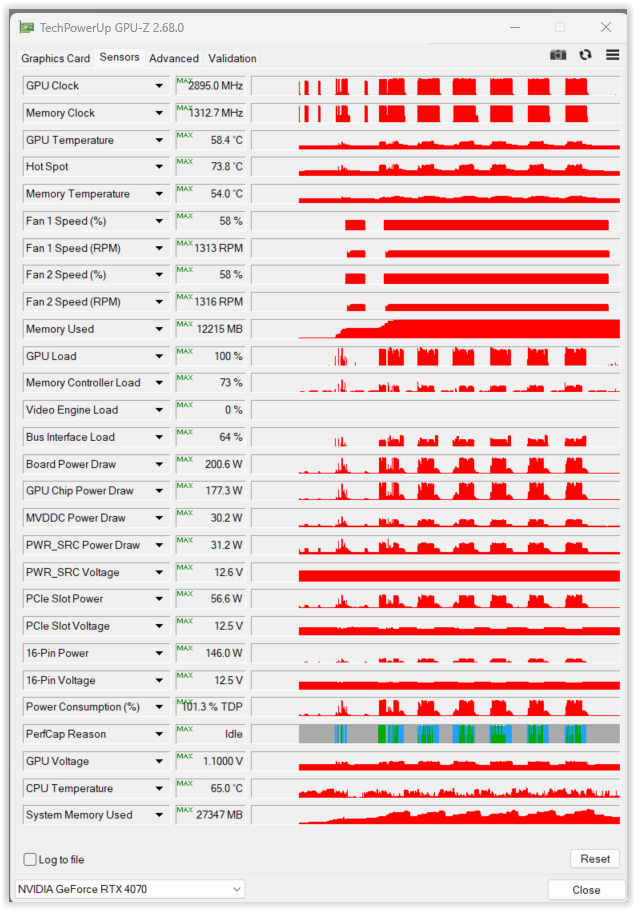
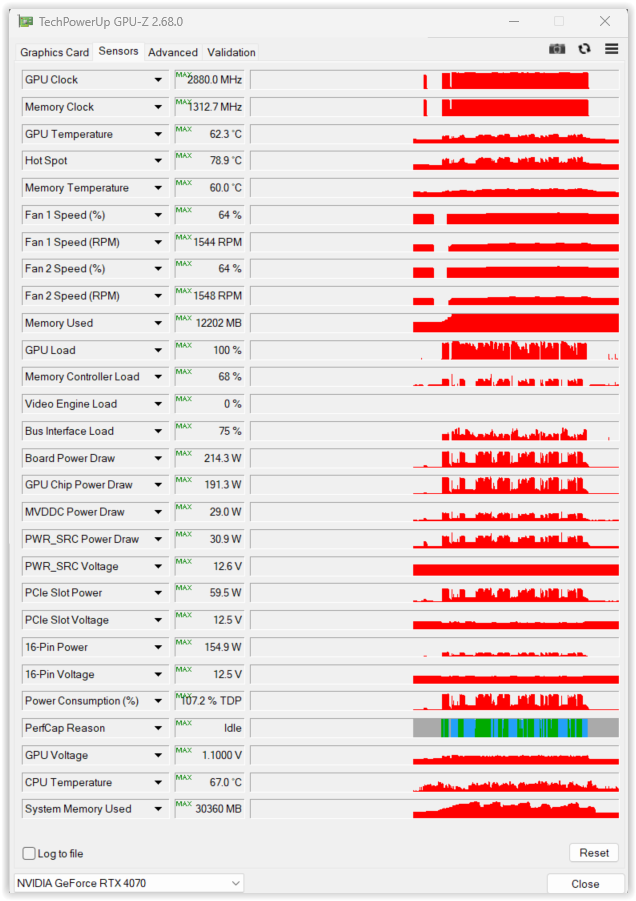
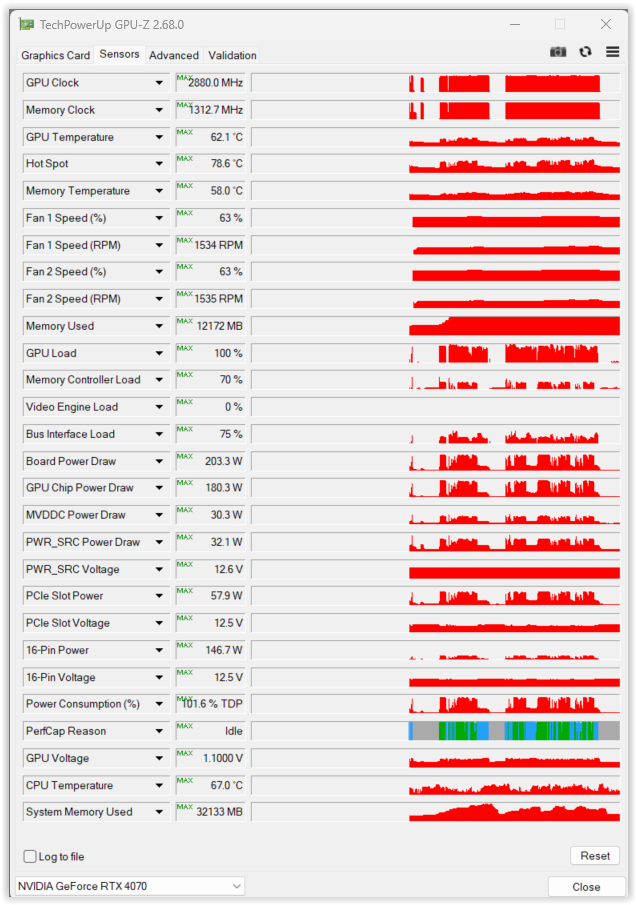
→ GPU-Z screenshots added


→ the raw file

Think I will wait a while before installing this driver as current setup still working OK.

+1 here.
There’s some timing issue which can lead to VRAM leak and perhaps partially switching to shared GPU memory, which is much slower (note that shared GPU memory is managed by Microsoft WDDM, not by NVIDIA, making interoperability problems a hell to diagnose, if combined with racing conditions). For example during my second run of OP test with consecutive NoNR, DP3, XD2s settings, VRAM usage went up during DP3 test up to 11.7GB (out of 12GB, instead of 7.2GB seen in previous test) and shared GPU memory up to 5.5GB (about 1.6–2.2 GB during other runs), making the next test with XD2s run for 304 sec instead of usual 56-58 sec, but still without errors. I think @andras.csore already wrote something along these lines but I had trouble understanding his English, which is not my first language either.

Currently I no longer monitor GPU with Task Manager, working not too fast with AI masks, and check GPU only during testing or when things become slow, in which case I restart PL and continue. Note that for other camera mpx, RAM, and GPU, the memory allocation strategy by NVIDIA/DxO/MS may be very different, getting very different memory allocations than those mentioned above for RTX 4070.

As a side remark, I was never fan of Local Adjustments, using them very sparingly, being afraid of possible artificial side effects. With the AI masks I use LA far more often, mainly for subject separation but also for standard exposure/WB corrections. Quite often though, the Control Points are still the best LA choice in my typical use cases (low light, fast action events, vacations, ramblings).

@BHAYT – what nvlddmkm errors did you get in Win EventLog during crashes, if any?

@Wlodek It doesn’t make a lot of sense that the image fails consistently with the 5060TI(16GB)!?

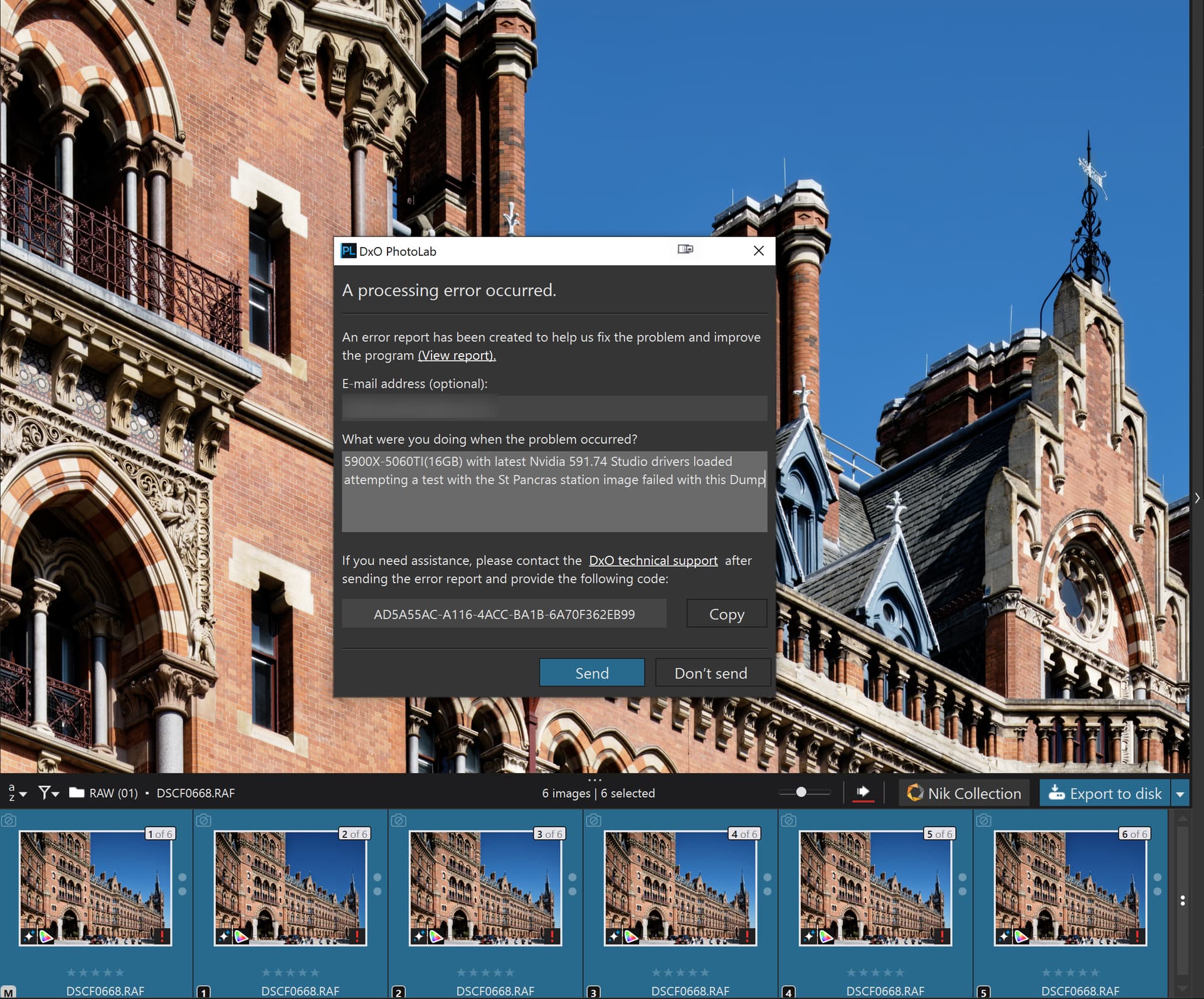
So I reran the test as you had done and the NO NR test worked, but only the first time I tried it! Since then I have had failures with NO NR on every subsequent test, including an invitation to submit a dump report!?

A Dump:-

A successful first image and then an attempt at 6 images and they failed after second image

Finally a run this morning doing each image one by one and I got

@Wolfgang I will try your DOP later this morning

@Wlodek I will look at the various logs later today.

Now to try to phone the dentist and an appointment later today!

@Wlodek Where would that be located, if that entry exists on my system at all?

That’s disappointing. I am planning to upgrade to the RTX5060Ti/16Gb as I thought the issues were basically down to insufficient VRAM?

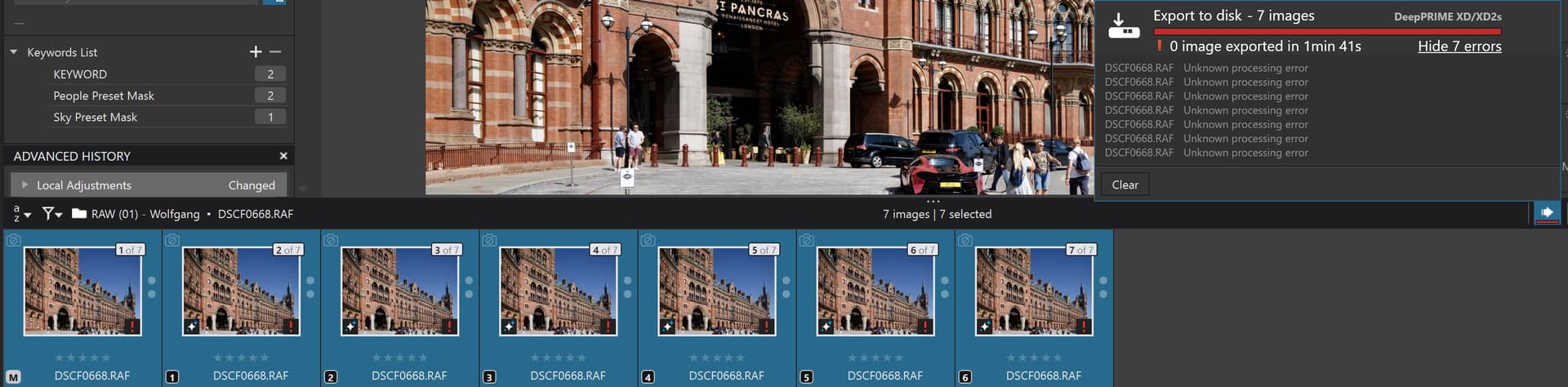
@Wolfgang With the DOP you supplied I got a full house… of errors (with XD2s)

Your DOP has the first image, the [M]aster, with Standard NR and all the rest XD2s so I changed them all to NO NR and nothing got any better

I really don’t know what is “special” about my system The test images are held on the N:\ drive, a PCIe 4 NVME, and the outputs, given that with the St. Pancras image that is basically none, also go to that drive, which also houses the database and cache.

I am running Win 10 on the 5900X(32GB)-5060Ti(16GB) system.

I copied the mages to the F:\ drive, an HDD just to see if that changes anything and it didn’t (as expected)

So I cleared the database and reran my test data (on F:) and got

and with your test I got (you guessed it) actually a little worse because it dumped as well

@IanS I bought the 5060TI(16GB) when it became clear that I was never going to be able to use the 2060(6GB), so my 3060(12GB) went into my 5600G (from the 5900X), the 2060(6GB) went into the “retired” pile, and the 5060TI(16GB) went into the 5900X.

Where others were having problems the 5060TI(16GB) wasn’t and any remaining problem images started working with successive releases on PL9 and new copies of Nvidia drivers.

All was going reasonably well until @Wolfgang discovered the monster St. Pancras station image and I started to have problems with the 5060Ti(16GB) in particular.

I still believe that the 5060Ti(16GB) offers the best compromise between VRAM (16GB) and money required but for one reason or another this image keeps failing on my machine, while others with “lesser” and greater machines appear to be O.K.!??

I will revert to earlier drivers later today or tomorrow and see if they are any better.

I am afraid that not all the problems can be laid at the door of VRAM usage and Nvidia drivers, DxO still has work to do, or so I believe.

If the price is right secure the 5060Ti(16GB) before the price rises.

In the U.K. the Asus 5060TI(16GB) appears to be available for £399.00 which was the price for most 5060Ti cards when I was looking but I managed to secure that Asus card for £369.99, which was the lowest price I could find for the 5060Ti(16GB) at the time.

Thanks for the info. :grinning_face:

It seems you are hit by the WinML issue for RTX xx60 cards, mentioned in I’m experiencing issues with AI Masks in PhotoLab 9 on Windows using the latest NVIDIA drivers. What should I do? – Help center . That’s still another bug…

Click on ‘Computer Management’ icon, go to ‘System Tools → Event Viewer → Windows Logs’ and choose ‘System’ for nvlddmkm events, and ‘Application’ for .NET, PL, or LiveKernel events. You can use filters there.

1 Like

@Wlodek You mean this bit

Note for NVIDIA RTX x60 models (2060 / 3060 / 4060 / 5060)
These models are affected by a known WinML issue. Until NVIDIA releases a fix, you can:

  • Use CPU processing for these operations, or
  • Avoid AI Mask keywords temporarily.
    We are closely monitoring the vendor’s update.

Hmmm!??

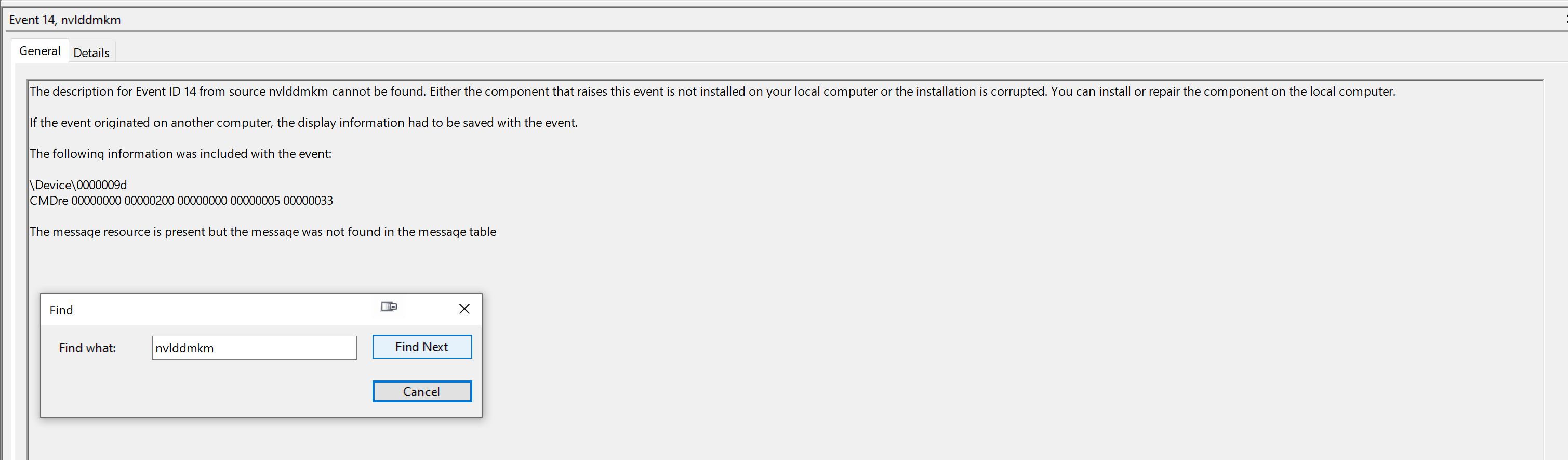
AS for the logs I have navigated as you said but don’t seem to be able to find a way of looking for nvlddmkm except using a ‘Find’ which yielded

but there were quite a number of warnings like this

@IanS Given the warnings about the 5060, and the like, that would leave the option of a 5070(12GB) but “only” 12GB and more money, or a 4070(12GB) . You would need to jump to a 4070Ti(16GB) or a 5070TI(16GB) to get the extra VRAM and they are going to cost even more or abandon Nvidia in favour of an AMD card!!??

If you want to upload an image (1 or more) that you have edited either directly or via an upload service and include a DOP(s) here then I can run a test to see if that succeeds or fails when I run a test on my 5060Ti(16GB).

Thanks for the offer but my primary raw editor is Capture One, so at this stage I will wait for V10 which will be out in around 9 months, when hopefully these issues will be history.:crossed_fingers:

@IanS I hope so ever so much (padding to exceed 20 characters)!!

It is the same file as here … which I had to download myself from the forum because I accidentally deleted everything while experimenting.

As mentioned previously, using this huge file on my old computer is not without problems.

  • For testing purposes, I restarted PL 9 every time.
  • Waiting for the preview of the VC(s) with the different masks takes about 25 seconds, during which I have to keep my fingers off the keyboard!
  • And if there was a problem, I restarted PL 9 and even re-indexed the folder.
  • I exported VCs 1–6 (excluding the master) as 16-bit TIFFs (As shot / no dedicated ICC profile / no resize) – and again I have to keep my fingers off from the keyboard!

For a more detailed answer, I will edit the post and attach the relevant GPU-Z screenshots I took.

Just in case you don’t know already …
NVIDIA GeForce RTX 5060 Ti 16 GB Specs | TechPowerUp GPU Database
vs
NVIDIA GeForce RTX 5070 Specs | TechPowerUp GPU Database
NVIDIA GeForce RTX 5070 Ti Specs | TechPowerUp GPU Database

The 5070 … generation uses the wider PCIe 5.0 x16 interface,
but also consumes more power !

1 Like

Out of interest, have all your export problems started with the St Pancras Station image?

Ever since testing this yesterday I’ve been seeing more and more export errors on images where - previously - I wasn’t seeing any.

The errors are showing on my own camera’s files. I’m also seeing massive spikes in export time (where previously it was ~25 seconds per file, some are now taking over 1 minute 30 again).

What the hell is going on?!

I could export with demanding AI masks and XD/XD2s (that camera has a bayer sensor) as described → above

@BHAYT’s problem seems to be related to → a special (driver) problem

.
You need to read the context.

FWIW

I am still on v9.2.0 because early on there were questions as to was v9.x.x reliably ready for use?

So, if v9.3.2 is troublesome is v9.3.1 any better?