@Egregius – to complement ( with PL7.02 Build83 and Nik6.4 ) …
I exported the very same raw-file ( nef / camera was set to AdobeRGB ) as TIFF
- to disk
- to the Nik Collection
.
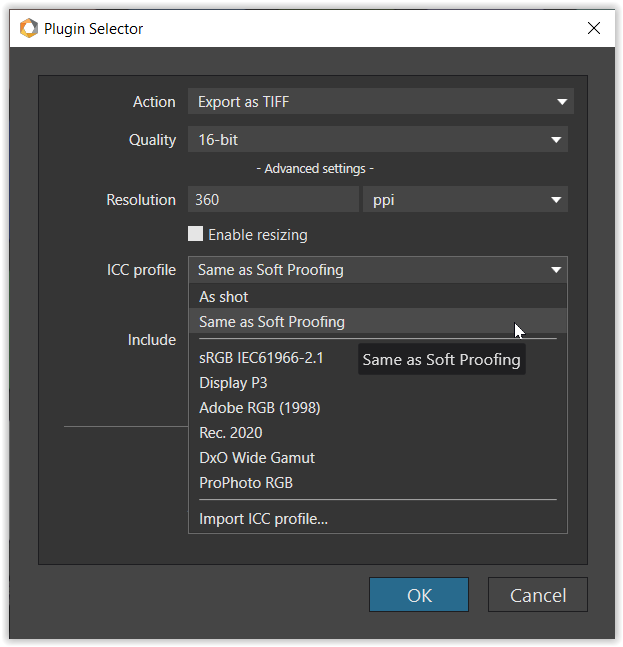
Export to disk → Same as Soft Proofing or sRGB, P3, ARGB, Rec, DxOWG, ProPhoto

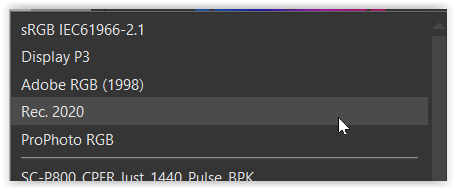
Softproof settings [ DxO Wide Gamut not listed ! ]
.
Export to Nik Collection → Same as Soft Proofing or sRGB, P3, ARGB, Rec, DxOWG, ProPhoto
-
Export to disk
The exported files always corresponded to the chosen target profiles. -
Export to Nik Collection
The exported file only corresponded to the sRGB target,
while all others were limited to AdobeRGB.
Then I repeated the same test with original *.tif files (AdobeRGB and ProPhoto color space).
In all cases the exported files corresponded to the chosen target profiles,
changing the color space accordingly to smaller or wider gamut !
[ While at first I had thought, that the Nik Collection was limited to handle sRGB and AdobeRGB color space only – and the other export options just a mistake, ‘exporting’ *.tif files ( → using the “Nik Collection” button ) proved that wrong. ]
… which means, when exporting a RAW-file from PL to Nik as TIFF
(and I tried Nik tools affecting color as well the ‘neutral’ Output Sharpener)
we get some misleading results !
( ed )