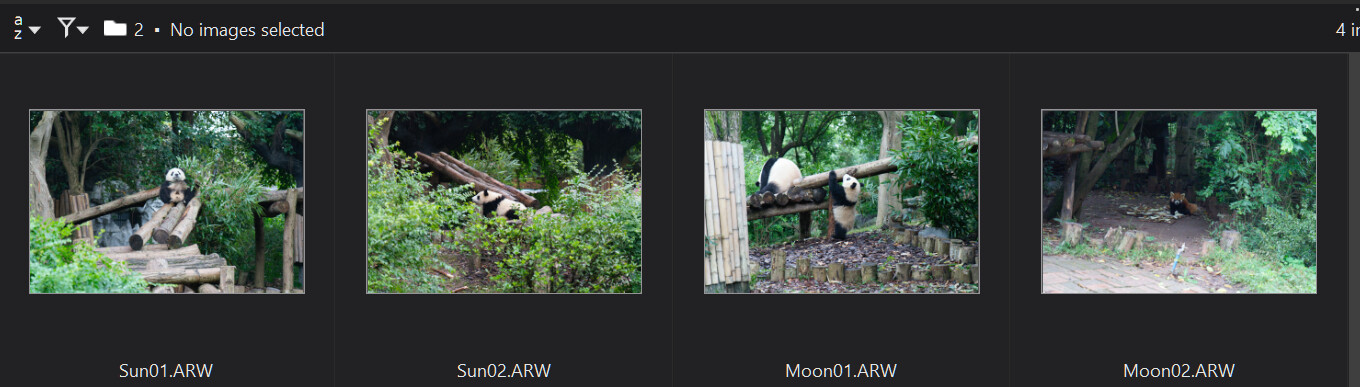
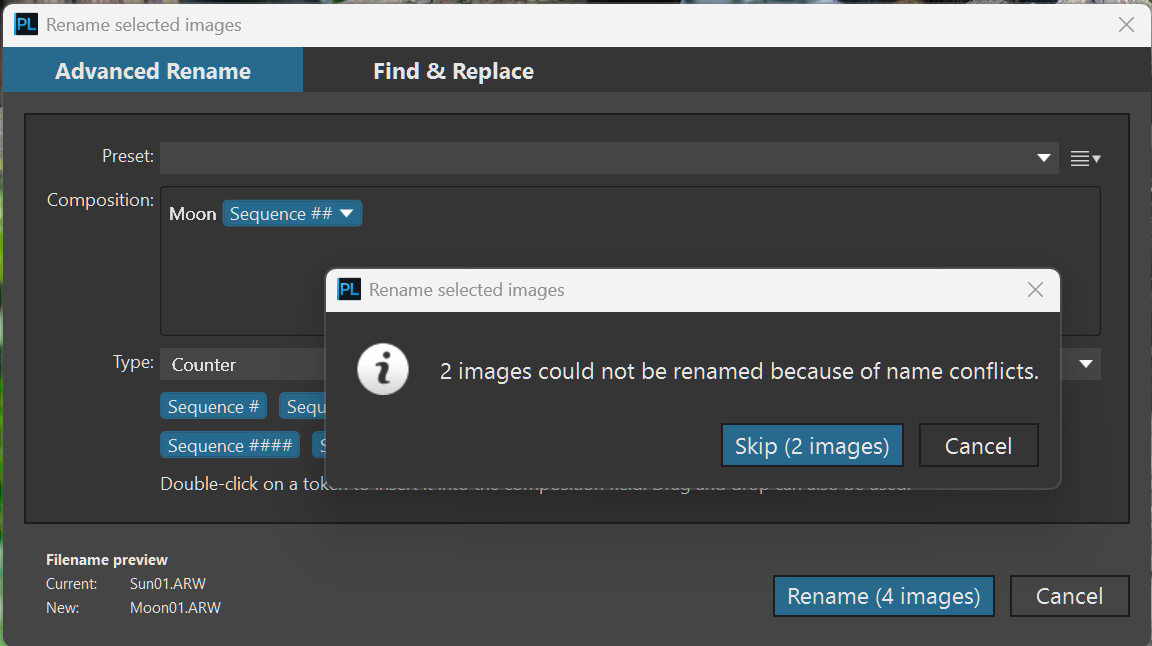
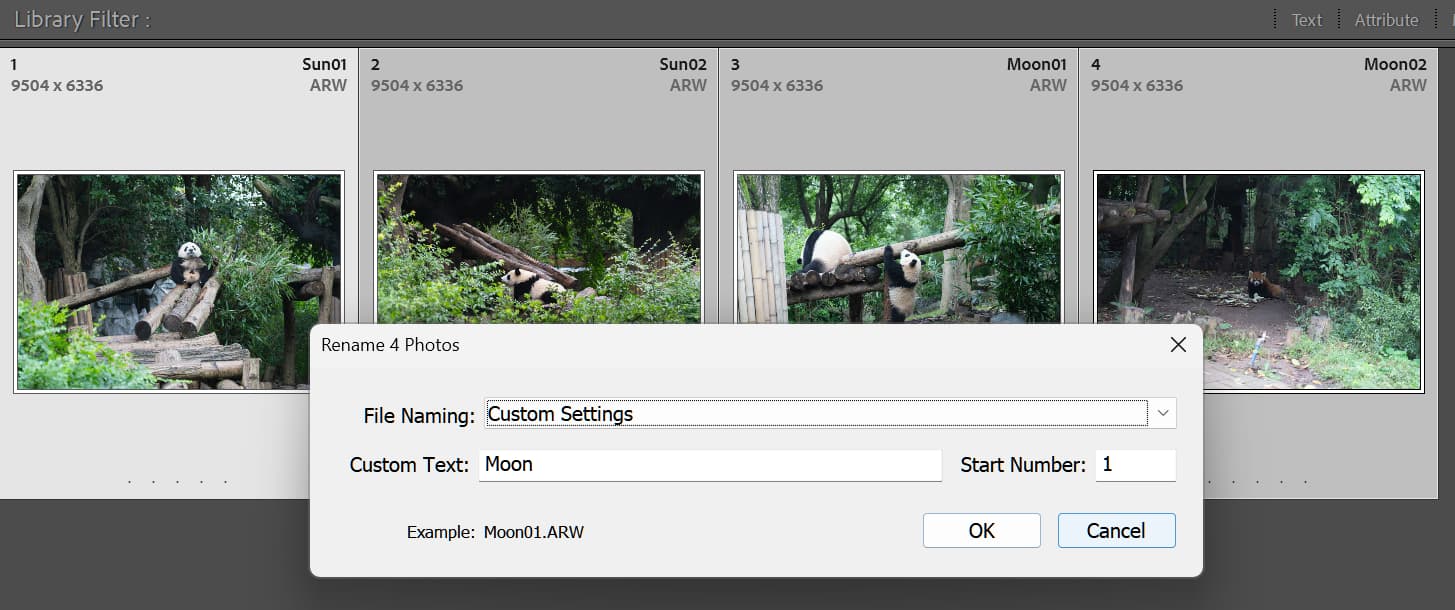
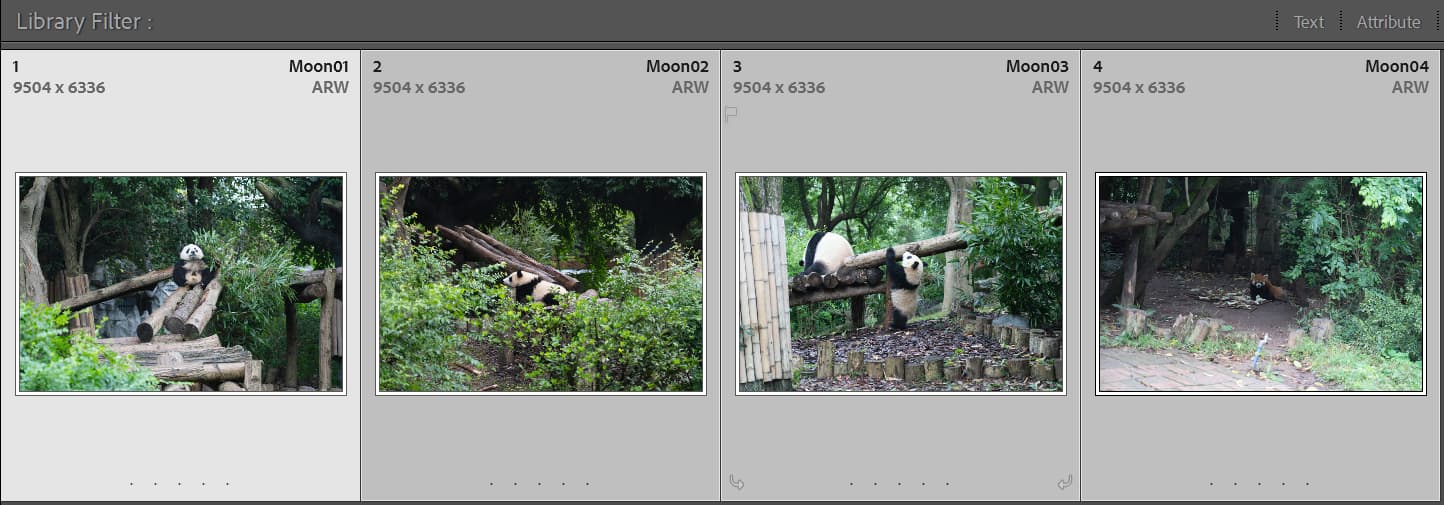
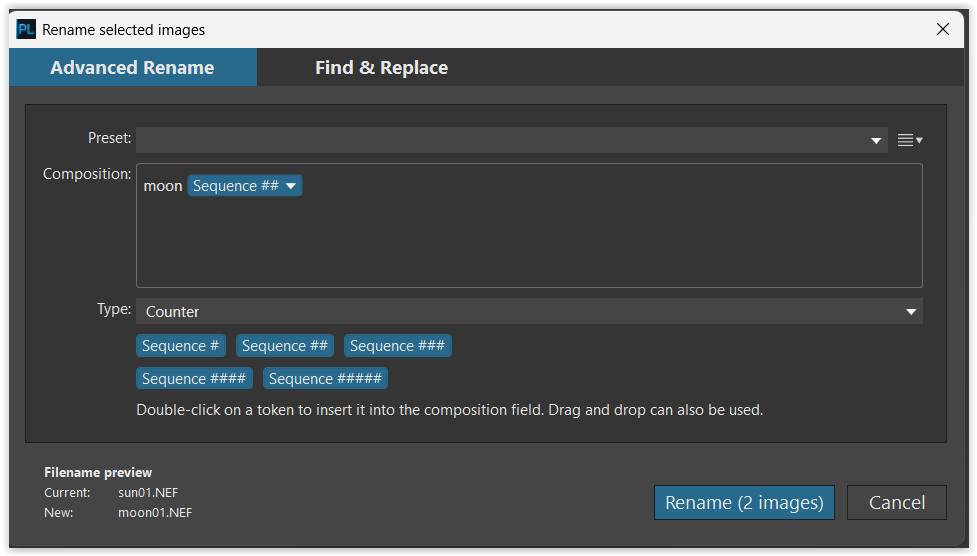
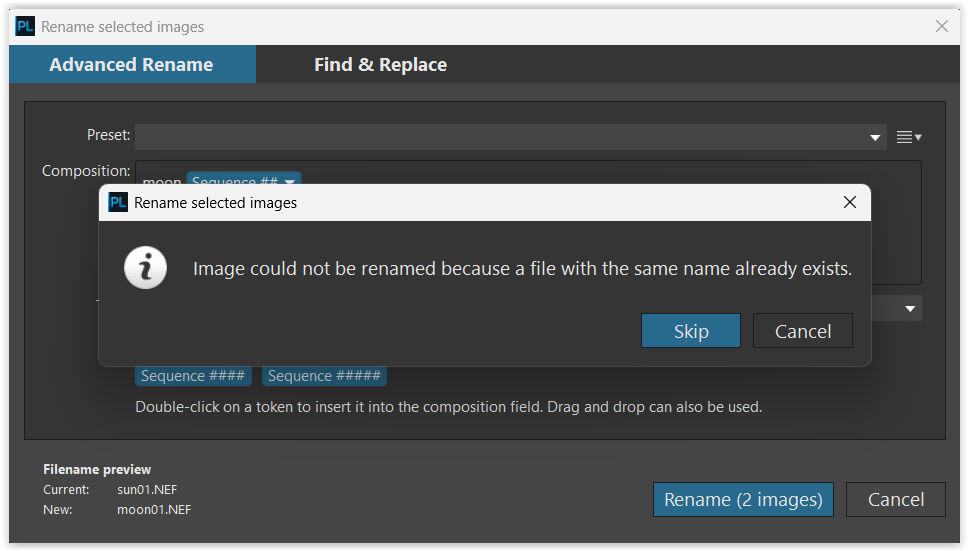
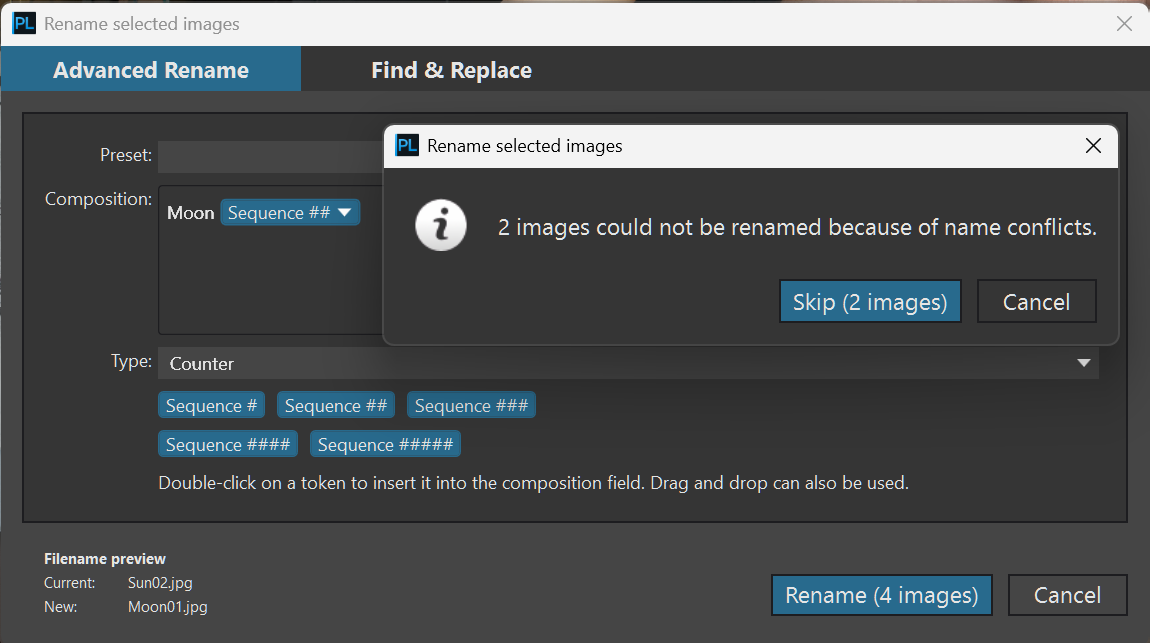
DX PL (both versions 9 and below) will stop from renaming when any file in renaming batch would have new filename which is equals to a filename of already existing file in the batch.
I’m not sure if this limitation is there by a good reason. But looks to me not very intelligent.
If the existing file and the file being renamed are both in the same batch for renaming, the conflict with existing filename should not prevent the renaming process since ‘existing’ file will be renamed too.
DxO should only check if renaming would not produce the conflict with the filenames of the files which are not in the batch for renaming.
So, in the scenario when we have files:
Sun01, Sun02, Moon01, Moon02 we wish to rename Sun01 and Sun02 to Moon[Sequence##] it should stop renaming because of the conflict.
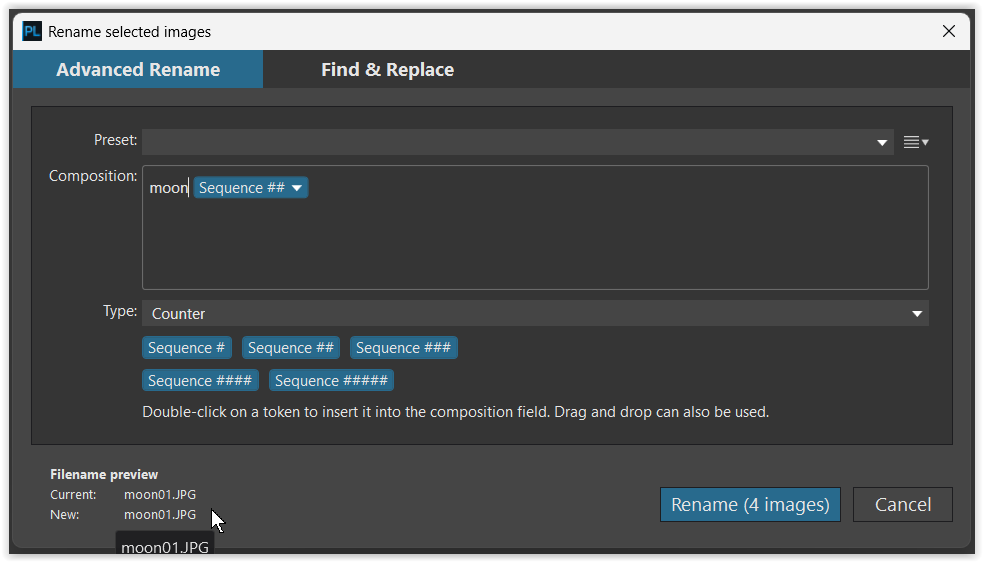
But if want to rename all 4 files to Moon[Sequence##] it should not be stopped.
The second scenario is often implemented in file managing software without any issues.
Normally, what happens:
rename all files in the batch to temp name with unique id.
rename from temp name to target name.
I wonder if this logic can be implemented.
Update from: 24th November
Since this request raising some doubts and misunderstanding, I have decided to provide some examples.
So, basically you think to short down the 2 (two) step process (what you can already do) to 1 (one) step? .
Like:
Step 1: rename all to like: whatever → X00 (SometextinyourmindwhatnotexistinfolderNN)
Step 2: rename whatever (now X00) → Moon00 (MoonNN)
To 1 (one) step process only?
May some (or most) of us like the way of now (‘Already exist’ → Cancel/Skip), i think its definitely good method, need to keep this.
So, you think about like: Cancel/Skip/Force Rename? In this case the ‘force’ is the now 2 step process?
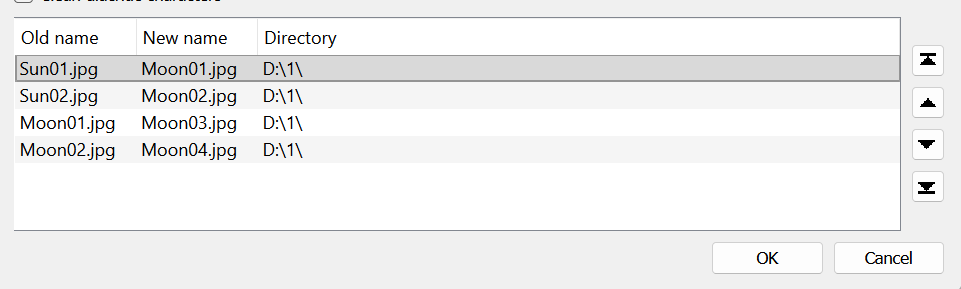
The two files sun01 and sun02 are renamed to moon03 and moon04, whereas the files moon01 and moon02 remain unchanged.
. PL9 behaves intelligently and processes the operations correctly!
The idea is to exactly to avoid 2 step manual approach.
Currently, I will do that manually - first renaming to completely unique prefix - like Planets## and then renaming to target prefix Moon##.
Software should do it automatically - in one step.
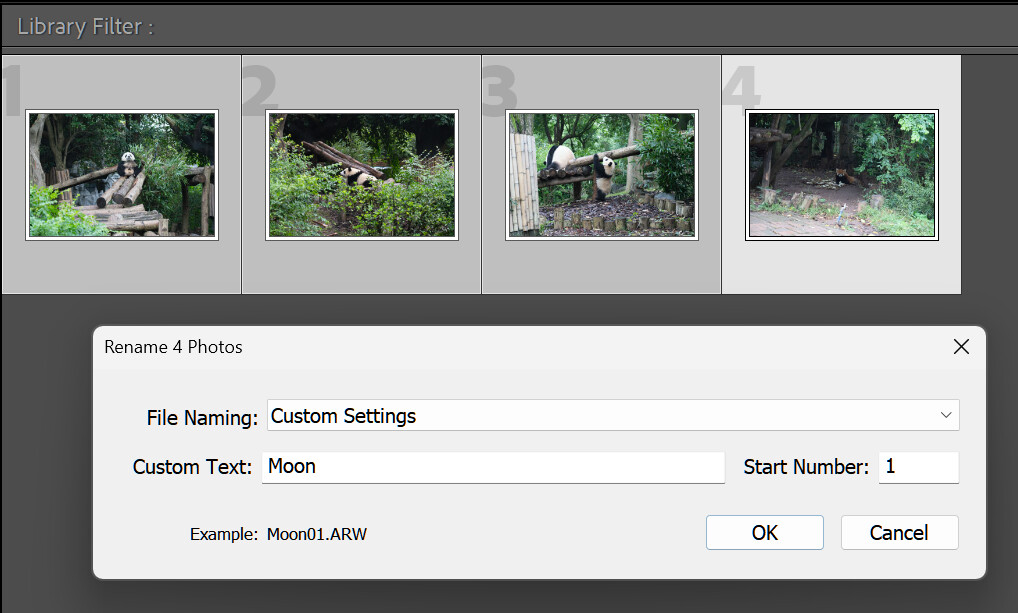
I actually surprised - I thought this represent somewhat industry standard in imaging/file managing software. I gave an example below of XnView which does that.
I provided not very good example.
Your screenshot is demonstrating that - moon01.jpg is renamed to the same name and since the name is the same it will be skipped - only 2 images are renamed at the end.
This is because of the sorting by name A-Z by default in file view ribbon.
If you use other sorting, for example by shot date (which I normally use all the time), sun01/02 could come up first in renaming and produce name conflict:
I regularly rename my images before i start working in PhotoLab, where i then keep my images in that order.
If i need to rename images later (e.g., to rearrange them), i proceed as described above or individually. – Unfortunately there is no solution for every situation.
@Wolfgang , you’re right. Best option ist to rename upfront. If it is necessary to rename after postprocessing , I utilize Imatch. I configured *dop files as buddy, (xml is predefined). The advantage is, if the masterfile will be renamed, buddies will be renamed as well and relations will not gone lost.