I read some details in the meantime. I don’t want to bore you, but may can be some information ‘forum wide’, never know.
From our point of perspective its: ‘GPU compatibility with PL’. I think may its more about how the GPU Driver ‘connects’ (under Windows) to ‘WinML’ (Windows Machine Learning) issue or something similar. Actually i think that’s the reason behind it. But as i write, from ‘our’ point of view ‘its not supported / crash, whatever’ And if some reason not ‘connect well’, then happen the ‘just totally not support or whatever’.
“Windows Machine Learning (ML) enables C#, C++, and Python developers to run ONNX AI models locally on Windows PCs via the [ONNX Runtime], with automatic execution provider management for different hardware (CPUs, GPUs, NPUs).”
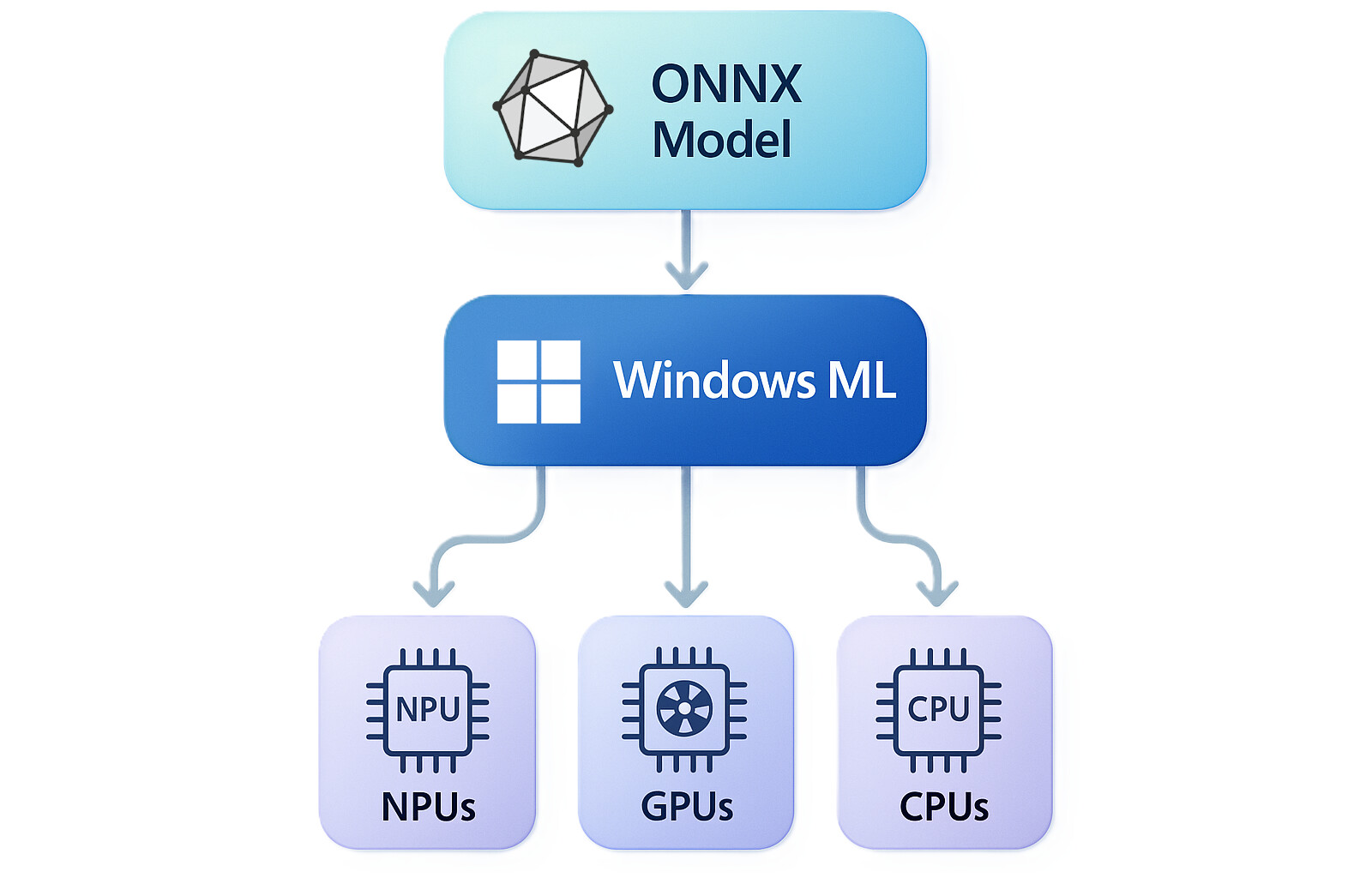
Link to Microsoft site about that- What is Windows ML?
And PL use this ONNX (what is good i think)
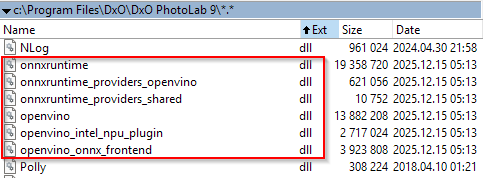
Also one point DxO Support page mention this WinML:
Note for NVIDIA RTX x60 models (2060 / 3060 / 4060 / 5060)
These models are affected by a known WinML issue. Until NVIDIA releases a fix, you can:
- Use CPU processing for these operations, or
- Avoid AI Mask keywords temporarily.
We are closely monitoring the vendor’s update.
Note: the ‘good old avoid AI mask keywords’ noted - what give most of the PL9 issues.
With Intel its use the GPU driver part: "OpenVINOExecutionProvider"
NVidia: "NvTensorRtRtxExecutionProvider"
Amd: "MIGraphXExecutionProvider"
To know this helps on us? I don’t think so. However its may suggest the problem behind GPU issues ‘in deep’ is somewhere WinML (WinML provider) and GPU drivers. Not to lucky for DxO this times…
Its very kind from you. Feedback always a good thing!
I like to mention: i read about a few issues with Intel ARC 140 series even with Adobe Camera Raw (ACR)). Not to defend DxO, but seems driver issues vs. AI stuffs seems more common what expected?