An elliptic radial filter would be nice. As you have the graduated filter, the work is half done… 
This has been asked and requested many times, you can find a few doing a search.
Like those:
Yes I know. But the more we ask, the more we can hope to get it.
Allez les gars de chez DXO, soyez sympas, passez ça en douce dans un sprint….
+1. The support for elliptical masks that can be stretched and rotated freely (like the one from Adobe Lightroom) would be really nice.
While we have the “Diffusion” function in PL 9, as in the Nik Collection, we still do not have elliptical control points !
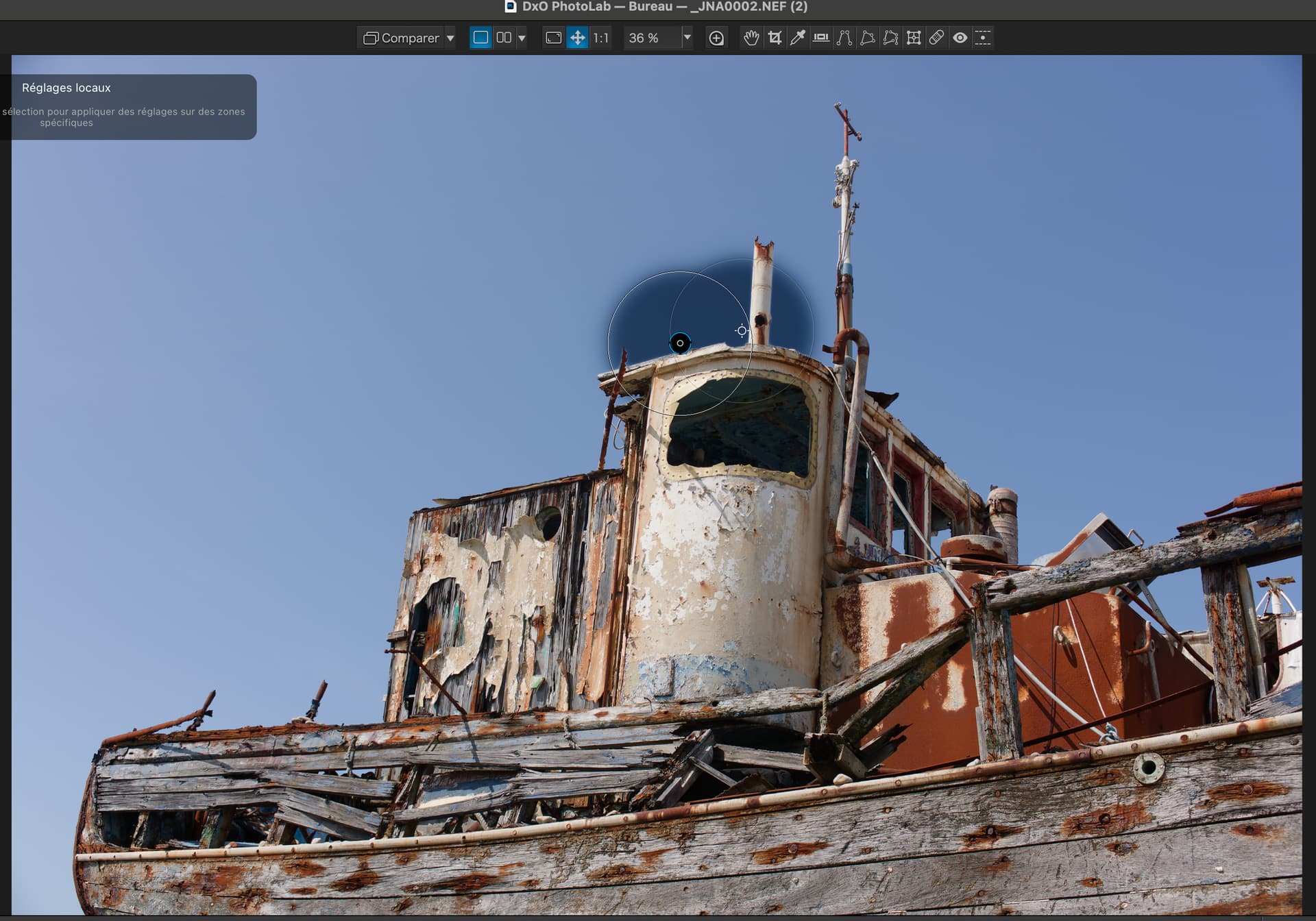
Rather than a series of lumpy CPs, a brush that acts like a Control Line, with a movable sampling point, would be handy.
Draw on the brush area, move the sampling point, and refine with the luma, chroma, and diffusion.
The “math” would use the brush stroke path as a curved CL or series of CPs. Then use the brush size as the upper and lower margins. I think the existing algorithms could be easily adapted.
A mask created with circles does not give the same effect as the radial mask.
While the radial mask can be used with colour, it is especially useful in B&W. It is actually closer to the manual dodge and burn technique used when printing in a darkroom.
These videos show the versatility of the radial mask.
Few reason: its a ‘one stop shop’ - just 1 on local adjustment (simplicity). It’s fast (to place) easy to rotate (its important to rotrate), and provide quite good results. Some case the ‘Best’ mask result (or at least not easy to replicate with CP)
Few example:
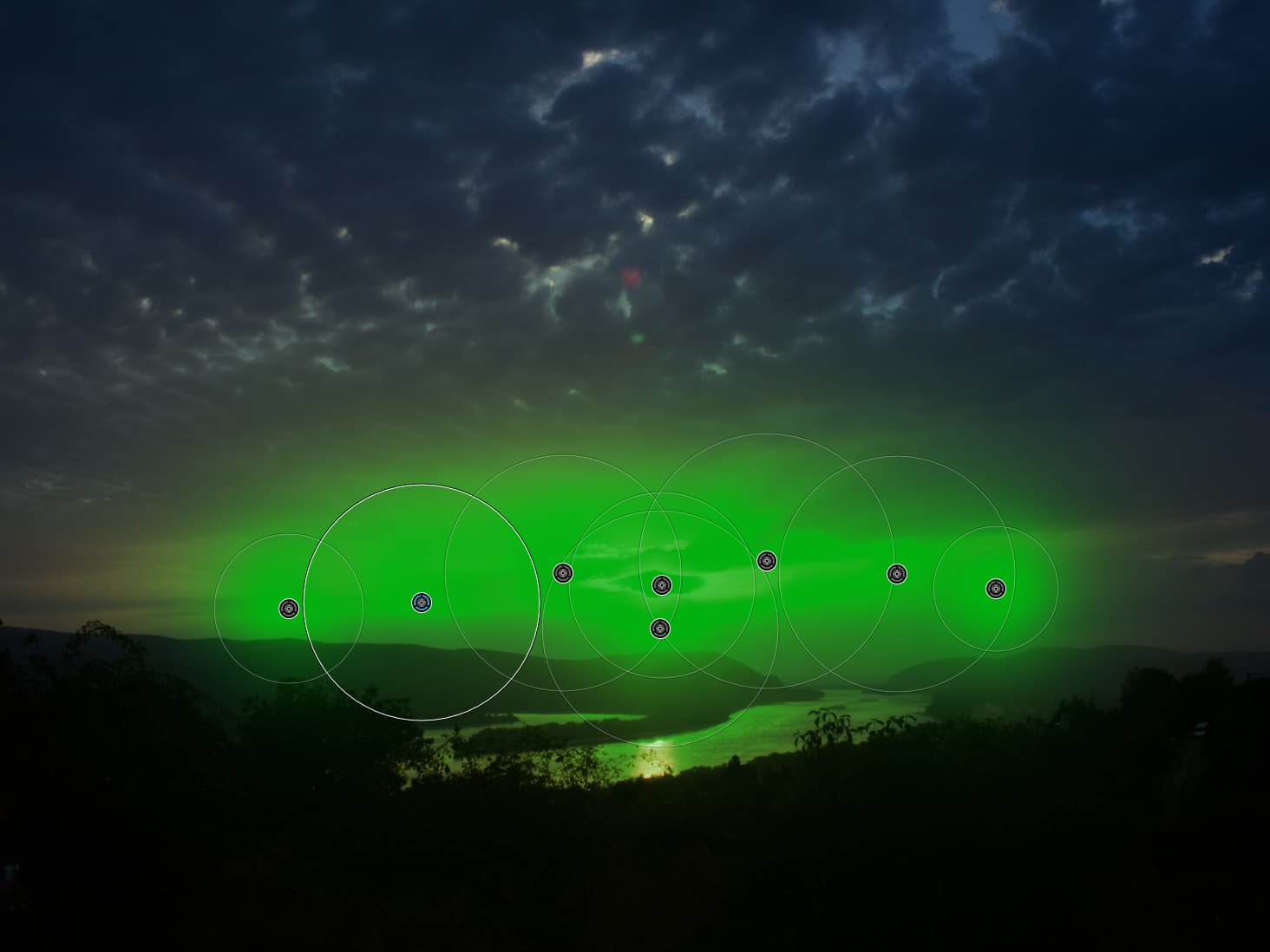
Landscape, sunsets can be nice for radial, may its provide the ‘best’ mask type in there. Before - After (- exposure - highlight)
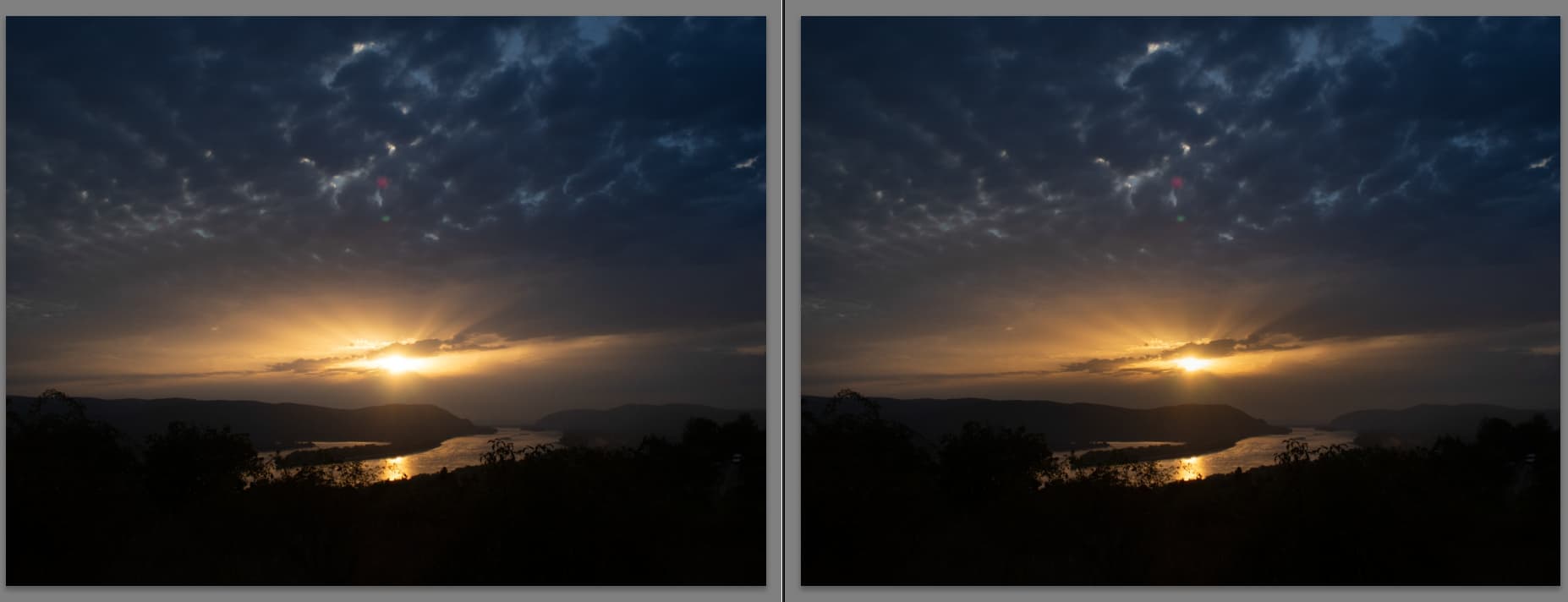
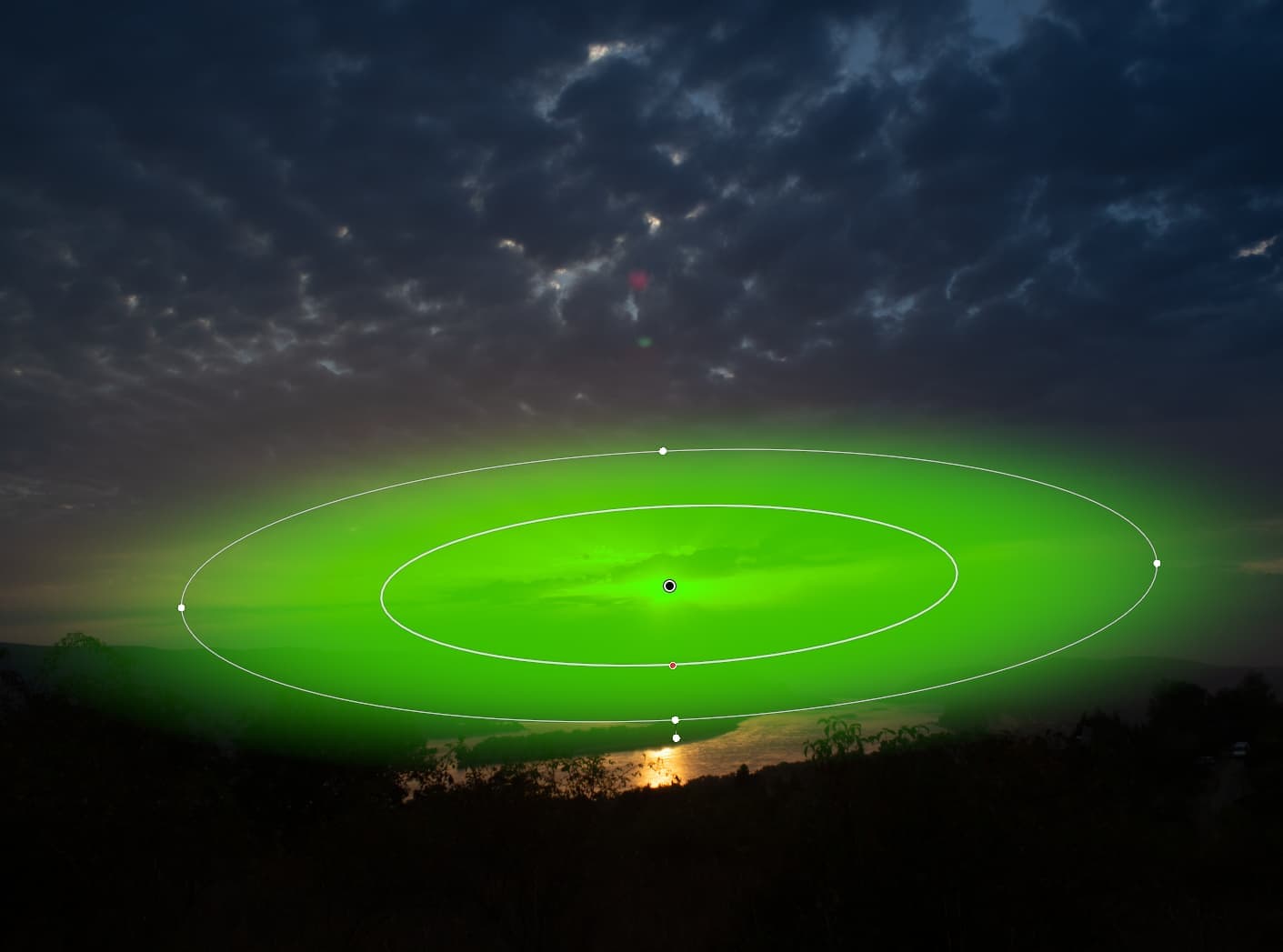
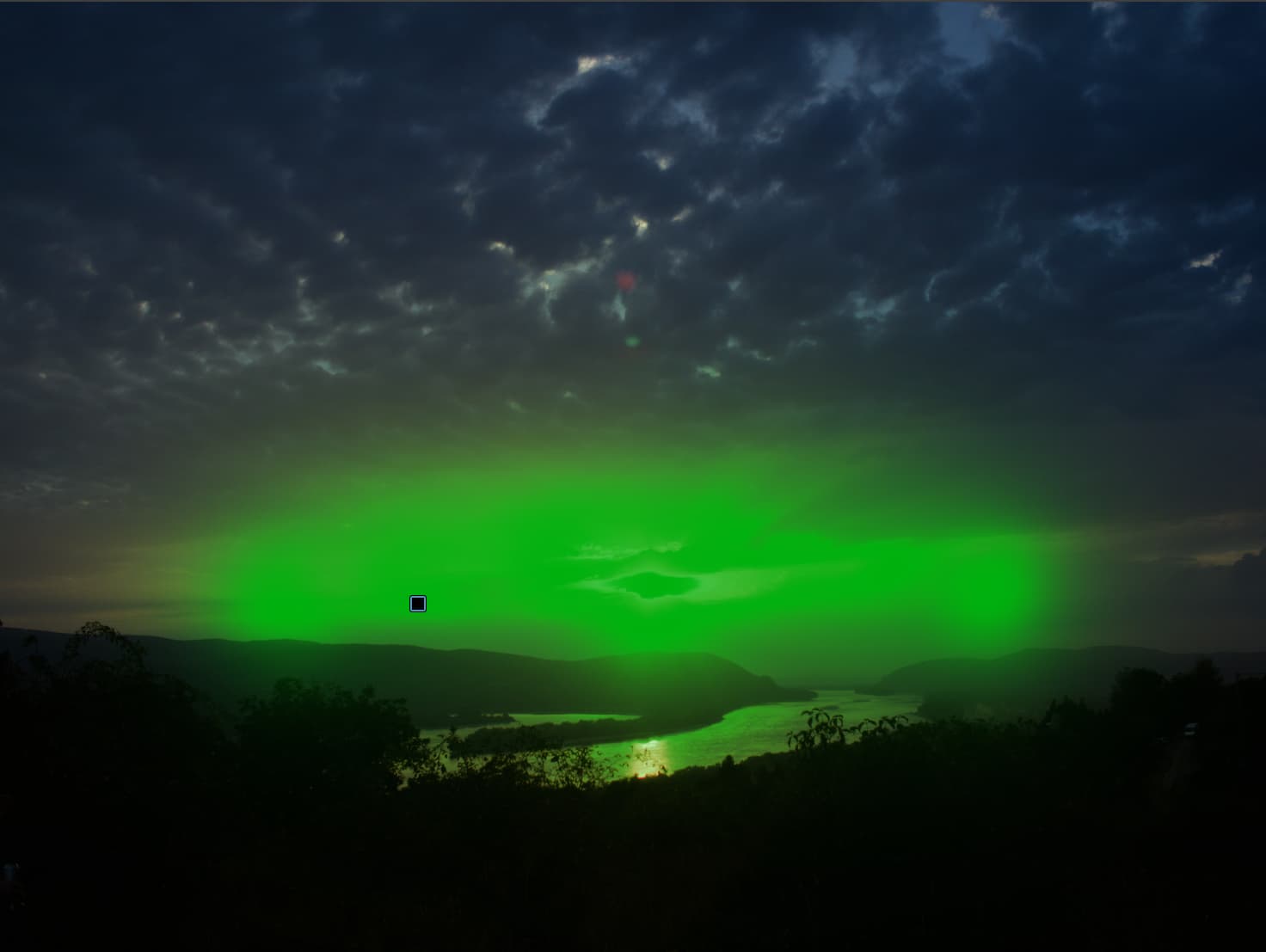
Of course in PL with multiple CP also provide some similar. But may far from the ‘same’. Also rotation of mask also problematic - with multiple CP its an issue, with one radial its easy.
Portraits and similar also can be a firend of that, like background darkening, bluring a bit:
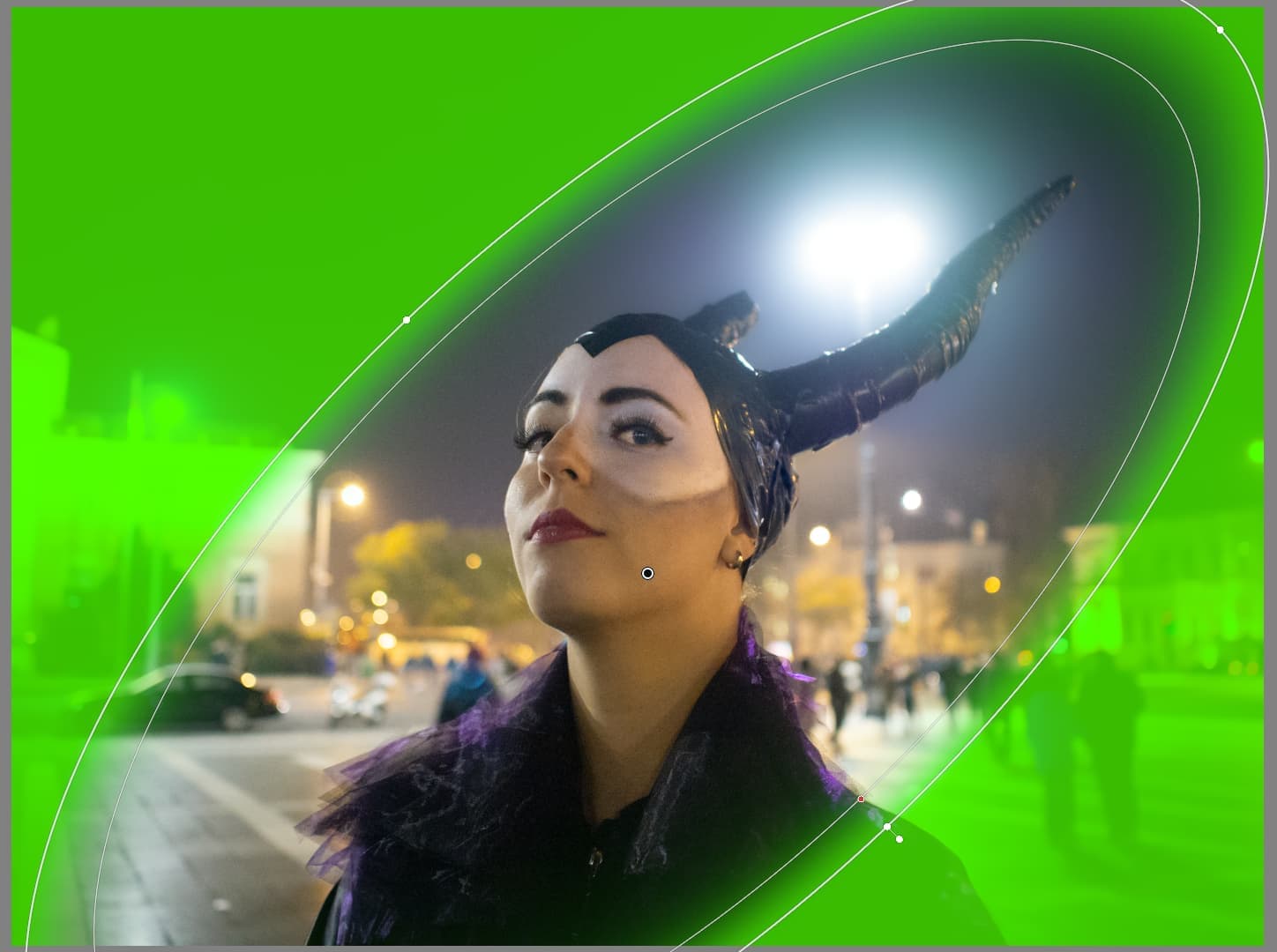
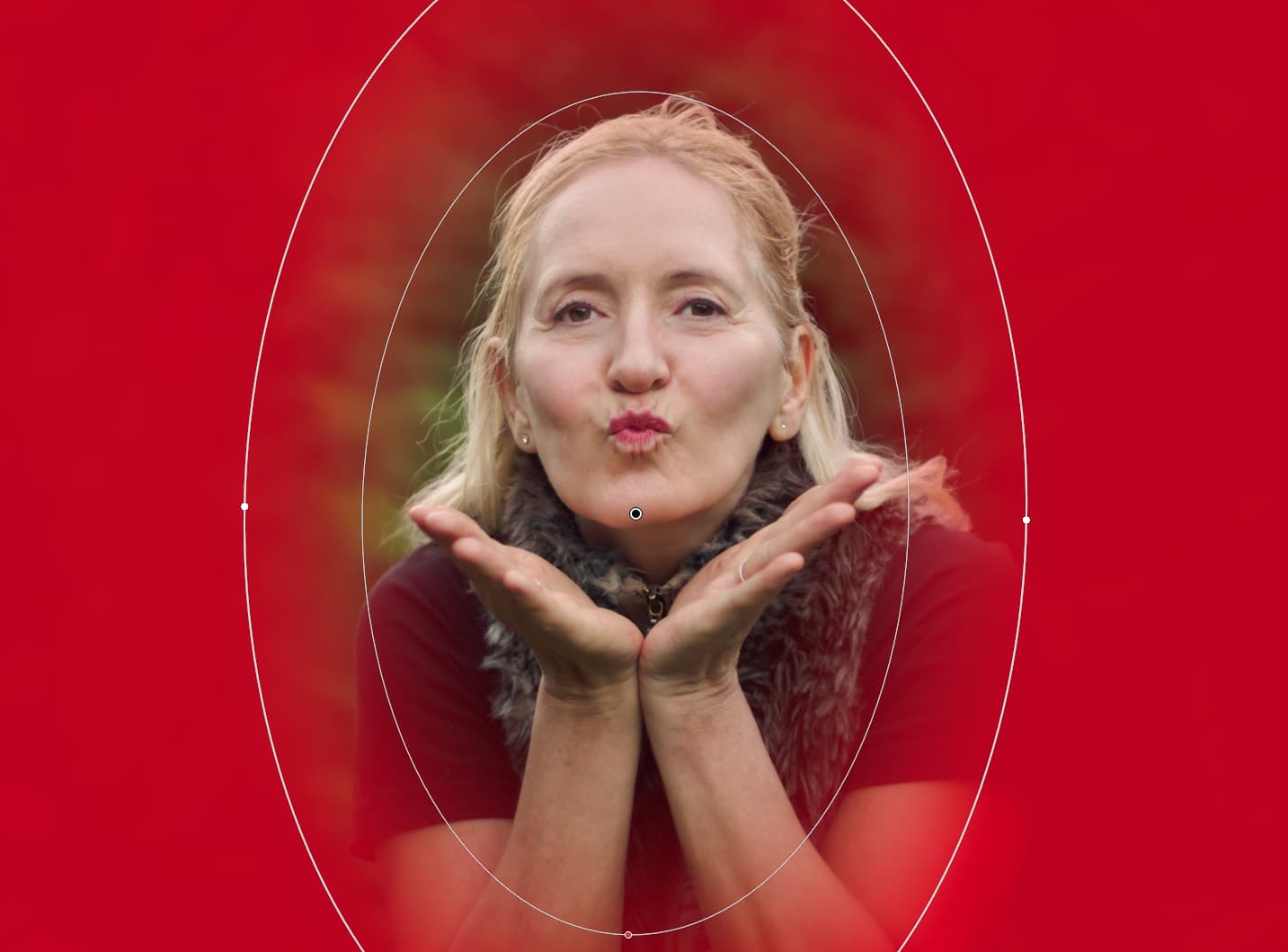
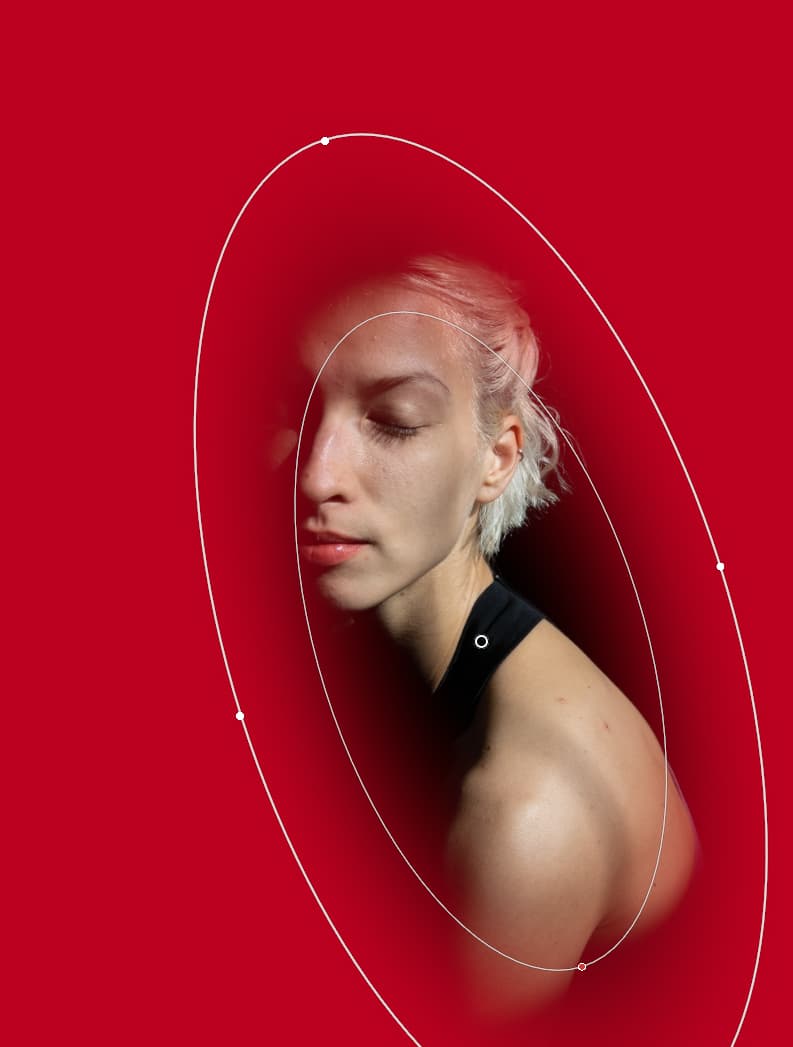

In PL of course some similar can archivable, like this: Manual AI for the ‘subject’ → Invert it, and add some CP for ‘smoothening’ in the edge.:
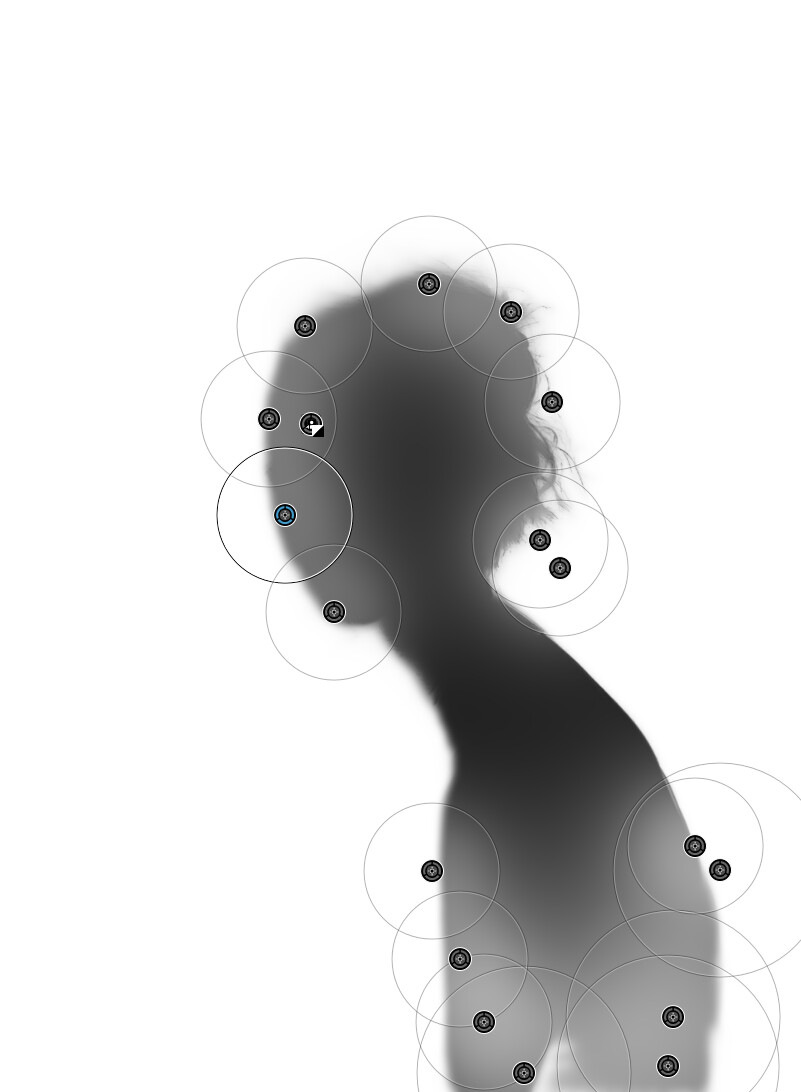
As ‘1 stop shop’ - just ‘1’ - however its also easy to archive with 2-3 CP:
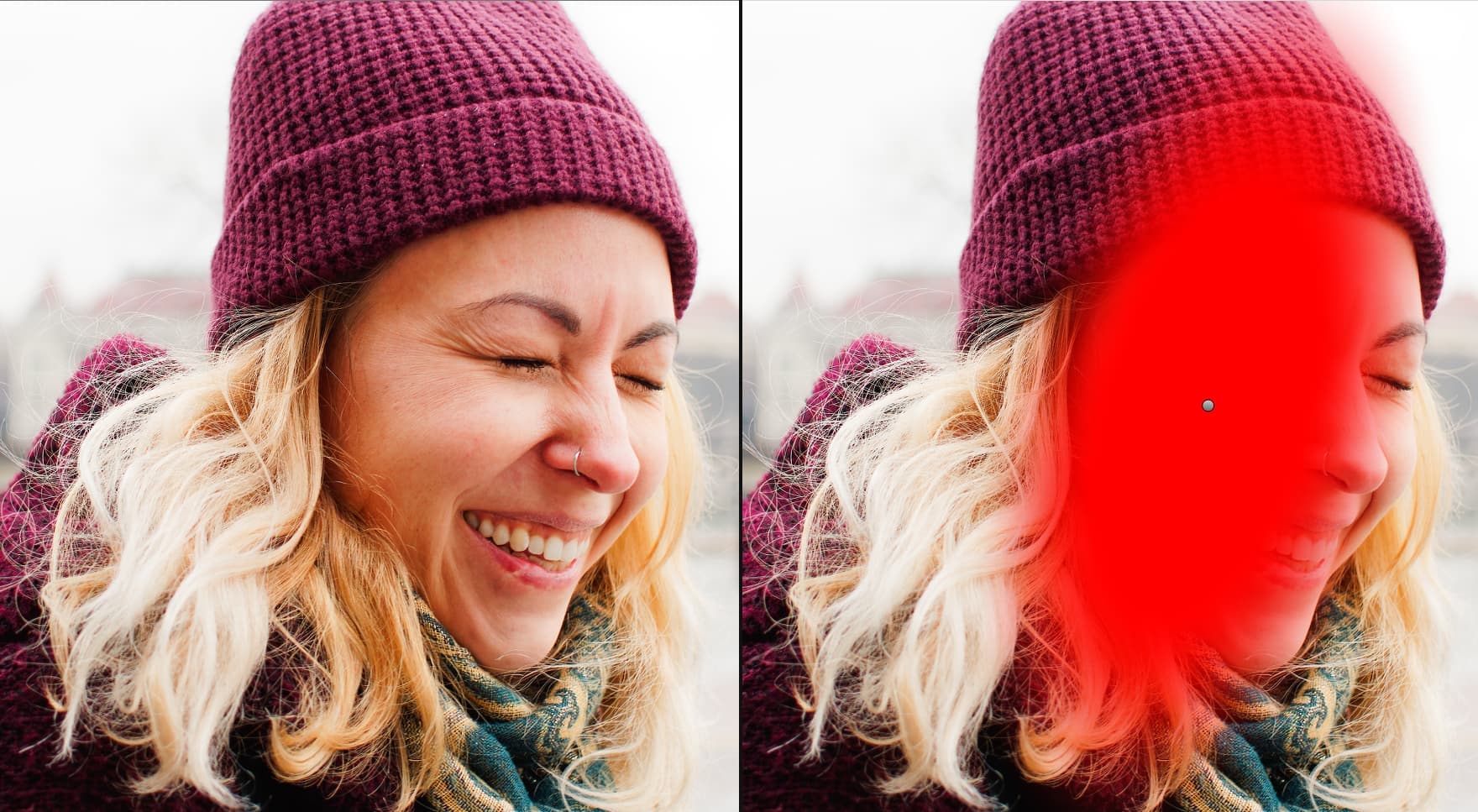
Why not for convenience and simplicity? And we also have it in the Nik collection.
They haven’t added a radial gradient because of the fear of not selling the Nik collection for additional cash flow. Only reason I can think of. It’s been requested for over five years and the DXO team just ignores it.
I doubt that is the reason. The addition of an elliptical control point in Photolab would have no impact on Nik Collection sales.
Mark
Ok then explain luminosity mask in Filmpack. That makes no sense other than an attempt to sell an additional app.
That has absolutely nothing to do with this thread or your previous comment.
I am not going to explain or defend the placement of the Luminosity mask other than to say that FilmPack is not just an additional app. It and Viewpoint are integral to those wanting the complete PhotoLab experience. PhotoLab is hobbled in a number of significant ways without all three parts of it. There are many features in FilmPack and Viewpoint that I would not want to be without and I have owned every version of all three since PhotoLab 1 in 2017.
It is unquestionably an expensive decision, but for me it is worth it. As far as I am concerned there is only one version of PhotoLab and it includes Viewpoint and FilmPack so I really don’t care how DxO breaks features out to the individual modules,
Mark