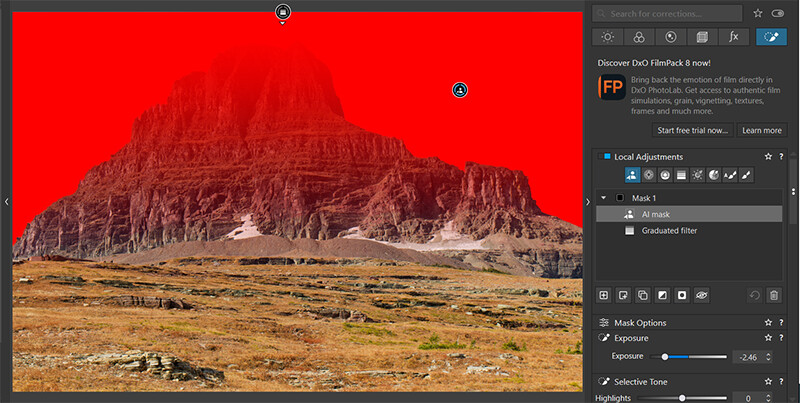
Here is a real-life example, where I want to darken the sky without affecting a mountain peak.
I create two masks as submasks of Mask 1: A graduated filter, and a sky mask. Without an intersection, the graduated filter is still affecting the mountain:
1 Like
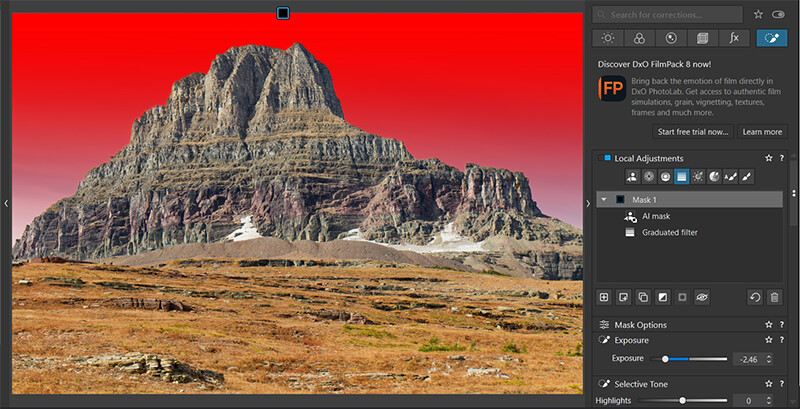
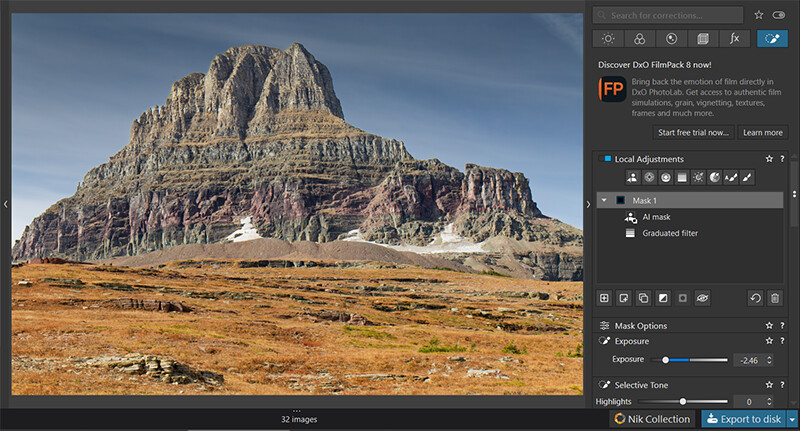
I then invert the two submasks, then the group mask, Mask 1. The result is an intersection of the two masks, and just the sky is selected:
Thank you … Even better than a video !
You have surely noticed that the workflow in your examples Intersecting masks - #17 by cowboyspook and Intersecting masks - #21 by cowboyspook – and I like that you’re experimenting with the possibilities – always ends with the topmost sub-mask layers being excluded using “Invert shape.”
The reason for this behavior is that the selection intended to be excluded from the shared adjustments within the same parent layer must always be positioned at the top. – You simply need to configure the topmost sub-mask accordingly, and you’re all set.
I am adding two examples.
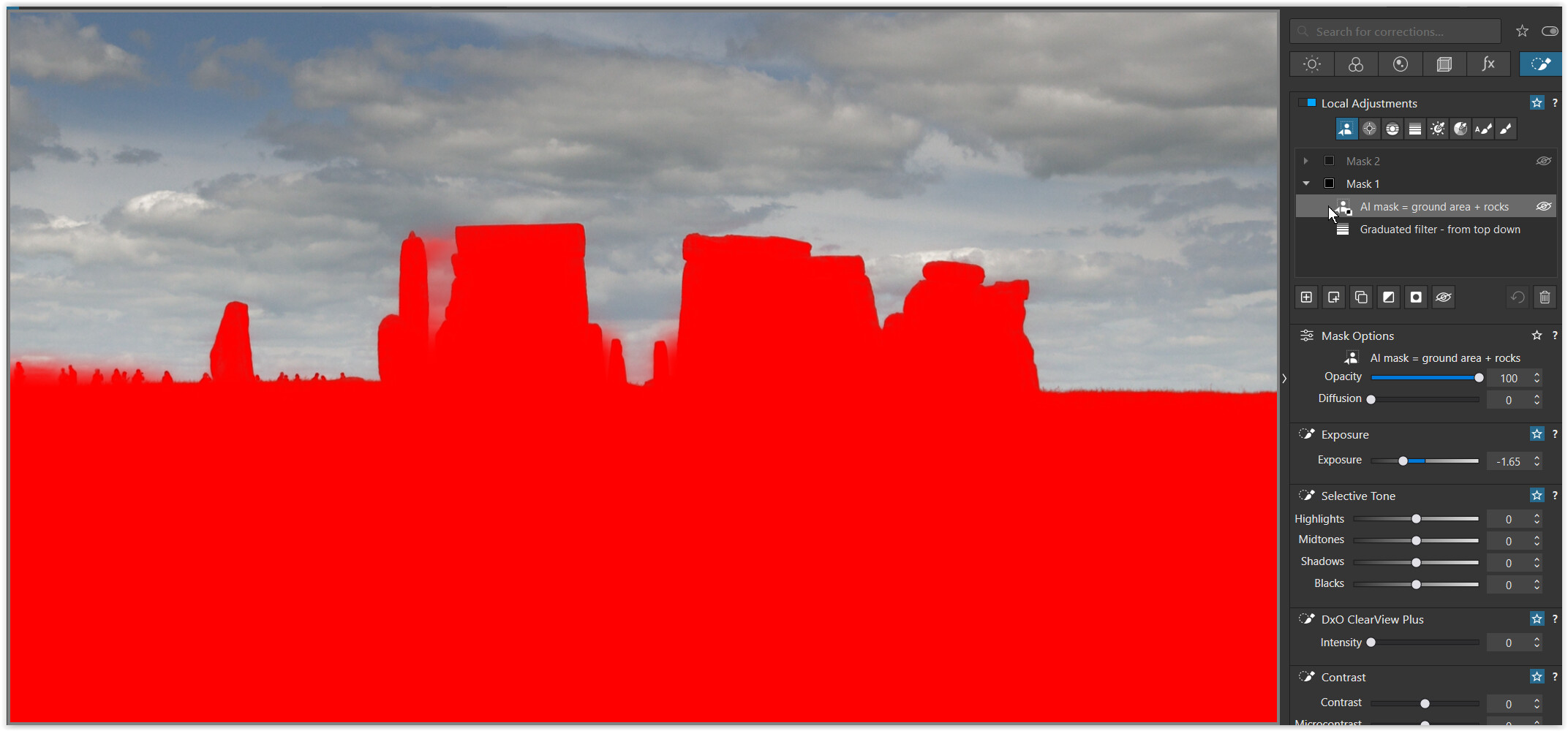
Mask 1:
The first sub-mask (the gradient filter, drawn from top to bottom) determines the extent of the exposure correction but also includes the rocks, which is not desired.
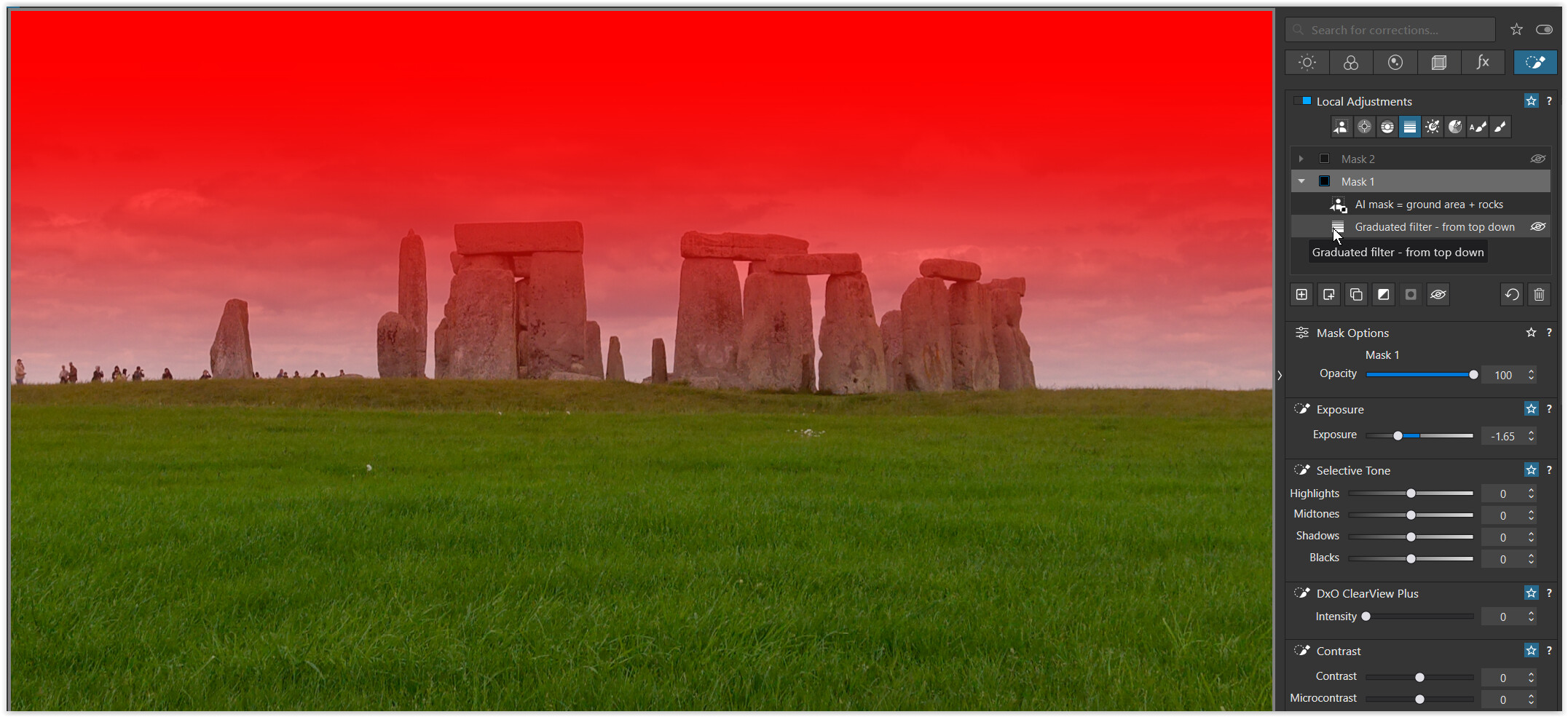
To exclude foreground and rocks I used “invert shape” on a second sub-mask (invert/ed mask AI sky).
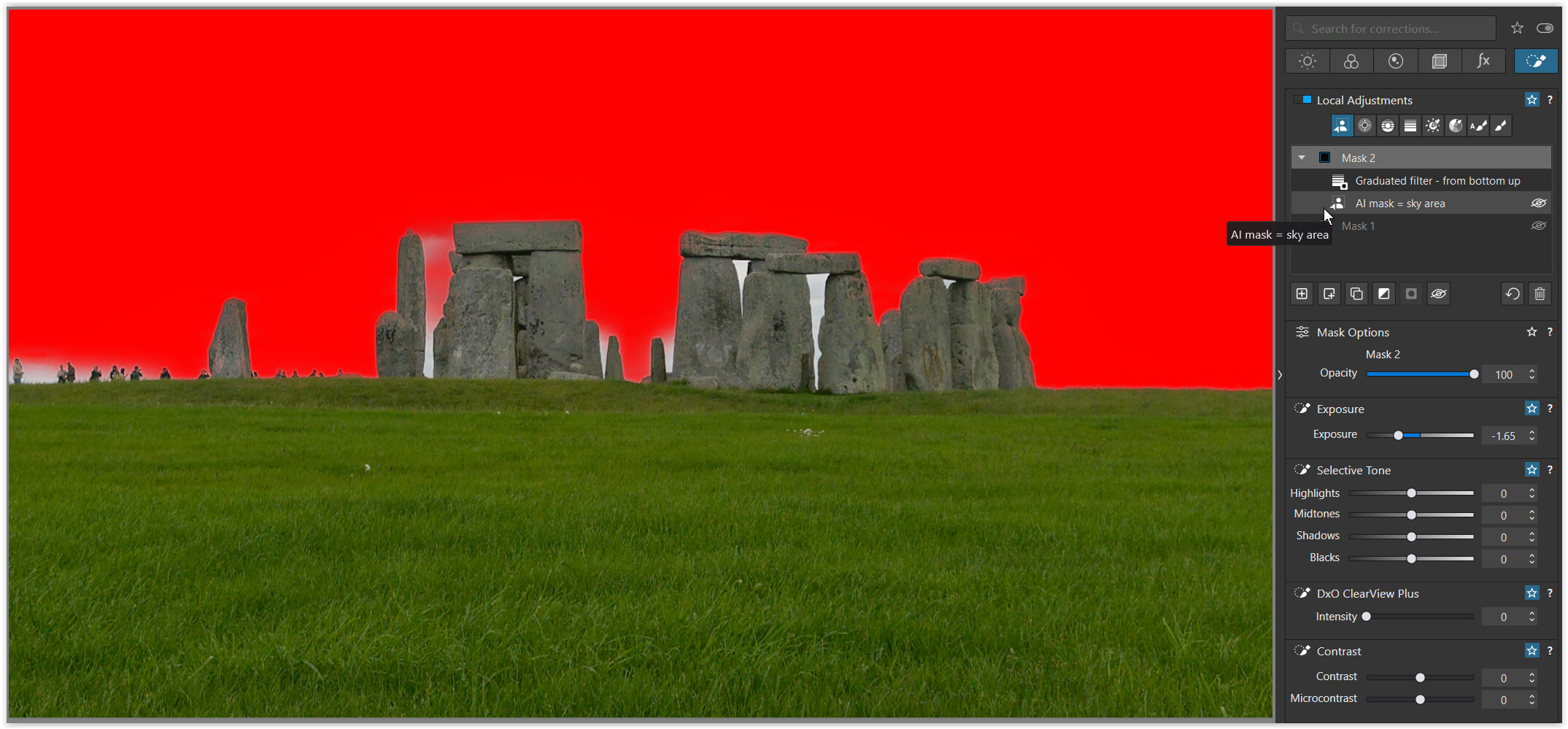
Mask 2:
The first sub-mask (the AI sky mask) determines the area affected by the exposure correction; it excludes the rocks but covers the sky uniformly, which is not desired. – Please ignore the unselected area between the rocks for demonstration purposes.
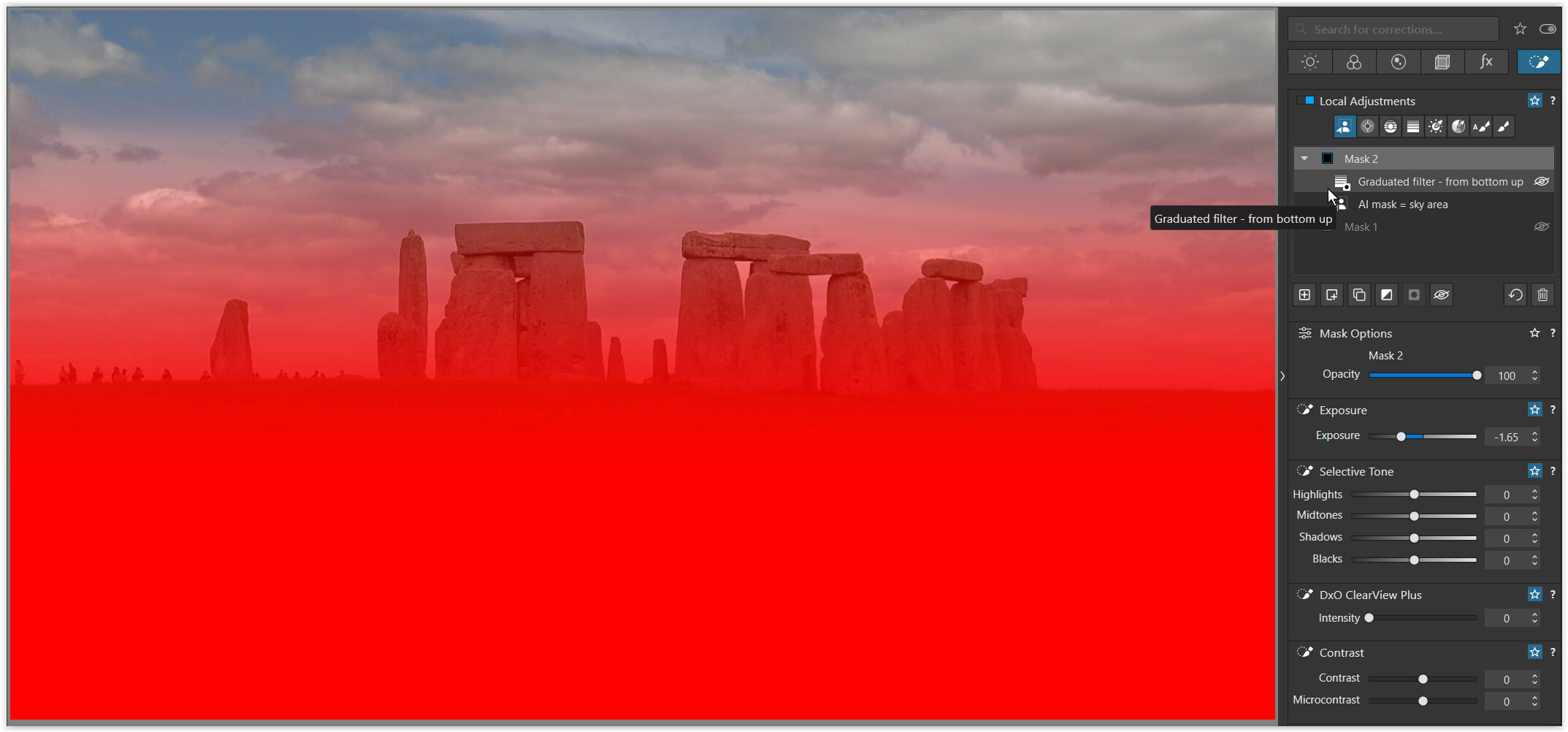
To also exclude the sky in part from the exposure correction, I used the “invert shape” on a second sub-mask (the gradient filter applied from bottom to top).
.
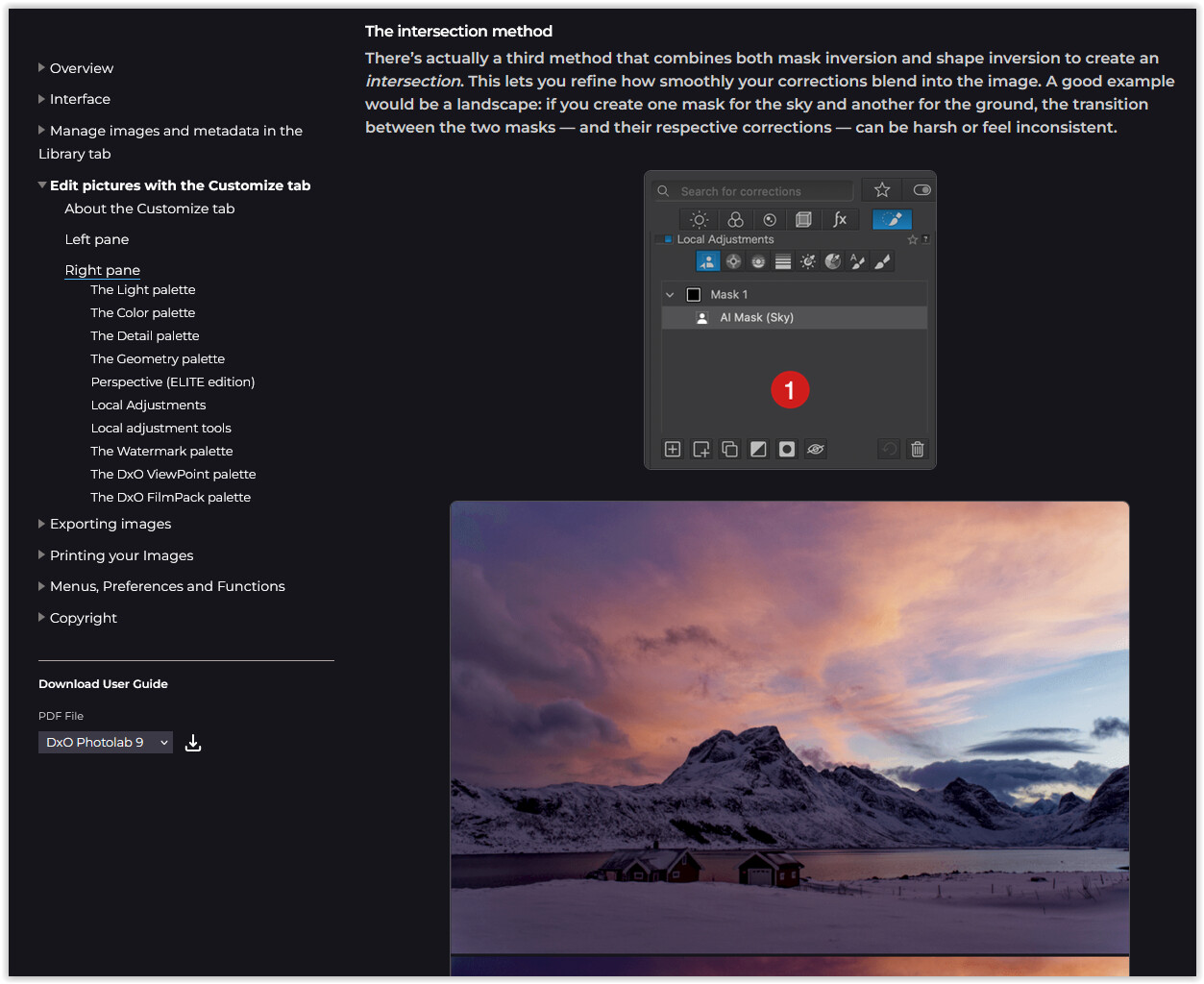
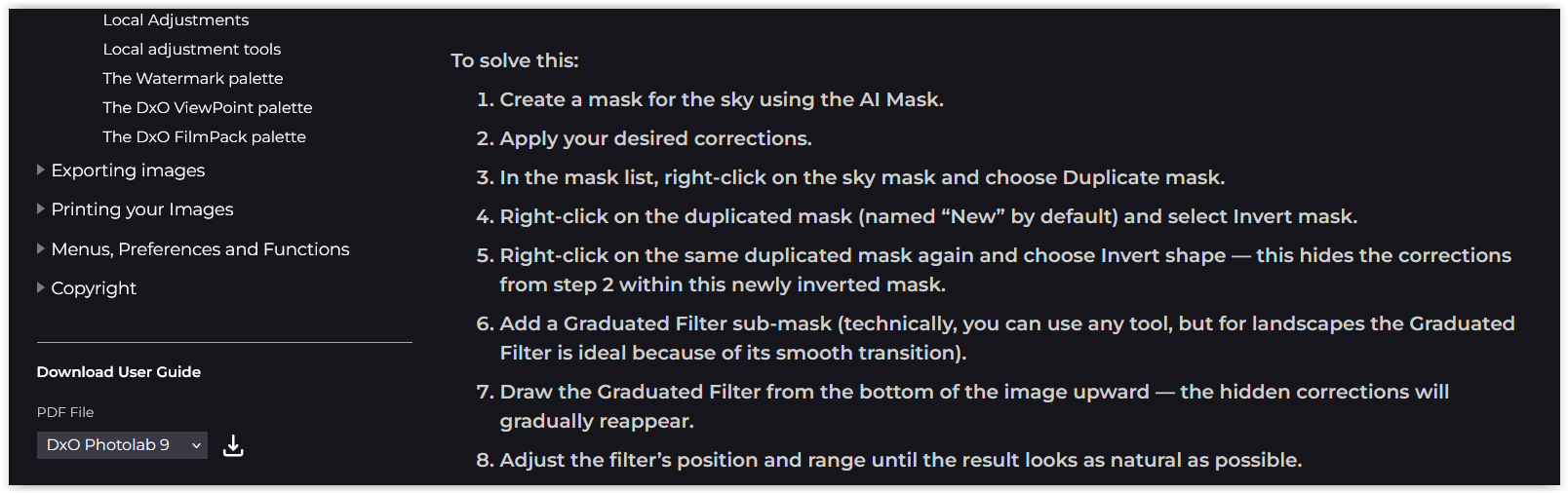
And the online user guide shows an intersection method with a slightly different intention.
…
As always, have fun!
No matter how many times I read the User Guide re Invert SHAPE, I just don’t get it !
I find @cowboyspook’s method (see above) much more logical and, therefore, clearer.
Likewise! I don’t get it.
Aha !! … I’ve just had a revelation … Thank you, @wolfgang; I now get it (finally !)
I always suspected that “Invert Shape” was poorly/unhelpfully named … It should be “Exclude Shape”.
