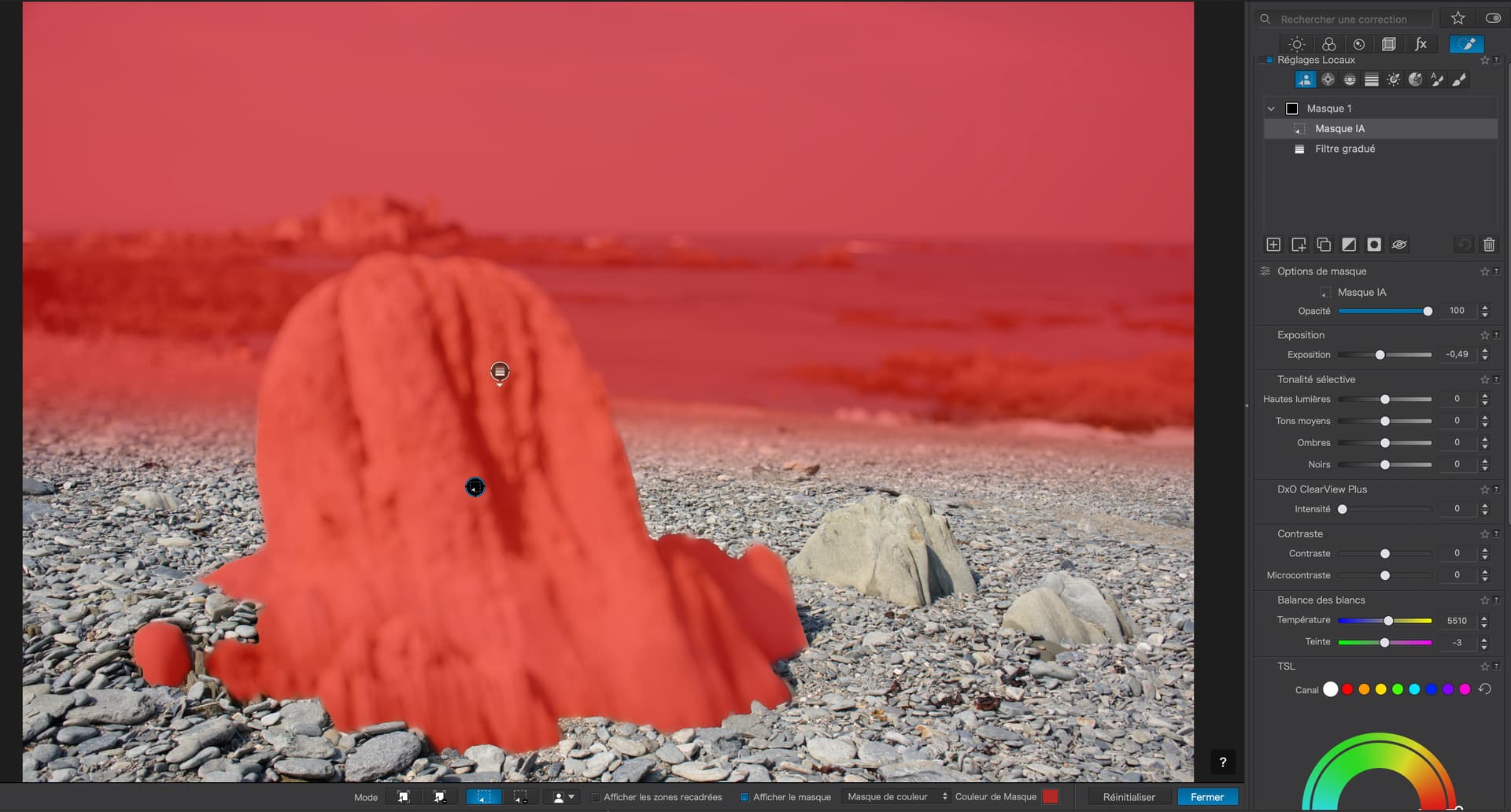
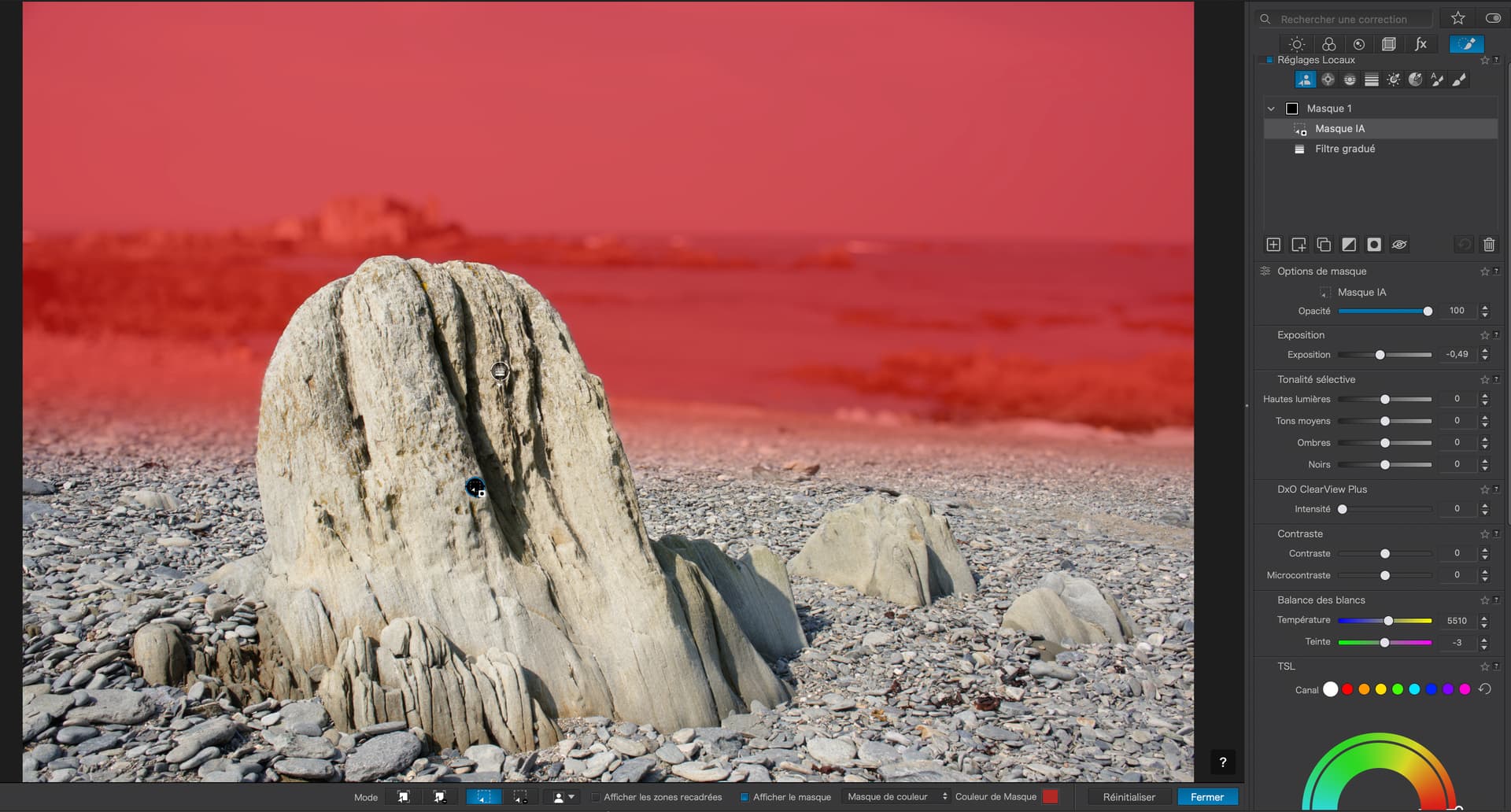
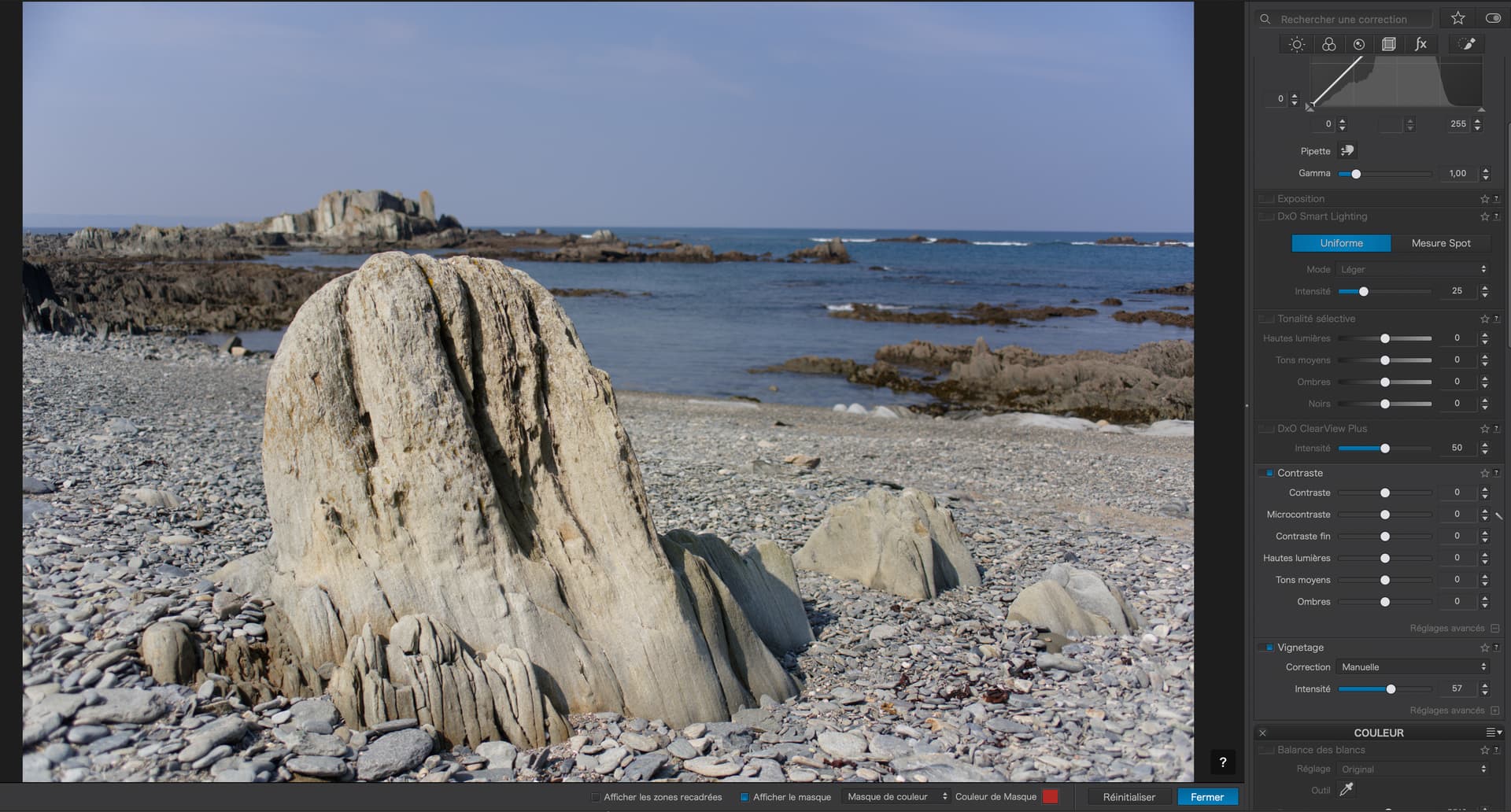
On the other hand, I got almost the same result, but less exaggerated, just by getting the aperture and focus point right without having to do any post-processing…
Anything that means less editing is generally worth it in my book!
That said, masking to make the subject pop is a really useful trait and I do like there’s a number of ways to do it in PL (or indeed, to make the background pop less).
Blur, reducing contrast, exposure, HSL… it’s all handy to help “mute” the background.
It’s neat that we can now reduce global lens corrections and only apply them most strongly to the subject (which, again, helps the subject draw the eye). Local noise reduction is handy too.
It’s great for portraits. specially if you have camera with a rather small sensor and often get too much DOF. And not only the Blur but reducing microcontrast in areas you want out of focus can make your photos pop. I used to send my pictures to Affinity Photo for that task. Now, I can do that job in PL9.
1 Like
Stenis
(Sten-Åke Sändh (Sony, Win 11, PL 6, CO 16, PM Plus 6, XnView))
5
Reducing Microcontrast is really fantastic when the task is to clence a sky from all sorts of clutter and sensor crap. I use it all the time when processing repro photographed old film like for example color slides.
Microcontrast has always been a problem when masking wasn’t available since it is problematic when used generally for the whole picture. Applied locally it definitely can make wonders now.
1 Like
Stenis
(Sten-Åke Sändh (Sony, Win 11, PL 6, CO 16, PM Plus 6, XnView))
6
Sure but Photolab gives me much better control than using my new Viltrox 85mm/1.4 or Viltrox 27mm /1.2 (APS-C ekv. to 40mm)
It depends on the lens and the goals for the photograph. One of my favorite lenses is the Voigtlander 40mm f/1.2 Nokton MF lens designed specifically for the Nikon Z mount with electronic contacts. At f/4 to f/8 it is very sharp and gets sharper across the frame like many top quality modern, fast, AF lenses… Wide open, or close to it, it generates an effect often referred to as the Voigtlander “glow” which renders images with a softer, romantic, and sometimes dreamy “glow” around subjects across the whole frame. I don’t shoot at f/1.2 very often but I do shoot wide open occasionally when I want that effect or maximum subject separation.
As an aside, this all metal and glass lens weighs a bit more than 11 ounces and is a fraction of the size of most f/1.2 auto focus prime lenses… It is a great match for my Nikon Zf body.
I wish DxO could have (would ?) come up with a better name for this feature/action … “Invert shape” certainly does not intuitively convey its purpose - and it’s too easily confused with “Invert mask” … Mmmm ! - which does what ??
Actually, in Affinity you can select different kinds of blur, Lens, Gaussian, Motion, etc, etc. But I guess, the best is if you can have real lens blur. Less job and probably better results!
I’m not having PL where I’m at the moment, so I’m not sure if this will work. Maybe you can fix it with mask brushing. First, clear the mask at the top with Remove Brush and then add an extra mask with lower opacity in the affected area.
This would surely be much easier to fix in a bitmap editor like Affinity or PS …
Stenis
(Sten-Åke Sändh (Sony, Win 11, PL 6, CO 16, PM Plus 6, XnView))
15
I was just close to joking. I love my new fast lenses but I can also see now like Joannas example high lights that I can do a lot with my old animal pictures (taken with older slower glass) with sometimes quite disturbing and too “buzy” backgrounds using the new masking, submasking, copy and inverting mask functions. I have used more or less the same methods on houndreds of old safari pictures as Joanna have done and inverting mask is often a far better choise that gives more clean edges than masking a subject, person or animal and then masking a background.
Don’t forget to use the short cuts with Shift+N, Shift+C, Shift+I and Shift+S
Another interesting example variant was when a Control Line also covered a couple of persons. They can be exempted by first holding down the Alt-button while selecting the “Person”-AI mask from the menu. That lifts the Control Line-mask from those persons.
I guess there might be even more smart things we can do with the Alt or Shift-keys. I can’t try that before I get my new computer but you Mac-users can.
Unfortunately or not, most modern lenses tend to be very sharp. Easy to see the difference when comparing e.g. Nikon old AF135/2D DC with modern Z135/1.8S.
I’m not sure if I can fully say I have “got it”. I have certainly found one way to do one thing. Now to find out what the rest of this box of frogs can do in the real world.