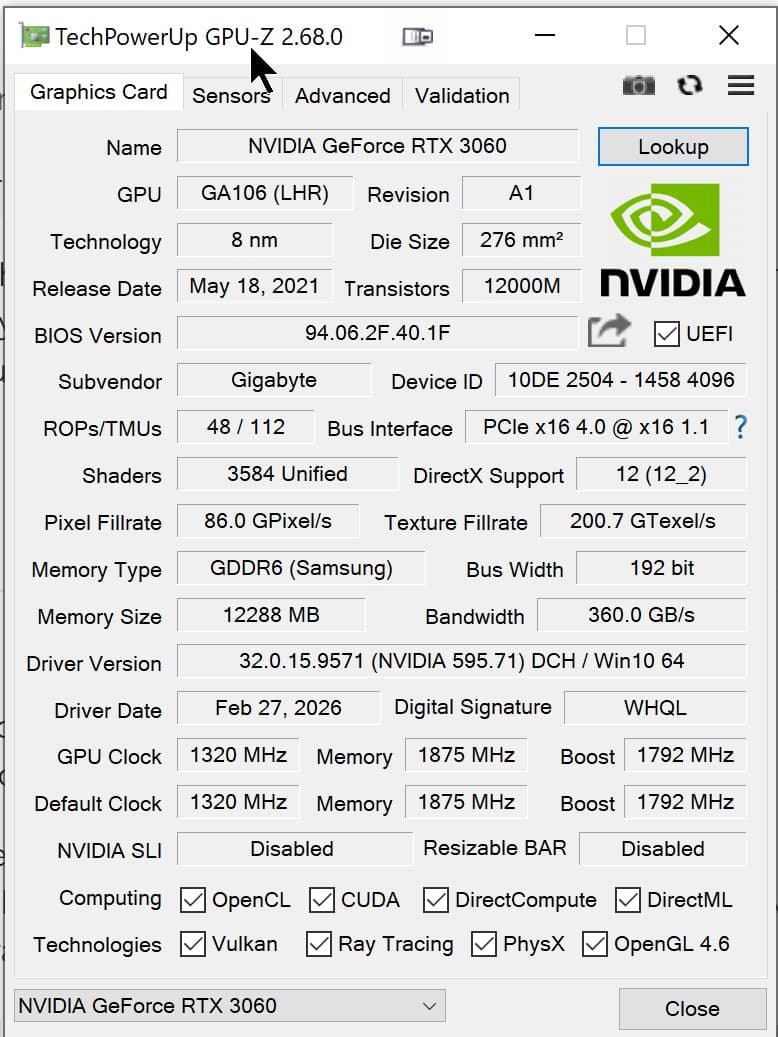
On both my desktop PC and my laptop, PL did not prompt me to download a body+lens profile. Presumably because @Wolfgang has noted (somewhere) that this combo is not supported.
On both of my machines PL9 showed a master image and six virtual copies.
Both machines have the v591.74 driver installed.
Making no changes, I selected all seven images and clicked ‘export to disk’.
a) on my desktop PC, with its RTX 5070 12GB GPU all seven images exported to 16bit TIFFs in less than a minute.
b) on my laptop, with it RTX 4050 6GB GPU all seven images exported to 16bitt TIFF in 3 mins 1 sec.
That the laptop exported all in ‘only’ 3 mins surprised me until I realised none of the seven images have any denoising set. I then applied DP3 to all of the images and clicked export to disk again, choosing to overwrite the previous exports. This time the laptop completed the exports in 4min 25sec. I didn’t close PL between export runs, I didn’t mess with the db before I started.
I’ve not bothered to repeat the export inc. denoising on my desktop PC as I can’t see a 5070 12GB GPU choking when a 4050 6GB card copes.
I feel like this might be a major factor as - as far as I know - this means you’re completely circumventing using your GTX1660 6GB for the export, which I imagine would struggle more than e.g. @stuck ‘s 5070 12GB.
I see a lot of conflicting posts on the use of OpenCL. I think it has a lot to do with the actual hardware and configuration of the system involved.
In my case, when I had OpenCL ON, my computer running PL9 seemed like a car with a rough idle. It did not behave normally and the image preview took a long time. When it was OFF, preview time was very fast.
Last year, I did turn off the GPU and PL slowed down buy quite a margin. So, I don’t think OpenCL OFF is completely circumventing the GPU.
With the sample images, the export time was “normal”. Had I switched the noise reduction to DP3, the export times would have been a lot faster.
The export times that I see seem to be in line with others who have a “lower end” system like mine and exactly the same as some who have the same system as me but with OpenCL ON. Perhaps it has more of an effect on higher end systems?
With the sample images, once an image was fully “open”, it was very easy and fast to show the AI masks - even on the last one that has multiple AI masks. Once I clicked on a mask, within a second, the mask was displayed.
UPDATE
I just tried with OpenCL ON. The previous issues that I had are not present. So, perhaps PL9.4 has been improved in this area. I exported the 7 images to 100% jpegs in 1min 29 sec.
@stuck Thank you for testing the images and being so successful where I am having problems.
Having just taken my car in to have its MOT and walked back home I sat down to do some tests.
All tests were conducted on my 5600G(32GB)-3060(12GB) system with a single export stream to 100% jpgs. The 5600G has an embedded GPU which I use to drive the monitors.
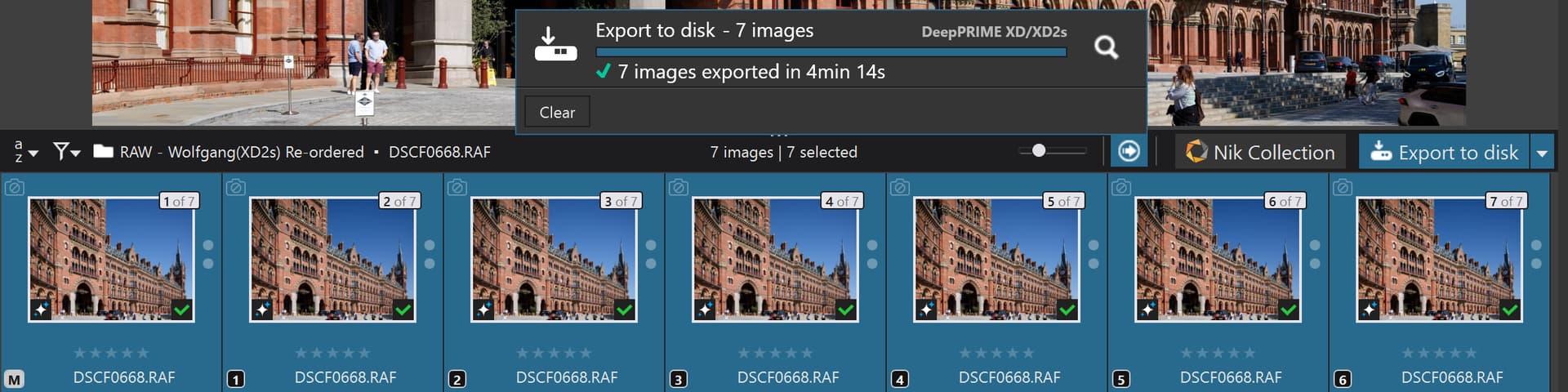
I started with an XD2s test of the St Pancras image and it is essentially the same as the DOPs I made available but with XD2s set for the [M]aster and the 6 VCs and got a surprising result, for me!!
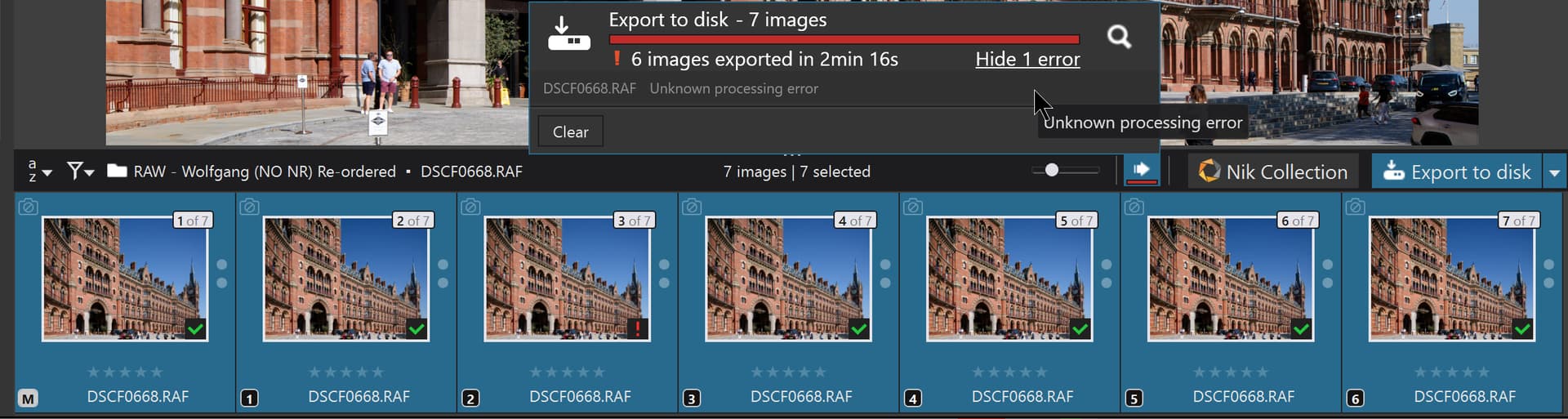
This was the starting point for the test, i.e. effectively what was in the DOPs from the previous run, 3 successful and 4 failures.
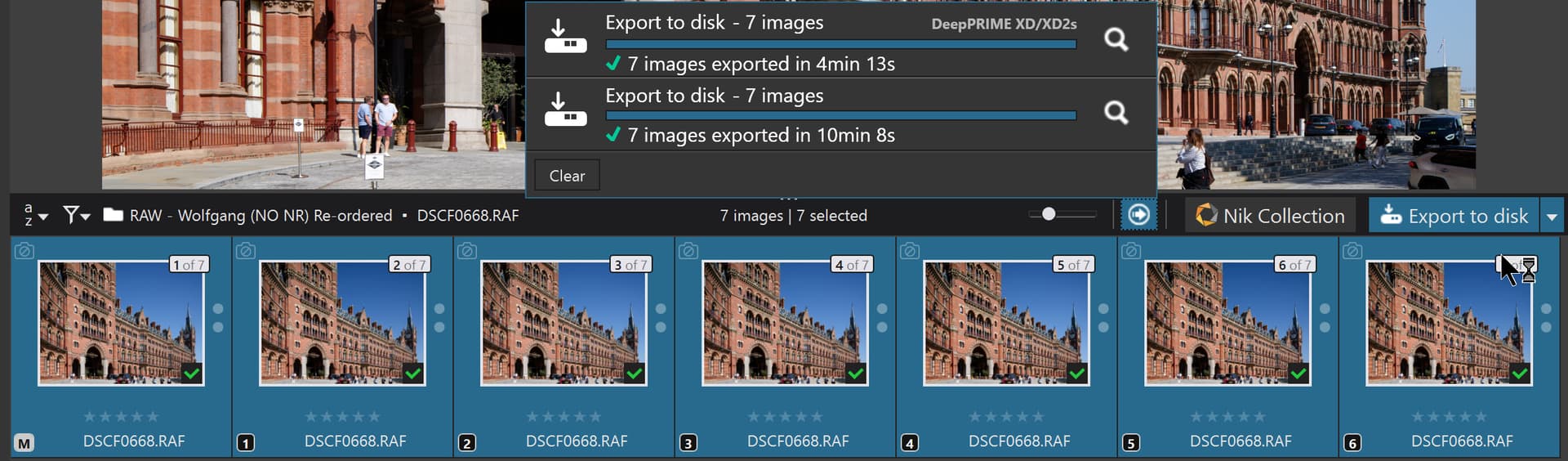
I couldn’t believe the results so I restarted PL9.5.0, cleared the Database and ran it again, successfully with essentially the same time 4 minutes and 13 seconds for 7 exports with XD2s applied creating 100% jpgs to an NVME!
BUT I then followed it with an attempt to run the NO NR test which keeps failing and it didn’t fail but ran so s l o w l y !?
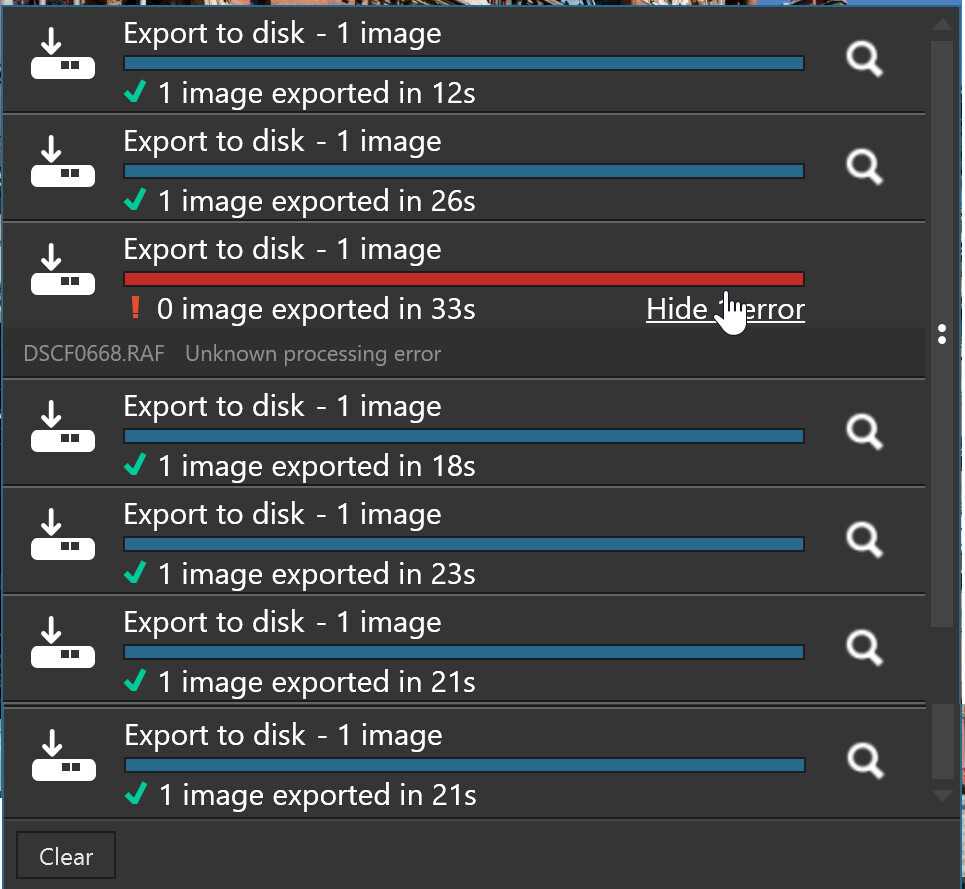
So counting the [M]aster as test 0, test 2 fails (consistently)in the NO NR scenario, but passes in the XD2s scenario when doing all exports in 1 batch. Please remember that tests 5 and 6 also contain the ‘Vehicle’ preset test alongside other preset tests (‘Sky’ and ‘People’) plus an AI mask selection tests.