@Wolfgang I was obviously sleeping on the job when I took the snapshot.
This is the actual end of loading the new drivers
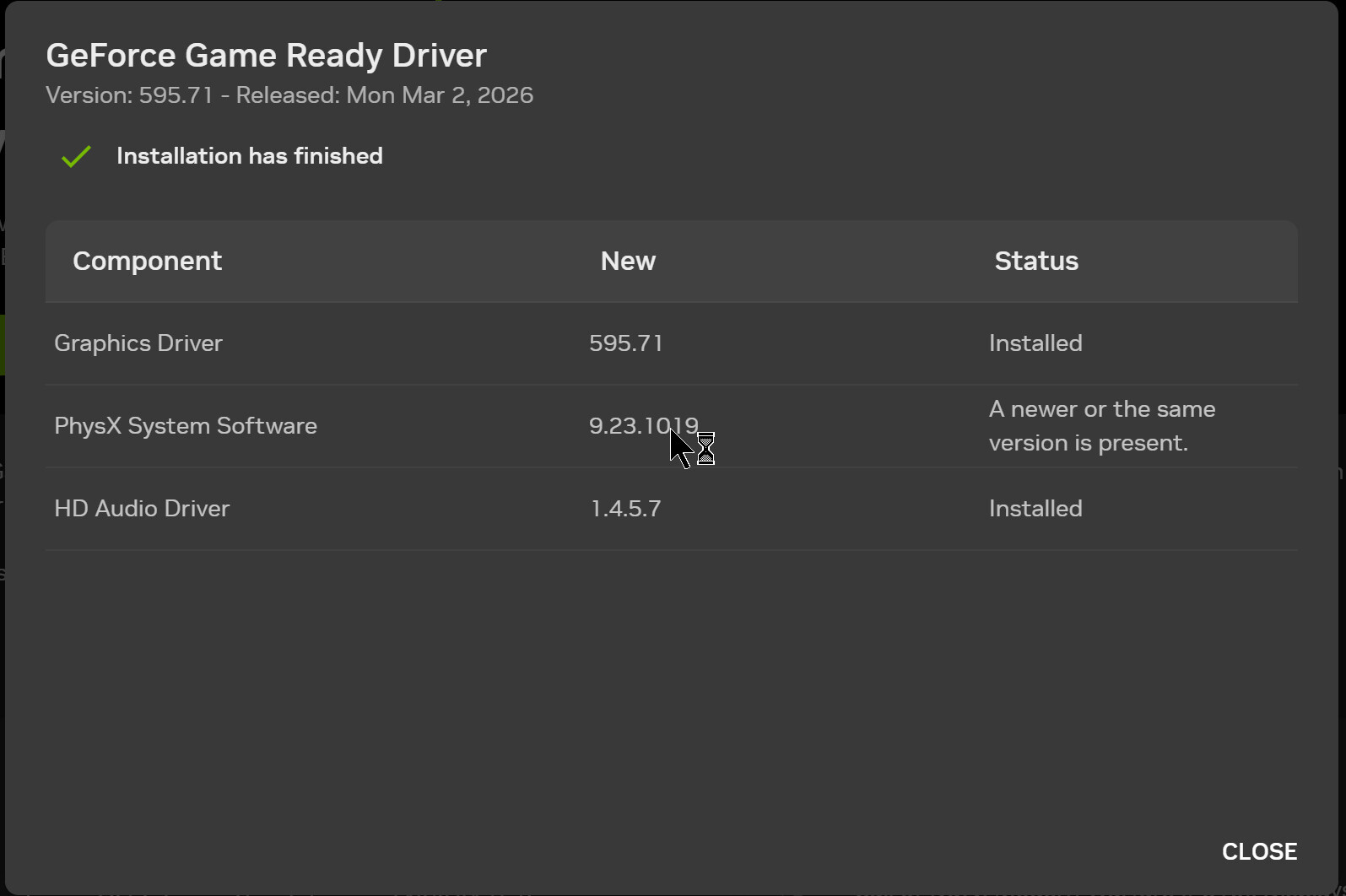
and the date/timestamp predates the snapshot I used.
The reason for the problem is that GPU-Z was running before and throughout the driver update but retains the original GPU details until forced to refresh and I neglected to do the refresh before taking the snapshot - sorry.
@Wolfgang Thank you for your diligence I will try not to make that mistake again!
In the meantime I have had a request for the original image which can be found here, I believe, https://www.dpreview.com/sample-galleries/4314410403/fujifilm-gfx-100-ii-pre-production-sample-gallery/2913371124 and was discovered by @Wolfgang.
It continues to cause problems with both of my machines with a 3060(12GB) and a 5060Ti(16GB) GPU (arguably both of the x060 models, although whether the 5060Ti behaves the same as the 5060 I don’t know).
The re-ordered (from @Wolfgang’s original) DOP is
DSCF0668.RAF.dop (85.4 KB)
The DOPs for testing individual files are
00-DSCF0668.RAF.dop (9.8 KB)
01-Sky Preset.RAF.dop (11.2 KB)
02-Vehicle Preset.RAF.dop (11.2 KB)
03-People Preset.RAF.dop (11.0 KB)
04-Building Selection.RAF.dop (14.2 KB)
05-1+2+4 .RAF.dop (16.3 KB)
06-1+2+3+4.RAF.dop (16.1 KB)
The image will need to be copied multiple times and given the following names
00-DSCF0668.RAF
00-DSCF0668.RAF.dop
00-DSCF0668.xmp
01-Sky Preset.RAF
01-Sky Preset.RAF.dop
01-Sky Preset.xmp
02-Vehicle Preset.RAF
02-Vehicle Preset.RAF.dop
02-Vehicle Preset.xmp
03-People Preset.RAF
03-People Preset.RAF.dop
03-People Preset.xmp
04-Building Selection.RAF
04-Building Selection.RAF.dop
04-Building Selection.xmp
05-1+2+4 .RAF
05-1+2+4 .RAF.dop
05-1+2+4 .xmp
06-1+2+3+4.RAF
06-1+2+3+4.RAF.dop
06-1+2+3+4.xmp