Intel has dropped support for and frozen video drivers for UHD Graphics (5th-10th CPU generation) and UHD/Iris Graphics (11th-14th generation). No further functional improvements or bug-fixes will be released although there may be some intermittent security fixes released if Intel judges the problems to be “severe enough”.
UHD / IGP Drivers for 6-10 gen CPU; frozen at gfx_win_101.2140
UHD / IGP Drivers for 11-14 gen CPU; frozen at gfx_win_101.7084
In Dec 2025, Nvidia froze support for any GPU older than Turing (meaning Pascal and older, GeForce 1050 Ti and older). So if your GPU is based on Pascal, Maxwell or Volta, you’re pretty much frozen at level 582.28 which is a security update based on 581.80. NVidia release notes and their on-line driver search tool have been updated and are the only authority worth referencing for older cards / GPUs.
In the near future, Nvidia will be dropping the game / studio delineation of driver releases and thus put to an end the needless arguments and misunderstandings over what those terms mean.
Note that both Intel and AMD publish separate driver packages for motherboard/chipset/cpu, networking, and native disk/storage controllers.
Note that Intel publishes separate driver packages for on-board NPU functionality on Core Ultra processors (enabling on Win11 only).
Note that Intel will often rapid-fire beta graphics drivers to provide support for specific gaming environments on Arc/Xe graphics.
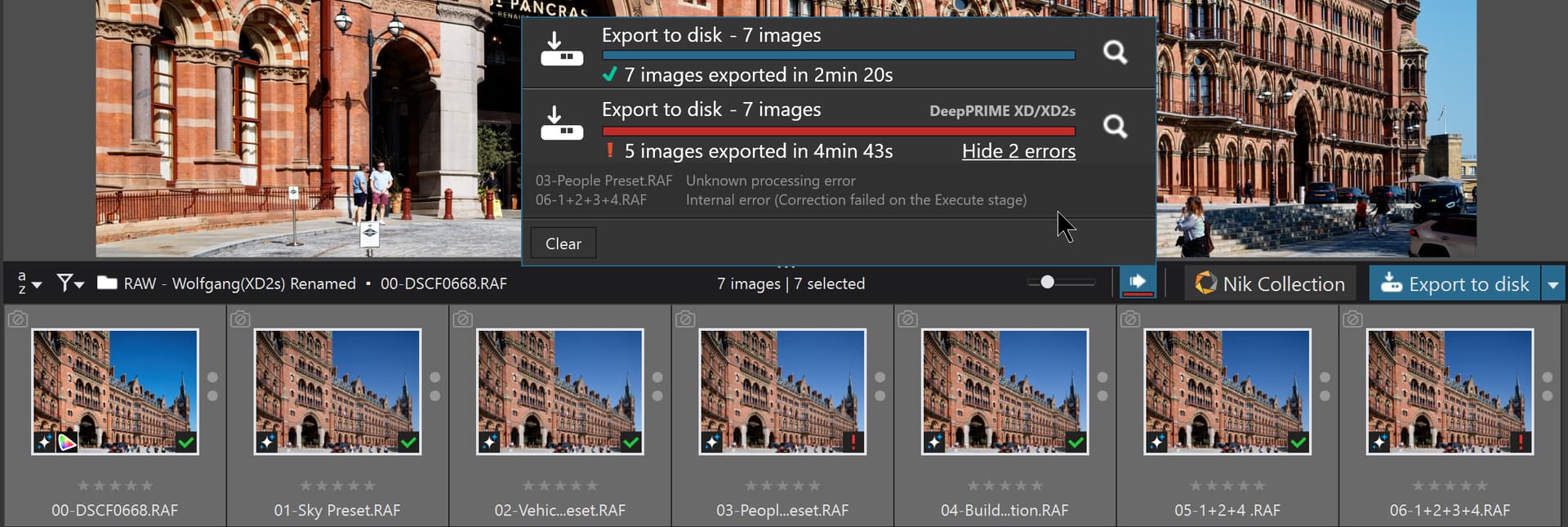
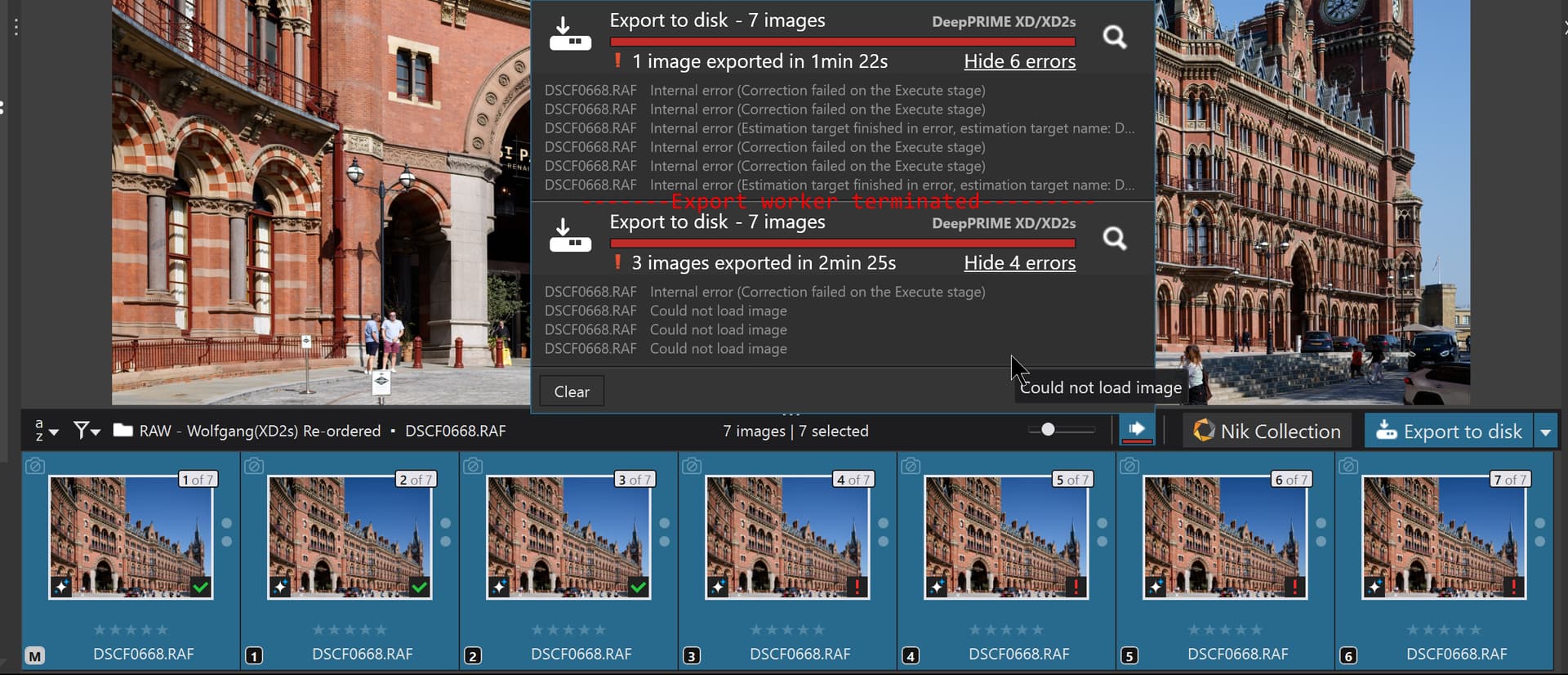
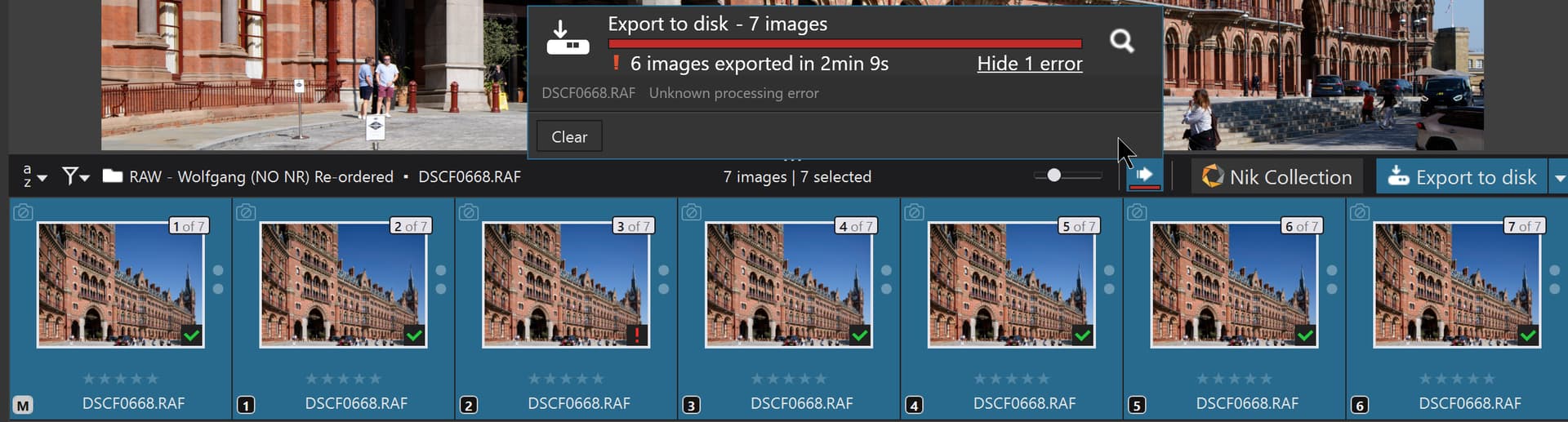
@Sparky2006 Thank you for the update I downloaded the drivers last night to my 5600G(32GB)-3060(12GB) machine and got the following results with the St Pancras image late last night (actually earlier today).
The image is extremely large and the RTX 3060 is a member of the RTX x060 group of GPUs which DxO have indicated is having problems with AI masks!
All exports were done with a single export worker to minimize the risk of complications with the export process, well that was my “theory”!
PL9 is now coming up to its 6 month birthday and I had high hopes after I got this with my “Renamed” test group, i.e. the image is copied and the name changed to reflect the AI mask being used, which appeared to work successfully.
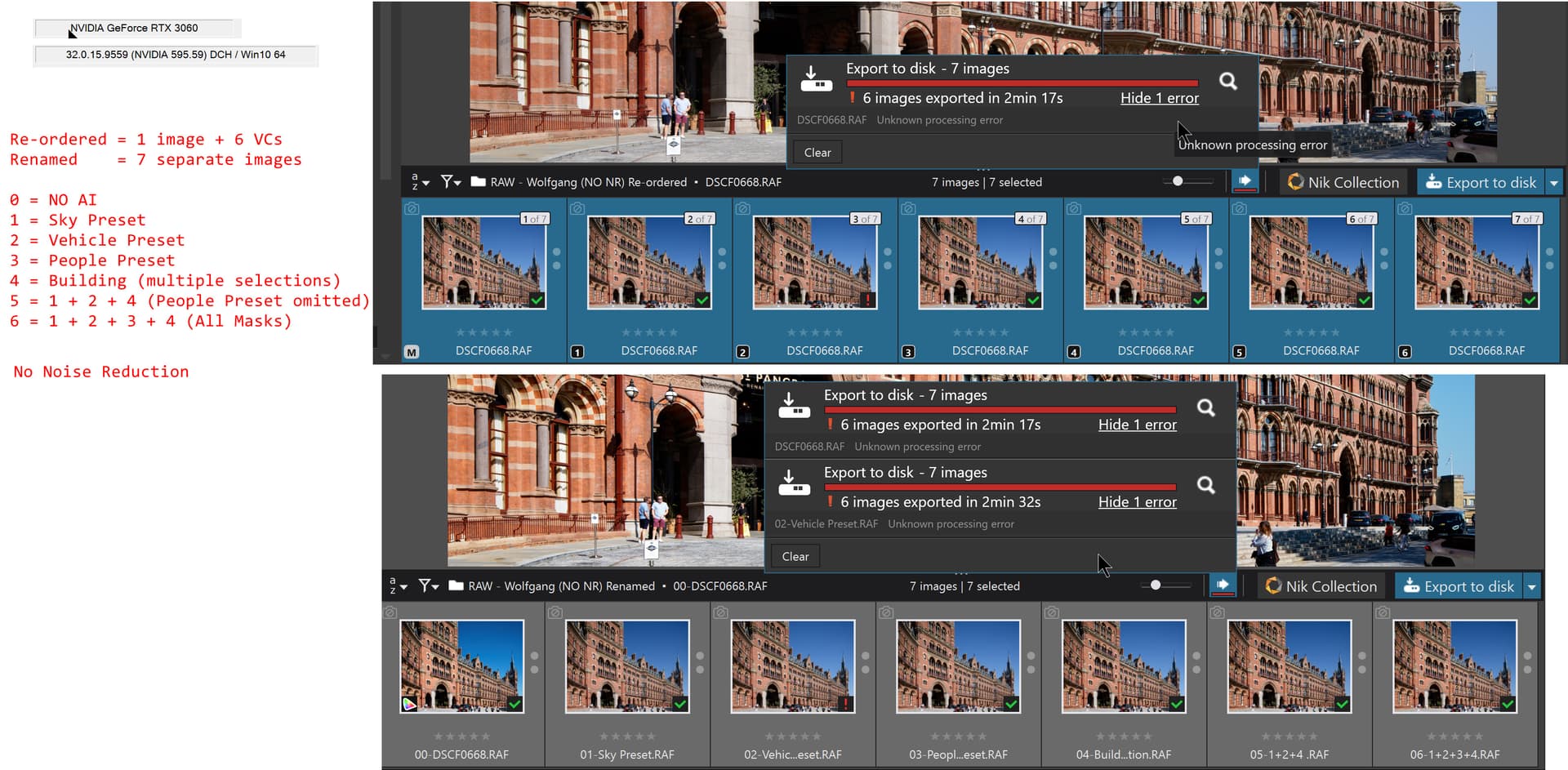
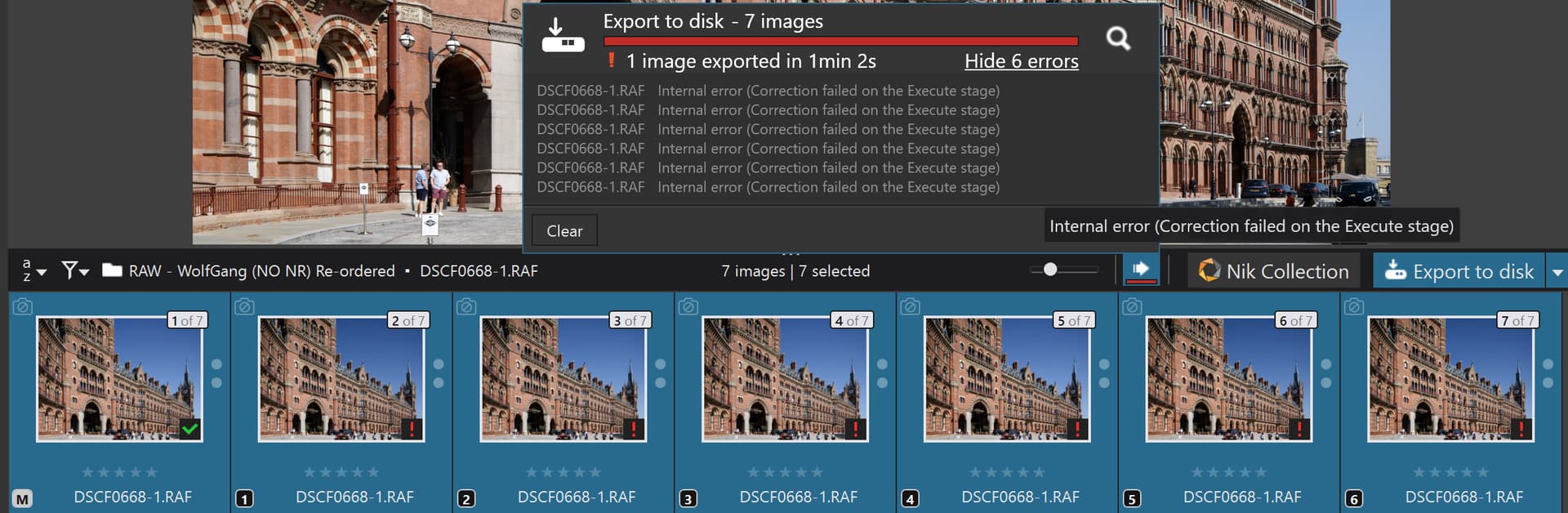
So I restarted testing today having cleared the database and got the following for the NO NR tests with VCs versus separate images and got the following which was not very encouraging but at least the same edits failed on each test (this time)!
@Wolfgang None work on either of my machines typically the 5060Ti has more failures that the 3060 and neither has none except that rare example which I reported in the post above!
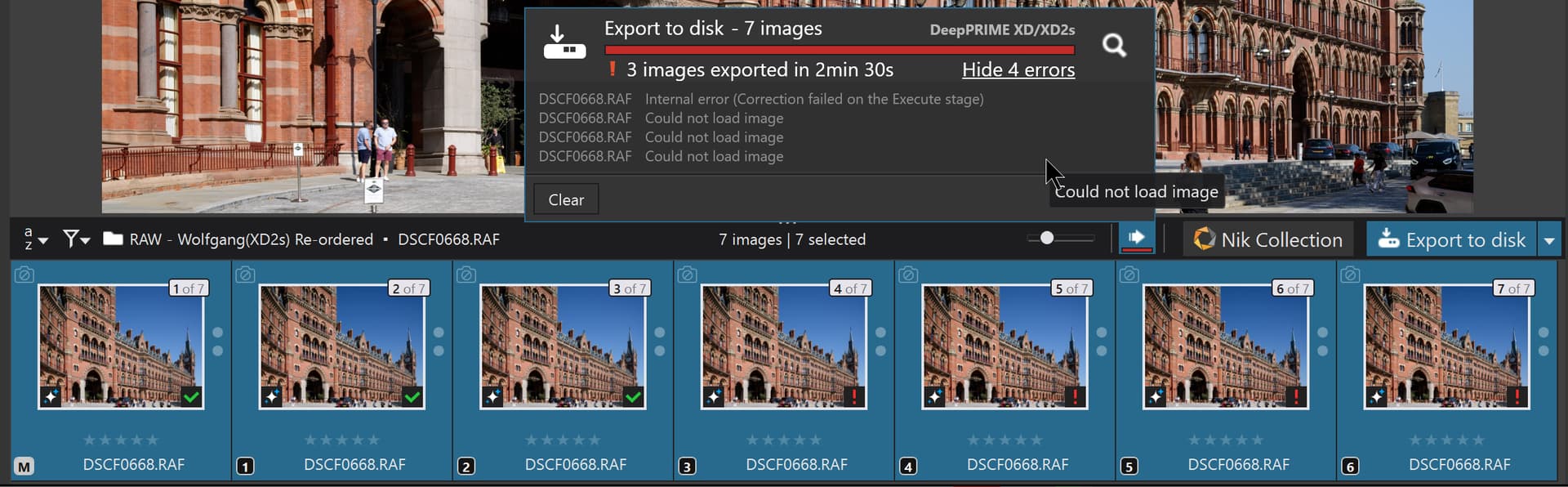
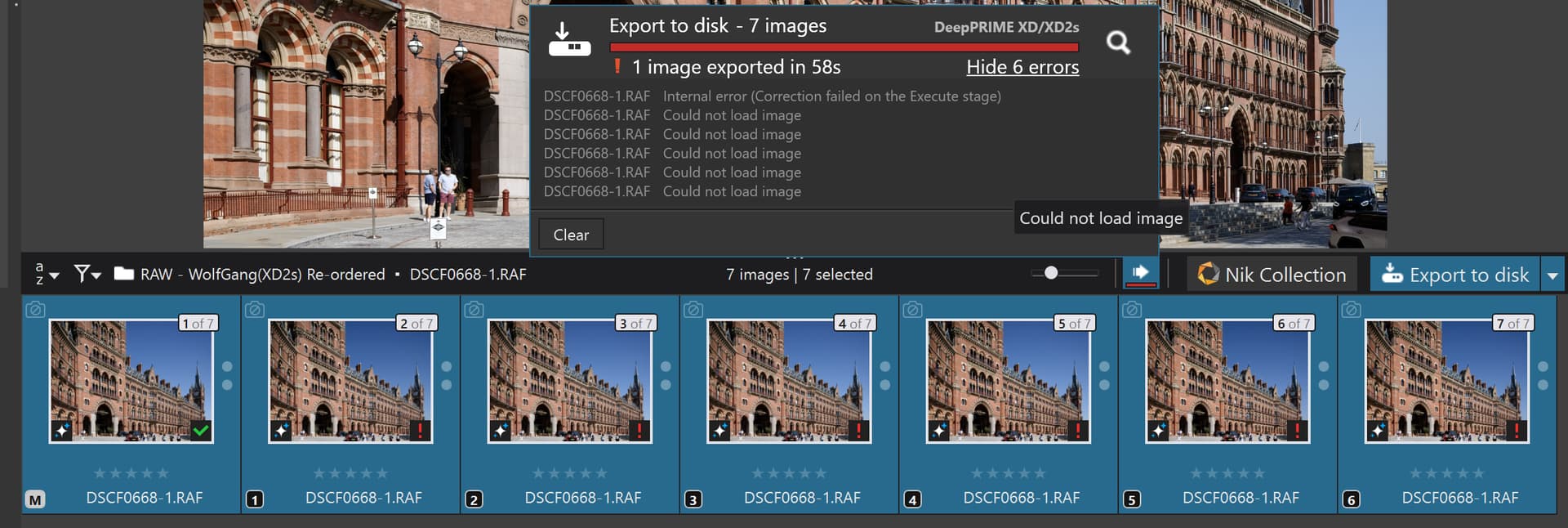
The intriguing (or should that be infuriating) part is the lack of pattern in the errors, i.e. where in the cycle they occur. So this is the first and second test on the 5060Ti(16GB) with 1 worker, empty database and export worker terminated between each export.
The name has changed because I got concerned about getting confused with the snapshots from System 3(5600G-3060) and System 1(5900X-5060Ti) so DSCF0668 has becomes DSCF0688-1 (i.e. residing on System 1).
@Wolfgang Not very useful when every image with a mask fails!
With XD2s things are identical except no the reported cause of the error
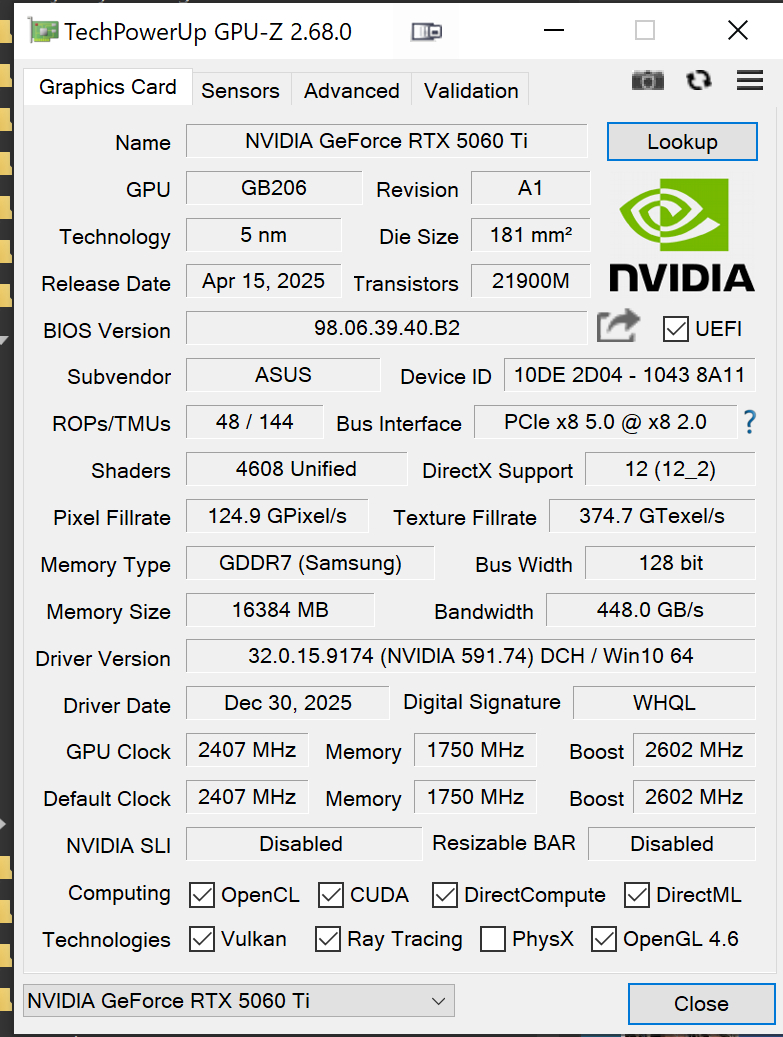
I am hoping that GPU-Z or HWInfo will be updated to account for WinML versions and NPU/TOPS.
WinML has become as important as it’s predecessors of CUDA, OpenCL, OpenGL, and Vulkan. That it has to be supported across multiple GPUs and now multiple NPU generations has proven a challenge for Nvidia although AMDs support seems to work well.
In their buried developer forums, Nvidia is still struggling with their implementation and support for WinML including vram management and garbage collection.
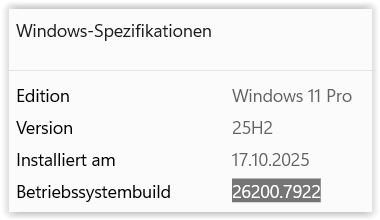
Same version here, but Win 25H2 brought some new problems – driver resets with 2-3 sec black screen while using Web browser or Photos app. Looks like a well known problem.
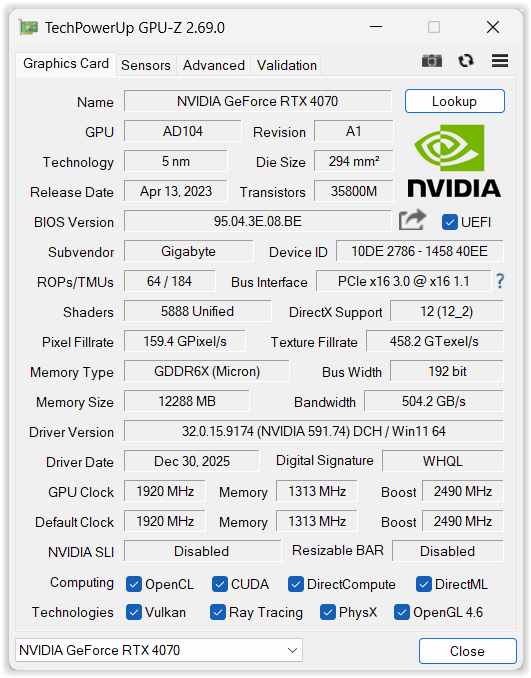
I still have problems (using RTX 4070 on Win 26200.7840) with AI masks sometimes. They look like some timing issues with memory allocation involved – sometimes GPU native memory usage goes up to 11.6GB (out of 12GB). If ‘Shared GPU Memory’ usage goes beyond 5GB, I usually have to restart PL9.5 to get standard export times. The “Shared GPU memory” is managed by Windows, so it looks like it’s a really complex problem involving Microsoft/NVIDIA (and DxO). I’ve predicted that it will be solved by spring 2026 but my hopes are expiring. After the fix provided by NVIDIA few months ago and some undocumented Windows changes, I’m able to get my work with AI masks done, but it’s not comfortable. To summarize, with 591.74/25H2 there are still ocassional black screens and GPU memory leaks related to AI masks, but for non AI masks PL9.5 works stably.
It’s high time for DxO to provide some feedback from MS and NVIDIA, unless they are under NDA.
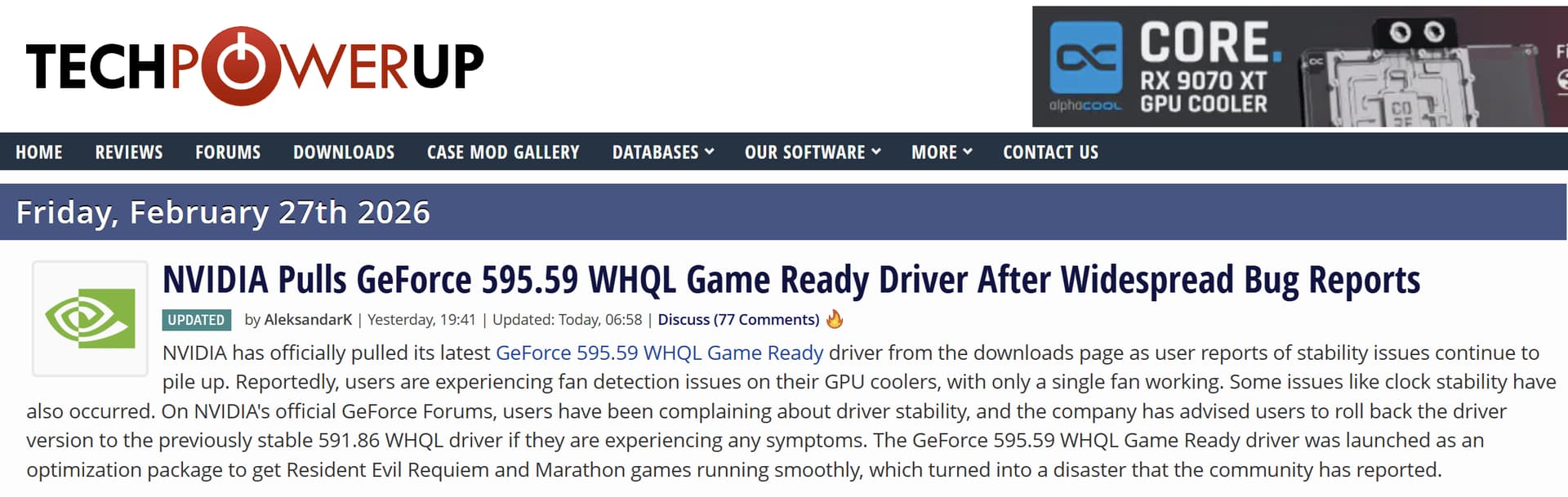
The NVIDIA Studio and Game Ready drivers 595.59 have been removed:
February 26th, 11am PT Update: We have discovered a bug
in the Game Ready and Studio 595.59 WHQL drivers
and have removed the downloads temporarily while our team investigates.
For users that have already installed this driver
and are experiencing issues with fan control,
please roll back to 591.86 WHQL.
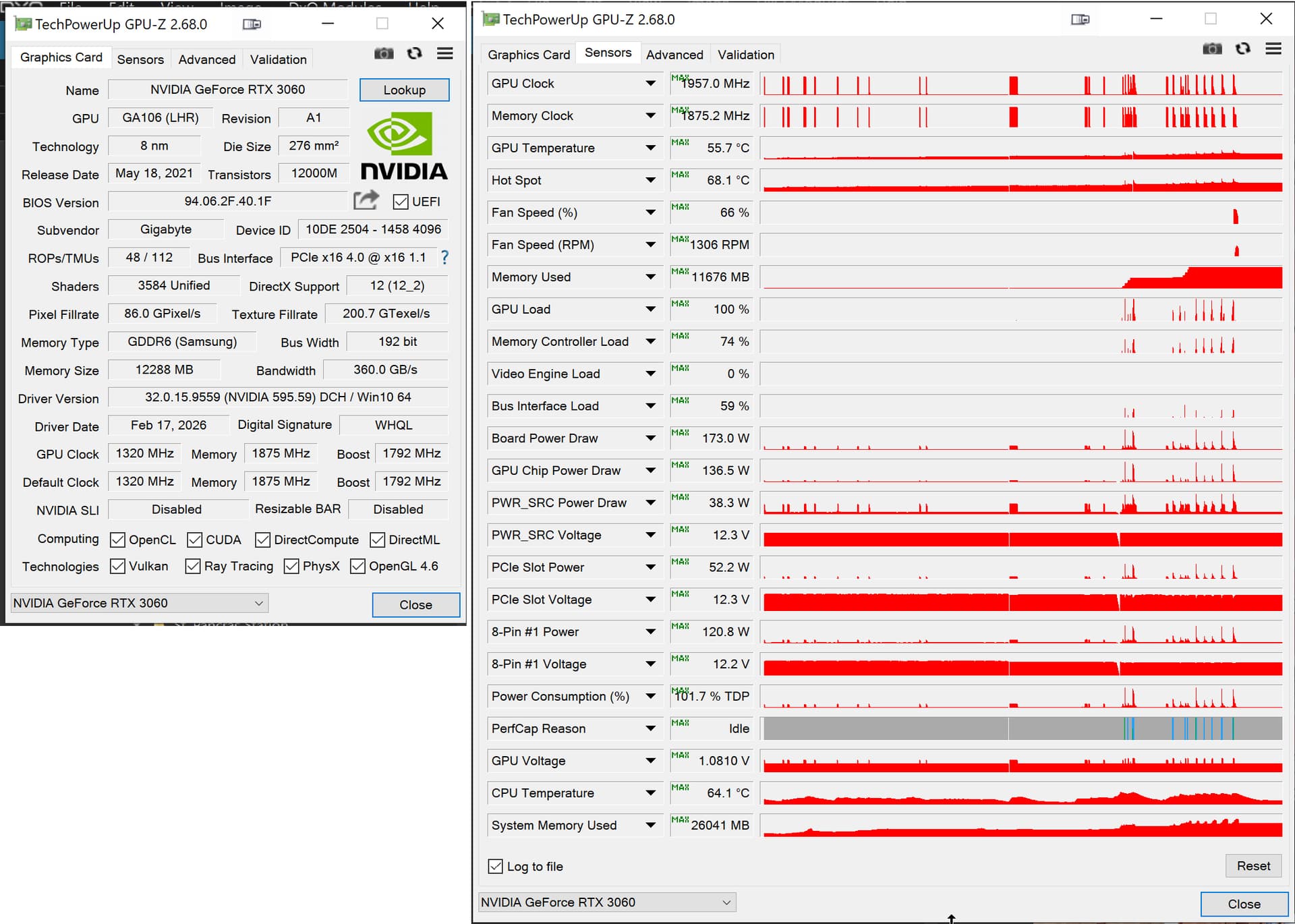
and the date/timestamp predates the snapshot I used.
The reason for the problem is that GPU-Z was running before and throughout the driver update but retains the original GPU details until forced to refresh and I neglected to do the refresh before taking the snapshot - sorry.
@Wolfgang Thank you for your diligence I will try not to make that mistake again!
It continues to cause problems with both of my machines with a 3060(12GB) and a 5060Ti(16GB) GPU (arguably both of the x060 models, although whether the 5060Ti behaves the same as the 5060 I don’t know).
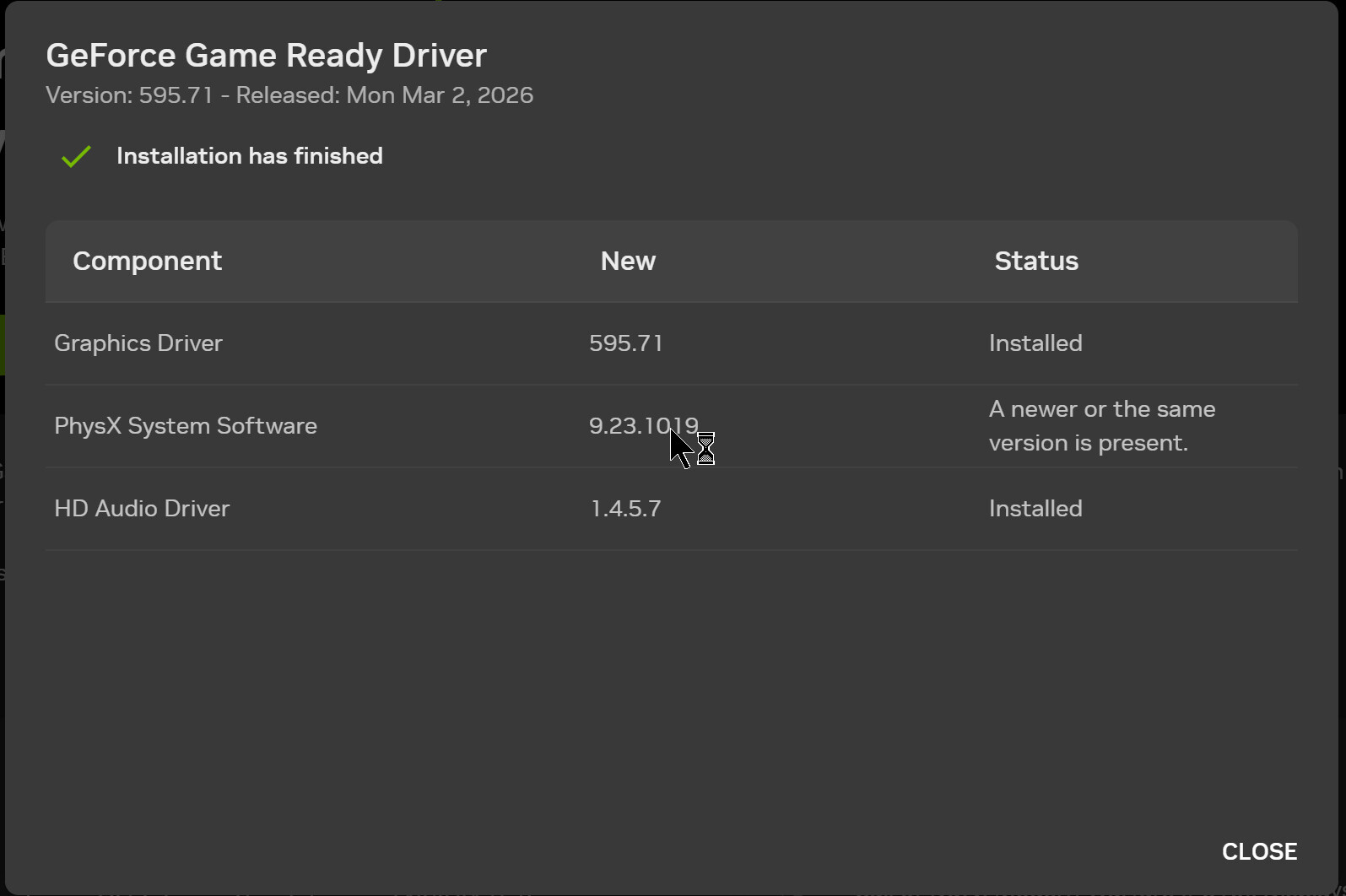
@Sparky2006 I have had trouble when trying to go back to an older set of drivers with a report that I am trying to install an earlier version of PhysX, and the installation just terminates.
However, why is installing PhysX a no-no and how do I prevent it being installed?
and I was responding to that message but PhysX has prevented some of my attempts to install earlier drivers and I didn’t know that I could stop the installation and was wondering why I would want to!!?
Well, do what you think is right. – I’m not technically savvy enough to know the details, but stick with the Studio driver as long as it works … which it does.