Geoge the rendering is on in the Wide Gamut image above and Style-Toning too.
If I turn of the color rendering I will just get a color cast in a color image instead:
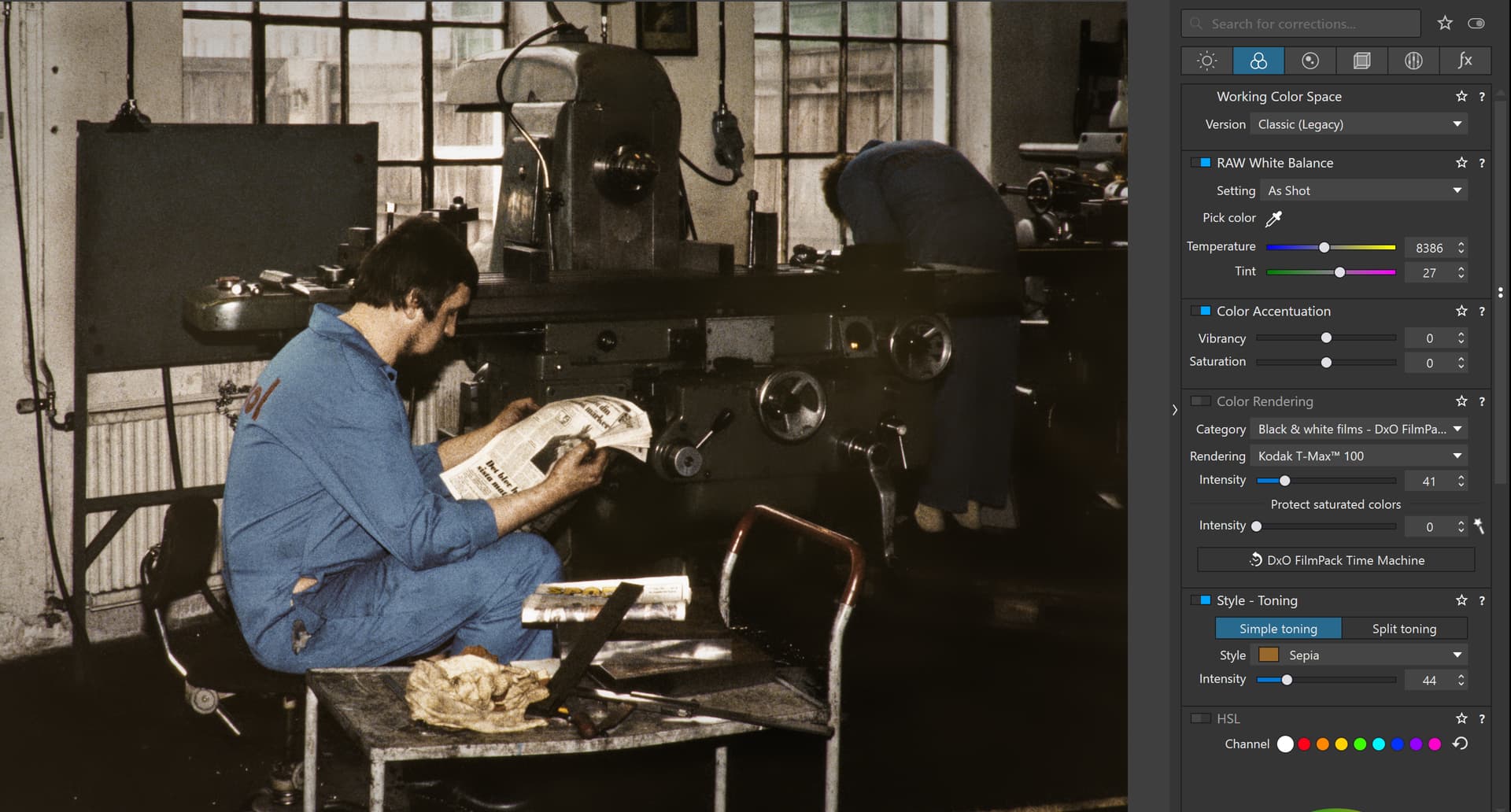
Classic with Color Rendering Off
Wide Gamut Color Rendering Off
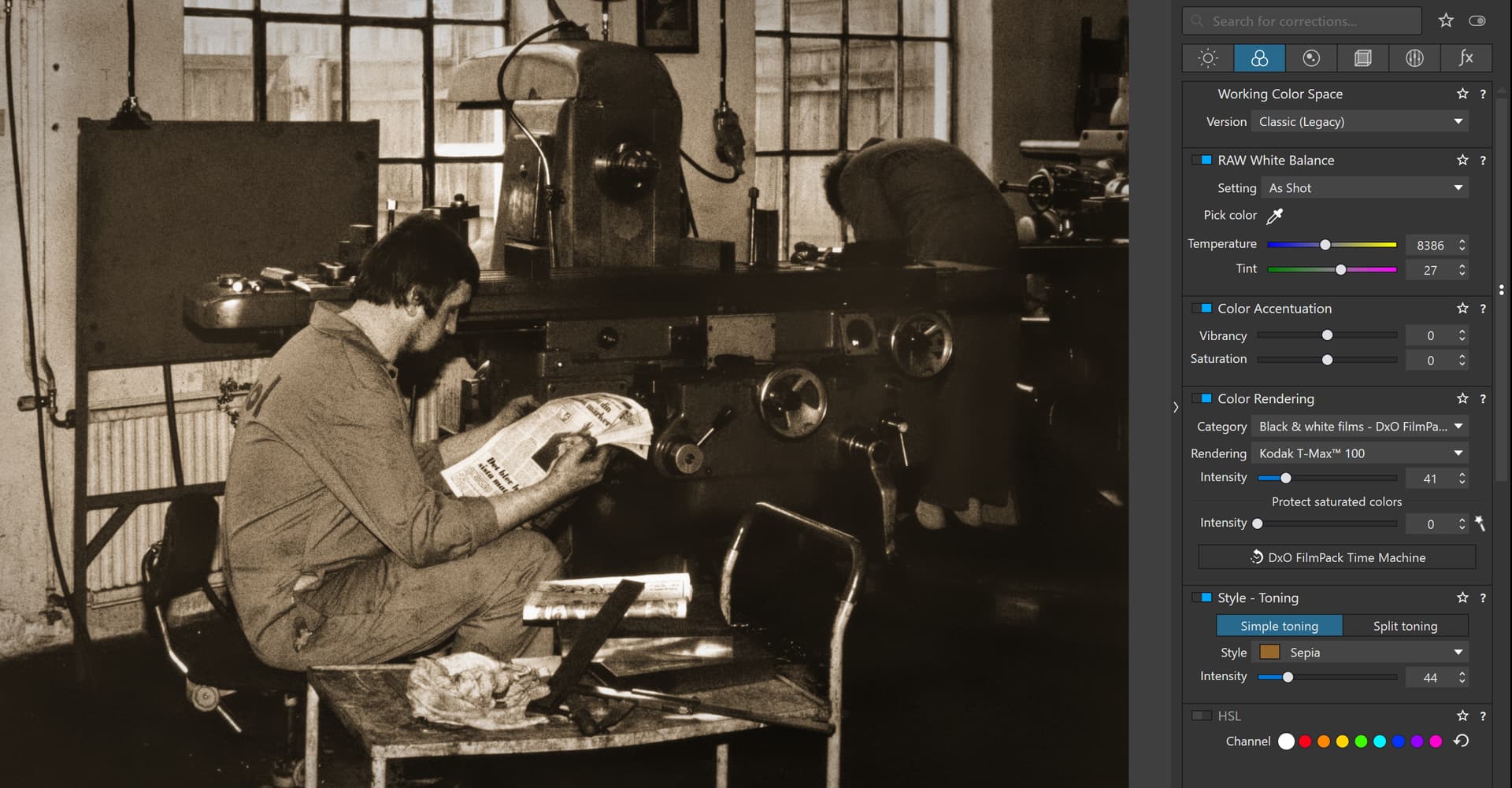
Classic Color Rendering On
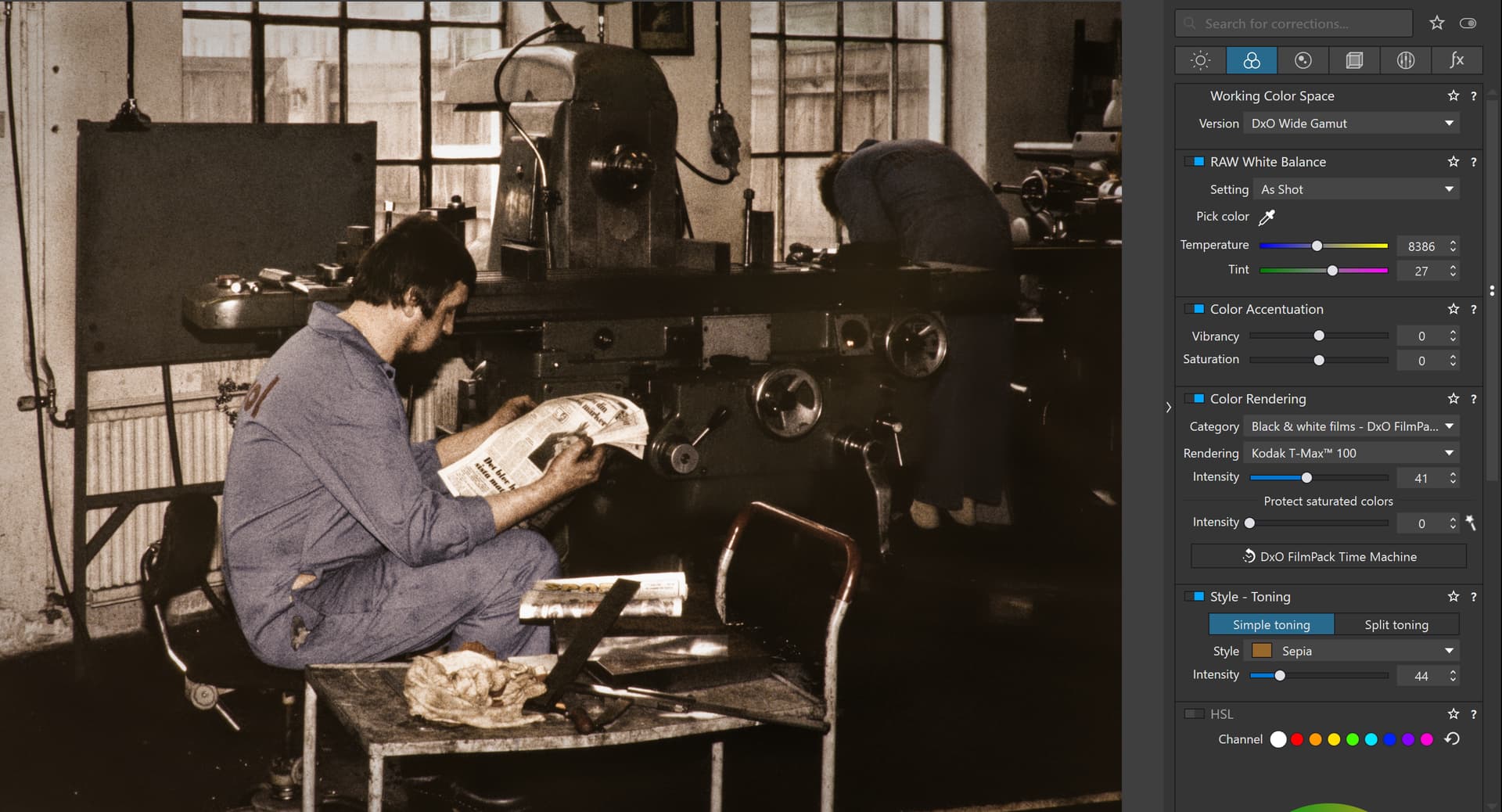
Wide Gamut Color Rendering On
So whatever I do with or without Color Rendering On or Off I will get a color cast on my monitor with DXO Wide Gamut. There is no way I will land in the same brownish color as the one on the last Image if I turn on Wide gamut. I will get a color cast in both cases. So switching on the Color Rendering or not is not a solution at all and it shall be on because that is the way it should be.
In this case it will be totally impossible for me to use Wide Gamut on these converted slides and as you see Photolab can’t even manage to keep the colors stable in the original repro color slide image.
As far as I can see your suggestions and writings haven´t got us any closer to a solution of this issue because there is something fundamentally wrong here in the way Photolab handle this. With my sRGB-monitor I have no problems using the Classic for both Adobe RGB and sRGB JPEG derivates but Wide Gamut will be a problem for me as it is now and I will have to stay away from it at least with my brownish converted color slides. Digitally born images I have to do more tests with before I will try any Wide Gamut more.