Yes, that was my experience too … Similarly, as I see here, for @Wlodek too.
Like you, Paul - I needed to manually invoke Check for Update.
John
Yes, that was my experience too … Similarly, as I see here, for @Wlodek too.
Like you, Paul - I needed to manually invoke Check for Update.
John
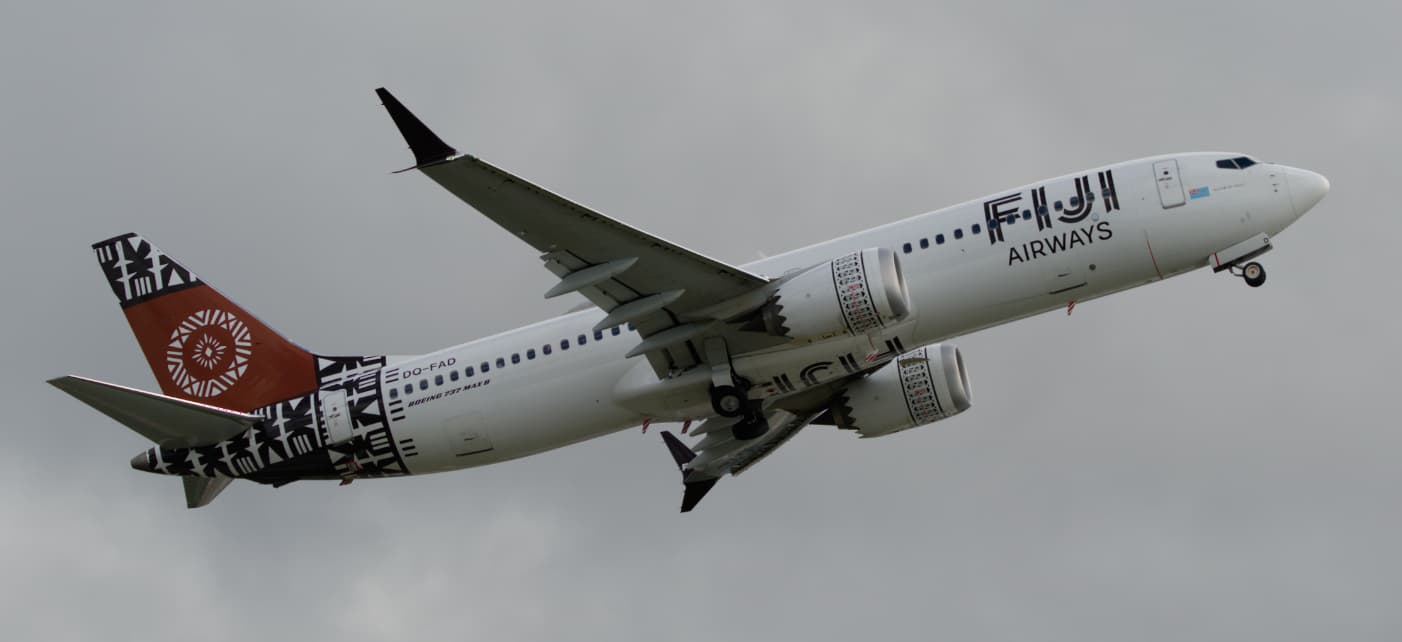
On the topic of the auto-mask. Andy Hutchinson’s example with a pair of parrots with “a very similar background” was quite impressive.
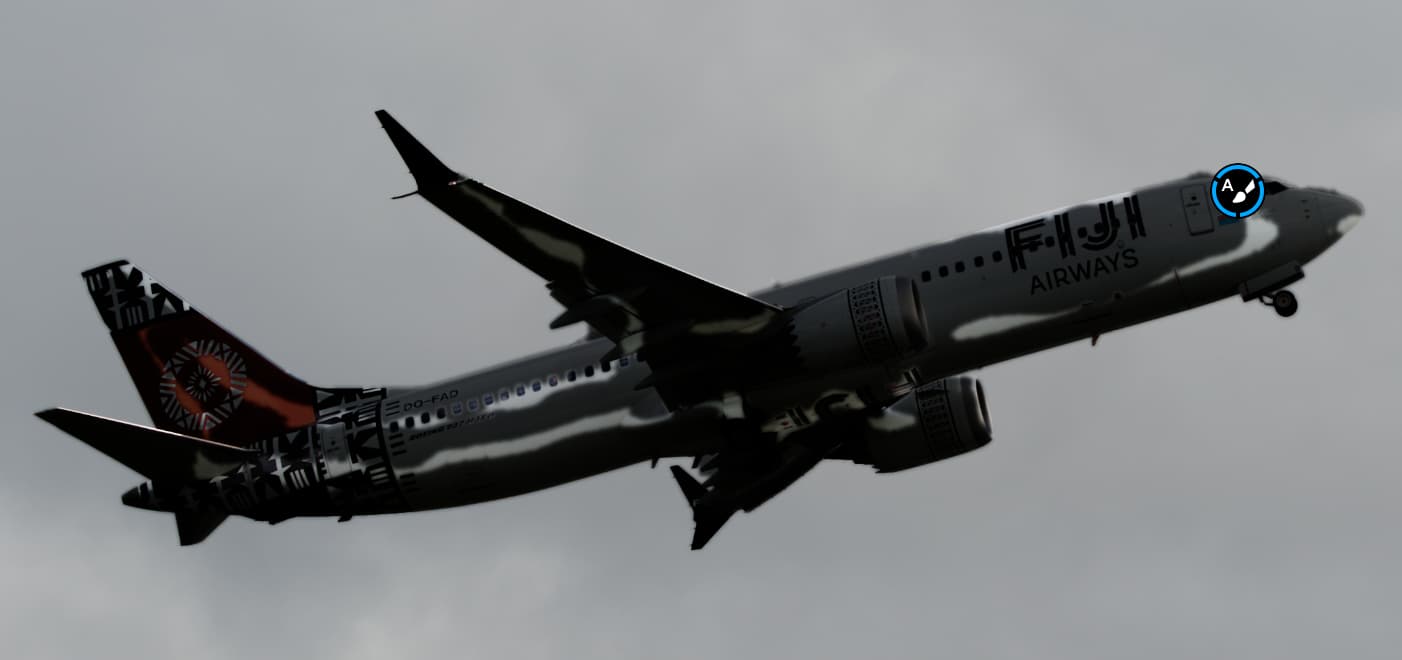
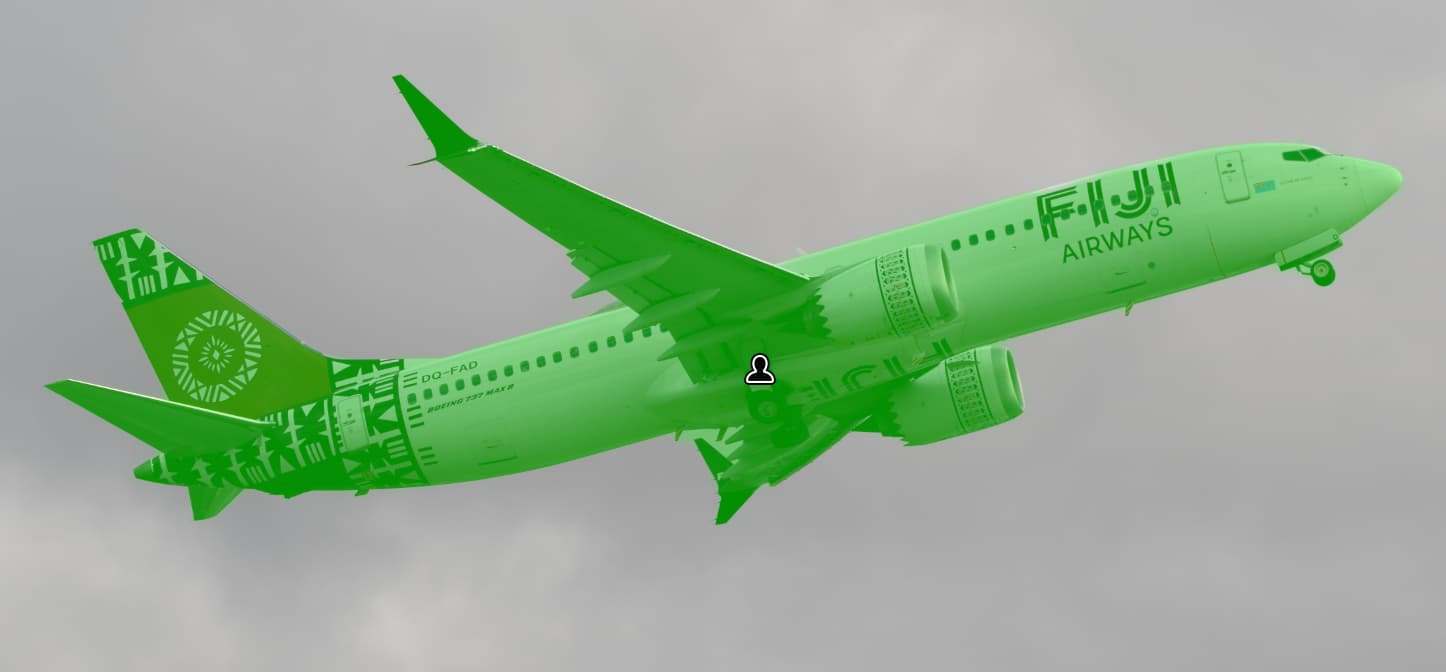
This was much less so. There were many cases of “blooming” beyond what I thought was a fairly clear demarcation. But the worst of it is all the stuff I had to go fill in after dropping the exposure way down to see what it had and hadn’t captured.
Not to mention the many zooms in and out to ensure I captured the various slender bits sticking out - winglets, aerials, landing gear, etc.
LR’s subject mask was a lot more accurate from the outset. There are still issues to be addressed, particularly around the nose wheel and behind the far wing, plus some bright leading edges. But at least it didn’t leave any gaping holes.
To be fair, once I lowered the exposure in LR it did also show signs of blooming, including around the top of the “FIJI” letters, but it was far less pronounced. Then again, on the plus side for LR, most of the large areas it included that I didn’t want could simply be selected by object selection.
In summary, both had problems finding the edges, but LR required substantially less effort before getting to the manual brushing stage.
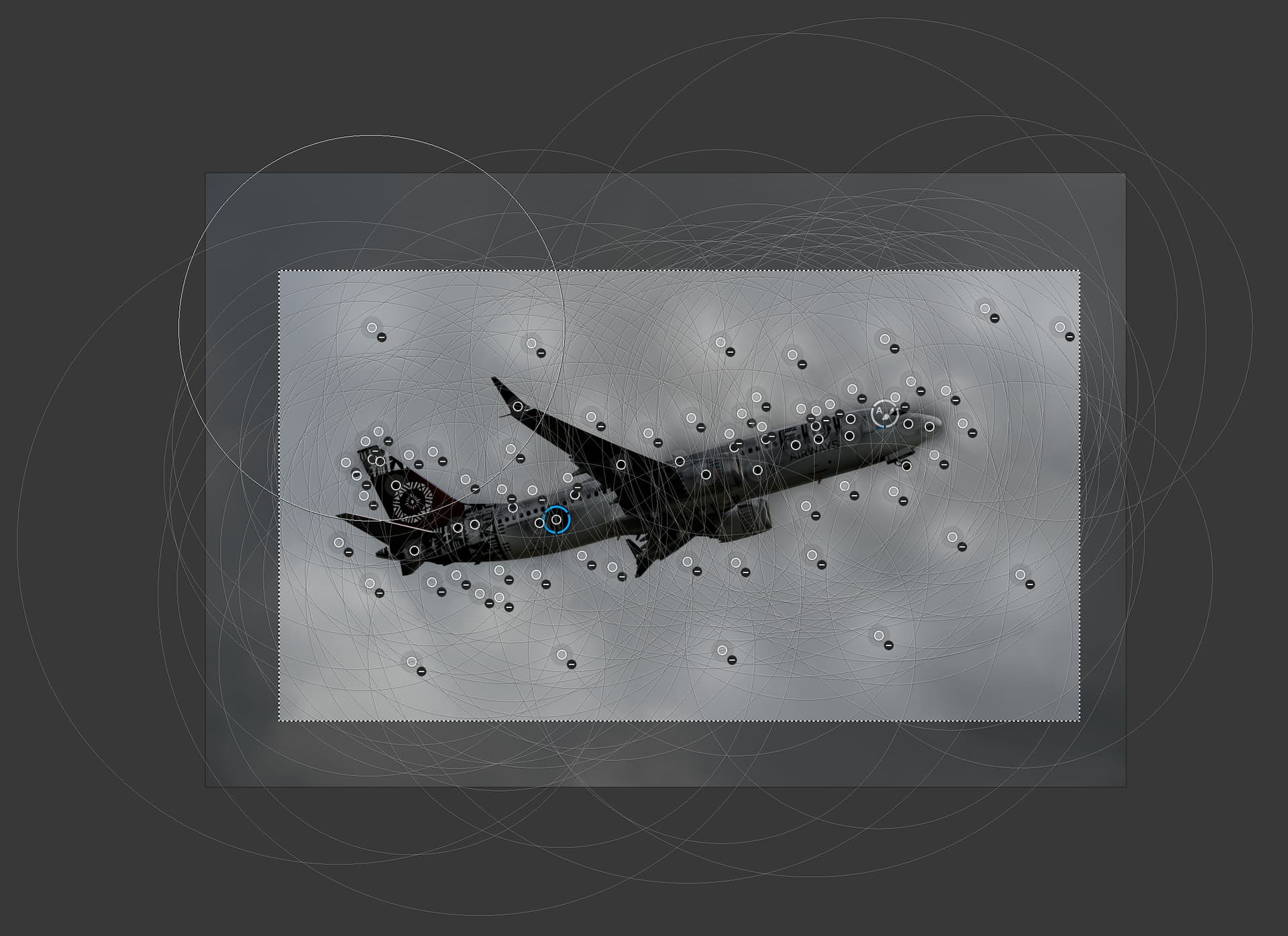
This is also a subject where control points are a pain because of the many areas of black and white all over the aircraft (as well as the brown) and the similarity of tone between the white of the aircraft and the grey of the sky.
This looks like an arson attack.
Yes, I could probably use negative control lines to help with the sky, but again the point is how much effort has to be put in. I think this is a case where edge detection is by far the best approach and PL’s is not too bad on the edges but it’s a nightmare in the middle of the selection.
Let’s hope there’s an improvement at some point. – And also to “paint” straight lines.
.
Btw, Control Points weren’t originally intended to create sharp mask edges, but rather to smooth them and thus enable a photographically pleasing result.
Then in Nik 7, DxO has introduced some “improvements” for mask editing.
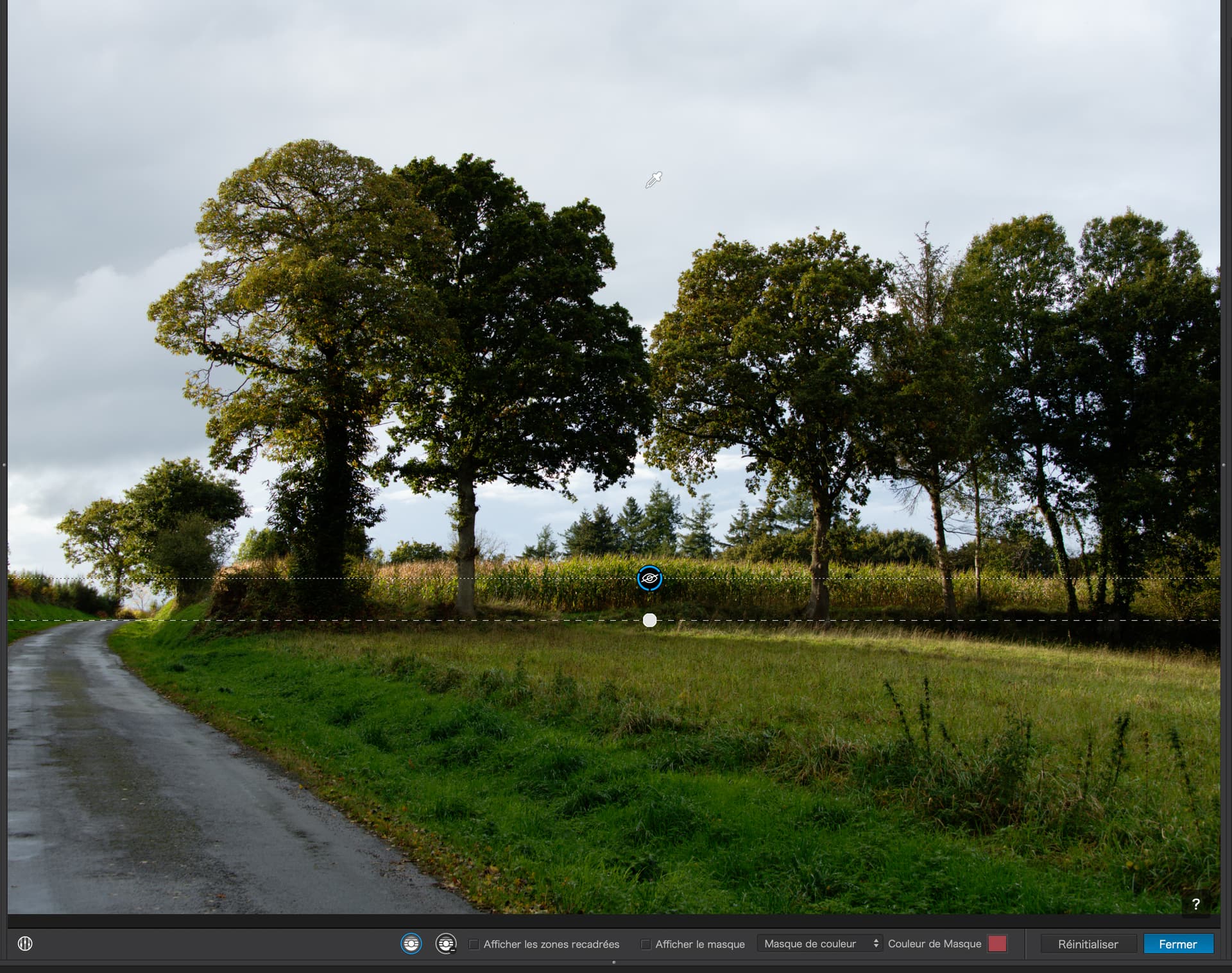
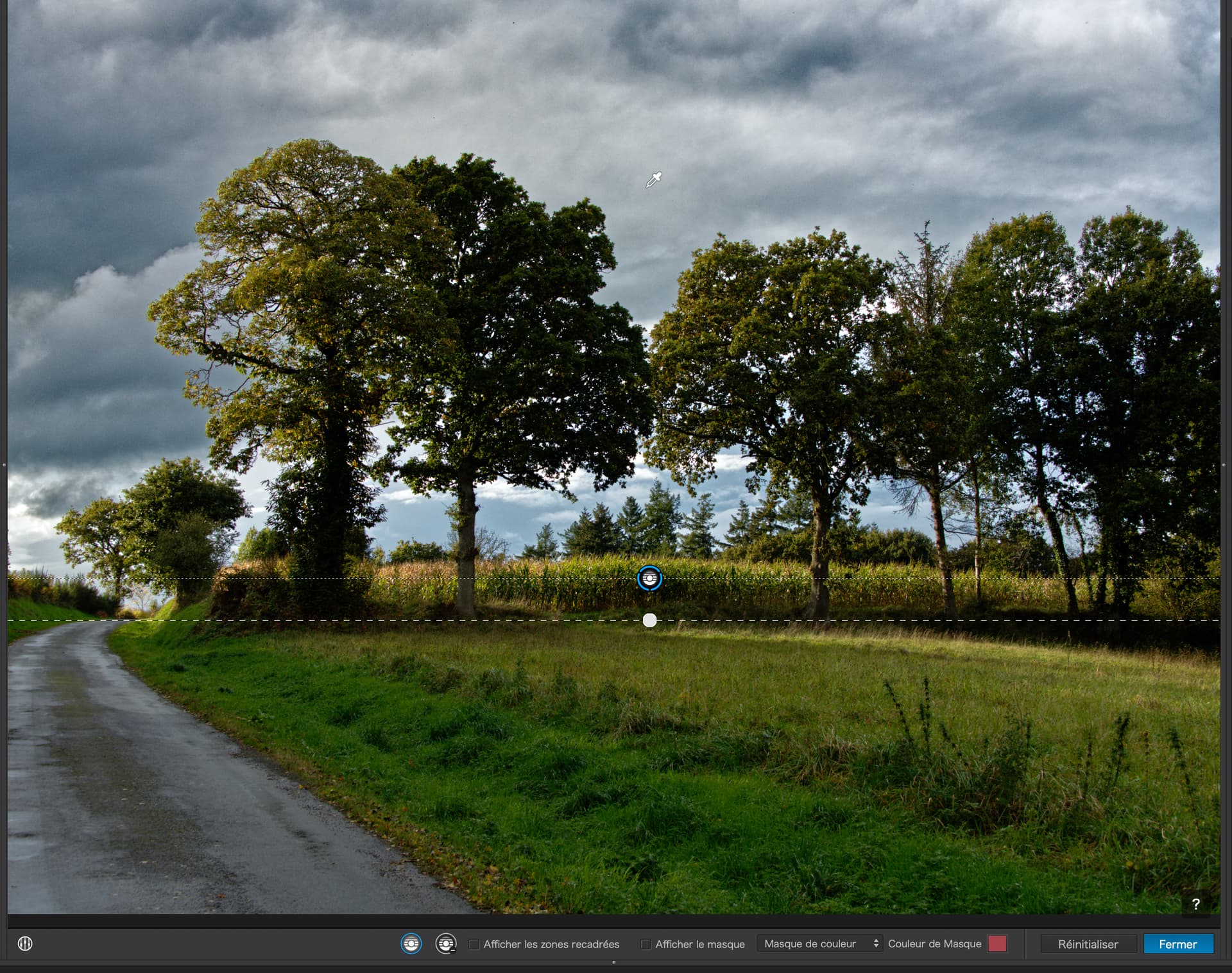
Here’s a before and after with a Control Line…
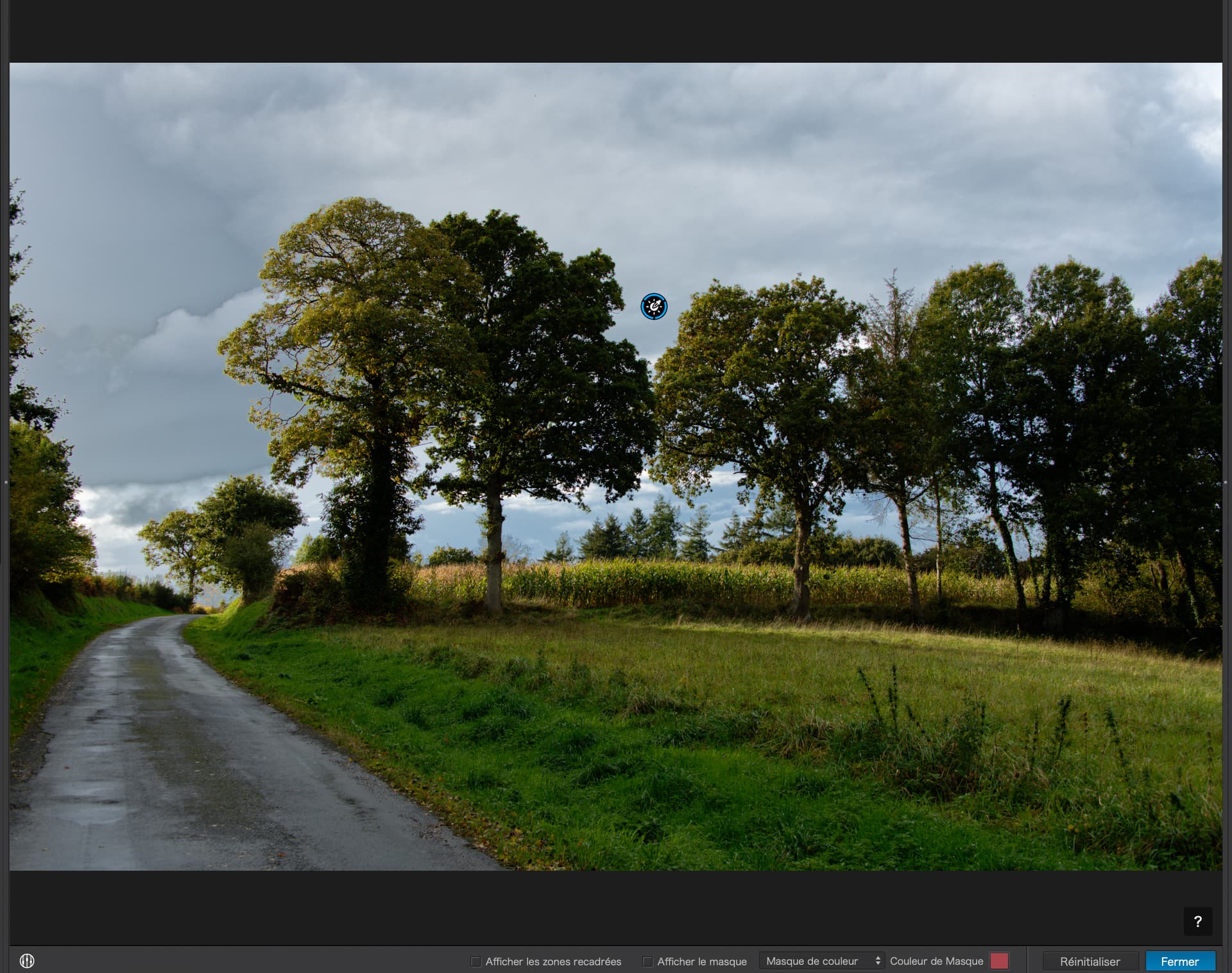
… and, for comparison, here’s a version using the Luminosity Mask…
Seems like the bulk of this discussion is involved with masking in PL vs other software. To a casual user like me, the masking in PL is draconian compared to the “AI” features in other software (ON1). The raw demosaicing in PL is superb and general developing is easy and great, BUT the company is almost totally unresponsive to customer complaints. The refusal to let us manage our licenses without pleading to customer support has been insufferable for years. I’ve seen nothing recently, but it was noted on this forum that starting around the midpoint of PL7, a user must connect to the “mother ship” on occasion to keep the software functional. This almost sounds like a subscription and makes one entirely dependent on the goodwill and survivability of DxO for the software to run in the future. PL continues to not fully support Fuji x-trans in their premier noise repair and does not support HEIC nor jpegXL import or EXPORT.
Having purchased every release since around Optic Pro v3, it’s a tough to feel that the company is delivering enough incremental value to justify spending money to just keep them afloat with their deaf ear to the customer. I’ve been a big fan of DxO over the years, but at some point paying for minimal tweak upgrades is just “enabling” their callous attitudes.