If, when using Export to Disk (or Application), you do NOT use the Enable resizing option then this discovery does not apply to you …
This discovery must not be confused with PL’s process of Lens Sharpness Optimization applied via its correction modules (which are lens+body specific).
However, if you do use the Enable resizing option via the Export to … dialogue then I suggest that this discovery is quite significant !
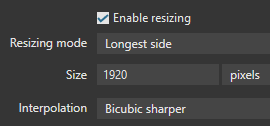
If Enable resizing is selected via the Export to … dialogue then we’re required to choose between two specific interpolation algorithms (for reconstruction of the image according to specified output dimensions/sizes);
The Bicubic algorithm tends to produce a “mushy/soft” result (in my opinion).
The alternative Bicubic Sharper algorithm produces a much “sharper/cleaner” result that I usually consider to be just fine … but, for some images, especially those with lots of foliage/grass/etc, the result can be overly sharp (for my liking).
Accordingly, there are long-standing user-requests to allow more refinement to the degree of OUTPUT sharpening applied by the resizing/interpolation algorithms;
For example, see here … 73 votes (as of this writing) !!
Discovery: This ability is already available in PhotoLab … but it’s very well hidden !
Note: I am not taking credit for this discovery; that belongs to PL user @azu … who reported what he initially assumed to be a bug - but then cleverly dug deeper and posted his findings here.
I’m now documenting this finding with two aims in mind;
To explain to PL-users who are technically able (and willing) to make changes to one of PL’s configuration files to enable this ability.
To encourage an enhancement to PL’s user-interface to include ability for us to specify a “Degree of Output Sharpening” to be applied by the Bicubic algorithm.
There’s a setting in the user.config file (used by Pl to retain certain settings across sessions and to store certain user-preferences) that specifically determines the degree of OUTPUT sharpening applied by the Bicubic interpolation algorithm;
Repeating: This discovery must not be confused with PL’s process of Lens Sharpness Optimization applied via its correction modules (which are lens+body specific).
Note: This parameter applies ONLY to the Bicubic interpolation algorithm - - NOT to the Bicubic Sharper algorithm
Changing this setting (to specify the “Degree of Output Sharpening” to be applied by the Bicubic algorithm), in the absence of ability to do via PL’s user-interface, requires changes to be made to PL’s user.config file;
There’s a user.config file specific to each version of PhotoLab
In the Windows environment, these version-specific user.config files can be found in the folder structure beneath; C:\Users\<user>\AppData\Local\DxO\DxO.PhotoLab.exe_StrongName_*\
If you’re bravely following along then these are the steps to change this setting;
Ensure PhotoLab is NOT running.
Make a JIC backup of the user.config file you’re about to update - Just in case !
Using, say, Notepad open the user.config file for editing;
– Search for <a:Sharpness i:nil="true"/>… You should find as many instances of this string as you have different options listed in your Export-To window.
– Change that string to <a:Sharpness>XX</a:Sharpness>… where XX will be the degree of Output sharpening you wish to be applied – See below.
Save the result - and restart PhotoLab.
Following are my resulting findings …
Assigning XX to the value of 0/zero produces exactly the same result as for the standard Bicubic output … as tho changes to the user.config file had not been made.
Broadly, settings for XX between 65 - 70 produce a result that’s visually equivalent (at least, for my eyes) to output using Bicubic Sharper
A setting for XX = 67 is closest to the result from the Bicubic Sharper algorithm, specifically in terms of resulting file-size (as an indication of degree of detail in the exported file).
So, rather than being limited to the extremes of OUTPUT sharpening between soft/mushy (Bicubic) OR very sharp (Bicubic Sharper), we now have ability to dial-in every degree of OUTPUT sharpening between those extremes !!
I have found (according to my liking) that output using the standard Bicubic algorithm is much too soft/mushy … hence, I’ve always used Bicubic Sharper.
Generally, I am happy with the results from Bicubic Sharper … but I have noticed examples where the result was too sharp for my liking (particularly with certain foliage/grass) … I now have a solution to this problem;
As a result of experimenting with a range of settings, I found that “Degree of Sharpness” = 45 works well in cases where the result from using Bicubic Sharper is too sharp for my liking
I can leverage the knowledge that this setting has no impact on the Bicubic Sharper algorithm …
I have updated my user.config file (see instructions above) to set “Degree of Sharpness” as XX = 45 … and future PL updates will copy this setting forward
I will continue to use the Bicubic Sharper algorithm as my default interpolation algorithm
For cases where I find the result too sharp, I can switch to using the Bicubic (not Sharper) algorithm … and it will apply my choice of “Degree of Sharpness” = 45
Of course, a much better solution would be for DxO to allow us to specify a “Degree of OUTPUT Sharpness” required to be applied when the Bicubic algorithm is selected.
To avoid the potential for unwitting users to specify a setting that would produce very “ugly” results (say, where XX > 70), the user-interface could limit that input.
I have submitted a request via DxO Support to consider enabling this capability.
Round of applause for a really thorough yet easy-to-follow overview of this. Thanks!
I’ve just run the same experiment having defaulted to Bicubic because I didn’t like how many crispy artifacts Bicubic Sharper introduced and this is a great way to introduce some middle ground between the two in the output settings. It’s not a huge change at a glance, but I can see there is a difference so it’s worth making.
Thanks also @azu for kick-starting this easter egg hunt. It’s a shame we have to get our hands dirty to fine-tune PhotoLab so hopefully they’ll make settings like this more accessible through in-program options.
@John-M Has anyone established how permanent these edits are? As in, does an update to PL overwrite these edits and restore the default / DxO approved value to the Bicubic sharpening?
If the default is restored then that’s an important point to add to your posts.
Thanks - Yes, that’s an important point … I did cover that …
This works because (assuming there’s a user.config file from a previous version of PL) any update will take the previous version’s user.config as the basis for the new version.
Hurrah! I was just a month ago fretting over the choice between “mushy” and “crispy” results on a particular image and starting to research third party sharpening solutions.
I’ll be doing this, but I do hope DxO will listen and put the necessary interface adjustment in place. In fact… the whole export window could do with a bit of TLC and even a rethink.
Fingers crossed, but personally I’m still keeping a note of these under-the-hood edits in case the software decides to just overwrite everything. It feels like the kind of thing I wouldn’t notice has changed between updates.
I looked fairly thoroughly in all the relevant (to PhotoLab) Library/DxO... and Library/Application Support/DxO... files, as well as the package contents of the PhotoLab application itself and couldn’t find anything talking about sharpening.
This looks like it may be yet another difference between Mac and Windows.
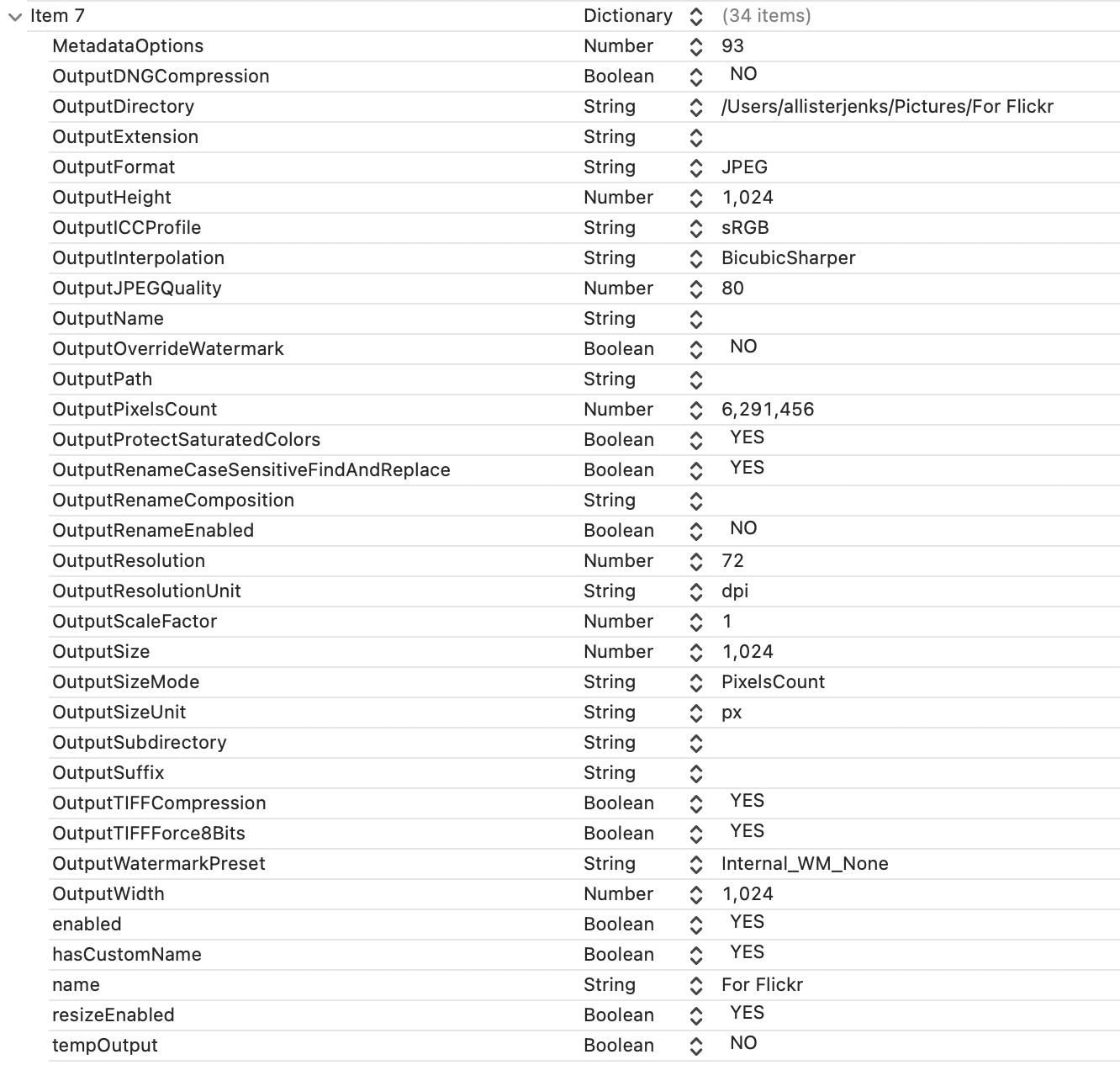
I’ve had a long look for possible locations and come up with what I think are the right files, but there is no mention of sharpness in any of them.
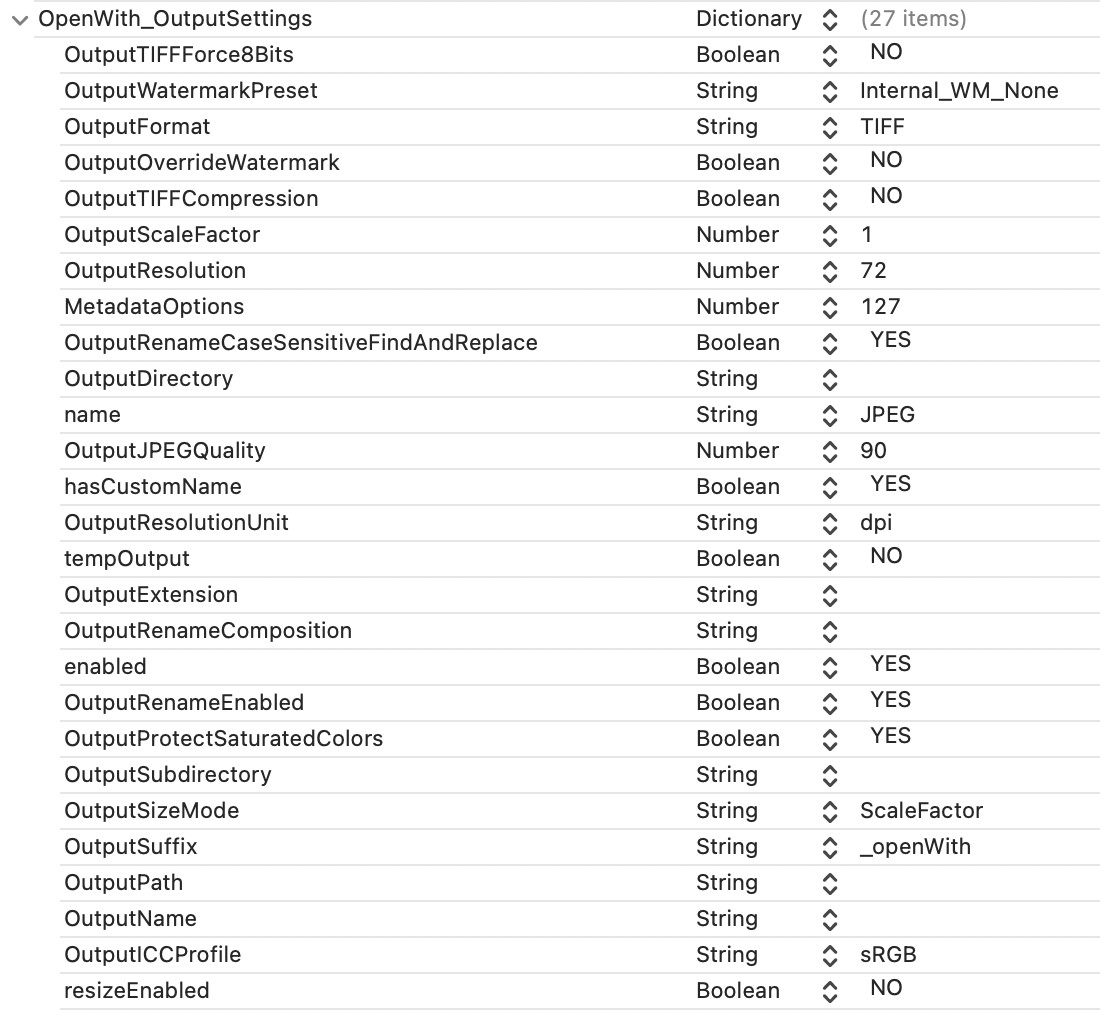
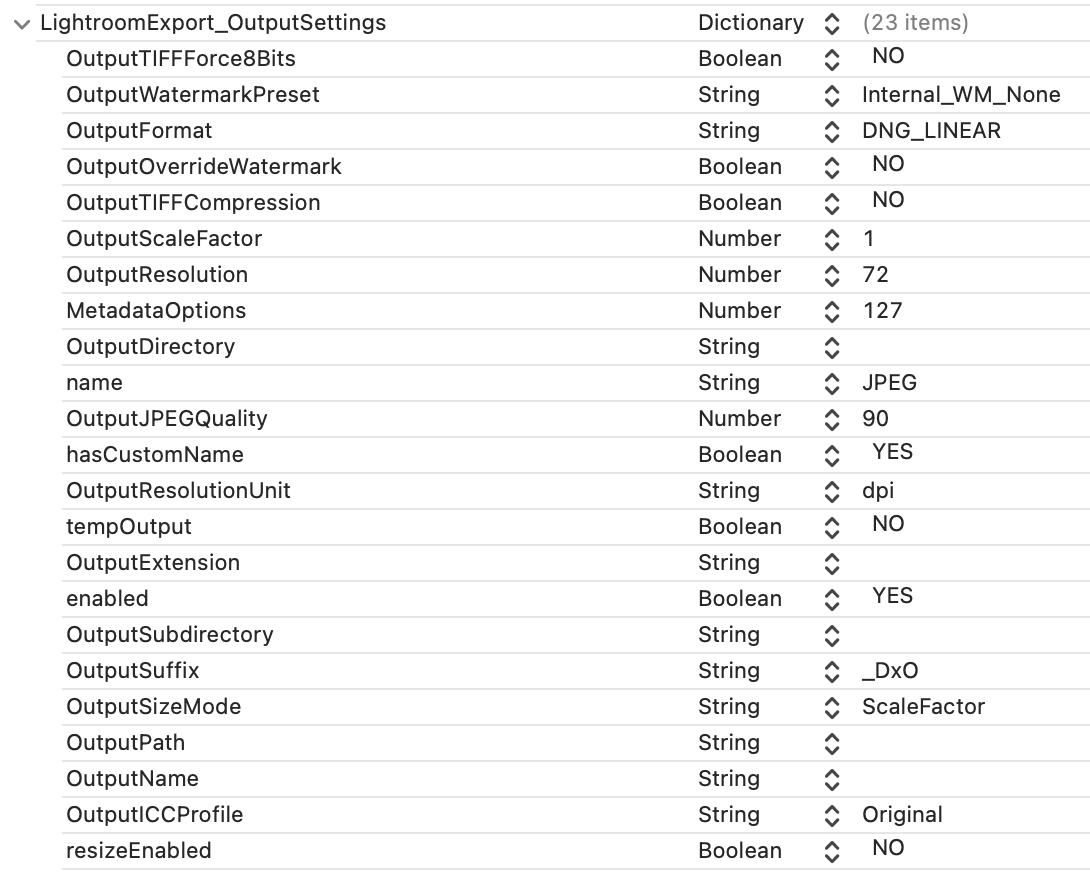
First, in the main preferences file at ~/Library/Preferences/com.dxo.PhotoLab9.plist, there are two sections relating to “Open with” and “Lightroom export”.
A bit late to the thread, but I use XnView for resizing now. I export out unsharpened from DXO and then use one (or more) sharpening steps. There’s a lot more control.