Hi, Sounds like you have a good handle on a decent “storage” workflow…your actual editing workflow will become just as important.
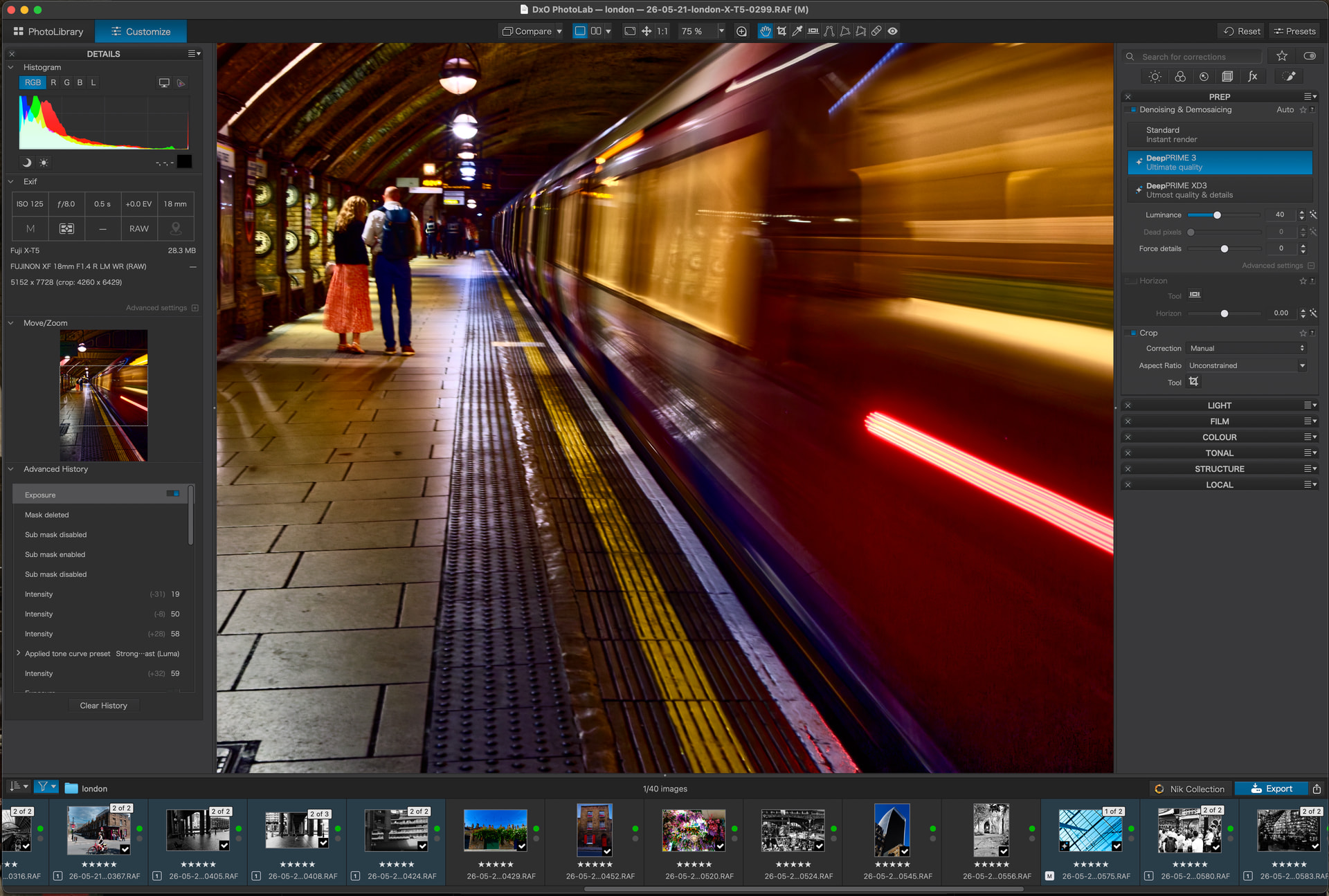
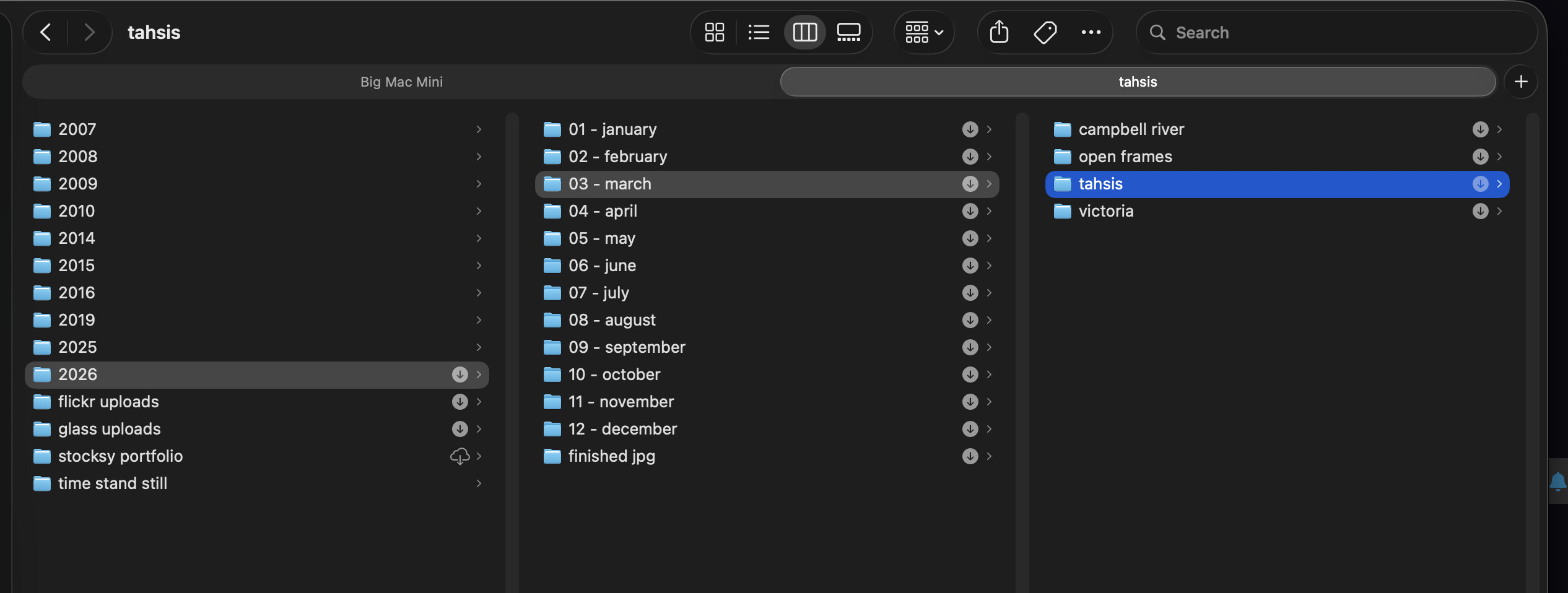
1 - there is no Local Library for PL. You’ll just place your photos in a folder somewhere and point PL to that location - Huge plus in my opinion, you organize your photos whatever way you want on your hard drive, network or removable media. When you open the photo in PL, all your edits get stored in a sidecar file right next to your image file. Your original RAW image is intact (non-destructible edits)
2 - rate and cull away. Most photographers who shoot RAW will follow the 3-2-1 backup rule. 3 copies, 2 different type of storage (hard drive and external SSD for example), and 1 copy offsite (cloud based is easiest). If you can afford the storage, I personally wouldn’t delete anything - some would! It’s always interesting to go back every now and again and see how your style or quality has improved/changed.
3 - If you’ve never used a RAW photo editor before, watch some videos about how to build a proper editing workflow so you’re not making conflicting edits to your images. You’ll find this is even more important than how you store your post edit images.
4 - Export to JPEG…this is fine for posting online, but if you’re not posting online and you can afford the storage space, don’t bother exporting at all. It’s just a “crushed” version of your RAW file. Keep the RAW and export only if (and when) you need to.
5 - if you plan on using Apple Photos as a viewer, you can just drag your RAW image directly from PL9 into Photos and it will drop them into the Import Utility (at least it does on my Mac Mini M4) - I don’t really use Apple Photos, but it is handy for it’s integration into Messages for sending a quick shot of something to someone.
6 - If you build a good storage system and keep to it, you’ll find that you’ll spend very little time moving images around. Culling photos by deleting them is definitely one way to go, but as you continue to shoot, you’ may find that you’re doing yourself a disservice by deleting. By all means, trash the out of focus and shots of the top of your shoe, but consider keeping the “meh” shots to measure your growth - you can learn from them! Delete them in a year if you need the storage space.
Friendly advice (and good on you for asking for advice!) - don’t set a task or goal of images to keep for yourself. By keeping yourself organized with a good workflow (both storage & editing), you can enjoy Photography as the art form it is and not make it into a competition with yourself or others.