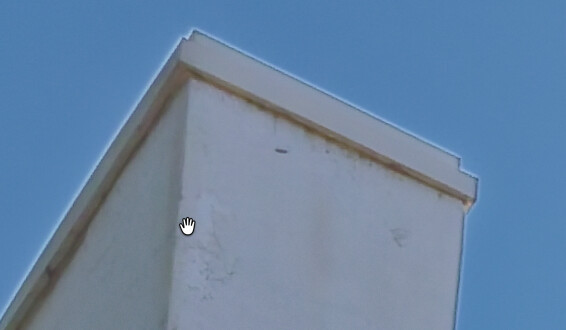
I AI-masked the building because I needed to bring its exposure up a bit. But now there’s a ‘glow’ around the edges. Chromatic correction did nothing, probably because this is a not a chromatic aberration. And this is different than some of the other posts in that the mask did not go to the edges correctly. I masked the building, not the sky. Not really sure what the glowing edge is all about.
\
It could be that the mask hasn’t detected “flush” to the building itself, so you’re increasing the exposure of a little bit of sky etc. too.
I’d love for the “Diffusion” setting in AI masks to be be able to have a negative setting so that, instead of increasing the area around a mask which is slightly impacted, it decreases it. In other words, the very edges of your mask would gradually not be subject to the changes of the mask.
This would allow you to feather your selection down and remove this issue.
4 Likes
That would be great. Right now, reading some pro reviews of PL9, it seems to me that people are working around this haloing problem by using submasks. But I don’t know exactly how they’re doing it. Could be hue masks, control lines, luminosity masking, additional AI masks…
The problem does seem to be an artifact of AI masking itself. However, in my experience, something else can cause this kind of haloing against sky or water: chromatic aberrations from the lens or a filter attached to it. These don’t necessarily appear as color fringing (because of optical coatings and other interventions, or because of the subject matter), but can instead appear as white or gray halos around objects when there is sufficient contrast.
I imagine DxO is working on making this easier to deal with, along with other possible improvements in AI masking. However, I don’t expect the problem to go away entirely. So many processed photos I’ve seen (regardless of software or equipment used) have haloing from strong adjustments - it seems that many people just accept it. Me - I will do all I can to avoid it. 
1 Like
Judging by the strength of that halo, you must have raised the exposure quite a bit. I’d guess over a stop, maybe nearer two stops. That sort of edit is always going to give problems along edges.
Rather that masking the building directly, how about masking the sky and then inverting that, to end up with a mask on the building. Does that way of selecting the building make the halo less obvious? Probably not, but it would be quick to check by doing it on a virtual copy.
2 Likes
Ahhh… excellent suggestion. I will try this and re-post.
Ok, it gets weirder…
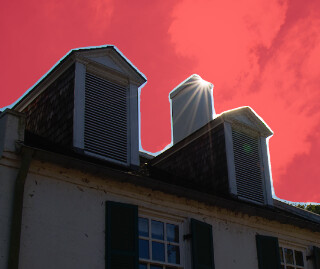
When I put a mask on for the sky, I get halos around the cornices. So in an act of frustration, I exported the photo to ON1 and there were no issues with applying the same mask there.
Is it possible that the AI-generated masks are not really ready for prime time? It could be me, of course, since I’m new to this product.
I do miss Lightroom Classic which I’ve used for over a decade. It did a better job with masking; however, Adobe raised the monthly price and I chose not to stay with it. I really much prefer the no catalog approach in DxO. I guess there’s just an unlearning-and-relearning curve with DxO.
DxO only introduced masking in version 9 - quite late to the party overall - and that also means their masking tech is in relative infancy.
Skies are notoriously difficult for DxO AI masking to cope with, so many suggest using the gradient tool with the dropper to specify luma and chroma values. This should allow you to make a cleaner sky selection.
In the meantime, there’s work for DxO to do here it seems.
2 Likes
While this specific case is problematic, I’ve had far worse in Lightroom. It’s a problem in general for AI masking, not specifically PhotoLab. This one photo may be bad in PhotoLab and great in ON1, but another day and another photo you may find the opposite.
PhotoLab has other mask types to call on — auto brush, control points, control lines all seem appropriate to try for this. If the issue is occurring at the borders between building and sky (not clouds) then consider using the mask on the building as originally, and creating a chroma mask on the sky which you shape-invert to remove that from the building one.
2 Likes
In PL, the “Sky” pre-defined (keyword) AI mask is not the best (in my opinion: ‘Sky’ is far from good).
Is it possible that the AI-generated masks are not really ready for prime time?
Other (other than Sky) AI masks in PL pretty good (in my opinion), even over my expectations.
I’ve got some learning to do, I guess. I only bought PL last week, so a lot of my issues are because of my unfamiliarity with the product.
1 Like
It is quite a steep learning curve IMO (especially when it comes to tricks and how best to set things up).
But also, sometimes, PhotoLab has its shortcomings. Unfortunately this is one of them!
1 Like
OMG. I just started with DxO last week.  What are the chances I’ll goof everything up?
But… if I can follow your steps (successfully), then I’ll have that knowledge under my hat/belt/toupee.
Work with a COPY if you’re uncertain.
On a related note, are there any books or documents or online classes that discuss advanced topics within DxO PL? YouTubes are ok, but I’d rather have something printed to use as a reference. TBH, I would never have figured out your masking technique without a guide of some sort.
There’s documentation on DxO’s website but AFAIK that’s the biggest resource besides YouTube videos.
More than that - in an ideal world - we shouldn’t have to go through the kind of process @GEWB is suggesting to achieve something like this. That is not a quick or smooth workflow at all.
Umm, don’t think that functionality exists in PL.
1 Like
May if you share the raw, others can try and suggest ways to get nice results.
I kind of understand DxO’s paradigm of ‘let the photographer do the work’ instead of AI, but used judiciously, AI could help in certain instances. The current masking process needs help.
I’m not in favour of AI doing everything for (us) but when it comes to masking, the faster and more precise it is, the better.
The more masking options - especially if they speed up or simplify the process - the better.
A simple method to improve an AI mask (PL 9.10.736)
-
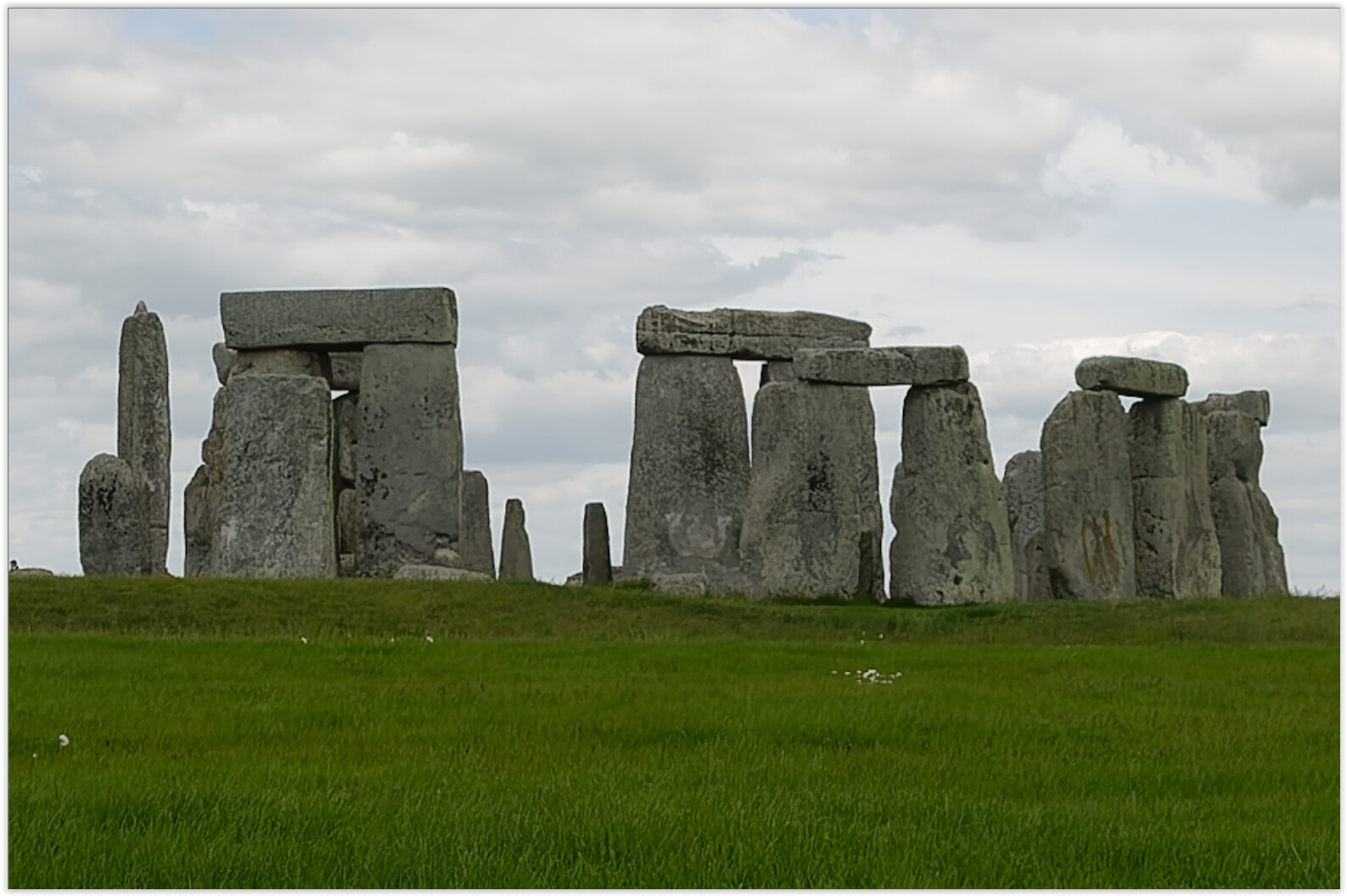
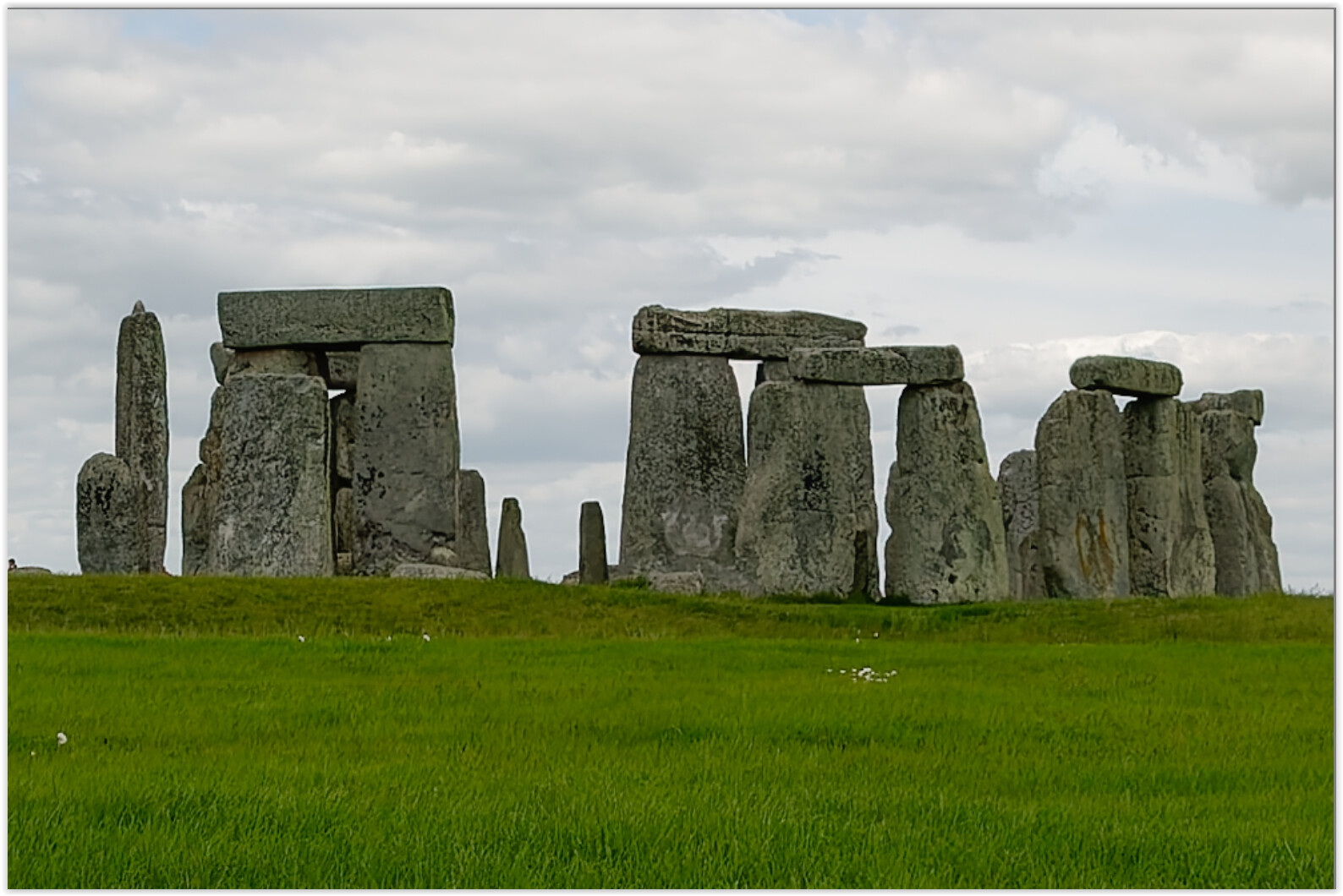
I didn’t have a picture with a clear sky behind a building,
so I used a crop of a landmark instead,
and just like the OP, I would like to improve the foreground. -
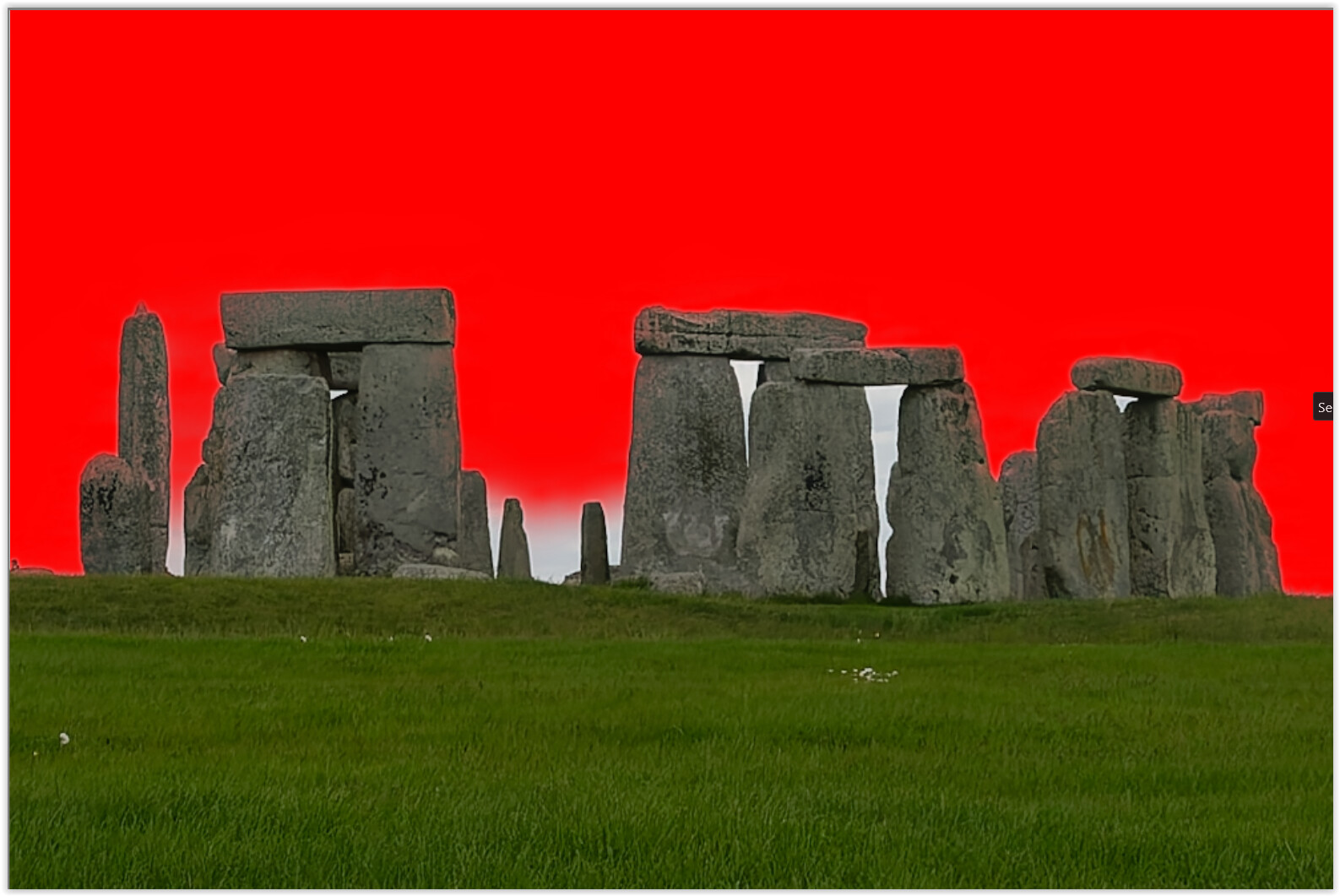
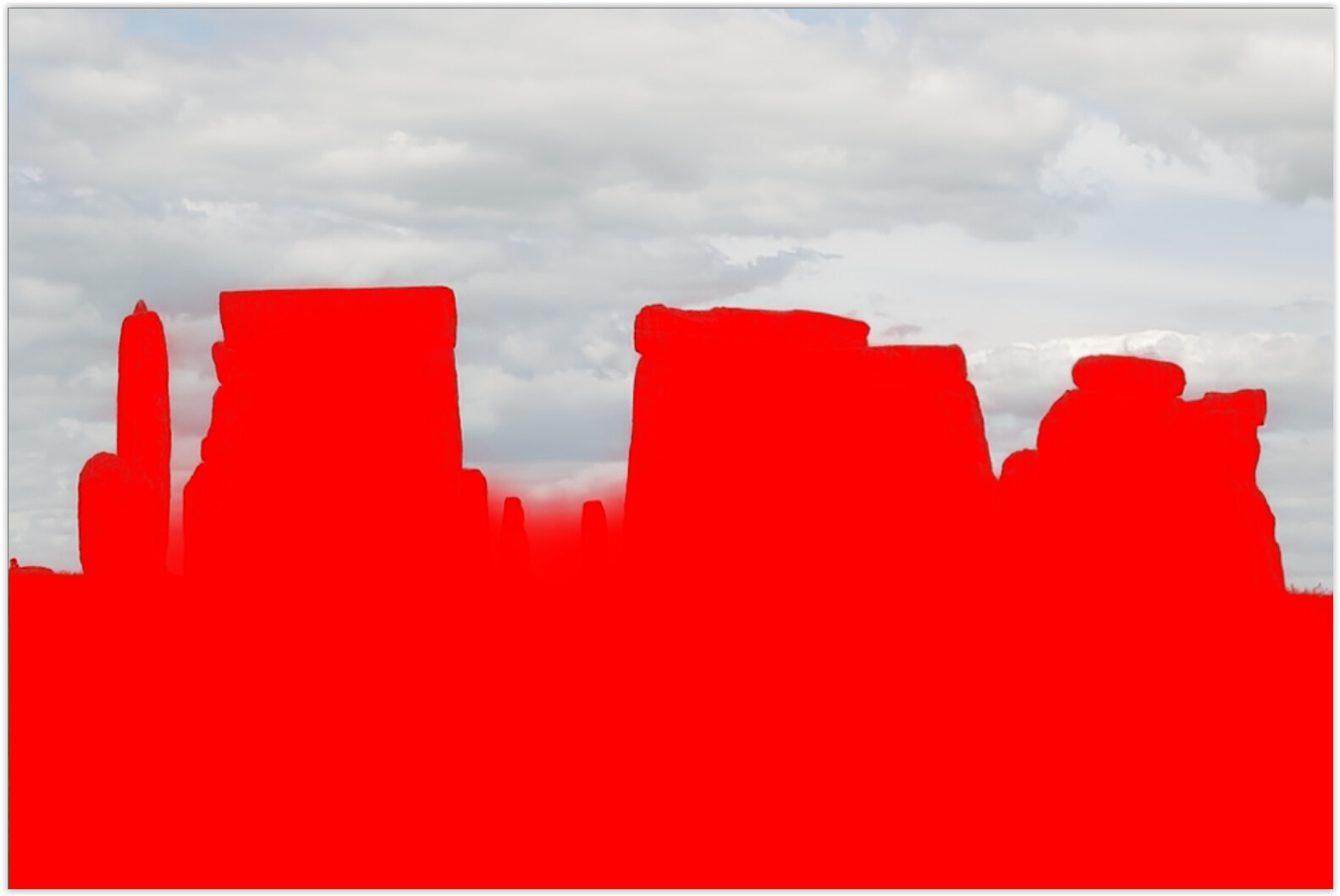
To select grass and rocks I used a sky mask and inverted it.
-
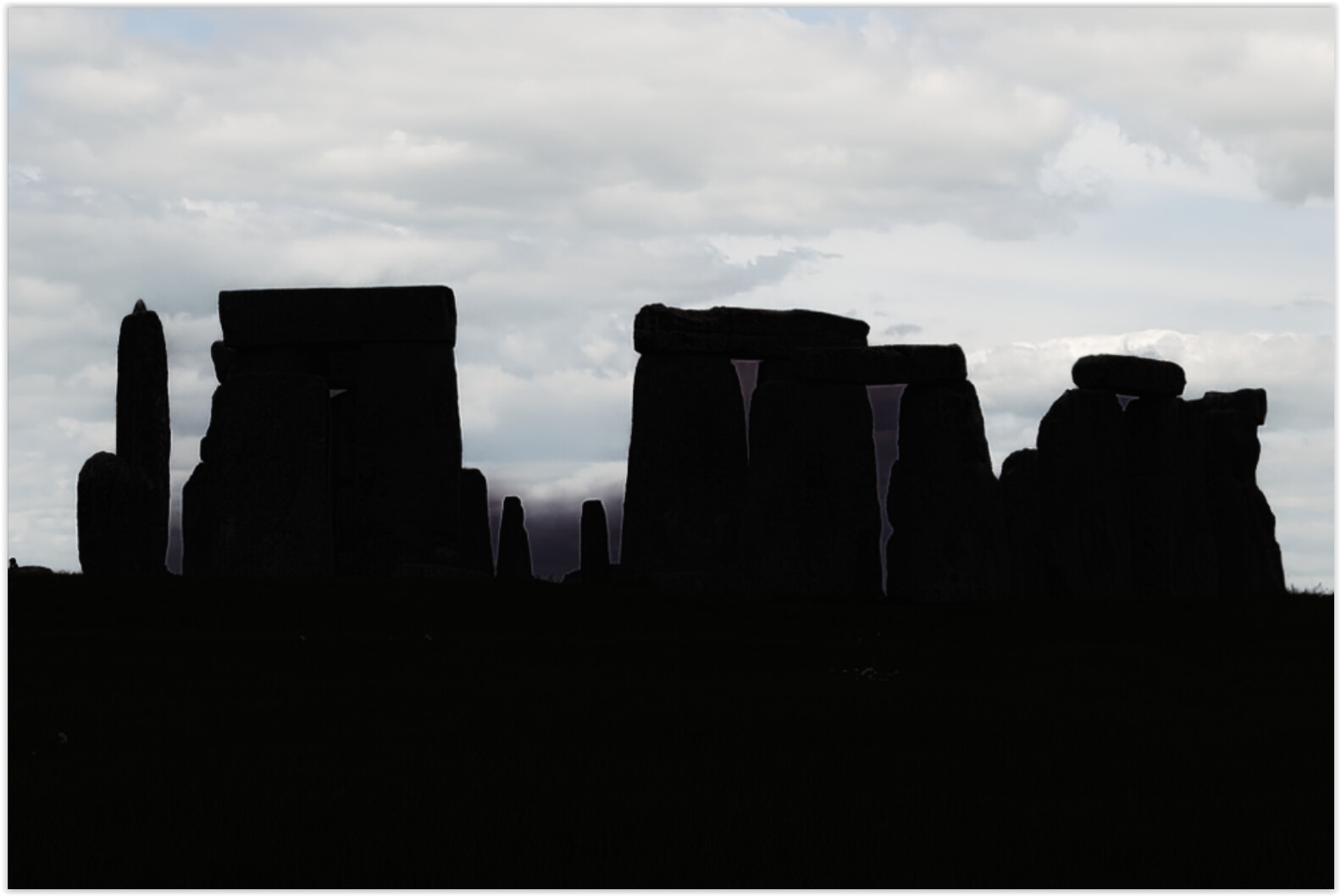
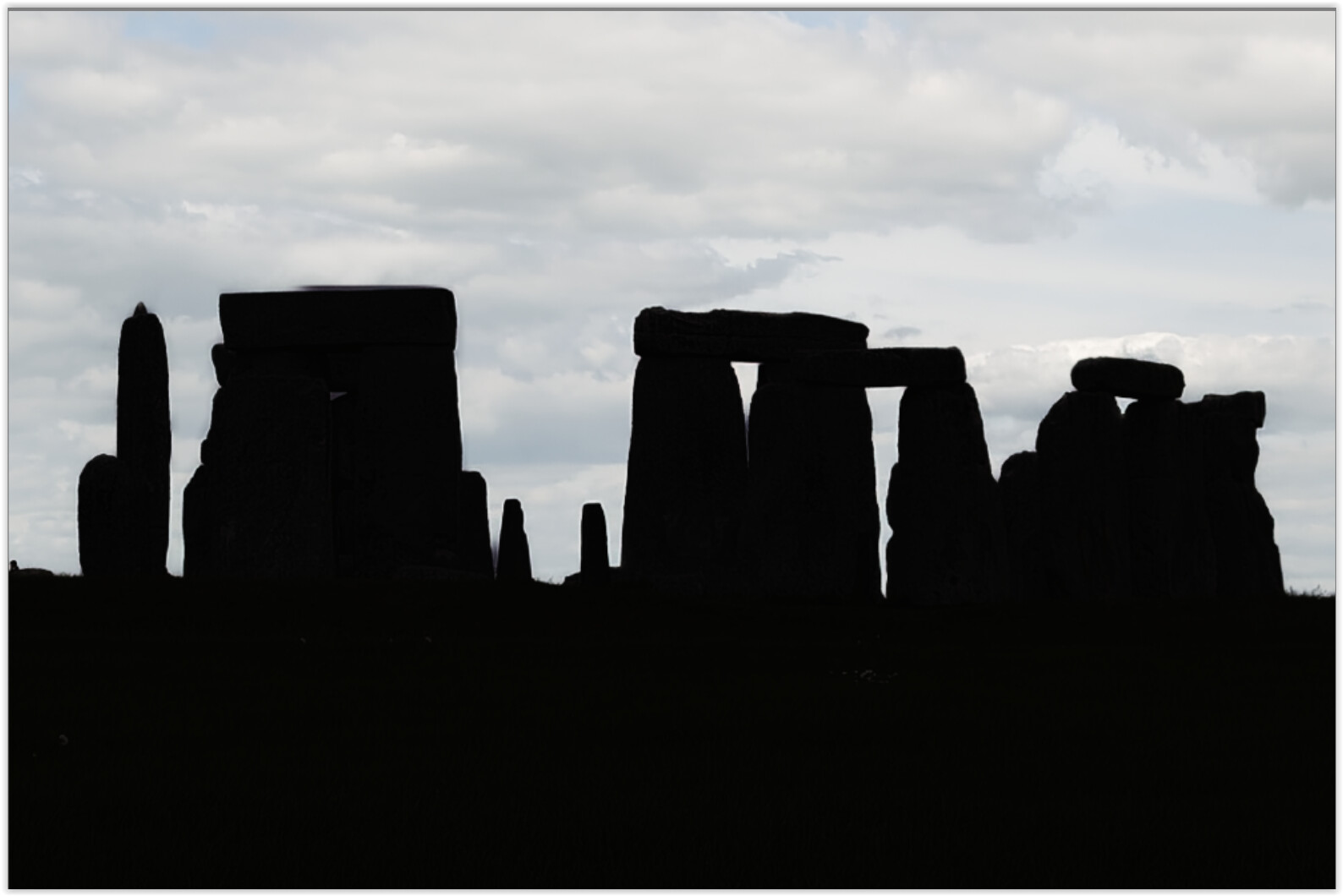
But the silhouette (exposure set to the minimum) illustrates the problem:
the mask is not clean.
-
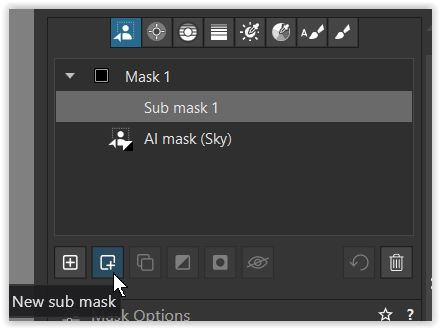
A quite simple solution:
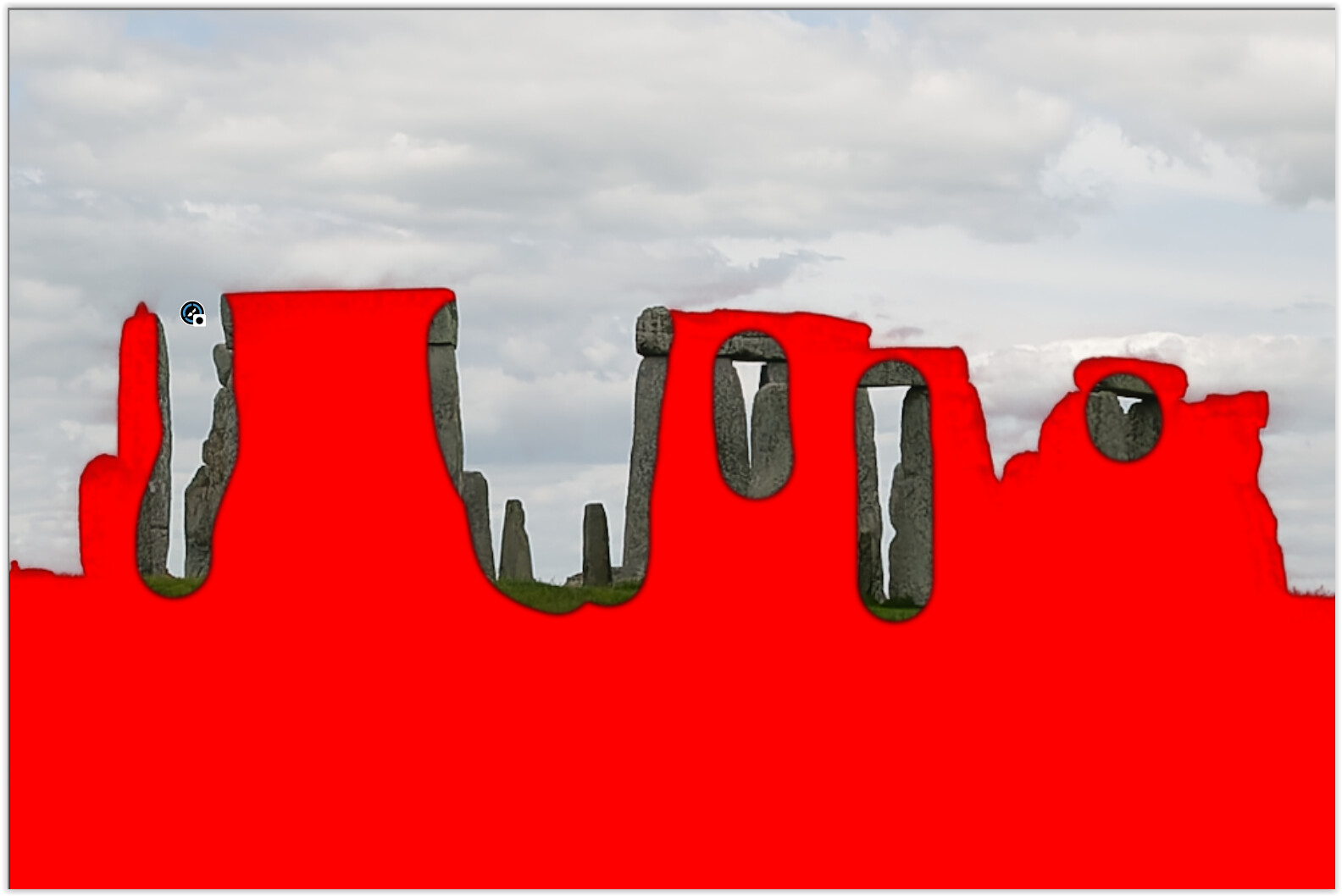
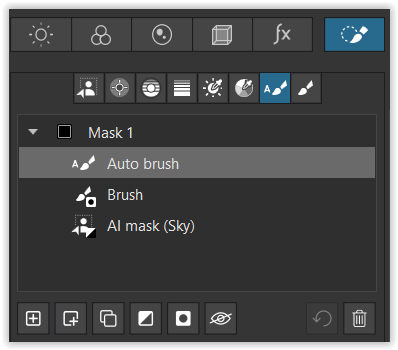
add → a sub-mask, choose the Manual Brush, invert it (by holding down the Alt key) and paint over the rocks’ edges and the sky.
-
Now, that’s what it looks like, but we are halfway there.
-
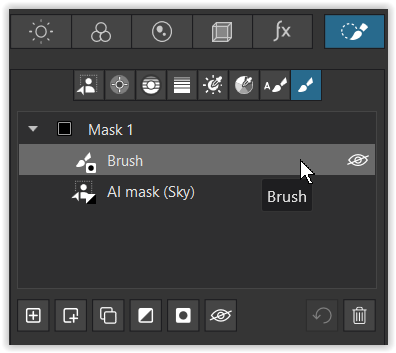
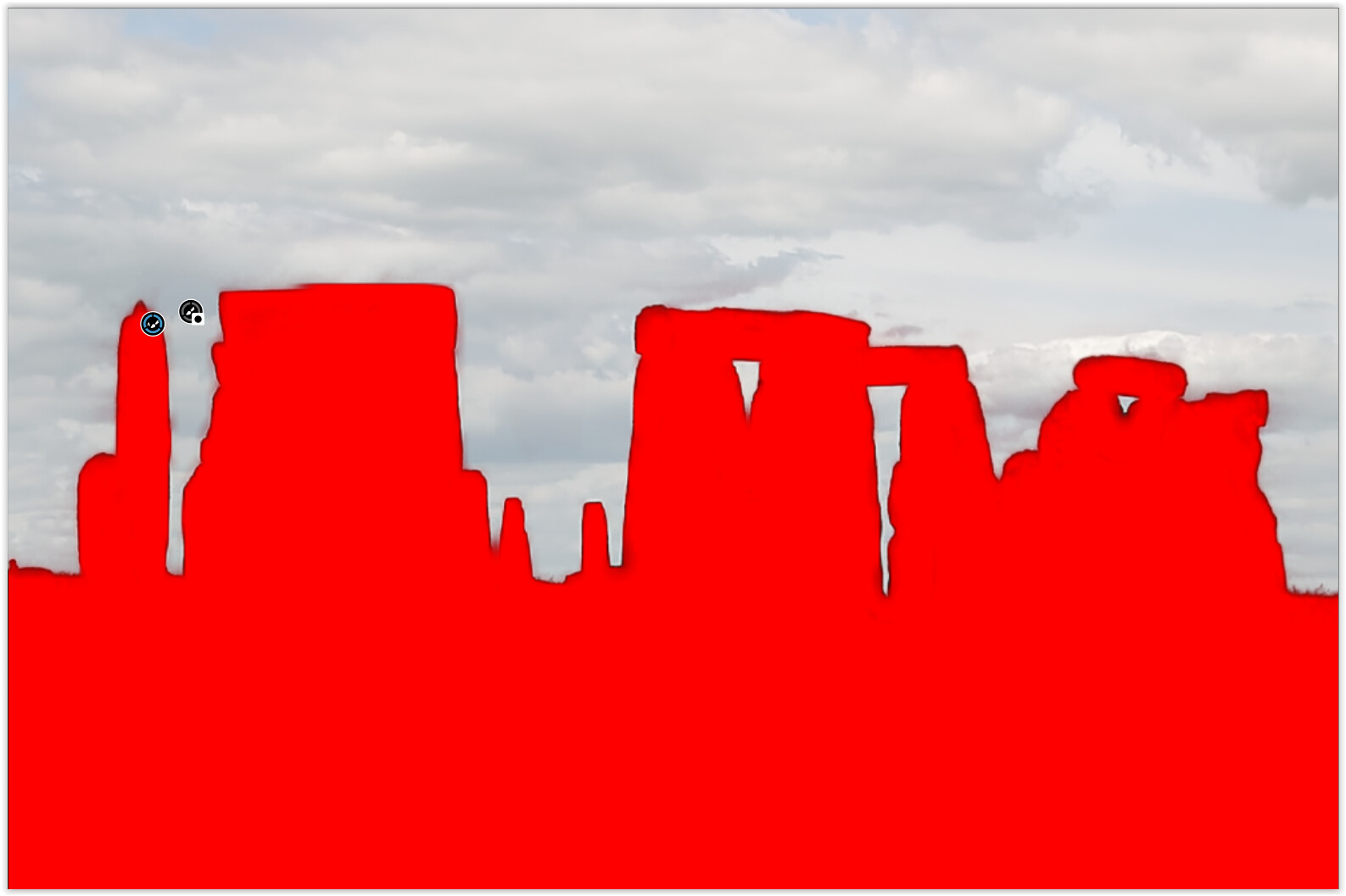
Add a second submask (= on top), choose the Autobrush … and restore the mask
(vary the diameter and use short brush strokes, so it easier if to redo w/ Ctrl +Z)
-
While the clean silouhette shows your effort …
-
adjust the foreground to your liking.
1 Like