Hi all
My configuration is:
MacOS Ventura
DPL8
FilmPack 5
I bought FP5 some years ago along with OpticsPro and hardly ever used it. When I bought my new M1 MacBook I didn’t install FP5 on it. It’s still installed on my legacy Mac Mini where I never use it.
I was recently advised to install it for a specific purpose so I downloaded it again, installed it, entered my activation key, then I got the message:
“You’ve reached the maximum number of activations”
Does that mean I should uninstall it on my Mini? If so how?
TIA
Regards
Nick
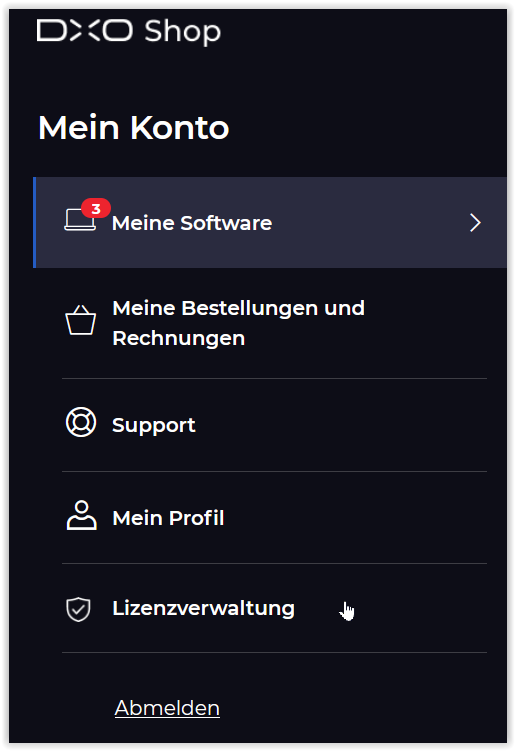
It’s unclear whether the new license managing feature will work with very old application versions, but it is certainly worth checking it out. The only issue is how he’s going to use the license manager software If he doesn’t have a version of DxO software that contains that option. I haven’t checked my account recently. is a link to the license manager also available there?