Why can't see U point

Hi, I just installed a trial version Nik collection v8 to test it out. I have previously used Silver Efex pro 2 for ages and its a breeze to use. Don’t even need to read up anything. I just upgraded my OS from High Sierra to Tahoe so the old version can’t be used.

But with this v8 Nik collection, I can’t find the U point. i check with Chat GPT and Deepseek both misguided me.

I en two images.

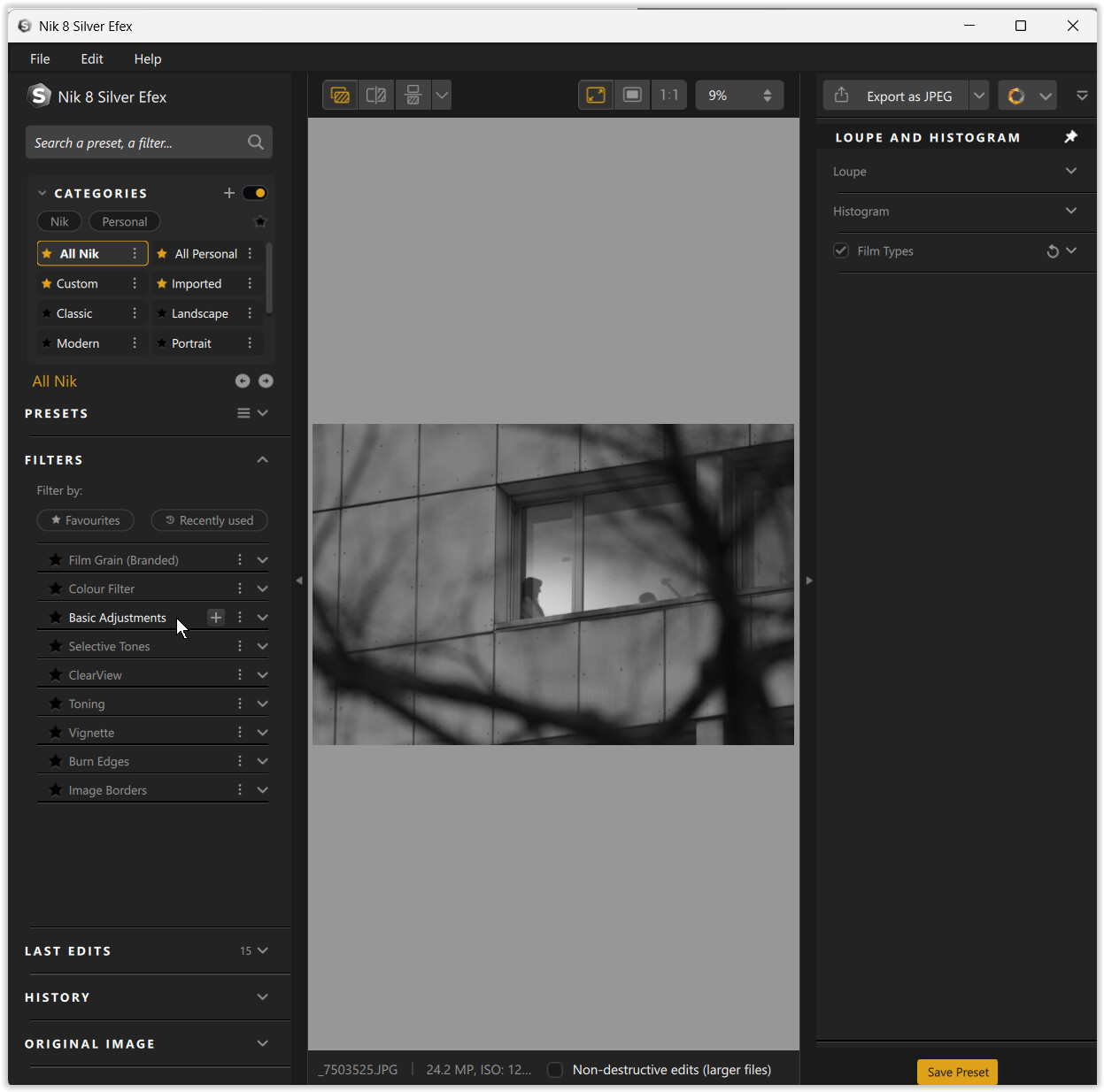
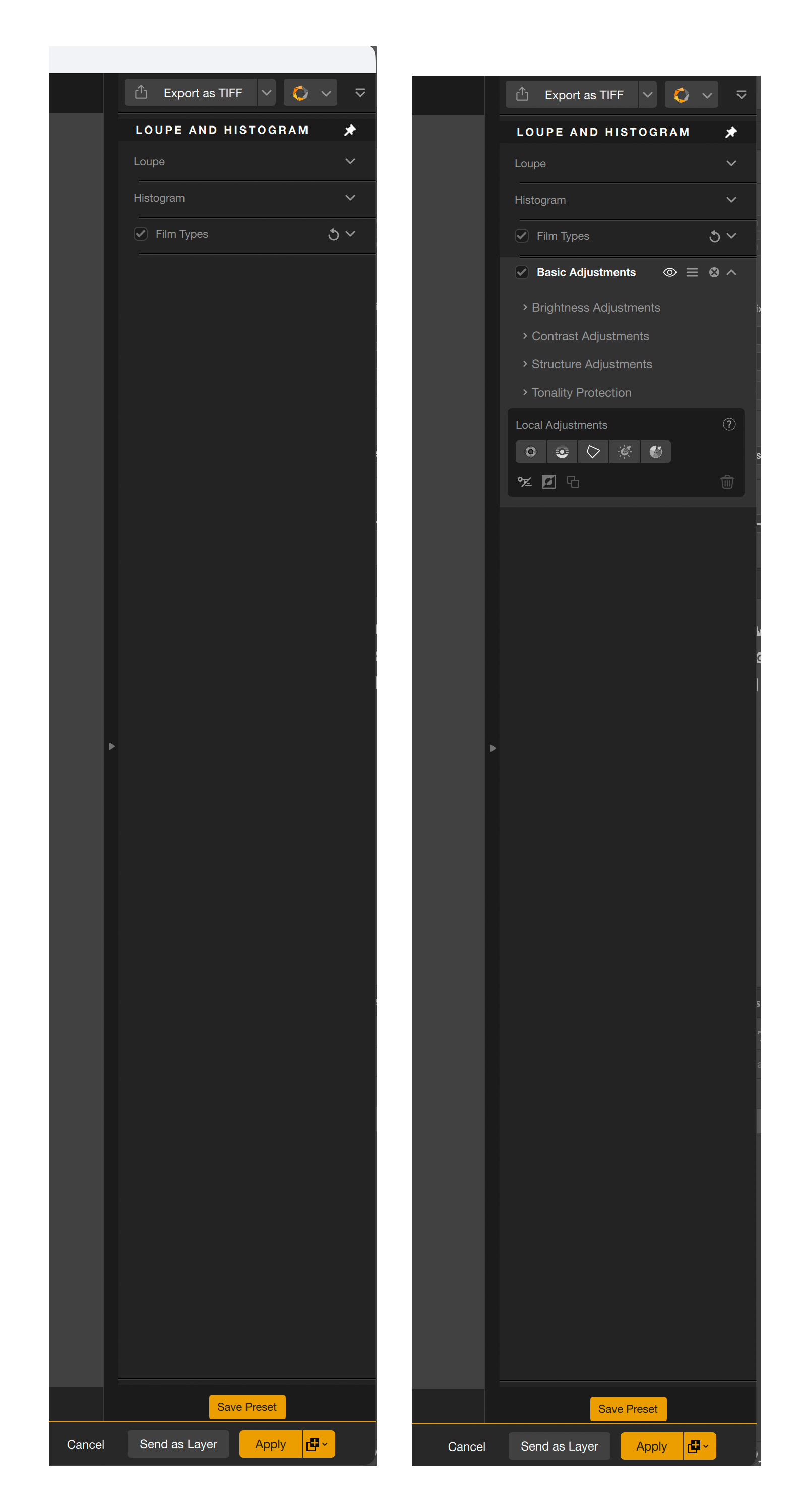
The left image I set my preset to neutral. Nothing at right side of panel. In the old version, even in neutral we can use U point. This unlike the old version.

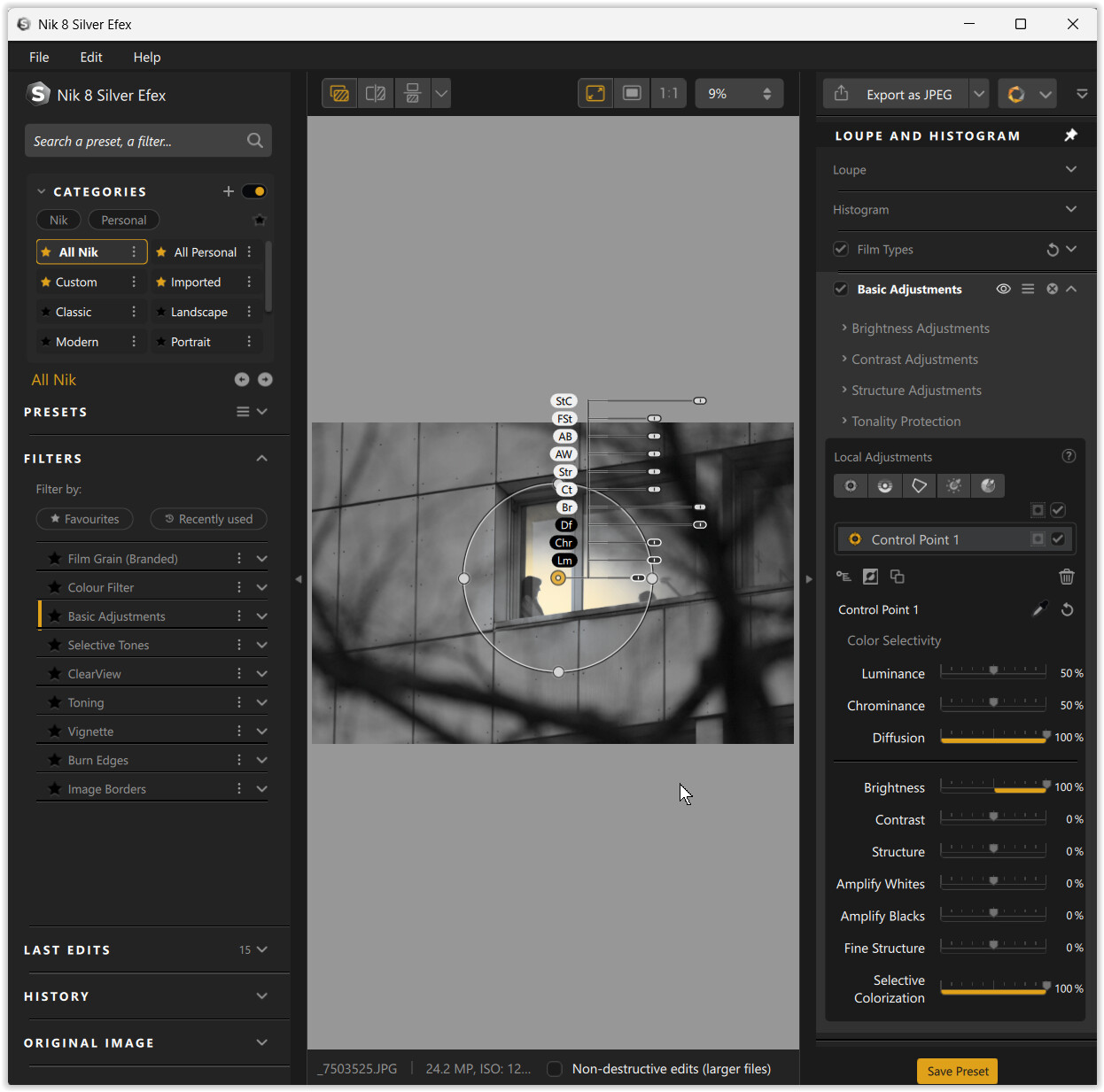
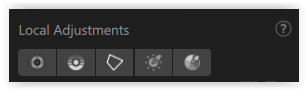
The right image, I click another preset. Only then the right panel expanded. But still cant see U point. I clicked all the icons under local adjustment. Nothing comes out. This is frustating. Its not rocket science, why Nik become 1 step forward but 3 steps backwards

And I have not even touch on bottom or top border to make it darker. Lets solve U point first. If someone can also giude me the border thing, I fully appreciate.
Tks

Hi and welcome to the user forum.

A lot has changed since DxO acquired the Nik Collection …
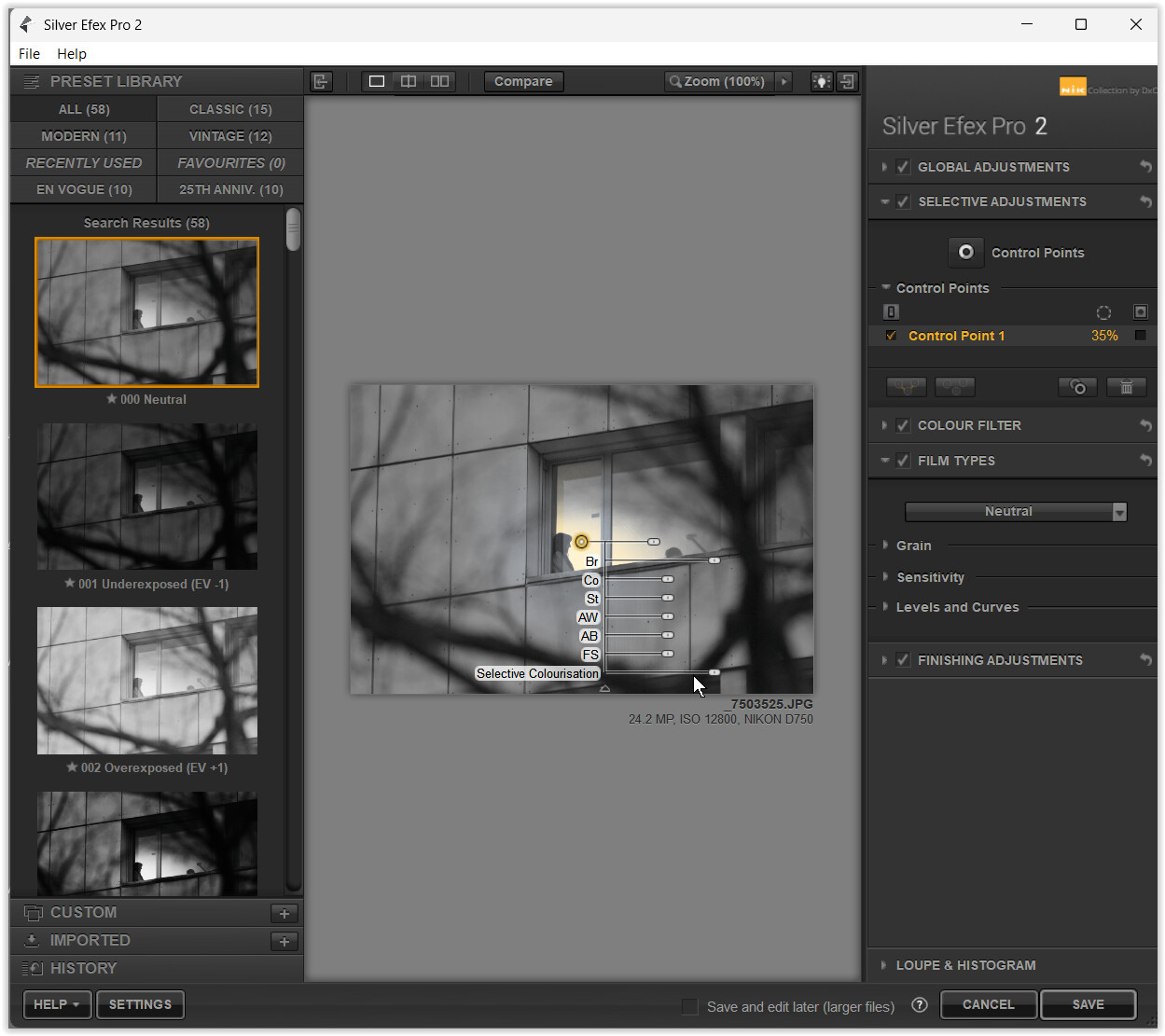
“Silver Efex Pro 2” shown here .

“Nik 8 Silver Efex”, starting with the default Neutral preset
and → Basic Adjustments

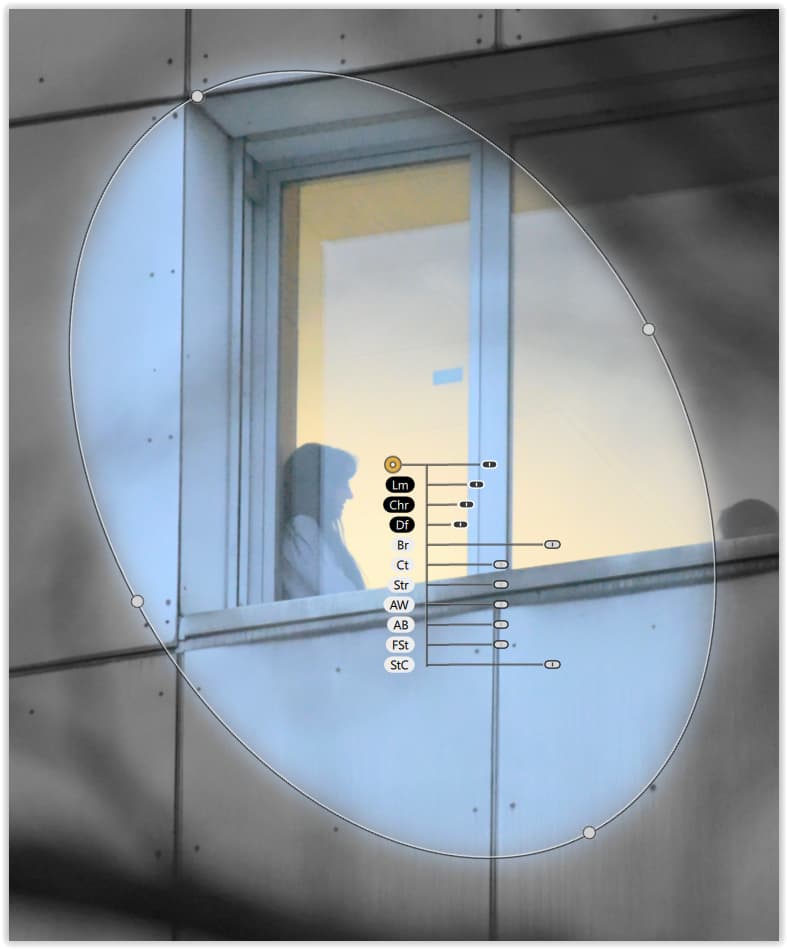
Adding a → Control point (e.g. Brightness, Selective Colorization).

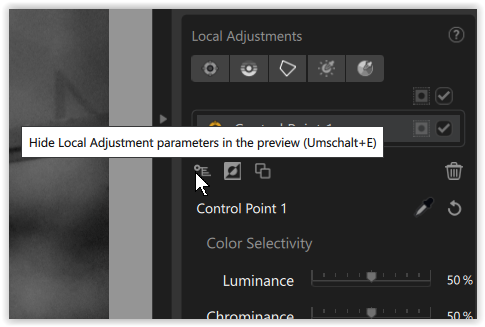
Note the → little switch to Hide / unhide the adjustment sliders over the preview.

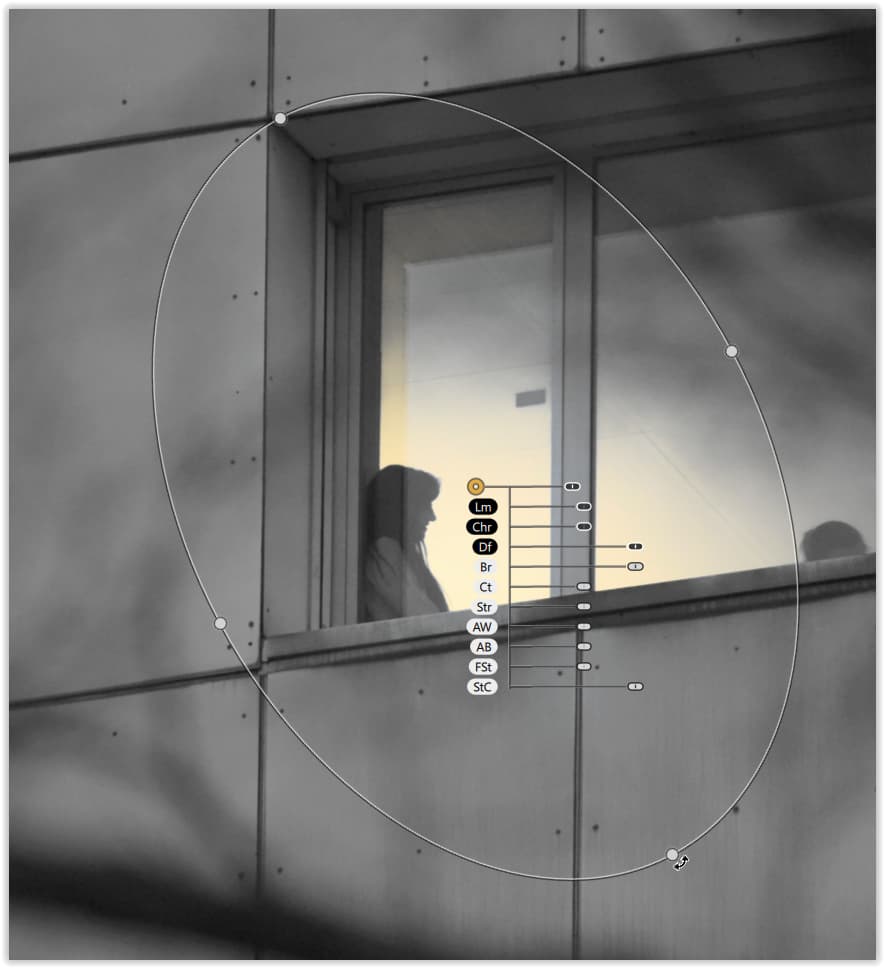
Now you can change a circular Control point into an Elipse and rotate it,

and adjust Diffusion or Chrominance / Luminance to control spread or selection.

Additionally you have Control Line, Control Polygon, Luminosity and Color mask.
grafik

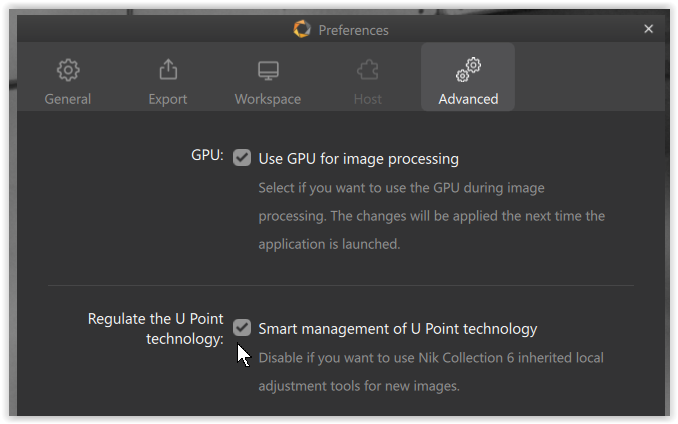
Check the Preferences …

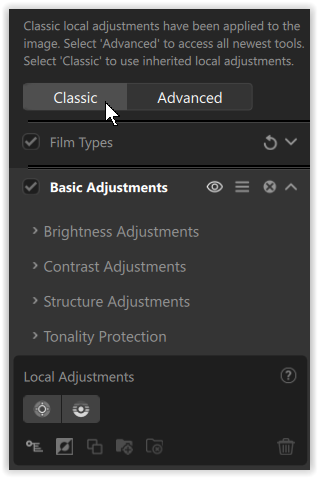
or disable / choose → “Classic” if needed …


May I recommend to watch some videos for “visual” explanation,
to start with → https://www.youtube.com/watch?v=Mx1nEAhp5_8
and in context with Photoshop → https://www.youtube.com/watch?v=E5tc3fA_Pdc

have fun

Hey Wolfgang,

Tks so much for the explanation. Ok its on left side of panels under filter. Very much appreciated