I have some RAW files from a very old Fujifilm S5 Pro which PL doesn’t support but I understand Optics Pro Elite does support.
As a longtime Optics Pro Elite user (and now PL) I have a licence, so where can I download the Optics Pro installer?
Can Optics Pro be installed alongside PL?
You should be able to see software download links to the software you licensed in your user account.
OpticsPro and PhotoLab can coexist, provided your OS supports both versions according to this info.
Caution: Newer versions of OP/PL write .dop sidecar files in a way, that makes them more or less useless for older versions of OP/PL. Issues caused by different versions of .dop files can be worked around, if OP/PL is set to not automatically export settings (.dop) files.
Despite that was the case before, there would be optical modules that would no longer be supported with recent versions ?
If necessary I have installer of the V11.4.2
You might have kept an email with a download link that might still work.
Unfortunately not the case - only PL, FilmPack and ViewPoint show, none of the versions of Optics Pro are listed
Good suggestion but no, the email contains a link to my DXO store account page.
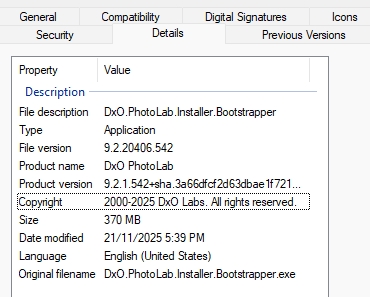
I’ve just checked my NAS drive where I keep my licensed software installers (I’d forgotten about that) and found DxO_OpticsPro11_Setup.exe but I’ve no idea which build it is. If I install it and it’s not the latest build, will it perform a check for updates that will succeed if there are any, or have DXO removed all traces of legacy products from their update site?
What is the date of your file ?
I think the V11.4.2 version was released in July 2017
If you want an earlier version, I have the Windows setup file for Optics Pro v10. It’s dated 25/05/2016 but I also have PDF release notes for the same version dated earlier - 24/12/2015 - so I think the installer must be for a later point (10.n) release.
I believe I have all the latest builds going back to OpticsPro 9. I can check tonight after work. But I also believe it’s a mistake that PhotoLab doesn’t support a camera or lens that had been supported in OpticsPro. There have been cases in the past where this was reported, explained as an unintentional mistake, and fixed. Have you already inquired through support.dxo.com?
I read another thread which pointed out that Fujifilm S5 Pro support was dropped when PhotoLab was introduced.
1 Like
Mine is 17th June 2017
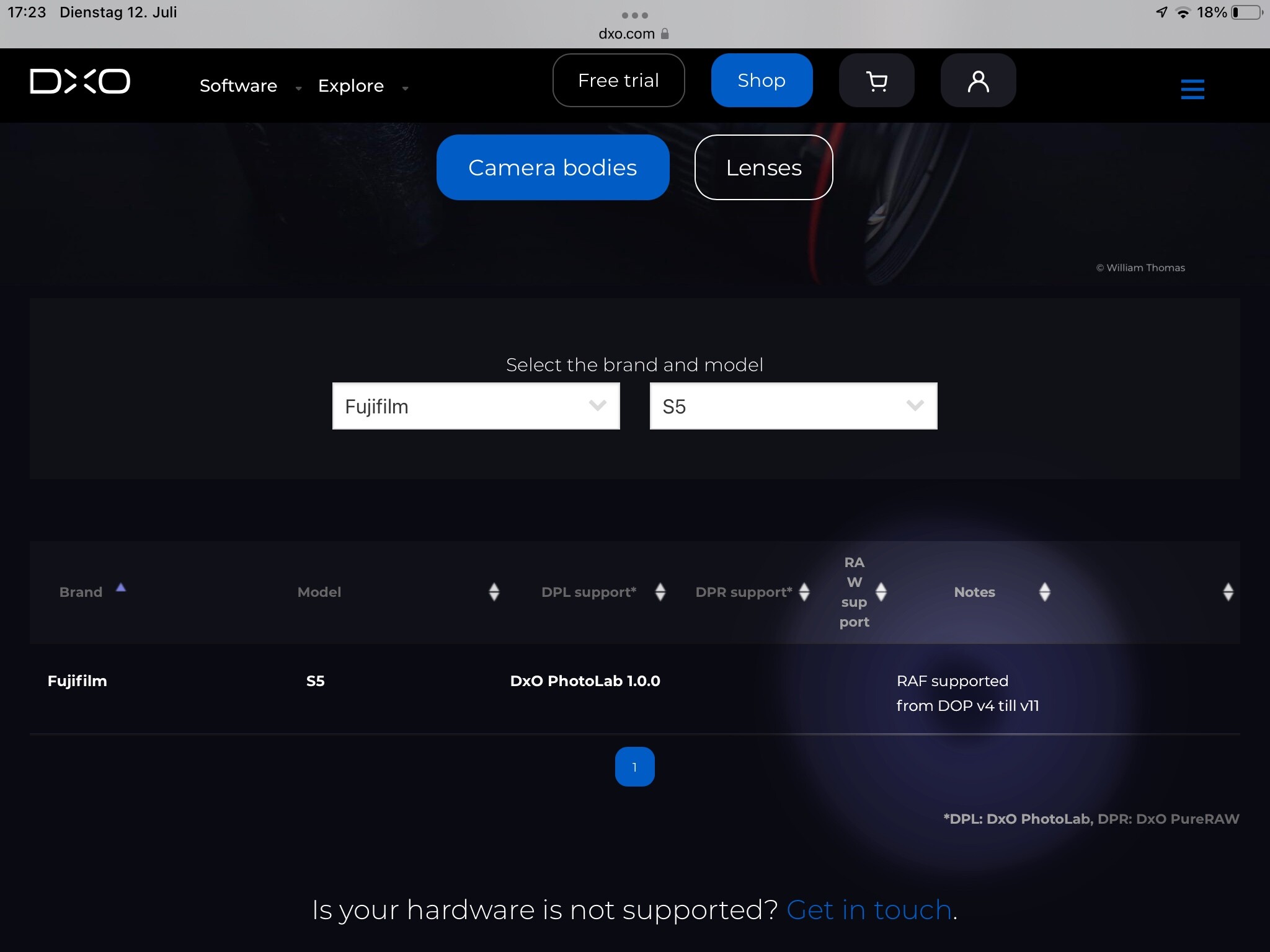
The S5 is supported in OP up to version 11. Check supported gear and you’ll find the statement, which is highlighted in the lower rh part of this screenshot:
1 Like
If you’ve bought OP and haven’t upgraded the license to PhotoLab, you could contact DxO support for assistance. They should be able to provide a download link. It still works as far as I’ve tested it today.
I bought a retail copy of Opticspro11 from ebay, only to find that the DxO_OpticsPro11_Setup.exe is not on the CD, only the link to the DXO website. Would it be possible to send me a copy of DxO_OpticsPro11_Setup.exe?
This is against the licence conditions, which do not allow transfer of the license.
DxO Optics Pro 11 was launched in 2016, so is almost 10 years old now and is definitely no longer supported, especially if you are running Windows 11.
Who did you buy it from and for how much? My feeling is that you have been conned and I doubt whether DxO would register your copy, should you find a copy of the installer.
In addition the only versions I can find on eBay are the cut down Essential edition, distributed on a CD, which really isn’t worth installing, even if it were free.
2 Likes
Sorry, but buying software on eBay is truly not a good idea. Most of it is pirated, hacked or otherwise illegitimate. Can you not file a complaint and get a refund from the seller?
1 Like
It is the cut down Essential edition, but it comes in a box, made by DXO, inside there is a CD and an activation code. I will use my own code to activate the software. But I need the installation files. I will send a feedback to the seller, but I don’t expect they will do anything.
I would think “not as described” would fit the situation. You believed you were buying actual software but no installation files were included…