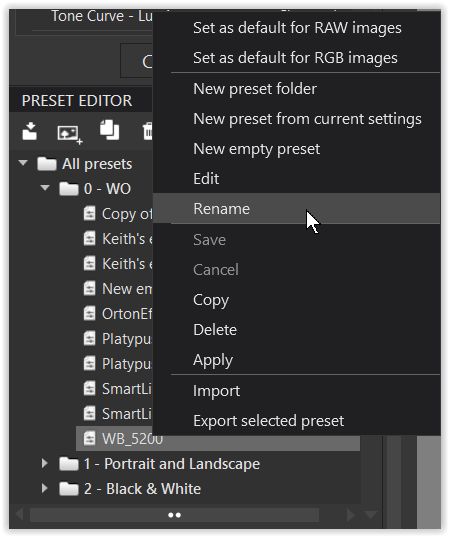
I want to delete or change the name of various preset files I’ve created from image settings, but the files are not in the DxO Photolab 9/Presets folder and do not show in a search of all preset files (*.preset) in the DxO Photolab 9 folder. They are not a hidden files either. Any ideas? TIA
%LocalAppData%\DxO\DxO PhotoLab\Presets
Source:
Menus, Preferences and Functions – PhotoLab
So, for the user John this would typically be
“C:\Users\John\AppData\Local\DxO\DxO PhotoLab 9\Presets”.
Note that “AppData” directories are hidden by default.
The directory “C:\Program Files\DxO\DxO Photolab 9\Presets” contains master copies of predefined presets, maybe used in emergency cases.
3 Likes