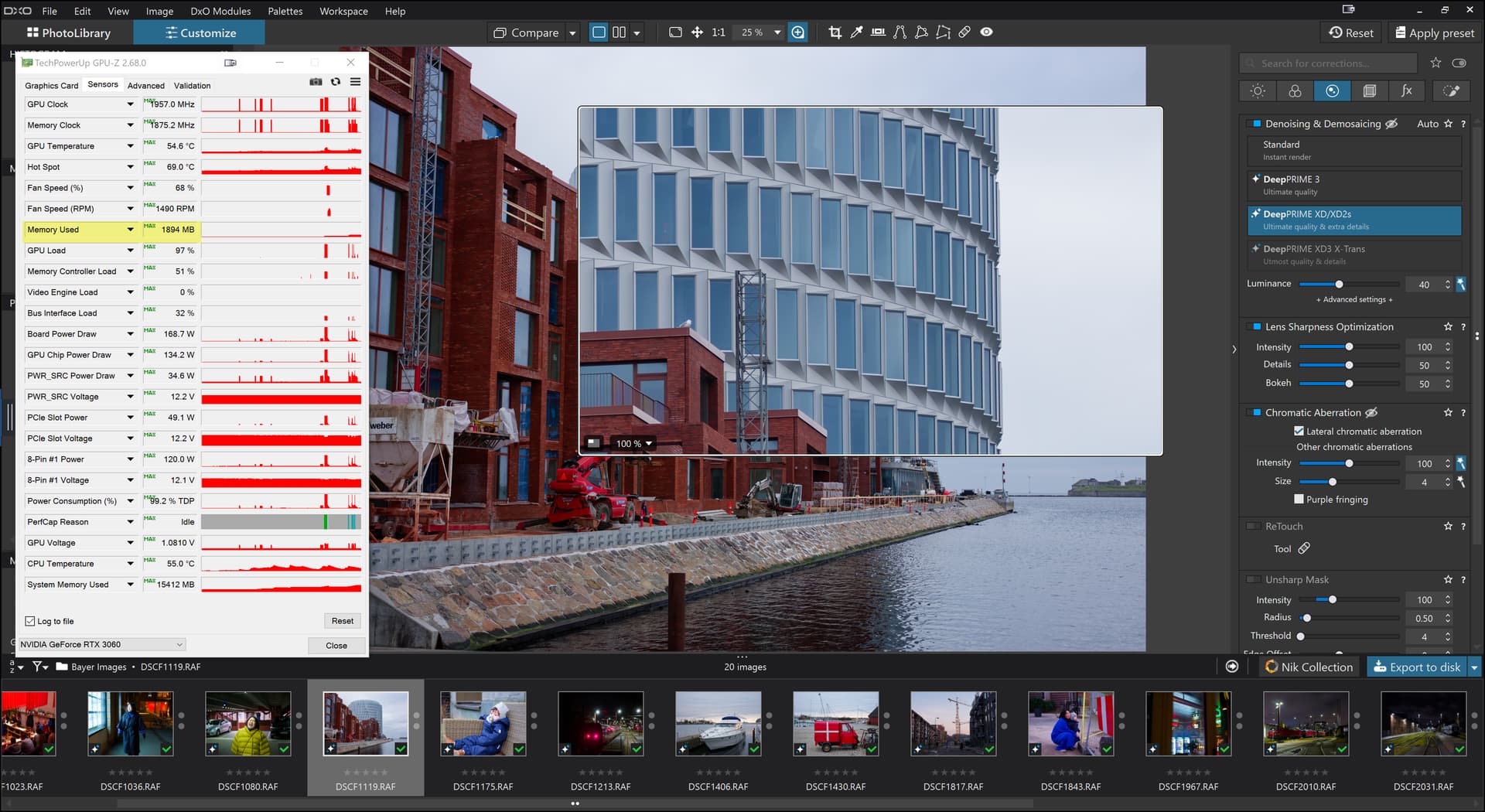
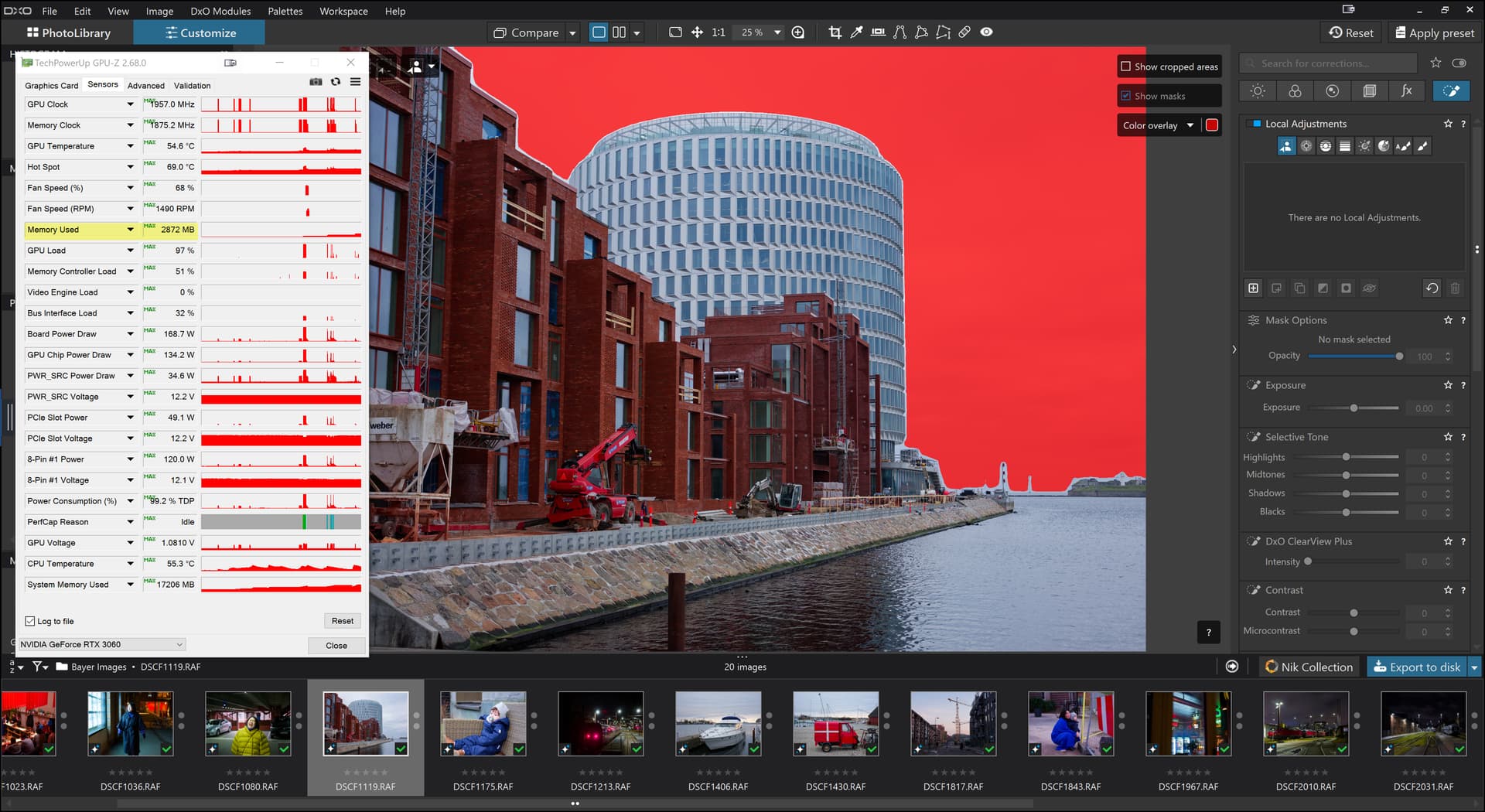
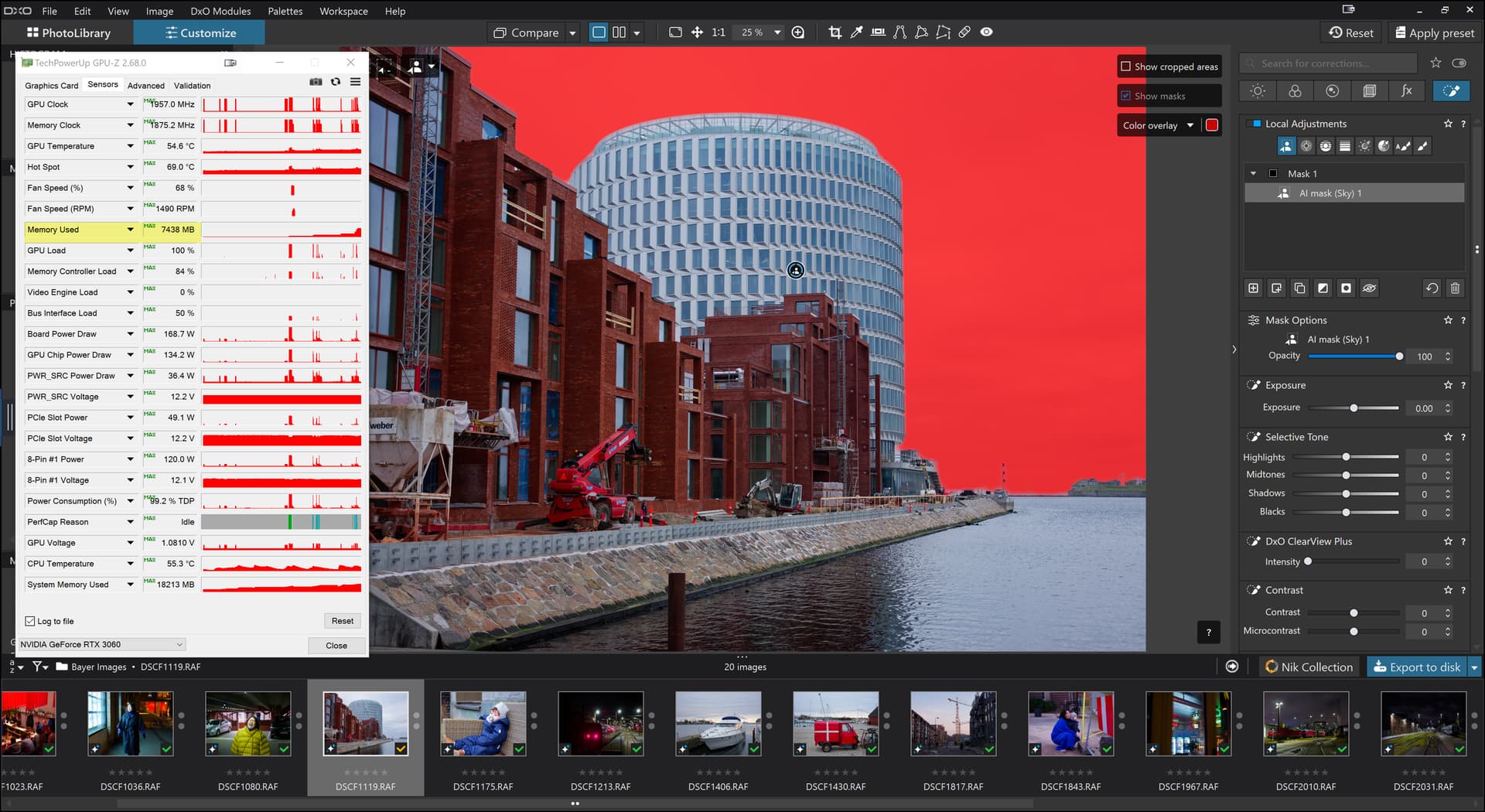
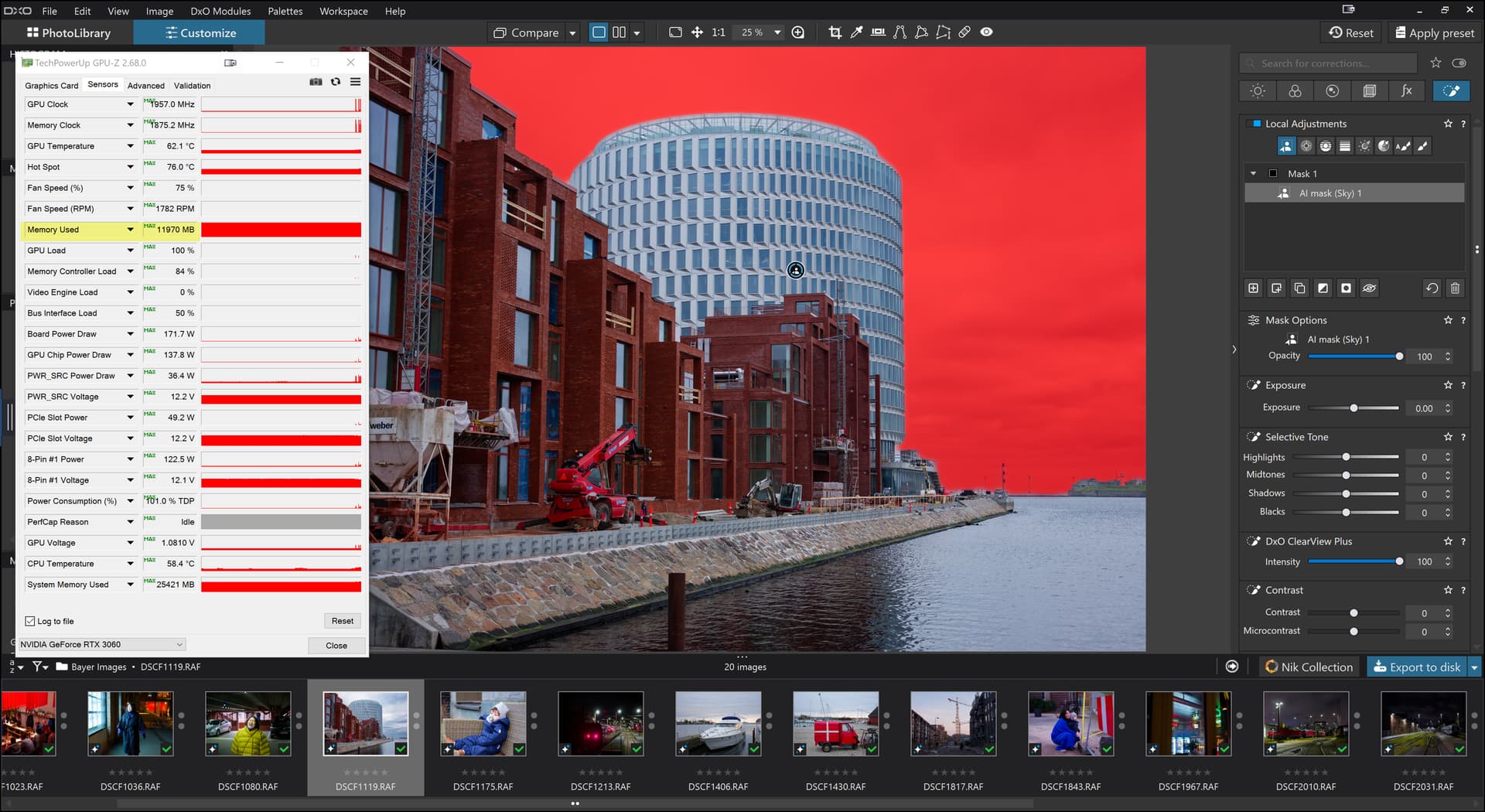
@Stenis and you believe that you are “secure” for the future? Plus you have defined the limits inside which you need to stay if you want to “guarantee” that your system won’t fall over for lack of GPU memory.
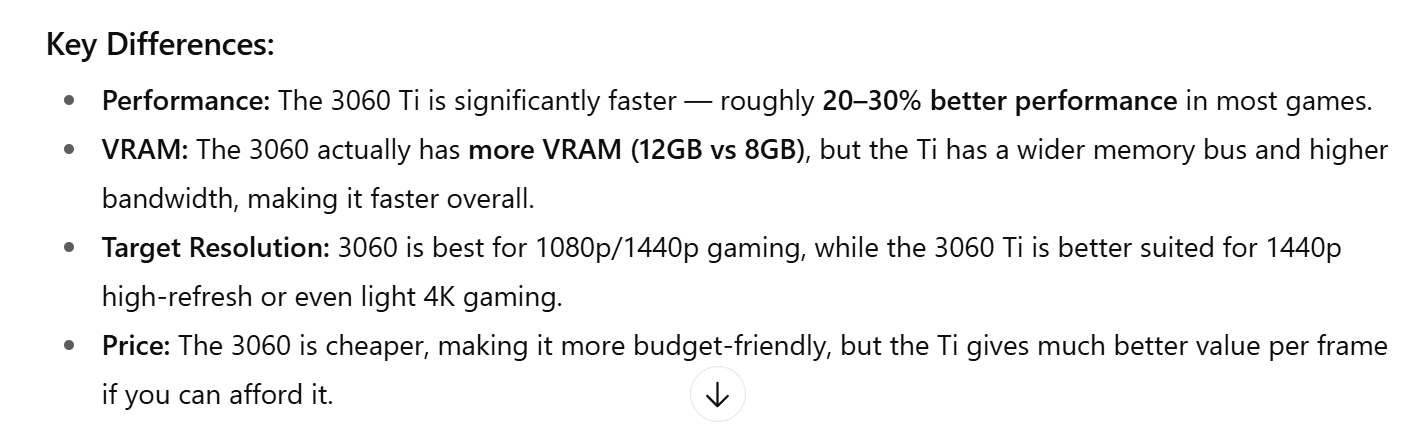
Your 3060TI(8GB) is certainly faster than my 3060(12GB) but right now I wouldn’t swap my GPU for yours, but then I now have a 5060TI(16GB) in my other machine anyway.
@Evildad I have to be careful not to spend someone else’s money and I would not recommend anyone rushing out to upgrade their GPU, not least because work undertaken by DxO might reduce the memory requirements, somewhat and make 8GB cards look more secure and not with any limitations applied to what the user can do.
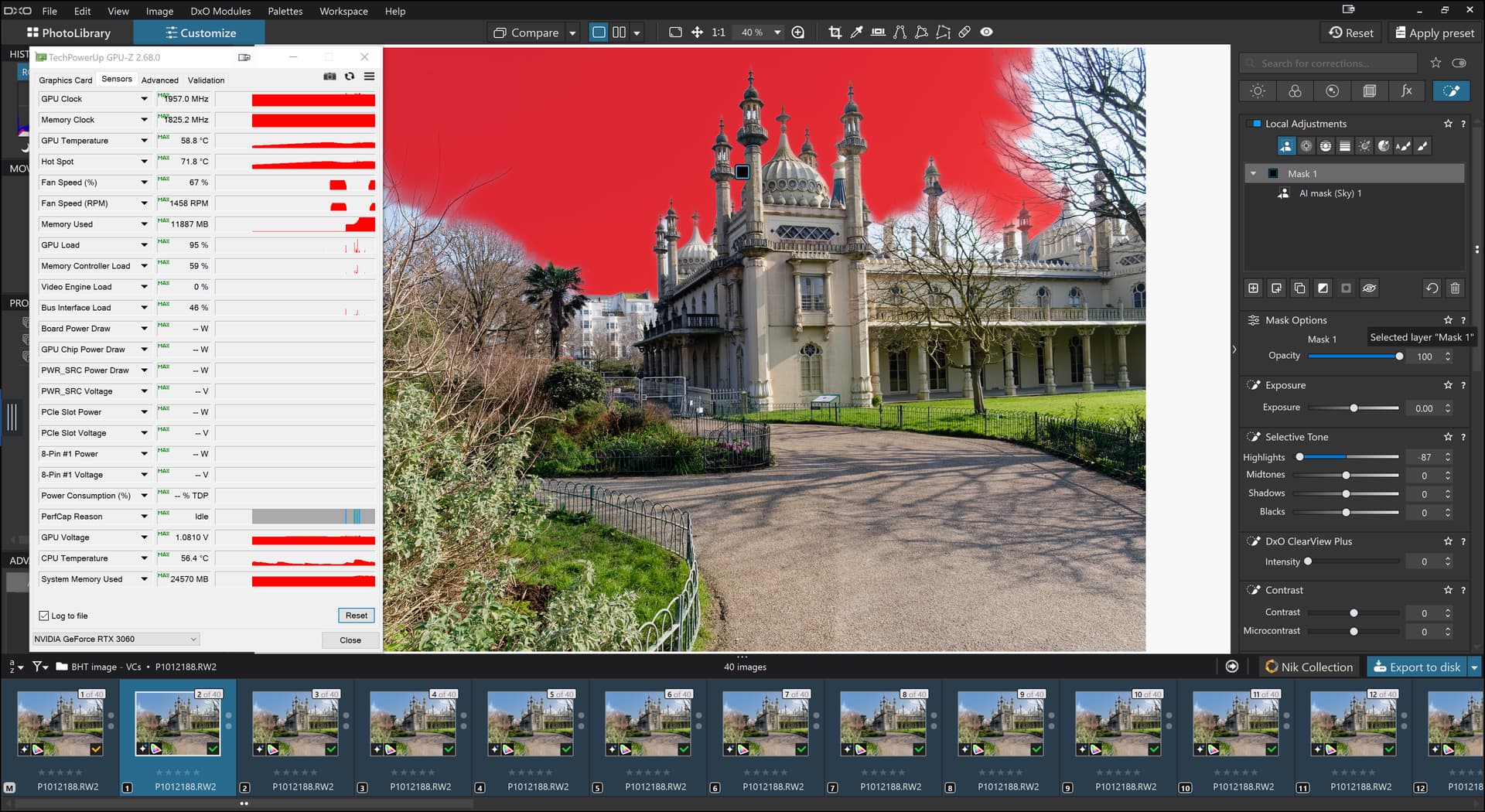
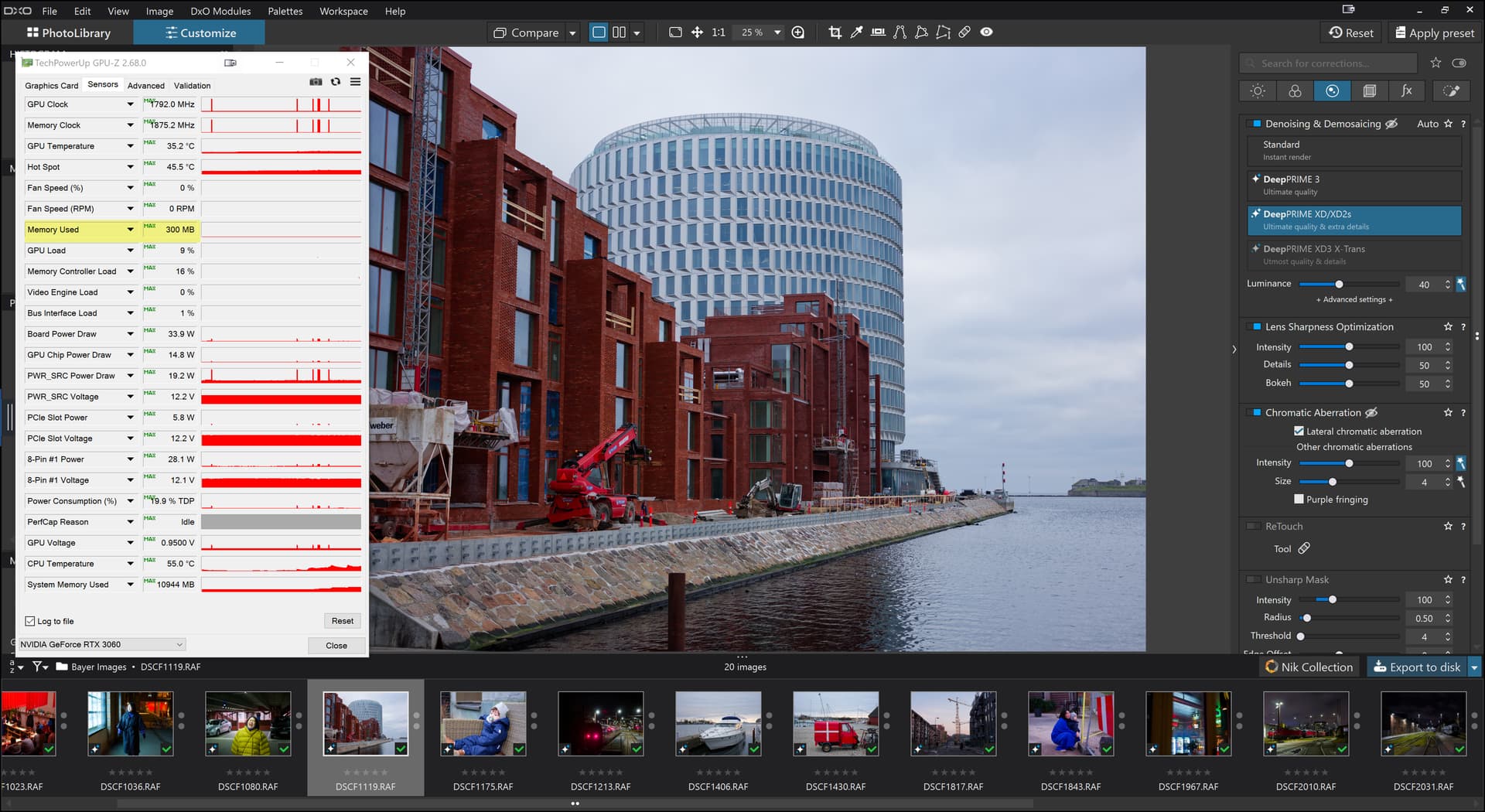
I have written here and elsewhere that using “Sleep” to clear GPU memory, has allowed me to set up an export run and then “Sleep” the machine and after the PC wakes, I export.
But I have also commented on the fact that as soon as I then select an image, or change the export option, the memory usage jumps up a lot.
I believe I have now discovered the reason for the sudden jump when I make a single edit, it is because these two options were set
Resetting those options results in no sudden jump unless AI has been applied when having exported with a lower memory usage after a “Sleep” , the memory usage jumps as soon as any edit operation is made.
Using the Loupe is the equivalent to having the options set, i.e. it also causes the memory usage to jump, and I believe it is the second option that is causing the “problem”, but I have had enough of testing for the moment to verify that guess!
So if you want to use all the AI options, including AI presets like “Sky”, with the preview options set and invoke the Loupe and export images, then my current advice it to delay any purchase until we seem to have a more stable release and/or consider cards of 12GB or 16GB to “hedge” your bets but only if you can afford it.
In my case when I discovered my 2060(6GB) was simply not big enough any more, I moved my 3060(12GB) to the 5600G, replacing the 2060(6GB), and looked for what I could afford with 12GB or 16GB for the 5900X, considering another new or second hand 3060(12GB) as an option.
While I was looking, an offer came up on Amazon for a 5060Ti(16GB) at £369.
That was £30 more than I had paid for the 3060(12GB) at the beginning of 2023 and I decided it was too good to miss and am generally pleased with the purchase, the 5900X is twice the speed of the 5600G and the 5060Ti(16GB) is slightly less that twice the speed of the 3060(12GB) and I am hoping both are big enough to cope with the current PL9 release, now and when “fixed” and anything else that DxO might add.
I cannot guarantee that my tests are accurate but in some tests the 12GB card seems to be almost full and I have done other tests where the 16GB card is showing memory usage over 15GB!?
It is possible that DxO are simply using as much space as is available to minimise VRAM memory management but … !?
“You pays you money and takes your choice”, and remember that (currently) “Sleep” clears the VRAM and edits start to fill it again, particularly if you have the ‘Preview’ options set, use the Loupe and definitely if you use AI at the same time.