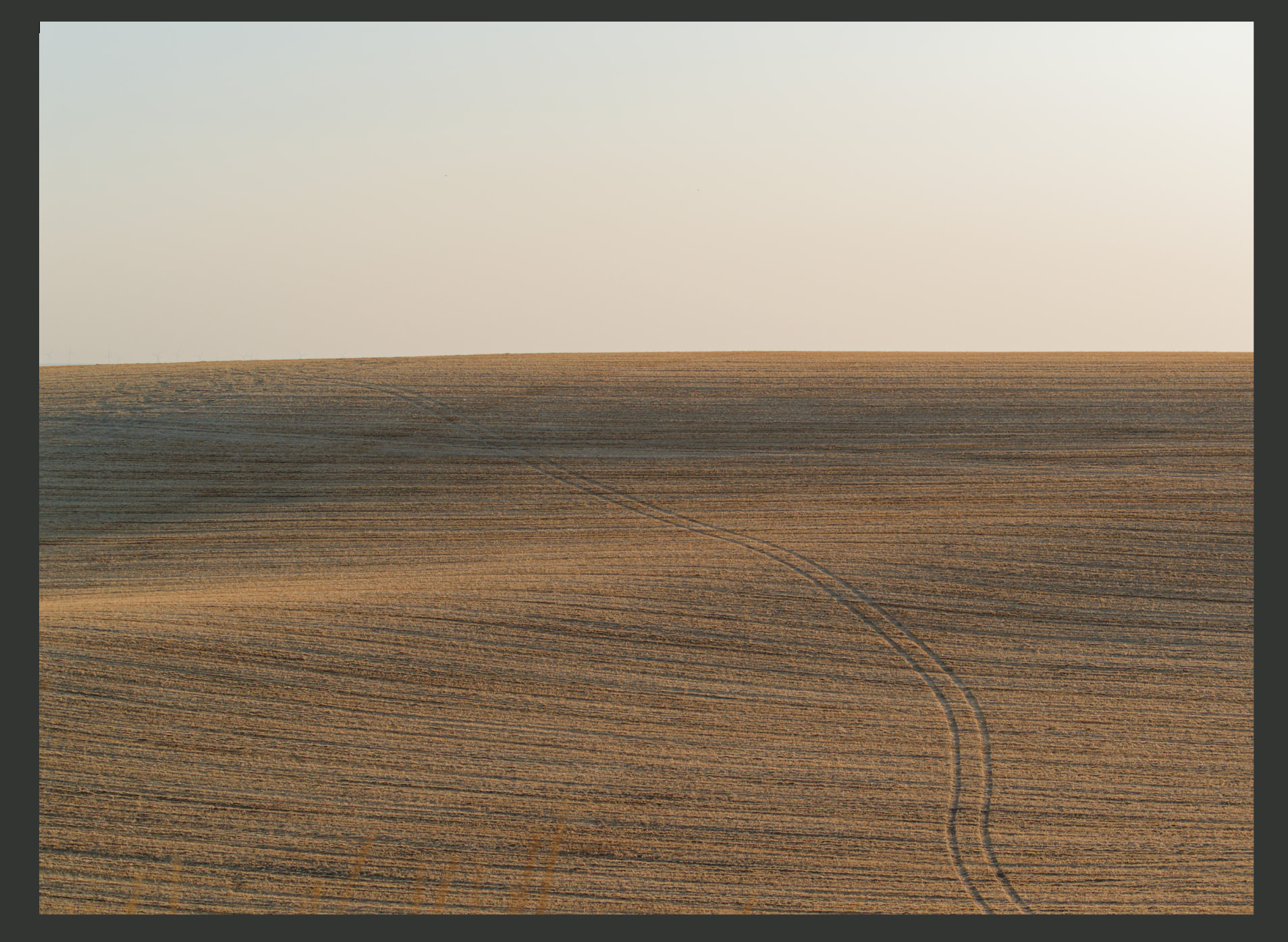
What happens if you select AI mask and manually click the sky area?
Thanks, Andy! Nothing happens.
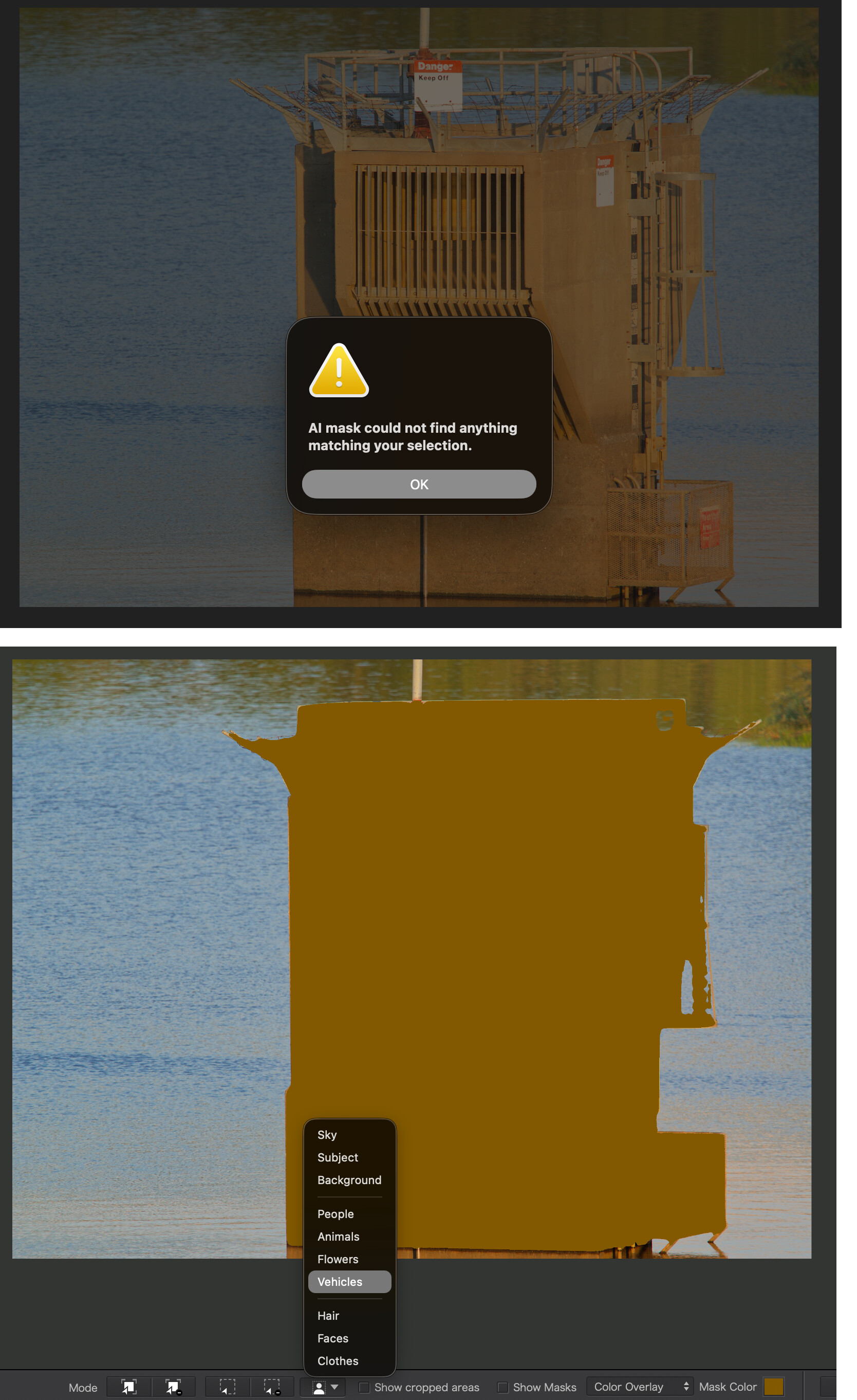
However, I found that pretty random subject selection modes work – in this case, it did a perfect selection of the foreground only when I selected “flower”. I was then able to invert it to create a sky mask. It also refuses to recognize this enormous structure (photo below) in the foreground, as a possible subject – but was glad to select it – nearly perfectly – if I agreed to call it a “vehicle”  . It only took moments longer per image to work around its intransigence – once I knew to look for creative categorizations.
It seems to me DxO might want to relax the classification thresholds and just let the software nominate several things as the possible intended ‘subject’ or ‘background’ or ‘sky’. We could then select our intention for it, from the several possibilities. Maybe there are technical reasons that’s not implemented.
PL9 on my Mac recognises the sky in the jpeg you posted - and masks it correctly.
Due to the age of my Mac, PL takes a few minutes to find the sky.
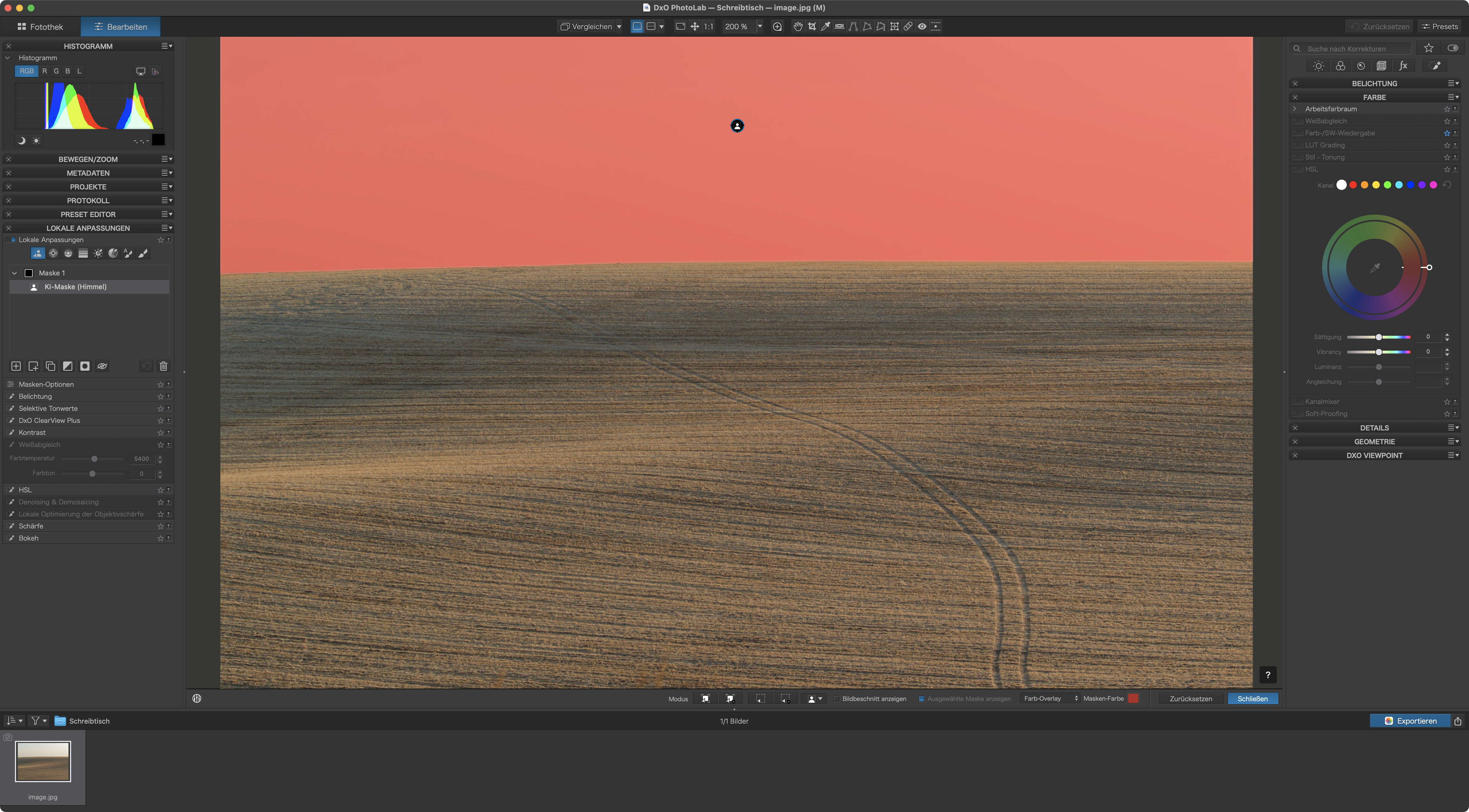
Clicking the sky instead of using the AI preset is quicker.
PL 9 checks images of a selected folder once you select an image. Recognising the preset items can take a while - depending on the power of your PC’s hardware.
Thanks. I was working with the RAW files in DxO, and just posted a jpeg screenshot. I’m working on a new MB Pro. Files are processed instantaneously, so no issue there. It’s encouraging that it works in some cases, but confusing that it’s not working consistently for me.
In @platypus’s screenshot, you can see that the AI keyword type
is not required.
Simply hovering your mouse over an area highlights it.
Pascal
Use a control line. It’s almost always the better solution when you want to make edits to the sky part of an image.
In case of a simply structured image like here, the older masking features can be used with much less hassle than the AI presets can cause.
AI masking is work in progress and I’m confident that DxO will, whenever this may be, be able to provide better quality than what we currently get. Until then, it’s probably less effort to use “the old stuff”.
Thank you all for the encouraging and knowledgeable suggestions. I restarted PL9, found an ancient incantation to recite, and now when I click on “add area”, and click in the sky, it finds the sky.
Along the way I learned from you and from the internet about several good alternative methods for finding and adding major areas of an image.
Thanks
A.
To add, I have also found that sometimes it fails to detect an animal, but if you click “flower” it then detects the same animal flawlessly! A strange quirk.
If it looks like a duck, and quacks like a duck, it’s a flower!  This kind of thing is well within the range of quirks I will gratefully ignore in exchange for the overall unmatched advantages of this workflow and IQ. Hey, PL10 is just out today, and all of this has changed! Ducks are now cars, and cars are now flowers. No, I meant, AI detection is greatly improved