Holy [insert explicative]!
DxO have introduced, finally, a way to clean up missing folders.
To see the instructions in the user guide, go here and then scroll down to “Updating a Folder Location”.
There’s a new option in the Folders section:
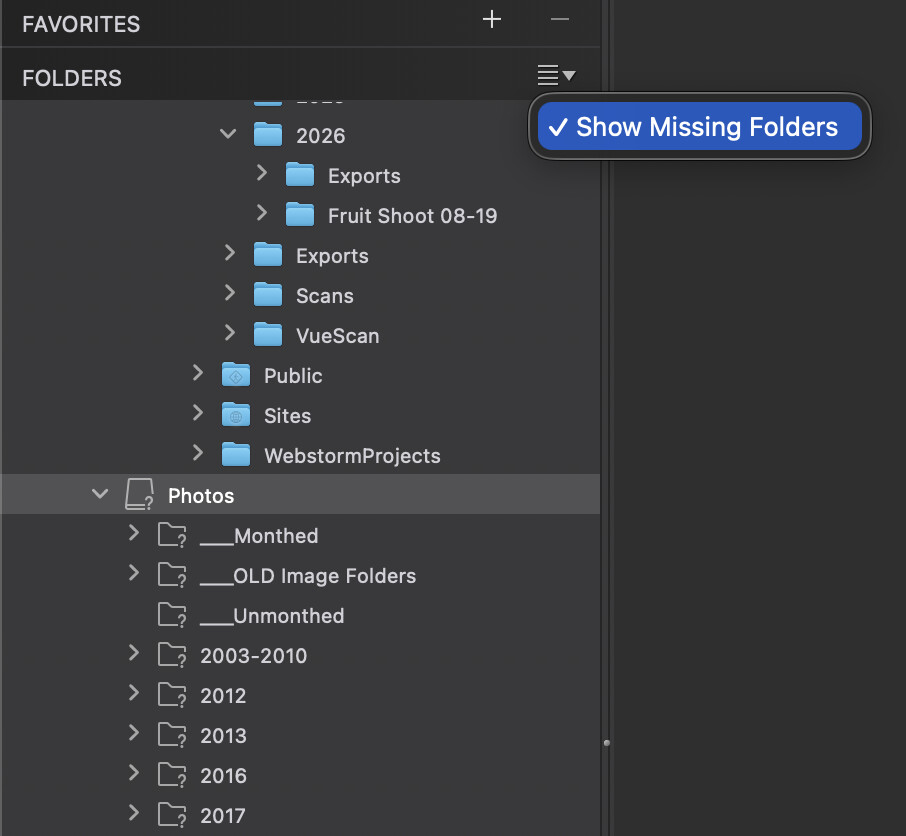
Which, as you can see, shows you missing folders (and volumes).
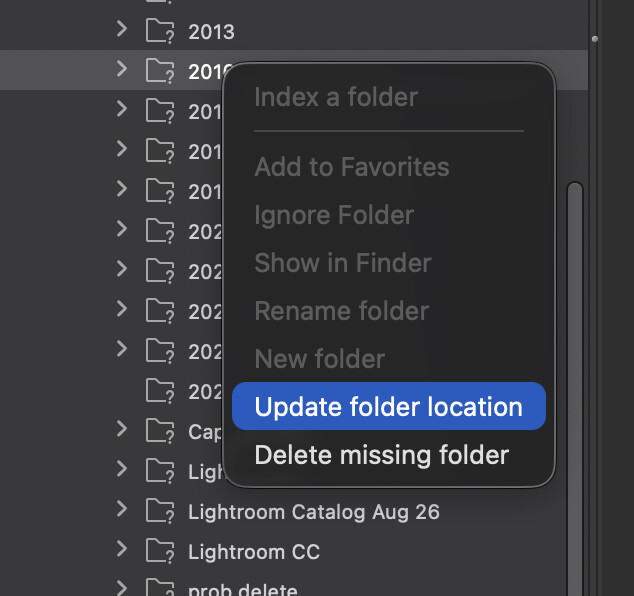
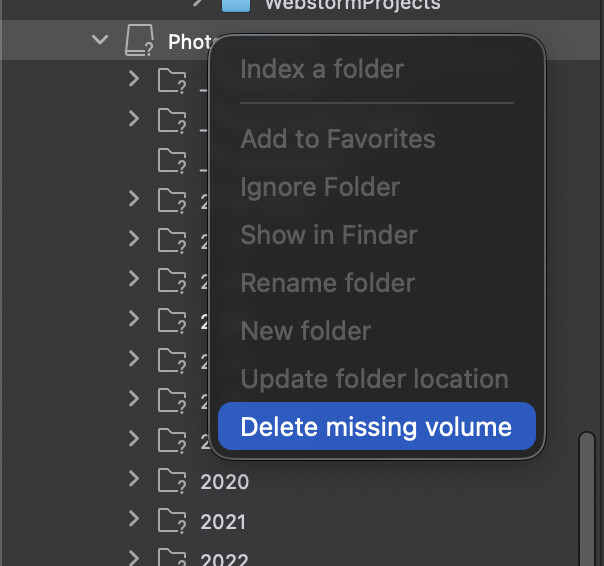
You can right click on a folder and find it or delete it:
You can delete a missing volume:
And for a missing folder on a known volume:
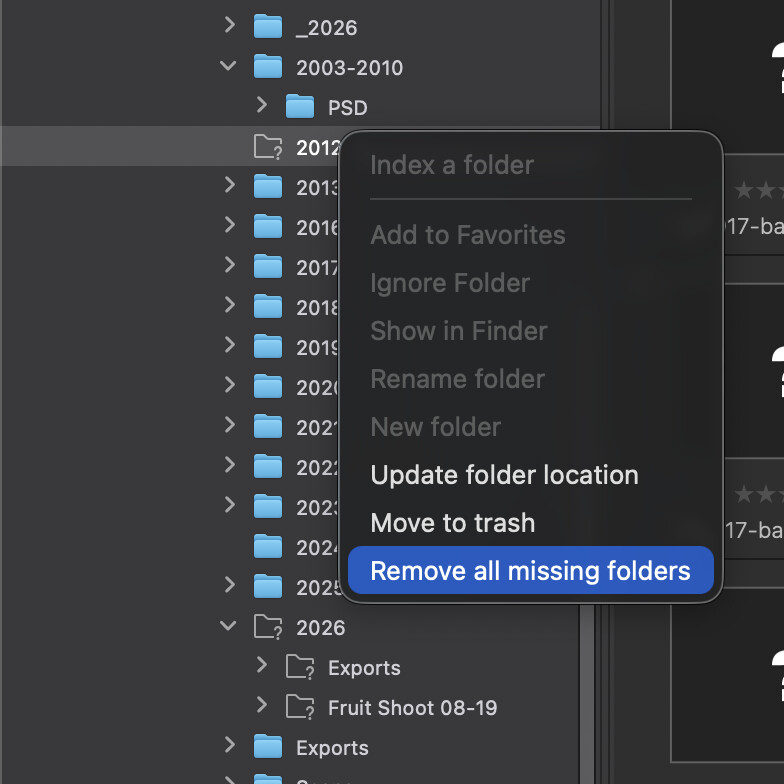
You can remove all missing folders (I do wish you could remove just one missing folder on a known volume–not sure why they don’t allow for that, and only for “all”).
This is huge for me. I’m sold on PL10 just for this. I’ll run out the trial (because why pay for a free month) but this solves a huge annoyance for me. 
