I’m a new (and very enthusiastic) user of DxO PureRAW really impressed with the quality so far.
I have a question about integrating it into an existing Lightroom workflow.
I already have a catalog with RAW files that have been edited in Lightroom, and I’m currently using the DxO Lightroom plugin.
What I’d like to do is process those RAW files through DxO, but without losing the adjustments I’ve already made in Lightroom.
Is there a way to automatically apply the existing Lightroom edits to the new DxO-processed files (DNGs) that are re-imported into Lightroom?
Or is there a recommended workflow to keep previous edits while benefiting from DxO processing?
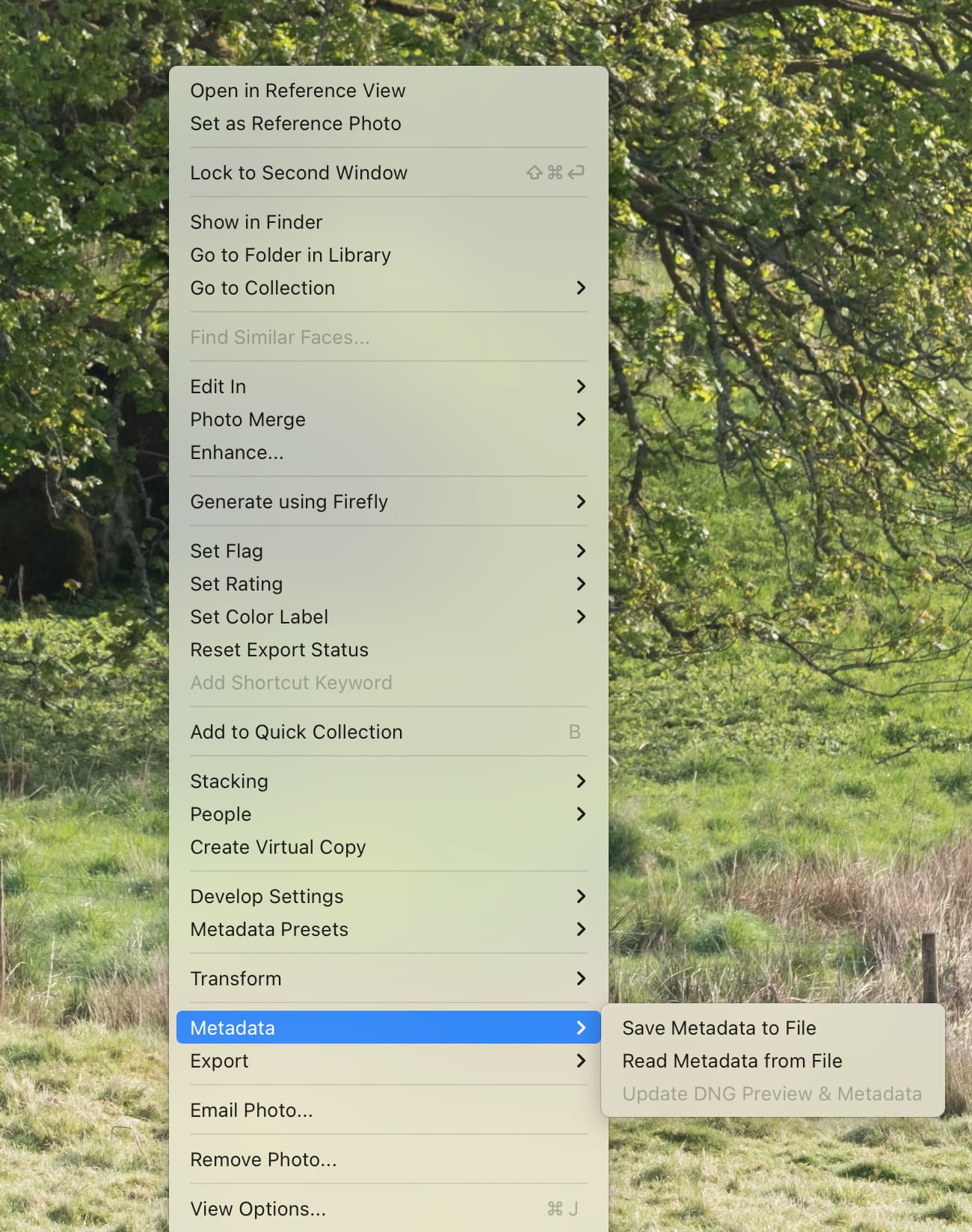
A workflow suggested by DXO is to go into Library, find the original file and the .DNG (They should be beside each other). On the .DNG, right-click and choose “Develop Settings” then “Paste Settings from Previous”. This applies all of the edits from the original file to the .DNG.
DXO have a video about suggested LrC workflow and that function is explained at about 2:22 of this video…. DxO PureRAW. Optimisation et débruitage intelligents de vos images RAW - DxO