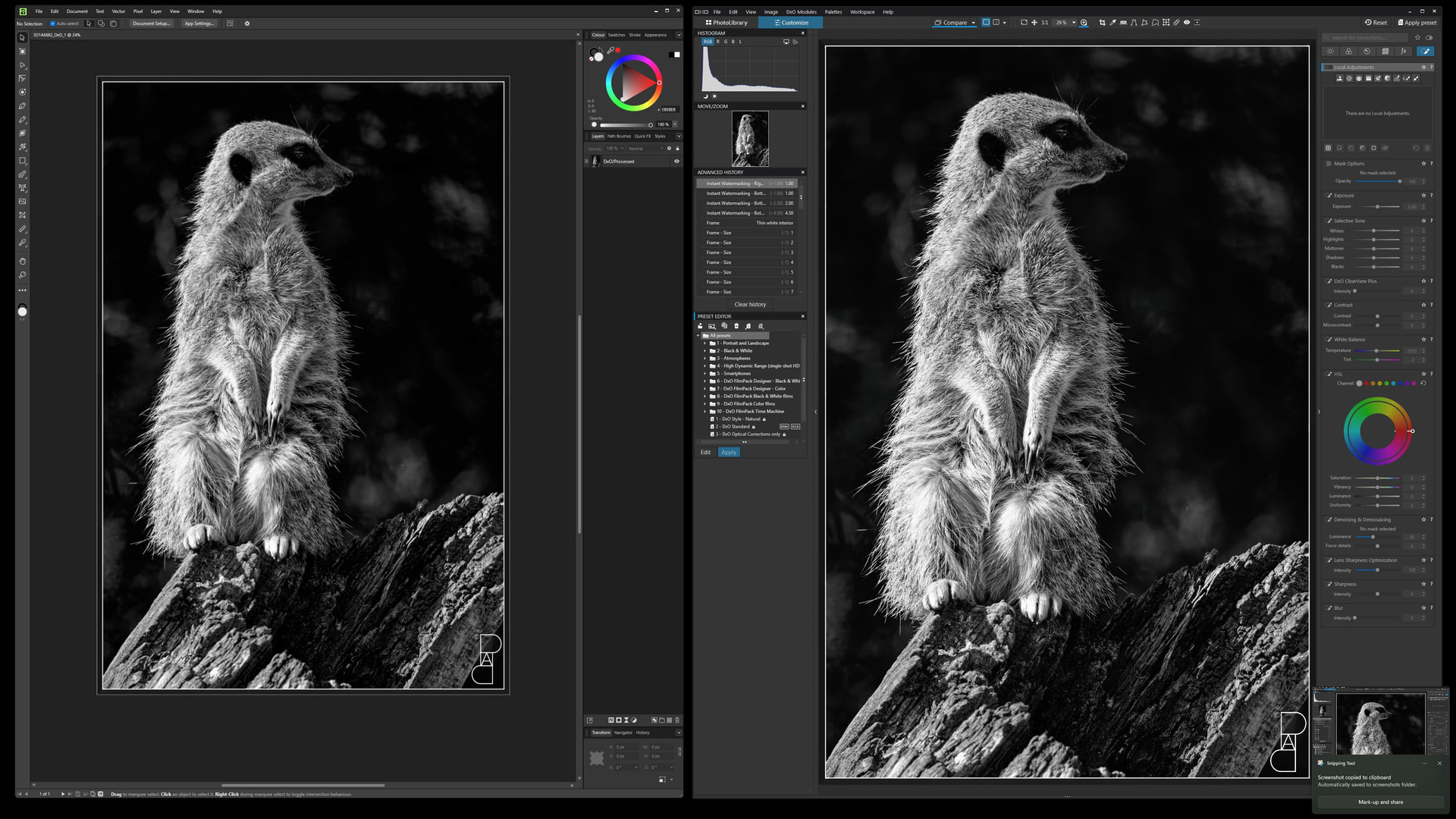
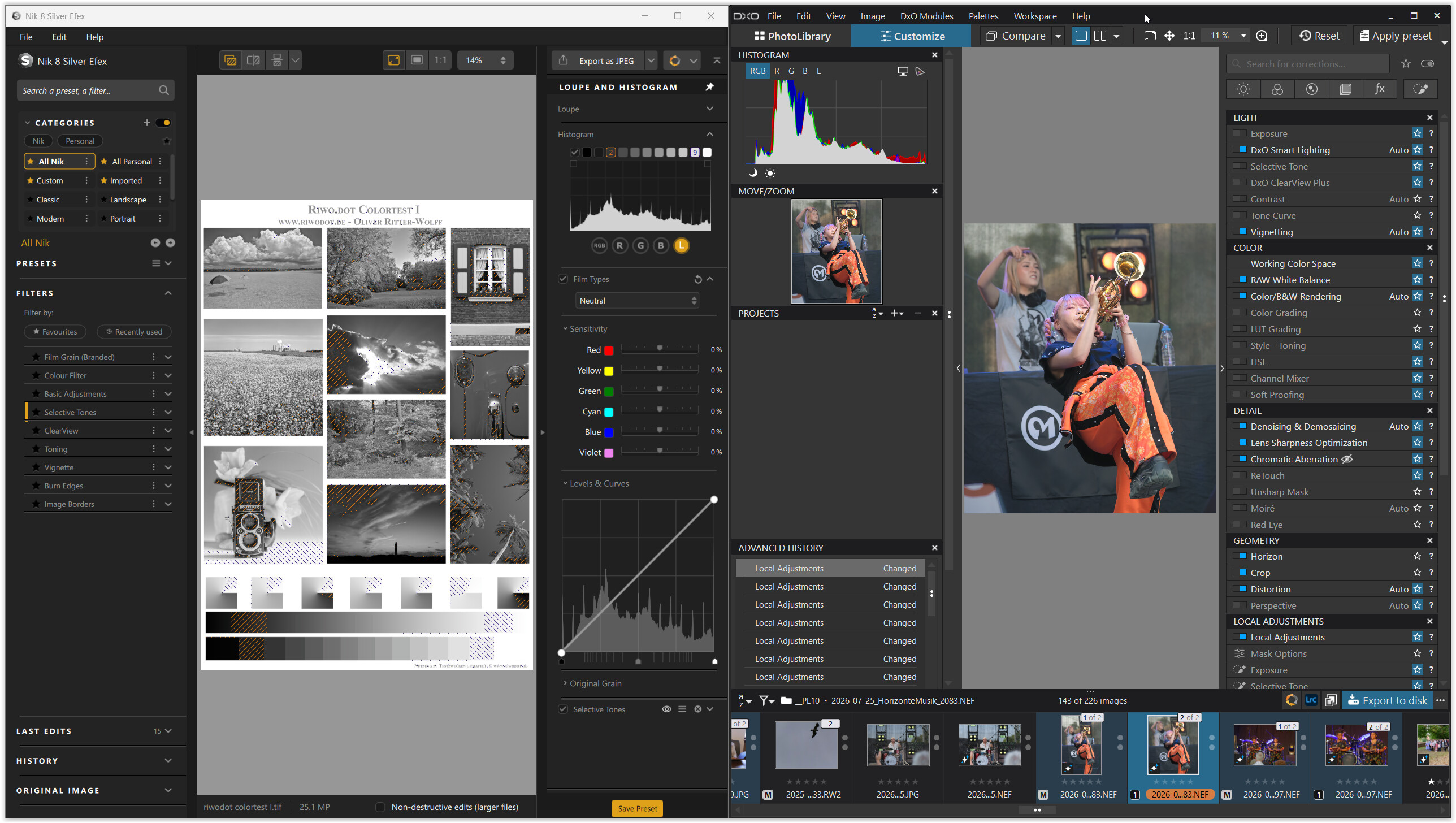
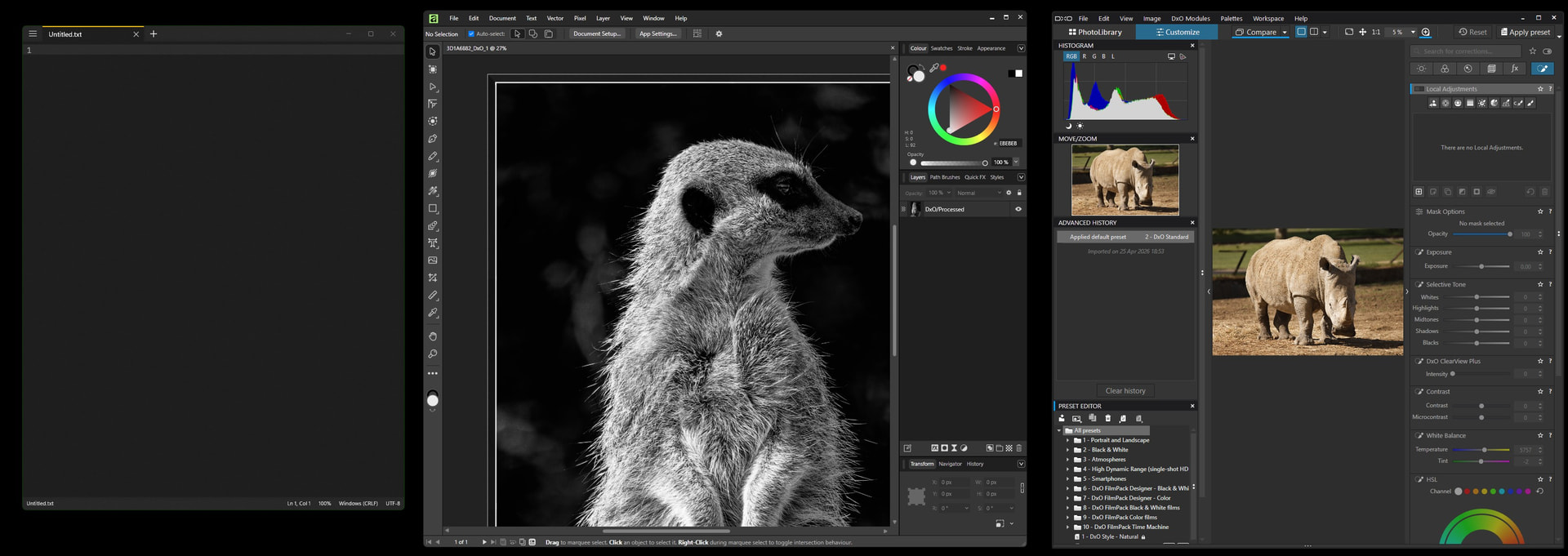
Could anyone please tell me which window had focus?
Seriously, I took the screenshot a few minutes ago and I don’t know.
Many moons ago, Windows had this thing called a Title Bar. It was cool, you could tell which window had focus because it had a colour different to the other windows.
Now, I find it kind of ironic that software designed from the ground up to create media would overlook something as basic as letting the user know if it was active or not.
Perhaps this is a bioproduct of a multi OS codebase, but if you can’t follow the OS means of showing the active window, please provide a coloured border to your window on focus.
To be fair, if you’re taking a screenshot there’s a chance that the screenshot tool itself takes focus away from the windows you’re capturing. However, it’s clear to me that PhotoLab doesn’t have any way to show that it either has focus or has lost focus. Apparently, neither does the other application you included in your screenshot - am I correct? That’s a problem, but not necessarily with the applications themselves. You might want to contact DxO directly through support.dxo.com. This is a user forum that is only casually monitored by DxO. (And so your topic title is off-putting. Short and pithy isn’t always helpful to the community.)
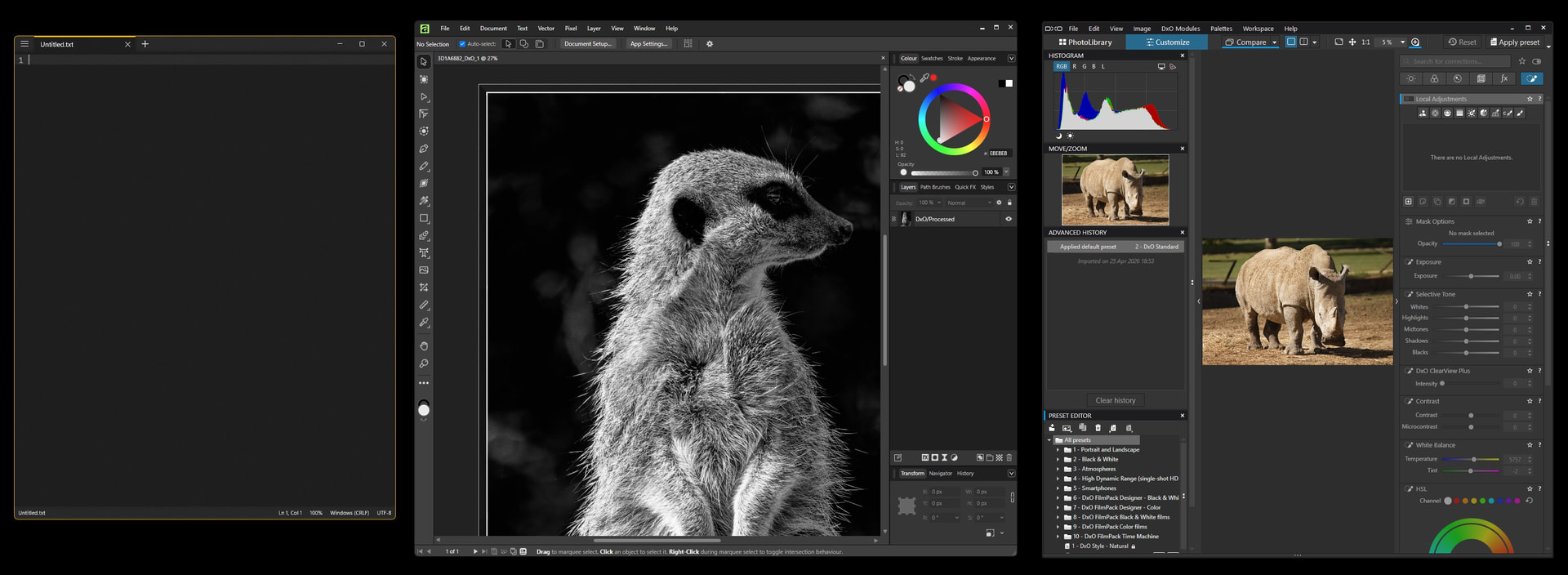
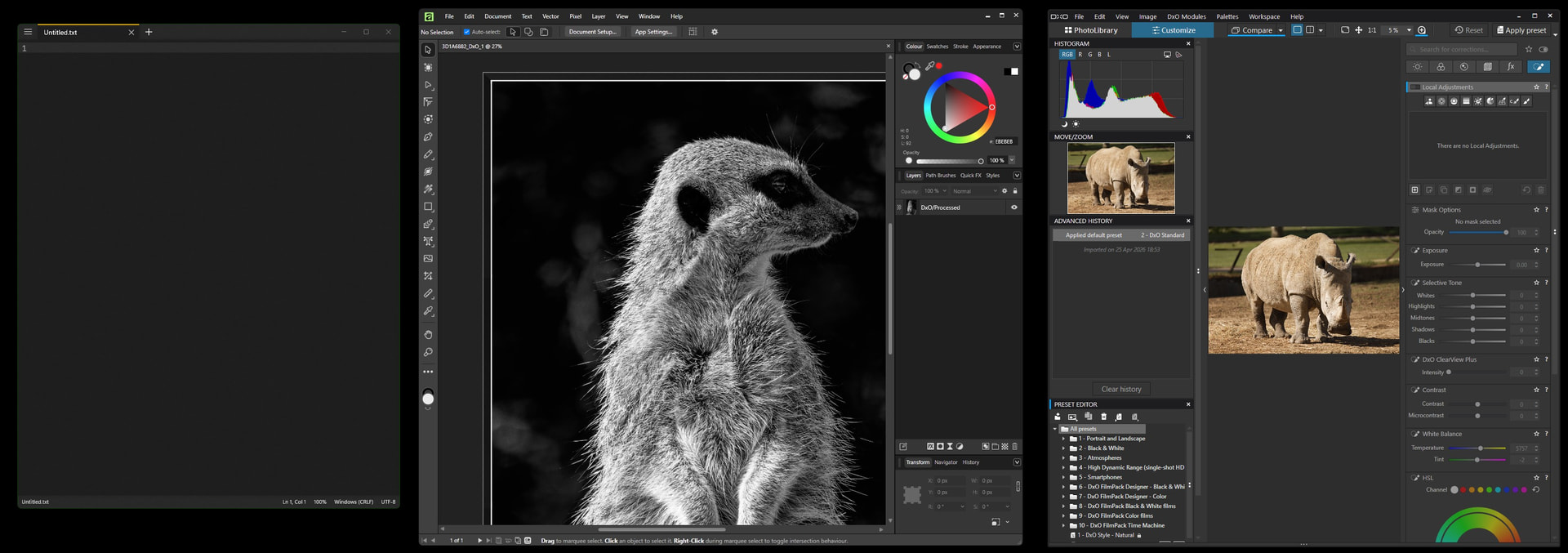
Thanks for the replies. To those wondering if the screen grab software, MS Snipping Tool, is stealing focus, here are three images. The first show a notepad app with focus, the second Affinity, the third DXO PL10.
BTW: My use case is a 42" 4K monitor on a PC with 128GB of RAM, so plenty of screen space and plenty of RAM. And, may I point out that the operating system is called Windows, not Window
That setting doesn’t seem to have any effect on PhotoLab’s window - at least, on Windows 11. I just noticed that other windows show loss of focus by graying out the glyphs in the upper right corner of the window title bar. PhotoLab doesn’t do this. So I think reaching out to DxO is a good next step.
I hope you don’t think that I was implying stupidity on anyone’s part. It was just a note of caution regarding screen captures in general. I believe that what I wrote next sufficiently demonstrates that this problem is not in play and that the topic author is correct. Sorry I wasn’t more clear and triggered such a reaction.
No I don’t, I read you since years and know this not your style.
But I was just thinking that it was obvious the op could not have make a such mistake (I don’t think he judges what appears on screen through a screen capture software).
So I’m the one who suggested that making a mistake like that would be stupid.
You’re quite correct. However, as you can see in the first image of my reply, the accent is turned on and is colored yellow/gold. The notes app, who’s app window border obeys OS settings clearly shows this.
When focus is changed to Affinity or DXO, there is no indication which has focus. As a person that likes to use keyboard shortcuts, It’s frustrating to find that the shortcut is being applied to the wrong app. A simple, visual indication showing which window has focus is useful and the means of doing so is baked into the OS, so why not use it?
DXO and Affinity are by no means the only companies doing this, even MS Office commits this UI faux pas , except they use a 1px light grey border for focus and a dark grey one for no focus. Only distinguishable if one stares at the screen for a few seconds. Why MS won’t honour their own visual language is beyond me.
I think this has evolved from a mindset were phones and tablets only run full screen. Great for doom scrolling and “consuming” media. Not so great if you want to use a computer for something creative and need to have multiple apps running.
I somewhat remember going through some gyrations with PhotoLab (version 1 or 2) to get it to not show the title bar as that was dead space (which seemed pointless). I’ve upgraded multiple times and a lot of my settings got carried forward. So you might have ‘show titlebar’ (or something like that) turned off somewhere. And now that I look at it, my image browser when undocked and moved to a second monitor does have a title bar that indeed changes from inactive color to active when I click into that window.
TL;DR: could you have this turned off in the app somewhere?