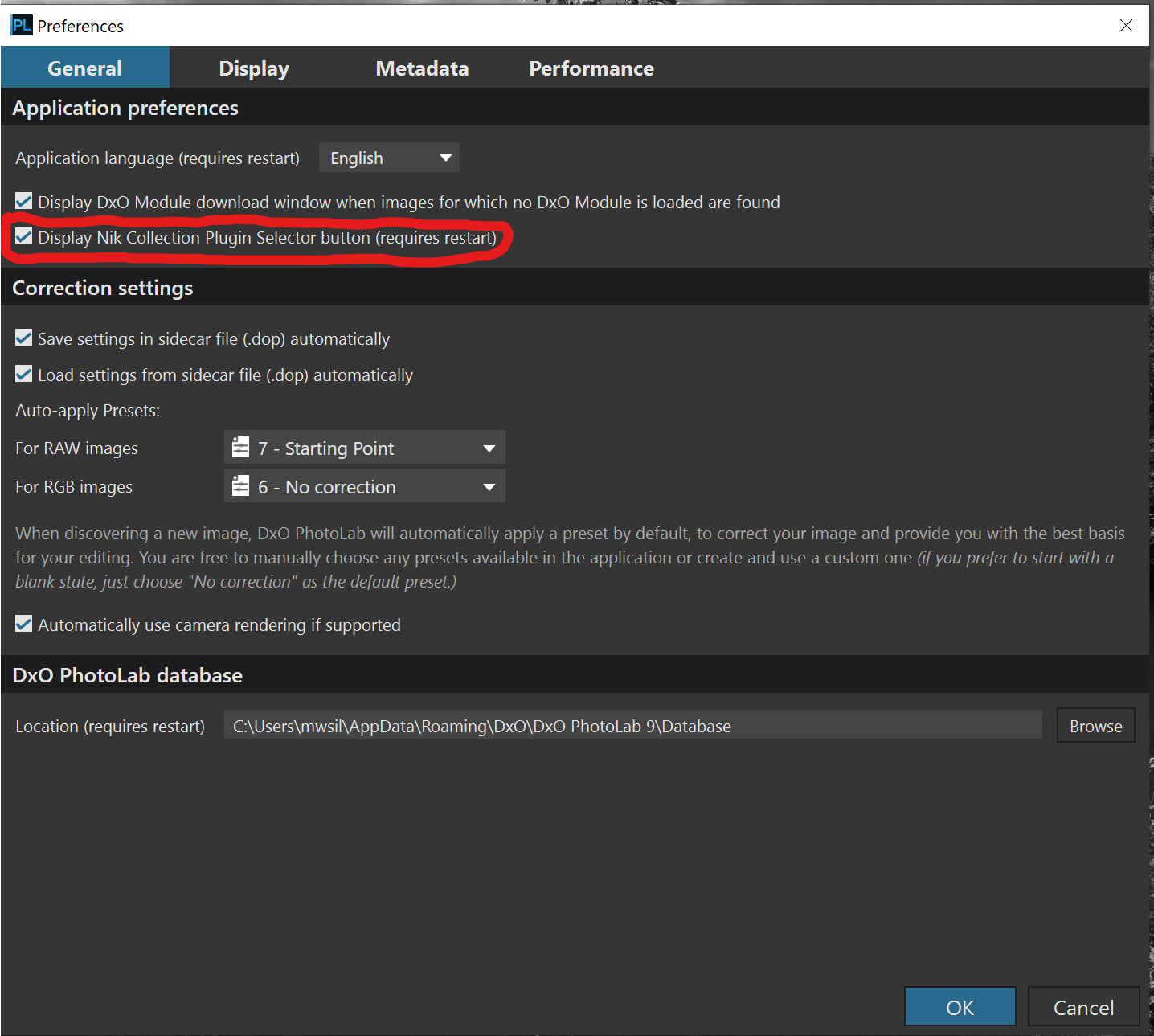
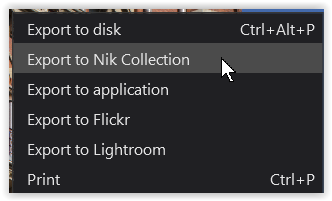
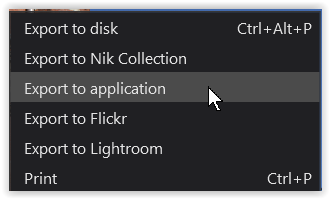
I asked for a trial version of Nik and have it installed. I can use the self-standing version but cannot find it within DxO. I watched a video where it was explained that there is a link next to the Export bottom on the lower right corner. Not in my computer (see screen shot, macOS Tahoe 26.1.
Any ideas how to access directly from PL9, like a Send To link? thanks
As an aside, you might find using the NIK Collection from within PL to be a less than seamless experience. These filters work on pixel based, not RAW, data so if you are editing a RAW file in PL and you then invoke one of the NIK filters, PL has to first export the image you are working on before it will appear in the NIK filter. That can take time.
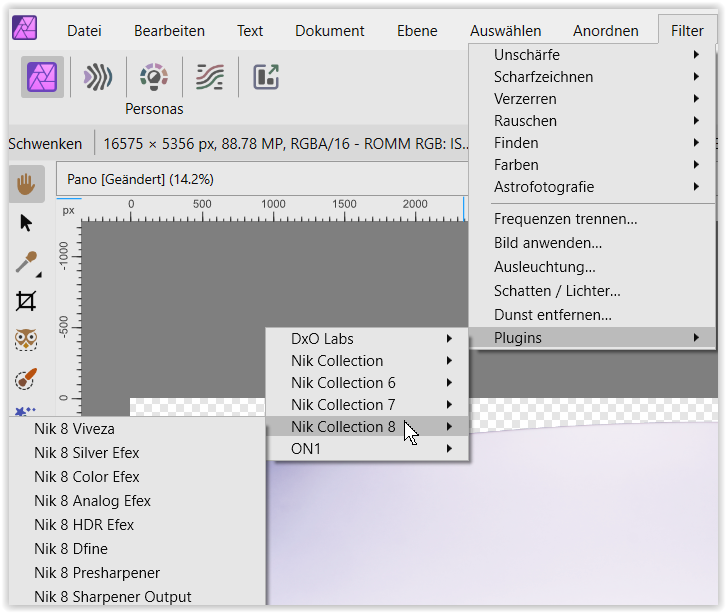
I have the NIK Collection but I only use the filters as plugins to Affinity Photo.
Yes, I read that. I don’t recall How Affinity handles that plug-in since it can only be used from Photo not Develop Persona and by then, the file is no longer RAW. Will check it out. Thanks for the reminder
Which particular plugin are you talking about when you say, “that plugin”?
None of the NIK Collection filters work on RAW data, which is why they are are only available within Affinity Photo in the Photo Persona. When you run the NIK installer if it detects a suitable host application, like Affinity Photo or Photoshop, it will install the filters to the relevant plugin folder.
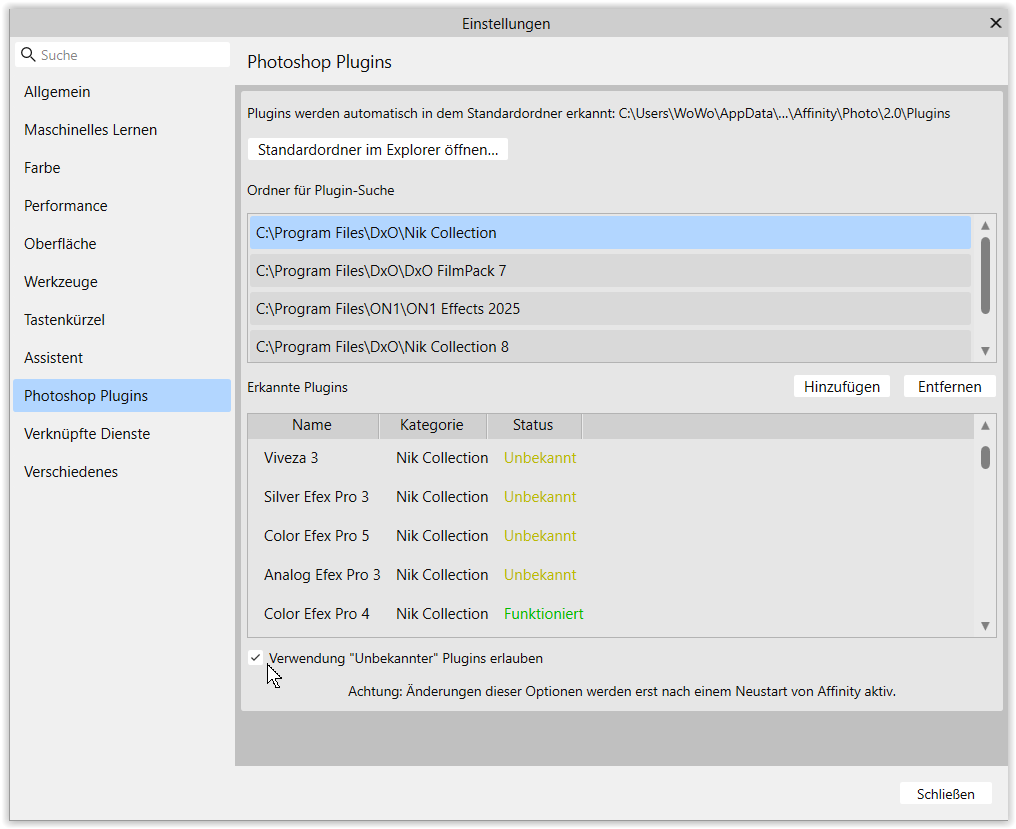
Look for something called “Photoshop PlugIns”.
.
Additionally I directed AP2 to look in certain folders and → “Allowed the use of ‘unknown’ PlugIns”.
.
Best is to duplicate the layer before you apply a Filter …
Correct, you won’t find a difference between the output image obtained by using any of the NIK filters within PL or within Affinity Photo (or Photoshop).
What you will probably find different is that the workflow will feel less clunky if you use the NIK filters in Affinity Photo.