Hello !
I’m having a new problem since some days, in DxO Optics pro 9 Elite.
For some reason, DXO can’t recognize the optic used, and i can’t edit it or view it in the main screen.
I tried with another SD card .. Same problem.
I tried to fix the EXIF data with this tool :
And it doesn’t recognize it as corrupt.
I can edit the Raw files with Oloneo, no problem … Only in DXO.
I have no idea of what’s perhaps wrong with my camera, as DXO can read previous photos without troubles.
Something …. Switched ….
Should i re install the firmware on my D810 perhaps ? i don’t know. Would you have an idea of what to do please ?
Oooh !! EDIT :
I just did a test! When I save in Raw “LARGE” 7360 x 4912 pixels, it works!!
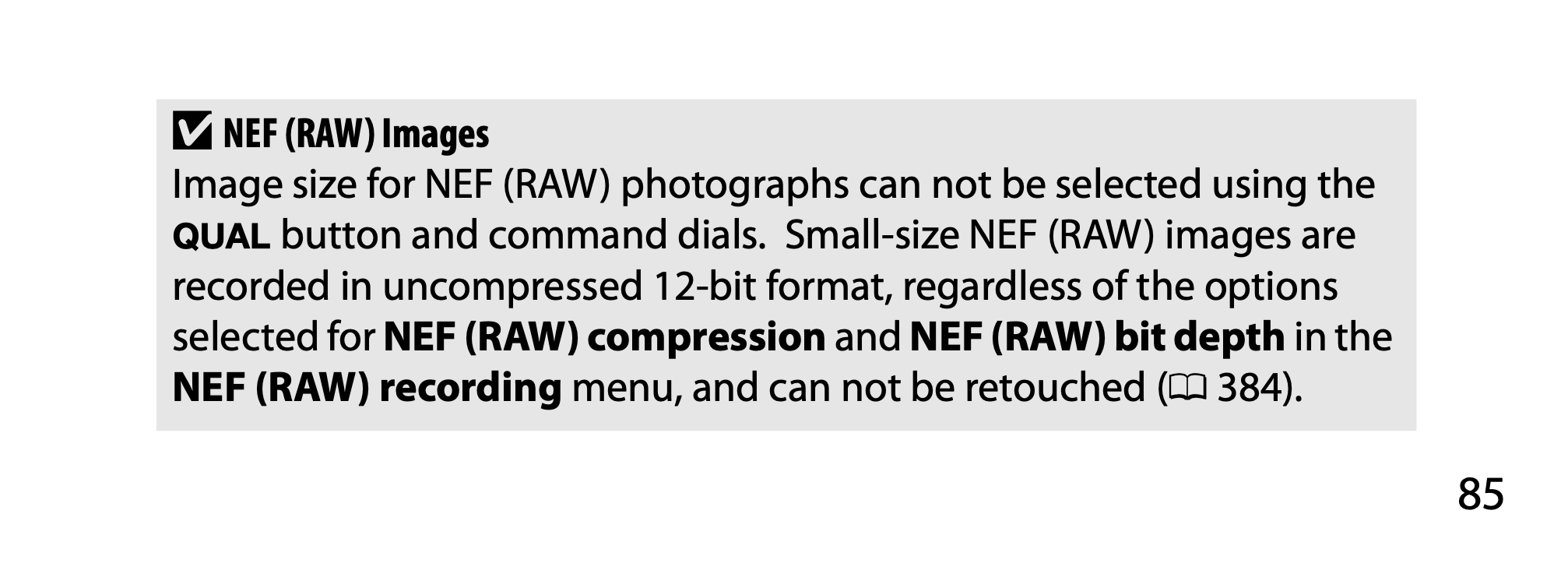
But when I save in Raw “SMALL” 3680 x 2456, it no longer works.
Hi ! Thank you, interesting.
It’s by luck that i discovered that the small raw format could be the problem. But i wouldn’t know if it’s a compressed Raw format …
I also see that the large Raw format can be either in 12 bits and 14 bits.
So … maybe the 12 bits could be used, yet still be small enough, for the needs of my clients.
If it was just me, i’d only shoot in large 14 bits Raw …
Is there a work arround … or a new firmware to make it a small real raw format, accepted by DXO … I don’t know.
But at least now i know that nothing is broken, or buggy, it’s just that the Small Raw format can’t be edited into DXO.
I found a work arround, to keep “small size” files, below 30 Mo. i use Large Raw, but in 12 bits instead of 14 bits as i prefer.
8k.
And i avoid now the small raw 4k , which is the same file size.
In DXO it works ! in 12 bits.
And … The strange thing is that it doesn’t accept small Raw, but it accepts Jpegs …. So that’s why i was surprised, and couldn’t figure out the origin of the problem, until i did a test with the large Raw again, VS Small Raw. then Large Raw 12 bits.